 ASPNetWorld

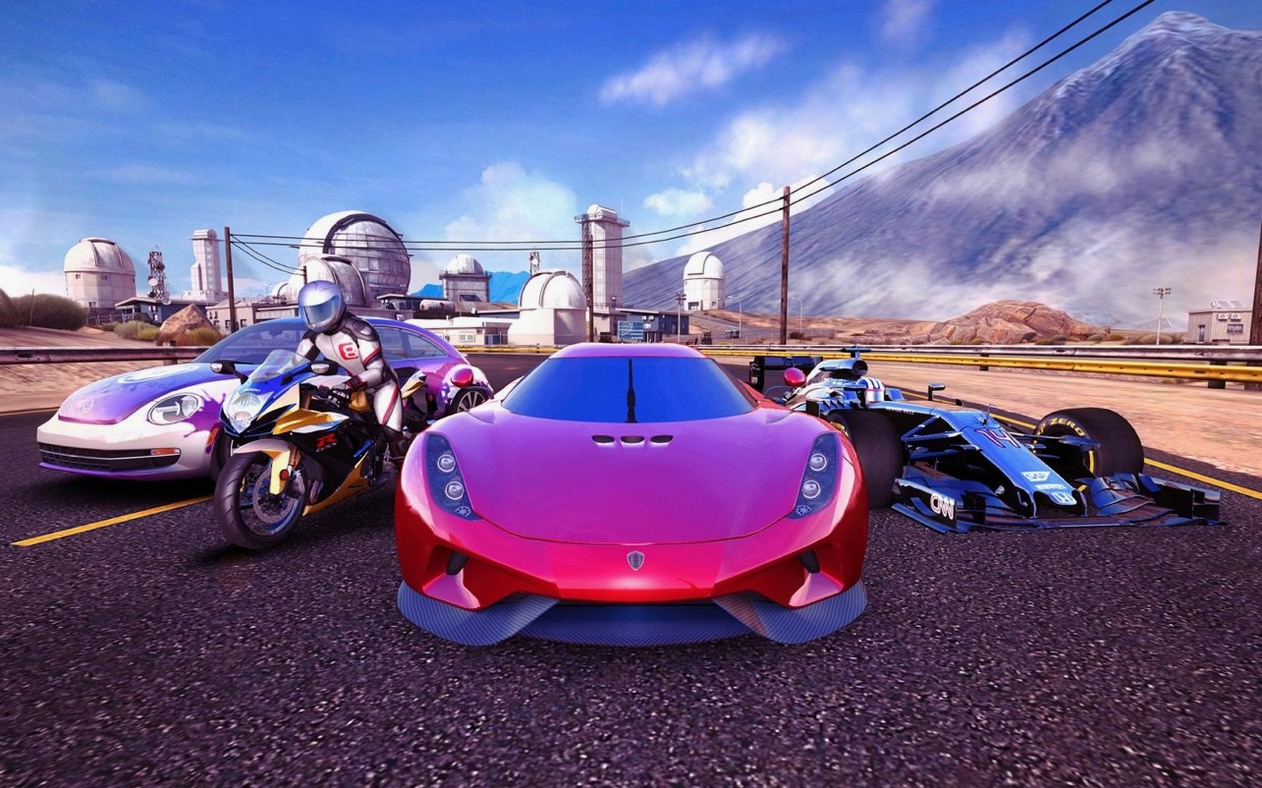
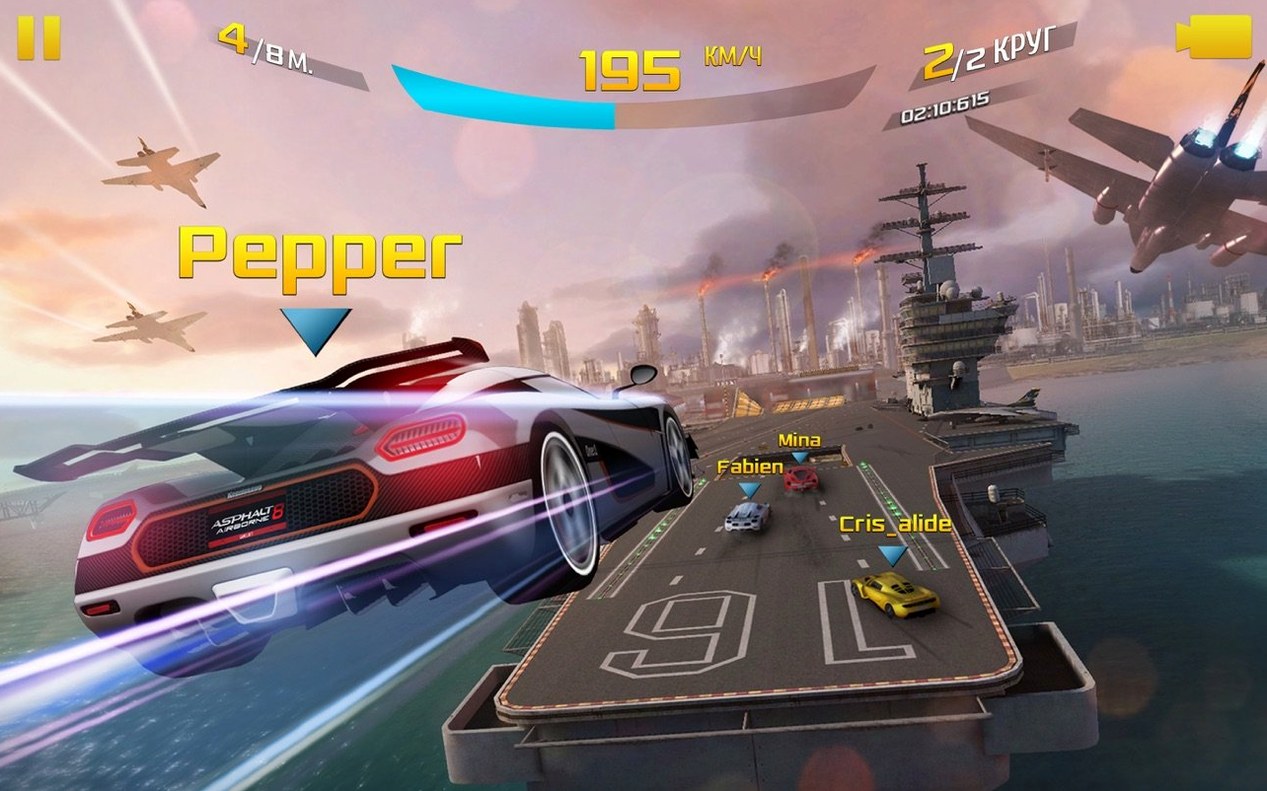
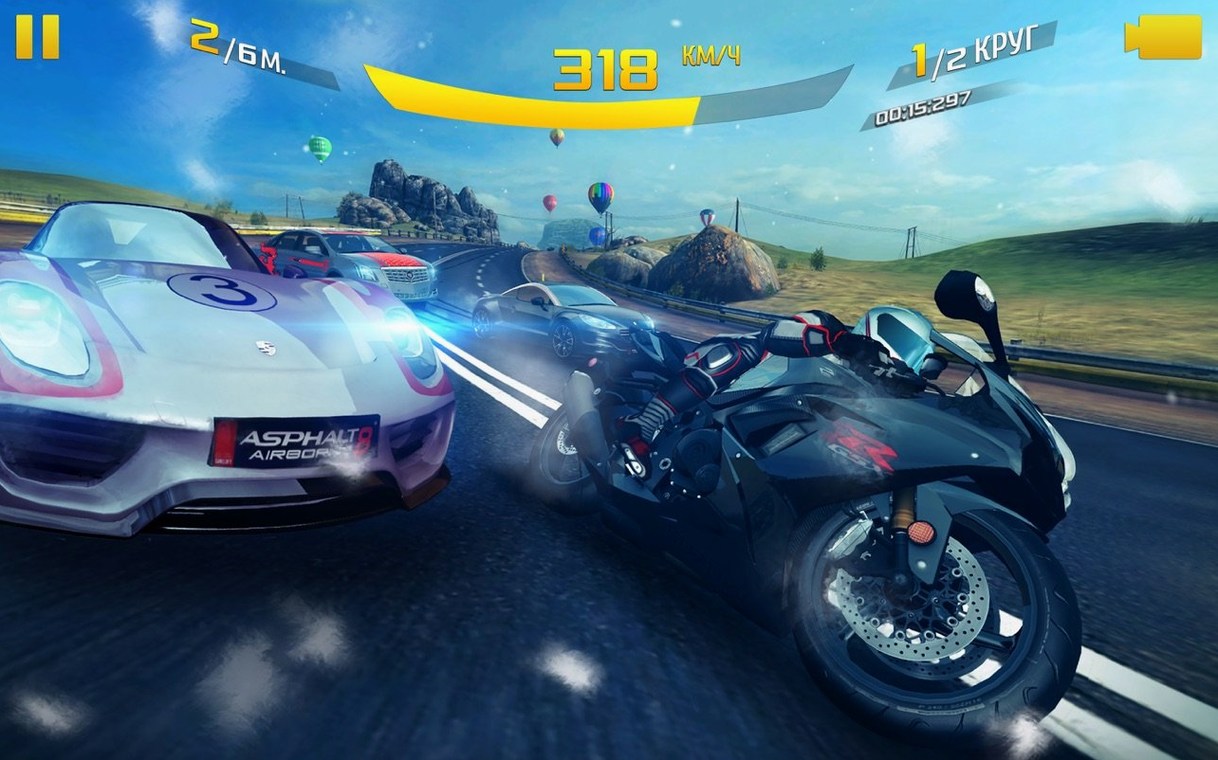
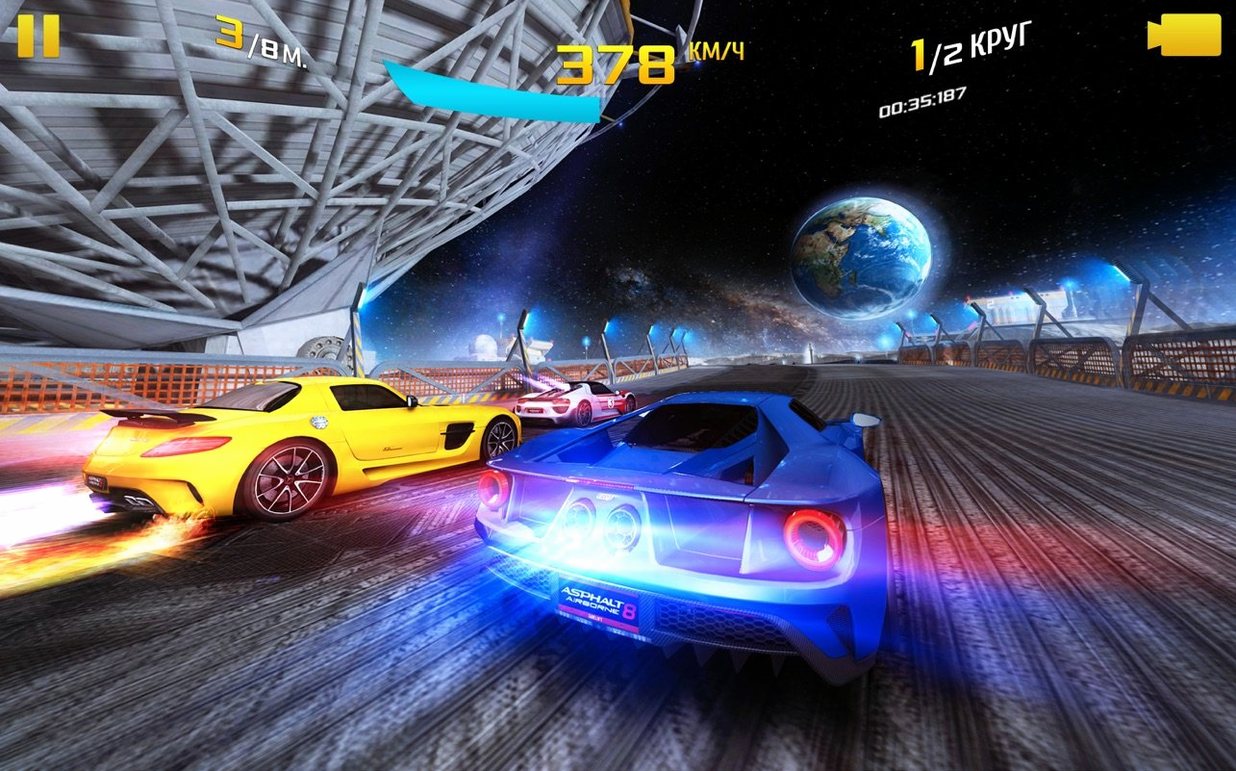
You drop into a Nissan 370Z on a sun-bleached Nevada highway. The countdown chimes, the throttle kicks in, and within seconds you are drifting through a dusty bend, nudging a rival into a barrel roll off a ramp. That is the rhythm of Asphalt 8: Airborne+ — a constant, frictionless flow of speed, stunts and split-second decisions.
From the starting grid to the scrapyard
A typical session is a five-minute sprint through chaos. You pick an event from a career map of over 400 races, each with its own objective: finish first, knock down a set number of opponents, or drift for a prescribed distance on the tarmac. The Mac version handles this with a direct, arcade physics model that cares more about momentum than realism. Tapping the drift key throws the car sideways in a satisfying, controlled slide, while hitting a ramp sends you spinning through the air, where a quick flick of the controls triggers a flat spin that shaves seconds off your time.
Between races, the garage becomes a quiet distraction. You are constantly unlocking new machines — cars and bikes both — and personalising them from a pool of more than 2,300 decals. It is not tuning in any serious sense; it is playing dress-up with a Lamborghini before throwing it off a ski jump in the Alps. The five distinct game modes shuffle the rules enough to keep the loop fresh, from straight elimination races to trick-focused airborne challenges where your landing angle matters.
Version 2.7.0 arrived without fanfare or a long change log — Gameloft tends to refresh the macOS build with under-the-hood fixes rather than feature bulletins. What you notice over a few evenings of play is a steadier frame pace on Apple Silicon, particularly when the screen fills with particle effects on a Nevada straight or a crowded Tokyo drift corner. The metal-flake reflections on the higher-tier cars seem a touch crisper, and the menu transitions on a recent Mac mini feel less like they are catching their breath. Little else shifts visibly, and that suits a game whose core loop — race, wreck, upgrade, repeat — was settled years ago. The real change in everyday use is simply that the title keeps running on modern hardware without complaint, which, for a game originally launched over a decade ago, is its own quiet achievement.
A working session, corner by corner
Let me walk you through a typical half-hour stint, the kind you might slot in after an evening class when your ears need a break from a mixing desk. You launch the game from the Applications folder. The intro cinematic skips with a tap of the space bar, and the career map opens with a marker blinking over the next uncompleted event — a drift challenge in the French Guiana docks. You select it, and a brief loading screen shows the track name and your current car, a lightly scuffed Dodge Challenger.
The race begins with a rolling start. For the first ten seconds you focus purely on the racing line, threading between container stacks and nudging a rival into a stack of tyres. The drift button sits under your left hand; you feather it into a long right-hander, watching the nitro bar creep upward. As soon as the bar glows blue, you trigger the boost and the screen edges blur. A ramp looms. You launch, pull a flat spin — one full rotation, two — and land with a slight fishtail, the nitro gauge still simmering. Three opponents left. You take the next corner wide to avoid a wreck, clip the final checkpoint and finish second, which is enough to unlock the next event and drop a handful of credits into your balance.
Back in the garage, you spend those credits on a handling upgrade for the Challenger, then flick through the decal library. A matte-black hood stripe costs nothing but changes the car's silhouette on the starting grid. You queue a quick multiplayer match — a two-lap sprint through Iceland — and finish mid-pack against three strangers. The whole session runs twelve minutes, no menus stall, and the fan on the Mac mini barely stirs. That is the loop: short, contained, always leaving one more event glowing on the map.
Switch to tilt steering before your first race
The default controls work, but a few tweaks make the difference between fighting the car and steering it with intent. Open the settings menu before your first proper race and adjust these in the order they appear:
- Control type: Switch from "Tilt" to "Tap to Steer" or a connected gamepad. A physical controller — a PlayStation or Xbox pad paired over Bluetooth — gives you analogue triggers for brake and throttle, which transforms drift entries from binary slides into something you can feather.
- Sensitivity: Drop the steering sensitivity by one notch from the default. The cars respond sharply already; a slight reduction stops overcorrection on the tighter city tracks like Barcelona.
- Graphics quality: If you are on an older Intel Mac, set shadows to "Low" and leave motion blur on. The blur helps sell the sense of speed even when the frame rate dips, but shadows eat headroom quickly.
- Audio mix: The soundtrack is an energetic, bass-heavy pulse that suits the pace, but engine whine is what tells you when to shift. Pull the music slider down to 60% and leave sound effects at full. You will hear the nitro charge more cleanly, and the audio cue for an incoming shockwave attack becomes unmistakable.
- Camera angle: Try "Close" for a session. The default chase camera sits far enough back to show the track, but the closer view exaggerates the sensation of acceleration and makes drift angles feel more dramatic. It is less practical for multiplayer, but for solo career events it adds a layer of immediacy.
These changes take under a minute and stick across sessions. The game remembers them between launches, so you set them once and forget they exist — until you sit down at a friend's machine and wonder why the Aston Martin suddenly feels like a shopping trolley.
- macOS 11.0 or later
- Supports both Intel and Apple Silicon Macs
Questions from the class 0
Sign in or join the class to ask a question.
Nobody has asked anything yet. If you have used it on a real job, say what the file did.
Also on the Games shelf
The whole Games shelf Assassin's Creed Shadows
Lets you stalk feudal Japan as a patient shinobi who exploits shadows and shifting guard patterns.
Assassin's Creed Shadows
Lets you stalk feudal Japan as a patient shinobi who exploits shadows and shifting guard patterns.
 Assassin’s Creed Brotherhood
Drops you into a dense Renaissance Rome to dismantle the Borgia family with a network of apprentices.
Assassin’s Creed Brotherhood
Drops you into a dense Renaissance Rome to dismantle the Borgia family with a network of apprentices.
 ATOM RPG: Trudograd
Continues a Soviet-inspired post-apocalyptic role-playing story in a single sprawling city.
ATOM RPG: Trudograd
Continues a Soviet-inspired post-apocalyptic role-playing story in a single sprawling city.
 Baldur's Gate: Enhanced Edition
Runs a faithful digital version of the Advanced Dungeons & Dragons ruleset behind a classic fantasy epic.
Baldur's Gate: Enhanced Edition
Runs a faithful digital version of the Advanced Dungeons & Dragons ruleset behind a classic fantasy epic.
 Batman: Arkham City - Game of the Year Edition
Unleashes Batman across a sprawling, rain-soaked section of Gotham with his full combat and traversal moveset.
Batman: Arkham City - Game of the Year Edition
Unleashes Batman across a sprawling, rain-soaked section of Gotham with his full combat and traversal moveset.
 BATTLETECH
Commands a mercenary company of giant mechs through turn-based tactical combat across the Inner Sphere.
BATTLETECH
Commands a mercenary company of giant mechs through turn-based tactical combat across the Inner Sphere.
 Big Ambitions
Lets you build a small business empire from a lemonade stand to a law firm in a living city.
Big Ambitions
Lets you build a small business empire from a lemonade stand to a law firm in a living city.
 Angry Birds Reloaded
Flings birds at piggy fortresses through hundreds of physics-based puzzles.
Angry Birds Reloaded
Flings birds at piggy fortresses through hundreds of physics-based puzzles.