 ASPNetWorld
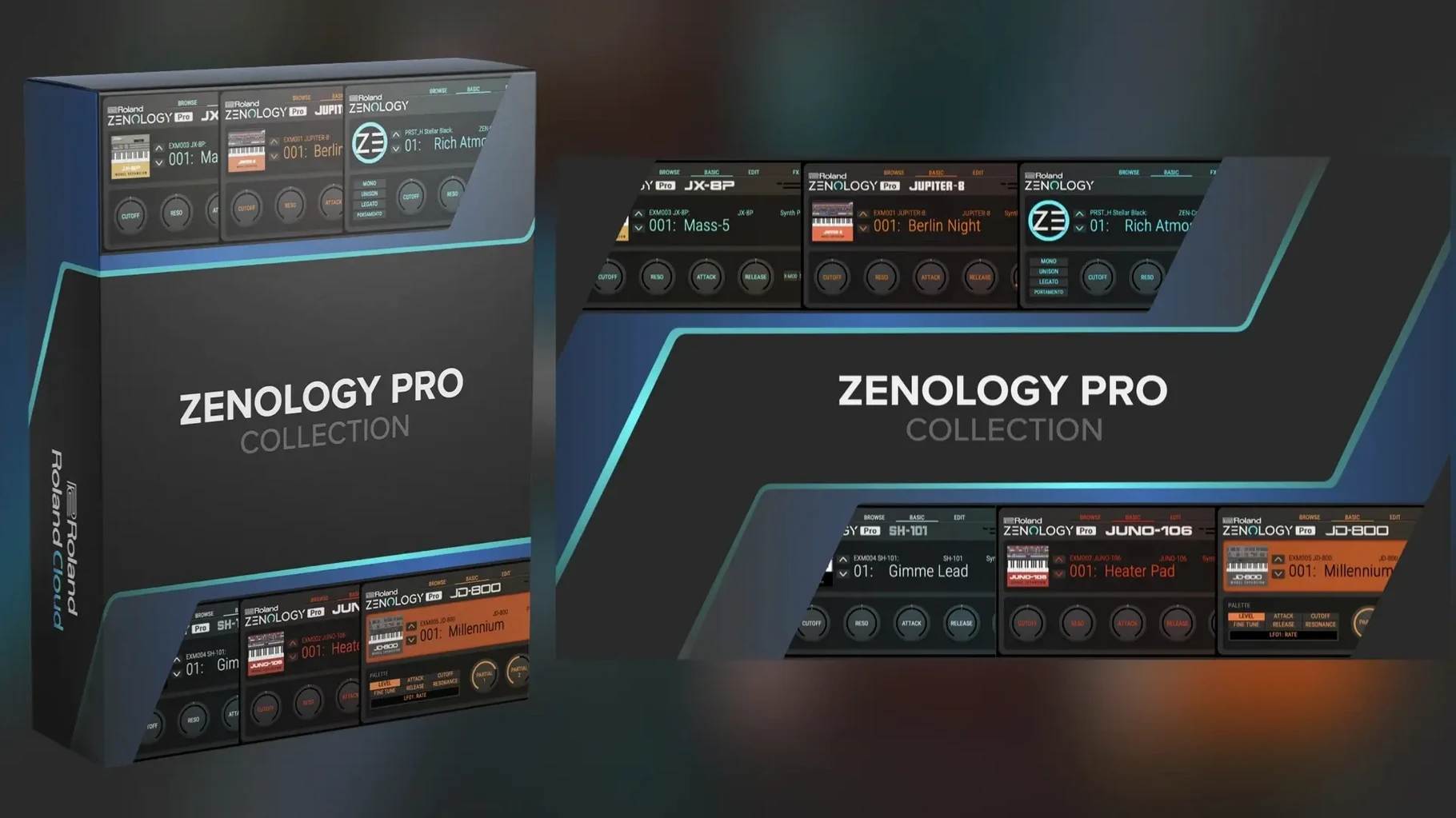
Partial quatro means you can stack up to four distinct ZEN-Core tones inside a single instance, each with its own arpeggiator, effects chain and part-level EQ. It turns the plug-in into a miniature multitimbral workstation without leaving one channel strip — handy when a pad needs a rhythmic pulse tucked underneath and a bright attack layered on top.
Build a custom bank from the tone browser
With over 4,000 tones and 200 drum kits built from 1,840 PCM waveforms, finding a starting point is more about filtering than scrolling. The browser lets you tag favourites, audition sounds in context while the DAW runs, and drag selections into custom user banks. A practical session might go like this: narrow the list to soft leads, mark four or five, then pull them into a new bank named after the track you are scoring. From there, tweak the partials — swap a waveform, reshape the filter envelope, or assign one of the 11 LFO shapes to gently wobble the stereo field.
Shape and finish with the onboard effects
More than 90 Roland effects live inside the plug-in, covering everything from vintage choruses and tape echoes to modern multi-band compression. Because each partial gets its own insert slot and the overall tone runs through a master chain, you can, for instance, run a lo-fi bit-crusher on one partial while the other three stay pristine. The resizable interface keeps these dense routings readable on any monitor, and the engine runs natively on Apple Silicon and Intel Macs under macOS 11 or later.
Layering a glassy keys patch with a clean attack and sparkling tail
Let me walk you through a session I ran last week for a client who needed something between a Rhodes and a music box — clean attack, body that swells just enough, and a tail that sparkles without cluttering the mid-range. I opened ZENOLOGY Pro in Logic on an M1 MacBook Air, created a fresh software instrument track, and loaded the init tone. Default saw wave, flat envelope, no effects — the blank canvas always feels a little stark, but it means nothing gets in the way of what you are about to build.
First decision: partial structure. I set the tone to use two partials rather than all four. Partial one would handle the percussive strike; partial two would carry the sustained shimmer. For the strike, I chose a PCM waveform — number 0823, a short mallet transient with just enough noise in the attack to feel organic. I pulled the sustain down to zero so it speaks and vanishes, then nudged the decay stage to around 400 milliseconds. A touch of velocity sensitivity on the amp envelope gave me dynamic control without making it jumpy.
For the sustain layer I reached for the virtual analog oscillator, set to a triangle wave. Triangles have fewer harmonics than saws, which keeps them polite in a dense mix. I slowed the attack to roughly 300 ms so the tone swells after the mallet hit lands, opened the filter cutoff to about 2.3 kHz on the JUPITER-8 low-pass model, and added a whisper of resonance — just enough to catch the light. The two partials now dovetailed nicely: a percussive tick followed by a soft bloom.
With the core voices in place I turned to modulation. One of ZENOLOGY's eleven LFO shapes — the stepped random, shape eight — went to partial two's pan position at a very slow rate, maybe 0.8 Hz. The result was a stereo drift that feels organic rather than seasick. I kept the depth shallow, around 12%, so the ear registers movement without pinpointing it. On partial one I assigned a second LFO to pitch at audio rate, depth barely above zero, which roughens the attack just enough to suggest age without sounding detuned.
Effects came last, and this is where the JUNO chorus model earned its keep. Inserted on the master effects chain rather than a single partial, it wraps both layers in the same gentle wash. I set the rate low and the depth moderate — the setting Roland labelled "Mode I" on the original hardware, which I always reach for when a patch needs width but not wobble. A plate reverb followed, decay around 1.8 seconds, high-passed inside the effect itself so the low mids stay dry and defined. By the time I hit Save and dragged the tone into a bank called "Client Work - Glass Keys," the whole process had taken maybe twelve minutes. That is the rhythm I like: fast decisions, no menu-diving, and a browser that does not slow you down when you are hunting for waveforms.
Treating the plug-in like a preset player instead of a synthesizer
I see the same handful of habits trip up new ZENOLOGY Pro users in my evening classes, and they almost always stem from treating the plug-in like a preset player rather than a synthesizer. The first is ignoring the partial mixer. Each partial has its own level, pan and mute switch, but beginners tend to stack four layers at full volume and wonder why the output clips. Backing two partials off by even 3 dB and panning them slightly apart opens up space that no amount of EQ can recover downstream.
Another common one is over-filtering before understanding the source. ZENOLOGY gives you ten filter types, including the JUPITER models which have a distinct character when pushed hard. A student will often slap a steep 24 dB low-pass on a PCM waveform that already rolls off naturally, leaving the patch dull and lifeless. My rule of thumb: audition the raw waveform in solo first. If it is a bright sample, a gentler 12 dB slope might be all you need. If it is a buzzy supersaw, go ahead and carve.
The third mistake is neglecting velocity routing. The modulation matrix sits quietly in the background, but it is where expressive patches come alive. Out of the box, many tones respond to velocity only at the amplifier level. Routing velocity to filter cutoff and envelope decay time — even by modest amounts — turns a static sound into something that reacts to your playing. I have watched a student spend twenty minutes tweaking a bass patch, only to realise the velocity slider was at zero the whole time. The sound was fine; it just had no soul.
Finally, hoarding presets without organising them catches up fast when you pass the hundred-bank mark. The tone browser lets you star favourites, but it also lets you build folders that make sense for how you work. I suggest naming banks after projects or moods, not after the original sound pack. Six months later you will not remember that "SYN-0042" came from a Roland Cloud expansion; you will remember that it worked beautifully on a dark ambient score. Name it "Dark Ambient Pads" and move on.
Interface scaling makes the plug-in feel like your own instrument
ZENOLOGY Pro ships in a state that works, but a few tweaks make it feel more like your own instrument. The first setting I touch after installation is interface scaling. The default size is legible on a 13-inch MacBook screen, but on a 27-inch display it leaves a lot of empty space around the plug-in window. I drag it to roughly 140 percent, which fills the pane without pixelation. The resizable UI is one of those quiet features you do not think about until you work on a plug-in that lacks it.
Next, I head into the global MIDI settings and switch the arpeggiator clock source to "External" rather than leaving it on "Internal." This means the arp follows your DAW transport, which is almost always what you want unless you are running ZENOLOGY standalone for sound design. While I am there, I set the arpeggiator's default note length to something shorter than the factory quarter note — an eighth note with a touch of gate trim gives patterns more bounce.
The pitch bend range is another one I adjust early. Roland defaults to two semitones, which suits bread-and-butter parts but cramps expressive lead playing. I bump it to seven semitones so a full bend reaches a fifth, then assign the mod wheel to a gentle vibrato via LFO depth on pitch. That combination — wide bend range plus a separate vibrato lane — is muscle memory for anyone who grew up on hardware synths, and ZENOLOGY responds exactly as you would expect.
Lastly, I create a default user bank called "Scratchpad" and set it as the first thing I see when the browser opens. Any tone I build from scratch or tweak heavily gets saved there first, before I decide where it really belongs. It stops half-finished ideas from cluttering the main library, and on a tight deadline I can dip into Scratchpad and grab something that is already 80 percent there.
Loads in under a second on Apple Silicon Macs
I have run ZENOLOGY Pro on three Macs in daily rotation: an M1 MacBook Air, an M2 Pro Mac mini, and an older Intel iMac still clinging to life on macOS Monterey. On Apple Silicon the plug-in loads in under two seconds — often closer to one — and switching between tones is immediate, even with dense four-partial patches. The native ARM code clearly matters here; I have seen no Rosetta translation overhead, no mysterious CPU spikes when the browser is open, and no difference in performance between Logic Pro, Ableton Live and REAPER on the same machine.
Memory use sits around 180 to 220 MB for a typical instance with two partials and a handful of effects. Loading a four-partial patch with separate insert effects on each lane pushes that toward 350 MB, which is still modest by modern plug-in standards. The PCM waveform library streams from disk efficiently — I have never hit a dropout that I could trace to disk I/O, even on the Intel iMac's fusion drive. On the M2 Pro mini I comfortably ran sixteen instances in a moderately busy project, each playing a different tone, and the CPU meter hovered around 40 percent in Logic. Your mileage will vary with buffer size and sample rate, but the engine clearly scales.
Stability has been uneventful, which is the highest compliment I can give a plug-in I depend on for client work. Across version 2.0.7 I have not seen a single crash that I could pin on ZENOLOGY itself rather than a DAW update or a conflicting plug-in. The one quirk worth mentioning: loading a user bank while the transport is running can cause a brief audio glitch on Intel machines if the bank contains more than a hundred tones. Pausing playback before a bank swap avoids it entirely. On Apple Silicon I have not reproduced the issue at all.
The fan on the Intel iMac does spin up when I stack multiple instances with heavy effects — the JUNO chorus and the plate reverb are not computationally free — but the machine remains usable for tracking and light mixing. On the Apple Silicon laptops the chassis stays cool and the fans rarely become audible. If you are downloading a zenology vst free download mac package from a trusted archive to try it out, expect solid performance even on older hardware, provided you meet the macOS 11 baseline.
Rebuilding a tribute act’s live rig after a hardware synth failed mid-tour
One of my former students, a keyboard player for a tribute act, rebuilt her entire live rig around ZENOLOGY Pro after her hardware synth developed a flaky power supply mid-tour. She runs MainStage on a MacBook Pro, and inside it she hosts a single ZENOLOGY instance per song patch, each loaded with a tone that mimics a specific album sound. In the space of a weekend she created banks for two full setlists — roughly forty songs — by pulling factory tones close to the target sound and then adjusting filter cutoff, envelope times and effect sends until they matched the reference track.
Her workflow during a show is dead simple. Each MainStage patch calls up a different ZENOLOGY user bank, and she maps the mod wheel to a blend control via the partial mixer so she can fade between, say, a string pad and a brass stab without touching the laptop. The resizable interface runs at 110 percent on her 15-inch screen, big enough to read the tone names from a keyboard stand. She told me later that the only thing she missed about hardware was the feel of physical knobs, so she mapped an inexpensive MIDI controller to eight parameters — filter cutoff, resonance, envelope decay, reverb send, and a few others — and now she tweaks sounds on the fly just like she used to. The MacBook has not glitched once during a show. She downloaded the zenology mac download installer from her Roland Cloud account, authorised it once, and has not thought about activation since.
What struck me about her setup is how ZENOLOGY Pro's partial architecture solved a problem she did not even name at first. On her old hardware synth, layering two sounds meant sacrificing polyphony or setting up complex multi-mode patches. With four partials per tone and independent arpeggiators per partial, she can run a pulsing bass sequence, a held pad, and a monophonic lead all from one instance — and still have a partial free for sound effects. The CPU hit on her M1 Pro MacBook is low enough that she runs a handful of other plug-ins for piano and organ alongside it. For anyone searching a rutracker zenology mac archive to evaluate the plug-in before committing, her experience is a useful benchmark: it holds up under stage conditions, not just in a studio with the buffer size cranked high.
- macOS 11 or later
- Apple Silicon or Intel 64-bit processor
- DAW host supporting AU, VST3 or AAX
Questions from the class 0
Sign in or join the class to ask a question.
Nobody has asked anything yet. If you have used it on a real job, say what the file did.
Also on the VST Plugins shelf
The whole VST Plugins shelf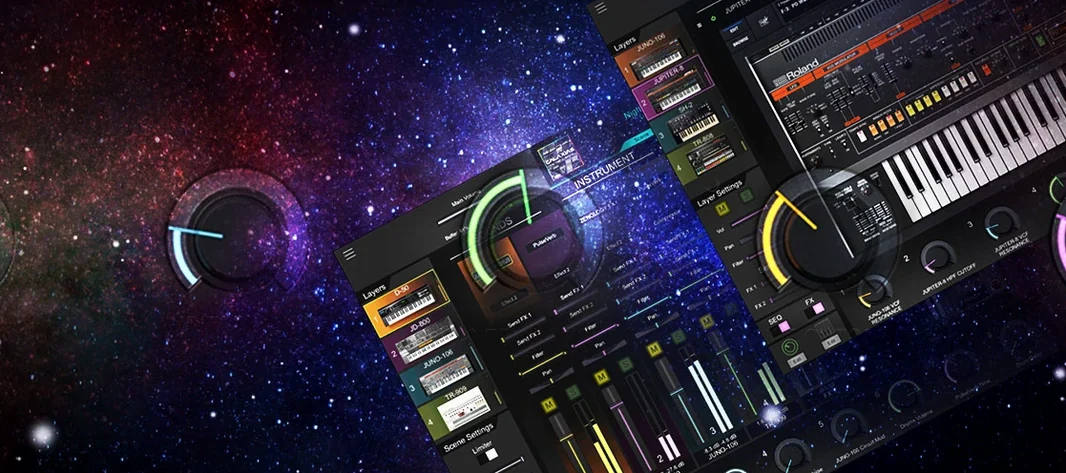 Roland Cloud Legendary Series
Recreates classic Roland synthesizers and drum machines.
Roland Cloud Legendary Series
Recreates classic Roland synthesizers and drum machines.
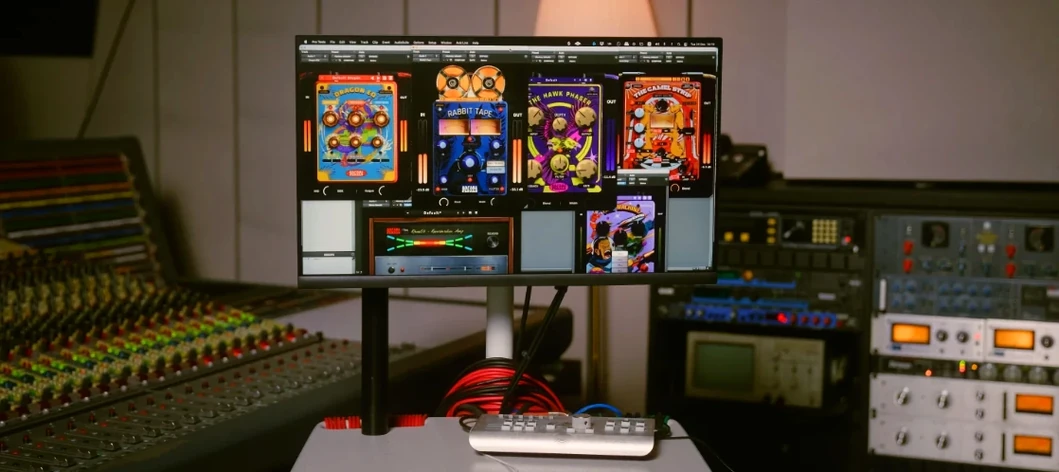 Safari Pedals Everything Bundle
Offers a collection of animal-named audio processors.
Safari Pedals Everything Bundle
Offers a collection of animal-named audio processors.
 Scaler 3
Detects your playing and suggests chords that will work with it.
Scaler 3
Detects your playing and suggests chords that will work with it.
 RipX DAW Pro
Separates and edits audio into individual stems.
RipX DAW Pro
Separates and edits audio into individual stems.
 Revoice Pro
Aligns timing and pitch between vocal takes.
Revoice Pro
Aligns timing and pitch between vocal takes.
 Serato Hex FX
Stacks and reorders fifty effects so you can build a custom chain without a tangled signal path.
Serato Hex FX
Stacks and reorders fifty effects so you can build a custom chain without a tangled signal path.
 Serato Sample
Chops a sample into stems and lets you control the vocal, drums, bass and melody separately.
Serato Sample
Chops a sample into stems and lets you control the vocal, drums, bass and melody separately.
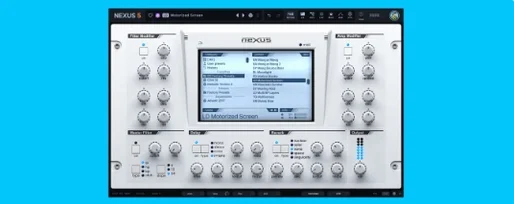 reFX Nexus
Plays a large library of ROMpler sounds and presets.
reFX Nexus
Plays a large library of ROMpler sounds and presets.