 ASPNetWorld
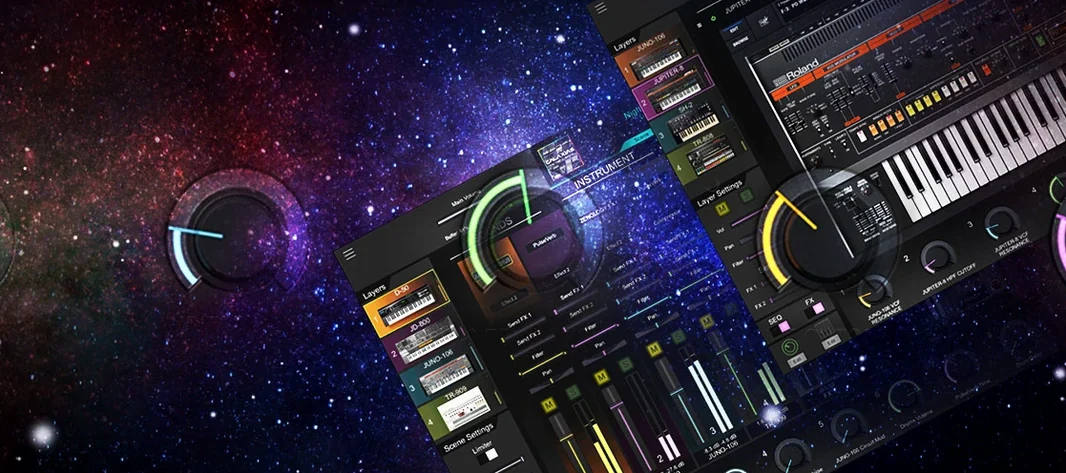
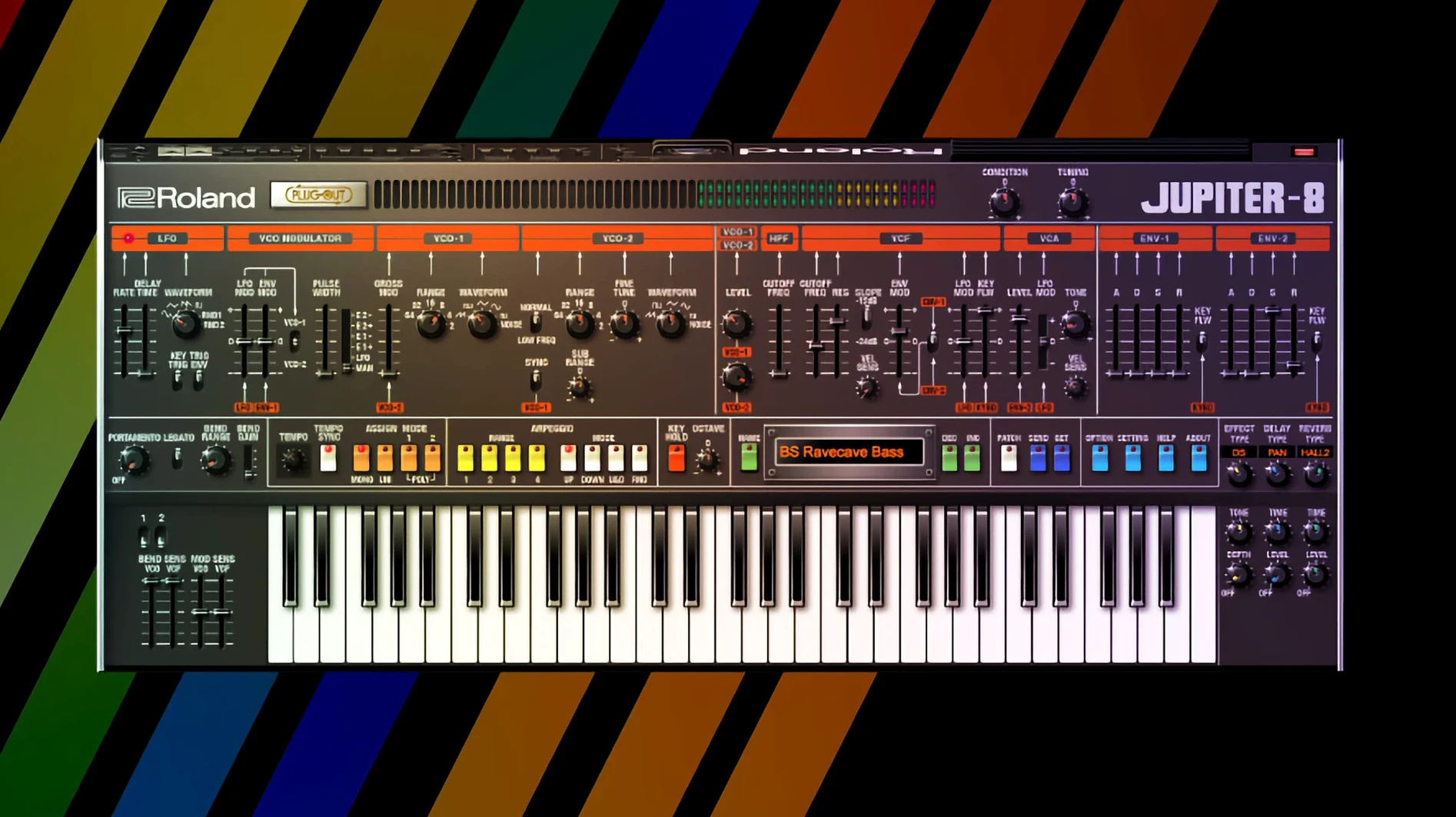
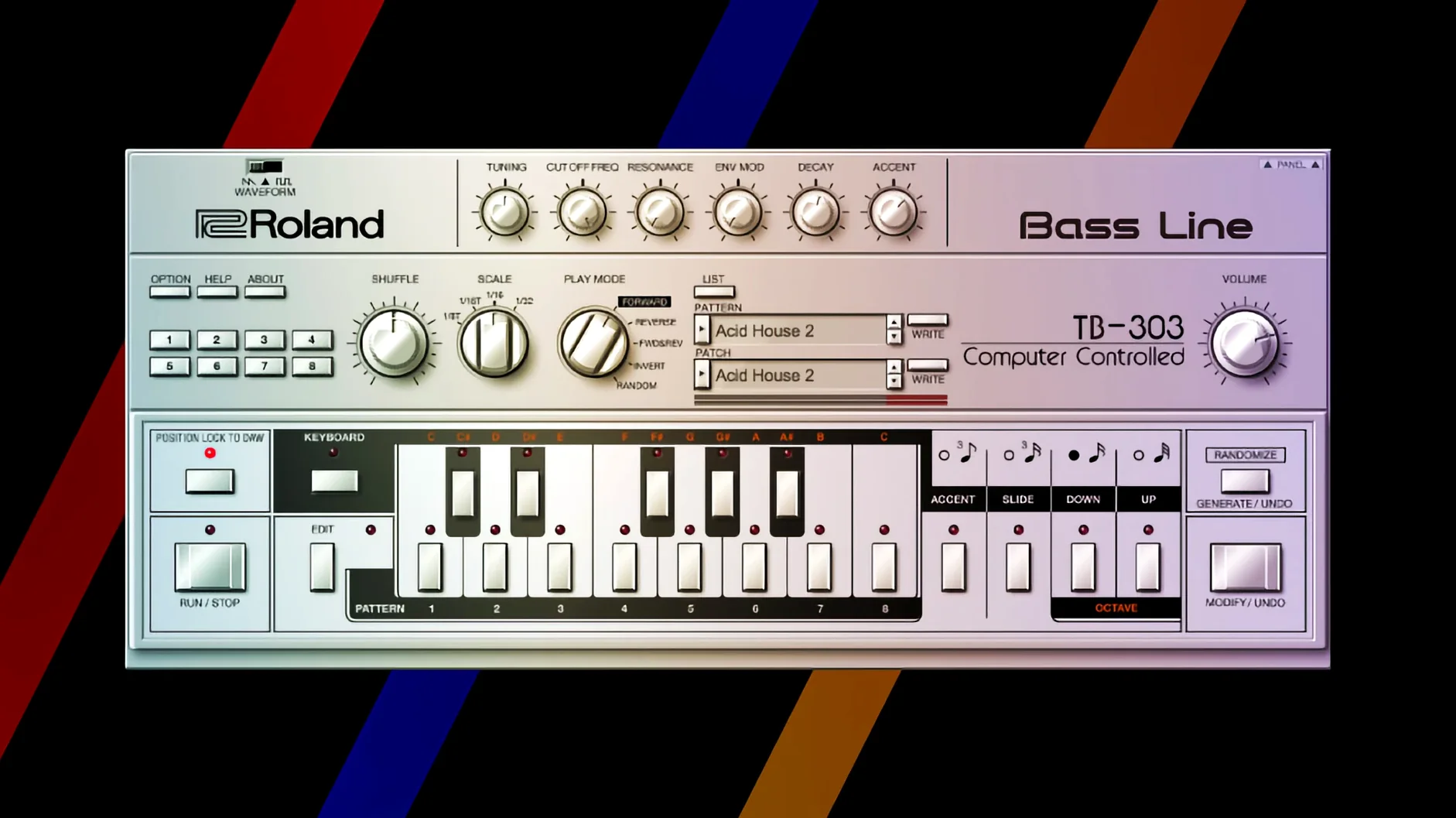
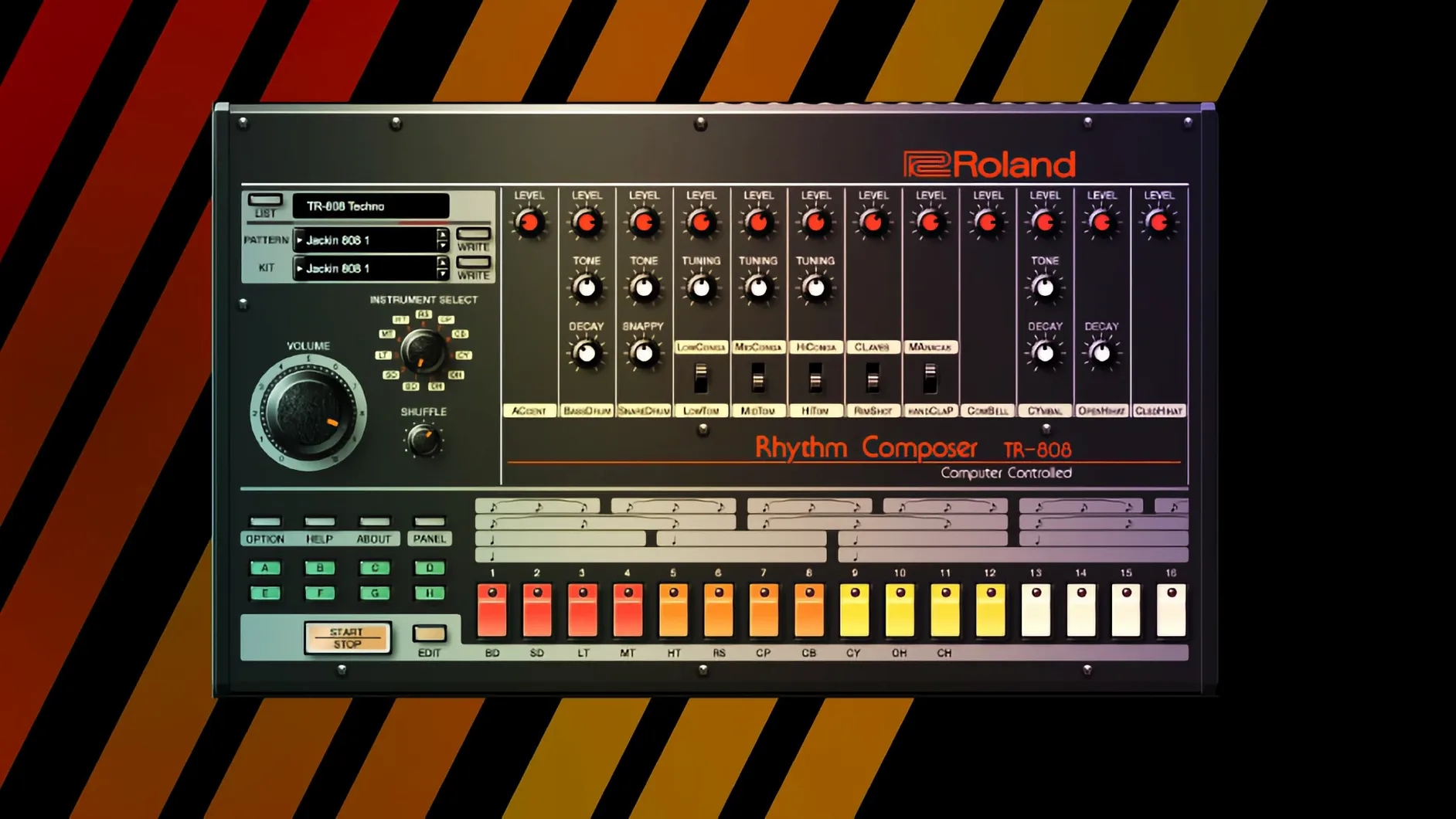
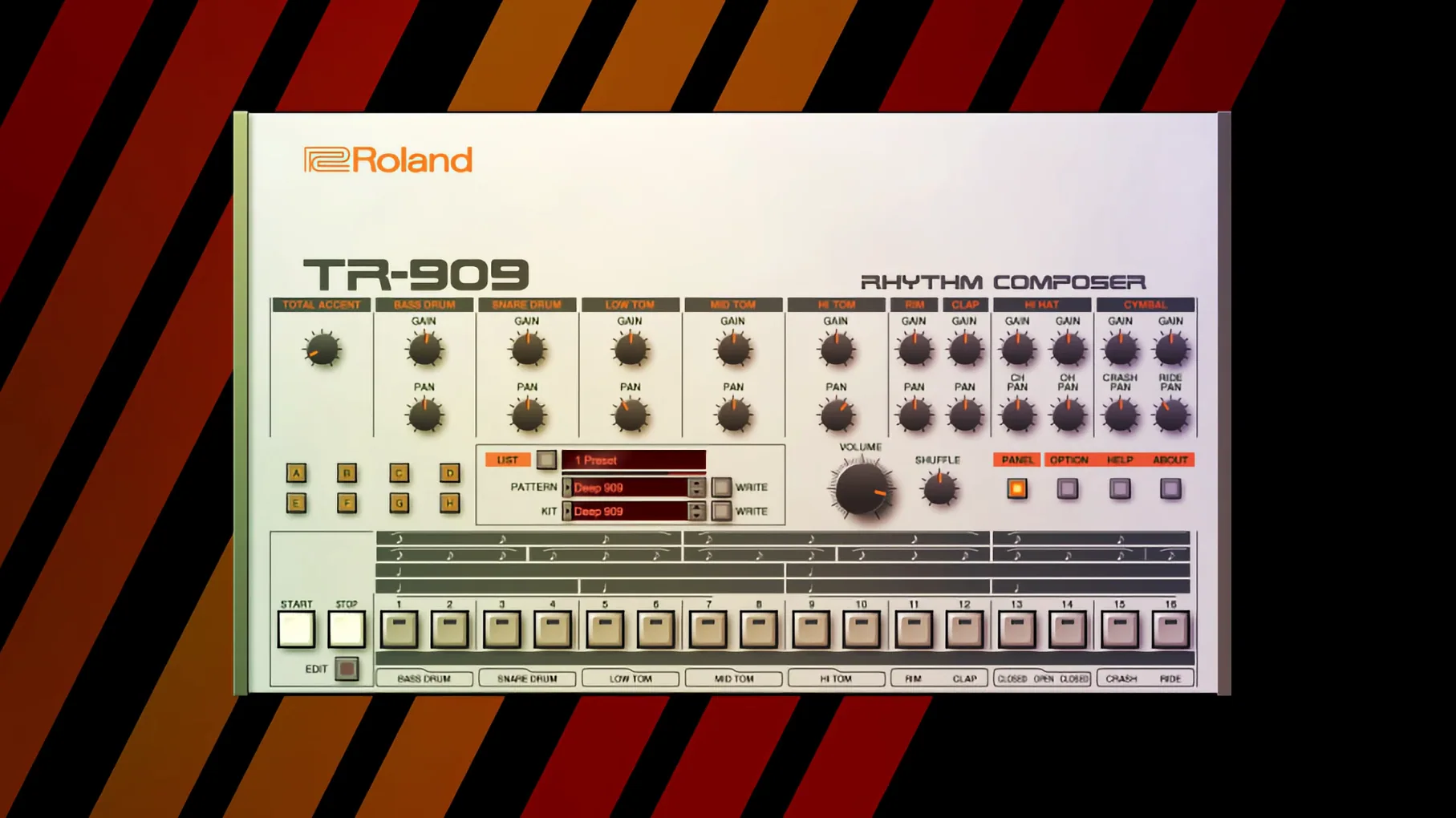
Electronic producers, beat-makers and keyboardists who grew up with the glow of a JUPITER-8 or the thump of a TR-808 have a particular fondness for Roland's back catalogue. The Legendary Series inside Roland Cloud is aimed squarely at them — and at anyone curious enough to wonder why those old circuits still dominate modern records. It is a growing set of software instruments that model the behaviour of the original hardware down to the component level, using what Roland calls Analog Circuit Behavior technology.
What the collection includes
Think of it as a curated museum where every exhibit plays. The series houses meticulous virtual editions of Roland's most celebrated synthesisers and rhythm machines. In their latest v2 revisions, instruments such as the JUPITER-4, JUPITER-8 and JUNO-106 benefit from high-resolution interfaces redesigned for large studio displays and modern DAW workflows. Alongside the polyphonic flagships, the catalogue stretches to include drum machines and modern effects processors, giving a producer a consistent, cross-era palette. Everything runs natively on Apple Silicon and Intel Macs from macOS 11 onward.
Who it works for
A sound designer building a film score might call up the glassy pads of a JX-3P recreation, while a lo-fi beat-maker leans on the crunchy 12-bit snap of a modelled drum brain. The common thread is character — these are not sterile digital clones. The Analog Circuit Behavior approach recreates the quirks, tuning drift and warmth of the analogue path, so a patch breathes much like its physical ancestor. Because the instruments live inside your DAW, you also get total recall, automation and the ability to run multiple instances without a room full of ageing, heat-sensitive hardware.
Wondering if a vintage synth suite will sink your Mac session
A plugin collection that promises to bottle decades of synthesis history naturally invites a few practical questions. One of the most common is whether these instruments will choke a Mac that already runs a healthy session of audio tracks and processing. The answer depends a little on which Legendary instrument you load. A JUPITER-8 v2 patch with its two layers of modelled oscillators and the onboard effects engaged is certainly heavier than a simple TR-909 kit playing a single pattern. That said, the current builds run natively on Apple Silicon and recent Intel chips, and Roland has put real effort into keeping voice counts sensible. Most producers on an M-series Mac will find they can open several Legendary instances before the CPU meter twitches into the danger zone. The bigger constraint in practice is often memory, not raw cycles, and freezing tracks is the standard escape hatch.
Another frequent wondering is whether the instruments sound noticeably better than the sample packs and Kontakt libraries that already carry Roland's name. The short distinction is that a sample captures a snapshot; the ACB modelling generates the sound in real time, responding to velocity, modulation and parameter changes the way the original circuits would. Play a JUNO-60 patch softly and the filter opens gently; crank the resonance and you hear the same non-linear warbling that made hardware JUNOs so expressive. Sample libraries can get close, but they rarely nail the way a pulse-width knob interacts with a chorus circuit while you hold a chord. That interactivity is the main reason producers switch from static samples to the Legendary versions.
People also ask about installation size and whether the cloud component demands a constant internet connection. The instruments install to your local drive — some are surprisingly compact — and authorisation is periodic rather than constant, so studio Macs that spend most of their life offline rarely throw up problems. The phrase roland cloud crack mac crops up in searches from people trying to bypass that check, though the genuine instruments settle into a system quietly once authorised.
A complete sound-design session, step by step
Let us walk through building a hybrid pad that layers a D-50 digital shimmer with the analogue warmth of the JUPITER-8, purely inside a DAW. The aim is a sound that opens a track with something familiar but texturally rich — a trick that works especially well for ambient and synthwave productions.
Step 1: lay the foundation with the D-50. Open the D-50 Legendary on an instrument track. The factory patch bank leans heavily into the late-80s magic of digitally-synthesised attacks married to sampled looping waveforms. Select a patch that uses a breathy Digital Native Dance style partial. Dial back the upper partial slightly — a small reduction in level tames the early-digital brightness that can poke through a modern mix. Add a touch of the onboard reverb set to a medium hall, and route the channel to a bus labelled “Pad Group.”
Step 2: stack the analogue body. On a second instrument track, instantiate the JUPITER-8 v2. Initialise a patch so you begin with a single sawtooth oscillator. Set the filter cutoff low enough that the raw saw softens into a warm, half-covered hum, then bring the filter envelope amount up to roughly 40%. A medium attack and a long release — think 800 ms and 1.2 s respectively — let the analogue layer swell underneath the D-50’s more percussive entry. Route this track to the same Pad Group bus.
Step 3: widen and move. On the Pad Group bus, insert a subtle chorus. Roland’s own JUNO-style chorus emulation, or any good two-mode ensemble plug-in, does the job. Blend it to about 30% wet — enough to push the combined pad sideways in the stereo field without turning it into a seasick wobble. Add a utility gain plugin afterward to pull the level back to match the dry bypass, a habit that stops your ears being fooled by loudness.
Step 4: carve out space. Play a simple four-note chord across the two tracks. The D-50 partials tend to cluster in the upper midrange, while the JUPITER-8 layer fills the low-mid warmth. Place an EQ on the bus with a gentle dip around 400 Hz — just a couple of decibels — to prevent the combined sound from masking a future bass part. A high-pass filter at 80 Hz clears room for a kick drum that might arrive later in the arrangement.
Step 5: print or play. At this point you have a rich, breathing pad that responds to velocity and mod-wheel movements on both instruments independently. Record a take riding the mod wheel to open the JUPITER-8 filter and bring the D-50 shimmer forward in the louder moments. If the session is growing heavy, bounce the two tracks to audio. The patch remains recallable, but a printed stem frees up resources and commits you to a sound — a useful creative limitation.
How the series talks to your DAW and the wider Mac ecosystem
The Legendary instruments present themselves as standard AU and VST3 plug-ins, so they slide into Logic Pro, Ableton Live, Cubase and similar hosts without special ceremony. What makes them feel particularly at home on a Mac is the way they cooperate with native system features. On an Apple Silicon machine, each instance runs efficiently in the native architecture — no Rosetta translation layer required — which means lower latency at smaller buffer sizes. That matters when you are playing a JUNO-106 lead patch live from a MIDI keyboard, where even 128 samples of delay can pull the performance out of the pocket.
MIDI mapping also deserves a mention. Every knob, slider and button on a Legendary interface broadcasts a MIDI CC, and the instruments inherit the Mac's Core MIDI routing automatically. Connect a controller with physical faders — even a modest one — and you can map filter cutoff, envelope decay and chorus depth without opening a single menu. The newer v2 interfaces, with their larger hi-res panels, make it easy to see which parameter you are grabbing. For producers who own Roland's own hardware controllers, the integration runs deeper: move a physical knob and the software knob mirrors it, often with the correct scaling baked in. The experience edges uncannily close to using the original hardware, minus the humming power supply and the fear of a voice chip dying mid-session.
Audio routing through macOS also plays nicely. Aggregate Device setups, where a producer combines an audio interface with the Mac's built-in output or another interface, recognise the plug-ins without complaint. You can run a TR-808 and TR-909 instance side-by-side, route each drum output to a separate DAW channel, and process the kick through an external compressor connected to a different interface — all on one Mac. This kind of hybrid routing was once fragile; the current Apple Silicon driver architecture handles it with surprising grace.
The instruments also sit well alongside other non-Roland software. A common pairing is the Legendary JUNO-60 delivering the body of a chord progression while a modern wavetable synth provides the top-end sparkle. Because the ACB instruments have a naturally cohesive spectral footprint — they were modelled from circuits built by the same engineering teams — they stack without the phasey clash that can happen when too many emulations from different developers pile up. If you're exploring a Roland Cloud Legendary Series crack to test that cohesion without commitment, the authorised instruments handle multi-instance stacking cleanly.
Shift-click any knob to snap it back to its saved value
Several touches inside the Legendary Series are easy to overlook during the first few weeks of use, and they repay a little exploration.
- Shift-click parameter reset. Holding Shift and clicking any knob returns it to its stored value for the current patch. This is borrowed from modern hardware synth conventions, and it saves you from the tedious business of squinting at a tiny readout to remember where the filter envelope started.
- Condition sliders on the TR drum machines. The 808 and 909 recreations include a Condition parameter per instrument that subtly varies the attack, tuning and noise profile of each hit. Setting the snare to a slightly “aged” condition introduces the kind of sample-to-sample variance that makes an old hardware unit feel alive. Many newcomers leave Condition at its default and wonder why the groove sounds static.
- Arpeggiator sync modes. On the polyphonic synths, the onboard arpeggiator does not simply lock to host tempo — it offers dotted and triplet divisions plus a latch mode that holds notes until you strike a new key. A producer who discovers the latch can set a JUPITER-4 arp running and then tweak both hands on the filter and envelope without needing a third hand for the keyboard.
- Quick-save from the plugin window. Most DAWs save plugin state inside the project file, but the Legendary instruments also let you save a .patch file directly from the interface. Dragging that file to a Finder folder builds a personal library independent of any DAW, shareable across Logic, Live and Bitwig projects on the same machine.
- Velocity curve presets. Hidden in the settings panel of the v2 instruments is a choice of velocity curves tailored for different controller keyboards. If your MIDI keyboard feels too sensitive or too wooden, switching from the default linear curve to a softer or harder profile can transform the dynamic response without external remapping utilities.
Expecting modern loudness from circuits modelled on quieter hardware levels
One mistake crops up repeatedly: loading a Legendary instrument and immediately cranking the output volume because it sounds quieter than a modern soft synth. The ACB models emulate the nominal output levels of the hardware originals, which often sat lower than contemporary plugin levels by design. The fix is not to max the master volume — that digs into the internal headroom and introduces digital clipping — but to apply a gentle gain stage after the plugin, or simply to mix with the expectation that the instrument will sit at a more conservative level. Your channel fader is the right tool for the job.
Another classic error involves the chorus on the JUNO models. Roland's bucket-brigade chorus circuits are famously noisy, and the software emulates that noise faithfully. New users sometimes assume the hiss is a fault — a bad cable, a ground loop, a corrupted plugin — and spend an afternoon chasing it. The noise is part of the character; you can reduce it by lowering the chorus depth if it genuinely bothers the mix, but muting it entirely strips away much of the movement that makes a JUNO pad recognisable.
A subtler pitfall concerns patch management. The Legendary instruments install with extensive factory banks, but those banks are presented as a flat list in some DAWs. Users who do not create their own folder structure early — grouping favourite basses, pads, leads and effects — soon find themselves scrolling through hundreds of names mid-session, which kills creative momentum. Spending ten minutes after the first jam to tag or folder twenty go-to sounds pays off every session thereafter. The same applies to drum kits on the TR instruments: saving a “go-to 808 kit” with your preferred tuning and Condition settings means you start a new project already sounding like yourself.
Finally, there is the temptation to use the onboard effects as a substitute for proper mix processing. The reverb and delay inside a Legendary instrument are modelled on the original hardware's effect sections — characterful but often bandwidth-limited. Relying on them for a polished, modern tail can leave a mix sounding boxy. The better approach is to treat those effects as part of the tone generation, then send the instrument to dedicated send effects in the DAW for spatial duties. This hybrid method keeps the classic character inside the notes while giving the overall production the width and depth of contemporary mixing tools.
- macOS 11 or later
- Apple Silicon or Intel processor
Questions I keep hearing
What does Analog Circuit Behavior actually model?
It recreates the behaviour of each individual component in the original analogue signal path, including transistors, capacitors and resistors, rather than just sampling the final output.
Questions from the class 0
Sign in or join the class to ask a question.
Nobody has asked anything yet. If you have used it on a real job, say what the file did.
Also on the VST Plugins shelf
The whole VST Plugins shelf Roland ZENOLOGY Pro
Layers four ZEN-Core tones in one multitimbral instrument.
Roland ZENOLOGY Pro
Layers four ZEN-Core tones in one multitimbral instrument.
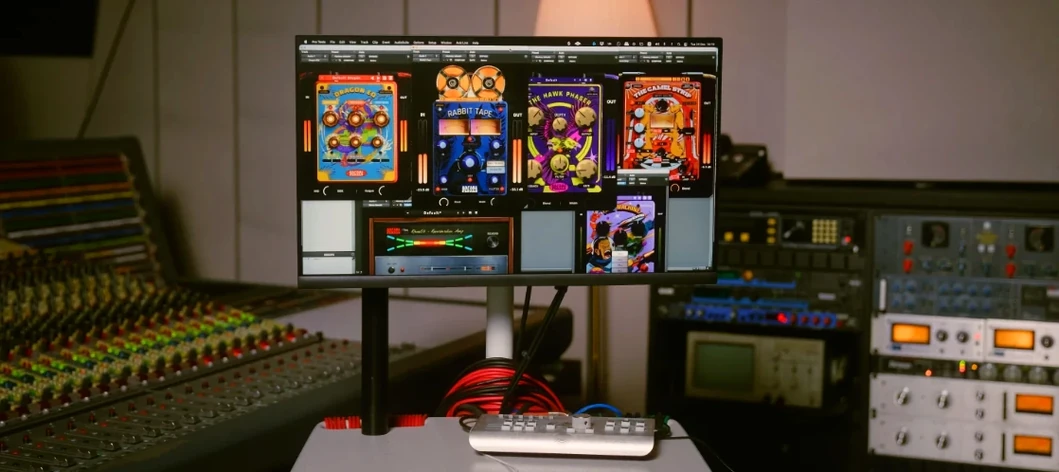 Safari Pedals Everything Bundle
Offers a collection of animal-named audio processors.
Safari Pedals Everything Bundle
Offers a collection of animal-named audio processors.
 RipX DAW Pro
Separates and edits audio into individual stems.
RipX DAW Pro
Separates and edits audio into individual stems.
 Scaler 3
Detects your playing and suggests chords that will work with it.
Scaler 3
Detects your playing and suggests chords that will work with it.
 Revoice Pro
Aligns timing and pitch between vocal takes.
Revoice Pro
Aligns timing and pitch between vocal takes.
 Serato Hex FX
Stacks and reorders fifty effects so you can build a custom chain without a tangled signal path.
Serato Hex FX
Stacks and reorders fifty effects so you can build a custom chain without a tangled signal path.
 Serato Sample
Chops a sample into stems and lets you control the vocal, drums, bass and melody separately.
Serato Sample
Chops a sample into stems and lets you control the vocal, drums, bass and melody separately.
 reFX Nexus
Plays a large library of ROMpler sounds and presets.
reFX Nexus
Plays a large library of ROMpler sounds and presets.