 ASPNetWorld
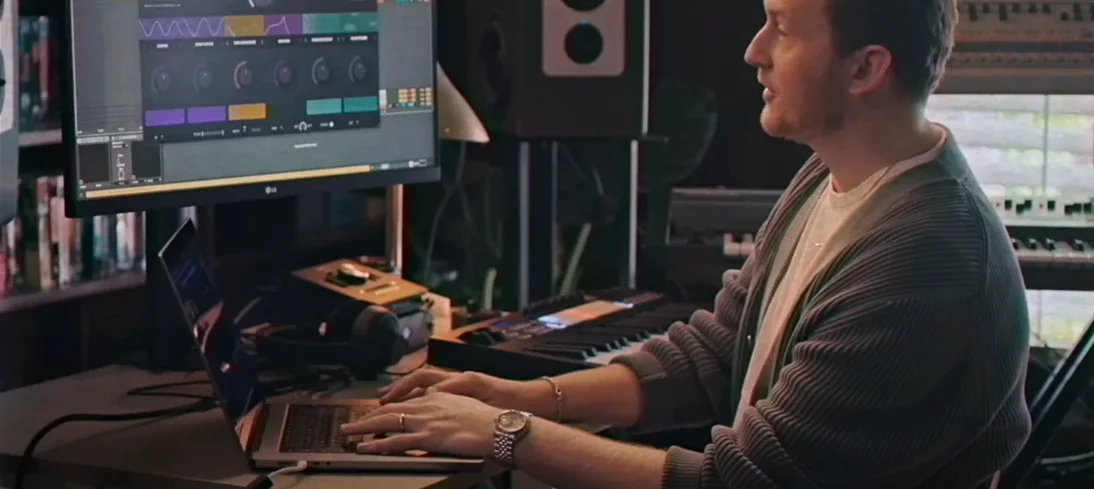
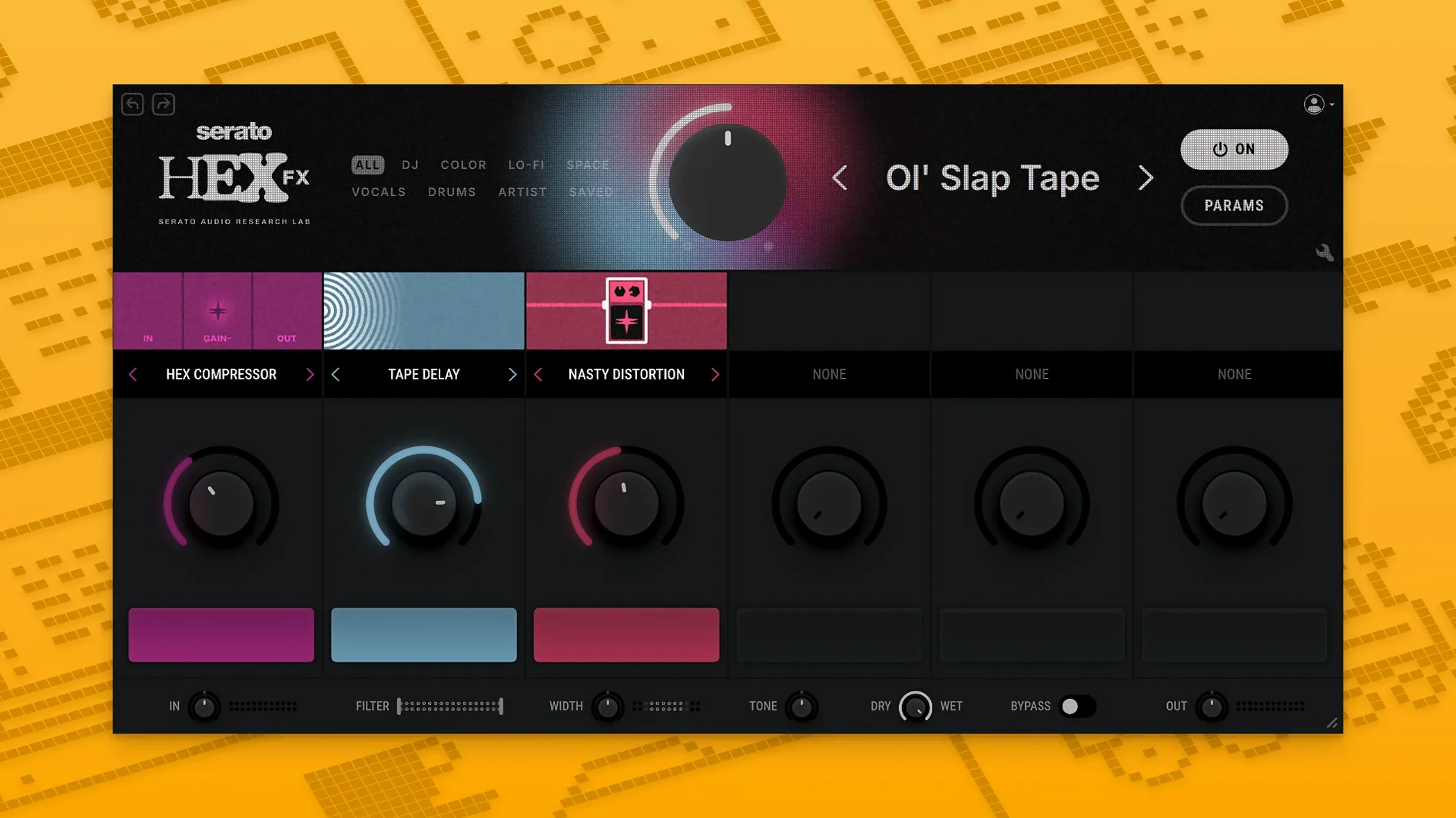
Bedroom producers who sketch ideas fast and live performers who need hands-on control both reach for the same thing — a multi-effect that keeps the signal path clear. Serato Hex FX lands somewhere between a tidy channel strip and a sprawling modular rack, with 50 effects you can stack and reorder any way you like.
A typical session flow
- Track-level sweetening. Drop Hex FX on a vocal or synth line with a gentle chain — subtle compression from the Dynamics module, a touch of Chorus for width, then the Hall Reverb set to about 20% wet. The drag-and-drop effect reordering makes it easy to audition whether the reverb sounds better before or after the modulation.
- Creative bus processing. On a drum bus or a parallel chain, things get wilder. A common move is Delay into Distortion into the Bit-Crusher, then tamed with a Filter at the end. Because every effect module keeps its own mix control, you can push the crush hard while blending back just enough clean signal to keep transients intact.
- Master chain polish. On the stereo bus, a restrained chain of EQ, gentle Tape Saturation and the Master Limiter can glue a mix without flattening it. The 200-plus presets include a handful of mastering starting points that are genuinely usable once you tweak the thresholds to your material.
- Save your own recipe. Once a chain feels right, naming and saving it as a custom preset means your vocal go-to or that filthy drum bus sound is one click away in the next project. The preset browser is quick enough that you’ll actually use it during a writing session rather than treating it as an afterthought.
AAX support arrived in version 1.2.0, so Pro Tools users now get the same chainable workflow that Logic and Ableton producers have enjoyed. The plugin runs natively on both Apple Silicon and Intel Macs from macOS 10.15 onward, and the installer offers VST, AU and AAX options in one pass.
Mistakes that trip people up early on
A chainable multi-FX invites experimentation, but a few habits tend to surface in the first week. The most common is stacking too many aggressive modules with every mix control at 100% wet — what arrives at the output is a washy smear where the original sound has vanished. Each effect module carries its own wet/dry balance, and the best chains usually leave at least one module running partially dry so the source keeps its shape.
Another slip is ignoring the EQ section tucked into Hex FX. The parametric low-shelf, mid-bell and high-shelf bands sit there quietly, but routing a tight mid scoop before a heavy Distortion module produces a completely different texture than slapping the EQ afterwards. The order of the chain isn’t cosmetic — it rewrites how the harmonics build. Try dragging the EQ to the front of the stack on a bass part and pulling 300 Hz down a few decibels before it hits saturation; the low end tightens up without losing weight.
A subtler misstep is treating the 200-plus presets as finished sounds rather than starting points. A preset designed by Jake One or DECAP was built in their session, with their source material, at their tempo. Dropping it onto a completely different loop and expecting magic leads to disappointment. The better move is to load a preset that feels close, then swap out the module that isn't working — keep the Reverb and Filter but trade the Delay for a shorter time or switch the Distortion for a gentler Tape Saturation.
Live performers sometimes overlook that Performance FX like Halftime and Rollout are meant to be ridden, not set and left. Assigning them to a MIDI controller and tapping them in and out on the fly turns a static chain into something that breathes with the set. Leaving them permanently engaged flattens the dynamics that make a live set feel live.
Questions that come up before the download
“Will it run in my DAW, or is this just a Serato Studio thing?” Hex FX works as a standard VST, AU and AAX plugin — it opens in Logic Pro, Ableton Live, FL Studio, Maschine and Pro Tools without any special bridging. The Serato Studio integration is simply where the preset sharing feels most at home, because the browser mirrors the way Serato users already navigate their libraries. In any other host it appears as a normal insert effect. If you’ve been hunting around for a serato hex fx free download to test the waters, the plugin loads into any compatible DAW once the installer has run its course.
“Is the CPU hit manageable on an older Intel Mac?” A single instance with a modest chain of reverb, delay and EQ sits lightly. Stacking six or seven modules — especially the more DSP-hungry ones like the pitch-shifted Reverb or heavy Bit-Crusher — will nudge the meter upward. On an Intel machine from the last few years, freezing or bouncing the track after dialling in the sound keeps the session moving. Apple Silicon Macs chew through larger chains with noticeably less fan noise.
“What happens with the AAX version in Pro Tools — is it fully native?” Version 1.2.0 added proper AAX Native support, so it slots into Pro Tools sessions without a wrapper or any workaround. The installer includes a straightforward AAX option alongside the VST and AU formats, and the plugin behaves identically across all three.
Who gets the most mileage out of Hex FX
Beat-makers who build their tracks inside Serato Studio find the plugin slots into their workflow almost invisibly — the preset browser matches the familiar layout, and dragging effects into a chain feels like an extension of the timeline they’re already working in. The presets from producers like Lord Finesse and Dibia$e lean toward the kind of dusty, characterful processing that suits sample-based hip-hop, so the library doesn’t need much massaging to fit the genre.
Sound designers working in Ableton Live or Logic Pro tend to treat Hex FX as a rapid layering tool. Rather than patching together three separate delay and distortion plugins on a return track, a single instance with a reordered chain covers the same ground faster. Because custom presets save the entire module order and parameter state, recalling a complex sci-fi ambience or a degraded cassette texture takes one click. The Performance FX — Halftime and Rollout especially — become texture modifiers when automated slowly over a 16-bar section rather than triggered as one-shot stunts.
Pro Tools users who mix in the box and had been waiting for AAX support now get the same chainable approach on their native systems. Post-production editors who need to pass a dialogue stem through gentle saturation followed by a narrow EQ notch benefit from doing it inside one window rather than juggling three inserts. The parametric bands are clean enough for corrective work, and the ability to park the EQ before or after the saturation module changes the character without touching a single knob on either effect.
Live performers — particularly those running backing tracks or stems through a laptop — connect well with Hex FX because the whole chain responds to a handful of MIDI assignments. Mapping the wet/dry of a long Reverb and the on/off state of Rollout to two knobs on a controller turns a static stem into a performance element that follows the energy of the room.
Version 1.2.0 brings Hex FX to Pro Tools sessions with full AAX Native support. The installer now presents an AAX option alongside the existing VST and AU formats, and the update includes a round of bug fixes.
- macOS 10.15 or later
- Apple Silicon or Intel 64-bit processor
- VST, AU or AAX-compatible host
Questions I keep hearing
Can I reorder effects inside Serato Hex FX?
Yes — you can drag any of the 50 effects into any sequence you like, and the signal path updates immediately.
Questions from the class 0
Sign in or join the class to ask a question.
Nobody has asked anything yet. If you have used it on a real job, say what the file did.
Also on the VST Plugins shelf
The whole VST Plugins shelf Serato Sample
Chops a sample into stems and lets you control the vocal, drums, bass and melody separately.
Serato Sample
Chops a sample into stems and lets you control the vocal, drums, bass and melody separately.
 Serum
Generates and warps wavetable sounds you can sculpt from a blank waveform upwards.
Serum
Generates and warps wavetable sounds you can sculpt from a blank waveform upwards.
 Scaler 3
Detects your playing and suggests chords that will work with it.
Scaler 3
Detects your playing and suggests chords that will work with it.
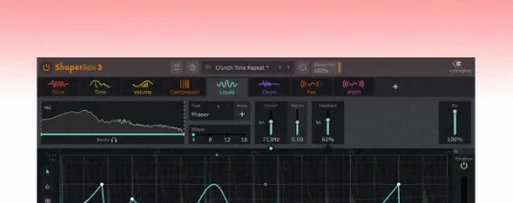 ShaperBox
Applies three bands of rhythmic effects to add movement to drums, pads or vocals.
ShaperBox
Applies three bands of rhythmic effects to add movement to drums, pads or vocals.
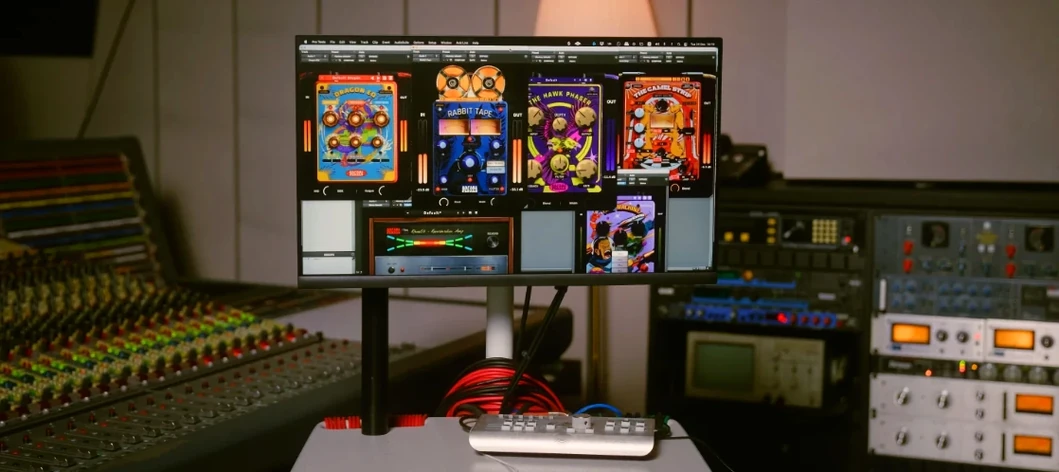 Safari Pedals Everything Bundle
Offers a collection of animal-named audio processors.
Safari Pedals Everything Bundle
Offers a collection of animal-named audio processors.
 Roland ZENOLOGY Pro
Layers four ZEN-Core tones in one multitimbral instrument.
Roland ZENOLOGY Pro
Layers four ZEN-Core tones in one multitimbral instrument.
 Roland Cloud Legendary Series
Recreates classic Roland synthesizers and drum machines.
Roland Cloud Legendary Series
Recreates classic Roland synthesizers and drum machines.
 RipX DAW Pro
Separates and edits audio into individual stems.
RipX DAW Pro
Separates and edits audio into individual stems.