 ASPNetWorld
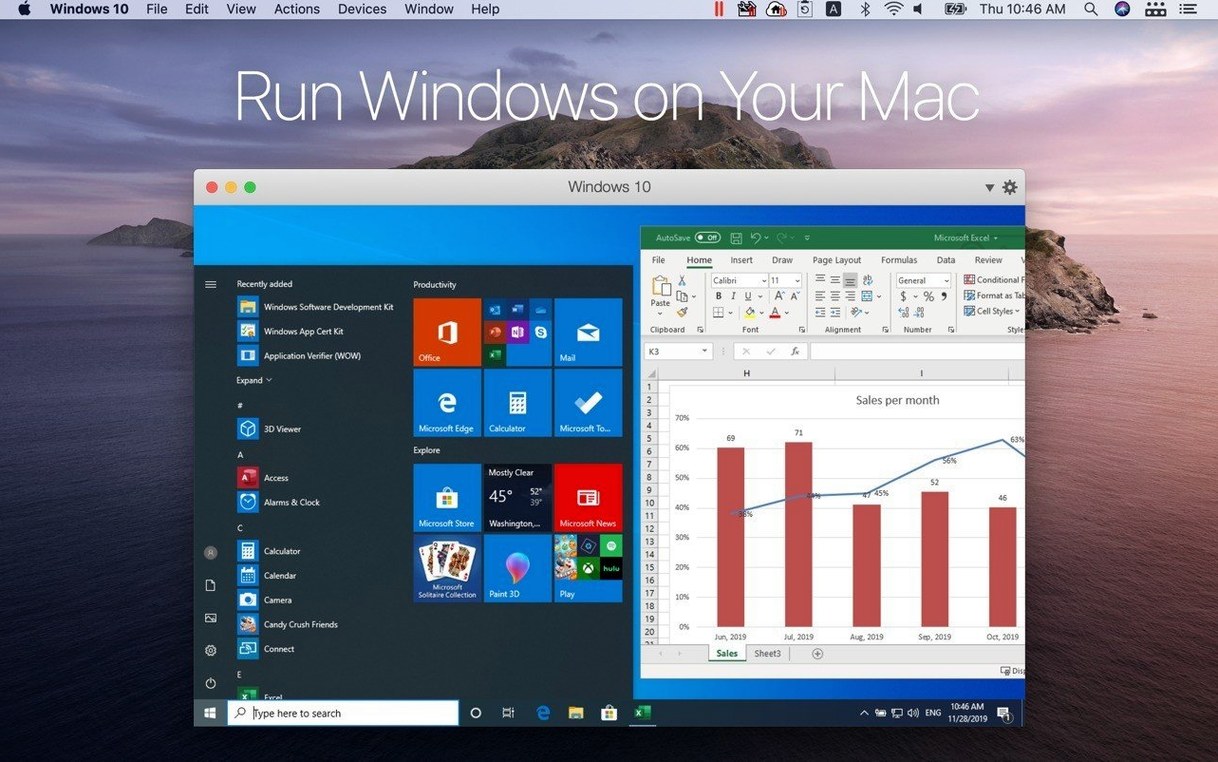
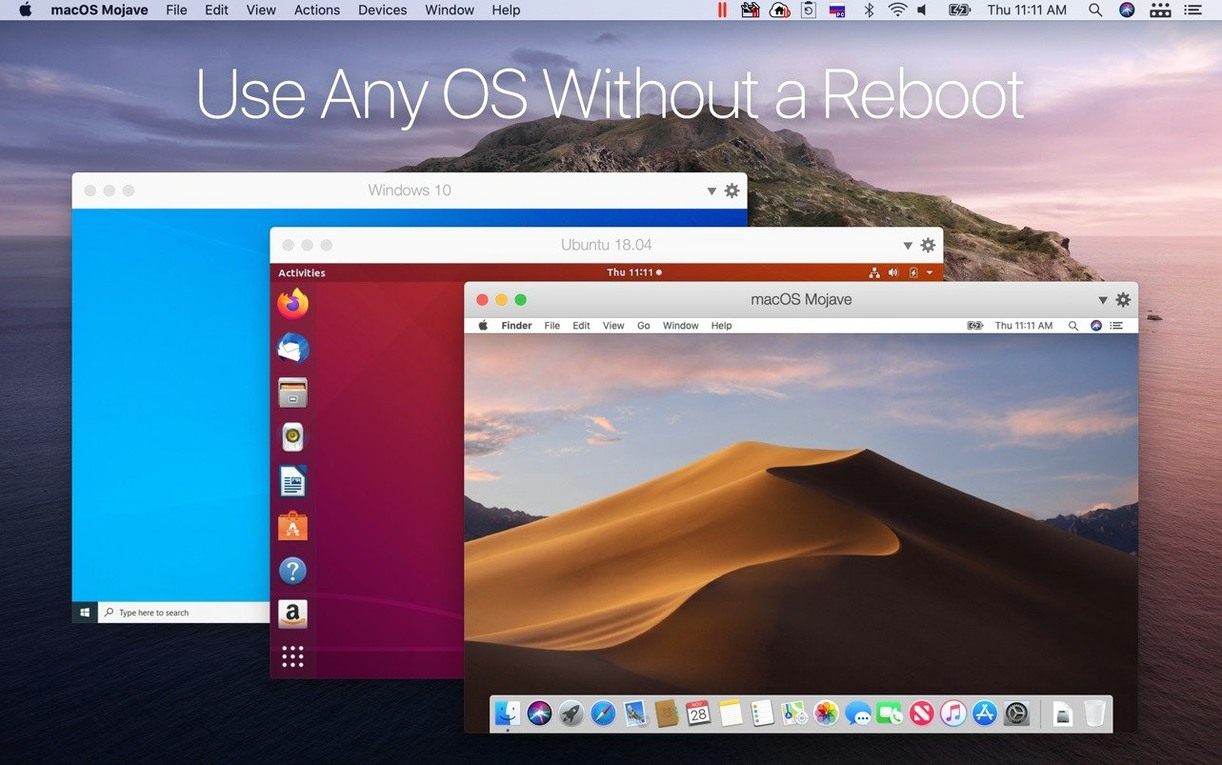
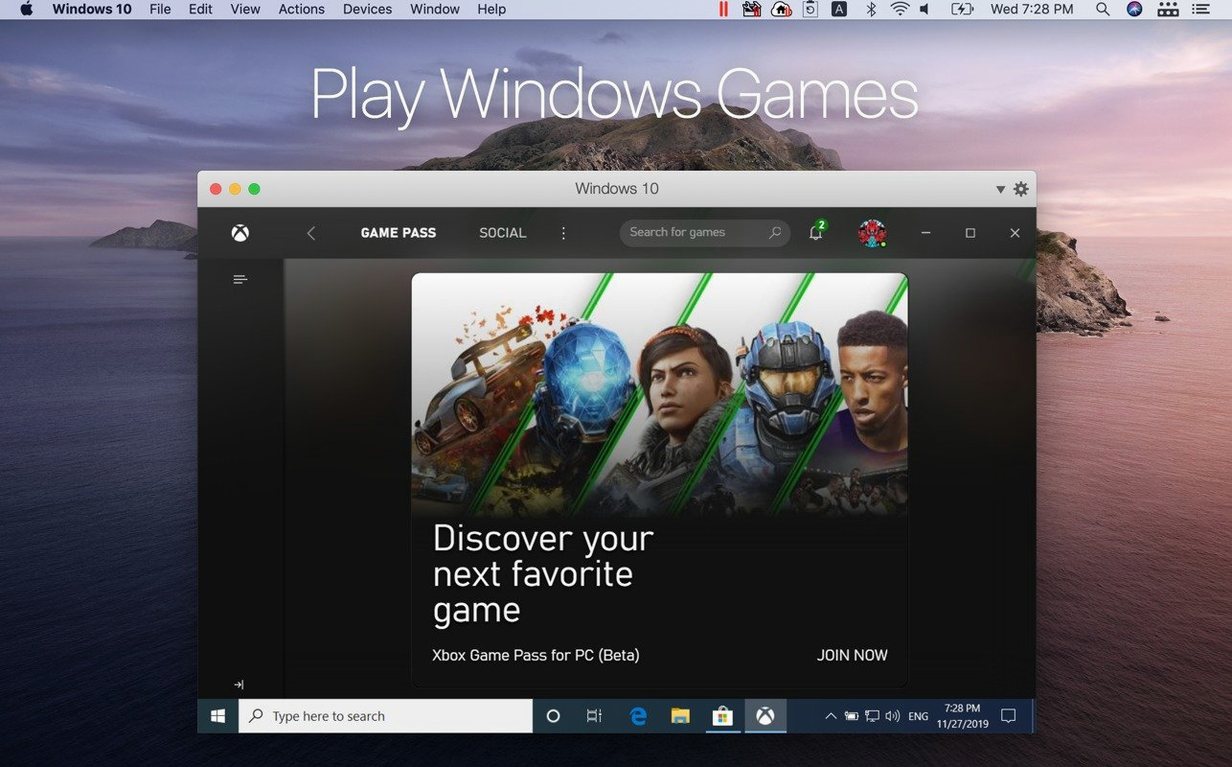
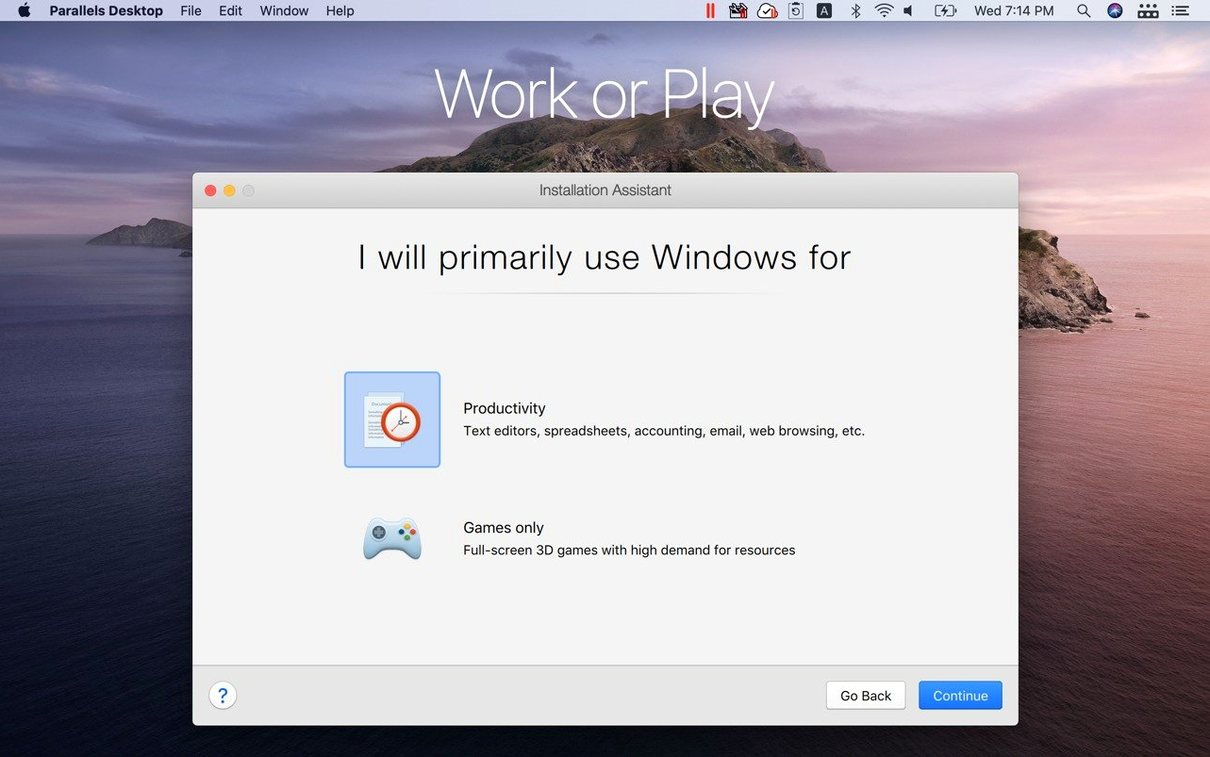
Version 27.0.2 of Parallels Desktop can host guest systems from Ubuntu 26.04 LTS through Fedora 44, Debian 13.6 and Kali Linux 2026.2 out of the box, while the core promise stays the same: Windows apps running on a Mac without a restart. Think of it as a second desk in the same office — the Mac stays exactly where it is, and the other operating system simply gets a workspace alongside it.
The place it occupies among your other tools
Most Mac users already have a text editor, a browser and a handful of creative apps they reach for daily. Parallels Desktop sits one layer beneath those habits. It is not another utility to learn so much as a way of keeping familiar Windows or Linux software within reach while macOS continues to handle everything else. Files and folders can be shared between the two sides, and text or images copied on one system paste naturally into the other.
What the current update changes
The 27.0.2 release is mostly about fitting more guests into that same arrangement. The stability and security fixes are the kind you notice by their absence — things simply carry on working. The more visible addition is the list of newly supported Linux distributions, including x86_64 emulation for Ubuntu 26.04 LTS, which matters when a particular build only exists for Intel-style architecture. Apple silicon remains the requirement, and the product keeps its standing as the first Microsoft-authorized route to Windows on this hardware.
Coherence mode in a translator’s working day
Imagine a freelance translator who uses a Mac for almost everything — correspondence, invoicing, terminology research — but still leans on a particular Windows-only dictionary application that has never been ported across. Coherence mode is the feature that makes this arrangement feel unremarkable. The Windows dictionary sits in the Mac dock, opens its own window without a visible Windows desktop behind it, and accepts text pasted straight from a macOS Pages document. When the job is finished, the translator saves the glossary file into a shared folder that the Mac sees as a normal Finder location. No switching environments, no full-screen shift. The Windows application behaves like a slightly eccentric Mac citizen that happens to need a different engine under the bonnet.
To get there, you install the Windows guest through the standard setup assistant, let Parallels Tools finish its integration work, then tick Coherence in the View menu. After that, launching a Windows app from the dock feels no different from launching a native one — Apple’s Mission Control even treats each window as a separate item. The Windows taskbar vanishes, and notifications from the guest system appear quietly in the Mac Notification Centre if you have allowed them.
Half-hidden shortcuts and tiny conveniences
Some of the most useful behaviours in Parallels Desktop are easy to overlook because they ask for no configuration at all. Middle-click on a Windows application’s dock icon, for instance, and you get the same recent-files list that macOS offers for native apps. Cmd+Tab cycles through open windows from both operating systems without distinguishing between them, which can be startling the first time but soon becomes muscle memory.
A handful of other small touches worth knowing about:
- Drag a file onto a closed Windows app icon in the dock. Parallels launches the guest application and hands it the file path. That works for text documents, spreadsheets and images alike.
- Right-click a file in the Mac Finder and choose Open With. If a Windows application is registered as a handler for that file type, it appears in the list alongside native Mac apps.
- Print from a Windows application to any macOS printer. The guest sees the Mac’s printers through a shared printing channel; you do not need to install separate drivers inside Windows.
- Use the Mac’s Touch ID for Windows authentication. In supported Windows configurations, fingerprint prompts route through the Mac’s Secure Enclave, which saves typing long domain passwords.
- Custom keyboard profiles. Under Preferences > Shortcuts you can build a scheme that maps Windows modifier keys to Mac equivalents in a way that suits a particular application — useful when a piece of Windows software expects Ctrl+Shift keystrokes that conflict with Mac conventions.
One more tucked-away convenience: the virtual machine can be set to pause automatically when you close its window, then resume from exactly that state when you reopen it. The setting lives in the VM configuration under Options > Startup and Shutdown, and it turns a Windows session into something that behaves more like a suspended Mac app than a separate computer. It also keeps CPU and memory usage at zero while the guest is idle, which matters on a laptop running from battery.
A developer’s test-bed workflow from scratch
Suppose a web developer needs to verify that a new build of a server-side application behaves correctly across three different Linux distributions before pushing to production. Parallels Desktop makes a tidy sandbox for this without cluttering the Mac with extra partitions or boot loaders.
The workflow starts in the Installation Assistant. Pick Ubuntu 26.04 LTS from the free systems list, give the virtual machine a descriptive name such as “Staging-Ubuntu-ARM”, and accept the suggested resource allocation — you can adjust RAM and CPU cores later. The assistant downloads the ARM build and handles the initial setup unattended. While that installs, open the VM configuration to the Hardware tab and assign a static internal IP via the network adapter’s advanced settings, so the test environment has a predictable address.
Once the guest boots, run Parallels Tools from the Actions menu. That installs the graphics driver, clipboard synchronisation and the shared-folder bridge. Create a folder on the Mac desktop called shared-webserver-root and add it as a Shared Folder in the VM’s Options pane, mapped to /mnt/host inside Linux. The developer can now edit code in their preferred Mac editor — VS Code, Nova, BBEdit — and the running Linux instance sees the changes instantly through the shared mount. No SFTP, no git push just to test a one-line tweak.
Repeat the process for the other distributions. Because Parallels stores each virtual machine as a self-contained bundle in /Users/username/Parallels, you can copy a clean base image before installing project-specific tooling, then clone it whenever you need a fresh starting point. The cloning step takes under a minute and duplicates the entire environment, right down to the terminal history. When the testing cycle is complete, delete the clones and archive the base image onto an external drive — it stays ready for the next sprint.
Questions that surface before the download
People who search for parallels desktop mac torrent often have the same handful of practical concerns, and they usually boil down to whether the software will get along with the hardware already on the desk.
Does it work with the M-series chip inside my Mac? The current version runs exclusively on Apple Silicon. The architecture listed is ARM, which matches what the M1, M2, M3 and M4 families use natively. Intel Macs are not supported in Parallels Desktop 27, and the old Boot Camp integration has been removed as well. If you are moving from an Intel machine, you will need Windows for ARM as your guest — the setup assistant downloads it directly from Microsoft, so you do not have to hunt for an ISO.
Will my existing Windows licence work? A Windows 11 licence that you already own can be used to activate the ARM version inside Parallels. The product itself does not include a Windows licence; it provides the virtual hardware and lets you bring your own operating system. Linux guests, of course, need no licence at all.
How much performance does the virtualisation layer cost? The overhead is modest on Apple Silicon because the CPU architecture does not need to emulate the guest’s instruction set — it runs ARM instructions natively. Graphics benefit from Metal acceleration, and disk I/O goes through Apple’s hypervisor framework. In practice, a Windows application that is not hammering the GPU feels about as responsive as a well-optimised Mac app. The x86_64 emulation for Linux guests carries a bigger performance penalty, but for command-line tools and server processes it is rarely the bottleneck.
Some searches for parallels desktop 27 come from people who skipped a version or two and want to know whether the upgrade path is smooth. Virtual machines created in version 18 or 19 usually migrate without trouble — Parallels updates the virtual hardware profile on first boot and offers to take a snapshot beforehand. Older machines may need a reinstall of Parallels Tools. The business edition, occasionally sought as parallels desktop business edition v18.1.0.53311, adds centralised administration features and volume licensing; the consumer edition covers the same virtualisation engine for individual use.
A recurring query from those who find parallels 17 crack links is whether an older version still runs on modern macOS. Parallels Desktop 17 was built for an earlier macOS release and does not support Apple Silicon fully in the way version 27 does. The system requirement has moved on, and sticking with a current build avoids compatibility tangles with macOS security frameworks that change each autumn.
It calls on Apple’s own hypervisor, not a separate engine
Parallels Desktop does not replace the Mac’s built-in virtualisation framework that Apple ships as part of macOS. That low-level hypervisor is what Parallels calls upon to do the heavy lifting, the same way a database engine might use the APFS file system rather than writing raw blocks to disk. The difference is the layer of integration on top: shared folders, Coherence, the print bridge, the USB redirection that lets a Windows guest talk to a label printer plugged into the Mac’s Thunderbolt port.
The product also plays a distinct role alongside cloud-based Windows services. Remote desktop tools and streaming VMs are useful when you need occasional access and have a reliable connection, but they do not offer offline use or the snappy local I/O that a direct-attached virtual disk provides. Parallels sits in the middle — local enough to feel native, but isolated enough that a misbehaving Windows application cannot touch the Mac file system outside the shared folders you have specifically allowed.
In a setup that already includes Time Machine, note that the virtual machine bundles can grow large. Many people exclude the /Users/username/Parallels folder from Time Machine backups and instead rely on snapshots taken inside Parallels itself, which are differential and stored alongside the VM. For off-machine backup, the entire bundle can be copied like any other large file; it contains the virtual disk, configuration and snapshots in a single portable package.
For those who searched parallels desktop 17 download, the shift in version 27 to Apple Silicon only means that supporting Intel Macs is no longer part of the picture. The rest of the ecosystem — USB passthrough, drag-and-drop, clipboard sharing, the ability to run Windows, Linux and macOS virtual machines side by side — carries forward in a form that has been refined over years rather than reinvented. Coherence mode still hides the Windows interface. Full screen still gives you a separate Space you can swipe between. The product remains, in essence, that second desk in the same office, just with a few more OS-shaped chairs pulled up to it.
Version 27.0.2 (58673) focuses on broadening guest support while tightening the foundations. The update fixes overall stability and security issues and adds out-of-the-box support for Ubuntu 26.04 LTS, Ubuntu 26.04 LTS x86_64 emulation, Fedora 44, Debian 13.6, and Kali Linux 2026.2.
- New Linux guests work without extra configuration.
- ARM SystemReady SR 3.1 (VE band) certification is now in place.
- macOS 26 or later
- Apple silicon architecture
Questions I keep hearing
Does Parallels Desktop work on Apple silicon Macs?
Yes — the current version requires macOS 26 or later on Apple silicon, and it is the first Microsoft-authorized solution for running Windows on those Macs.
Questions from the class 0
Sign in or join the class to ask a question.
Nobody has asked anything yet. If you have used it on a real job, say what the file did.
Also on the Mac Apps shelf
The whole Mac Apps shelf Paragon NTFS
Lets your Mac write, copy and delete files on Windows-formatted drives.
Paragon NTFS
Lets your Mac write, copy and delete files on Windows-formatted drives.
 Paste
Keeps a searchable visual timeline of everything you copy on your Mac.
Paste
Keeps a searchable visual timeline of everything you copy on your Mac.
 Pacifist
Extracts a single file from a .pkg installer without running the whole package.
Pacifist
Extracts a single file from a .pkg installer without running the whole package.
 Path Finder
Replaces the Finder with a dual-pane workspace that browses, sorts and searches like a pro tool.
Path Finder
Replaces the Finder with a dual-pane workspace that browses, sorts and searches like a pro tool.
 Optimage
Compresses images to a smaller file size while keeping the visual loss invisible to the eye.
Optimage
Compresses images to a smaller file size while keeping the visual loss invisible to the eye.
 One Switch
Flicks common Mac settings like Dark Mode or Do Not Disturb on and off from a single menu bar panel.
One Switch
Flicks common Mac settings like Dark Mode or Do Not Disturb on and off from a single menu bar panel.
 Permute
Converts audio, video and image files to the format your other devices actually need.
Permute
Converts audio, video and image files to the format your other devices actually need.
 ON1 Photo RAW
Manages a local photo library and develops raw files with layered, non-destructive edits.
ON1 Photo RAW
Manages a local photo library and develops raw files with layered, non-destructive edits.