 ASPNetWorld

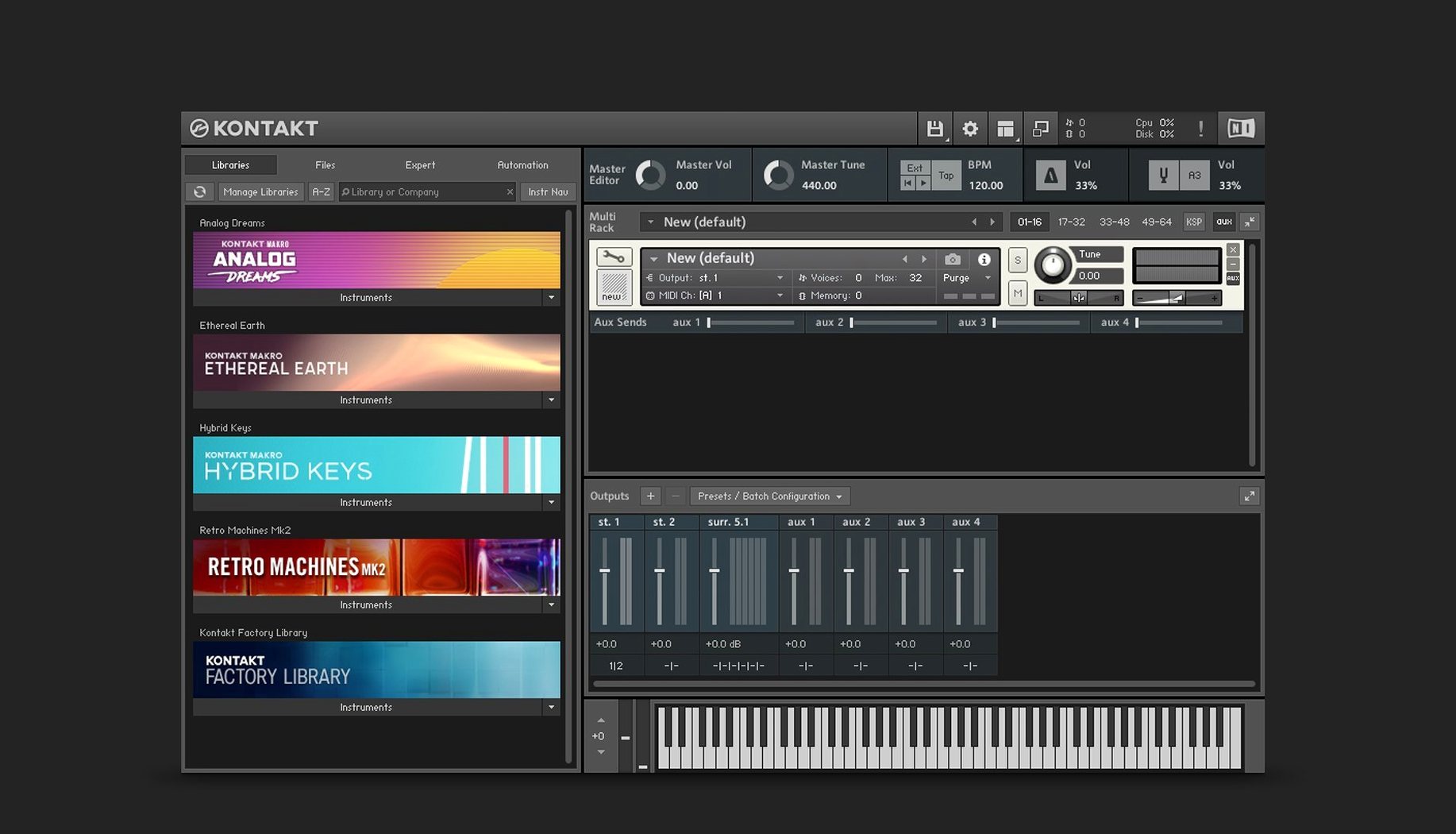
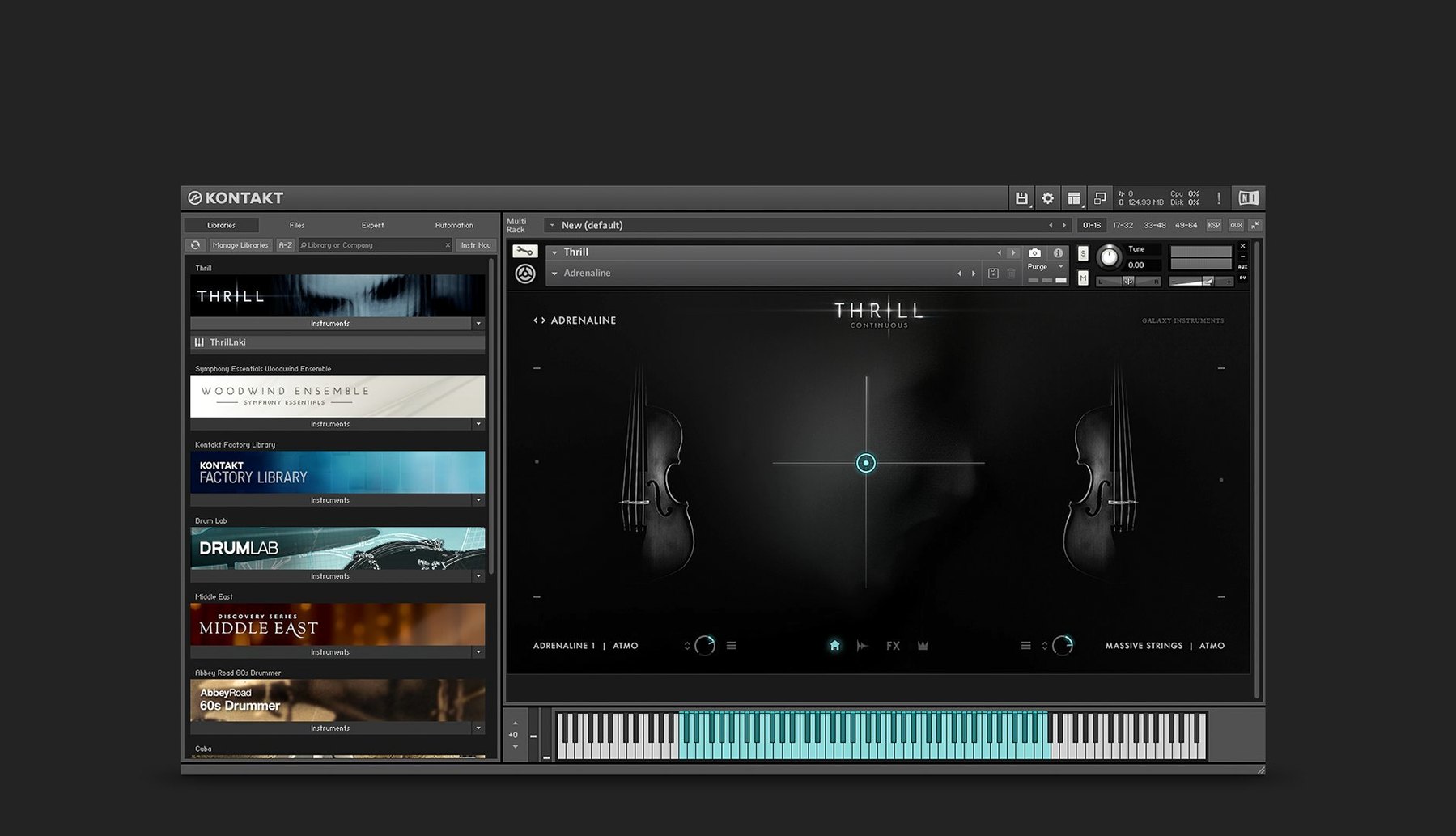
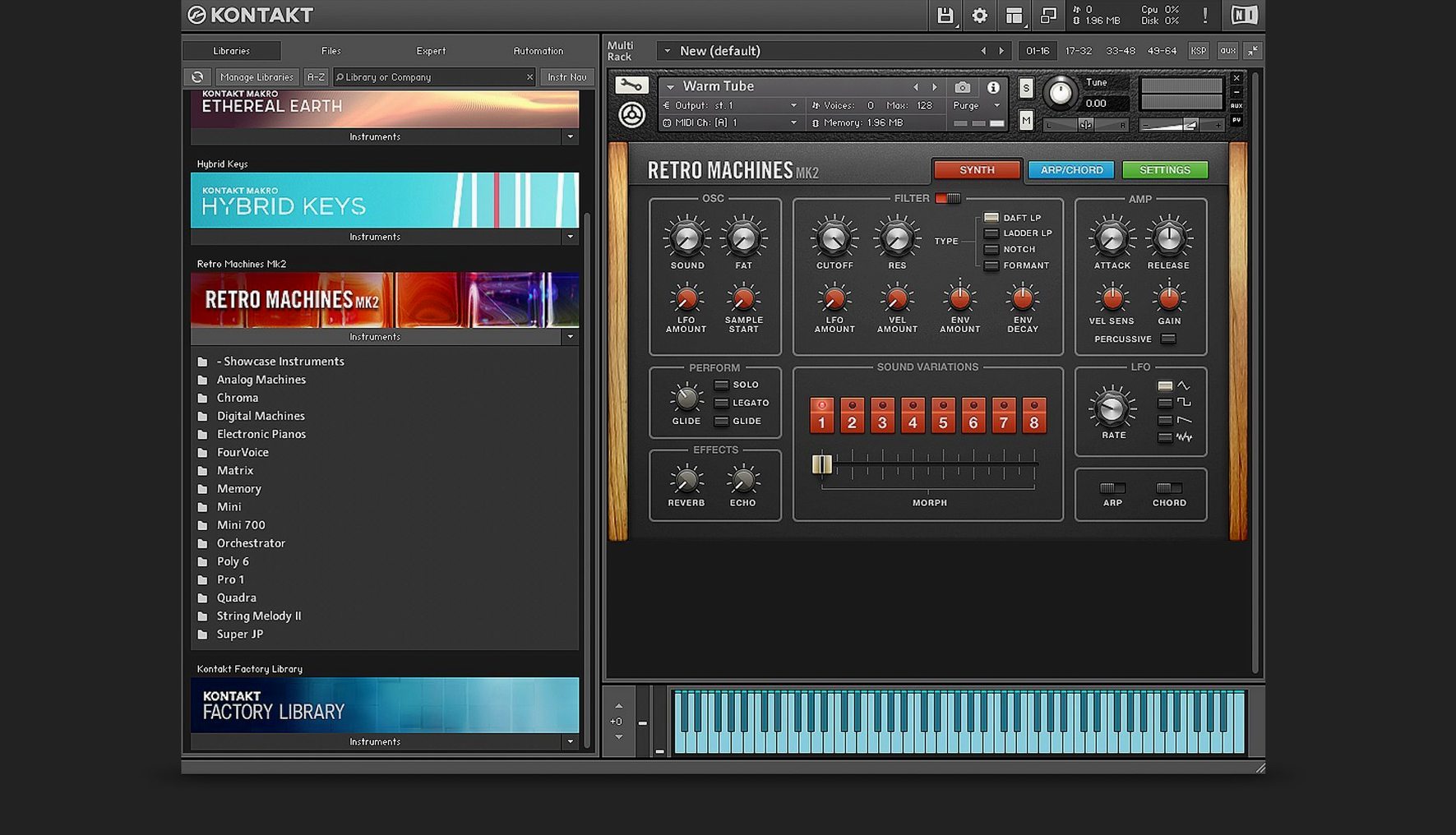
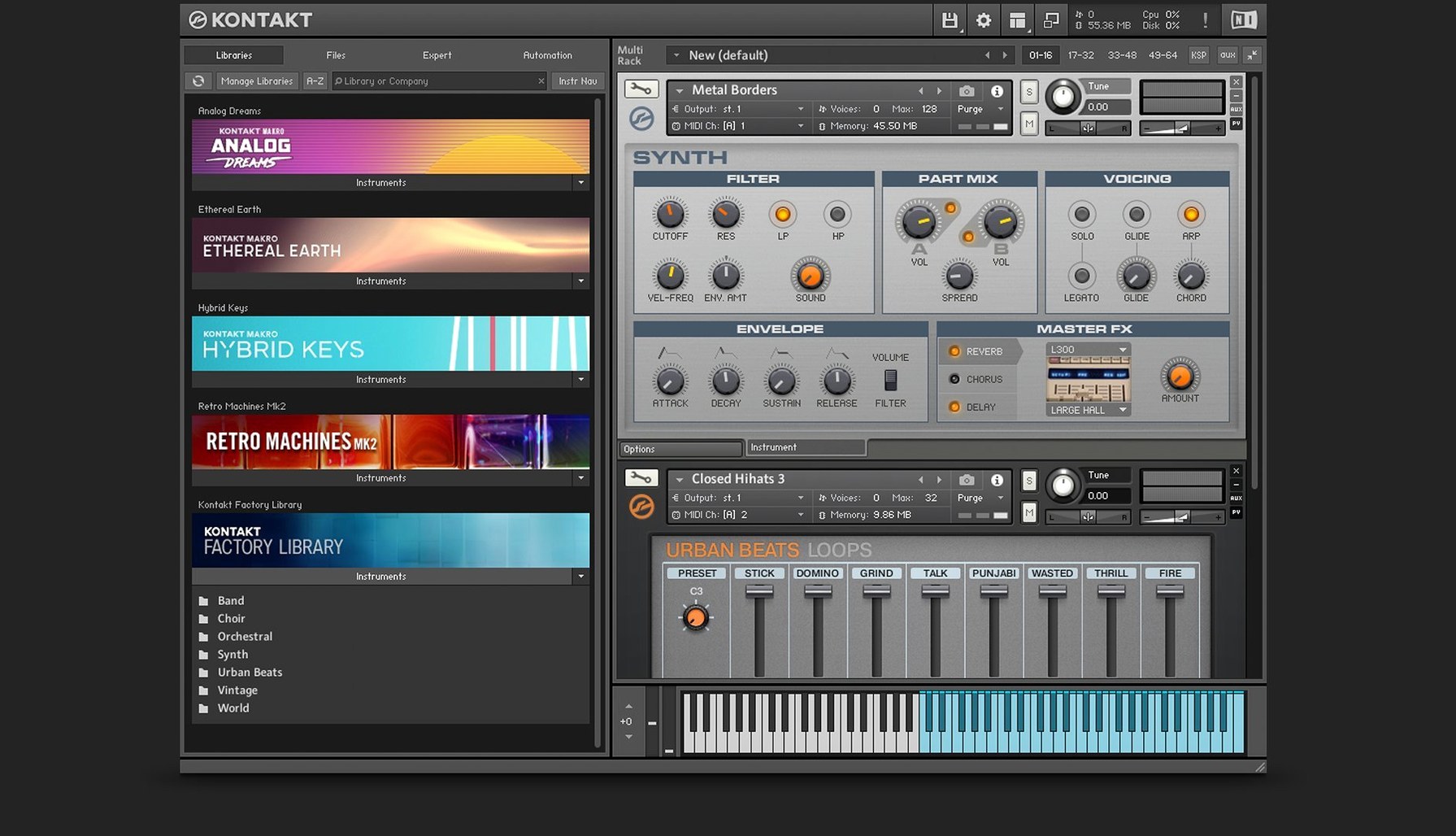
If you think of your DAW as a studio control room, Kontakt is the door to a vast, endlessly expanding instrument store. It is a software sampling platform that doesn't make a sound on its own — instead, it hosts sample-based instruments, from orchestral strings to vintage drum machines, all playable from your keyboard or MIDI controller. Version 8 introduces a side pane for connecting Tools to instruments, giving you new ways to creatively manipulate MIDI after a note has been triggered.
A common point of confusion is the relationship between Kontakt and Native Access. Native Access is the utility that handles the downloading, activation and updating of Native Instruments software, and Kontakt 8 requires it. The platform itself runs on macOS 14 and newer, with support for both Intel and Apple Silicon machines, and the interface is presented in English.
For those curious about the inner workings, instrument building in Kontakt 8 uses Komplete Script, while MIDI file support is handled by the underlying KSP engine. The effects section has been expanded over previous generations and now includes a Solid G-EQ, a Solid Bus Comp, an integrated Transient Designer and a Tape Saturator, alongside a feature called Adaptive Resonance that automatically reins in filter characteristics to prevent harsh artifacts from excessive resonance peaks.
Kontakt 8 also adds Leap, a dedicated area for loading and performing loops and one-shot samples. An earlier version brought in a new instrument bus system with 16 internal stereo buses, giving you considerably more routing flexibility when building layered patches. Ultimately, the platform is a deep environment for loading, playing and building sampled instruments — and understanding the relationship between the application, the libraries it loads and the utility that manages it all is the first real step towards getting it running smoothly.
The cleaner Default view that drops you into a less cluttered workspace
If you've been using Kontakt for a few years, version 8 feels like a shift in posture rather than a complete rewrite. The biggest change is the new Default view, which drops you into a cleaner, less cluttered workspace the moment you load an instrument. Gone is the insistence that you stare at the multi-rack and the full browser tree before you've even played a note. Instead, you see the instrument you loaded, front and centre, and you can bring up the browser when you actually need it.
The side pane is the other quiet revolution. In earlier versions, applying a MIDI transformation meant digging through the multi-script slots or loading a separate plugin before Kontakt in your signal chain. Now you can drag a Tool — an arpeggiator, a chord generator, a humaniser — directly onto an instrument from the side pane and hear the result instantly. It turns Kontakt from a sample player into something closer to an ideas machine, particularly when you're working with a simple piano or string patch and want to see where it goes with a different rhythmic shape.
Leap, meanwhile, addresses something that always felt slightly awkward: playing loops and one-shots inside Kontakt. The old way involved loading a loop into a sampler instrument — functional, but never elegant. Leap gives loops their own slot on the same page, synced to your host tempo, with a waveform display that responds as you drag a sample in. If you build hybrid tracks that blend orchestral samples with chopped beats, you no longer need to hop between Kontakt and a separate sampler plugin to audition a kick pattern against a legato cello line.
The Wavetable module also got a meaningful bump, with a second Form shaper and a dedicated modulation oscillator. Where the original wavetable engine was good for glassy pads and digital leads, the extra shaper lets you push tones into grittier, more analogue territory without leaving the instrument. The modulation oscillator runs independently of the main sound source, so you can add movement — tremolo, filter wobble, subtle pitch drift — without tying up one of your main oscillators or reaching for an external LFO plugin.
On the visual side, Komplete UI finally brings high-DPI interfaces to Kontakt's own panels and controls. If you've squinted at the old bitmapped knobs on a Retina display, the difference is immediate: text stays crisp, knobs don't look like they've been through a low-resolution jpeg, and the whole interface feels native on a modern Mac screen. It's a practical change, not just a cosmetic one, because cleaner interfaces make long editing sessions noticeably less fatiguing.
Open a customisable Quick-Load menu by right-clicking the empty rack area
Kontakt has accumulated a layer of small workflow helpers over the years, and several of them hide just beneath the surface. One that consistently surprises people is Quick-Load: right-click anywhere in the empty rack area and you get a customisable menu that mirrors your own folder structure. If you've organised your libraries into categories — basses, strings, hybrid textures — Quick-Load lets you jump to a specific instrument without ever opening the full browser. You set it up once from the Files tab, and afterwards it becomes muscle memory.
Another is the MIDI learn system, which works across almost any knob in any loaded instrument. Right-click a parameter, choose "Learn MIDI CC," wiggle a control on your keyboard, and the mapping sticks. What's less obvious is that you can assign the same CC to multiple parameters across different instruments in the rack and shape them with different ranges — so a single mod wheel sweep might open a filter on one patch while tightening the attack on another, all proportionally scaled.
The purge function is well-known for freeing RAM, but the nuance is that Kontakt offers several purge levels. You can purge all samples and only load what you play, or you can purge just the unused velocity layers and round-robins. For a string library with sixteen layers per note, purging the quieter velocities while keeping the main articulation loaded can cut memory use by half without noticeably changing the sound in a busy mix.
There's also the fact that you can drag and drop samples directly from the Finder into Leap or onto an empty rack slot to create an instrument on the spot. No import dialogue, no browsing — just grab a kick drum from a folder on your desktop and it appears, mapped and playable. If you hold Option while dragging, Kontakt creates a new instrument slot rather than replacing the currently selected one.
Building a hybrid felt piano, mangled loop, and wavetable pad in Logic Pro
Imagine you're starting a track in Logic Pro and you want a hybrid texture — something that blends a felt piano with a mangled loop and a wavetable pad underneath. You open Kontakt 8 as a multi-output instrument on a software instrument track.
The Default view shows an empty rack. You right-click and use Quick-Load to pull up a felt piano library you've tagged under "Keys." It loads in under two seconds, and you play a few chords to check the velocity response. The memory readout in the header tells you it's using about 340MB — fine for now.
You want the piano to feel less predictable, so you open the side pane and drag the Randomiser Tool onto the instrument. You set it to nudge velocity by about ten percent and shift timing by a few milliseconds. Immediately, the piano feels looser, more human, without touching a MIDI note.
Next, you want a loop. You drag a dusty drum break from a Finder window straight into the Leap slot. It appears as a waveform, tempo-synced to Logic. You trigger it from C3 on your keyboard — it loops cleanly — and then you pitch it down two semitones using the on-screen controls. It now sits behind the piano, adding texture without fighting for the same frequency range.
For the pad, you load a Wavetable instrument from the factory library and switch to the edit view. The first Form shaper is set to a gentle wavefold; you engage the second one and dial in a harder, asymmetric curve. The modulation oscillator is set to a slow sine, routed to the wavetable position, so the timbre shifts gradually over eight bars. You assign a spare knob on your MIDI controller to the filter cutoff on the piano, and another to the loop volume in Leap.
With everything routed to separate stereo outputs back into Logic, you add the Solid Bus Comp across the Kontakt master, just a touch — two decibels of gain reduction on the loudest hits, the needle barely moving. The whole setup sits at about 1.1GB of RAM, well within a comfortable range for a machine with 16GB. You save the Kontakt multi as a preset for later, and you carry on arranging.
It runs natively on Apple Silicon with no Rosetta translation layer
Does Kontakt 8 work natively on Apple Silicon, or does it need Rosetta?
It runs natively on ARM, so there's no translation layer involved. The same installer covers both Intel and Apple Silicon, and the performance difference on an M-series Mac is noticeable: patches load faster and the CPU meter stays lower under heavy polyphony compared to the Rosetta days.
How much disk space does the base application need, and how do libraries factor in?
The application itself is modest — a couple of gigabytes at most. The real space commitment comes from the sample libraries you install through Native Access, and those can range from a few hundred megabytes for a boutique instrument to over a hundred gigabytes for a full orchestral collection. You choose what to download, so you control the footprint.
Will my old Kontakt libraries from version 5 or 6 still work?
Almost always, yes. Kontakt is famously backwards-compatible with libraries going back many generations, though the oldest ones may lack the high-resolution interface updates that Komplete UI provides. They load, they play, and they appear in the rack as they always did. A very small number of ancient libraries may show a warning, but they rarely refuse to load entirely.
Can I use Kontakt without a DAW?
Yes, the standalone application gives you the full rack, browser, and editing environment, and it connects directly to your audio interface and MIDI controllers. It's useful for practice, sound design sessions, or simply auditioning libraries without launching a full project.
What's the difference between Kontakt 8 and the Player version?
The full version can load and edit any Kontakt-format library, including third-party instruments that aren't encoded for the free Player. It also opens up the instrument-building tools — the mapping editor, the script editor, the group-level effects and modulation — which the Player doesn't expose. If you only use libraries from developers who license the Player format, the free version may be enough; if you want to tweak, build, or load unlicensed libraries, you need the full platform.
Layering producers and sound designers who treat the sampler as a laboratory
Kontakt rewards two mindsets in particular: the producer who builds tracks by layering texture, and the sound designer who treats a sampler as a laboratory. The layering producer — someone working in electronic music, ambient, or hybrid orchestral scoring — gains the ability to stack instruments inside a single plugin, route them to separate channels, and process each layer independently without juggling a dozen plugin instances. The 16 internal stereo buses and the flexible multi-output routing mean a single Kontakt instance can serve as an entire instrument section, not just one sound.
For sound designers, the Wavetable module, the expanded effects section, and the Tools system open up a workflow that feels closer to modular synthesis than traditional sampling. A single sample can be fed through a wavetable engine, shaped by two Form shapers, modulated by an independent oscillator, passed through the Transient Designer, and finally coloured by the Tape Saturator — all inside one patch, with every parameter automatable from the host DAW. That kind of signal flow would normally require a chain of separate plugins, and Kontakt keeps it recallable within a single preset.
Film and game composers tend to live inside Kontakt for entirely different reasons: the orchestral ecosystem. The major orchestral sample houses build for Kontakt first, and the combination of TimeMachine Pro time-stretching (introduced in Kontakt 6 and still present) with the deep round-robin and articulation management makes it the default vehicle for realistic string, brass and woodwind mock-ups. The ability to purge unused articulations keeps a full orchestral template within reach on a single machine, which is essential when a deadline is looming and you can't afford to freeze tracks constantly.
Users who are primarily mixing or mastering, by contrast, may find Kontakt overkill. If you're working mostly with audio stems and need a few virtual instruments for colour, the platform's depth can feel like overhead you don't need. Similarly, someone making entirely hardware-based music with a few recorded parts will probably find the rack and browser more than the workflow demands. Kontakt is at its best when the act of playing, layering and transforming samples is central to the music itself.
Kontakt 8 marks a significant step for the platform, introducing Tools for creatively manipulating MIDI data directly within an instrument, and Leap, a dedicated space for working with loops and one-shot samples. Under the hood, instrument development moves forward with the addition of Komplete UI and Komplete Script.
- Operating system: macOS 14 or newer
- Architecture: Intel and Apple Silicon
Questions I keep hearing
Does Kontakt 8 work on Apple Silicon Macs?
Yes, Kontakt 8 version 8.13.1 is compatible with both Intel and Apple Silicon processors running macOS 14 or newer.
What exactly is the Leap feature in Kontakt 8?
Leap is a new section in Kontakt 8 designed specifically for loading, playing and performing with loops and one-shot samples.
Questions from the class 0
Sign in or join the class to ask a question.
Nobody has asked anything yet. If you have used it on a real job, say what the file did.
Also on the Audio shelf
The whole Audio shelf iZotope Ozone
Listens to your mix and builds a complete mastering chain from EQ to limiting.
iZotope Ozone
Listens to your mix and builds a complete mastering chain from EQ to limiting.
 Logic Pro
Records, arranges and mixes whole songs with instruments and loops built in.
Logic Pro
Records, arranges and mixes whole songs with instruments and loops built in.
 Loop Mash Up Pro
Lets you stack royalty-free loops from a curated library into full musical arrangements.
Loop Mash Up Pro
Lets you stack royalty-free loops from a curated library into full musical arrangements.
 iReal Pro
Generates a backing band that plays along to the chord chart you type on screen.
iReal Pro
Generates a backing band that plays along to the chord chart you type on screen.
 Loopback
Creates virtual audio devices by drawing connections between apps and hardware on your Mac.
Loopback
Creates virtual audio devices by drawing connections between apps and hardware on your Mac.
 MainStage
Turns your Mac into a live rig for playing instruments and effects.
MainStage
Turns your Mac into a live rig for playing instruments and effects.
 Maschine
Builds beats and launches loops from a hardware controller.
Maschine
Builds beats and launches loops from a hardware controller.
 Guitar Rig
Routes your guitar through a custom chain of modelled amps and effects.
Guitar Rig
Routes your guitar through a custom chain of modelled amps and effects.