 ASPNetWorld

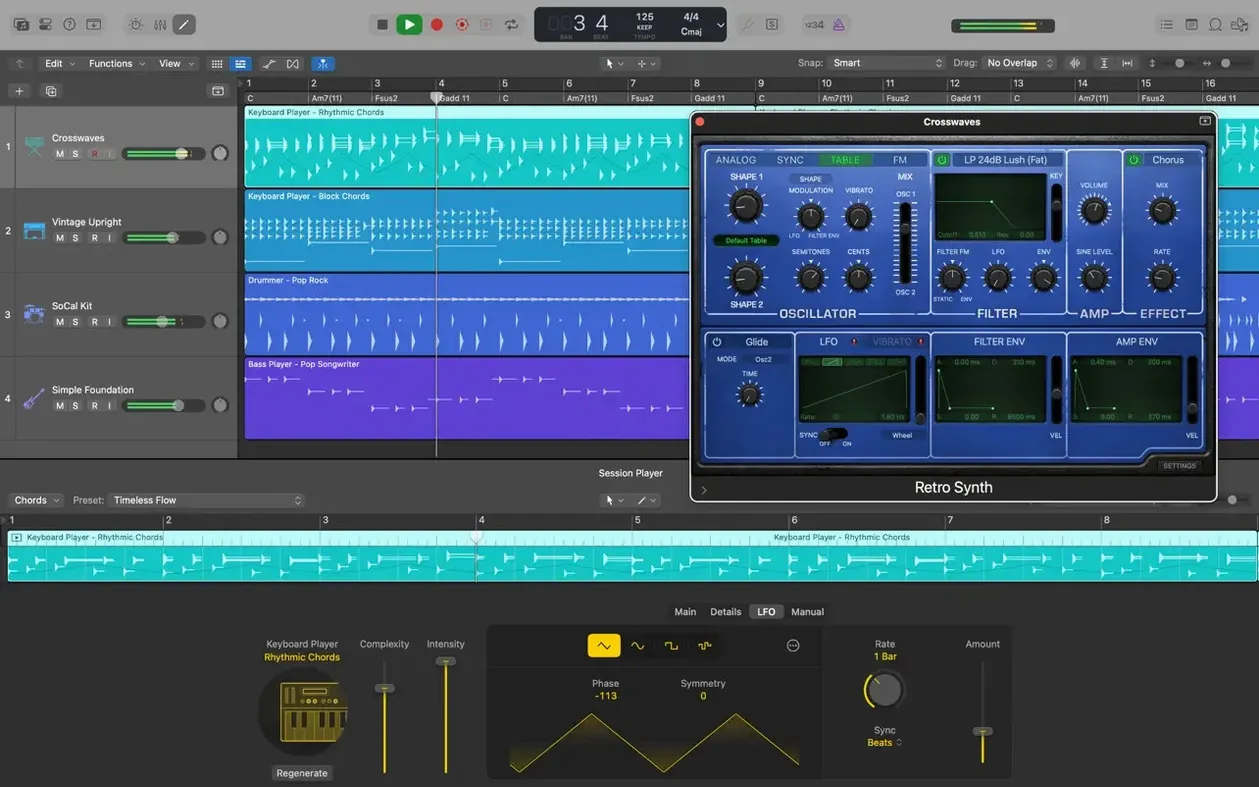
Writing music on a computer can feel like assembling a puzzle where half the pieces are missing—a drum sound here, a guitar effect there, but no clear path from a hummed melody to a finished track. Logic Pro puts all those pieces in one box. It is a full recording studio, built for anyone who wants to create, shape and finish music without the software itself becoming an obstacle.
How a song comes together in Logic Pro
- Start with a sound or a beat. Open a new project and choose from a thousand sampled instruments, or use Drum Kit Designer to build a kit from scratch. The software makes it easy to sketch a drum pattern, play a piano line or pull a guitar sound from Amp Designer, which models real amplifiers and speaker cabinets.
- Record and layer parts. Plug in a microphone or instrument and record audio, or use MIDI to capture performances. Track Alternatives let you save multiple takes or edits of a region and switch between them, so experimenting never means losing good ideas.
- Shape the arrangement. Move, trim and crossfade regions on the timeline. If you work on an iPad or iPhone, you can export a GarageBand sketch via iCloud and add those tracks directly to your Logic project—a handy way to capture ideas when you are away from the Mac.
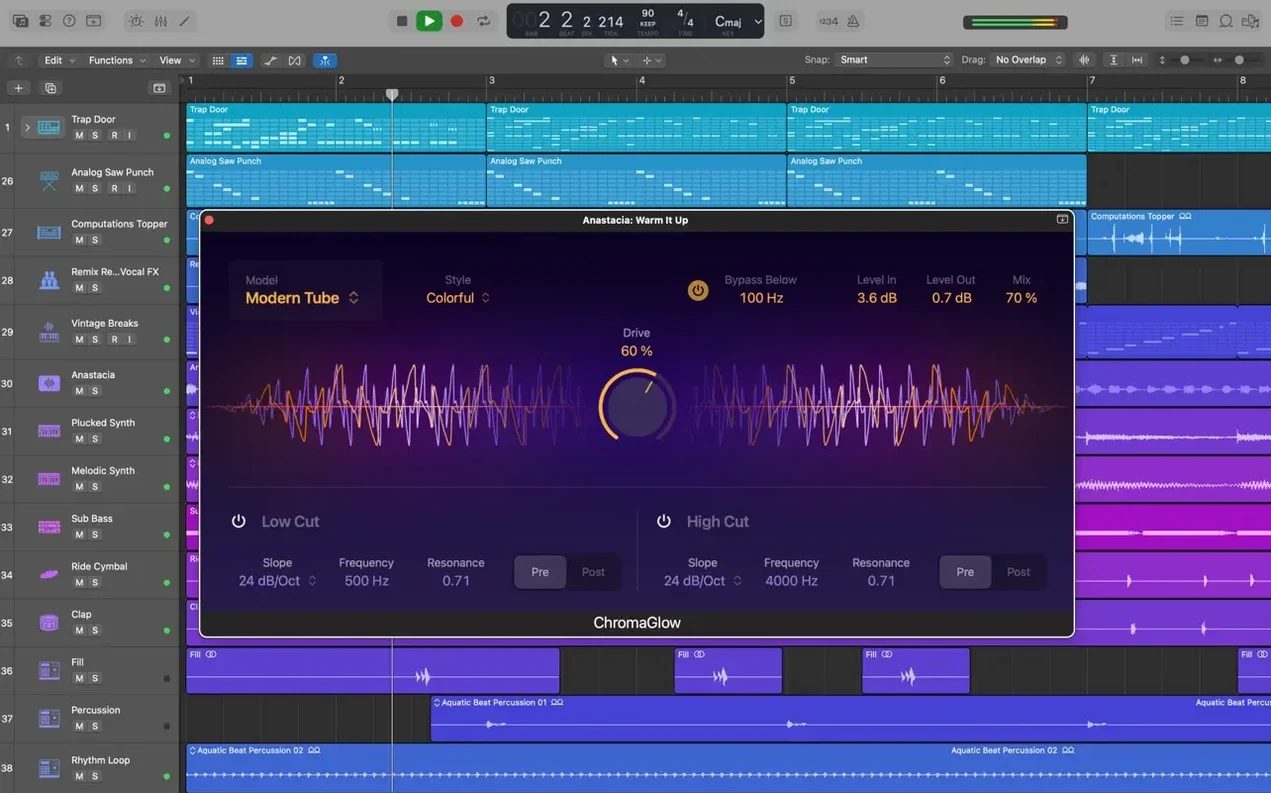
- Mix and finish. Apply built-in effects, pull in third-party Audio Unit plug-ins, and mix in stereo or surround. When the track sounds right, export the final mix in your choice of format.
Logic Pro suits songwriters who build tracks layer by layer, beat-makers who start with rhythm, and remixers who rework existing material. It also includes MainStage as part of the Apple Creator Studio, for musicians who take their sounds to the stage. The breadth of tools—from sampled instruments to mixing and mastering—means you are not locked into one genre or one way of working.
Older projects open without a hitch in the current version
One question that keeps cropping up is whether a project started in an older version will open cleanly in 12.3.1. The short answer is yes, and the slightly longer answer is that Logic Pro can open projects created in Logic 5 or later, which covers an enormous back catalogue of work. The file format has evolved over two decades, but Apple has kept the reading path intact. When you open a legacy project, the app does a quiet conversion in the background and the original file stays untouched. If a plug-in has gone missing in the years between then and now, the track simply shows an alert with the plug-in name; everything else loads as expected.
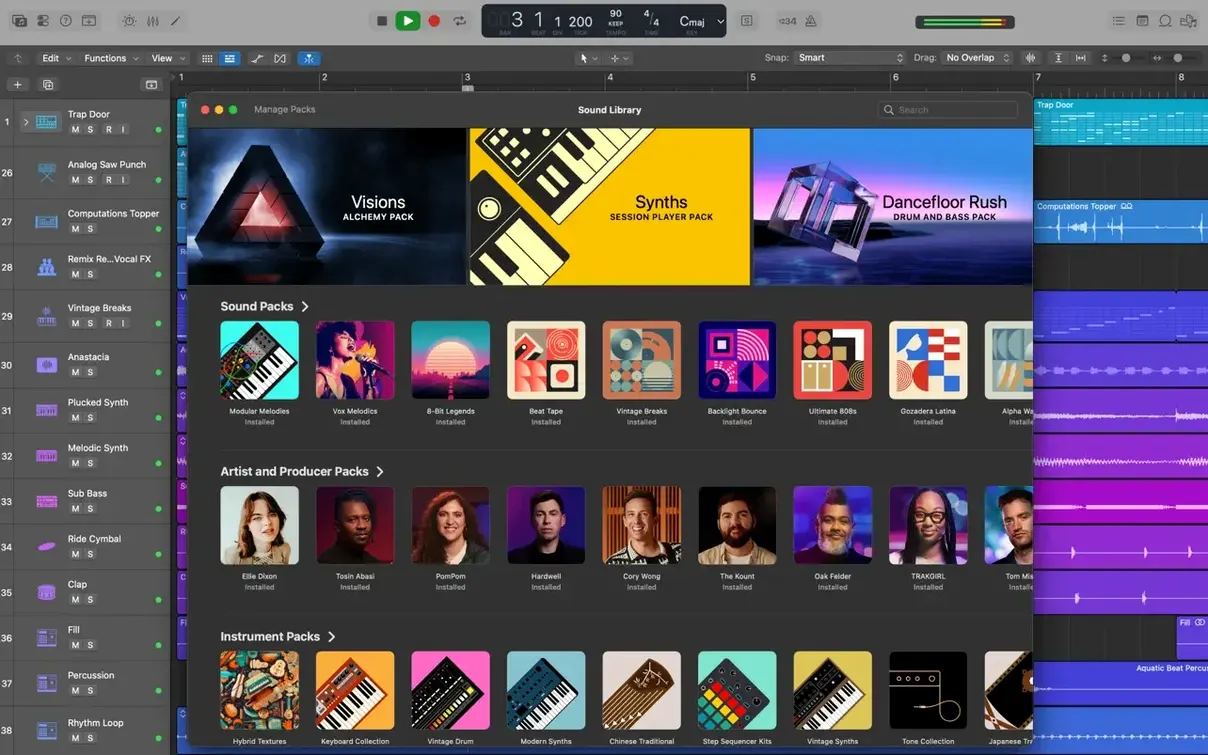
Another recurring topic is what actually arrives in the download and how much breathing room the Sound Library needs. The base application installs with essential instruments and effects in about 6 GB, which is enough to start recording and mixing straight away. The full Sound Library—which pulls in all the sampled instruments, Apple Loops and surround content—asks for 63 GB of free space. You are never forced to grab it all at once. The Sound Library Manager lets you download just the collections you want and delete the ones you never touch, which is practical on a MacBook with a modest internal drive.
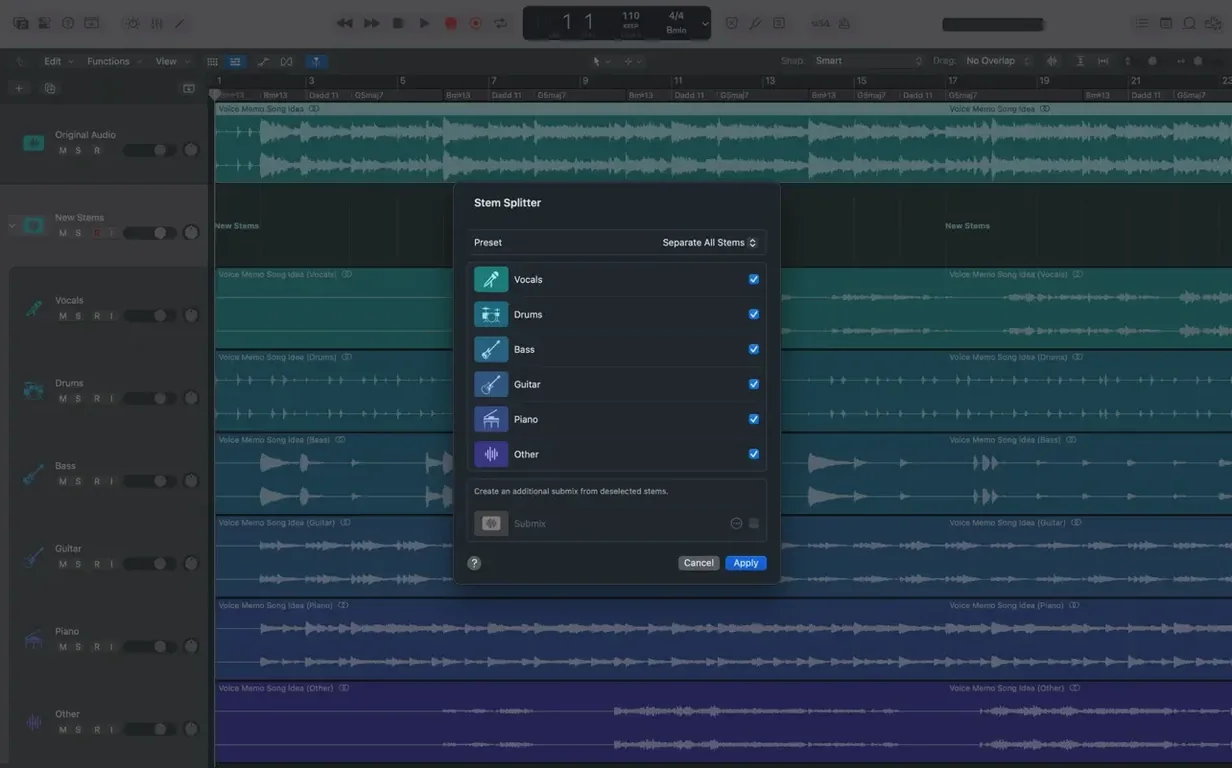
People also ask whether Logic Pro for iPad projects play nicely with the Mac version. They do, through a straightforward iCloud round-trip. A GarageBand sketch from an iPhone or an iPad project can export stems or a project file, and those tracks land in Logic Pro on the Mac as editable regions, not as flattened audio. The workflow is not real-time collaboration—you are not mixing while someone taps a beat on an iPad—but it is tidy enough that a train-journey idea becomes a proper arrangement by the time you sit at the desk.
The marquee tool does far more than select
A few shortcuts hide in plain sight and repay the moment it takes to learn them. The marquee tool, for example, is easy to ignore because it looks like a selection rectangle and nothing more. In practice, clicking a region with the marquee tool sets a playback start point without moving the playhead for the whole session, so you can audition a single syllable of a vocal take without losing your place in the arrangement. A double-click with the same tool slices a region at the marquee boundaries, which is faster than reaching for the scissors every time.
If you spend any length of time editing MIDI velocity or automation, holding Control while dragging a node or a velocity slider overrides the default snapping and gives you fine, pixel-by-pixel control. The same modifier works in the Piano Roll and the Step Editor, and it is the sort of thing that feels like a secret handshake once you know it.
Track Stacks have a small but powerful secondary trick. A Summing Stack does what you expect—it routes child tracks through a shared bus and lets you process them as a group. Right-click the stack header, however, and you can flatten the stack in place, which bounces all the children into a single audio region and cleans up the routing. It is a one-way move, but for producers who like to commit to a submix and stop second-guessing themselves, it is a button you will press often.
Delivering a radio-ready demo alone by Friday
Consider someone who writes for a living: a songwriter who needs to deliver a finished demo by Friday, with vocals, acoustic guitar and a rhythm section that sounds convincing enough to sell the song. They do not have a band on call, and the only live instruments in the room are a guitar and a microphone. Logic Pro effectively becomes the band.
They open a new project and pick a Drummer track—one of the 28 players, set to a restrained indie-folk style—and let it generate two minutes of guide rhythm. A quick acoustic guitar part goes down through a clean Amp Designer preset that models a small valve combo, just enough warmth to sit behind the vocal. The songwriter then records three vocal takes back to back, knowing that Quick Swipe Comping will let them drag across the best phrases from each take and assemble a composite that sounds like one confident performance. They never touch a razor blade tool; the swiping does the editing for them.
With the core tracks in place, they browse the patch library for a soft electric piano—one of the thousand sampled instruments—and play in a simple counter-melody. Flex Pitch tidies two slightly flat notes on the vocal bridge without making the correction sound robotic. By late afternoon the arrangement is full, so they group the drums and bass into a Summing Stack, add a touch of compression, and export a 24-bit WAV to send off. The whole session stays inside Logic Pro, and the songwriter never once opens a separate editing window or bounces a stem to another application.
Tempo and key lock Drummer and loops to your song
- Set the tempo and key. Tap the tempo in or type it, then set the project key in the LCD display. This matters because Drummer and Apple Loops follow the project key, so the groove and the melodic loops stay in tune with each other from the first bar.
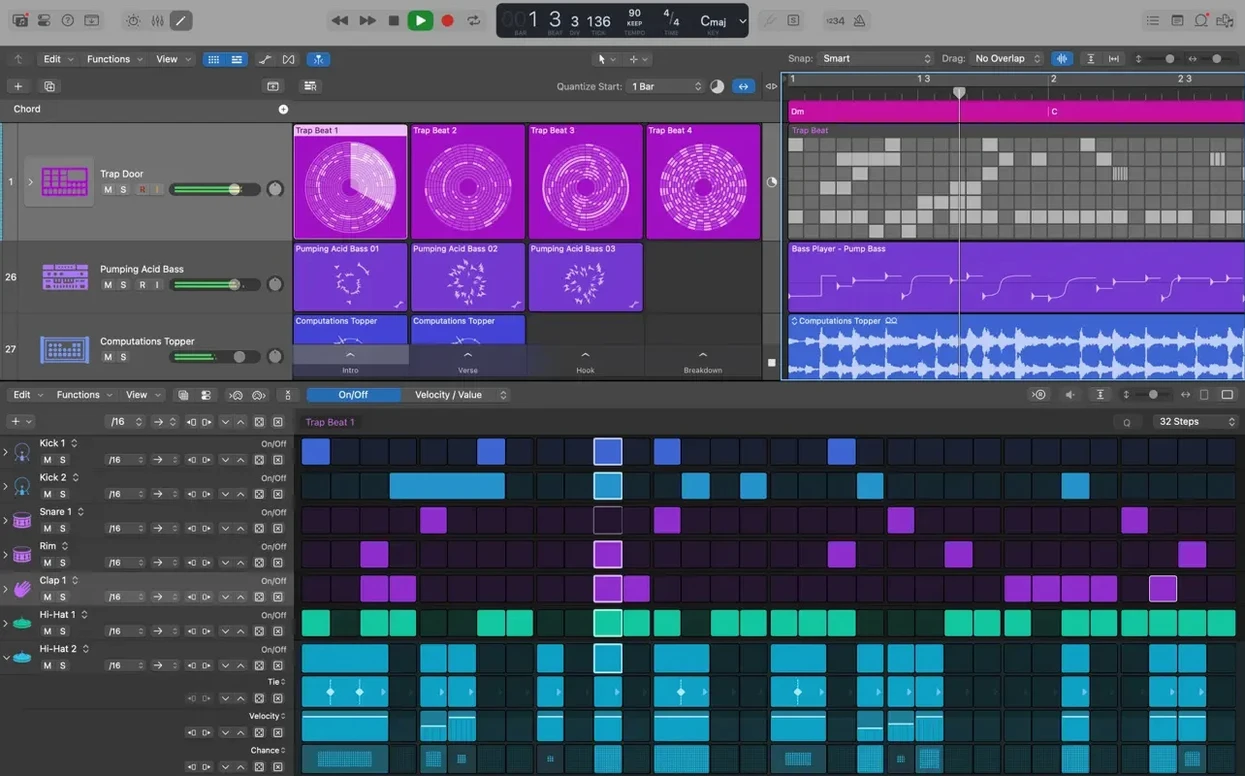
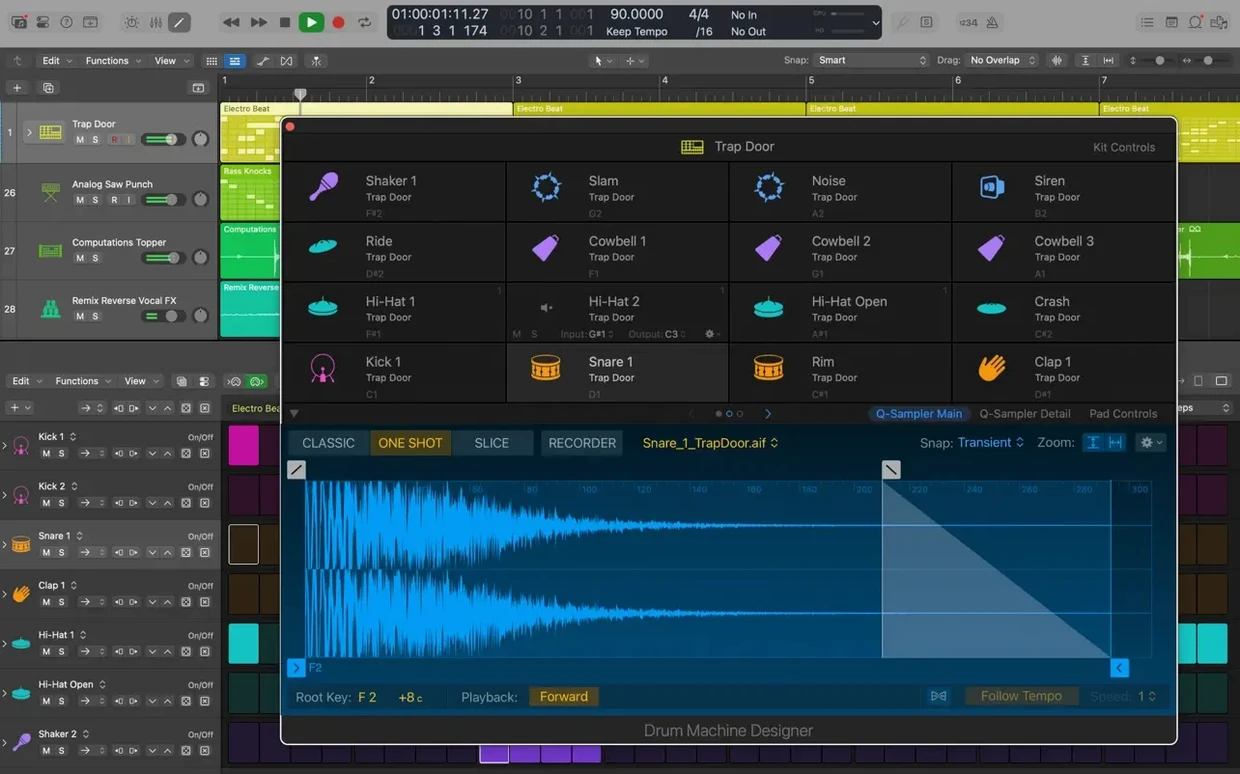
- Build the rhythmic skeleton. Add a Drummer track and choose a player and kit. Drag the performance slider towards "Simple" or "Complex" to shape the feel. If the song needs electronic percussion, drop a Drum Machine Designer track and swap kick and snare samples by clicking the pads and browsing the library.
- Record the guide instrument. Arm an audio track, dial in a sound from Amp Designer or choose a patch from the library, and record. If timing wavers, a short stretch with Flex Time—set to Polyphonic mode—snaps the transients to the grid without artefacts.
- Layer vocals and harmonies. Record several passes and swipe through them with Quick Swipe Comping. For stacked harmonies, duplicate the comp, shift the duplicates up a third and a fifth, and use Flex Pitch to nudge any note that drifts.
- Arrange and edit. Colour-code regions by instrument family, drag the arrangement markers to sketch out verse and chorus sections, and use Track Alternatives to keep a spare arrangement in the back pocket.
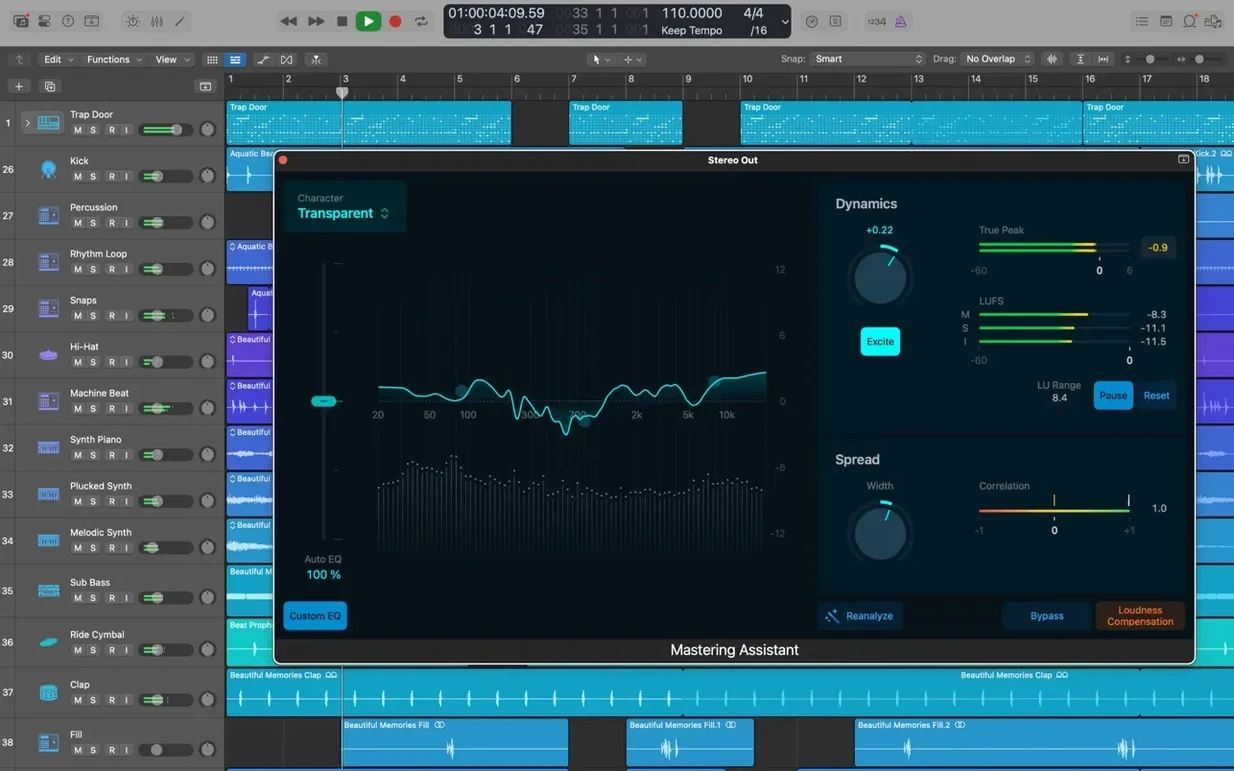
- Mix and print. Bring up Smart Controls on the master bus, which maps a handful of macro knobs to the most useful parameters across the whole mix chain. Add a Space Designer reverb on a send for depth, check the mix in mono with a single click on the master output, then bounce the final file.
How it feels next to other Mac music apps
Set Logic Pro beside Ableton Live and the first thing you notice is a difference in philosophy. Live treats the timeline as a suggestion; its Session View encourages launching clips in a non-linear, performance-first way that suits electronic producers and live performers. Logic Pro thinks in linear arrangement from the start, and while you can certainly loop and experiment, the trackpad points you towards building a song from left to right. For a songwriter or a mix engineer, that linear mindset often feels more natural. For someone who wants to jam with ideas and record the results later, Ableton Live has a clear edge.
Compared with Cubase, the lines are finer. Both are traditional DAWs with deep MIDI editing, scoring tools and mixer workflows that mirror a hardware console. Cubase has spent years refining its chord track and expression-map system, which gives it an advantage for orchestral composers who manage large sample libraries. Logic Pro counters with Drummer, the sheer size of its included sound library and a flatter learning curve. You can be productive in Logic Pro without ever opening the Environment window or studying a manual, whereas Cubase tends to reward the reader who works through the documentation.
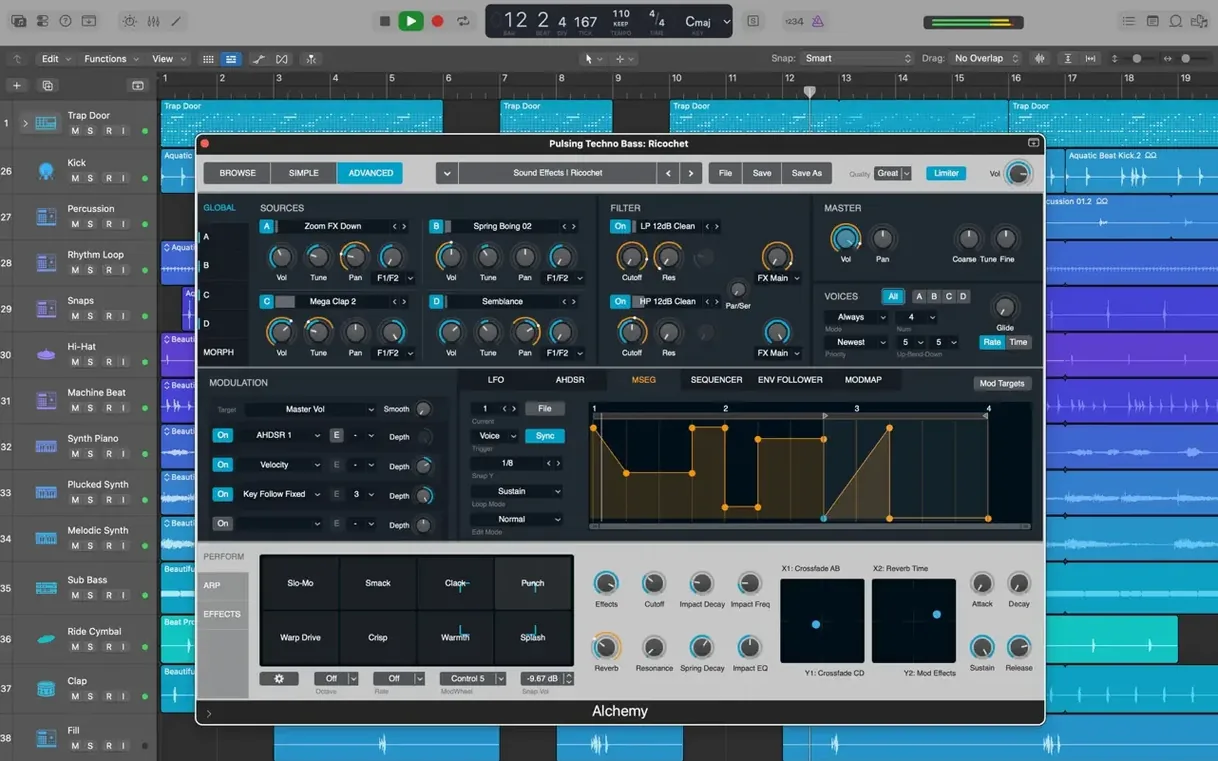
Studio One, the third comparison that comes up often, feels like it studied both Logic Pro and Cubase and then tidied the house. Its drag-and-drop workflow is polished to a high shine, and its integrated mastering suite is a genuine convenience. Logic Pro meets it with Alchemy, a sampler-synthesizer that goes far beyond a bundled extra, and with a collection of more than 2,800 patches that covers everything from vintage keys to cinematic textures. If you already live inside the Apple ecosystem, Logic Pro also holds the advantage of handing projects back and forth with an iPad or iPhone, which none of the other three can match without a third-party bridge.
The choice between them rarely comes down to a single feature. It is more about how each application nudges you towards a certain way of thinking. Logic Pro nudges towards the complete package: instruments, effects, editing and mixing in one window, with enough depth to keep you learning for years, but a first hour that feels welcoming rather than overwhelming.
Version 12.3.1 is a maintenance release that tidies up a handful of workflow snags and stability issues. The key fixes bring back several small but important editing behaviours that had drifted in recent updates.
- Beat mapping transients can once again be relocated, giving you precise control over tempo mapping.
- The Score editor now updates properly when you change Staff Style settings in the Inspector.
- Crossfades behave as expected again—the right side of a crossfade can be dragged and extended.
- A bug that caused unexpected quitting when playing MIDI in a project containing video has been resolved.
- Performance is smoother when working with tracks that hold a large number of regions.
- macOS 15.6 or later
- Apple silicon or Intel Mac
- 4 GB RAM minimum
- Display with 1280 x 768 resolution or higher
- 6 GB free disk space for the minimum installation; 63 GB free for the complete Sound Library
- 64-bit Audio Unit plug-in format required for third-party plug-ins
Questions from the class 0
Sign in or join the class to ask a question.
Nobody has asked anything yet. If you have used it on a real job, say what the file did.
Also on the Audio shelf
The whole Audio shelf Loop Mash Up Pro
Lets you stack royalty-free loops from a curated library into full musical arrangements.
Loop Mash Up Pro
Lets you stack royalty-free loops from a curated library into full musical arrangements.
 Loopback
Creates virtual audio devices by drawing connections between apps and hardware on your Mac.
Loopback
Creates virtual audio devices by drawing connections between apps and hardware on your Mac.
 Kontakt
Hosts thousands of sampled instruments that you play from a MIDI keyboard inside your DAW.
Kontakt
Hosts thousands of sampled instruments that you play from a MIDI keyboard inside your DAW.
 MainStage
Turns your Mac into a live rig for playing instruments and effects.
MainStage
Turns your Mac into a live rig for playing instruments and effects.
 Maschine
Builds beats and launches loops from a hardware controller.
Maschine
Builds beats and launches loops from a hardware controller.
 iZotope Ozone
Listens to your mix and builds a complete mastering chain from EQ to limiting.
iZotope Ozone
Listens to your mix and builds a complete mastering chain from EQ to limiting.
 iReal Pro
Generates a backing band that plays along to the chord chart you type on screen.
iReal Pro
Generates a backing band that plays along to the chord chart you type on screen.
 Guitar Rig
Routes your guitar through a custom chain of modelled amps and effects.
Guitar Rig
Routes your guitar through a custom chain of modelled amps and effects.