 ASPNetWorld

Maschine tends to attract two crowds: producers who want a fast, pattern-based way to build tracks away from a traditional linear timeline, and live performers who need hands-on control over loops, one-shots and effects. If you have just installed it and the hardware is sitting there blinking at you, the best approach is to ignore the manual for an afternoon and make some noise.
Load a kit and break it
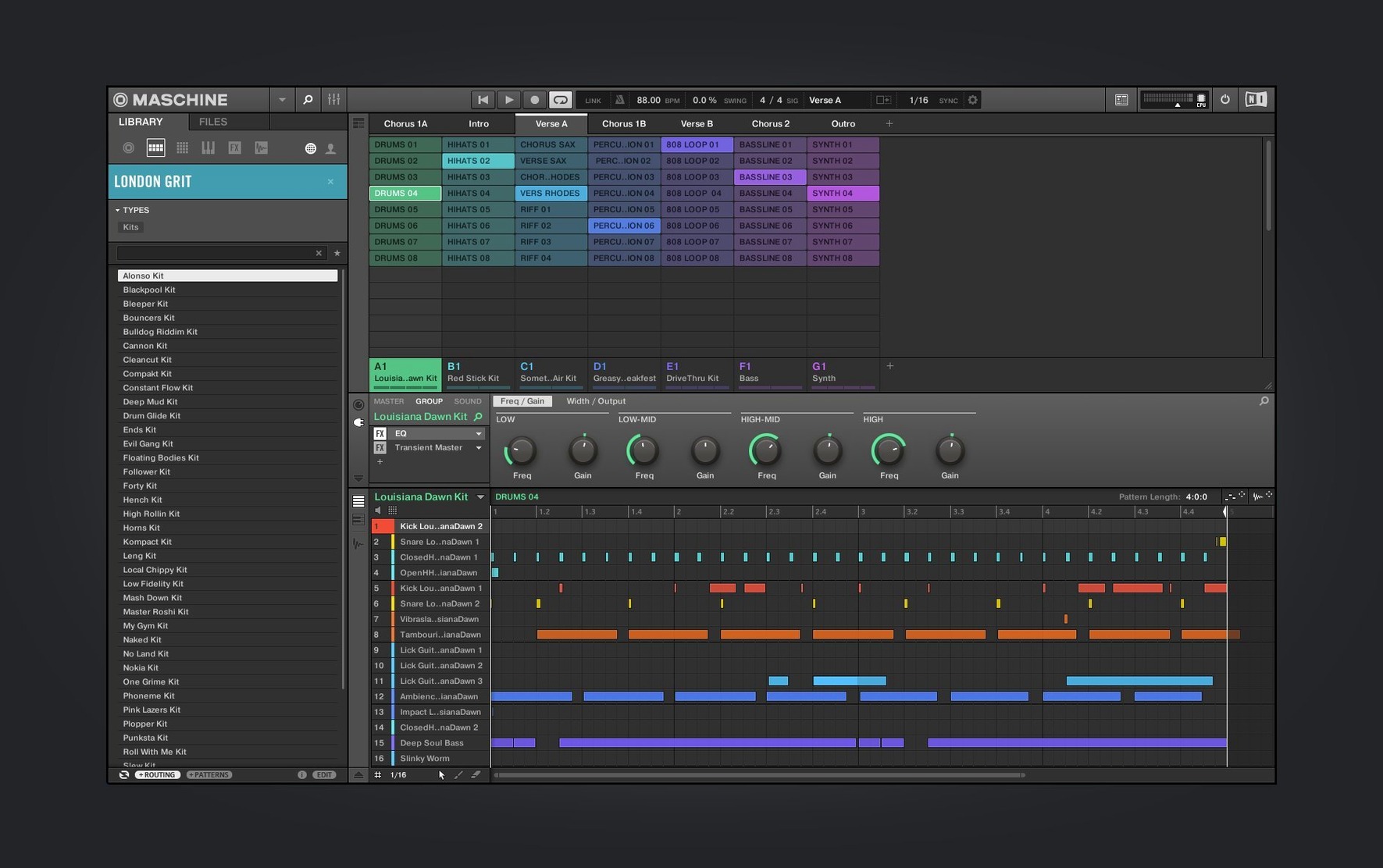
Open the browser and pick any drum kit — the factory library is deep enough that you cannot really choose wrong. The pads will light up, and the moment you tap one you are hearing a multi-sampled instrument running through Maschine’s high-performance sampler engine. Resist the urge to programme a perfect four-bar beat straight away. Instead, turn the swing knob up past sixty percent, drop the tempo, and then open the Audio module on the kick channel. The redesigned interface in version 3.6.0 makes it much easier to see what you are doing with the transient shaper and saturation stages. Dial in a little crunch and listen to how the low end shifts. That is the real introduction: Maschine is as much a sound-design box as it is a sequencer.
Sample anything and map it
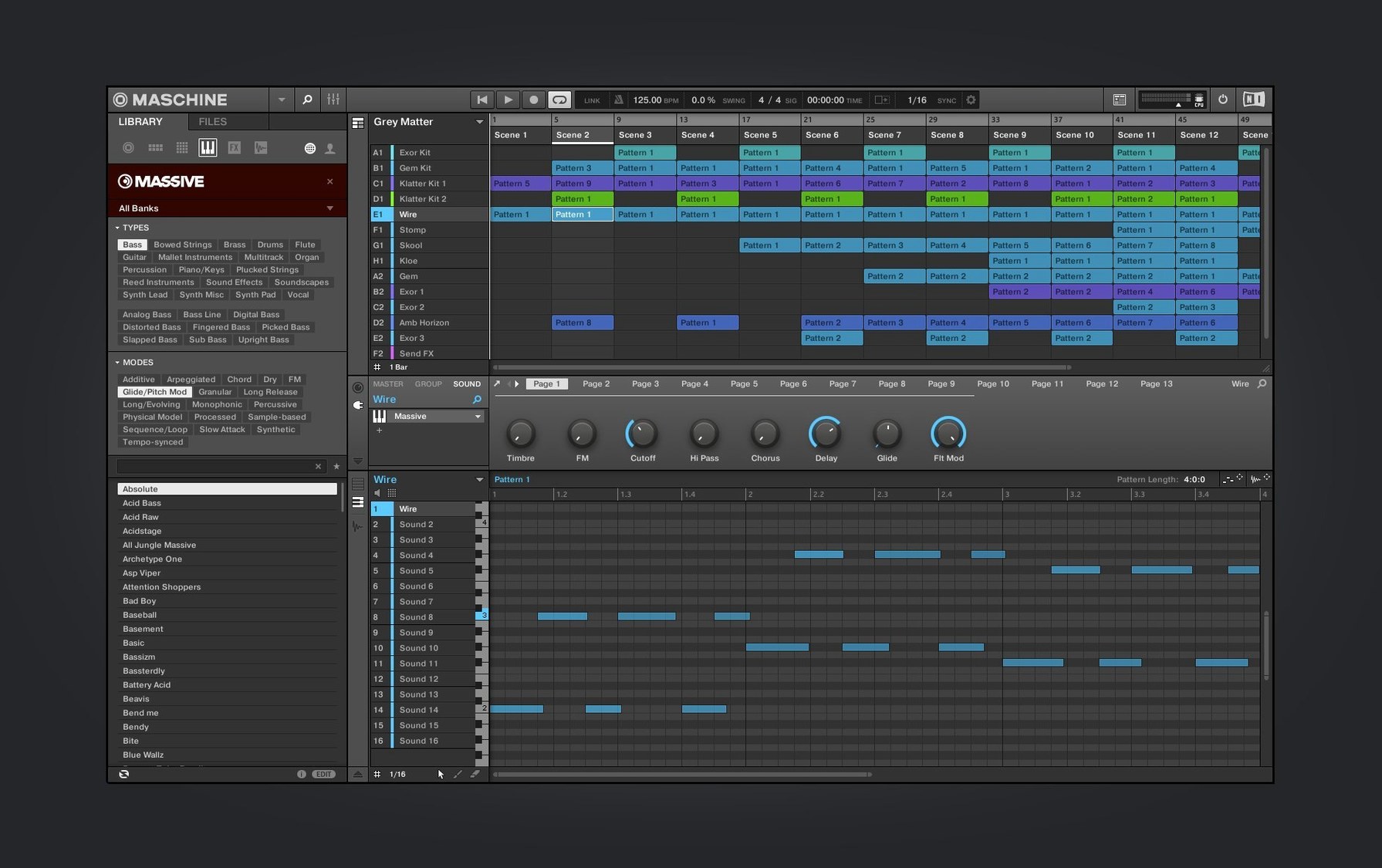
Record a short snippet from your phone, a film playing in the background, or an old voice memo dragged onto a pad. The sampling functions let you slice, stretch and re-pitch instantly. Assign slices across a group of pads and you have turned a random recording into a playable instrument. Run it through the mixer, add one of the built-in effects — the reverbs and delays are more flexible than they first appear — and suddenly you are not just making a beat, you are designing a texture. If you have an NKS Connect controller like the AKAI MPK mini IV, the new NKS Mode integration means key parameters map automatically, so the hardware feels less like a generic MIDI controller and more like part of the instrument.
Building loops in scene mode before the arrange view locks the groove
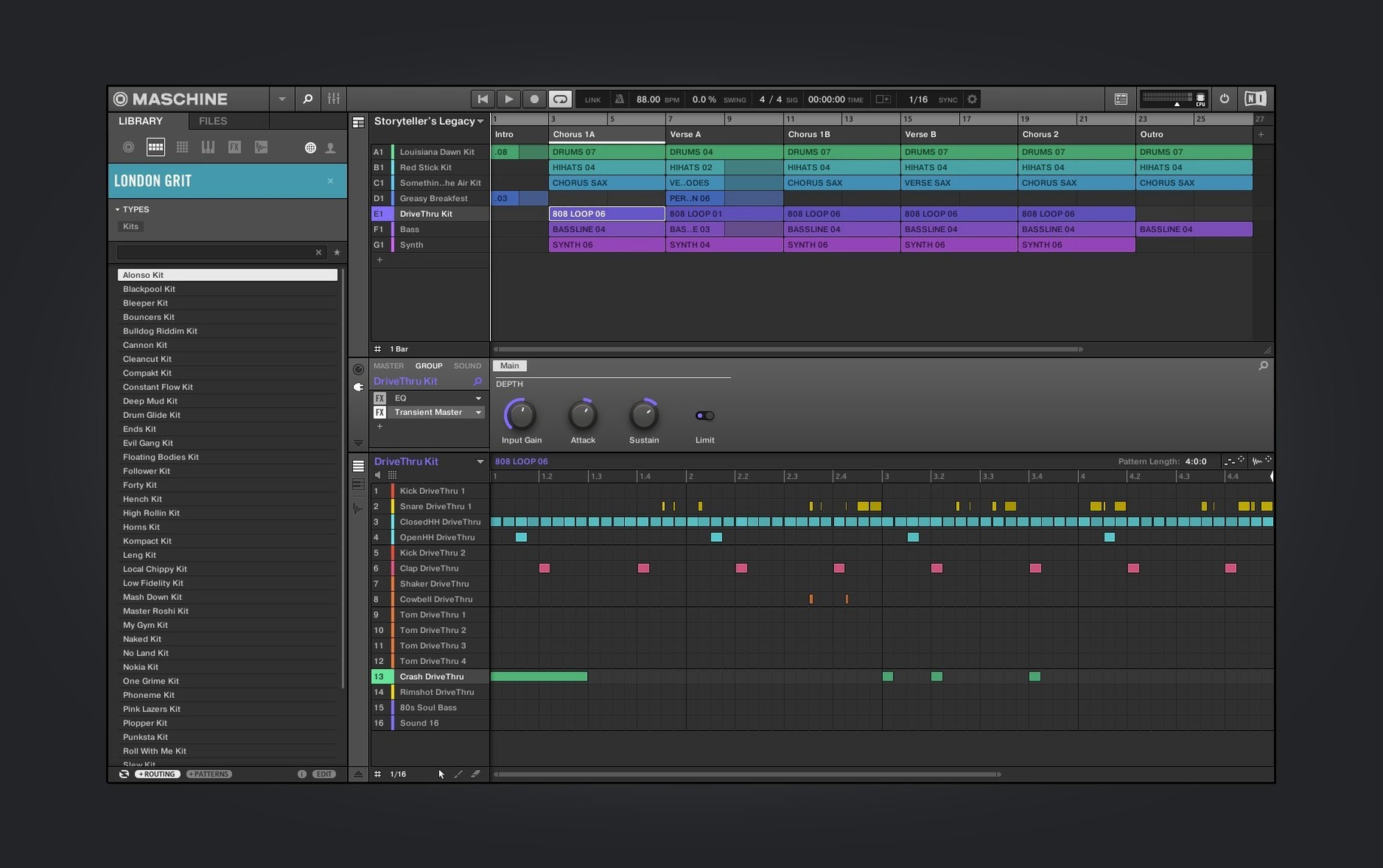
One pattern I see in my evening classes is treating Maschine like a linear DAW. People drag the arrange view open too early, line up eight scenes and then wonder why the track feels stiff. Maschine’s pattern-based sequencer rewards a different workflow — build short, looping ideas first, jam them against each other, and only stitch scenes together once the parts have some push and pull. Another classic slip is ignoring the sampler’s key-tracking and choke groups. A hi-hat on two pads that never cut each other off sounds robotic, not human. Setting up a choke group takes three clicks and instantly tightens a groove.
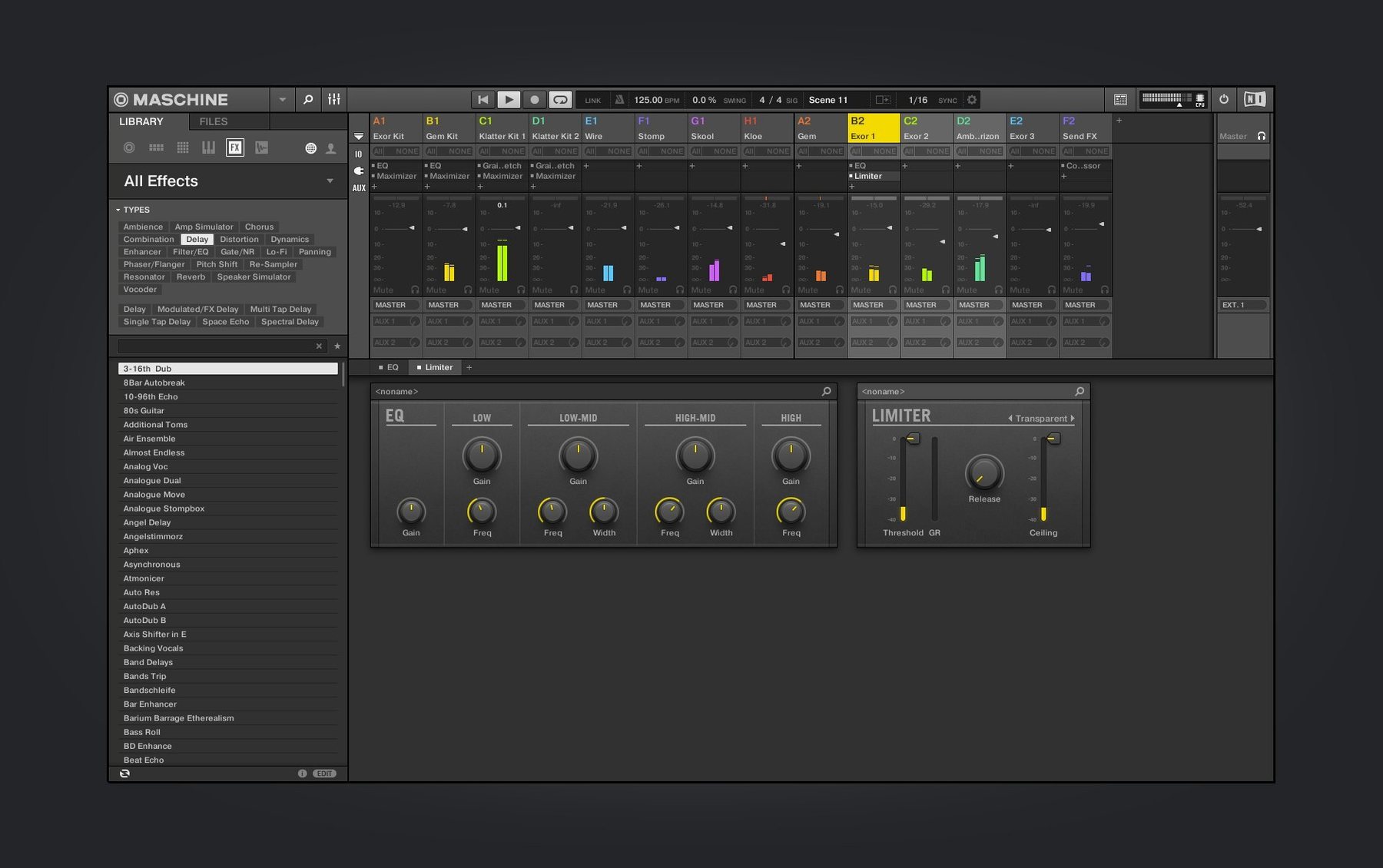
Beginners also tend to flatten everything with the master limiter before the mix has any shape. The built-in effects on individual sounds — the redesigned Drum Synth module in particular — can do a lot of heavy lifting at the source level. If you need a kick to punch harder, tweak the click layer and pitch envelope inside the module rather than piling on compression. It keeps the signal cleaner and teaches you where the sound actually lives. Lastly, do not sleep on the browser’s tagging system. Tagging your own samples and saving project templates early saves a surprising amount of creative friction later.
Pad threshold and sensitivity curves that match your playing pressure
Out of the box, Maschine plays well with most setups, but a handful of preferences make a noticeable difference. The first stop should be the hardware sensitivity curves if you are using a Maschine controller. The default pad threshold is fine for many people, but if you come from finger-drumming on an MPC or an ableton push maschine crossover background, you probably want a slightly lighter touch and a fixed velocity curve for your main kit group. It stops every snare hit from sounding like a timid knock.
Next, head into the audio settings and confirm the sample rate matches your projects — mismatched rates between Maschine and your audio interface create subtle timing drifts that are maddening to debug later. If you run Maschine as a plug-in inside another DAW, enable the option to send separate audio outputs per group. It transforms the mixer view, which has been undergoing steady redesign work through version 3.6.0, into something you can actually route for a proper stem export. While you are there, switch the metronome to count-in only during recording passes; the constant click during playback wears thin fast.
Reprogramming a stripped-down kit three ways on day one
Day one is about muscle memory. Pick three factory kits, strip them down to kick, snare and one percussion sound, then re-sequence the same short loop three ways — straight, swung, and tripleted. Do not touch the mixer. The goal is to internalise the pad layout and the pattern-length shortcuts so your fingers find sixteen levels and note repeat without you looking down.
On day two, plug something in and record it. A phone, a microphone, a snippet from a maschine download mac folder full of dusty samples you have been hoarding — it does not matter. Slice it across a new group, throw a delay on the send, and play the slices live while a kit runs underneath. You are training your ears to hear found sound as musical material, which is where Maschine really shines. If the timing gets messy, quantise to around fifty percent strength rather than locking everything to a hard grid.
Day three is about structure. Take the best two loops from the previous days and build three scenes: an intro that uses only the filtered version of the sample, a main scene with the full kit, and a breakdown where the drums drop to just the percussion. Practise switching scenes by hand, muting groups with the pads, and riding the performance effects — the stutter and filter sweeps are instant energy shifts when you play them like an instrument rather than programming automation.
Who clicks with Maschine fastest — and why
Sample-based composers get the most immediate return because Maschine’s loop-slicing and pad-mapping feel purpose-built for their workflow. If your idea of a good afternoon involves chopping a dusty soul record into sixteen pieces and playing them in a new order, the software all but vanishes between you and the sound. The high-performance sampler handles pitching and stretching with minimal artefacts, so you stay in a flow state rather than waiting for time-stretch algorithms to catch up.
Live performers who use hardware — especially those familiar with an MPC or who have explored an ableton push maschine hybrid setup — adapt quickly because the controller integration is not an afterthought. The pads, the performance effects strip, and the scene-launching logic all point toward stage use. Once you map a few key parameters to the NKS Connect controls on something like the AKAI MPK mini IV, you can run a set without staring at the screen. Beatmakers who produce predominantly loop-based genres such as hip-hop, trap and broken beat also find their feet fast, because the pattern sequencer mirrors the way those styles are constructed: short, dense, repeatable blocks that evolve through arrangement rather than through constant microscopic editing.
Users coming from a purely linear DAW background take a little longer — not because Maschine is harder, but because they need to unlearn the instinct to see everything on one scrolling timeline. Once they treat scenes as a performance grid and let go of the need to arrange everything from bar one, the speed gains become obvious. The welcome screen added in version 3.6.0 helps here: the demo projects show how a finished track can grow out of only three or four scenes with smart muting and effects riding, which is the lesson most linear-daw veterans need to see rather than read about.
Version 3.6.0 brings a visual and functional overhaul to several core sound modules, plus wider controller support.
- Redesigned user interface for the Audio, Poly Synth and Drum Synth modules, making sound-shaping quicker to read at a glance.
- Continued redesign work on the Mixer view for a cleaner, more consistent layout.
- NKS Mode integration added for compatible NKS Connect controllers, with initial support for the AKAI MPK mini IV.
- macOS 13 or later
- Apple Silicon or Intel (64-bit) Mac
Questions I keep hearing
Can I use Maschine without the hardware?
Yes, the software runs independently on macOS 13 and later and you can use the on-screen interface with a mouse and keyboard, though the hardware makes the pattern-based workflow much faster.
Does Maschine work on Apple Silicon Macs?
It does — version 3.6.0 supports both ARM (Apple Silicon) and x86 64-bit architectures natively.
What audio can I bring into the sampler?
You can record directly into Maschine or drag in audio files, then slice, map across pads and process them with the built-in effects and mixer.
Questions from the class 0
Sign in or join the class to ask a question.
Nobody has asked anything yet. If you have used it on a real job, say what the file did.
Also on the Audio shelf
The whole Audio shelf MainStage
Turns your Mac into a live rig for playing instruments and effects.
MainStage
Turns your Mac into a live rig for playing instruments and effects.
 Loopback
Creates virtual audio devices by drawing connections between apps and hardware on your Mac.
Loopback
Creates virtual audio devices by drawing connections between apps and hardware on your Mac.
 Loop Mash Up Pro
Lets you stack royalty-free loops from a curated library into full musical arrangements.
Loop Mash Up Pro
Lets you stack royalty-free loops from a curated library into full musical arrangements.
 Logic Pro
Records, arranges and mixes whole songs with instruments and loops built in.
Logic Pro
Records, arranges and mixes whole songs with instruments and loops built in.
 Kontakt
Hosts thousands of sampled instruments that you play from a MIDI keyboard inside your DAW.
Kontakt
Hosts thousands of sampled instruments that you play from a MIDI keyboard inside your DAW.
 Native Instruments Reaktor
Gives you a workbench to build your own synths and effects from oscillators, filters, and envelopes.
Native Instruments Reaktor
Gives you a workbench to build your own synths and effects from oscillators, filters, and envelopes.
 iZotope Ozone
Listens to your mix and builds a complete mastering chain from EQ to limiting.
iZotope Ozone
Listens to your mix and builds a complete mastering chain from EQ to limiting.
 iReal Pro
Generates a backing band that plays along to the chord chart you type on screen.
iReal Pro
Generates a backing band that plays along to the chord chart you type on screen.