 ASPNetWorld


RipX DAW Pro carries the full version 8.0.3 number and a single, crucial architectural fact: it always runs as a standalone digital audio workstation, not a VST or AU plug-in you load inside another sequencer. That decision shapes everything about how you get audio in and out — and it means the entire engine is dedicated to one task alone, pulling apart a mix into individual notes and letting you reshape each one directly.
Which file formats and hosts does it work with?
Because the application occupies the DAW role itself, you import and export standard audio files rather than routing real-time plug-in streams. On the Mac side it requires Catalina (10.15) or newer and runs natively on both Intel and Apple Silicon hardware. You start a project by dropping in a stereo mix, a stem, or a field recording, and then the separation engine unpacks it into pitched and unpitched layers on a note-based timeline.
What actually happens when audio is separated?
The software identifies individual notes within a performance — think of a single guitar pluck or a snare hit — and displays them as visual blocks you can grab, split, or join. Beneath that graphic layer sits the Harmonic Editor, where you can adjust the level of each overtone inside a note or even restore a fundamental frequency that was barely captured. It is less like traditional EQ and more like reaching into the partial structure of a sound and redrawing it.
How does the cleanup toolkit fit in?
Beyond musical editing, the Pro version adds the Audioshop module, which separates background noise, persistent tones, and foreground artefacts from the useful signal. You can quieten a constant hum without touching the vocal, or isolate uneven mouth clicks in a dialogue recording, all while the underlying note-based representation keeps the original timing and pitch relationships intact. Scripting tools let you apply the same cleanup pattern across a long session, so manual work stays focused on creative decisions rather than repetition.
What the 8.0.x cycle changed in everyday use
Version 8.0.3 didn't arrive with a splashy feature list that rewrites the manual. What it brought instead was a quiet tightening of the separation engine — the sort of change you notice when a bass line that used to bleed into the vocal stem now arrives almost completely isolated. The Audioshop panel gained faster preview behaviour for the Restoration sliders, so tweaking broadband noise reduction happens without a three-second wait between adjustments. If you moved from an early 8.0 build, the biggest practical shift is that crossfade edits on sustained piano or string notes no longer produce a faint click under heavy zoom.
There were small quality-of-life fixes too. The RipScripts console now remembers its window position between sessions, and dragging a long recording from the Finder directly onto the timeline stopped triggering an occasional beachball on Apple Silicon Macs. None of it sounds dramatic, but collectively it means a session that used to involve four restarts and a workaround now just runs.
Snags people hit (and how to sort them)
One recurring frustration is the separation not catching every note in a dense metal track. That is almost always a source-material problem, not a bug. If the original mix is heavily compressed and the snare shares its exact frequency pocket with a distorted guitar, no algorithm can reliably pull them apart. The workaround is to feed RipX a stem or an instrumental version first, or to use the Audioshop pane to notch out the worst frequency clashes before running separation — it gives the engine a cleaner starting canvas.
A trickier issue crops up with exported tempo maps. Because RipX DAW Pro operates standalone, it doesn't sync to an external DAW's transport. When you export separated MIDI and audio, the tempo information is embedded in the files, but some DAWs ignore it. The fix is to export a short click track or a single transient at bar one, beat one, then align everything manually in your main DAW using that marker. It takes thirty seconds once you have done it twice.
When the interface feels sluggish on large sets — say, a ninety-minute concert recording — the bottleneck is almost always the undo history. Clearing it from the Edit menu instantly returns the timeline to full responsiveness.
If you are exploring the less official corners of the web and come across phrases like RipX DAW Pro torrent or RipX DAW torrent, you will find copies that refuse to launch on macOS 15 Sequoia or kernel-panic older machines. Those builds often strip out the scripting runtime, so any RipScript you try to load simply sits there inert. A DAW torrent can be a mixed bag, but the specific sting here is losing the Restoration panel — the very tool that defines the Pro version.
A typical working session, step by step
Imagine a producer who has been handed a live board mix from a club gig. The bass drum is thumping nicely but there is a persistent stage-rumble between songs and a mobile phone buzz that crept onto the guitar DI during the third track. The vocal sits slightly sharp on two notes in the chorus, and everyone agreed to fix it after the fact.
She opens RipX DAW Pro and drags the forty-five-minute stereo file onto the timeline. The separation runs in about ninety seconds on an M1 MacBook Pro. When it finishes, the timeline splits into layers: a vocal layer with individual pitch blocks, a guitar layer, bass, a combined drums-plus-bleed layer, and an Unpitched layer for cymbal wash and room noise.
Step one is the Restoration panel. She selects the Unpitched layer, opens Audioshop, and drags the Background Noise slider to the left while the transport loops a quiet section between songs. The rumble drops away. She then soloes the vocal layer, zooms into the two sharp notes, and uses the pitch-draw tool to nudge them down by thirty cents. Because the Harmonic Editor preserves the overtone structure, the corrected notes still sound like the same singer — not a formant-mangled robot.
That phone buzz on the guitar track lives in a narrow frequency band. She marquees the affected region on the guitar layer, opens the Harmonic Editor, and pulls down the offending harmonic bar. The buzz disappears but the pick attack stays crisp. She saves the project, exports stems as 24-bit WAVs, and drops them into Logic for final mixing. Total time spent inside RipX: just under twelve minutes.
A sound designer's afternoon rescue
A film sound designer has a dialogue clip recorded on a windy hillside. The actor's lines are clear enough, but a low-frequency gust rolls through the middle of a crucial sentence. Traditional de-noising plugins choke on it — they either leave the wind or hollow out the voice.
Inside RipX DAW Pro, the clip separates into a pitched voice layer and an unpitched noise layer. The wind lives entirely in the Unpitched region below 200 Hz. The designer opens the Audioshop pane and applies tonal noise reduction to the unpitched material, targeting that band. The voice layer stays untouched. A quick pass with the foreground artefact limiter catches the few wind remnants that leaked into the higher frequencies, and the Restoration panel's preview shows the before-and-after with a single click.
Because the sound library team will need the same treatment on three more clips from the same shoot, the designer fires up the RipScripts console and writes a short script that applies the identical Audioshop settings to any file dragged into a watch folder. The first clip took five minutes of manual work. The next three take ten seconds each. That is the difference between the AI DAW and the Pro edition — not more features on a checklist, but a scripting bridge that turns a one-off fix into a repeatable process.
- macOS 10.15 or later
- Runs natively on Intel and Apple Silicon Macs
- English interface
Questions I keep hearing
Can RipX DAW Pro host third-party VST effects?
No — it runs exclusively as a standalone application, so you cannot load it as a plug-in in another DAW or open standard VST processors inside it.
Questions from the class 0
Sign in or join the class to ask a question.
Nobody has asked anything yet. If you have used it on a real job, say what the file did.
Also on the VST Plugins shelf
The whole VST Plugins shelf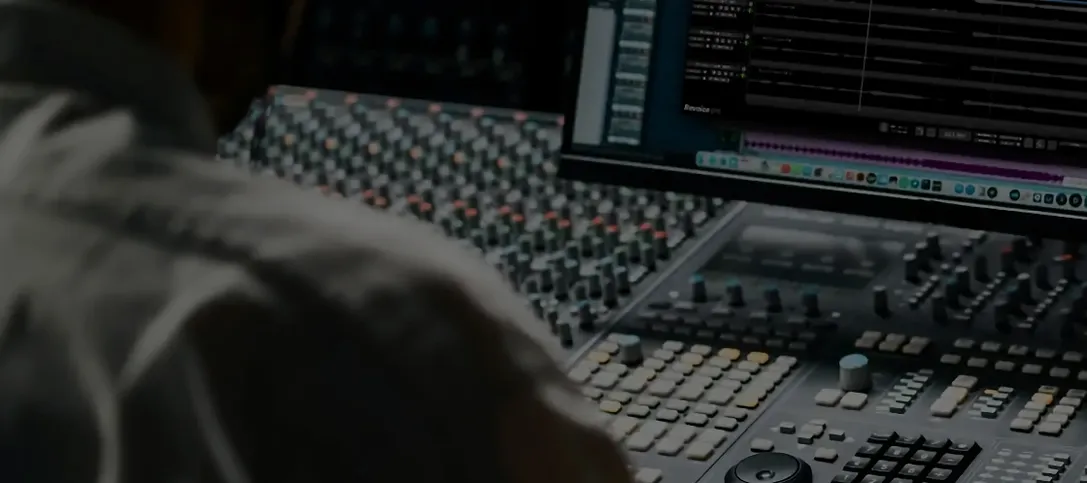 Revoice Pro
Aligns timing and pitch between vocal takes.
Revoice Pro
Aligns timing and pitch between vocal takes.
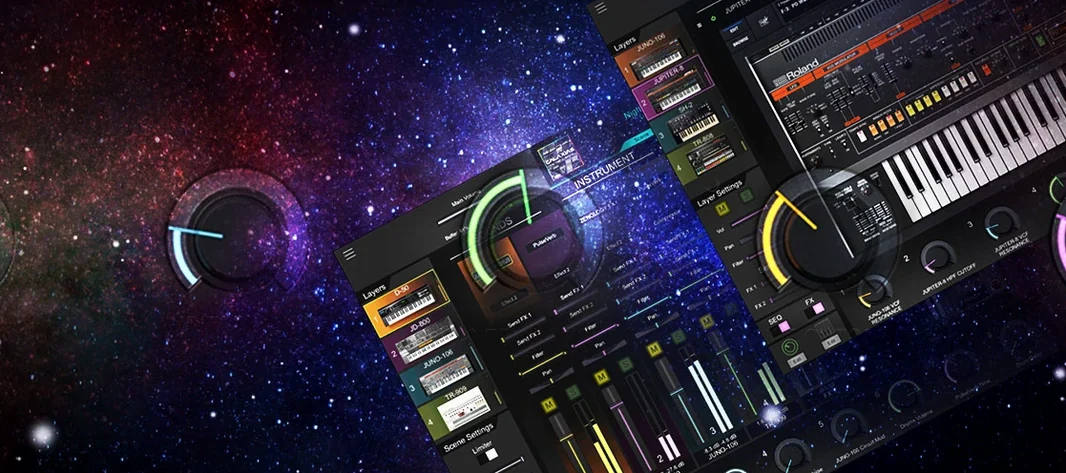 Roland Cloud Legendary Series
Recreates classic Roland synthesizers and drum machines.
Roland Cloud Legendary Series
Recreates classic Roland synthesizers and drum machines.
 Roland ZENOLOGY Pro
Layers four ZEN-Core tones in one multitimbral instrument.
Roland ZENOLOGY Pro
Layers four ZEN-Core tones in one multitimbral instrument.
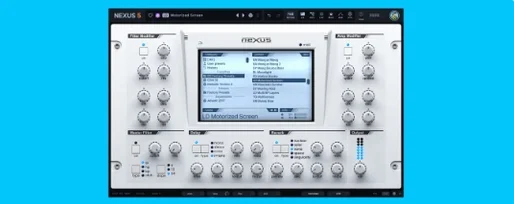 reFX Nexus
Plays a large library of ROMpler sounds and presets.
reFX Nexus
Plays a large library of ROMpler sounds and presets.
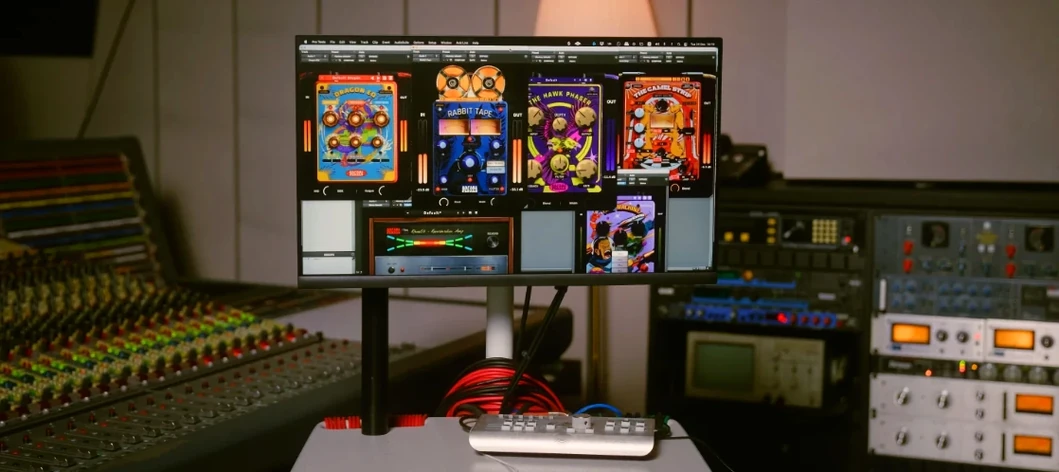 Safari Pedals Everything Bundle
Offers a collection of animal-named audio processors.
Safari Pedals Everything Bundle
Offers a collection of animal-named audio processors.
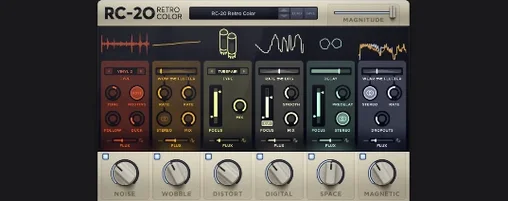 RC-20 Retro Color
Adds vintage character and noise to digital recordings.
RC-20 Retro Color
Adds vintage character and noise to digital recordings.
 Scaler 3
Detects your playing and suggests chords that will work with it.
Scaler 3
Detects your playing and suggests chords that will work with it.
 Serato Hex FX
Stacks and reorders fifty effects so you can build a custom chain without a tangled signal path.
Serato Hex FX
Stacks and reorders fifty effects so you can build a custom chain without a tangled signal path.