 ASPNetWorld
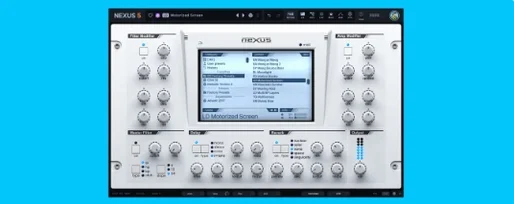
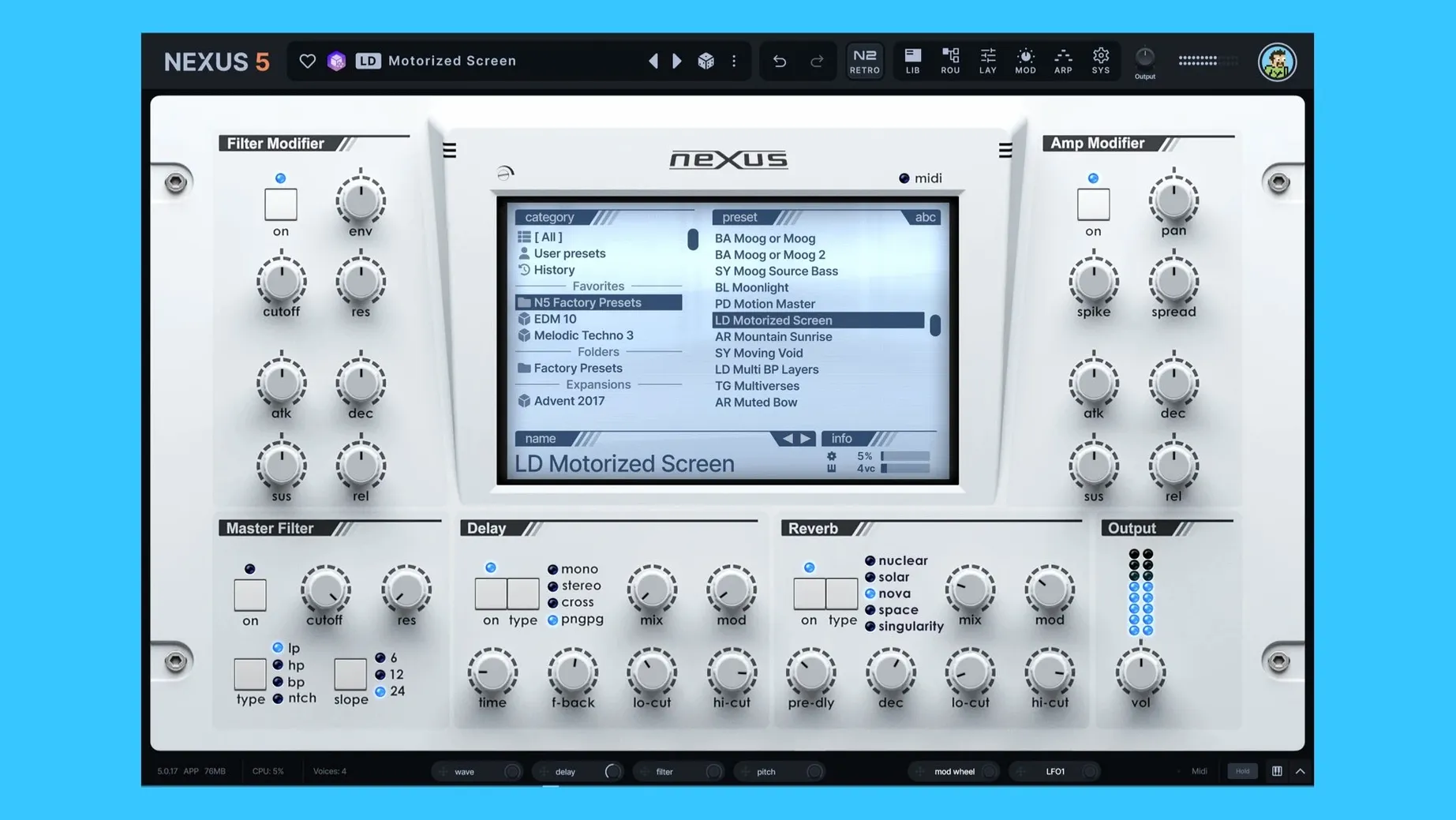
Nexus 5.5.12 runs on any Mac with macOS 10.15 Catalina or newer, natively on both Intel and Apple Silicon machines, so there is no Rosetta translation required for M-series chips. It sits in your DAW as a standard VST or AU instrument on a virtual instrument track, where it behaves less like a traditional rompler and more like a sample playground with deep editing under the hood.
In a typical session, you might drop Nexus onto a track to load a core sound — a vocal chop, a multisampled piano, or a custom sample pack you assembled from field recordings. The built-in audio editor lets you slice, loop and crossfade that material right inside the plugin, so you are not bouncing between a separate audio editor and your sequencer. Once the raw sound is sitting comfortably, you can stack up to sixteen unison voices and route modulation sources through a flexible matrix; the mod depth rings and tooltips now actively track what is being modulated, which makes dialling in movement feel immediate.
Nexus earns its keep on buses too. Because you can create custom routings internally, it works nicely as a layered texture generator sent from a dedicated bus, blending a sub-heavy sine wave with a filtered noise wash, each element following the host tempo via the arpeggiator — and version 5.5.12 lets you use the arp pattern as the starting point for a sequencer pattern, so rhythmic ideas develop from the same DNA. A clipper effect has been added to the effects chain, handy for taming peaks on aggressive synth layers before they hit your bus compressor.
When you build something you like, the preset system saves the whole signal path, and the new skin editor means you can colour-code that preset in a way that makes sense for your template — all kick layers in one shade, all atmospheric pads in another. It is a plugin designed for people who treat samples as raw ingredients rather than finished meals.
Settling in: the first three days with Nexus 5.5.12
After the install, resist the urge to audition all 200-odd presets in one sitting. The library is deep, and ear fatigue is real. Instead, set aside a short session with a blank DAW project and a single instance of Nexus. The goal is not to finish a track; it is to learn where the friction points and shortcuts live.
Load an acoustic multisample — a nylon-string guitar or a felt piano — and spend ten minutes purely inside the sample editor. Grab a loop point and drag it slowly while holding a note. Notice how the crossfade handles the join. The visual waveform updates in real time, and version 5.5.12 renders those zero-crossing markers more cleanly on retina displays, which helps when you are zoomed in at sample level. On day two, do the same thing but with a percussive one-shot. Slice it at the transients, map the slices across four octaves of your controller, and trigger them from a drum pad. You have just built a custom kit without leaving the plugin window.
On day three, take one of those slices and layer it under a virtual analog oscillator. Route a slow LFO to the oscillator phase minimum — a modulation destination that arrived in 5.5.12 — and listen to how the stereo image drifts. That one control can turn a static stab into something that breathes. By the end of the week, the muscle memory will be there, and you will reach for the modulation matrix before you reach for an external effect.
The unison overhaul ships with 16-voice oscillator real estate
Some updates shout; the 5.5.12 release mutters useful things under its breath. The unison overhaul is the headliner — sixteen voices is a lot of oscillator real estate — but the quieter additions change daily workflow more than the voice count does.
The BPM readout and BPM override on the SYS page mean you no longer need to guess whether a delay line is chasing the host tempo or marching to its own drum. If you load an old project where the tempo was set manually, the override lets you lock the plugin to the session BPM without rebuilding the preset. The active modulation source tracking, which lights up mod depth rings and fills in tooltips as you tweak, fixes a long-standing annoyance: you can now see at a glance which LFO or envelope is pushing which parameter, even in a dense patch you built three months ago.
Two oscillator wrap modes were added, and they matter more than they sound. Wrap mode determines what happens when a wavetable position overshoots its boundary. The new options let you mirror or fold the waveform instead of simply clamping it, which yields softer, less abrupt timbral shifts when you modulate wavetable position at audio rate. Combined with the new modulation routing for oscillator phase, you can coax glassy, formant-like movements out of a single-cycle waveform without touching an external filter.
The preset preview tempo matching is one of those features you do not notice until it is gone. Browsing presets with a 120 BPM project running used to mean a quarter of the previews played at double or half the feel; now they lock to the host tempo, so you can audition arpeggiated patches in context. And if the arp pattern clicks with your idea, one menu option sets it as the initial sequencer pattern, so you are not manually reprogramming a sixteen-step line from scratch.
Lock your default BPM on the SYS page before building a template
Open the SYS page first. If you work in a project template, set the BPM override to match your default tempo; this avoids confusion when you import an older preset that stored its own tempo value. While you are there, check the keyzone trigger setting for the Ducker — 5.5.12 lets you assign a specific MIDI note to duck the output, which turns the ducker into a rhythmic sidechain tool driven by your kick pattern rather than an external signal. Set it to C1 or whichever note triggers your kick sample, and you have instant punch ducking without routing a sidechain compressor.
Next, visit the skin editor. It is not cosmetic fluff. If you build custom expansions or modify factory presets heavily, assign a background tint that distinguishes your work from the stock library. A pale amber for your own bass patches, a muted teal for pads — you will spot them in the browser faster than reading filenames. The editor saves the skin inside the preset file, so the colour travels with the patch when you share it with a collaborator.
Finally, set your default unison voice count to something conservative, like four voices, and save that as a user default. Sixteen-voice unison on a complex wavetable patch can stress even an M3 Max if you are not careful, and the plugin does not warn you before you play a ten-note chord. Four voices give you enough thickness for monitoring; you can push it higher during the final sound design pass when the CPU budget is clearer.
Apple Silicon runs natively without Rosetta translation
“Does Nexus 5.5.12 work natively on Apple Silicon, or do I need Rosetta?” It runs natively. The installer places ARM binaries alongside x86-64, and your DAW picks the right one automatically. There is no Rosetta translation layer involved, so you get the full single-core performance for the oscillator engine and effects chain. If you are on an older Intel Mac running Catalina or newer, the same installer covers you.
“Will my old Nexus 4 expansions and presets load in 5.5.12?” Yes. The patch format is forward-compatible with existing Nexus libraries, so any expansion you collected under previous versions — including third-party packs — opens without conversion. The new modulation destinations and effects simply appear as additional options; they do not break older preset data.
“Can I use Nexus as a standalone instrument outside a DAW?” No, it is a plugin only: VST and AU formats. You need a host application — Logic Pro, Ableton Live, FL Studio, Cubase, or any DAW that supports virtual instrument tracks — to load it. Some people run it inside a lightweight plugin host like Blue Cat's PatchWork if they want a minimal setup for live performance, but there is no standalone executable included in the package.
Version 5.5.21 is a tidy-up release for the skinning system — quite a few visual consistency fixes, plus a couple of genuinely useful workflow additions for anyone who customises Nexus's look.
- The Skin Editor now reaches into dialog windows, letting you style the background, title bar, text and buttons. Your custom look no longer stops at the main interface.
- A new right-click option in the skin browser lets you open a skin file directly from the context menu — a small change, but it saves a few clicks every time you're tweaking a design.
- Colour names in the Skin Editor have been cleaned up: internal prefixes are stripped out, so you see human-readable labels instead of developer shorthand.
- The Impulse oscilloscope now shares its colour scheme with the rest of the effect displays, tying the visual language together.
- Several fixes address edge cases: skins with dots in their filenames now load, save and display thumbnails correctly. Knob colours no longer misbehave when switching back from a light skin to the default. The oscilloscope in the Impulse import window renders properly, dialog text updates on a skin change, and double-clicking Save As won't reopen the window a second time.
- macOS 10.15 (Catalina) or later
- Apple Silicon or Intel 64-bit processor
Questions I keep hearing
Can I load my own sounds into reFX Nexus, or am I limited to factory content?
Nexus 5.5.12 imports your own samples, multisamples and sample packs, and includes an editor for slicing, looping and crossfading audio files, so you are not restricted to the built-in library.
Questions from the class 0
Sign in or join the class to ask a question.
Nobody has asked anything yet. If you have used it on a real job, say what the file did.
Also on the VST Plugins shelf
The whole VST Plugins shelf RC-20 Retro Color
Adds vintage character and noise to digital recordings.
RC-20 Retro Color
Adds vintage character and noise to digital recordings.
 Revoice Pro
Aligns timing and pitch between vocal takes.
Revoice Pro
Aligns timing and pitch between vocal takes.
 RipX DAW Pro
Separates and edits audio into individual stems.
RipX DAW Pro
Separates and edits audio into individual stems.
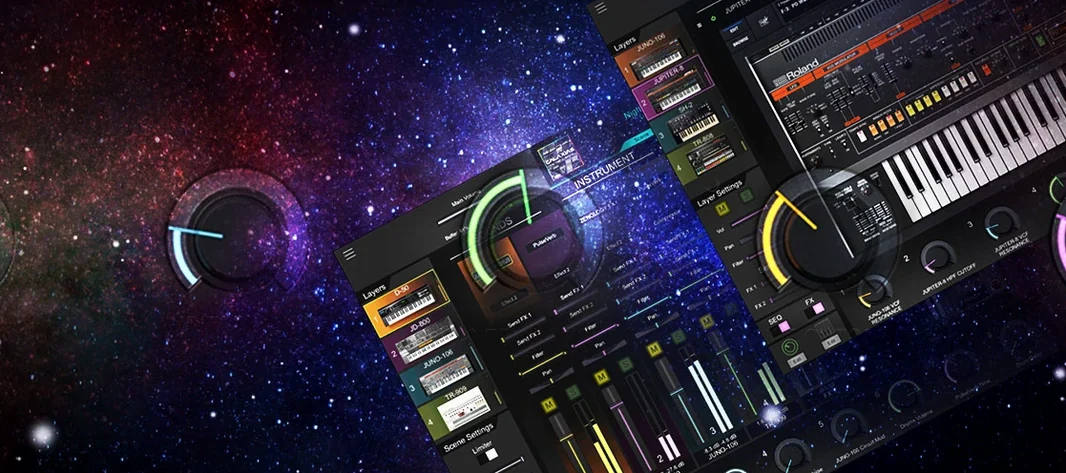 Roland Cloud Legendary Series
Recreates classic Roland synthesizers and drum machines.
Roland Cloud Legendary Series
Recreates classic Roland synthesizers and drum machines.
 Roland ZENOLOGY Pro
Layers four ZEN-Core tones in one multitimbral instrument.
Roland ZENOLOGY Pro
Layers four ZEN-Core tones in one multitimbral instrument.
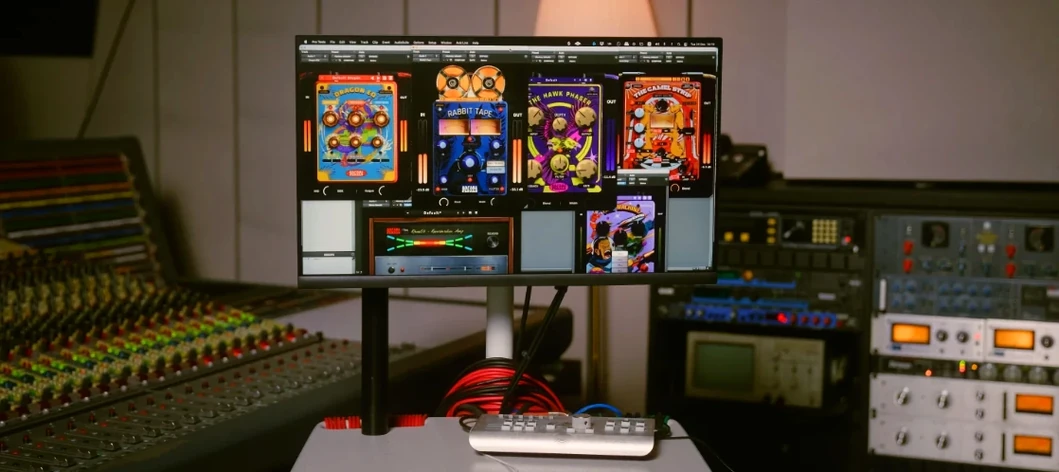 Safari Pedals Everything Bundle
Offers a collection of animal-named audio processors.
Safari Pedals Everything Bundle
Offers a collection of animal-named audio processors.
 Pulsar Audio IPA
Reshapes instrument bus dynamics with a VCA compressor.
Pulsar Audio IPA
Reshapes instrument bus dynamics with a VCA compressor.
 Scaler 3
Detects your playing and suggests chords that will work with it.
Scaler 3
Detects your playing and suggests chords that will work with it.