 ASPNetWorld
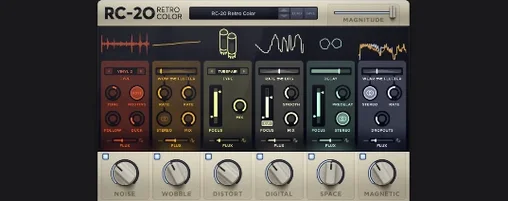
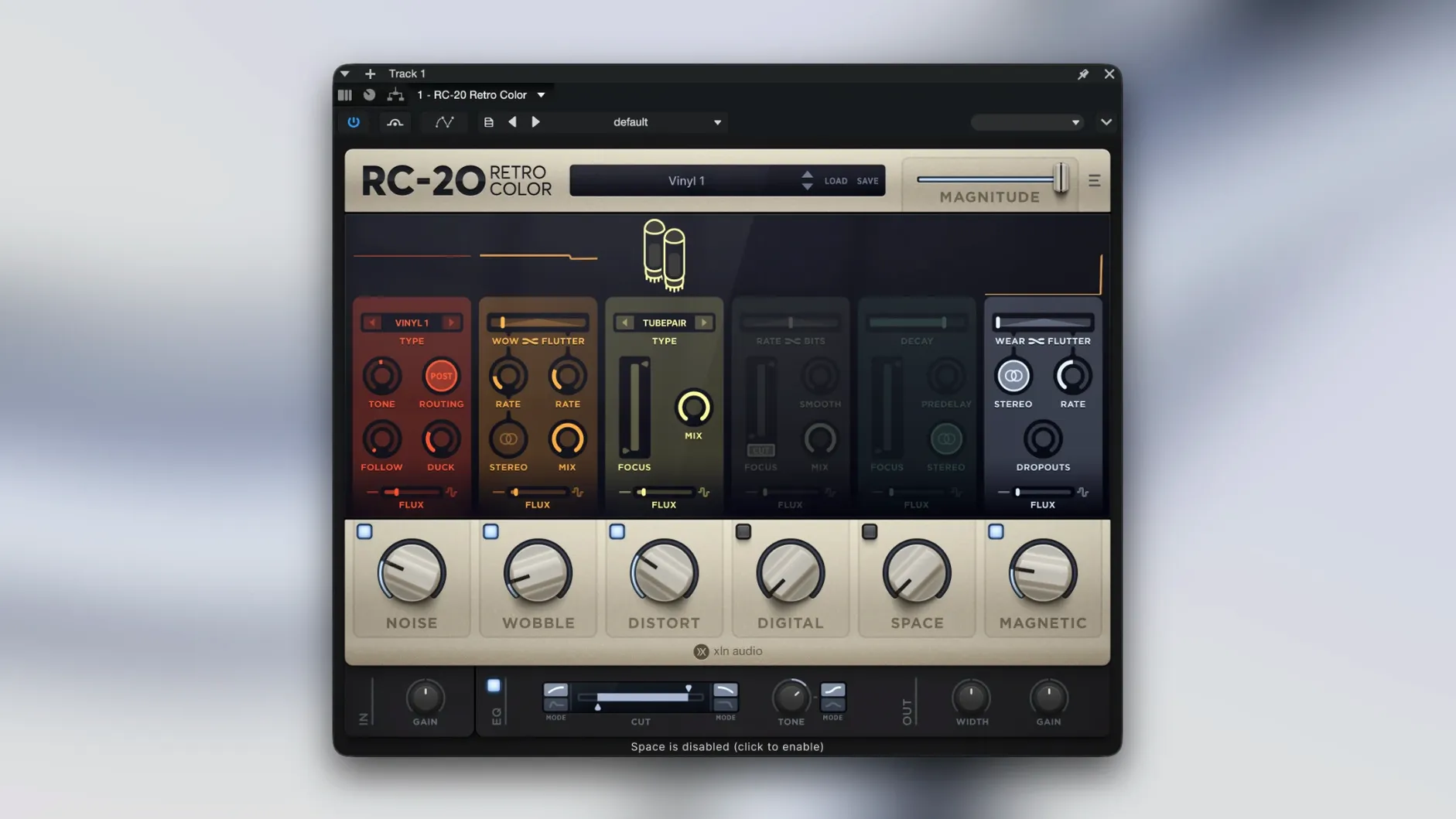
A drum bus is sounding a little too clean, so you drop RC-20 onto it, pull back the high end slightly and let a touch of noise settle underneath the transients. That's the kind of job this plugin does best — giving tidy digital recordings some of the character of older gear.
Drums, keys, and guitars lean on just a little wobble or saturation
Most often on drums, keys, guitars or vocals. The modules can work together or individually, so a track might only need a little wobble, or a hint of magnetic-style saturation, rather than the full effect.
What about buses and groups?
On a drum bus or instrument group it can glue parts together with a shared texture. Because the Flux engine introduces small random variations over time, the effect doesn't feel static across a whole section.
Which jobs suit it best?
Anything where a recording feels too sterile or clinical. It's designed to add life and texture, and the included presets cover a wide range of uses — from lo-fi keyboard colours to worn-in vocal treatments.
Does it fit into an existing setup?
Yes. It runs as VST, AU and AAX, with native Apple Silicon support on the Mac. The in-app link to the manual is handy when you want to understand exactly what a module is doing.
Questions to answer before you install
One question that comes up regularly is whether the plugin adds noticeable latency. The answer is usually no — RC-20 is not a linear-phase processor or a brickwall lookahead limiter. Its processing is designed to be light enough for tracking and real-time mixing, though a handful of presets that stack several modules at once will add a few samples of delay. Most DAWs compensate automatically, and on an Apple Silicon Mac the performance hit is barely a flicker on the meter.
Another common question is whether a user who already owns a tape emulation or a bit-crusher really needs another colour box. The difference with RC-20 is that its six modules live under one roof and share the Flux engine, so a patch isn't just a static effect — it's a small, shifting ecosystem. A tape plugin might give you saturation and hiss, but it won't also wobble the pitch slightly, then back off the wobble in the chorus, all while a separate digital degradation module only bites down on the loudest transients. That kind of interplay is why people reach for it even when their plugin folder looks a little crowded.
People also ask whether the plugin works on older Intel Macs. It does — macOS 10.13 is the floor, and the 64-bit binary runs on Intel and Apple Silicon machines. The install is straightforward: mount the disk image, run the standard installation, and your DAW picks it up next launch. If you're searching for something like rc-20 retro color crack or an rc 20 torrent, you'll be glad to know the build is self-contained, no bridging or Rosetta wrestling required.
Apple Silicon support now removes the Rosetta 2 middleman
Version 1.5.1 tidied up the native Apple Silicon support, which means the plugin no longer needs Rosetta 2 to run efficiently on M-series machines. In everyday use, that translates to snappier preset browsing and smoother GUI performance when you're dragging the large central dial. Earlier versions could occasionally stutter the interface on M1 machines running heavy sessions; that's gone now.
Before 1.5, the Flux engine received a quiet overhaul that made its randomisation more musical. Instead of simply wobbling parameters at a fixed rate, the engine now follows a curve that feels less like a robot and more like a tired tape machine drifting in and out of alignment. The practical upshot is that you can push the Magnitude slider higher without the effect calling attention to itself — it stays in the background, doing its job of keeping a loop alive.
A fast lo-fi vocal chain, step by step
Here's a workflow I use when a lead vocal needs to sit back in a mix without drowning in reverb. The idea is to age the vocal slightly, so it feels like a sample lifted from an old record rather than something tracked this morning.
First, place RC-20 on the vocal channel after any corrective EQ but before your time-based effects. This way the colour you add doesn't get cleaned up by the EQ, and the delay or reverb that follows reacts to an already-textured signal.
Open the plugin and start from the default patch — everything off, no colour. Pull the Noise module up to about 20% and choose the vinyl preset from its dropdown. You'll hear a gentle crackle and a slight low-frequency rumble; roll off the noise's top end inside the module so it sits under the voice rather than on top of it.
Next, engage the Wobble module and set the rate to a slow, uneven flutter — around 1.3 Hz with a touch of stereo spread. The vocal now sounds like it passed through a capstan that needs a service. Dial back the depth until the warble is felt more than heard.
Now add the Magnetic module with the emphasis on the lows. Push the input gain until the loudest phrases barely tickle the red on the module's meter, then pull the output back to unity. The vocal thickens, and the top end softens just enough to lose the clinical edge.
Finally, open the Flux panel and set a gentle magnitude — about 15%. Link Noise and Wobble so the crackle intensity and warble speed drift in opposite directions. Over eight bars, the vocal breathes. It never repeats exactly the same way twice.
Hip-hop and lo-fi producers reach for it first to texture clean samples
Music producers working in hip-hop, lo-fi beats and electronic pop often treat RC-20 as a first-call plugin because it turns clean samples into textured, lived-in sounds in seconds. They're the ones searching for an rc-20 crack or an rc 20 retro color crack because the plugin has become a signature part of that sound — the quick route from a sterile piano loop to something that feels like it's been dug out of a crate.
Mix engineers, particularly those mixing indie rock or soul, get a different kind of value. They use it sparingly — a touch of magnetic saturation on a bass DI, a whisper of noise under a drum room mic — to nudge tracks away from the screen and towards something that feels more physical. For them, the plugin isn't about dramatic transformation; it's about closing the gap between a recording and a performance.
Sound designers and film composers fall into a third camp. The digital module, with its bit-depth and sample-rate reduction, can turn a clean orchestral swell into something from a damaged transmission. Combined with the space module for an early-reflection slap and the Flux engine adding unpredictability, a single instance becomes a storytelling tool. These users tend to run multiple instances across different buses, automating the bypass or the magnitude for different scenes, which is where the native Apple Silicon efficiency really pays off.
- macOS 10.13 or later
- 64-bit only
- Intel and Apple Silicon supported
- VST, AU and AAX formats
- Interface language: English
Questions I keep hearing
Can I use RC-20 on a mono vocal track?
Yes, it works on individual tracks as well as buses, and the modules can be used together or one at a time depending on what the vocal needs.
Questions from the class 0
Sign in or join the class to ask a question.
Nobody has asked anything yet. If you have used it on a real job, say what the file did.
Also on the VST Plugins shelf
The whole VST Plugins shelf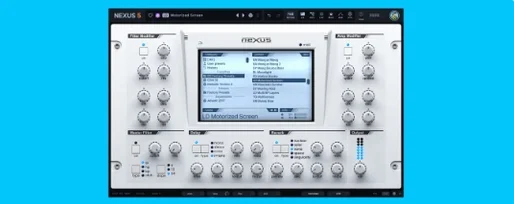 reFX Nexus
Plays a large library of ROMpler sounds and presets.
reFX Nexus
Plays a large library of ROMpler sounds and presets.
 Revoice Pro
Aligns timing and pitch between vocal takes.
Revoice Pro
Aligns timing and pitch between vocal takes.
 RipX DAW Pro
Separates and edits audio into individual stems.
RipX DAW Pro
Separates and edits audio into individual stems.
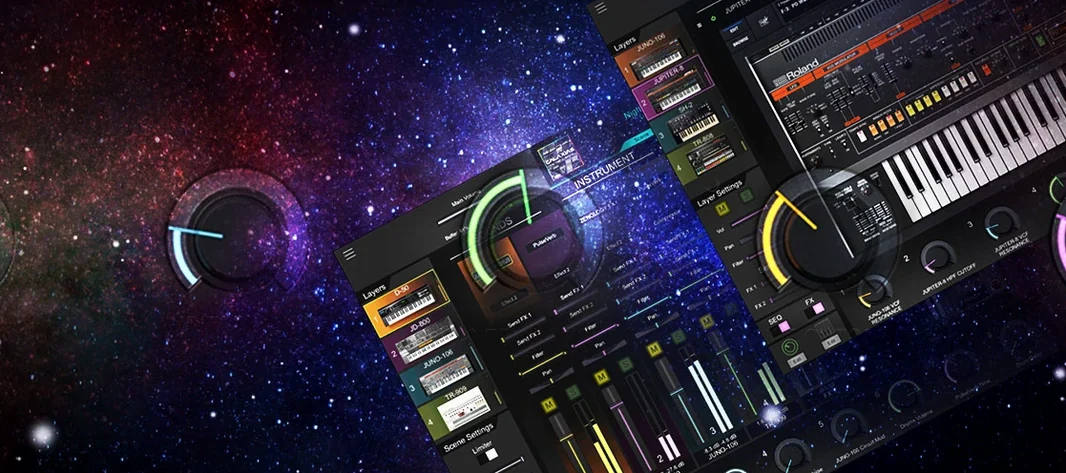 Roland Cloud Legendary Series
Recreates classic Roland synthesizers and drum machines.
Roland Cloud Legendary Series
Recreates classic Roland synthesizers and drum machines.
 Roland ZENOLOGY Pro
Layers four ZEN-Core tones in one multitimbral instrument.
Roland ZENOLOGY Pro
Layers four ZEN-Core tones in one multitimbral instrument.
 Pulsar Audio IPA
Reshapes instrument bus dynamics with a VCA compressor.
Pulsar Audio IPA
Reshapes instrument bus dynamics with a VCA compressor.
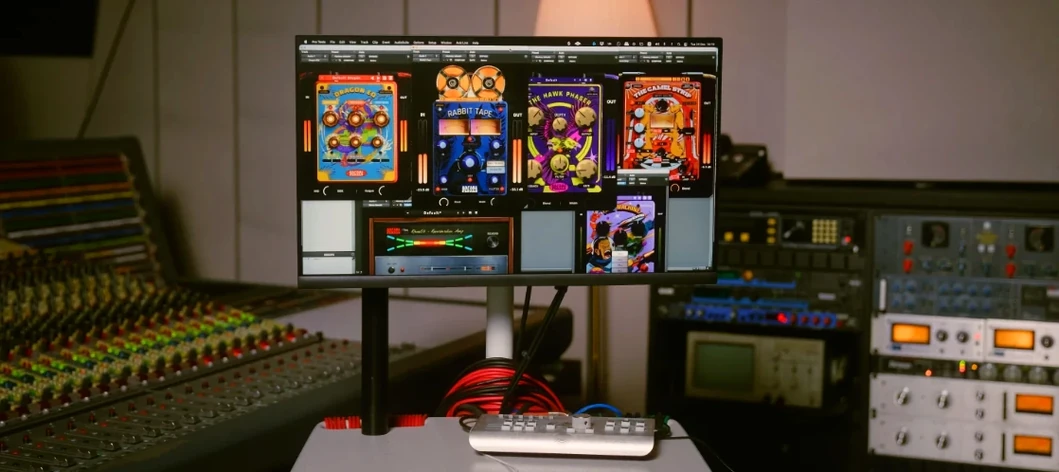 Safari Pedals Everything Bundle
Offers a collection of animal-named audio processors.
Safari Pedals Everything Bundle
Offers a collection of animal-named audio processors.
 Scaler 3
Detects your playing and suggests chords that will work with it.
Scaler 3
Detects your playing and suggests chords that will work with it.