 ASPNetWorld


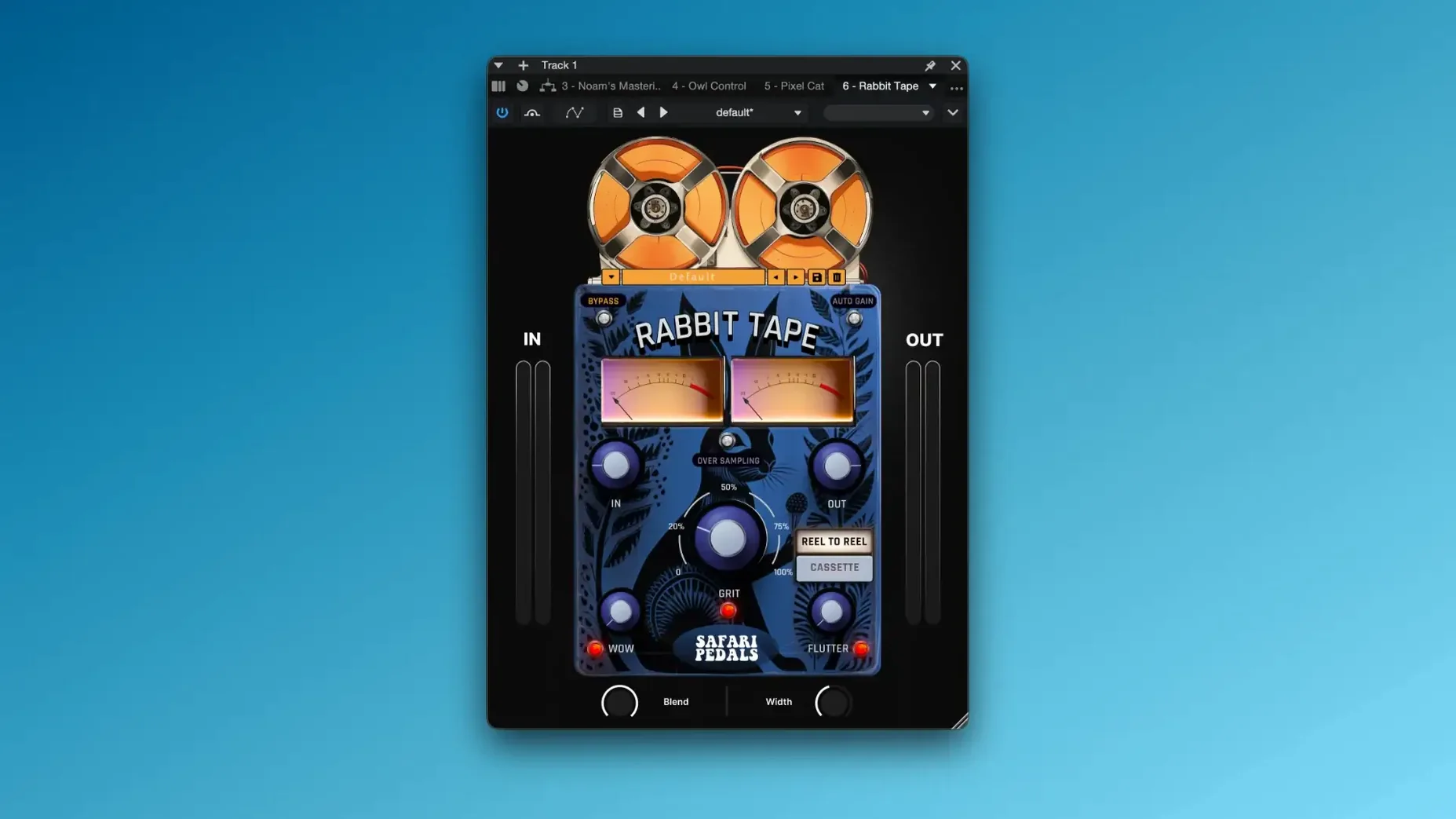
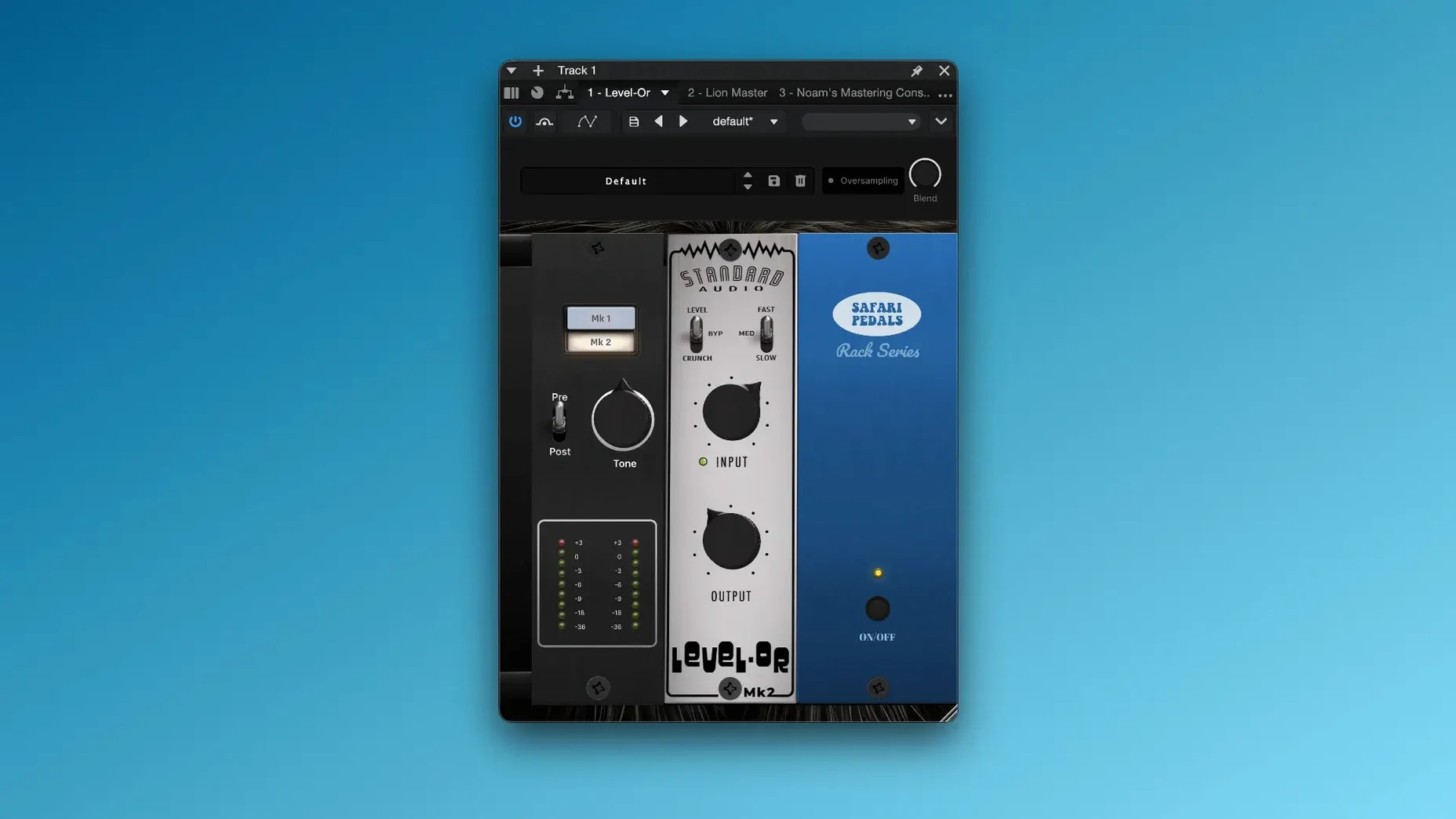
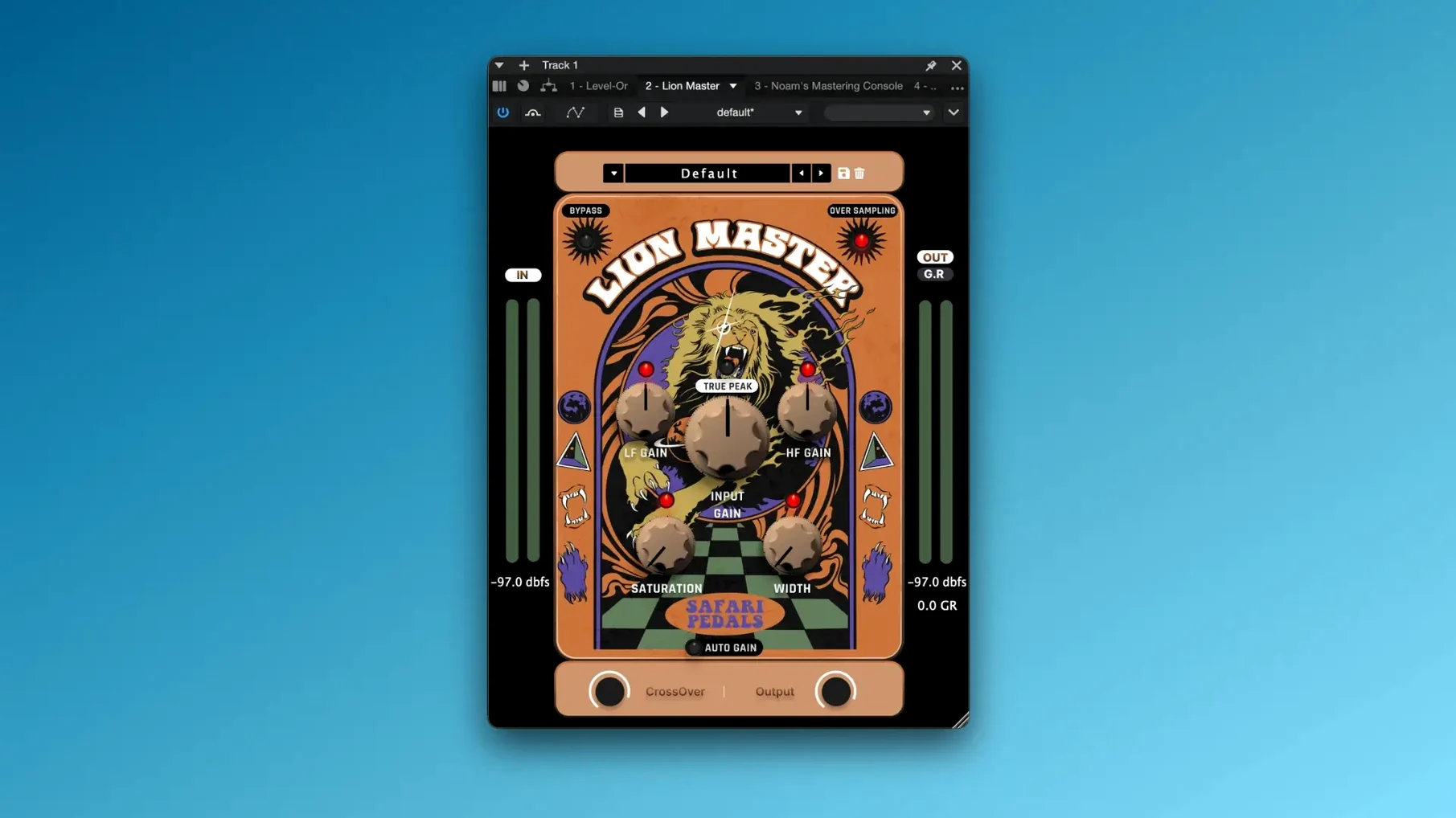
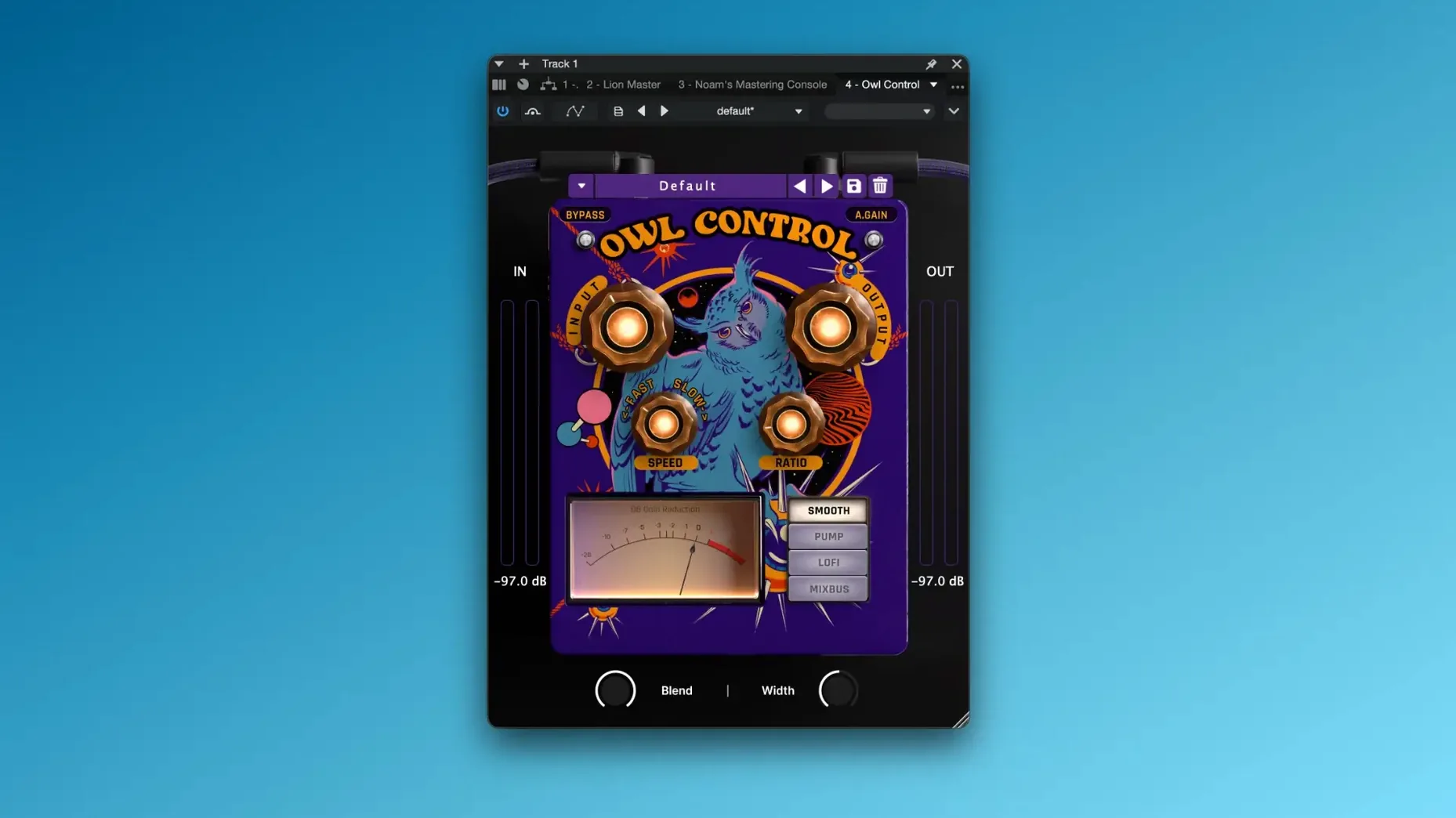
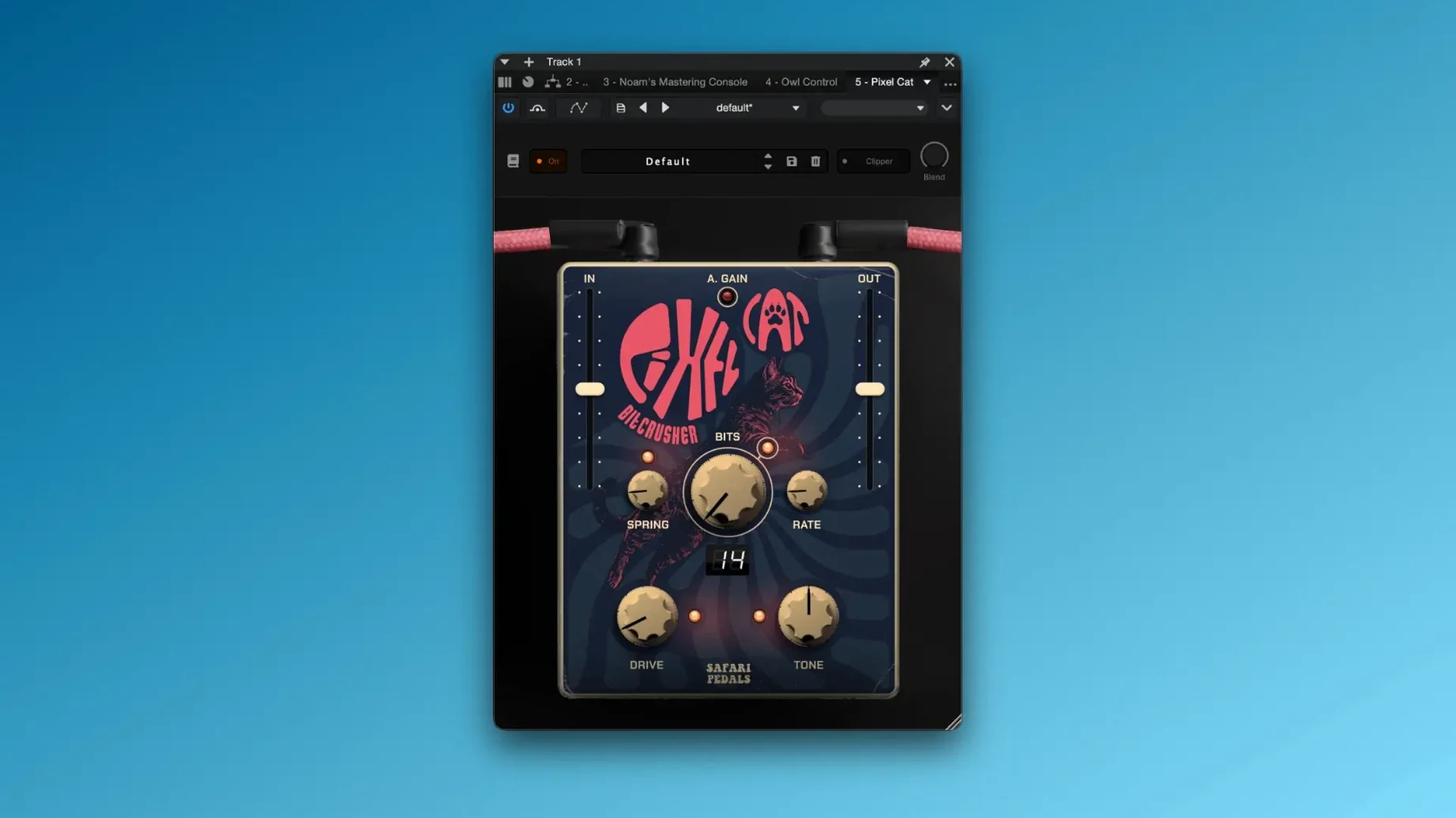
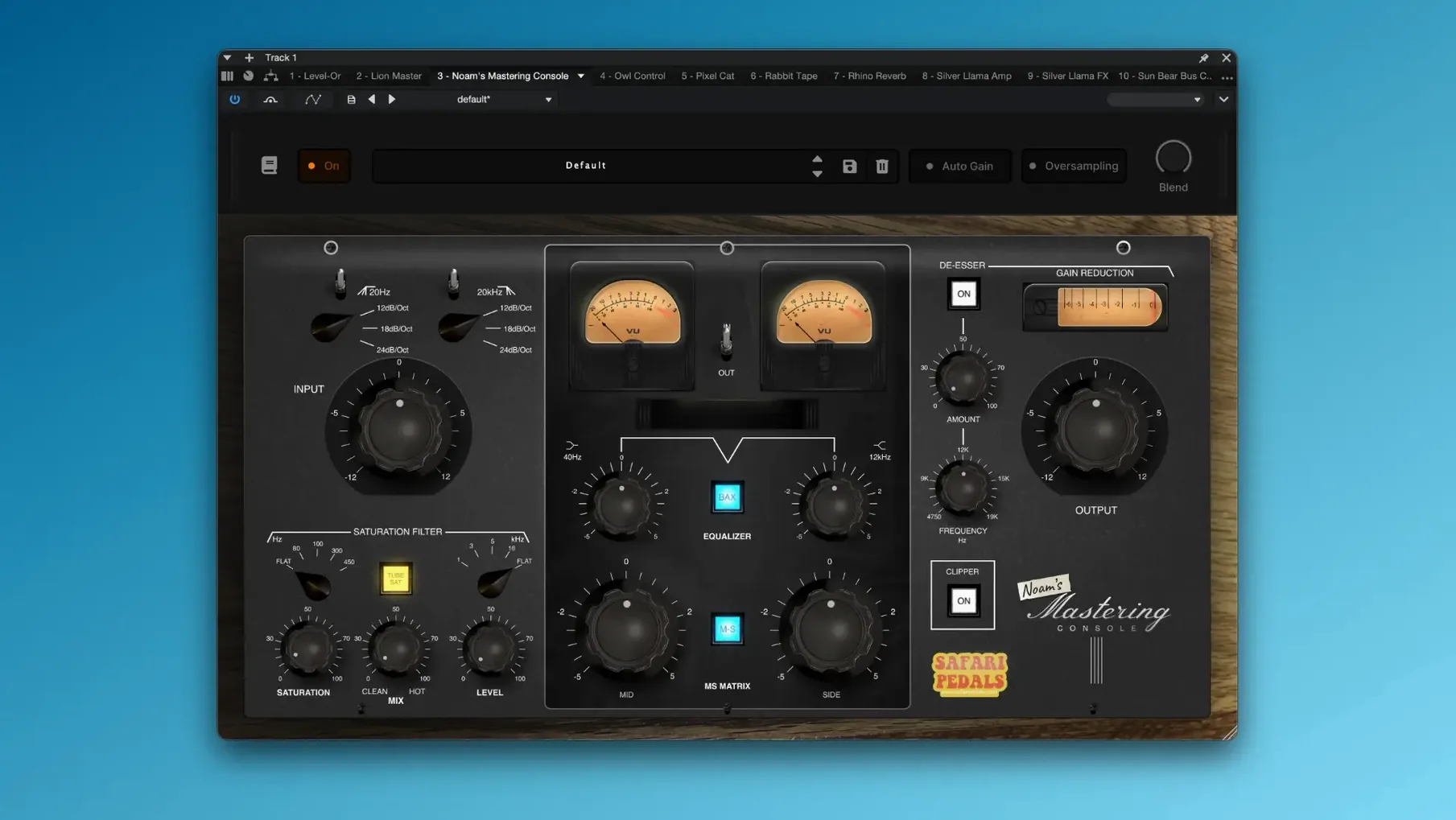
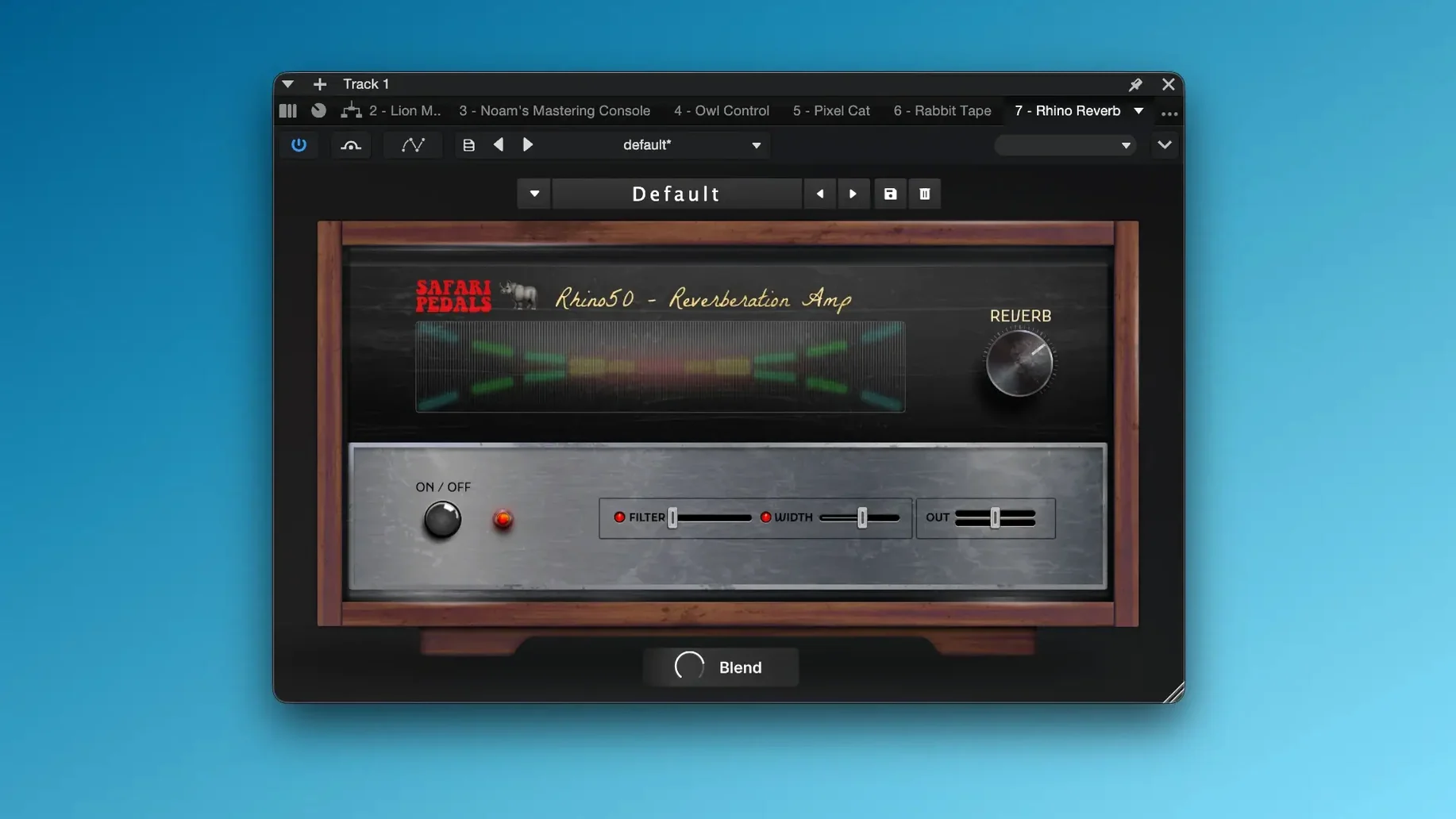
The bundle runs happily on any Mac with macOS 11 or later, natively on both Apple Silicon and Intel processors. Each processor in this collection is named after an animal, hinting at its personality, so understanding a control is often just a case of decoding the creature's habits.
Flamingo Verb — A splash of bright, spring-like reverb. The 'Dip' knob tucks the wet signal behind the dry, while 'Glide' softens the transient response, making it feel less like an effect and more like the room itself.
Lion Master — A mastering-style compressor with a broad, gluey grip. The 'Roar' control pushes into harmonic saturation, so you can tighten a mix bus without making it sound squeezed.
Cassette Bunny — New to the bundle, this one chases lo-fi warmth. Expect wobble, hiss and gentle high-frequency roll-off, shaped by a single 'Age' slider that moves the sound from fresh tape to a worn-out C90 left on the dashboard.
Yak Delay — A thick, woolly echo line. Unlike a pristine digital delay, the repeats here soften and darken with each pass, sitting behind the source rather than competing with it.
Dragon EQ — A four-band equaliser with a fiery top end. Pushing the high shelf delivers air without brittleness, while the low band adds a controlled, chesty weight.
Rhino Reverb — Dense and heavy, this one charges into a mix. Use it on drums when a subtle room sound won't do and you need something with real mass behind the kit.
Where the bundle fits in your workflow
These plug‑ins load in any DAW that supports AU, VST3 or AAX formats, which means Logic Pro, Ableton Live, Pro Tools, Cubase, Reaper and Studio One all see them automatically after a clean install. They also play well with macOS Audio Unit hosting apps like Hosting AU or Plogue Bidule if you prefer to build processing chains outside a traditional timeline. Pull up Lion Master on the stereo bus in Logic, feed it from a summing track stack and you have a mastering chain that stays entirely inside your mix session, no round‑tripping required.
What makes the bundle feel at home on a Mac is how it respects system‑wide audio routing. Route a software instrument through Flamingo Verb, then send that to BlackHole or Loopback, and suddenly your reverb tail lands in a separate recording app for sound design. The plug‑ins also respond to macOS accessibility features; VoiceOver reads most control labels, and the straightforward interfaces mean you can tweak a send from the Touch Bar on a MacBook Pro without squinting at a dozen tiny knobs.
Another quiet integration: the bundle shows up in the Mac’s plug‑in manager windows exactly as you would hope. No cryptic file names, no missing components — each processor appears under the Safari Pedals manufacturer heading, so disabling a format you never use takes seconds from the DAW’s preferences pane.
Spend twenty minutes provoking the controls before you open a session
Before you even open a session, make a coffee and spend twenty minutes loading each plug‑in on a simple drum loop or a vocal stem. Not to judge them, just to feel where the controls start to misbehave. Push Bull Sub Machine until the low end rattles your headphones, then back it off by half. The sweet spot is usually closer to the default setting than you expect, and learning that early saves you from overcooking a bass line at 2 a.m.
Next, rename your go‑to presets with a prefix that makes sense in your own language. The factory names are playful — Jungle Canopy, Dust Trail — but when you are hunting for a snare reverb that works across eight songs, searching for “my snare plate” is faster. Save those user presets inside the DAW’s library rather than the plug‑in’s internal menu; that way they survive a bundle update and appear in Logic’s preset browser alongside your other favourites.
Also worth doing on day one: check which format your DAW actually loads. If you installed the VST3 and AU versions but Ableton Live grabs the VST3 first, delete the AU components you will never use from /Library/Audio/Plug-Ins/Components. It keeps the plug‑in list tidy and avoids the confusion of tweaking a setting in one format and wondering why it did not carry over to another session.
Building a lo‑fi vocal chain from scratch
Here is a practical walk‑through that chains several Safari Pedals processors. The goal is a lead vocal that sounds like it passed through a battered four‑track cassette recorder, then landed on a warm, finished mix.
Start with a clean vocal take, trimmed and gain‑staged so the loudest peak hits about −12 dBFS. Insert Cassette Bunny in the first slot. Set the Age slider to roughly 11 o’clock for a gentle warble that moves side to side without pulling the vocal out of tune. Roll off a little top end with the built‑in tone control; a subtle 2 dB cut around 8 kHz usually does it.
Next in line is Cobra Fuzz. Dial the drive back until it barely tickles the waveform — you are not after a full‑on distortion, just a halo of harmonic grit that thickens the lower midrange. Blend the wet/dry control to around 30 percent wet so the original articulation survives. The fuzz should feel like a texture, not an effect.
Now send the processed vocal to an aux track hosting Dirty Dog Reverb. Choose a short chamber setting, push the pre‑delay to about 40 ms and pull the decay down until the tail disappears before the next phrase begins. The reverb adds depth without washing out the lo‑fi character you built earlier.
Finally, group the vocal and the reverb aux into a bus and place Lion Master across it. Engage the Roar control lightly — enough to glue the reverb to the dry signal and give the whole chain a cohesive, slightly compressed finish. The vocal should now sit in the track with a worn, tactile quality that still sounds intentional rather than broken.
A blank plug‑in window on Apple Silicon usually means a Rosetta mismatch
The plug‑in window is blank on an Apple Silicon Mac. This usually means the DAW is running in Rosetta mode while the plug‑in is native, or vice versa. Open the DAW’s Get Info panel in Finder and uncheck “Open using Rosetta” if you want a fully native session, then rescan the plug‑ins. The bundle itself is universal, so it works either way — the mismatch between host and plug‑in architecture is what causes the empty window.
Latency spikes with Fox Echo Chorus or Yak Delay. These are not designed for live tracking; they introduce a small processing delay that a DAW’s delay compensation usually handles, but some hosts report it incorrectly. If you hear a flam or a lag when monitoring, switch the plug‑in to a send rather than an insert. That way the dry signal passes through untouched and the effect lands on a parallel channel where slight timing offsets are far less noticeable.
Presets go missing after updating to 2026.05. The new bundle added Cassette Bunny and, in rare cases, the installer overwrites the user preset folder. Your own saved presets are safe if you stored them inside the DAW’s library as suggested earlier. If they were saved inside the plug‑in, check ~/Documents/Safari Pedals/ for a backup folder. No luck there? The presets are likely gone, so take this as a prompt to build a habit of exporting favourites as .aupreset or .vstpreset files.
Activation prompts appear after a macOS point update. Occasionally a system update resets the permissions that the plug‑ins rely on. Rerunning the included activation tool — the one labelled k’ed by GUISEPPE in the package — sorts it out. If Logic then complains about an unidentified developer, head to System Settings, Privacy & Security, and allow the component to run. It only needs doing once per update cycle.
Version 2026.05 brings a new texture tool into the fold. The bundle now includes:
- Cassette Bunny — a lo-fi degradation effect that mimics the warmth and instability of analogue tape.
- macOS 11 or later
- Apple Silicon or Intel processor
Questions I keep hearing
Is the Safari Pedals Everything Bundle just reverbs and delays?
No, alongside spatial effects like Flamingo Verb and Yak Delay, it includes dynamics tools like Lion Master and Level-Or, the Dragon EQ for tone shaping, and texture devices like Cassette Bunny.
Questions from the class 0
Sign in or join the class to ask a question.
Nobody has asked anything yet. If you have used it on a real job, say what the file did.
Also on the VST Plugins shelf
The whole VST Plugins shelf Scaler 3
Detects your playing and suggests chords that will work with it.
Scaler 3
Detects your playing and suggests chords that will work with it.
 Roland ZENOLOGY Pro
Layers four ZEN-Core tones in one multitimbral instrument.
Roland ZENOLOGY Pro
Layers four ZEN-Core tones in one multitimbral instrument.
 Roland Cloud Legendary Series
Recreates classic Roland synthesizers and drum machines.
Roland Cloud Legendary Series
Recreates classic Roland synthesizers and drum machines.
 RipX DAW Pro
Separates and edits audio into individual stems.
RipX DAW Pro
Separates and edits audio into individual stems.
 Serato Hex FX
Stacks and reorders fifty effects so you can build a custom chain without a tangled signal path.
Serato Hex FX
Stacks and reorders fifty effects so you can build a custom chain without a tangled signal path.
 Serato Sample
Chops a sample into stems and lets you control the vocal, drums, bass and melody separately.
Serato Sample
Chops a sample into stems and lets you control the vocal, drums, bass and melody separately.
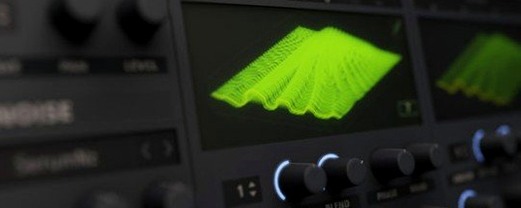 Serum
Generates and warps wavetable sounds you can sculpt from a blank waveform upwards.
Serum
Generates and warps wavetable sounds you can sculpt from a blank waveform upwards.
 Revoice Pro
Aligns timing and pitch between vocal takes.
Revoice Pro
Aligns timing and pitch between vocal takes.