 ASPNetWorld

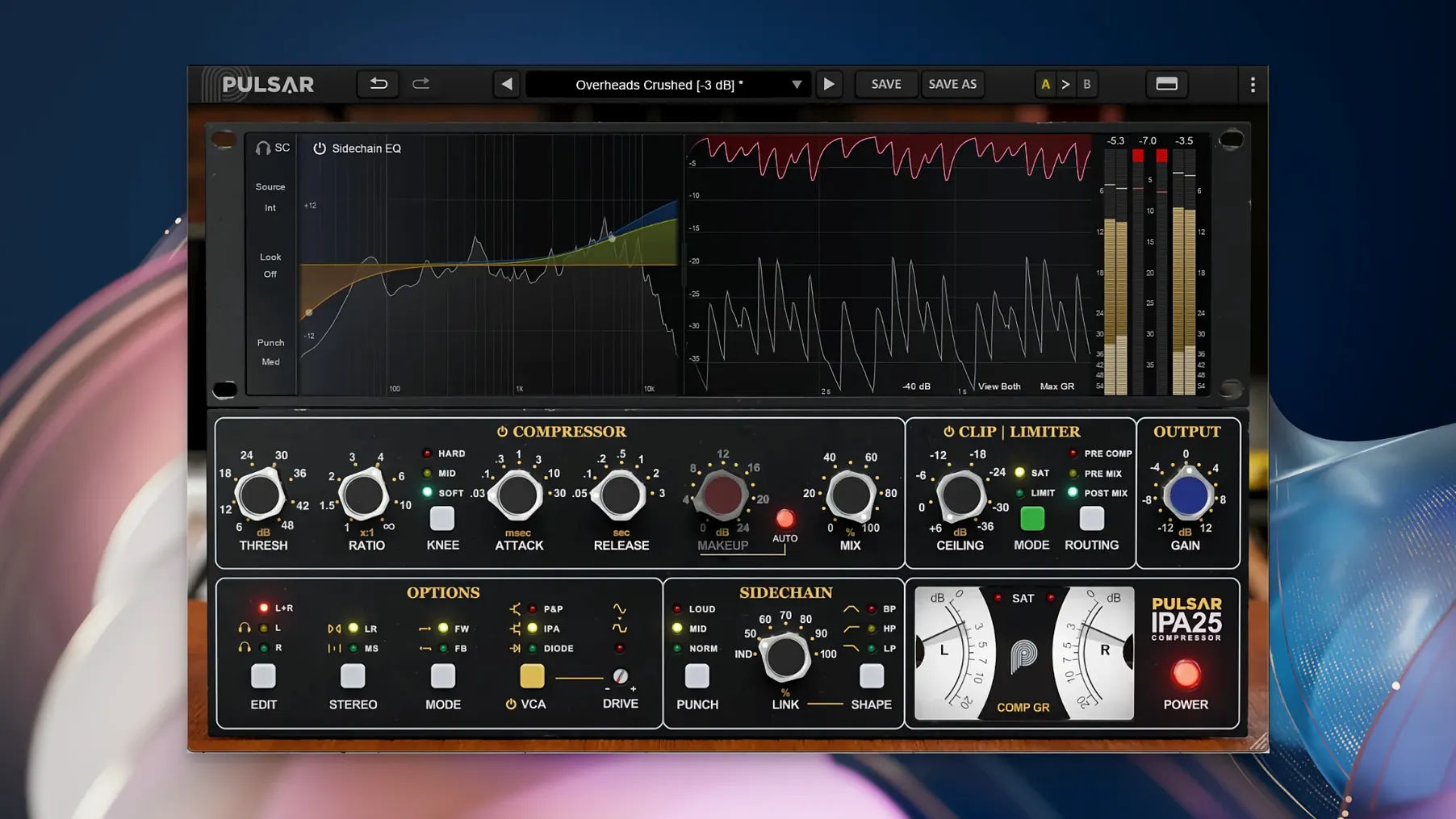
An instrument bus can sound full and lively on its own, then disappear the moment the full arrangement kicks in. The classic fix has always been a VCA compressor that reacts quickly enough to reshape the envelope without flattening the character. Pulsar Audio IPA takes that idea and pulls it into the present with three switchable VCA behaviours, a visual sidechain EQ, and a built-in clipper and limiter — all in one processor that sits comfortably on drums, vocals, bass or a full mix bus.
Shaping a drum bus
Switch into IPA mode and you get the grab and glue that made the original hardware famous on rhythm sections. The Mid/Side processing lets you tighten the centre image — kick and snare — while leaving the stereo room mics to breathe naturally.
Taming a vocal subgroup
P&P/Mu mode softens the knee for a smoother, more programme-dependent response that works beautifully on stacked backing vocals. Dial in the visual sidechain EQ to stop low-mid proximity mud from triggering the gain reduction, so the compressor reacts to the voice rather than the rumble.
Finishing the mix bus
Diode mode introduces a slightly grittier, more aggressive character that can add welcome attitude across a full mix. The built-in clipper and limiter catch any stray transients after the compression stage, letting you drive into the processor a little harder without the downstream overloads.
How IPA sits alongside other bus compressors
If you have spent any time mixing in the box, you will have bumped into a handful of VCA-flavoured plugins that orbit the same classic hardware. The obvious neighbour is the API 2500 itself, which you will find emulated by several developers. Those recreations tend to focus on a single VCA character, often with a fixed set of attack and release curves and a straightforward sidechain filter. IPA borrows the topology but then asks a different question: what if you could flick between the original sound, a Mu-style softened knee, and a harder-edged diode response without loading three separate plugins? That alone shifts it from being a tribute to something closer to a dynamics workstation.
Another plugin that gets mentioned in the same breath is the SSL-style bus compressor. The SSL grab is cleaner, punchier, and more about the glue than the grit. Where an SSL compressor tightens the stereo field and gives you that snappy mix-bus bounce, IPA lets you dial in a dirtier, more coloured squeeze when you want it. The diode mode in particular pushes past what a standard G-series emulation can do, edging into territory you might otherwise reach for a 33609 or a more characterful FET design. The Mid/Side routing is another dividing line — most SSL-style plugins sum to mono internally, whereas IPA gives you independent control over the centre and sides, which changes how you approach wide synth pads, double-tracked guitars, or dense rock choruses.
For producers who lean on modern multi-band dynamics, IPA offers something deliberately narrower in scope but deeper in tone. A multi-band compressor will let you pin down a boomy kick without touching the snare, but it rarely sounds like a console. IPA does not split the spectrum into bands; instead it gives you the visual sidechain EQ to shape what the detector hears. The result is less surgical but more cohesive, and that matters when you are trying to make a bus sound like a record rather than a collection of solved problems.
Engage the sidechain EQ just to reveal what the detectors are hearing
Open a fresh instance and the interface settles into a neutral, unhyped state that rewards a few small nudges. The first thing I suggest is engaging the sidechain EQ even if you do not plan to cut anything. Seeing the detector signal overlaid on the frequency plot gives you an immediate read on what is driving the gain reduction. Often the low end dominates the detector, and a gentle high-pass filter around 80–120 Hz frees up the compression to respond to the midrange content that defines the groove.
Next, try cycling through the three VCA modes on the same source before you touch a single knob. The difference is not subtle — IPA mode clamps down with a fast, authoritative bite; P&P/Mu eases into the reduction with a rounded, almost velvety release; Diode mode adds a crunchy edge that can sound brilliant on a roomy drum bus but overwhelming on a delicate vocal subgroup. Picking the wrong mode early on can send you chasing threshold and ratio settings that never quite land.
The output clipper and limiter are engaged by default in many presets, but they sit after the compression stage and can mask what the VCA section is actually doing. Bypass them while you set the attack, release and threshold, then reintroduce the limiter to catch only the loudest peaks. A good starting point is to set the limiter threshold so the gain-reduction meter barely flickers during the loudest section of the track. The clipper is more aggressive; I tend to reserve it for drum shells or synth busses where a little transient shaving adds density without audible distortion.
Low-end loss usually means the VCA detector is grabbing too early
A frequent headache is the feeling that IPA sucks the low end out of a mix even when the sidechain EQ is flat. Nine times out of ten this is not a frequency problem but a timing one. VCA compressors with a fast attack — particularly in IPA mode — can clamp down on the initial transient of a kick or bass note and release too late for the sustain to recover fully. Lengthening the attack by a few milliseconds and shortening the release lets more of the fundamental through. If the low end still feels hollow, try switching to P&P/Mu mode, which has a more programme-dependent release curve that tends to preserve the body of low-frequency content.
Another snag crops up with Mid/Side processing when the stereo image starts to pull left or right. This usually happens because the side channel is being compressed harder than the mid, widening the apparent stereo field but skewing the balance. Solo the side channel using the monitoring buttons and match the gain reduction between mid and side by ear. A small difference can sound exciting on a synth pad; a large difference can make a vocal group feel unmoored.
On older Intel Macs running macOS 11, some hosts can report a sluggish GUI when the sidechain EQ spectrum analyser is running. Disabling the real-time display — a small toggle next to the EQ graph — drops the graphics load noticeably. The EQ still works; only the visual feedback pauses.
It runs natively on M-series chips without Rosetta
Does IPA run natively on Apple Silicon, or does it need Rosetta 2? The current version is a universal binary with native ARM support, so it runs directly on M-series chips without translation. You will see it load as an Apple Silicon plugin in Logic Pro, Cubase and any other DAW that reports architecture. There is no standalone application — it is strictly a plugin in VST 2.4, VST 3, AAX Native and Audio Unit formats.
Can I use it on individual tracks, or is it really a bus compressor? It is designed as a bus processor, but nothing stops you from inserting it on a single vocal, a bass DI, or a snare top. The three VCA modes give you enough flexibility to shape a single source, and the built-in limiter makes it surprisingly useful as a front-to-back channel strip when you need quick dynamic control with some analogue flavour. The Mid/Side routing is less useful on a mono track, but the plugin handles mono sources gracefully without summing errors.
How does the visual sidechain EQ differ from a regular parametric EQ? The EQ curve only affects the detector circuit — what the compressor hears — not the audio passing through the main signal path. You can cut a muddy 200 Hz so the compressor ignores floor tom resonance, or boost 3 kHz to make it clamp down earlier on harsh vocal sibilance, and the tonal balance of the track remains untouched. It is a shaping tool for the dynamics behaviour, not for the sound itself.
- macOS 11 or later
- Apple Silicon or Intel processor (64-bit only)
- Compatible DAW host (VST 2.4, VST 3, AAX Native or Audio Unit)
Questions from the class 0
Sign in or join the class to ask a question.
Nobody has asked anything yet. If you have used it on a real job, say what the file did.
Also on the VST Plugins shelf
The whole VST Plugins shelf Plugin Alliance Shadow Hills OptoMax
Reacts to your audio with the relaxed, programme-dependent squeeze of an optical compressor.
Plugin Alliance Shadow Hills OptoMax
Reacts to your audio with the relaxed, programme-dependent squeeze of an optical compressor.
 Plugin Alliance Brainworx Bundle
Collects a curated rack of Brainworx console emulations and mixing tools in one bundle.
Plugin Alliance Brainworx Bundle
Collects a curated rack of Brainworx console emulations and mixing tools in one bundle.
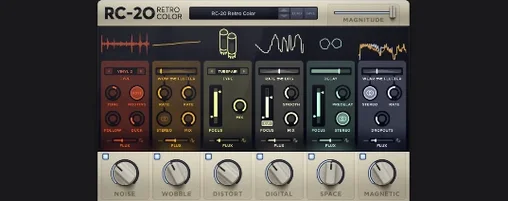 RC-20 Retro Color
Adds vintage character and noise to digital recordings.
RC-20 Retro Color
Adds vintage character and noise to digital recordings.
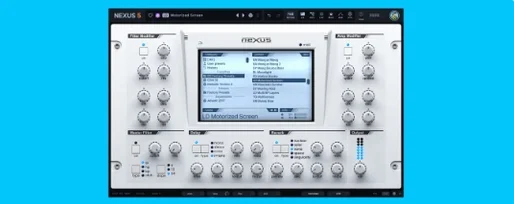 reFX Nexus
Plays a large library of ROMpler sounds and presets.
reFX Nexus
Plays a large library of ROMpler sounds and presets.
 Revoice Pro
Aligns timing and pitch between vocal takes.
Revoice Pro
Aligns timing and pitch between vocal takes.
 RipX DAW Pro
Separates and edits audio into individual stems.
RipX DAW Pro
Separates and edits audio into individual stems.
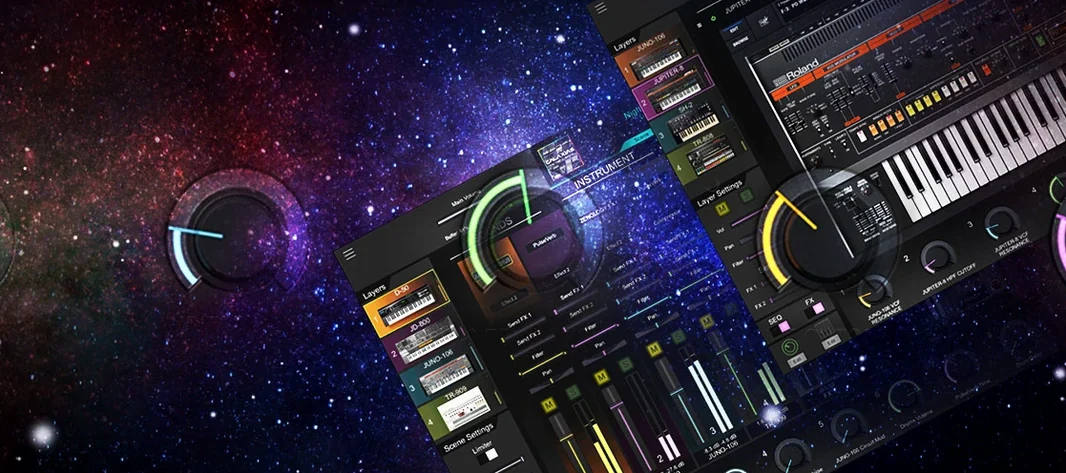 Roland Cloud Legendary Series
Recreates classic Roland synthesizers and drum machines.
Roland Cloud Legendary Series
Recreates classic Roland synthesizers and drum machines.
 Roland ZENOLOGY Pro
Layers four ZEN-Core tones in one multitimbral instrument.
Roland ZENOLOGY Pro
Layers four ZEN-Core tones in one multitimbral instrument.