 ASPNetWorld

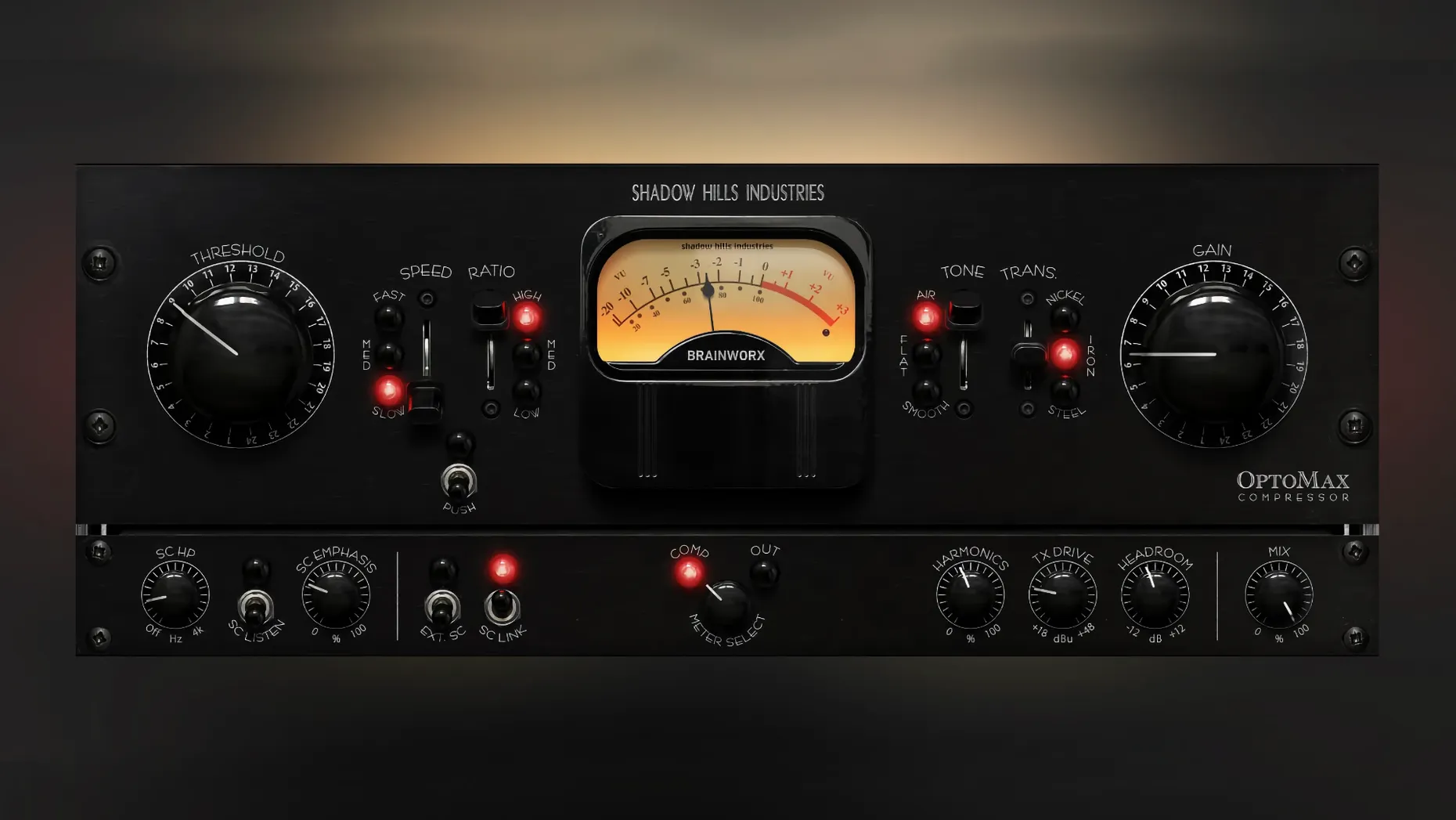
Shadow Hills OptoMax is an optical compressor plugin that captures the relaxed, program-dependent reaction of a classic light-cell gain stage. It was developed with Brainworx and first appeared as version 1.0.0 on 18 September 2025.
Formats, hosts and macOS fit
OptoMax runs on macOS 12 and newer, natively on both Intel and Apple Silicon machines. It loads as a standard audio plugin in any DAW that supports the current VST, AU or AAX formats, so it slots straight into Logic Pro, Pro Tools, Ableton Live, Cubase and similar hosts.
- macOS 12 and above
- Intel and Apple Silicon native
- VST, AU and AAX formats
- English interface
A gentle grip with three transformer voices
The optical circuit gives you the kind of compression that breathes with the music, softening the loudest bits without stamping on the transients. A set of three transformer models — nickel, iron and steel — lets you push the tone from clean and open to weighty and coloured, while the sidechain filter stops low-frequency energy from pumping the whole mix. The parallel mix control makes it easy to blend the dry and compressed signals for anything from subtle levelling to more assertive peak control.
Pro Tools gain reduction meter now reads correctly after version 1.0.1
The initial version 1.0.0 is the foundation people are using right now, and a small but telling update followed swiftly. Version 1.0.1 delivered a single fix: the gain reduction meter in Pro Tools now reads correctly. If you work inside Pro Tools and rely on visual feedback to judge how hard the opto cell is working, that patch matters more than it sounds on paper. A meter that drifts or freezes makes gain staging a guessing game, so the fix quietly tidies up a daily annoyance.
Beyond the bug fix, the 1.0.0 release itself set the tone for how OptoMax slots into a session. The three response settings — slow, medium and fast — make the biggest practical difference. Slow gives you that pillowy, breathy leveling that suits a whole mix bus or a sustained vocal line. Fast is still optical in character but grabs harder, which is handy on a snare that needs taming without the snap of a VCA compressor. Medium sits in the goldilocks zone for acoustic guitar or a piano track where you want consistency but not obvious compression artefacts.
Optical compression habits that separate it from the LA-2A pack
OptoMax sits in a busy corner of the plugin world, but its habits separate it from the crowd. A natural comparison is Universal Audio LA-2A. Both are optical compressors with program-dependent timing, yet the LA-2A emulation leans on a specific hardware unit’s character, whereas OptoMax gives you three transformer colours and a sidechain filter right out of the box. If you want a single flavour done impeccably, the LA-2A is a fine choice; if you want to twist the tone without chaining extra plugins, OptoMax is the more flexible companion.
Another alternative is Waves CLA-2A. It follows the same classic optical lineage but keeps the control set deliberately sparse — peak reduction and gain, end of story. OptoMax adds the parallel mix control, the Shine and Softness high‑frequency modes, and the three-speed response switch. Those extras mean you can shape the top end and the attack envelope without reaching for an EQ or a second compressor, which on a dense vocal stack saves a surprising amount of time.
The native Logic Pro compressor also deserves a mention. Its opto model is perfectly usable and free with the DAW, but it lacks the transformer modelling and the Shine circuit. Where the Logic compressor can feel like a clean utility, OptoMax imparts a subtle weight and sheen that makes it feel more like a piece of outboard gear patched into the insert chain. On a mix bus, that difference translates to a sense of glue that Logic’s own tools only approximate with extra tweaking.
A real‑world scenario: finishing a folk EP
Imagine a home studio in Bristol. The producer has tracked a five‑song folk EP with acoustic guitar, double bass, brushed drums and a breathy female vocal. Everything was recorded cleanly through a modest interface, but the mixes feel polite — no obvious compression, just a bit of level‑hopping between verses and choruses.
The producer drops OptoMax on the lead vocal with the nickel transformer selected and the response set to slow. The gain reduction needle barely moves past 2 dB, yet the vocal sits in the centre of the image without peeking above the guitar. The Shine mode adds a gentle lift around 10 kHz that opens up the singer’s sibilance without making it harsh. On the drum bus, the iron transformer and fast response grab the snare transients just enough to let the brushed snare feel present without turning brittle. The parallel mix control stays at about 60 percent wet, so the room ambience of the overheads still breathes.
Across the master bus, the steel transformer in slow mode with the sidechain filter set to ignore everything below 90 Hz holds the low end steady. The Softness mode rounds off a slightly aggressive hi‑hat that was recorded a touch bright. The result is a cohesive master that sounds louder and warmer, without any moment where the listener thinks about compression.
Vocal and podcast editors rely on the slow response and nickel transformer
Optical compression is not a one‑size‑fits‑all tool, so OptoMax naturally suits a few specific workflows. Vocal producers and podcast editors who need level control that stays out of the way will find the slow response and nickel transformer a reliable starting point. The Shine high‑frequency mode is particularly useful on spoken word, where a little air around the voice stops it feeling boxy without the sizzle of a full exciter.
Mixing engineers handling mid‑tempo rock, soul or acoustic music get the most mileage from the transformer switching. Iron adds the kind of gentle saturation that glues a rhythm section together; steel pushes things into a denser, more coloured territory that works on parallel drum crush or a bass group. Because the plugin runs natively on Apple Silicon, it holds up well inside large sessions without taxing the CPU, so you can spread instances across multiple busses without the session grinding to a halt.
Mastering engineers who want a final polish before a limiter appreciate the Softness mode and the sidechain filter. Dialling out low‑frequency energy from the detector stops the compressor over‑reacting to kick drums while letting the rest of the mix settle into a more even stereo field. It is not a full mastering limiter, but as a tone‑shaping compressor at the back end of a chain, it earns its keep.
Users who might find it less essential are those working exclusively in aggressive electronic genres where a VCA or FET compressor’s snap is part of the sound. OptoMax can still smooth out a synth bus, but its strength is musical subtlety, not hard transient redesign. If your template already includes a favourite optical emulation, the transformer voices and dual high‑frequency modes are the features that make the difference in a real mix situation.
Initial release. Shadow Hills OptoMax arrived as version 1.0.0 on 18 September 2025, introducing the full optical compression engine with nickel, iron and steel transformer types, advanced sidechain filtering and a parallel mix control.
- macOS 12 or later
- Intel or Apple Silicon processor
Questions from the class 0
Sign in or join the class to ask a question.
Nobody has asked anything yet. If you have used it on a real job, say what the file did.
Also on the VST Plugins shelf
The whole VST Plugins shelf Plugin Alliance Brainworx Bundle
Collects a curated rack of Brainworx console emulations and mixing tools in one bundle.
Plugin Alliance Brainworx Bundle
Collects a curated rack of Brainworx console emulations and mixing tools in one bundle.
 Pulsar Audio IPA
Reshapes instrument bus dynamics with a VCA compressor.
Pulsar Audio IPA
Reshapes instrument bus dynamics with a VCA compressor.
 RC-20 Retro Color
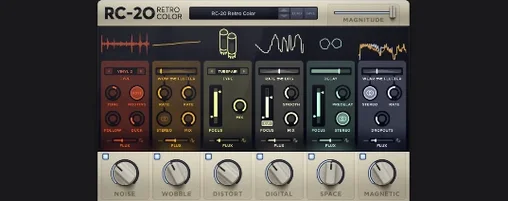
Adds vintage character and noise to digital recordings.
RC-20 Retro Color
Adds vintage character and noise to digital recordings.
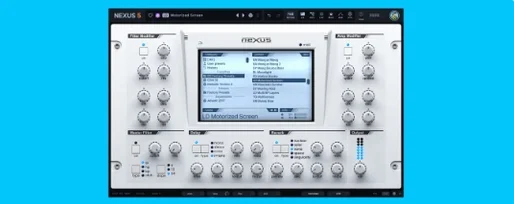 reFX Nexus
Plays a large library of ROMpler sounds and presets.
reFX Nexus
Plays a large library of ROMpler sounds and presets.
 Revoice Pro
Aligns timing and pitch between vocal takes.
Revoice Pro
Aligns timing and pitch between vocal takes.
 RipX DAW Pro
Separates and edits audio into individual stems.
RipX DAW Pro
Separates and edits audio into individual stems.
 Output Portal
Freezes a sliver of sound in time and re-synthesises it into a shifting, ambient texture.
Output Portal
Freezes a sliver of sound in time and re-synthesises it into a shifting, ambient texture.
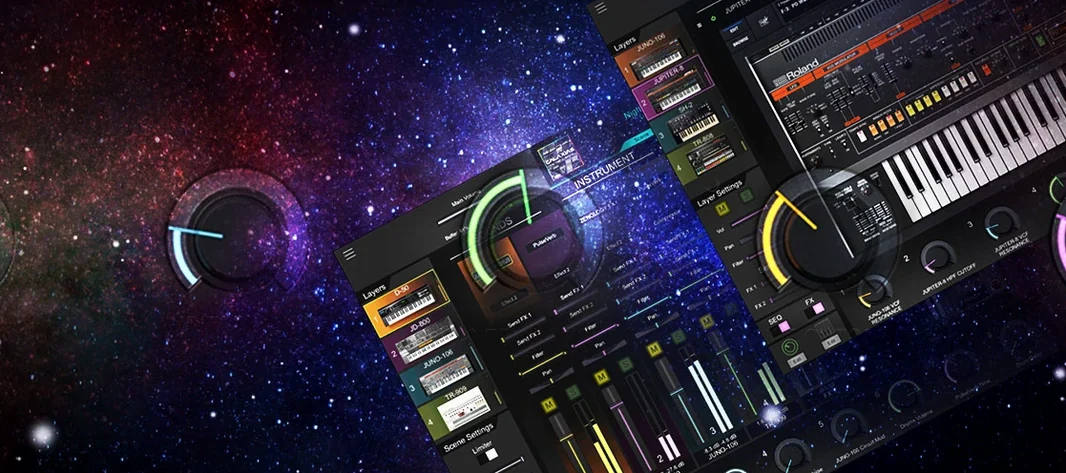 Roland Cloud Legendary Series
Recreates classic Roland synthesizers and drum machines.
Roland Cloud Legendary Series
Recreates classic Roland synthesizers and drum machines.