 ASPNetWorld
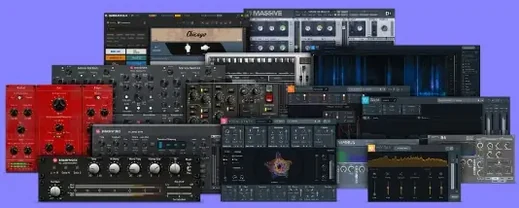
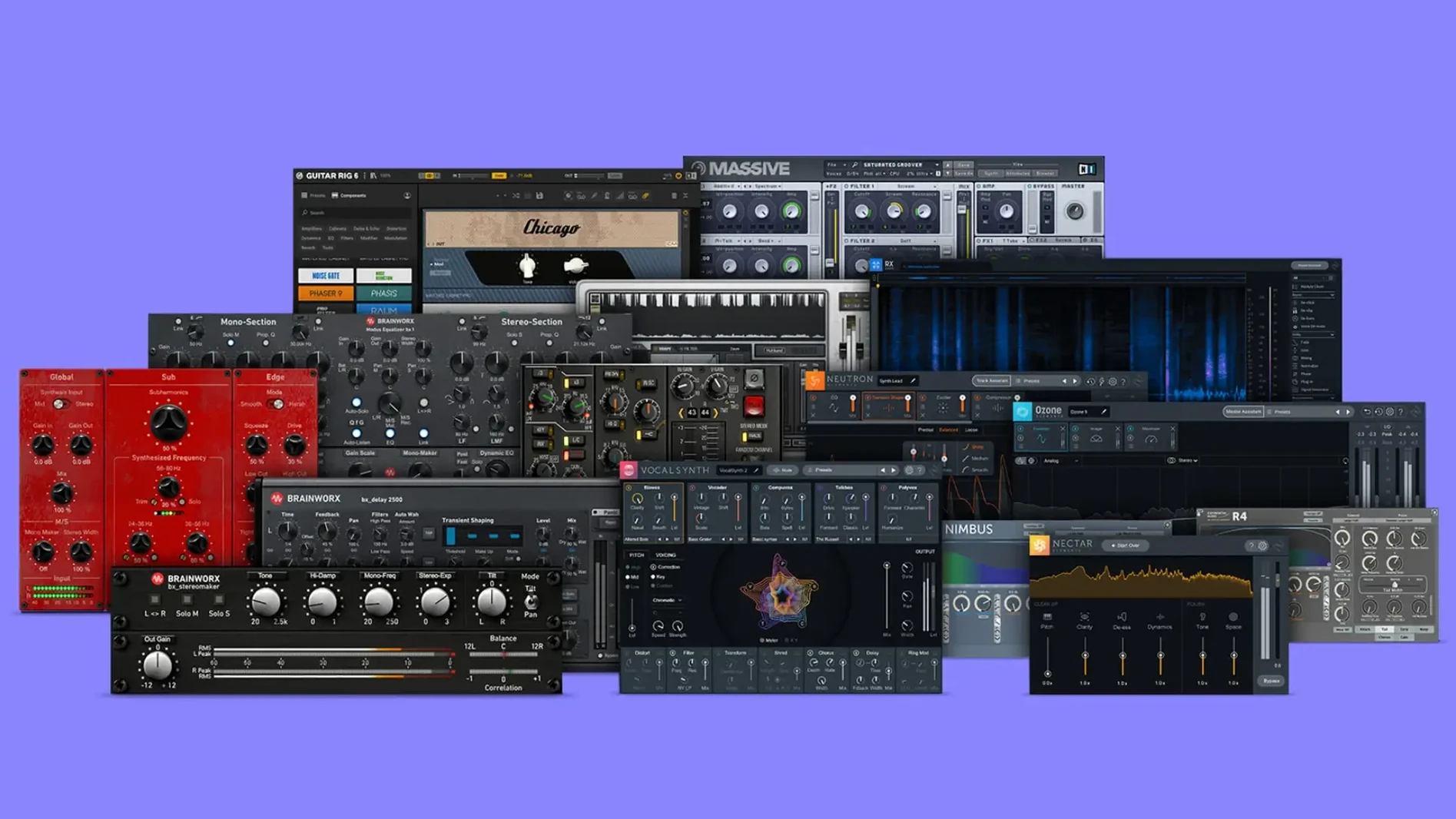
The bundle runs on any Mac that can boot macOS 11 or later, with full native support for both Intel processors and Apple Silicon chips. That means it slots straight into an M1 MacBook Air or a cheese-grater Mac Pro without any translation layer getting in the way. Inside you get a curated set of Brainworx plugins — the kind of tools that tend to live on individual tracks, group buses and the master fader in roughly equal measure.
Full channel strips that model the SSL 4000 E and AMEK 200 desks
- Shaping individual channels with the bx_console SSL 4000 E or the bx_console AMEK 200 — both model the full channel strip, from input gain and dynamics to the EQ curves and the subtle harmonic behaviour of the original desks.
- Sweetening the top end of a vocal or opening up a dull mix bus with the bx_2098 EQ, a precise equaliser that handles broad-stroke tone shaping without sounding surgical or sterile.
- Glueing a drum bus or the whole mix together using bx_glue, a compressor built specifically for that tight, cohesive ‘finished record’ character.
- Mid-side processing on the master channel with bx_digital V3, which splits the stereo field and lets you EQ the centre and the sides independently — handy for tightening a bassline without thinning the reverb tails.
A bundle of separate analogue-modelled plugins, not one monolithic package
- This is a bundle of individual plugins, not a single monolithic piece of software. You pick the tool that suits the job on each track or bus.
- The Brainworx sound leans towards modelled analogue hardware. If a session calls for transparent, forensic precision, you might reach for something else.
- Installation is straightforward: mount the disk image and run the standard installer — no extra authorisation hoops beyond your Plugin Alliance account.
Each Brainworx processor appears as a separate entry in your plugin menu
One of the first things I hear from evening-class students is whether the bundle dumps everything into a single plugin menu or scatters tools across the DAW. Each Brainworx processor appears as a separate entry in your AU or VST3 folder, named sensibly — bx_console SSL 4000 E, bx_digital V3 and so on. No umbrella wrapper to click through, just the plugin you need when you need it. That suits people who hate hunting through nested folders and just want to grab an EQ and move on.
Another common question is whether these are cut-down ‘lite’ editions bundled for marketing purposes. They are not. The versions inside this bundle are the full releases, identical feature-for-feature to what you would get if you downloaded each one individually. The TMT channel modelling — Brainworx’s tolerance-modelling technology that replicates the tiny component variances between real console channels — is present on every console strip. The mid-side matrix inside bx_digital V3 is complete, not a restricted preview. If a student asks me “am I getting the real thing,” the answer is yes, down to the last capacitor variance.
People also worry about whether an Intel-native installer will run awkwardly on an M-series Mac. The installer package itself handles that automatically. Once the plugins are in place, your DAW picks the correct architecture without you lifting a finger. Logic Pro, Ableton Live, Studio One and Cubase all scan the bundle cleanly under Apple Silicon, and the plugins appear as native, not translated.
A stale Audio Unit cache often blocks the initial plugin scan
The most frequent hiccup I see in the classroom is a DAW that refuses to scan the newly installed plugins. Nine times out of ten the culprit is a stale Audio Unit cache. On macOS, open ~/Library/Caches/AudioUnitCache and delete the cache file for your host, then relaunch. Logic users can hold Control while launching and choose to launch without Audio Units, then re-enable them in the Plug-in Manager. It is boring housekeeping, but it works.
Occasionally the bx_console AMEK 200 shows a blank interface on older Intel Macs with integrated graphics. Switching the plugin window from OpenGL to software rendering inside the plugin’s settings menu usually sorts it. The setting is tiny — a gear icon near the top-right corner — but it is the first place I look when the GUI draws a grey rectangle instead of a channel strip.
Latency is another thing worth mentioning. Several processors in the bundle, especially bx_masterdesk Pro and the console strips with oversampling engaged, add enough latency to throw off a live tracking session. If you are recording vocals through a channel strip, switch to a light DSP mode or bypass the strip entirely and monitor through a utility plugin instead. Mixing and mastering, of course, are unaffected — latency only matters when the artist is wearing headphones.
Finally, a handful of macOS security releases have been known to quarantine unsigned installer components. If the installer refuses to open, right-click the package and select Open from the contextual menu, then confirm the dialog. The same trick applies if Gatekeeper complains after mounting the disk image.
Mixing a five-track indie EP with live drums and DI instruments in a spare room
Imagine a freelance engineer who works from a spare room in Bristol. The morning job is a five-track EP for an indie band — live drums, DI bass, two guitar mics and a vocal tracked in a converted garage. The previous mix engineer left the project half-finished, and the stems need pulling together quickly. The bundle sitting on the Mac mini is not an abstract collection of tools; it is the reason this job finishes by five o’clock.
The drum bus gets bx_townhouse Buss Compressor because the band referenced a late-seventies drum sound and the Townhouse delivers that tight, slightly rounded punch without killing the snare transients. The bass DI runs through bx_bassdude for a bit of amp-style harmonic thickening — nothing extreme, just enough cabinet resonance to sit the bass in the mix rather than underneath it. The vocal chain is bx_console SSL 4000 E with the compressor pushing about 4 dB of reduction and the EQ adding a small presence lift, followed by a touch of bx_digital V3 on the master bus to narrow the low end of the stereo field below 120 Hz. The engineer exports the EP three hours early and sends it off, knowing nothing collapsed when the client inevitably asks for a snare-up version.
Workflow: shaping a master bus from scratch
This is a reproducible chain I teach in the advanced production module. It assumes a finished stereo mix that needs polishing, not rescuing. Start with bx_glue inserted first on the master fader. Set the ratio to 2:1, attack around 10 ms, release on auto, and pull the threshold down until the needle barely moves on the loudest sections — aim for about 1 dB of compression. The Glue’s internal sidechain filter automatically ignores low frequencies, so the kick drum does not pump the whole mix unnecessarily.
Next, insert bx_digital V3 after the compressor. Switch the EQ into mid-side mode immediately. On the side channel, apply a gentle high-shelf boost starting around 8 kHz to widen the air frequencies without affecting the vocal’s centre image. On the mid channel, dip a narrow cut around 300 Hz if the mix feels congested — often a 2 dB cut with a Q of 0.7 is enough to clear mud without thinning the body of the track.
Place bx_masterdesk Pro last in the chain. Set the Foundation control to taste — this adjusts the overall tonal balance across the spectrum with a single knob, and it is surprisingly musical for a one-dial solution. Engage the De-esser only if sibilance is poking through, and keep the THD (total harmonic distortion) knob low unless the mix genuinely benefits from added density. The output ceiling should be set to -0.3 dBFS to leave headroom for whatever encoding step happens later. Export, listen on earbuds and car speakers, then tweak the Foundation setting if needed.
This chain takes about ninety seconds to set up once you have done it a few times, and it produces a competitive, release-ready loudness without crushing dynamics. It is the first thing I demonstrate when someone asks whether the bundle can handle mastering duties without any other software.
- macOS 11 or later
- Apple Silicon or Intel processor
Questions from the class 0
Sign in or join the class to ask a question.
Nobody has asked anything yet. If you have used it on a real job, say what the file did.
Also on the VST Plugins shelf
The whole VST Plugins shelf Plugin Alliance Shadow Hills OptoMax
Reacts to your audio with the relaxed, programme-dependent squeeze of an optical compressor.
Plugin Alliance Shadow Hills OptoMax
Reacts to your audio with the relaxed, programme-dependent squeeze of an optical compressor.
 Pulsar Audio IPA
Reshapes instrument bus dynamics with a VCA compressor.
Pulsar Audio IPA
Reshapes instrument bus dynamics with a VCA compressor.
 RC-20 Retro Color
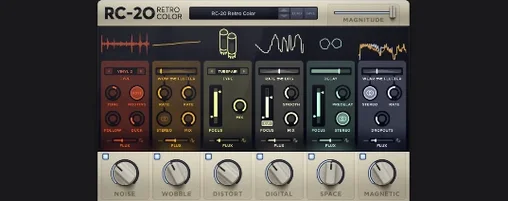
Adds vintage character and noise to digital recordings.
RC-20 Retro Color
Adds vintage character and noise to digital recordings.
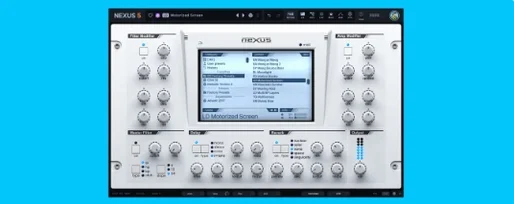 reFX Nexus
Plays a large library of ROMpler sounds and presets.
reFX Nexus
Plays a large library of ROMpler sounds and presets.
 Output Portal
Freezes a sliver of sound in time and re-synthesises it into a shifting, ambient texture.
Output Portal
Freezes a sliver of sound in time and re-synthesises it into a shifting, ambient texture.
 Revoice Pro
Aligns timing and pitch between vocal takes.
Revoice Pro
Aligns timing and pitch between vocal takes.
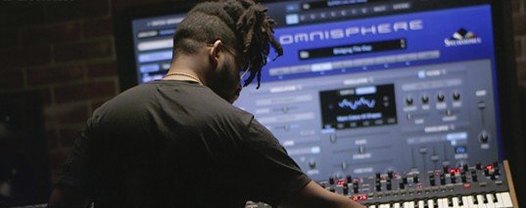 Omnisphere
Synthesises otherworldly pads and textures by combining over 60 GB of samples with deep sound-design tools.
Omnisphere
Synthesises otherworldly pads and textures by combining over 60 GB of samples with deep sound-design tools.
 RipX DAW Pro
Separates and edits audio into individual stems.
RipX DAW Pro
Separates and edits audio into individual stems.