 ASPNetWorld
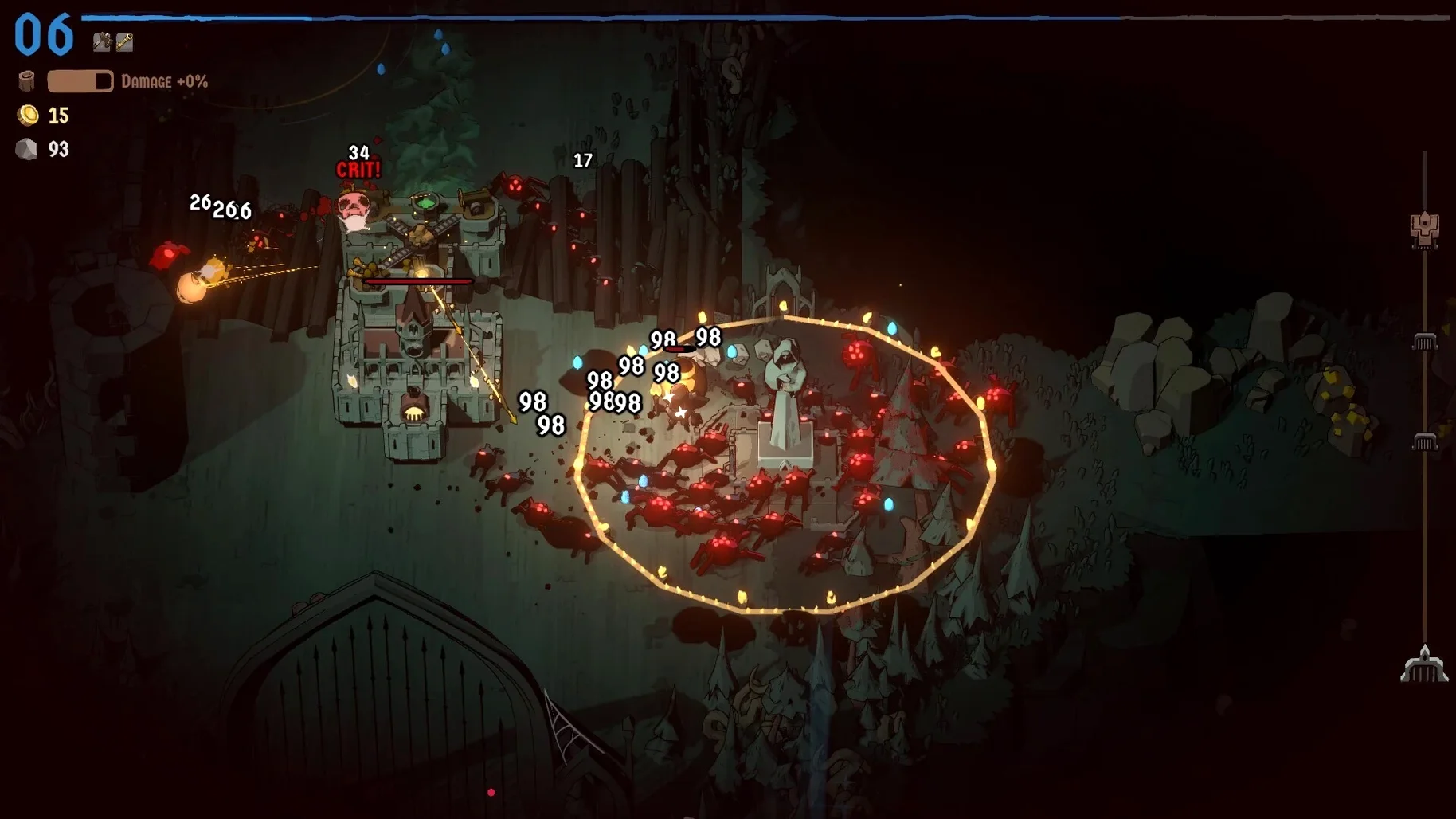
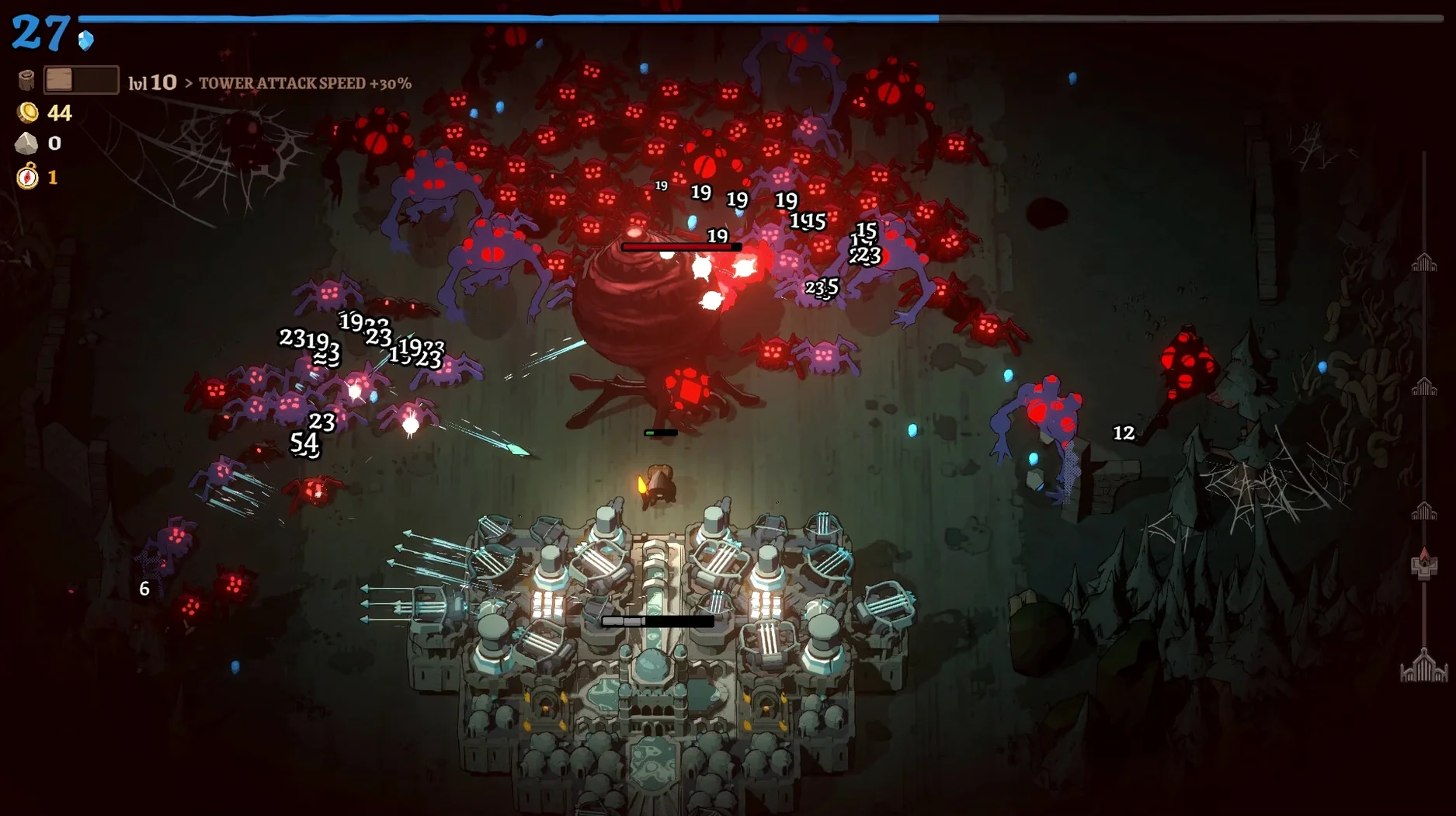
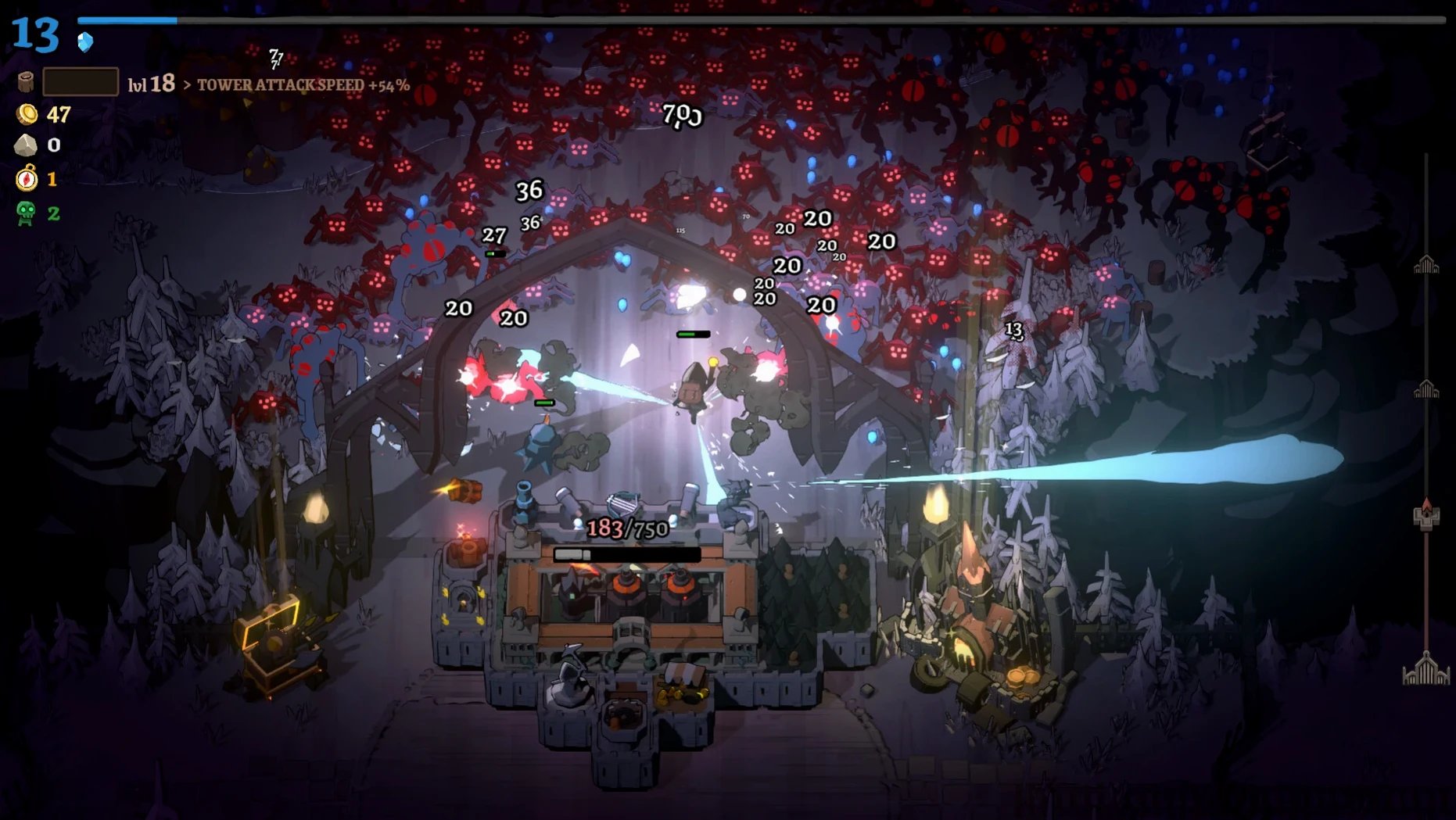
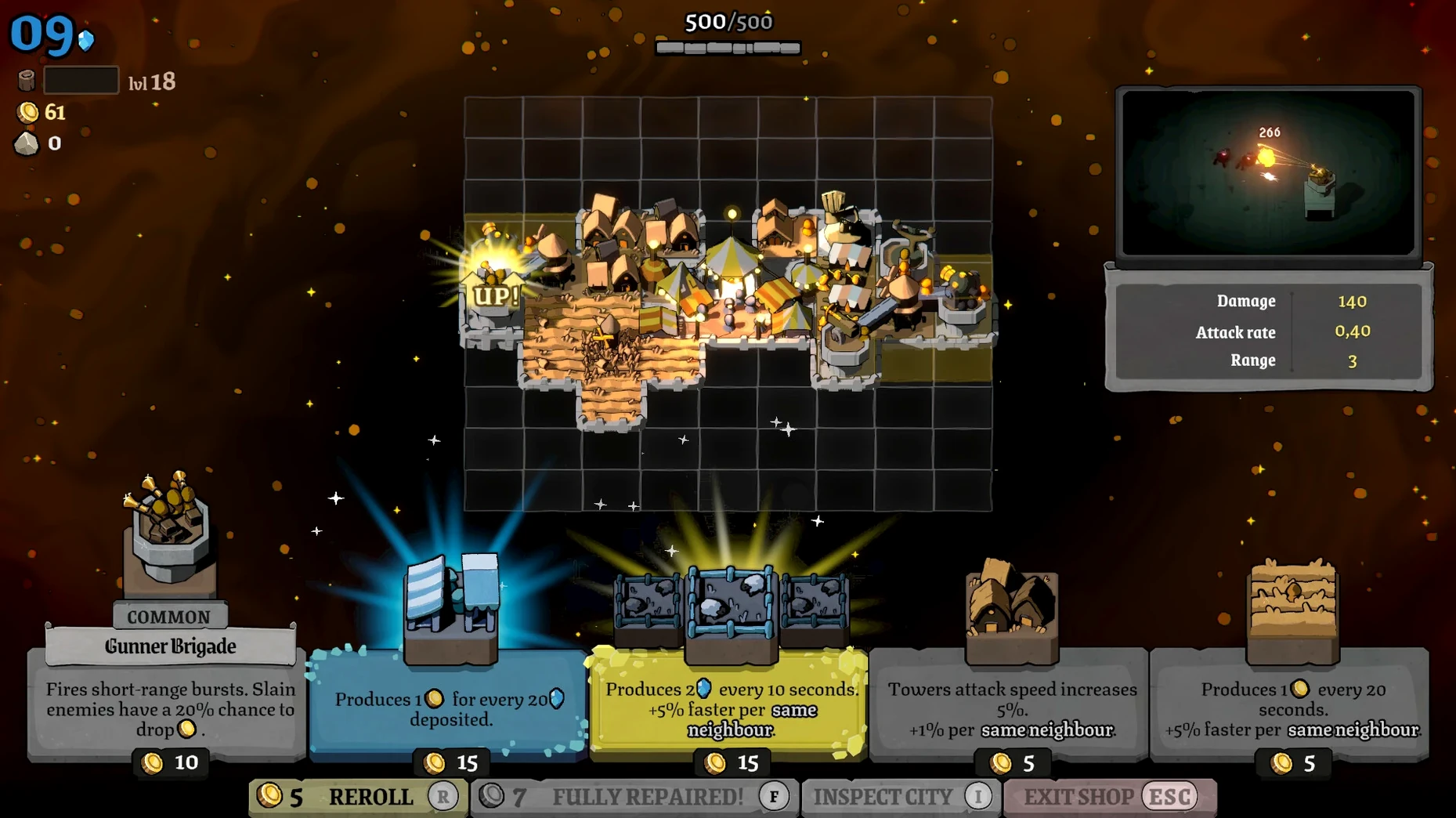
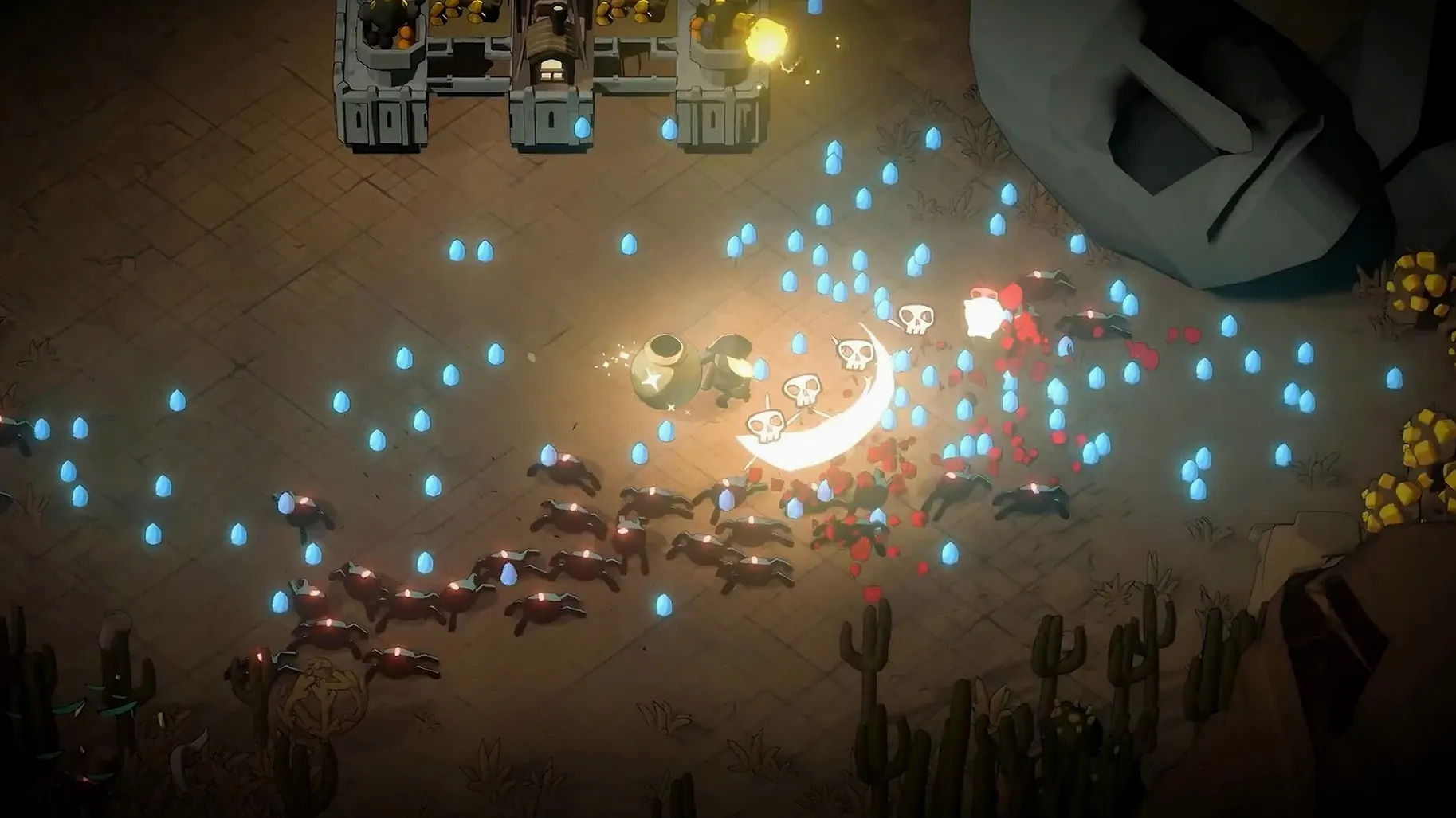
The 1.0.15.0 release nudges the difficulty dial a little further, continuing Ludogram’s post-launch tuning of the monster onslaught. If you found earlier builds a touch too forgiving, this patch tightens the screws without rewriting the rulebook — the core scramble remains the same.
Your rolling city fights through hostile territory
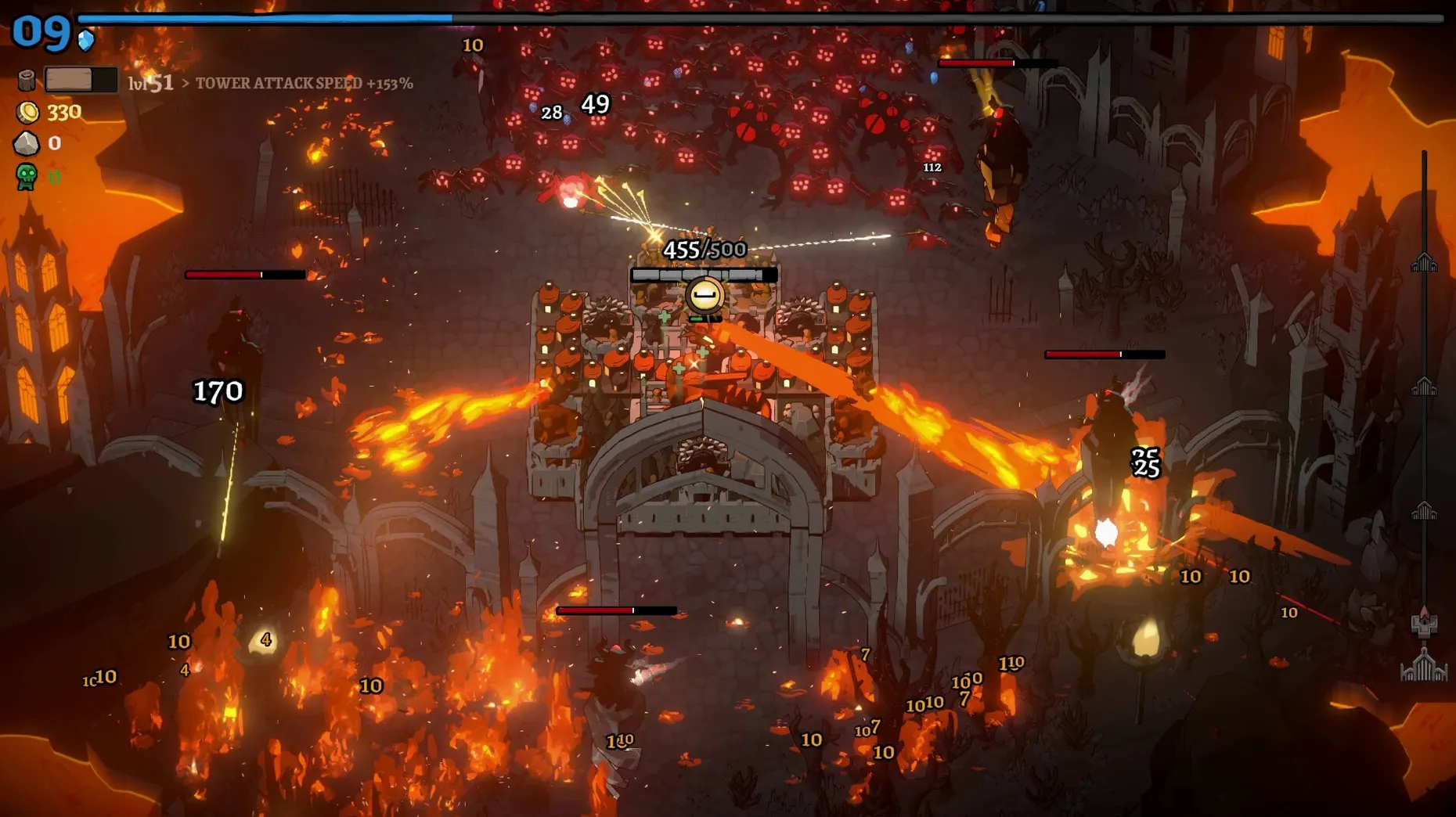
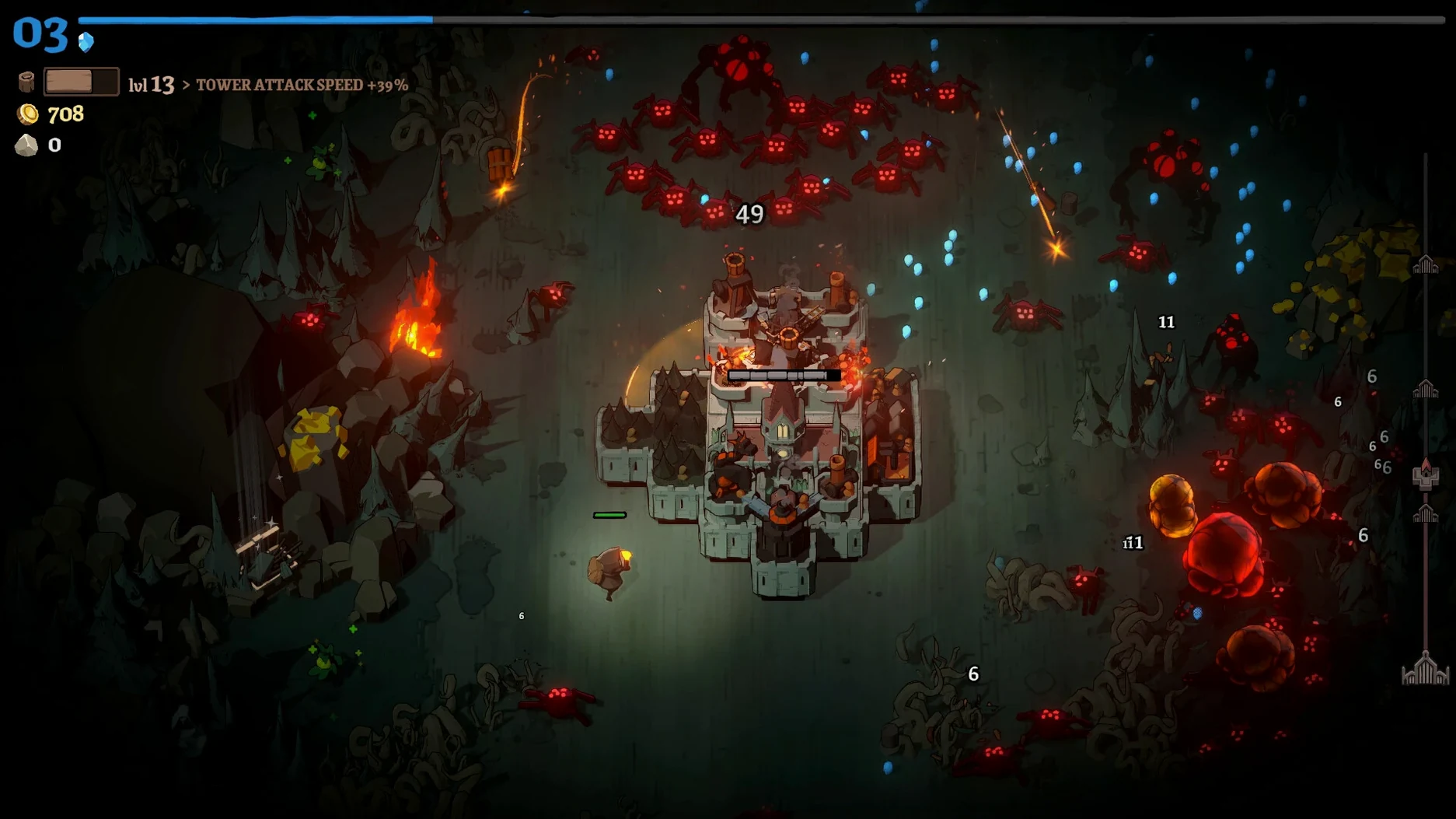
The game blends tower-survivor mechanics with a roguelite structure, but the twist is that your base never stays put. The city rolls forward through hostile territory while you race to gather resources, place buildings and keep the engine running.
- A moving city to defend: Monsters attack in waves, and you lose only when the city is completely destroyed. The walls can take a beating, but neglect them long enough and it’s over.
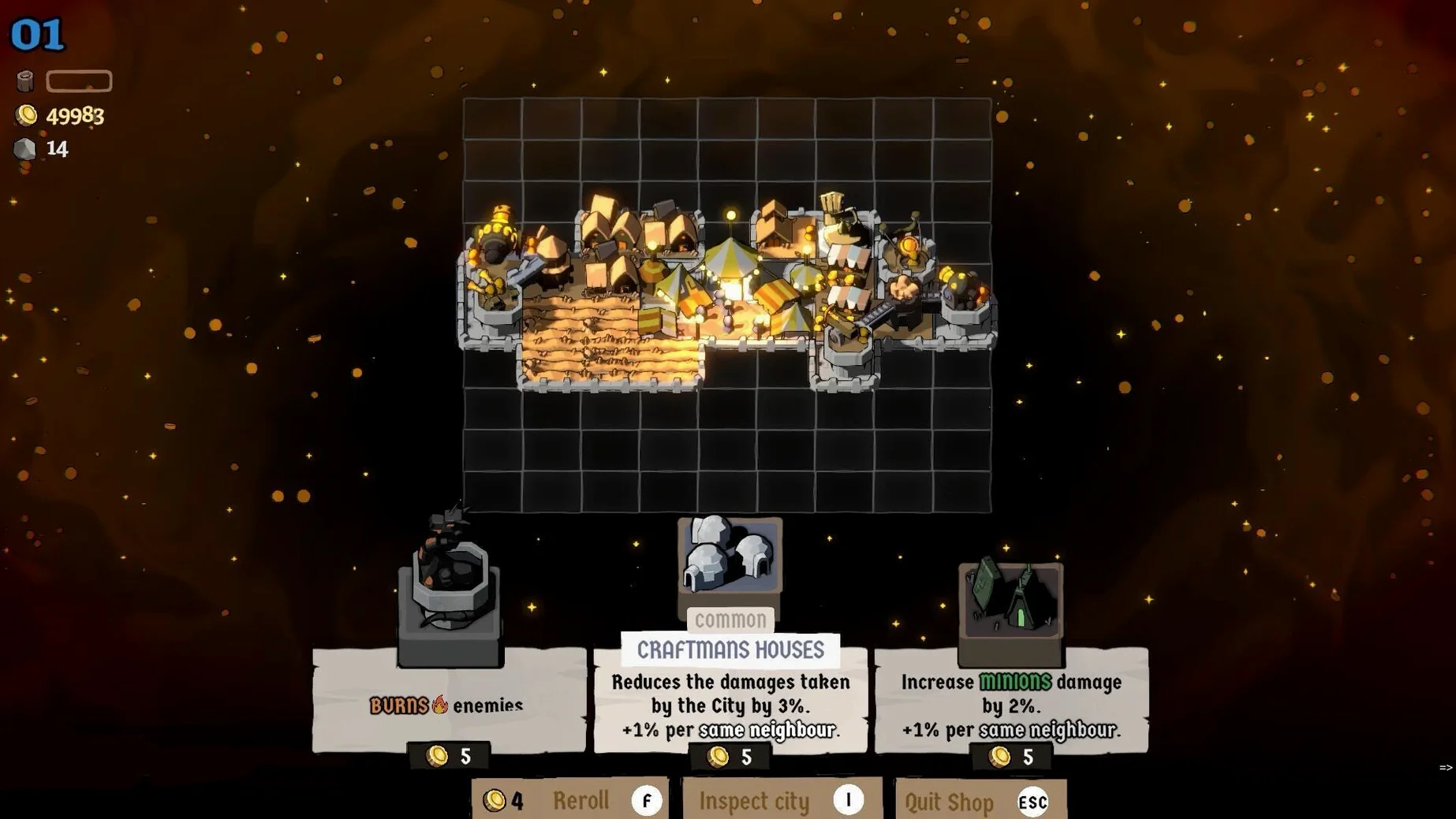
- Three core resources: Wood, stone and gold are the lifeblood of every run. You collect them to erect new structures, upgrade city districts and fit gate improvements that blunt the next wave.
- Gate upgrades and district planning: Equip defensive modules at the gates to soak up damage, then decide whether to reinforce housing, strengthen industry or widen resource stockpiles. Each choice shapes how the city weathers the later stages.
- Roguelite progression: Runs end in ruin more often than not, but the unlocks and district layouts you experiment with carry lessons into the next attempt.
Language support straight out of the gate
The interface ships with ten language options: Russian, English, German, Spanish, Simplified Chinese, Korean, Polish, Portuguese, Turkish, French and Japanese. You can switch between them inside the game settings — no extra downloads or fiddly config files required.
Plonking down buildings without a plan
The most common stumble I see from new players is treating the city builder like a sandbox. You have a moving platform with limited real estate, and every tile counts. Slapping down a stone quarry because there’s a gap looks harmless, but during the third wave that quarry is doing nothing while a gatehouse would have saved the left flank. The game punishes sprawl. Think in layers: outer defences, then production, then housing tucked behind. If a building isn’t pulling its weight by the time the first boss music kicks in, you’ve already lost the run — you just don’t know it yet.
Another classic error is hoarding gold. Gold doesn’t earn interest, and a fat purse won’t resurrect a flattened district. Spend it the moment you can afford a meaningful upgrade, especially on gate modules that give percentage-based damage reduction. Those small, early investments compound faster than any stockpile ever will.
First questions before downloading
Runs on Apple Silicon through a light Wineskin wrapper
Yes. This ARM build was tested on macOS Tahoe with a Mac mini M4, and it runs through Wineskin rather than emulating an entire Windows layer. The translation overhead is light enough that you won’t notice it during play. No Rosetta required.
How long does a typical run last?
That depends entirely on how quickly your defences crumble. A scrappy early attempt might end in ten minutes. A well-managed run that reaches the later environmental hazards can stretch past half an hour. The roguelite structure means short, sharp failures teach you more than one long slog ever will.
Is this the kind of game I can play in short bursts?
Absolutely. The waves come at predictable intervals, and you can pause between them to rework your district layout at leisure. A fifteen-minute coffee break is plenty of time to squeeze in a full run, even if it ends in flames.
A full run, step by step
Let’s walk through a sword-class run, which leans on close-quarters damage and faster wall repairs. The goal here is consistency, not speed.
Minutes 0–3: the opening scouting loop. The city starts rolling. Immediately peel off the main route towards the nearest forest marker — you want wood before anything else. While you’re out, the city will soak a few hits, and that’s fine. Walls are tougher than they look early on. Grab enough wood to place a sawmill and a basic gate barricade, then sprint back before the first wave horn sounds.
Minutes 3–7: layering the first defences. Spend your opening gold on a gate upgrade that reduces physical damage. Place the sawmill behind the gate and assign a worker to it. Now push out again, this time hunting stone. The second wave will bring faster monsters, so you need stone walls placed directly in front of the barricade. Don’t build them anywhere else yet — concentrate the reinforcement where the pressure is highest.
Minutes 7–15: the mid-game pivot. By now you should have two resource buildings and a housing district that boosts worker speed. This is where most runs fall apart, because players overextend. Stay close to the city. Use special weapons sparingly — the sword’s whirlwind ability clears a tight cluster, and you want it ready for the first boss. When the boss appears, kite it towards your strongest gate and let the towers do the heavy lifting while you chip away from behind.
Minutes 15 onwards: playing the map. Environmental obstacles start appearing. Poison bogs slow movement, rockfalls destroy buildings outright. Your job shifts from gathering to triage. Repair walls before they collapse, reposition districts away from hazard zones, and only venture out when a critical resource node is reachable in under fifteen seconds. The city limps towards the finish line; you’re just keeping it moving.
Early surprises that trip up new players
The launch error and the Fix file
If the game throws an error immediately after the first launch, don’t panic. Open the disk image again and you’ll find a file named Fix. Run it once, then launch the game normally from the Applications folder. This is a one-time Wineskin bootstrap quirk that sets up the prefix correctly — it won’t reappear after the initial setup.
Save files that seem to vanish
Progress lives inside the app bundle’s shared support prefix, specifically under the LocalLow folder for Ludogram. The path is buried, but if you ever need to back up a particularly good run or move saves between machines, that’s where you dig. The game doesn’t use iCloud or a standard macOS save location, so a manual copy is your only safety net.
Language switching not sticking
A handful of players report that the language choice resets after a restart. The fix is straightforward: change the language inside the game settings, then complete at least one wave before quitting. The setting only writes to the preferences file after a gameplay checkpoint. If you switch and immediately close the app, it reverts.
Performance stutter during large waves
The Wineskin layer sometimes chugs when thirty monsters crowd the screen. Lower the shadow quality first — it’s the biggest single drain. If the stutter persists, reduce the resolution scaling by one notch. The pixel-art style holds up well even at slightly lower resolutions, and the frame-rate gain is worth the trade.
Version 1.0.15.0 continues the developer’s ongoing difficulty tuning, adjusting monster pressure to keep the mid-game tense without tipping into unfair territory.
- Architecture: Apple Silicon
- Tested on macOS Tahoe with a Mac mini 2024 M4
Questions I keep hearing
How do I change the in-game language?
Open the game settings from the main menu and pick your preferred language from the list; the change takes effect immediately.
What happens when the city takes damage?
You only lose when the city is completely destroyed, so partial damage is recoverable if you reinforce districts and shore up the gates in time.
Questions from the class 0
Sign in or join the class to ask a question.
Nobody has asked anything yet. If you have used it on a real job, say what the file did.
Also on the Games shelf
The whole Games shelf Minecraft
Lets you mine, craft and build in a blocky, open-ended world.
Minecraft
Lets you mine, craft and build in a blocky, open-ended world.
 Middle-earth: Shadow of Mordor
Pits you against orcs who remember every fight and rise through the ranks.
Middle-earth: Shadow of Mordor
Pits you against orcs who remember every fight and rise through the ranks.
 Metro Exodus
Takes you across Russia by train, keeping weapons and supplies alive.
Metro Exodus
Takes you across Russia by train, keeping weapons and supplies alive.
 Metro 2033 Redux
Sends you through the claustrophobic tunnels under Moscow, short on ammo.
Metro 2033 Redux
Sends you through the claustrophobic tunnels under Moscow, short on ammo.
 Muse Dash
Challenges your rhythm across bright side-scrolling tracks while you tap, hold, and dodge to the beat.
Muse Dash
Challenges your rhythm across bright side-scrolling tracks while you tap, hold, and dodge to the beat.
 My Dream Setup
Lets you design a detailed room by sliding furniture freely without any snap-to-grid fighting.
My Dream Setup
Lets you design a detailed room by sliding furniture freely without any snap-to-grid fighting.
 My Winter Car
Tasks you with building a project car while staying fed, warm, and alive through a Finnish winter.
My Winter Car
Tasks you with building a project car while staying fed, warm, and alive through a Finnish winter.
 Master of Piece
Builds a deck of units and places them before each roguelite battle begins.
Master of Piece
Builds a deck of units and places them before each roguelite battle begins.