 ASPNetWorld

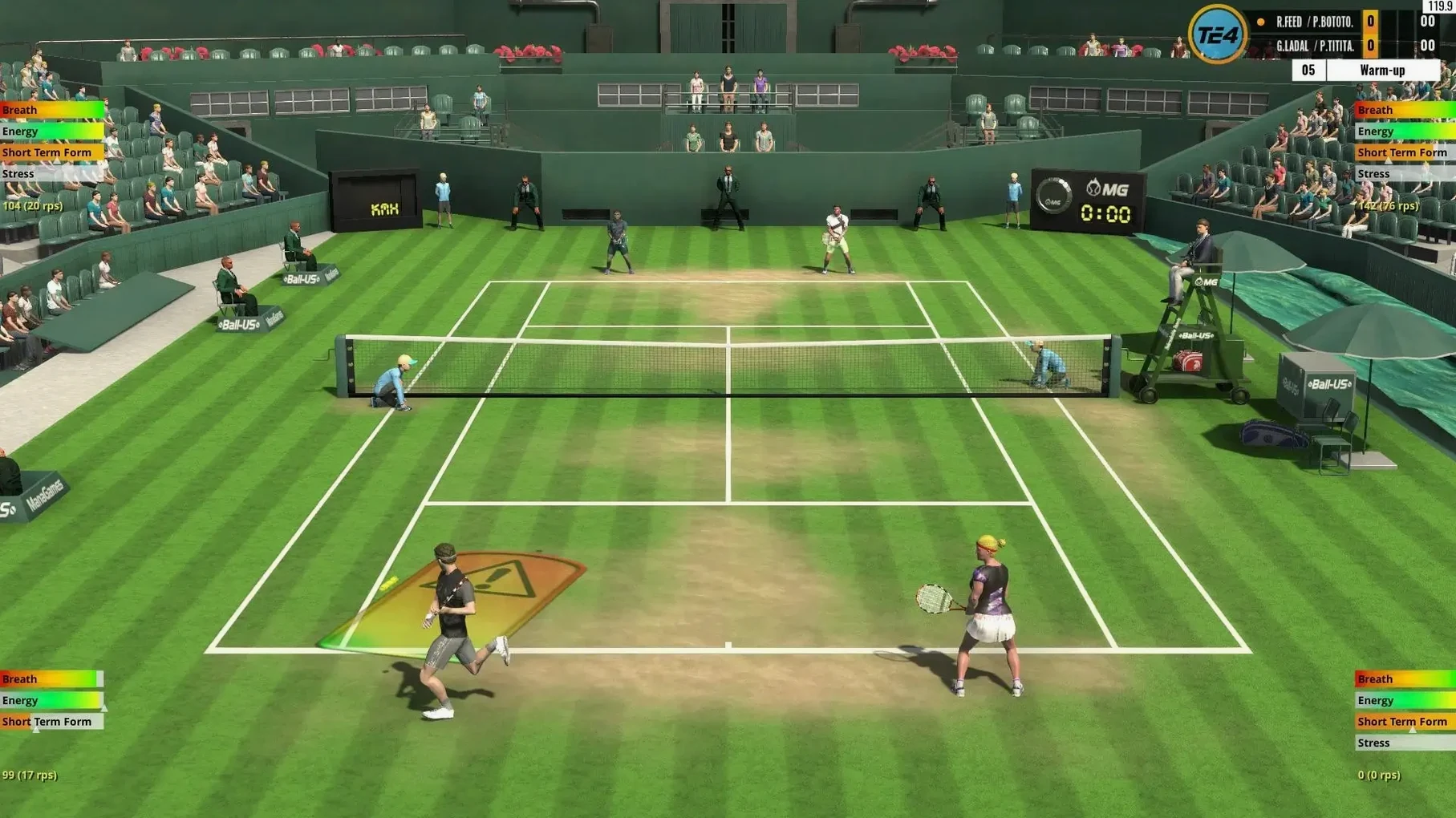
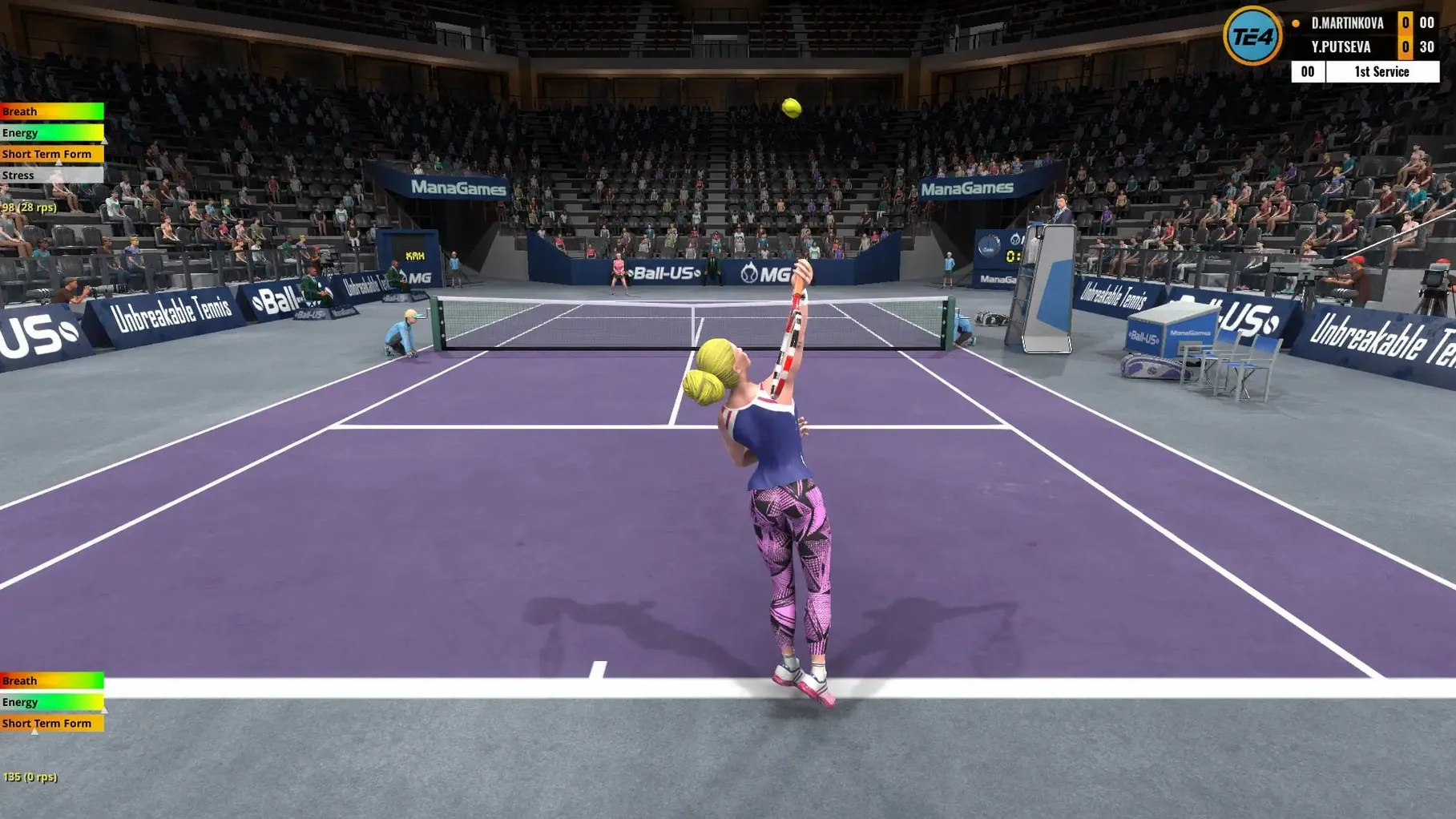
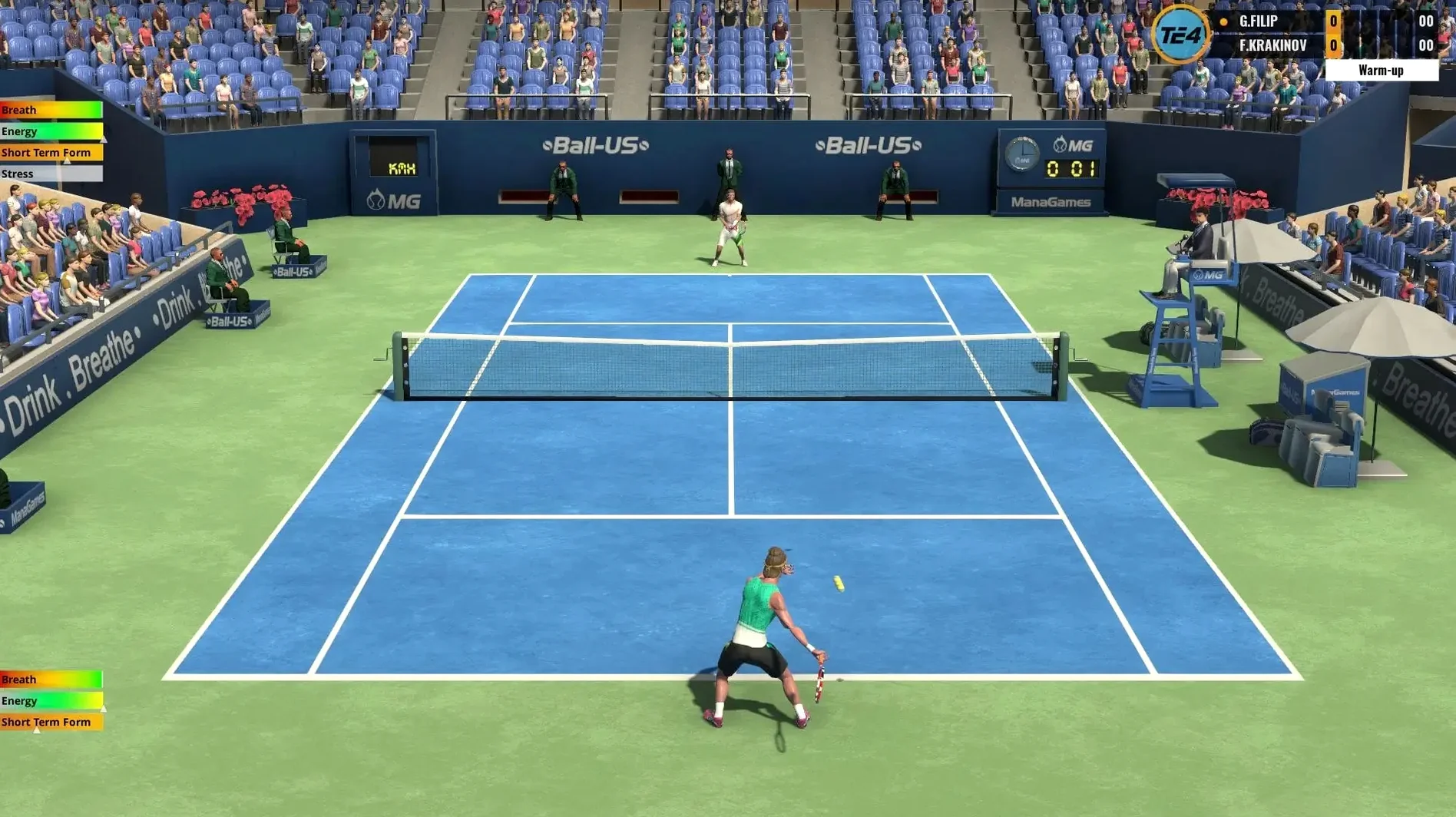
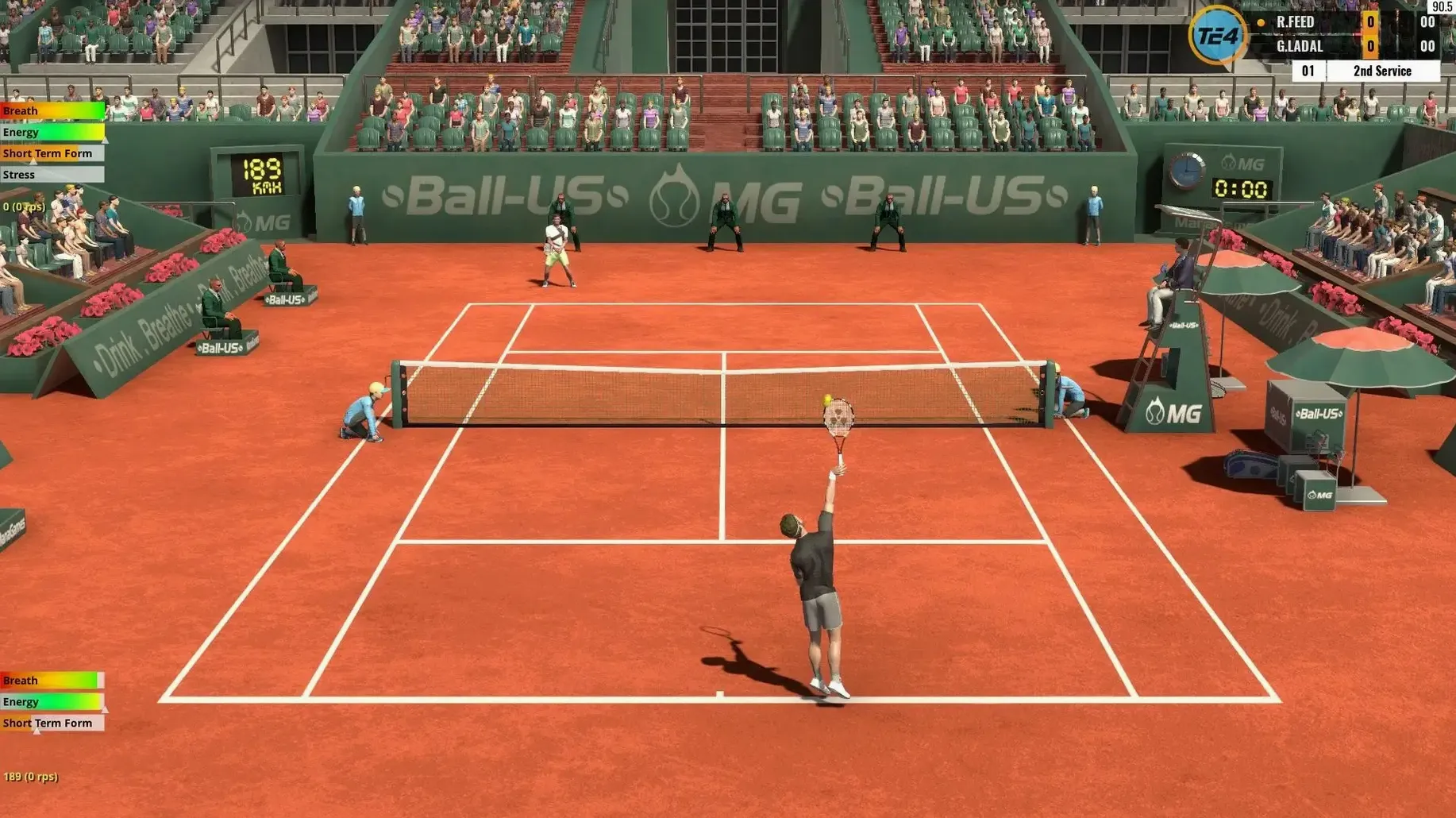
Over 3,500 players populate the World Tour, but your own rise through the rankings starts with a single serve. Here is the minute-to-minute reality of a match.
On court, point by point
- Position and preparation. You move your player with the left stick and hold a shot button — flat, topspin, slice or lob — to begin the backswing. The longer you hold, the more power you store, but commit too early and you will be wrong-footed.
- Timing the strike. Releasing the button at the right moment determines accuracy and depth. A rushed release sends the ball floating; a perfectly timed one cracks it into the corner.
- Aiming under pressure. The left stick nudges direction during the swing. It is a small window, and on the run you learn to trust muscle memory rather than overthink placement.
- Reading the rally. Your opponent’s stance and backswing telegraph what is coming. A short ball invites you forward; a deep, heavy shot pins you behind the baseline and forces a defensive lob.
- Fatigue and decision-making. Stamina drains with every sprint and slide. By the third set, you stop chasing lost causes and start calculating risk — a dropshot played on tired legs is as much a bluff as a stroke.
The control system is built around this loop of anticipation and execution. A gamepad makes the analogue movement feel natural, and the training mode lets you drill specific shots until the timing becomes second nature. Whether you play a quick exhibition or a five-set doubles slog, the game asks you to think one shot ahead, always aware that a mistimed swing hands the advantage straight back.
Settings that pay you back immediately
Out of the box, Tennis Elbow 4 plays a fair game of tennis. Spend five minutes in the settings, though, and it plays your game. A couple of tweaks I recommend to every evening-class student:
First, turn off the automatic player movement assist. It is called Auto Position in the controls menu, and while it is a gentle crutch for the first hour, it fights your own footwork once you start reading the ball. Switch it to “Manual” and you suddenly own every step — including the mistakes, which teach faster than any tutorial.
Second, raise the camera height slightly. The default angle is cinematic but shallow; pulling it up a few degrees in the Camera Settings tab gives you a cleaner view of the service box and lets you judge depth on approach shots without squinting at a flat horizon. While you are there, dial the zoom back a notch so you can see the opponent’s court position earlier in the rally.
One more: bind a dedicated lob button if you are on a gamepad. The default modifier-plus-shot combo works, but under pressure your thumb has better things to do than play twister. Map it to the left bumper and you will save a dozen points a set when you are pulled wide and need an emergency moonball.
A working session, played out
Imagine a Tuesday evening at the kitchen table, MacBook open. You fire up Tennis Elbow 4 and the World Tour menu greets you with a quiet hum of possibility. Your player — a 19-year-old wildcard ranked 287th — has a qualifying draw in Pune tomorrow. Tonight is practice.
You load the training ground and spend ten minutes on crosscourt backhands. The coach AI feeds ball after ball to your weaker wing. Your first twenty strokes spray wide or clip the tape. You are releasing too late. By the thirtieth repetition your thumb finds the rhythm: hold, step, release at the top of the bounce. The sound of a clean strike — that tight, percussive thwack — becomes your target, not the scoreboard.
Confidence nudged upward, you switch to a quick exhibition match against a player ranked just above you. First set goes to a tiebreak; you lose it 7-5 because you tried a dropshot on break point down. The game logs the statistic without comment, but you feel it in your chest. Second set, you play percentages. Deep returns to the backhand, occasional slice to change pace, a surprise serve down the T. You take it 6-3.
By the time you close the lid, you have not “won” anything that counts toward the rankings, but the session has done its job. The muscle memory from training carried into the match, and the match exposed exactly what tomorrow’s qualifying round demands: fewer clever ideas and a more respectful crosscourt backhand. That is the loop Tennis Elbow 4 builds — not a highlight reel, but a quiet story of gradual improvement, one evening at a time.
- macOS 10.13 or later
- 64‑bit processor (Intel and Apple Silicon supported)
- 4 GB available disk space
Questions I keep hearing
Can I play singles and doubles in Tennis Elbow 4?
Yes, the game includes both singles and doubles matches, playable across multiple difficulty levels.
Does Tennis Elbow 4 support a gamepad on Mac?
It does — gamepad play is fully supported, which suits the analogue movement and shot-timing system particularly well.
Questions from the class 0
Sign in or join the class to ask a question.
Nobody has asked anything yet. If you have used it on a real job, say what the file did.
Also on the Games shelf
The whole Games shelf Terraformers
Builds Martian colonies and manages civic life on a procedurally randomised planet.
Terraformers
Builds Martian colonies and manages civic life on a procedurally randomised planet.
 Teardown
Plans and executes destructive heists.
Teardown
Plans and executes destructive heists.
 The Binding of Isaac Rebirth+
Fires tears through a basement of monsters in a run that changes every time you play.
The Binding of Isaac Rebirth+
Fires tears through a basement of monsters in a run that changes every time you play.
 The Classrooms
Traps you in a shifting, condemned school with only a camcorder and your nerve.
The Classrooms
Traps you in a shifting, condemned school with only a camcorder and your nerve.
 The Long Dark
Tests your wits against hunger, cold, and wolves in a silent northern wilderness.
The Long Dark
Tests your wits against hunger, cold, and wolves in a silent northern wilderness.
 The Sims 4
Sculpts characters, builds homes, and lets their little lives unfold around you.
The Sims 4
Sculpts characters, builds homes, and lets their little lives unfold around you.
 Suzerain
Puts you in charge of a fictional country.
Suzerain
Puts you in charge of a fictional country.
 Thronefall
Builds a compact base by day and defends it by night in stripped-back tactical battles.
Thronefall
Builds a compact base by day and defends it by night in stripped-back tactical battles.