 ASPNetWorld
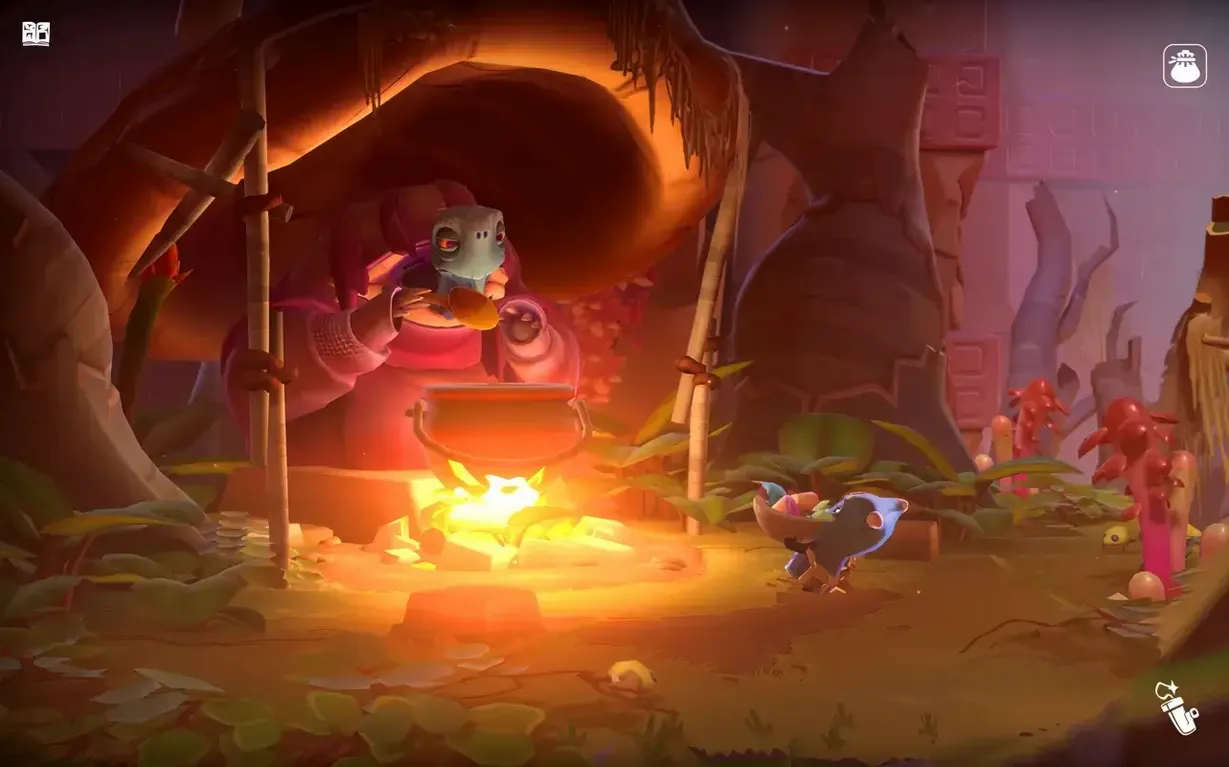
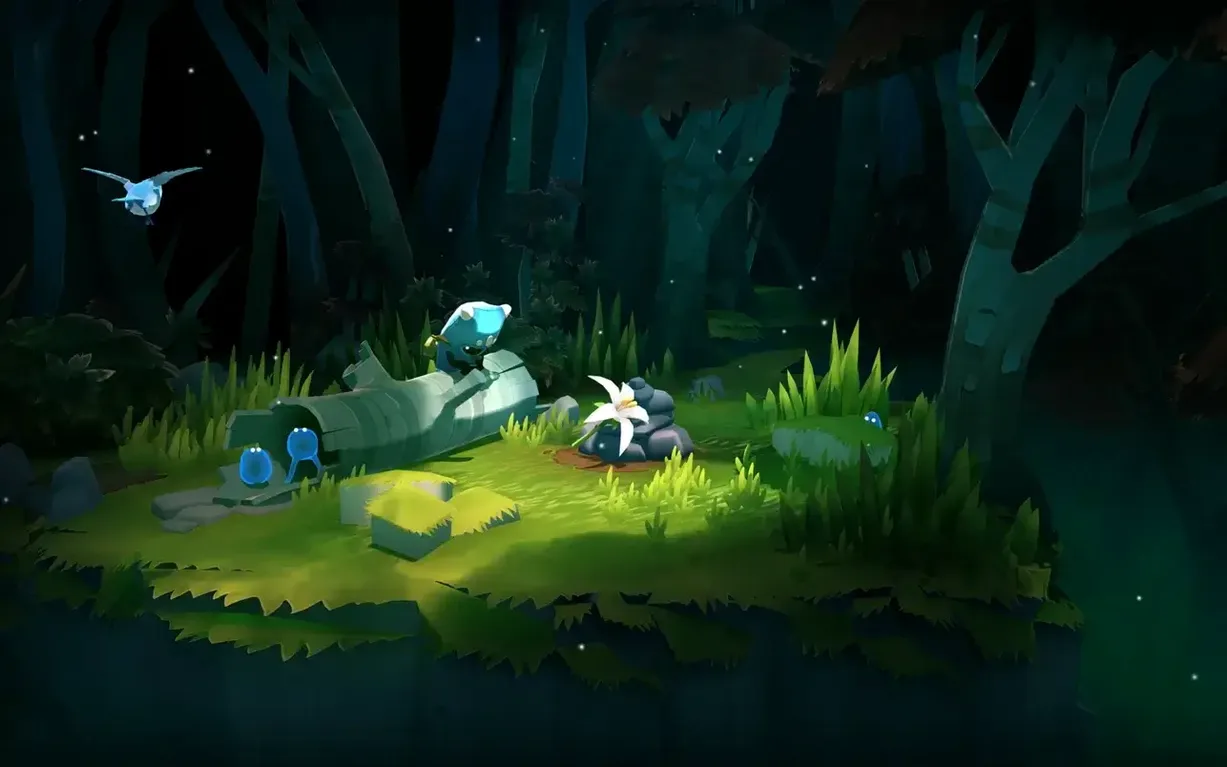
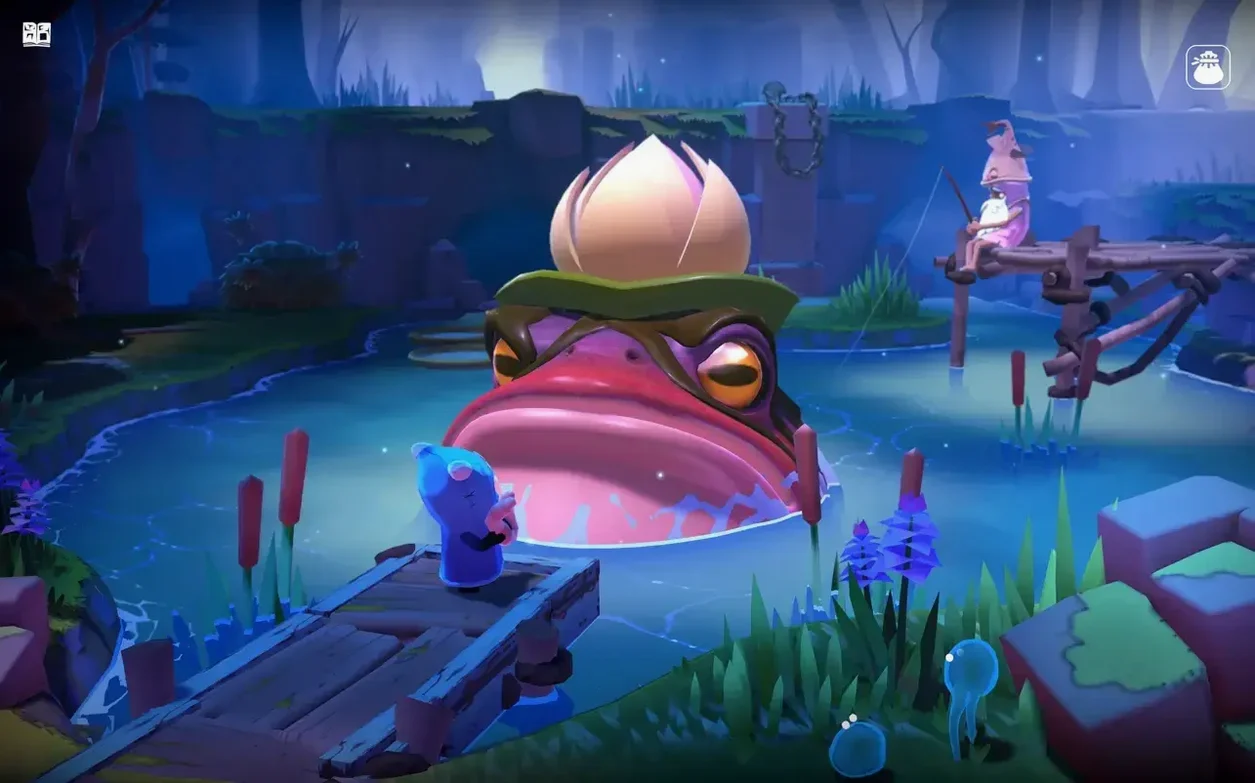
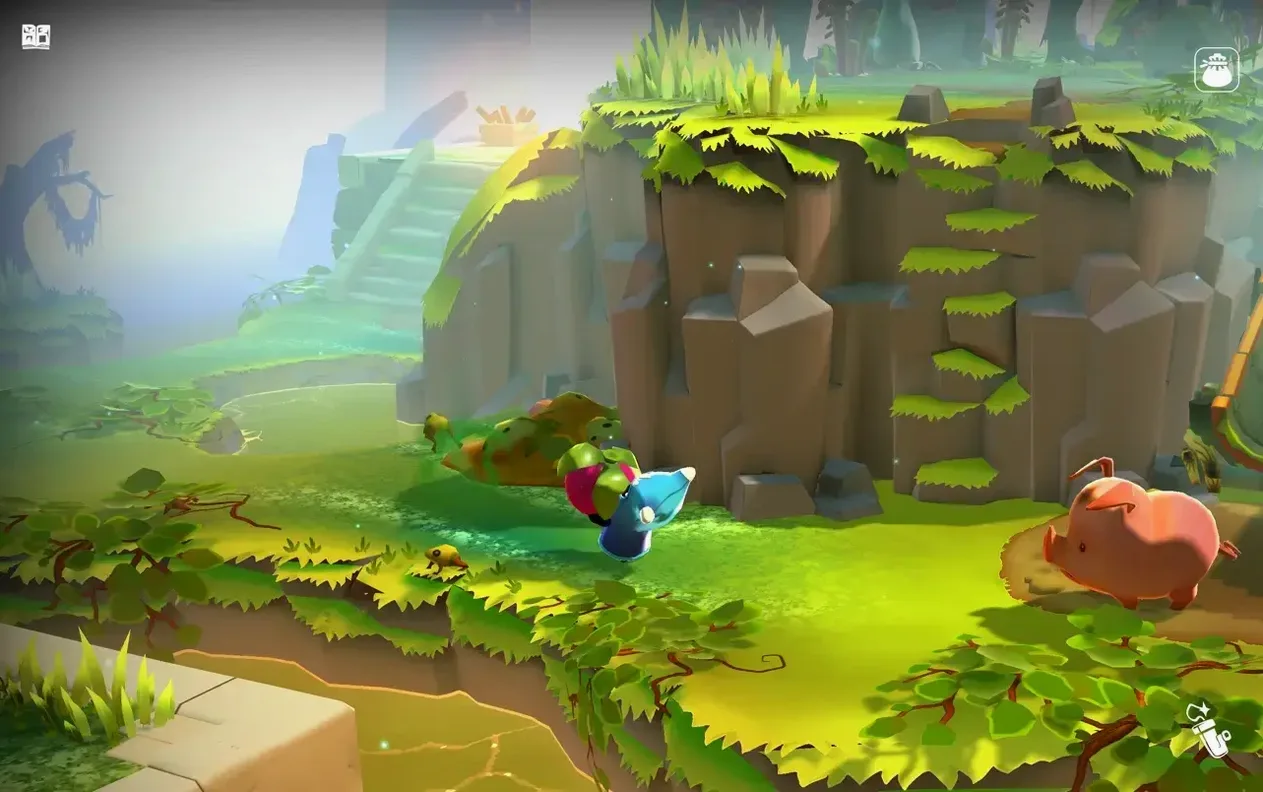
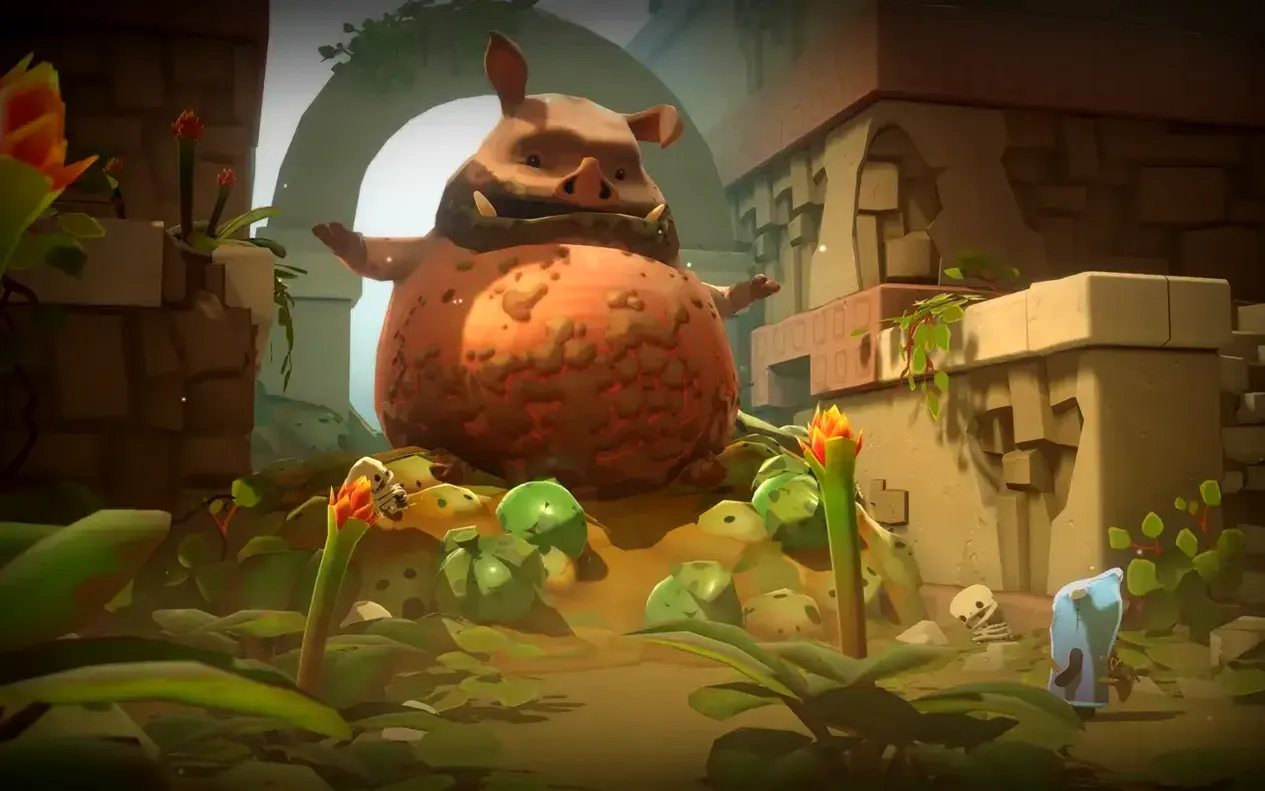
The Last Campfire runs on any Mac with macOS 10.15 (Catalina) or newer, and it feels equally at home on Intel and Apple Silicon machines — the download is a universal binary. It is not a demanding title, so even older Macs with integrated graphics tend to handle the painterly landscapes and soft lighting without much fuss. A trackpad works perfectly for the gentle point-and-click navigation, though a mouse gives you a little more precision for the occasional timing puzzle. Here is what to expect when you step into this melancholy little world:
- Universal binary — a single build that runs natively on both Apple Silicon and Intel Macs, no emulation layer needed.
- Performance — a steady 60 fps at default settings on most M-series and recent Intel Macs; the art style prioritises atmosphere over raw geometry.
- Controls — full mouse and trackpad support; the game was clearly designed with a controller in mind but plays fluidly with a keyboard-and-mouse setup.
- Display — looks crisp on Retina displays; the storybook visuals scale gracefully without turning blurry.
- Audio — the soundtrack is entirely instrumental, a warm, cello-heavy score that sits somewhere between a folk tale and a lullaby.
It is a compact experience — more of a thoughtful afternoon than an epic — but the way it balances small-scale environmental puzzles with a surprisingly tender story makes it one of the quieter standouts in Hello Games' catalogue.
The family-friendly art style hides a story adults might feel most
One question I hear a lot in evening classes is whether this is a children's game. The art style and the gentle narration certainly make it family-friendly — there is no combat, no fail state that punishes you, and the puzzles rarely frustrate — but the themes of loss, memory and finding your way back to yourself land differently for an adult. It is closer to a short animated film that happens to be interactive. Another common worry is about the download size. The whole thing comes in under three gigabytes, which surprises people who associate Hello Games with the procedural vastness of No Man's Sky. Finally, there is the controller question: the game hums along beautifully with a DualSense or an Xbox pad, but if you are on a MacBook with nothing plugged in, the keyboard-and-trackpad setup never feels like a compromise.
Stability, speed and what it asks of your Mac
I ran the 1.7 fix build on a Mac mini M4 under macOS Tahoe, and it is difficult to make the game stutter. Even with half a dozen other apps open — Logic Pro sitting idle in the background, a browser with too many tabs — the frame rate held smooth. The real measure of stability, though, is how it handles sleep and resume. I left it paused overnight, opened the lid the next morning, and it picked up exactly where I left it without a hiccup. Memory usage hovers around 1.2 to 1.5 GB, which is modest by modern standards, and there is no background process lurking after you quit. If your Mac has a fan, you will rarely hear it; on an M-series Air, the passive cooling never breaks a sweat. The only faint quirk I noticed is that the game sometimes takes an extra beat to recognise a controller if you connect it after launching — plugging it in beforehand avoids that entirely.
A hidden undo history can rewind any puzzle mistake
A handful of design touches are easy to overlook, and they make the journey smoother than it first appears. The game auto-saves at every puzzle checkpoint, but it also keeps a rolling history — so if you ever want to revisit a particularly lovely stretch of forest, you can step back to an earlier save from the pause menu without starting a fresh playthrough. The narrator's voice is tied to the music slider rather than a separate dialogue control, which took me a moment to figure out: if you want the spoken passages quieter for late-night play, pull the music volume down a touch and the voice softens with it.
Another quiet helper is the way the ember's lantern reacts to hidden paths. When you wander near a secret nook or a puzzle element tucked behind scenery, the flame dims slightly and leans in that direction — a subtle nudge rather than a glowing arrow. Keyboard shortcuts are few but useful: pressing Escape skips cutscenes you have already seen, and Tab highlights all interactive objects on screen, which spares you from pixel-hunting when a puzzle solution is clear in your head but the last movable stone is hiding in the undergrowth. If you are the sort of player who likes to soak in a game's atmosphere without the interface, the HUD fades entirely after a few seconds of stillness — no menu toggle needed, just patience.
- macOS 10.15 (Catalina) or later
- Apple Silicon or Intel processor
Questions I keep hearing
What is the aim of The Last Campfire?
You play as a tiny lost ember who must solve puzzles and help other forlorn characters in order to find your way home and light the Last Campfire.
Questions from the class 0
Sign in or join the class to ask a question.
Nobody has asked anything yet. If you have used it on a real job, say what the file did.
Also on the Games shelf
The whole Games shelf The Forest
 The Long Dark
Tests your wits against hunger, cold, and wolves in a silent northern wilderness.
The Long Dark
Tests your wits against hunger, cold, and wolves in a silent northern wilderness.
 The Classrooms
Traps you in a shifting, condemned school with only a camcorder and your nerve.
The Classrooms
Traps you in a shifting, condemned school with only a camcorder and your nerve.
 The Sims 4
Sculpts characters, builds homes, and lets their little lives unfold around you.
The Sims 4
Sculpts characters, builds homes, and lets their little lives unfold around you.
 The Binding of Isaac Rebirth+
Fires tears through a basement of monsters in a run that changes every time you play.
The Binding of Isaac Rebirth+
Fires tears through a basement of monsters in a run that changes every time you play.
 Thronefall
Builds a compact base by day and defends it by night in stripped-back tactical battles.
Thronefall
Builds a compact base by day and defends it by night in stripped-back tactical battles.
 Timberborn
Commands a colony of beavers to reshape rivers and build layered wooden cities.
Timberborn
Commands a colony of beavers to reshape rivers and build layered wooden cities.
 TerraScape