 ASPNetWorld
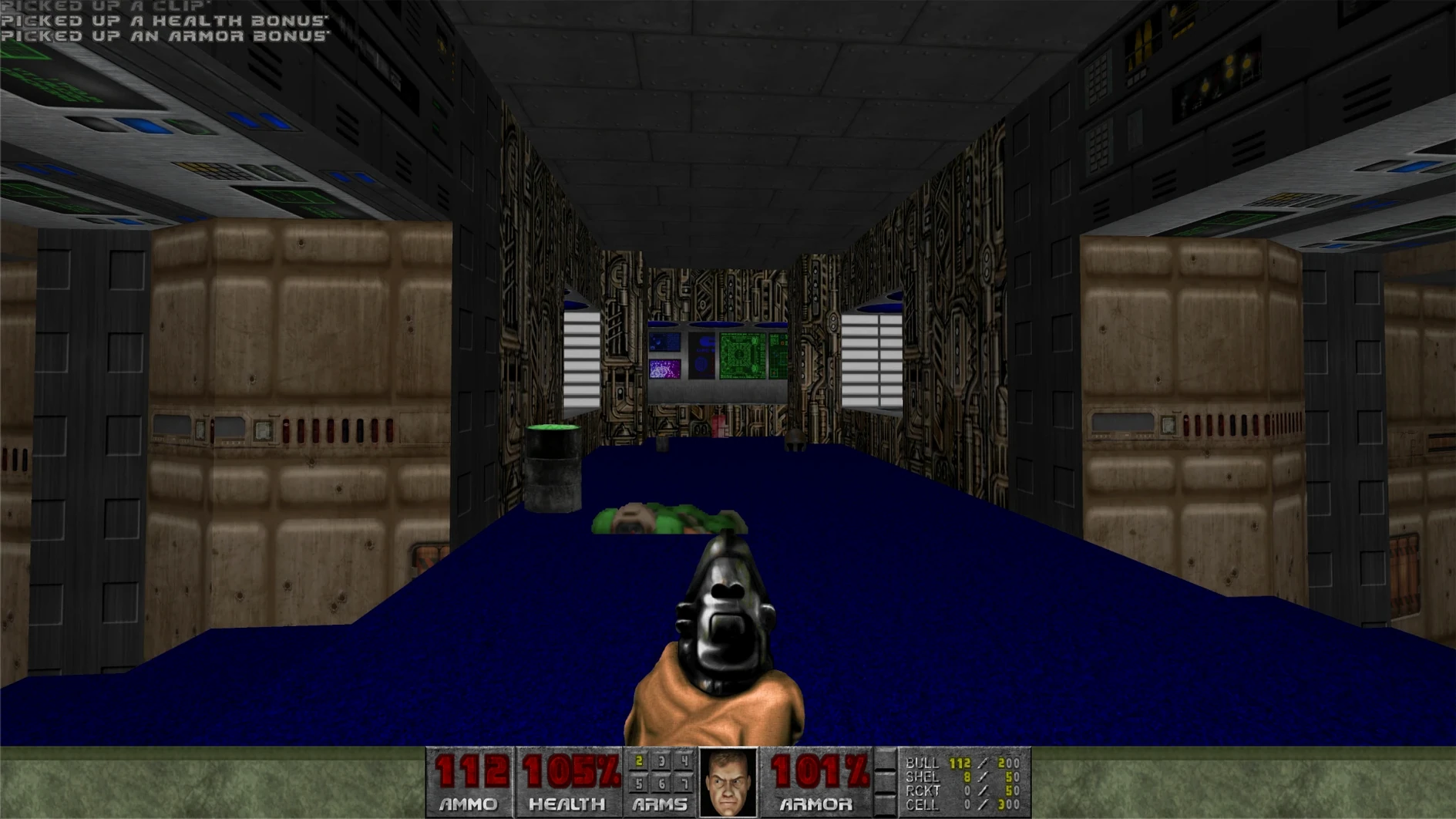
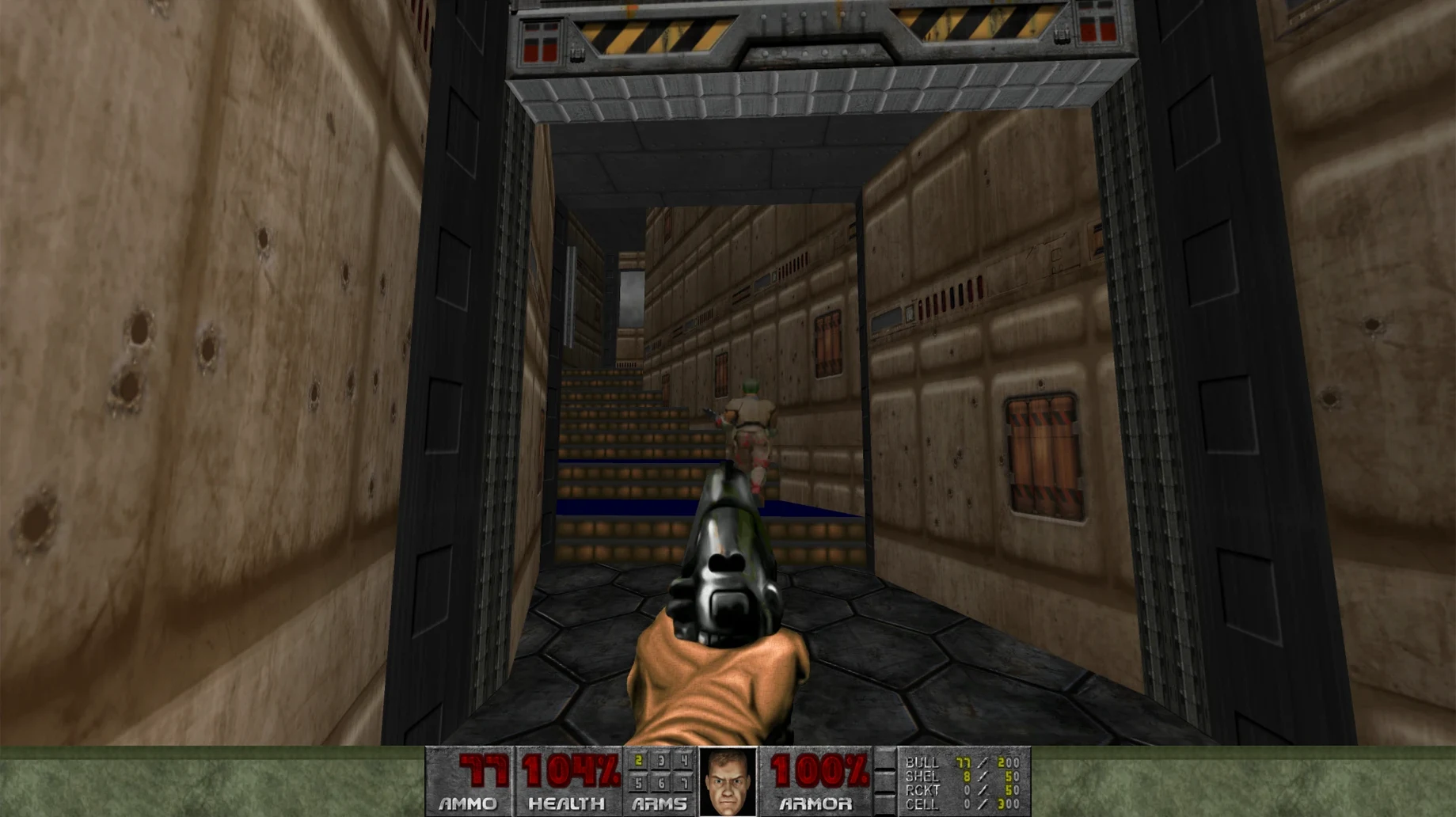
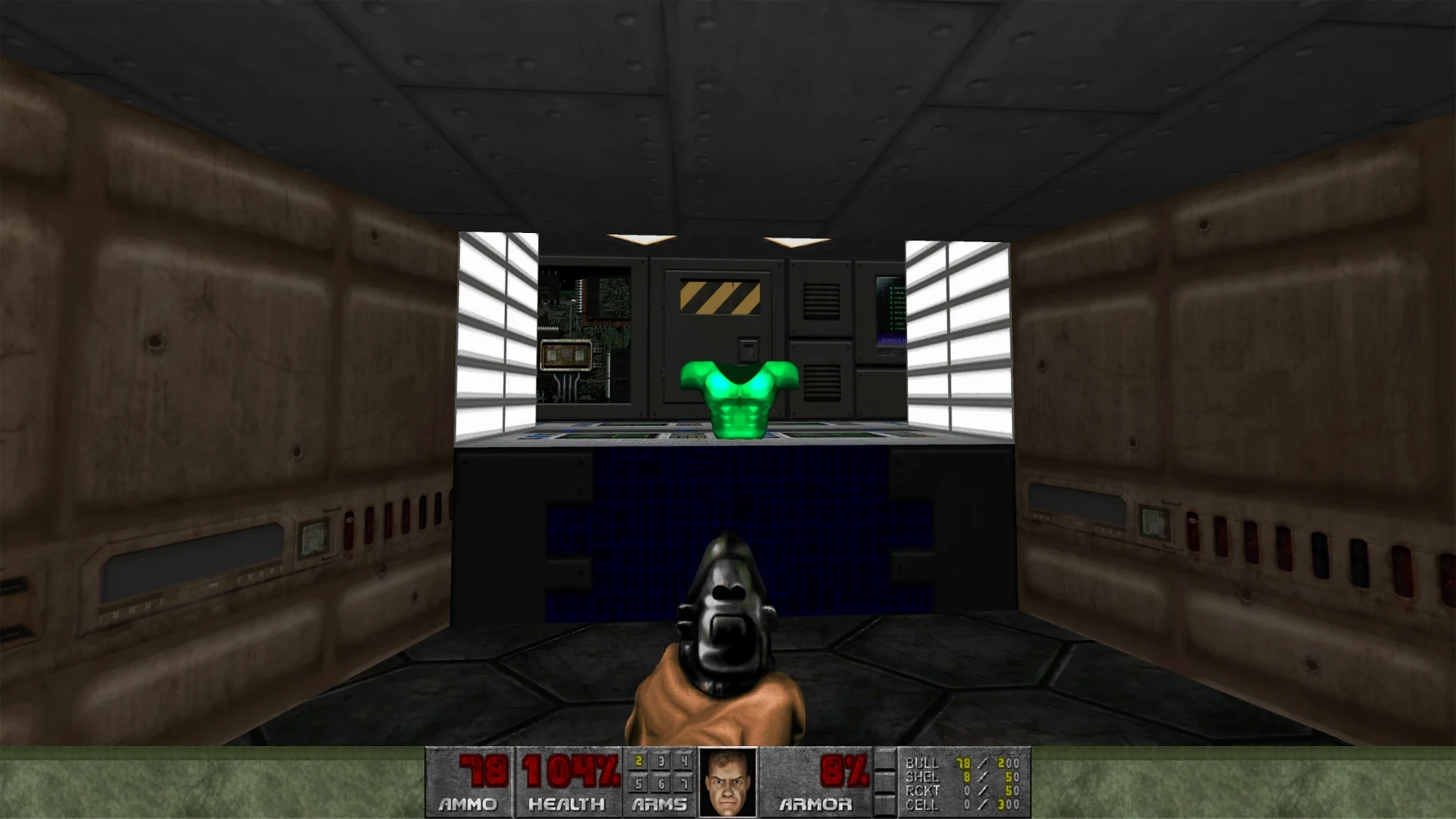
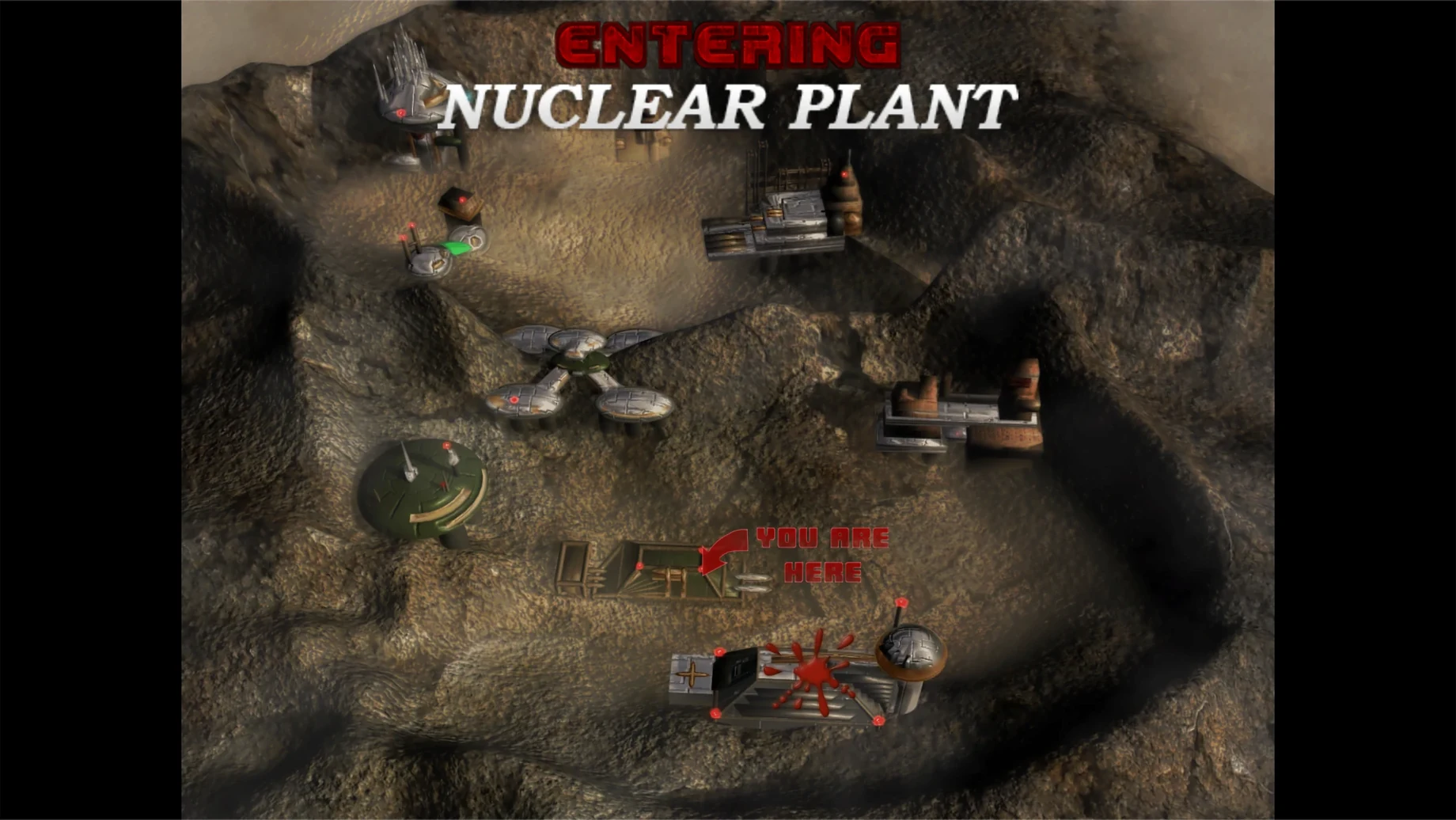
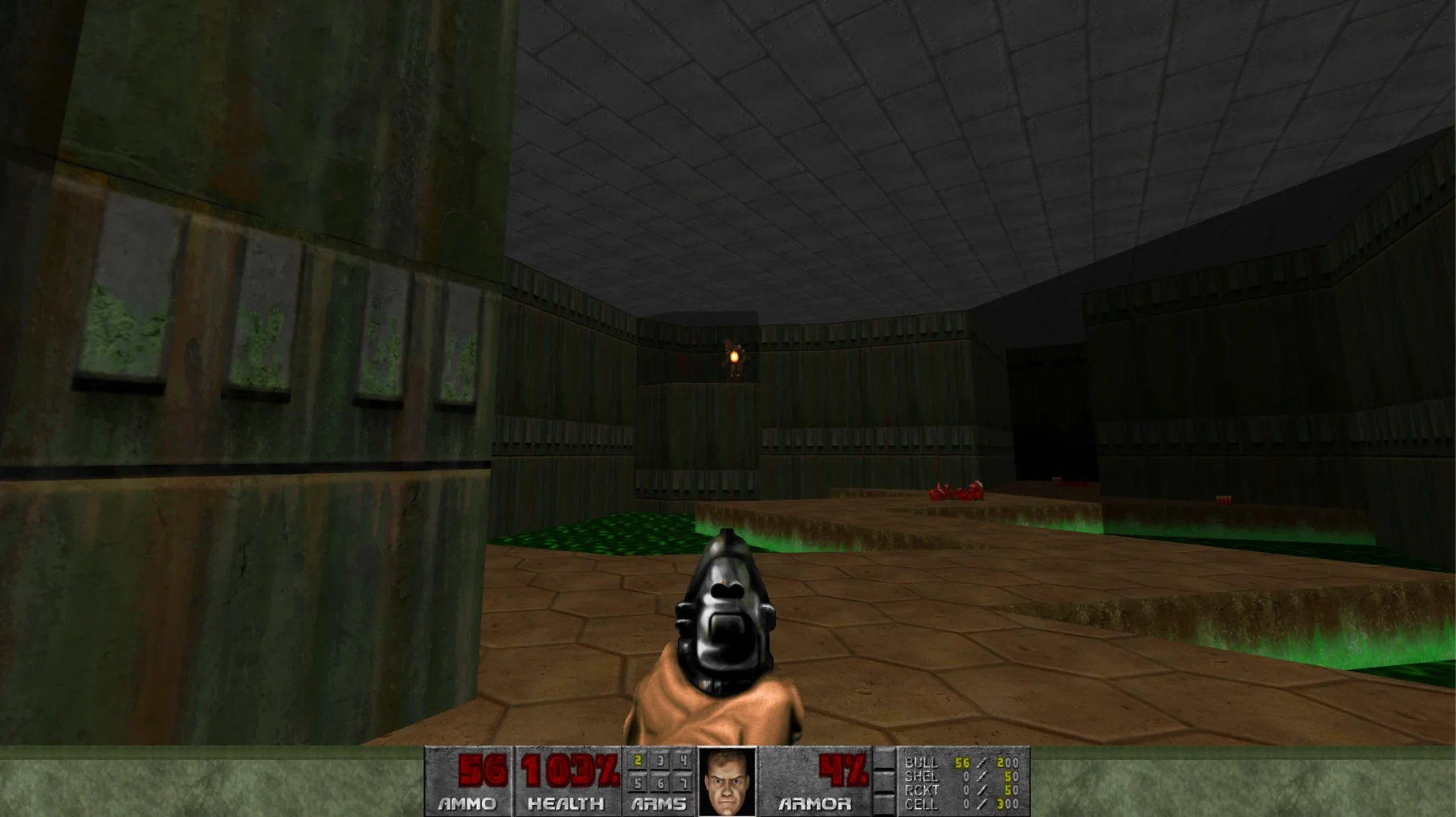
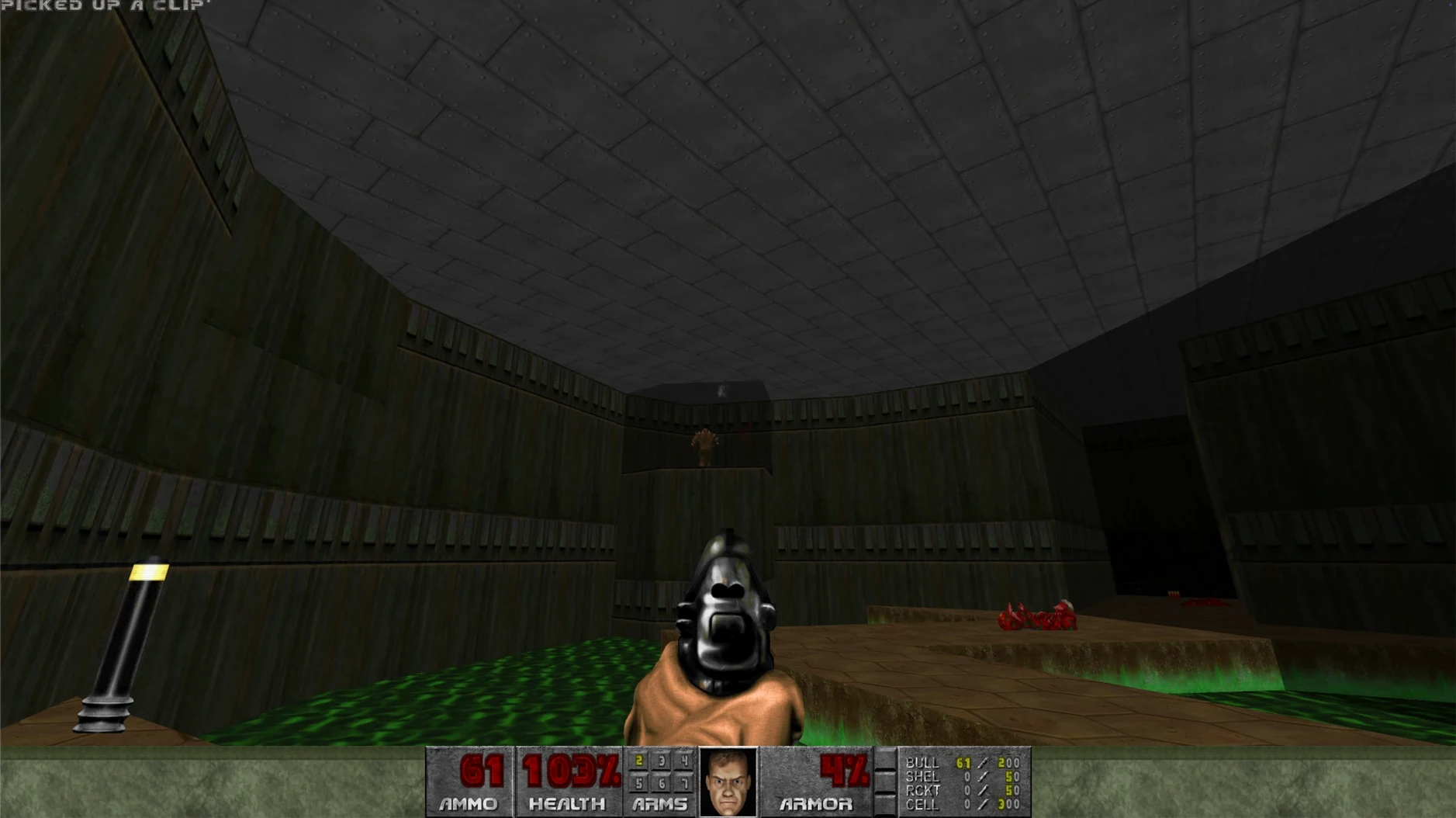
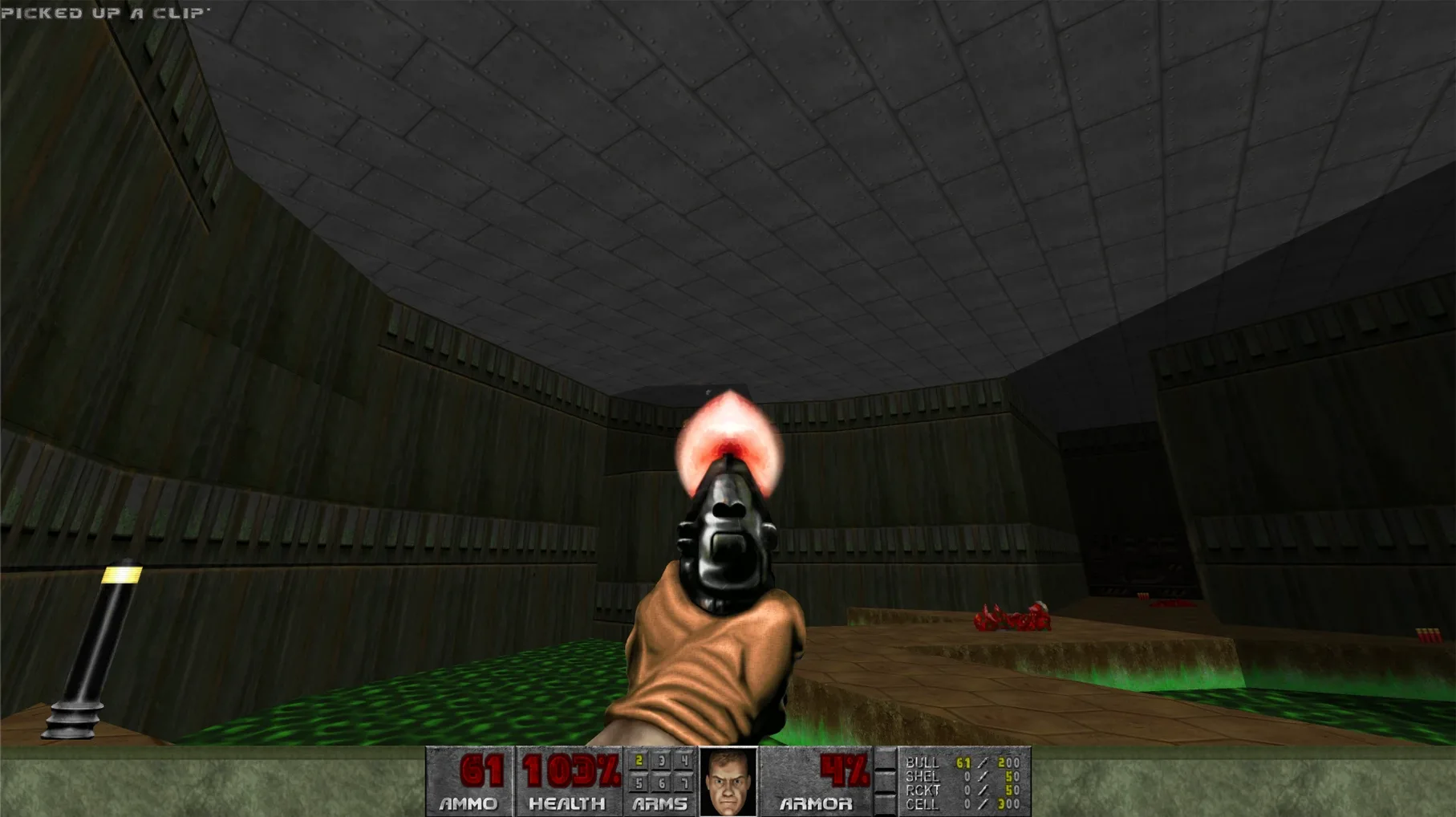
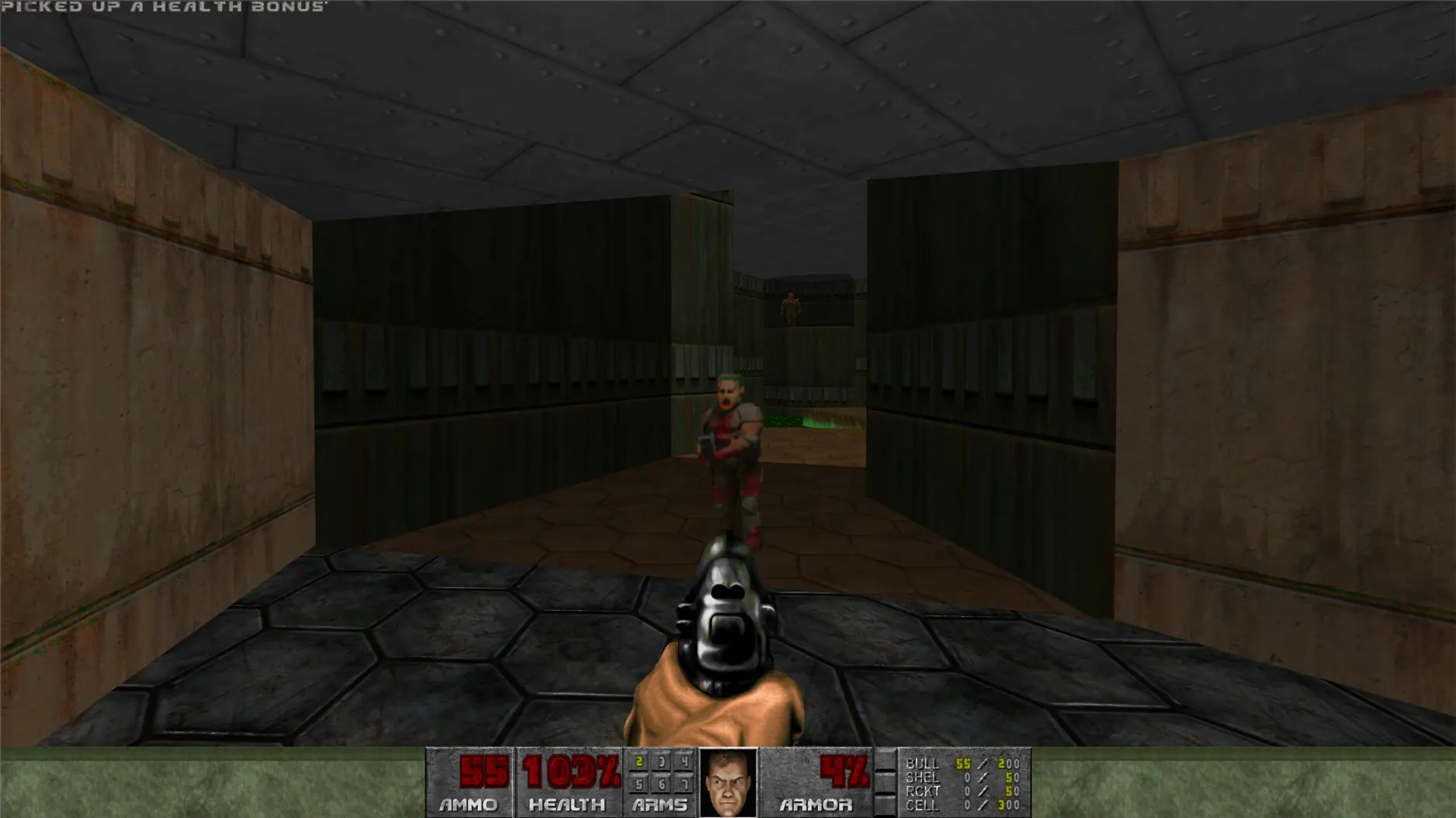
The latest Ultimate release bundles the original DOOM and its sequel into one combined package, all running natively on Apple Silicon hardware. Here's a breakdown of the core terms you'll encounter as you play.
Run-and-gun — The basic rhythm of play. You're always moving, strafing to dodge fireballs while returning shotgun blasts. Standing still is rarely an option; the game's pacing demands constant forward momentum through claustrophobic corridors and open arenas alike.
Phobos to Hell — The journey the games chart. You start on the research bases of Mars's moons, fighting possessed marines and pink-skinned demons in tech-bases full of flickering lights and toxic waste, before the sequel plunges you into a medieval-meets-infernal vision of Hell itself.
WAD loading order — How the engine prioritises modifications. If you're adding custom levels or graphics packs, a mod file whose name begins with a digit will load before others in the list, which matters when several mods try to replace the same texture or sound effect.
Saved games — Your progress snapshots. Each save writes a file inside the Saves folder, which sits within the app bundle itself. You can back these up directly if you need to transfer your campaign to another machine.
Network multiplayer — Deathmatch and co-op play over a local network. Up to four players can blast through the campaign together or turn the corridors into a frag fest, just as people did when the original release first hit office LANs in the mid-nineties.
Performance on a Modern Mac
On any Apple Silicon machine from an M1 upwards, DOOM barely registers as a load on the system. The game was originally designed to run on 1993-vintage hardware with a fraction of the processing power of a contemporary smartphone, so today's Macs handle it with comical ease. Frame rates stay pinned at the engine's cap — which you'll hit instantly — and the fans on my MacBook Air have never once spun up during a session. It's the sort of application you can leave running in the background while a dozen other things are open, and you simply won't notice it.
CPU usage hovers in low single digits, memory consumption is negligible, and disk access is essentially nil once a level has loaded. The native ARM build means there's no Rosetta translation overhead to worry about; the code runs directly on the silicon. Stability has been flawless in my time with it — no crashes, no graphics glitches, no audio dropouts. That's partly testament to the simplicity of the original engine and partly down to a clean port that doesn't try to bolt on features the codebase was never meant to carry.
Battery life on a MacBook is equally untroubled. A full charge will give you hours more gameplay than you'd get from any modern 3D title, simply because the processor is practically idling. For a game you can dip into between tasks without worrying about plugging in, it's hard to beat.
Duke Nukem 3D shares the same era and engine
If you're looking at a doom mac download, you've probably also glanced at a few other classic shooters that have found their way onto macOS. The obvious companion piece is Duke Nukem 3D, which shares the same era and engine lineage but leans heavily on interactive environments and a wisecracking protagonist. Where DOOM is pure, unadorned momentum, Duke Nukem wants you to stop and kick a football or tip a pool player. Both run beautifully on modern Macs, but DOOM's tighter focus on movement and monster placement makes it the more replayable of the two for pure shooting mechanics.
Quake, id Software's own follow-up, brings full 3D geometry and a darker, more atmospheric tone. The original Quake runs natively on Apple Silicon too, and it's the better choice if you want vertical aiming and a genuinely creepy soundscape. DOOM's appeal lies in its abstraction — the flat maps and sprite-based enemies give it a clarity that Quake's murkier browns don't always match. You read a DOOM fight in an instant; Quake asks for a touch more interpretation.
Then there's Wolfenstein 3D, the grandfather of them all, which still runs on modern Macs through various ports. It's more limited in level design — flat walls, no height variation, simpler weapons — but it shares DOOM's relentless forward drive. Between the two, DOOM simply offers more: more weapons, more enemy types, more complex architecture, and a far stronger sense of place. Wolfenstein is a fascinating historical document; DOOM remains a genuinely satisfying action game.
The language prompt appears on first launch
Out of the box, the game picks sensible defaults, but a couple of adjustments will make your first session smoother. The first thing to check is the language — you'll be prompted on initial launch, but you can also change it later from the in-game settings if you prefer the interface in one of the eleven available localisations.
Next, head to the control bindings and set your keys before muscle memory kicks in. The defaults work, but if you're used to modern WASD layouts with the mouse for turning, you'll want to rebind the strafe keys and bump up the mouse sensitivity. The original game expects you to use the keyboard for most movement, and the mouse input can feel a touch sluggish until you dial it in.
If you're planning to install mods — and a good chunk of the game's longevity comes from the modding community — familiarise yourself with the Mods folder structure early on. Right-click the app, choose Show Package Contents, and navigate to DOOM.app/Contents/Resources/KS Games/DOOM/Mods. Files load alphabetically, so if you want a particular WAD to take priority, prefix its name with digits. A file called 01_brutal.pk3 will load before texture_pack.wad, which matters when two mods try to alter the same asset. Get this sorted before you drop a dozen files in, and you'll save yourself a lot of head-scratching later.
- macOS version: tested on macOS Tahoe with a Mac mini 2024 M4
- Architecture: Apple Silicon
Questions from the class 0
Sign in or join the class to ask a question.
Nobody has asked anything yet. If you have used it on a real job, say what the file did.
Also on the Games shelf
The whole Games shelf Don’t Starve Together
Drops you into a hostile wilderness where you and friends must gather, build, and not starve.
Don’t Starve Together
Drops you into a hostile wilderness where you and friends must gather, build, and not starve.
 Dune: Imperium
Lets you place agents and build a deck to win control of the desert planet Arrakis.
Dune: Imperium
Lets you place agents and build a deck to win control of the desert planet Arrakis.
 Dustborn
Takes a misfit crew on a road trip across a divided America where words are actual weapons.
Dustborn
Takes a misfit crew on a road trip across a divided America where words are actual weapons.
 Dying Light
Sets you loose in a quarantined city where you parkour across rooftops and fight after dark.
Dying Light
Sets you loose in a quarantined city where you parkour across rooftops and fight after dark.
 Easy Red 2
 Dead Island
Drops you into a tropical zombie outbreak where a makeshift paddle can save your life.
Dead Island
Drops you into a tropical zombie outbreak where a makeshift paddle can save your life.
 Dead Cells
Reshuffles its castle every time you fall, so knowledge of its systems is your only true upgrade.
Dead Cells
Reshuffles its castle every time you fall, so knowledge of its systems is your only true upgrade.
 Escape from Duckov
Sends you on short solo raids where every trip teaches you a little more about survival.
Escape from Duckov
Sends you on short solo raids where every trip teaches you a little more about survival.