 ASPNetWorld

A single rocket silo can deadlock an entire production line if one inserter decides to wait for a stack it will never receive — version 2.0.77 quietly fixes that and several other edge cases.
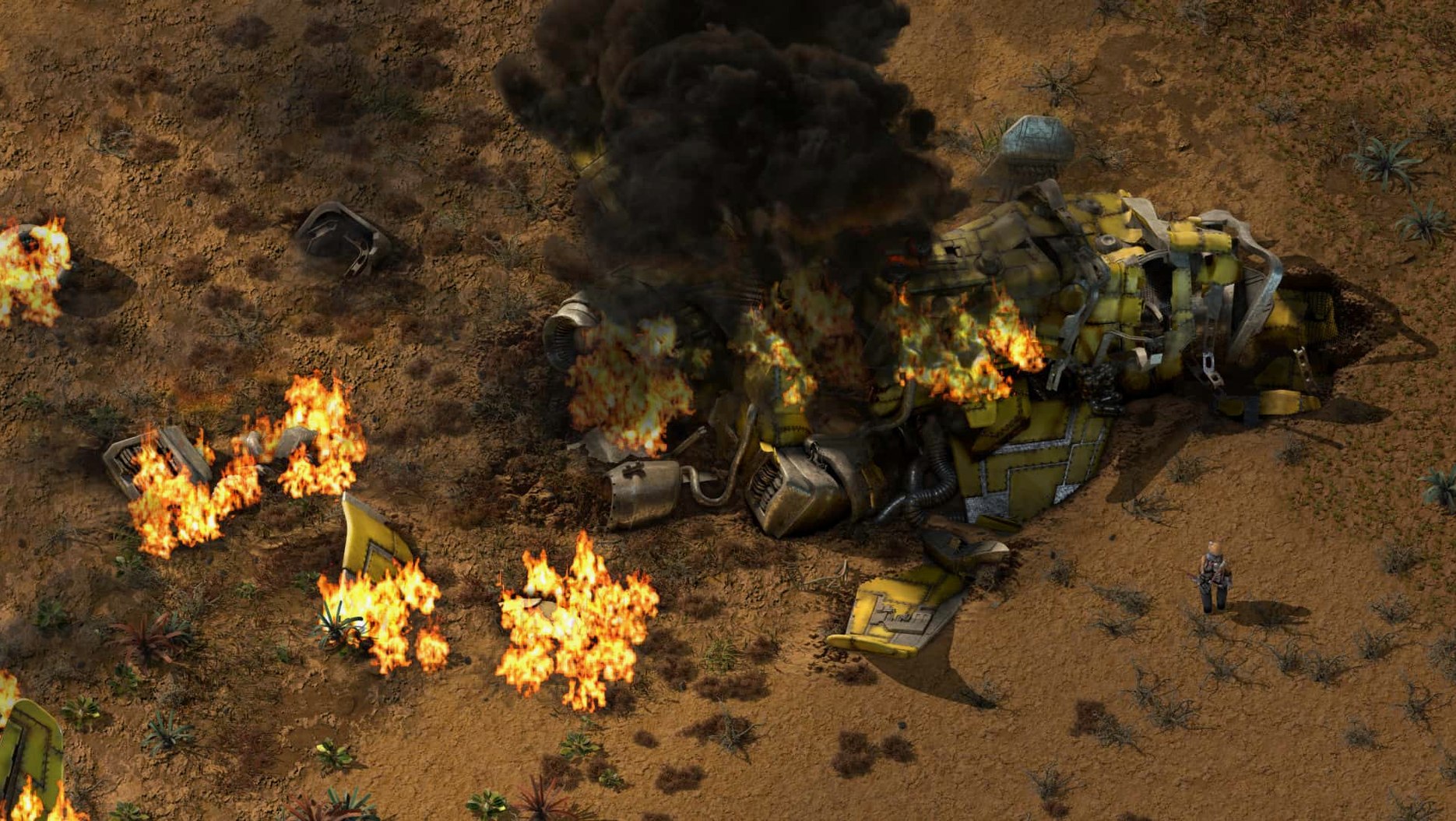
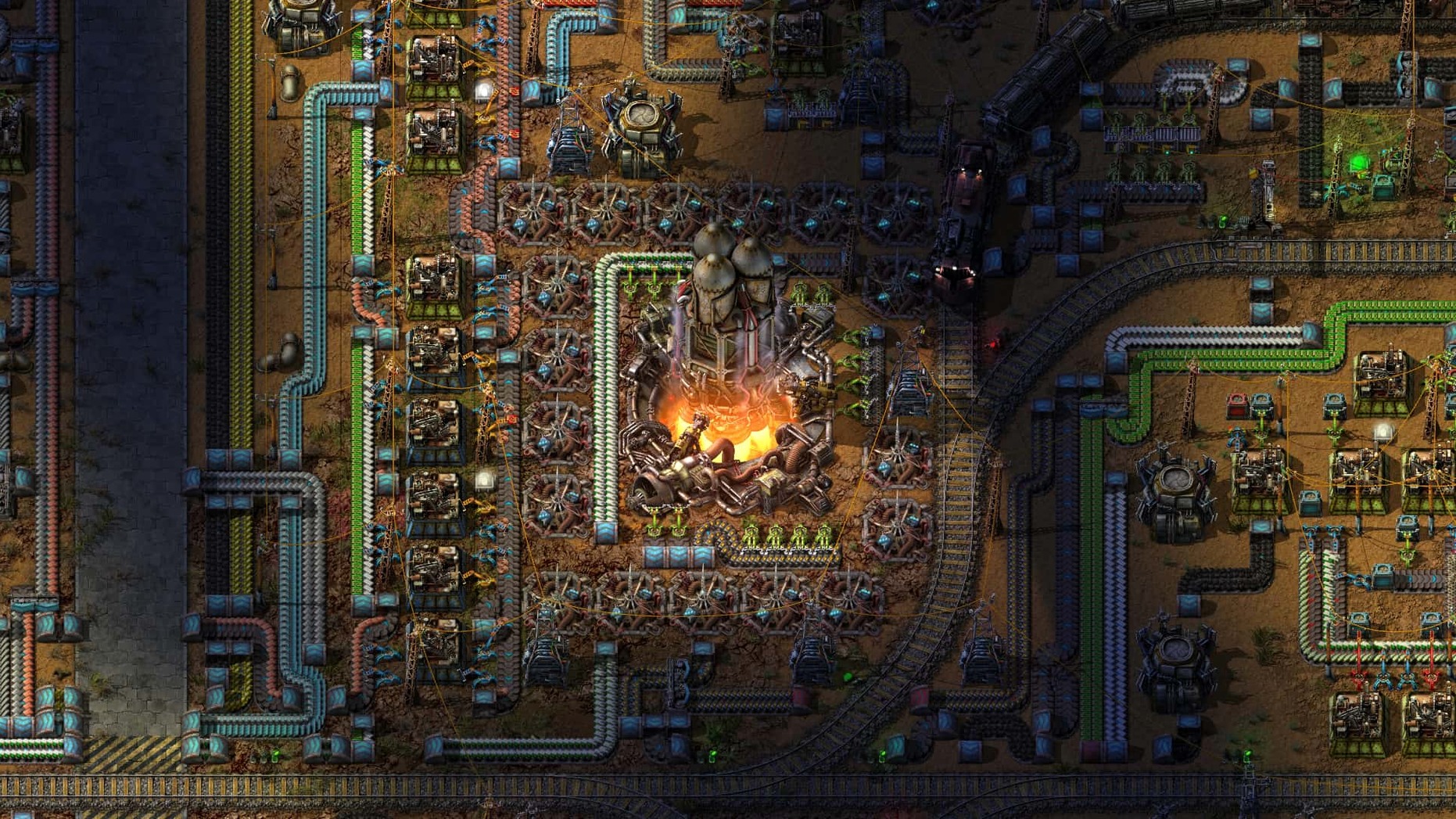
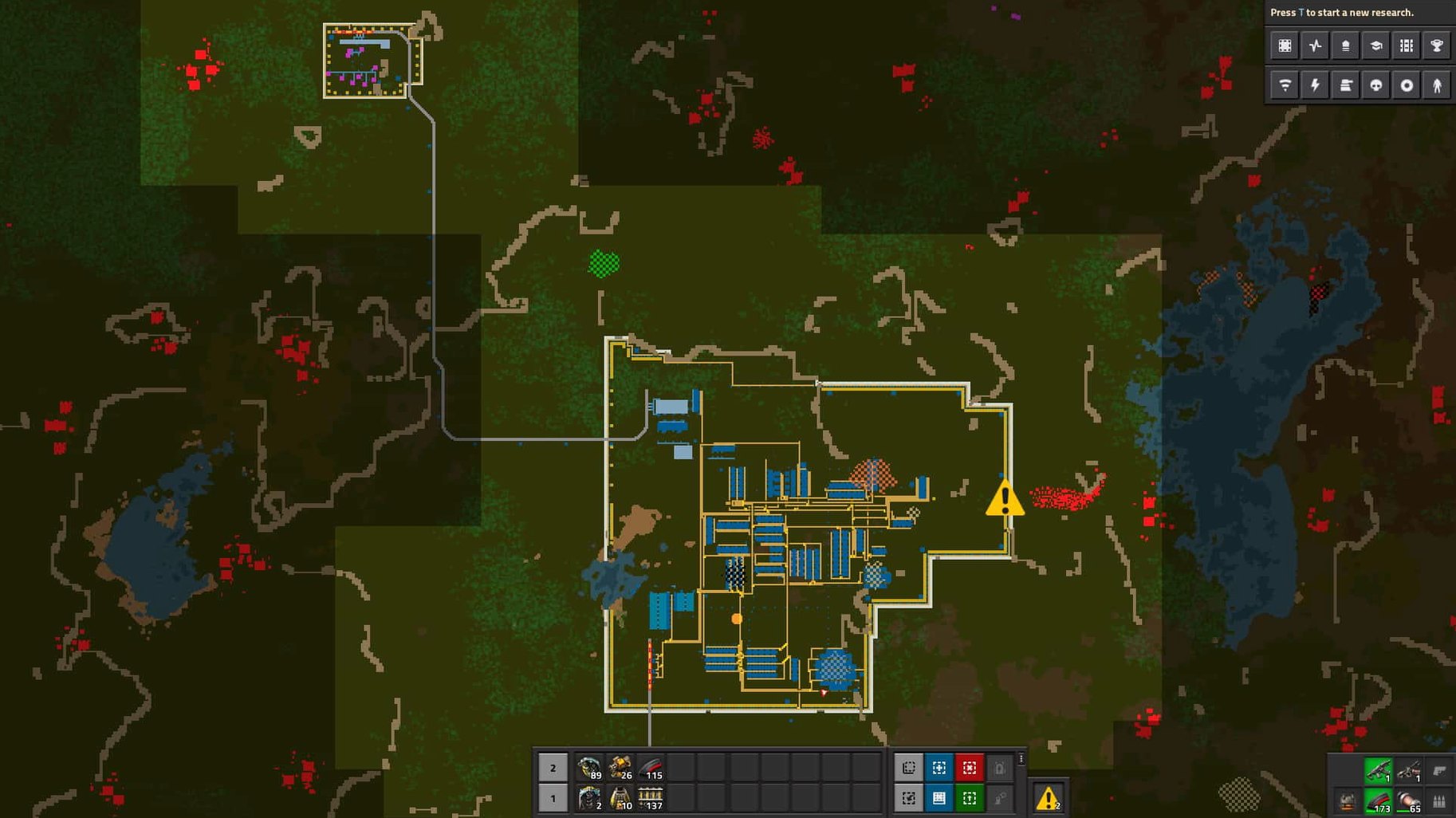
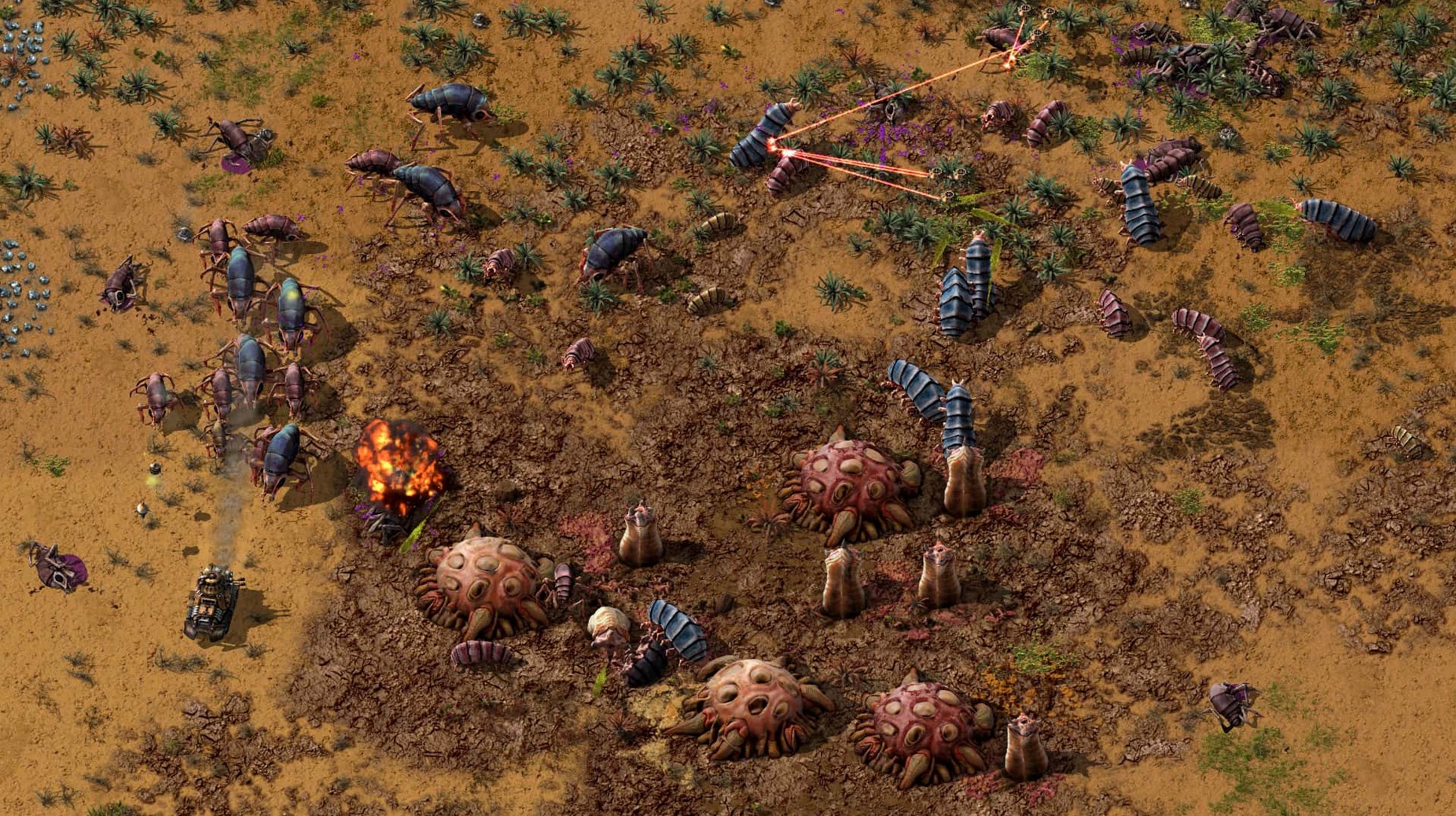
Factory automation — the core loop of mining raw materials, researching technologies, and building increasingly complex production chains that run without your direct intervention. Endless 2D world — a procedurally generated map with no fixed boundary; resources, terrain and enemy nests sprawl outward as far as your rail network can reach. Logistics network — a system of provider, storage and requester chests served by flying robots, letting you move items around the factory without belts. Solar farm — a zero-maintenance power source built from panels and accumulators; silent, pollution-free, and the first step away from steam boilers. Biter — the native life form that reacts to your factory's pollution cloud by attacking anything that belches smoke, so your mining outposts need walls and turrets sooner than you think.How Factorio sits alongside other factory sims on macOS
Plonk Factorio next to Satisfactory and you are really comparing two philosophies of scale. Satisfactory gives you a first-person view of a beautiful alien planet, verticality, and the pleasure of watching a constructor whirr from six inches away. Factorio gives you a god’s-eye 2D plane where the factory is the view. On a Mac laptop, that difference matters immediately: Satisfactory asks a lot of the GPU and cooling system, whereas Factorio will run on a passively cooled MacBook Air without the fan ever spinning up. The trade-off is atmosphere versus information density. In Factorio you see every belt, every inserter timing, every bottleneck at a glance, which makes debugging a production line feel like reading a circuit diagram you built yourself.
Mindustry overlaps in the 2D factory-plus-tower-defence space, and it deserves the comparison because both games treat conveyor belts as a way of life. Mindustry is leaner, more wave-based, and its campaign feels like a sequence of tight puzzles. Factorio is the looser, deeper sandbox. Where Mindustry pushes you toward the next turret upgrade because a wave is coming, Factorio lets you ignore the biters for hours while you redesign your green circuit layout for the fourth time. If your Mac is older and you want something small to dip into, Mindustry is lovely. If you want a system that grows until your rail network has signalling deadlocks you need to debug with a notepad, Factorio is the one.
Shapez 2 strips away enemies, pollution and resource patches entirely, leaving pure shape-cutting logistics. It is meditative in a way Factorio is not, but it also lacks the friction that makes a factory feel alive. Factorio’s biters, limited ore patches and pollution cloud give you reasons to expand that are not purely aesthetic. On macOS, Shapez 2 is a smooth experience, but its appeal narrows once you miss the slight panic of hearing a turret run dry three chunks away.
Hold Shift to place ghosts your bots won’t build yet
Factorio packs so many quality-of-life details into its interface that even players with hundreds of hours miss a few. Here are some worth knowing about from day one.
Hold Shift while placing a ghost entity to leave it unbuilt; bots will fill it later but your personal construction queue stays clear. Combine that with Shift‑Right‑Click on an assembler and Shift‑Left‑Click on a requester chest, and you have just copied a full recipe into the logistics network without opening a single menu. That one gesture chain saves more clicks than almost anything else in the mid-game.
The pipette tool — bound to Q by default — picks up whatever entity your cursor is hovering over and puts it in your hand. Hover over a belt, press Q, and you are holding a belt. It works on resources, trees, even enemy spawners. New players often open the inventory for every item swap, but the pipette turns the world itself into a palette.
On a Mac trackpad, pinch-to-zoom is the obvious map control, but scrolling while holding Shift scrolls horizontally, which makes laying long bus lines far less fiddly. And if you have ever placed a long row of inserters the wrong way round, press R while they are still ghosted to flip them before construction — bots build the corrected version.
The upgrade planner lives in the blueprint menu and is easy to ignore early on. Drag it over a belt section and every yellow belt becomes red, every inserter upgrades, every assembler steps up a tier — assuming you have the items in storage. It turns a hour of manual replacement into a single swipe.
How the engine keeps 10,000 belts and inserters ticking smoothly
Factorio’s reputation for performance is not marketing fluff; it is the result of an engine written with an almost obsessive attention to cache locality and determinism. A factory with tens of thousands of active entities — belts, inserters, assemblers, bots — updates every tick without dropping below 60 UPS (updates per second) on Apple Silicon. On an M4 Mac mini it barely warms the chassis. On an older Intel MacBook Pro, the fans will eventually become audible once you hit the megabase scale, but the game stays responsive long after most simulation-heavy titles would have turned into a slideshow.
Memory use is modest. A typical large save with revealed map chunks sits around 2–4 GB of RAM, which leaves breathing room for a browser and a wiki tab on an 8 GB machine. The game’s autosave is fast enough that you stop noticing it after the first few hours, though on spinning-disk Macs the pause is fractionally longer — still under a second in most cases.
Stability is where version 2.0.77 quietly shines. The deadlock fixes — cargo pod clipping through surfaces, inserters freezing when a rocket silo changes state, a rare crash when an entity died without a recorded source — are the kind of bugs that only appear in factories that have been running for dozens of hours. The fact that Wube are still polishing those edge cases speaks to how seriously they take the late-game experience. Multiplayer desyncs, once the bane of large servers, are now rare enough that a desync report on the forum is treated as a collector’s item.
The refactoring loop that hooks software developers instantly
The obvious answer is the engineer who enjoys optimising systems, but that covers a broader slice of Mac users than you might expect. Software developers recognise the refactoring loop instantly: build a thing, watch it work, spot the bottleneck, tear it down and rebuild it cleaner. The game scratches the same itch as cleaning up a messy codebase, except the compiler is a smelter array and the bugs are biters chewing your power poles.
Music producers and sound editors — people who already spend hours in Logic Pro or Ableton Live — often gravitate toward Factorio because it occupies a completely different part of the brain while still rewarding pattern recognition and signal flow thinking. A production chain is, in essence, a signal chain: raw input, processing stages, output. The concentration required is deep but not verbal, which makes it a good counterweight to a day spent making mix decisions.
Co‑op groups get enormous mileage out of a single Mac host. One player designs the rail network, another wrangles oil processing, a third fortifies the perimeter, and all of it happens simultaneously in the same world. Because the macOS build is identical in behaviour to the Windows and Linux versions, cross‑platform multiplayer is frictionless — a MacBook Air player can host a server for friends on desktop PCs without any extra configuration. Mod support adds indefinite replayability, and the mod portal is accessible straight from the main menu, so installing something like Space Exploration or Krastorio 2 is a two‑click affair.
If you have ever opened a factorio mac torrent to try the game before committing, you already know the performance is solid. A factorio macos torrent of the current build tends to circulate because the DRM‑free nature makes it straightforward to share, and once people see how well it runs on Apple Silicon they usually stick around. The factorio download mac scene stays active precisely because the game respects the platform — no janky wrapper, no Rosetta-only compromise, just a native ARM binary that sips power and lets you build until 4 a.m. without the laptop fan disturbing anyone.
Version 2.0.77 is a stability release that tidies up several long-standing logic snags. Cargo pods no longer clip through structures, inserters and rocket silos have stopped deadlocking, and a couple of crash triggers — entities killed without a source, and loaders with stack size overrides — have been patched out. On the modding side, new Lua prototype reads expose quality-related values and visualisation properties for entities and fluids.
- Tested on macOS Tahoe
- Apple Silicon (native) or 64-bit Intel processor
Questions I keep hearing
Does Factorio run on Apple Silicon Macs?
Yes, the game has native ARM support and also runs on 64-bit Intel Macs.
Where do I install mods on a Mac?
Place mod folders inside ~/Library/Application Support/factorio/mods and the game will pick them up on the next launch.
What languages does Factorio support?
It includes Russian, English, German, Hungarian, Spanish, Italian, Traditional and Simplified Chinese, Korean, Dutch, Norwegian, Polish, Portuguese, Romanian, Turkish, Ukrainian, Finnish, French, Czech, Swedish, and Japanese.
Questions from the class 0
Sign in or join the class to ask a question.
Nobody has asked anything yet. If you have used it on a real job, say what the file did.
Also on the Games shelf
The whole Games shelf Fallout: A Post Nuclear Role Playing Game
Drops you into a retrofuturistic wasteland to survive and explore.
Fallout: A Post Nuclear Role Playing Game
Drops you into a retrofuturistic wasteland to survive and explore.
 Farming Simulator 25
Lets you run a working farm from planting to harvest.
Farming Simulator 25
Lets you run a working farm from planting to harvest.
 Fear & Hunger
Places you in a grim dungeon where survival depends on luck and nerve.
Fear & Hunger
Places you in a grim dungeon where survival depends on luck and nerve.
 Europa Universalis IV
Puts you in charge of a nation's trade, diplomacy, and growth over centuries.
Europa Universalis IV
Puts you in charge of a nation's trade, diplomacy, and growth over centuries.
 Euro Truck Simulator 2
Settles you behind the wheel for long-haul deliveries across calm roads.
Euro Truck Simulator 2
Settles you behind the wheel for long-haul deliveries across calm roads.
 Escape from Duckov
Sends you on short solo raids where every trip teaches you a little more about survival.
Escape from Duckov
Sends you on short solo raids where every trip teaches you a little more about survival.
 Firewatch
Puts you on a mountain lookout with a radio and a mystery to unravel.
Firewatch
Puts you on a mountain lookout with a radio and a mystery to unravel.
 Easy Red 2