 ASPNetWorld
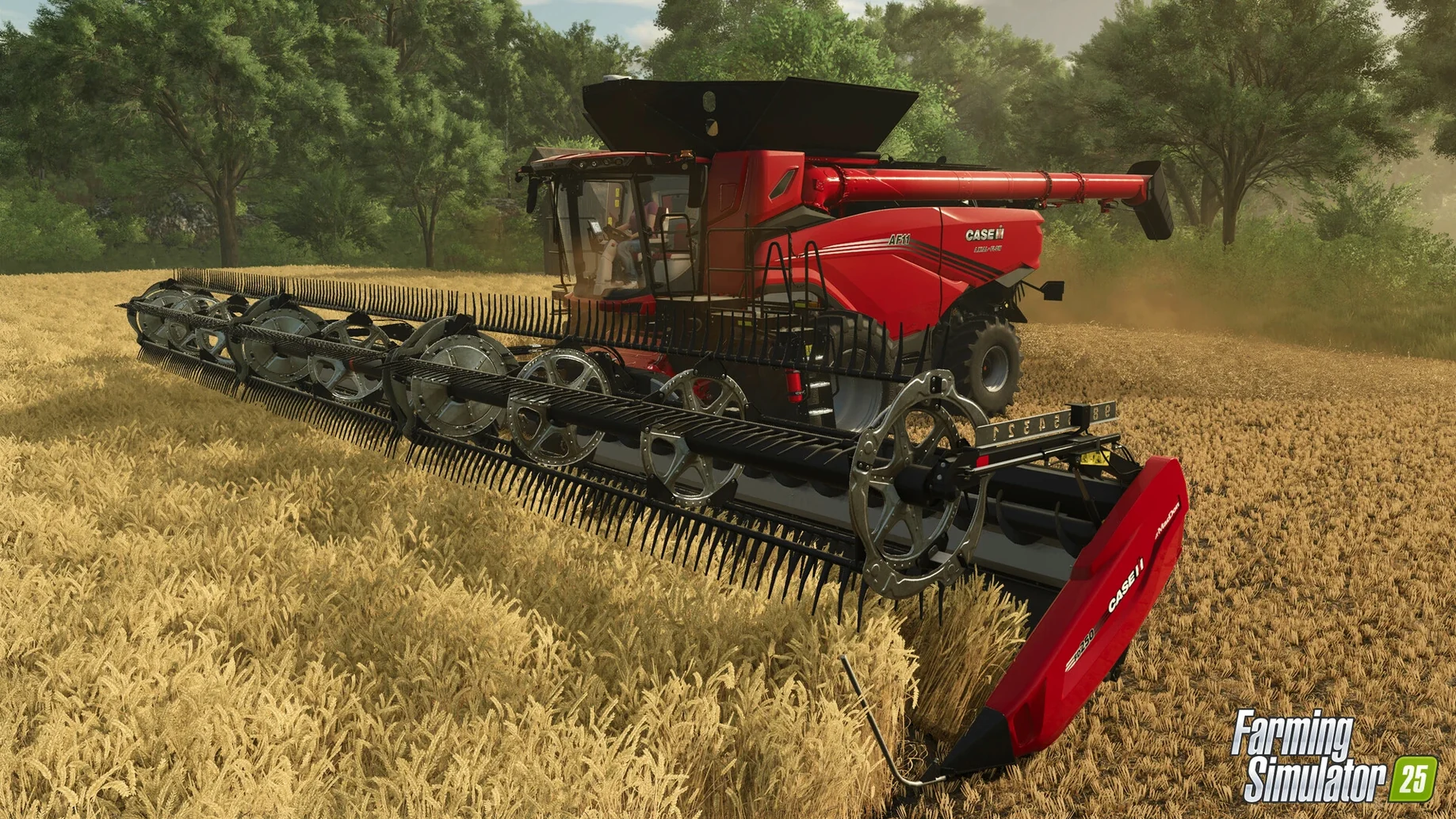
Update 1.23.1.0 landed in September 2026 with bug fixes and general improvements — the sort of patchwork that keeps a sim of this scale running smoothly. What hasn't changed is the sheer amount of stuff in the box, so let's walk through the content and modes as they stand now.
A fresh vegetable patch and two kinds of rice
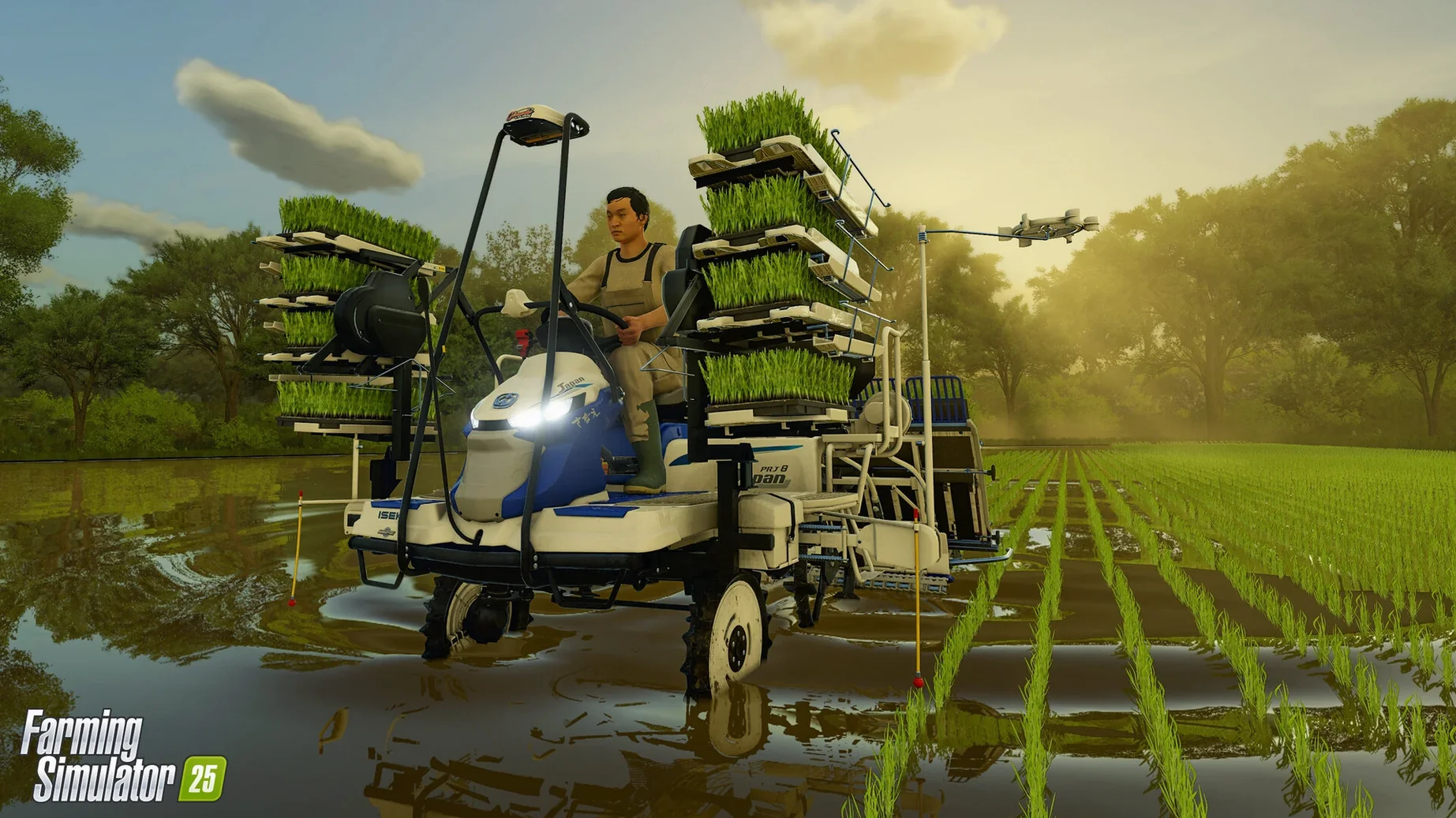
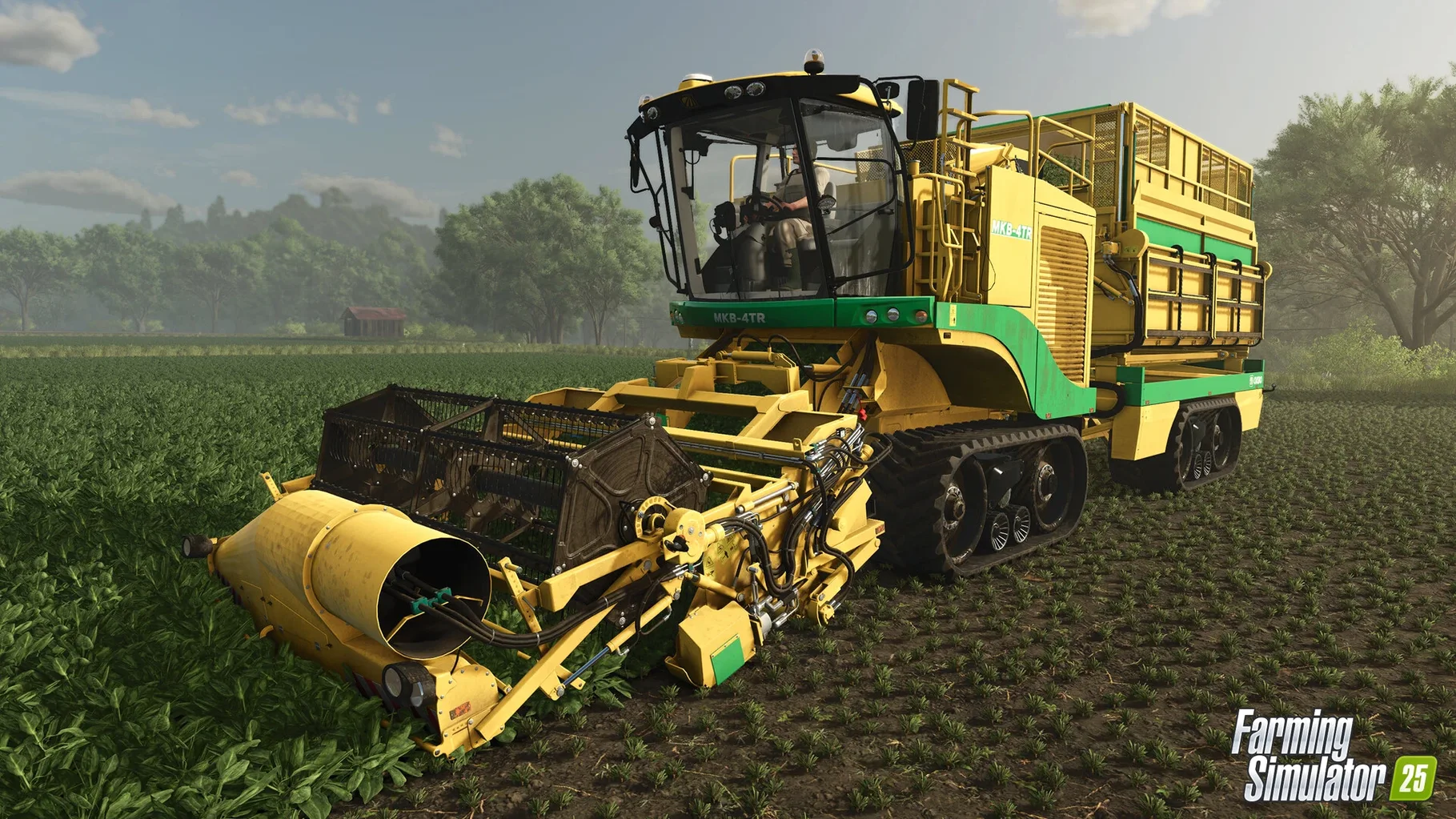
New crops are the headline additions, and they genuinely shift your planning. Spinach, peas and green beans join the rotation — fast-growing, satisfying to harvest, and demanding a slightly different rhythm if you've been stuck in a wheat-and-canola loop for years. Then there's rice: one variety grown in flooded paddies, another on dry ground. It's not just a cosmetic swap; water management becomes part of your day, and the flooded fields change how you move machinery around the farm.
Three maps, a weather system with teeth, and ground that remembers you
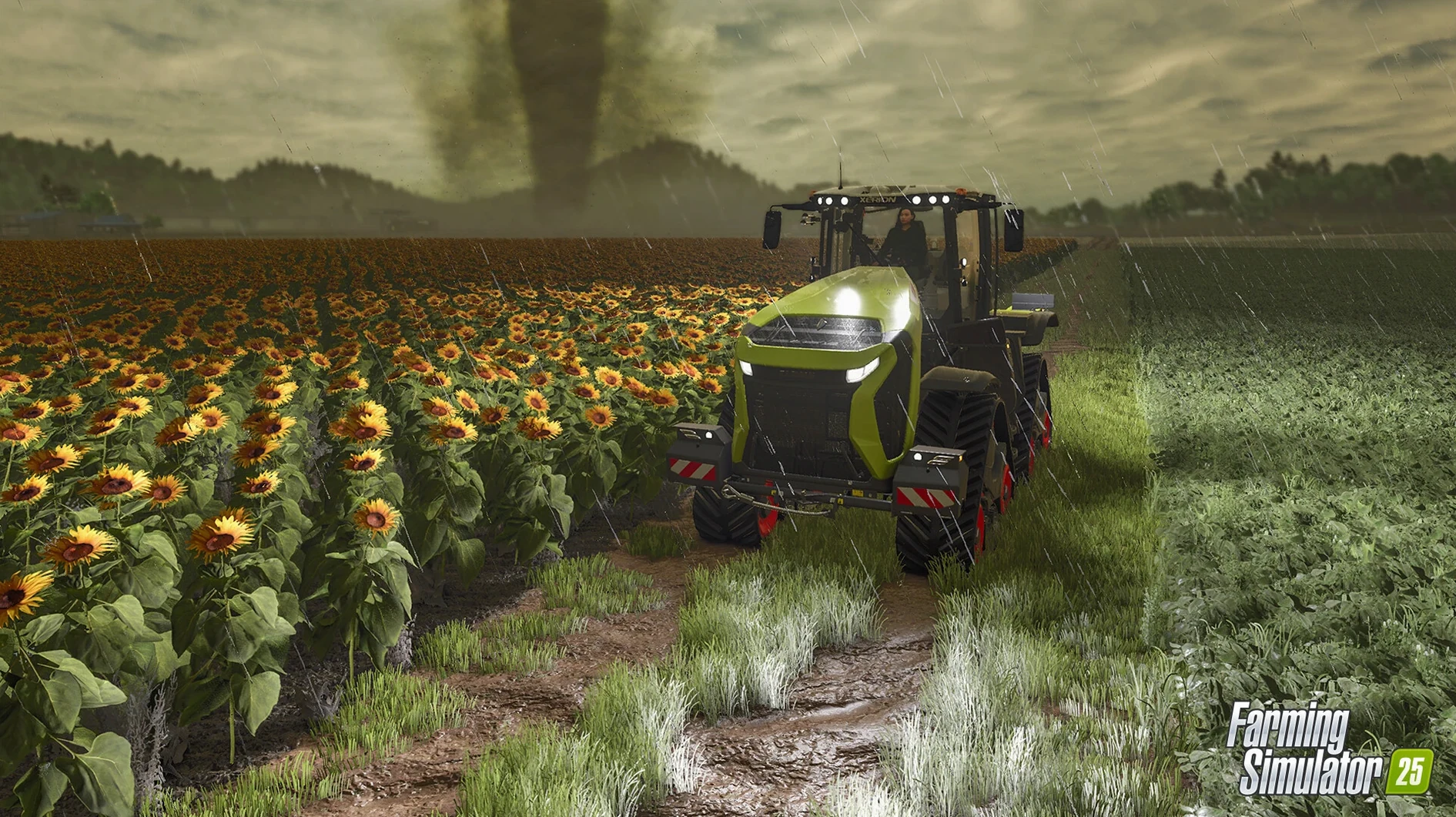
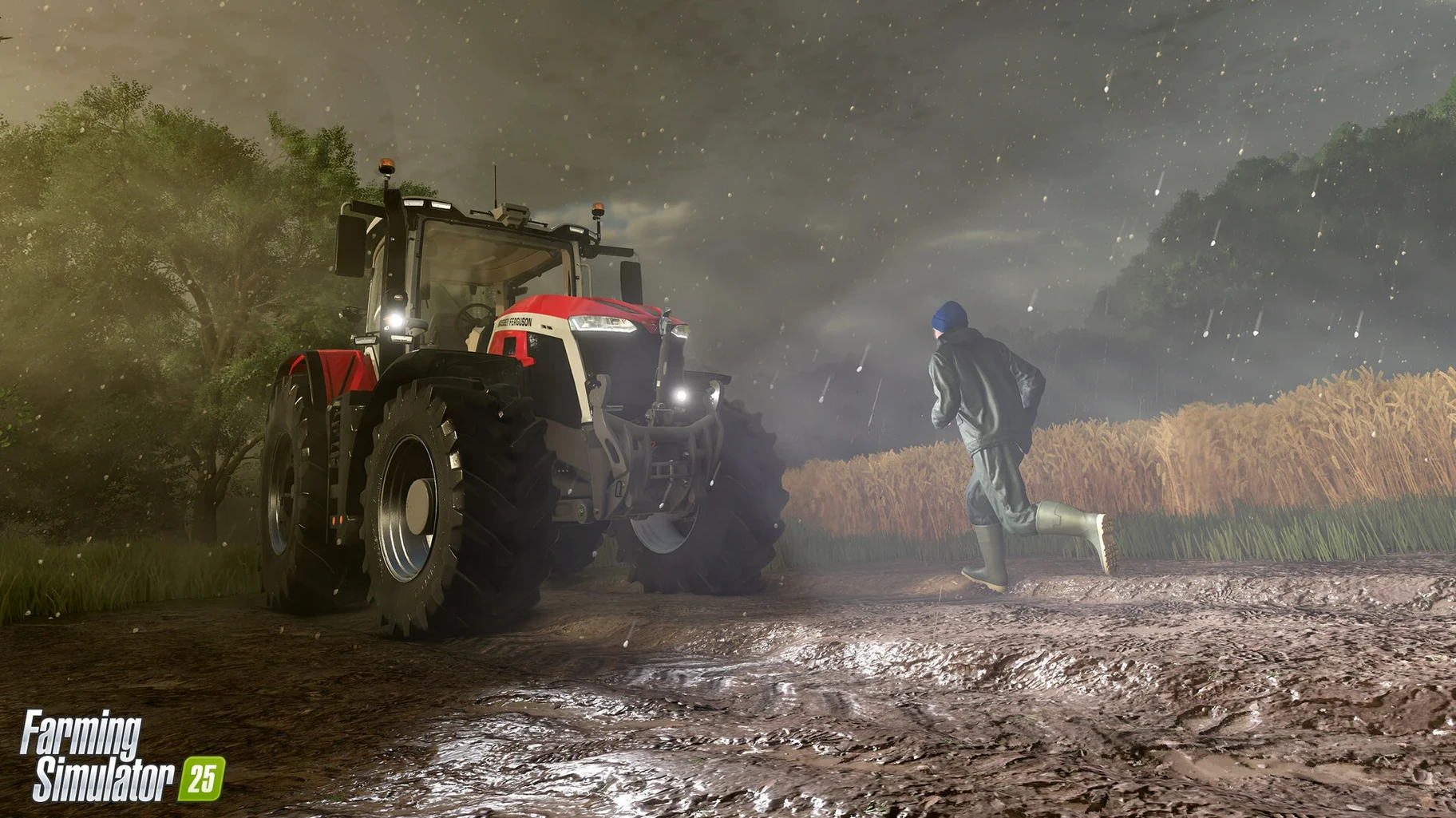
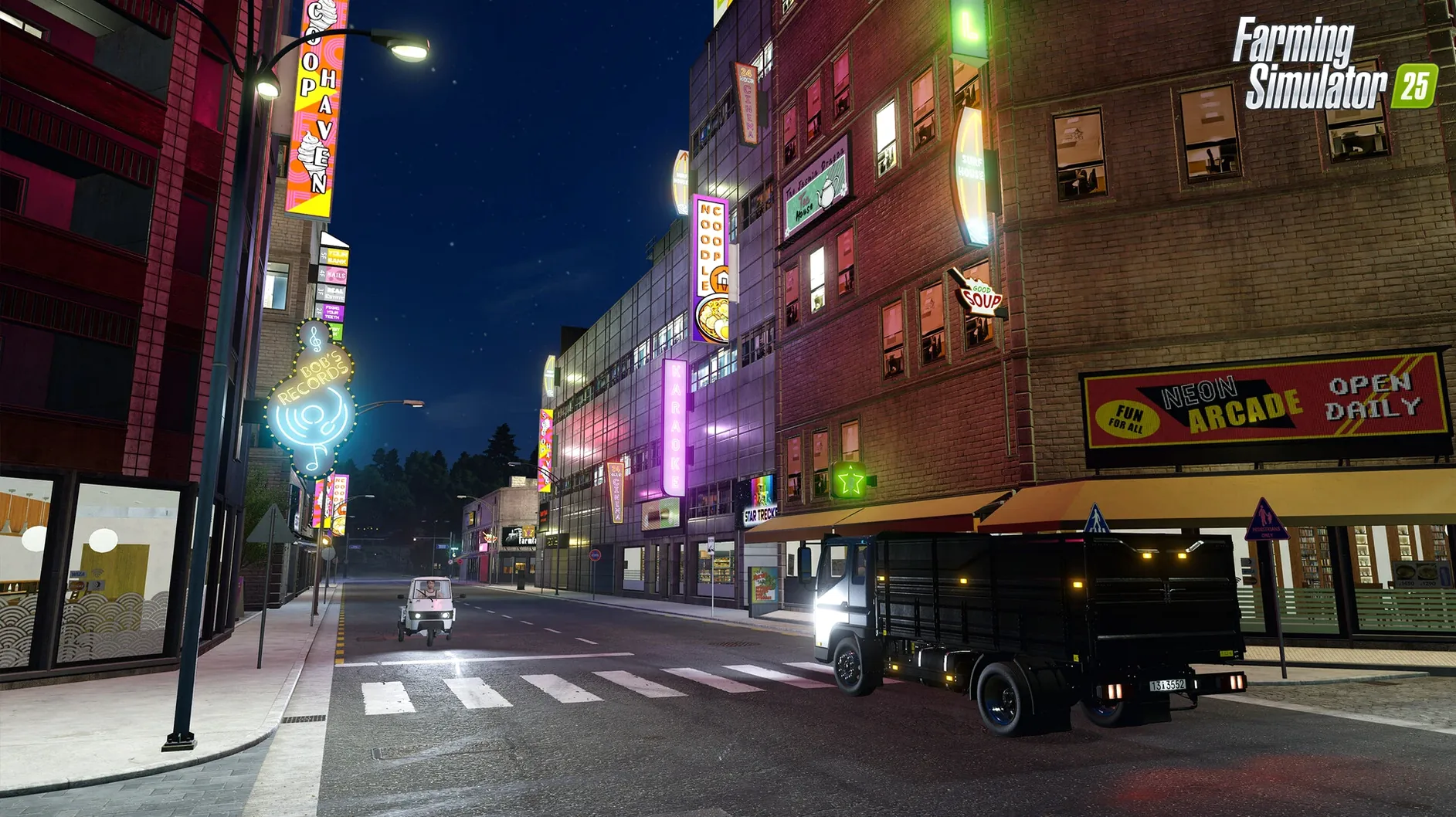
The game ships with three distinct settings — North America, Central Europe and East Asia. Each map isn't just a reskin. The East Asian landscape in particular introduces terraced fields and a different spatial logic, while the European map feels tight and ancient, all hedgerows and winding lanes. Weather now goes beyond a bit of rain: hurricanes and hail can actually hammer your crops mid-season, and the deformation system leaves tyre tracks and ruts in soft ground that persist, so a muddy harvest leaves a visible story behind. Animals, forestry, production chains and a farm shop you can run yourself round out the package — plus construction tools if you want to reshape the yard rather than just work it. Single-player gives you all the time in the world; cooperative multiplayer lets you share the slog with a few friends.
Buying the biggest tractor and one crop often ends with rain ruining the harvest
New players often treat the first harvest as a sprint. They buy the biggest tractor the loan system allows, plant a single high-value crop across every available field, then watch the weather wipe out half of it before the harvester can reach the far corner. The fix isn't clever — it's just diversification. Splitting your acreage between spinach, peas and something hardier means one hail storm doesn't empty your bank account. The second classic blunder is ignoring ground deformation entirely. Those persistent tyre tracks aren't visual fluff; rutted soil after a wet harvest slows every subsequent pass and increases fuel consumption. Running a subsoiler or cultivator across compacted ground before replanting brings the field back to its best state, and the difference shows up in yield numbers.
Another quiet trap: the GPS-assisted steering module. It's easy to engage and then trust completely, but the system follows a pre-set line regardless of what's in the way. I've watched a brand-new combine harvester steer itself neatly into a drainage ditch because the driver was checking the crop prices on their phone. GPS is brilliant for long, straight runs on open prairie — less so on the terraced East Asian map, where manual correction around contour lines saves machinery and patience. Finally, beginners tend to ignore the farm shop as a revenue stream, treating it as a decorative afterthought. Stocking it with your own produce — eggs, processed goods, surplus vegetables — creates a steady trickle of income that cushions the months when field crops aren't ready to sell.
Where this sits among your other Mac apps
The game doesn't try to replace a spreadsheet, but it plays surprisingly well with one. Many players keep a simple Numbers or Excel sheet open on a second screen (or a second Mac, if you have one) to track crop rotations across the three maps, especially once production chains start overlapping. The in-game menus give you current prices and stock levels; a separate sheet lets you project whether those water buffalo are earning their keep over a full year. It also integrates neatly with macOS audio routing. If you like a podcast or a long audiobook during the slower stretches — and ploughing a large North American field is exactly that — routing the game's engine sounds to your Mac's speakers while sending spoken-word audio to headphones through Audio MIDI Setup keeps both worlds clear without menu-diving every few minutes.
ModHub is the other obvious companion. User creations downloaded through the in-game browser land in your ~/Library/Application Support/FarmingSimulator2025/mods folder, and macOS handles the file permissions cleanly. Some mods add machines; others tweak the economics or the weather severity. The game's accessibility features — scalable interface text, colour-blindness options, control remapping — also mean you can adjust the experience to match whatever assistive tools you already use at the system level, from VoiceOver descriptions of menu items to Switch Control for players who navigate with adaptive hardware.
Long co-op sessions now survive the night without desync crashes
Giants Software released update 1.23.1.0 on the 9th of September 2026, and the changelog is deliberately short: bug fixes and game improvements. In practice, the most noticeable shift for regular players was stability during long co-op sessions. Before the patch, a host with a flaky internet connection could desync the animal inventory — water buffalo numbers would drift between clients, and nobody wants to discover phantom livestock. After 1.23.1.0 those mismatches resolve faster, and the game recovers rather than forcing a full reload. The update also tightened the deformation system's memory use on Apple Silicon Macs. On an M1 or later machine, the tyre tracks and ground ruts now persist across save-and-reload cycles without the frame-time hitches that occasionally appeared when the engine recalculated field states from scratch.
Tap the horn to briefly override GPS steering and dodge an obstacle
The GPS module has a hidden shortcut: tapping the horn button while GPS is engaged temporarily disengages the steering lock for a few seconds, letting you nudge around an obstacle without turning the whole system off and re-establishing your line. It's not documented prominently, but it saves a surprising amount of button-pressing during a long seeding run near trees or telegraph poles. On the East Asian map specifically, the terraced rice paddies respond to water levels differently depending on which rice variety you've planted — dry-ground rice doesn't need flooding, so you can skip the pump work entirely if you commit to that strain early. The game's construction tools also let you place a farm shop building close to a main road, which shortens the distance delivery vehicles travel; it's a tiny efficiency gain, but over a hundred hours it adds up.
For anyone running the game on a Mac with limited storage — 45 GB is the stated requirement, and mods plus save files push that higher — moving the mods folder to an external drive and symlinking it from Terminal keeps the internal SSD clear. The GIANTS Engine 10 reads the symlink without complaint, and macOS APFS volumes handle the arrangement cleanly. Downloading a fresh copy of farming simulator 25 for mac free download or an updated farming simulator 25 1.15 download package doesn't touch your mods or save files anyway, but the symlink trick is useful if you tend to accumulate user creations from ModHub faster than you prune them.
Update 1.23.1.0, released on 2026-09-09, is a maintenance patch focused on stability.
- Bug fixes and general game improvements across all three maps.
- Small refinements to vehicle behaviour and UI consistency.
- macOS 11.3 or later
- Apple M1 chip or newer (Intel Macs also supported)
- 8 GB RAM
- 45 GB available storage
- 64-bit processor and operating system
Questions I keep hearing
Does the ground actually deform under vehicles?
Yes — tyre tracks can cut into soft soil and remain visible, especially after rain, which affects how the landscape looks and feels over a session.
Questions from the class 0
Sign in or join the class to ask a question.
Nobody has asked anything yet. If you have used it on a real job, say what the file did.
Also on the Games shelf
The whole Games shelf Fear & Hunger
Places you in a grim dungeon where survival depends on luck and nerve.
Fear & Hunger
Places you in a grim dungeon where survival depends on luck and nerve.
 Fallout: A Post Nuclear Role Playing Game
Drops you into a retrofuturistic wasteland to survive and explore.
Fallout: A Post Nuclear Role Playing Game
Drops you into a retrofuturistic wasteland to survive and explore.
 Factorio
Challenges you to design and automate ever-growing production chains.
Factorio
Challenges you to design and automate ever-growing production chains.
 Firewatch
Puts you on a mountain lookout with a radio and a mystery to unravel.
Firewatch
Puts you on a mountain lookout with a radio and a mystery to unravel.
 Europa Universalis IV
Puts you in charge of a nation's trade, diplomacy, and growth over centuries.
Europa Universalis IV
Puts you in charge of a nation's trade, diplomacy, and growth over centuries.
 Euro Truck Simulator 2
Settles you behind the wheel for long-haul deliveries across calm roads.
Euro Truck Simulator 2
Settles you behind the wheel for long-haul deliveries across calm roads.
 Escape from Duckov
Sends you on short solo raids where every trip teaches you a little more about survival.
Escape from Duckov
Sends you on short solo raids where every trip teaches you a little more about survival.
 Football Manager 2026
Puts you in charge of a football club's tactics, transfers, and results.
Football Manager 2026
Puts you in charge of a football club's tactics, transfers, and results.