 ASPNetWorld

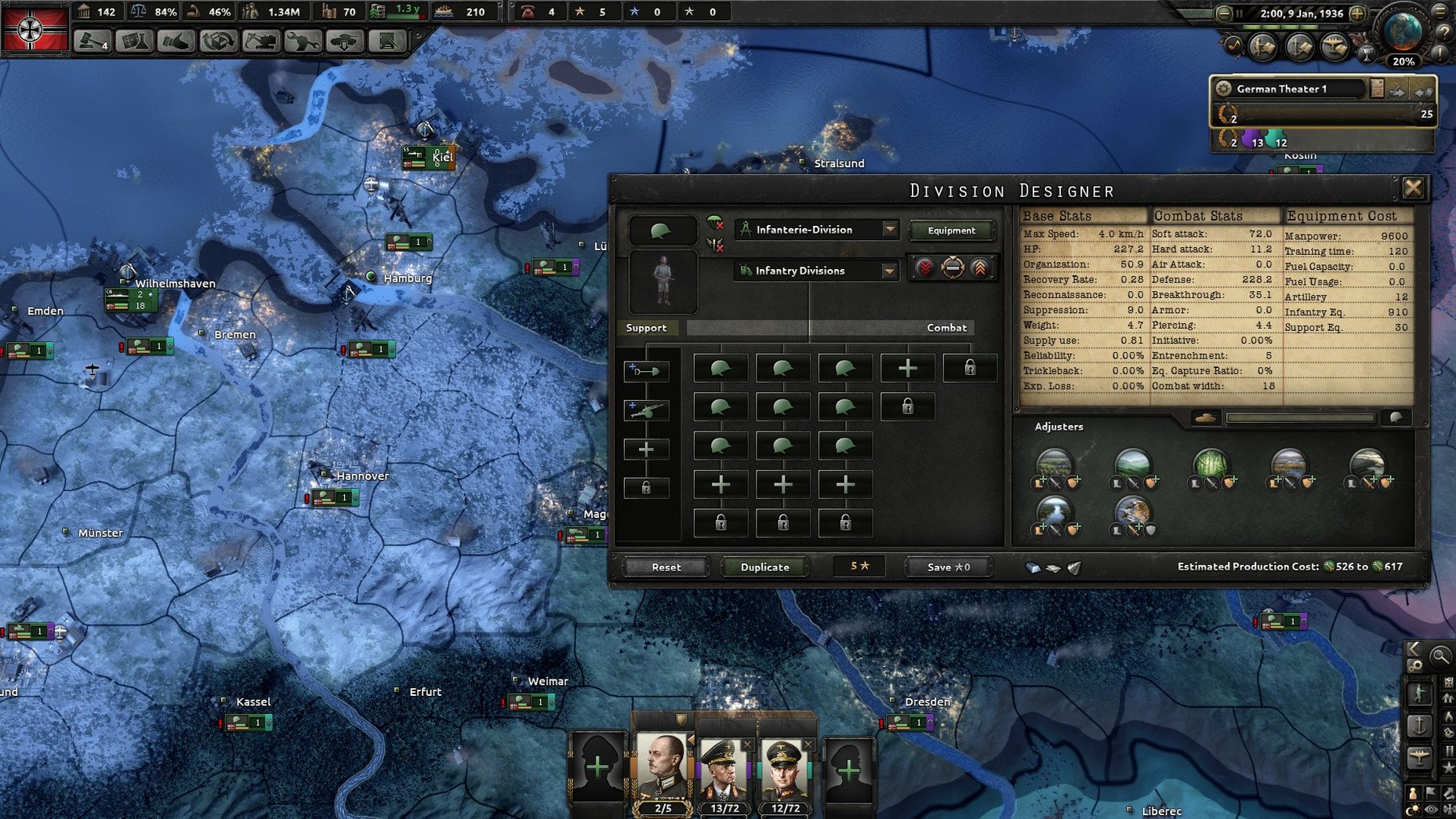
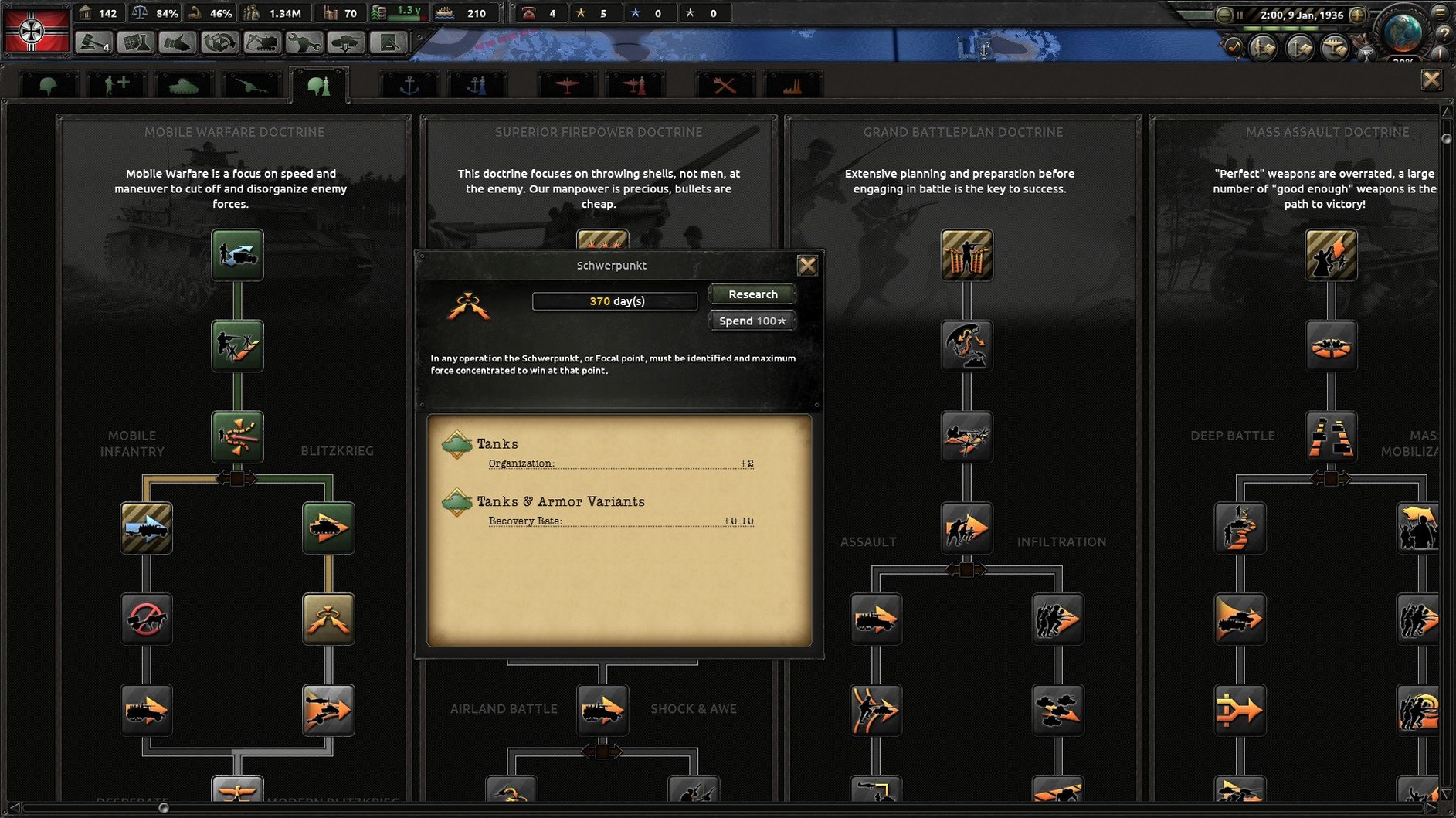
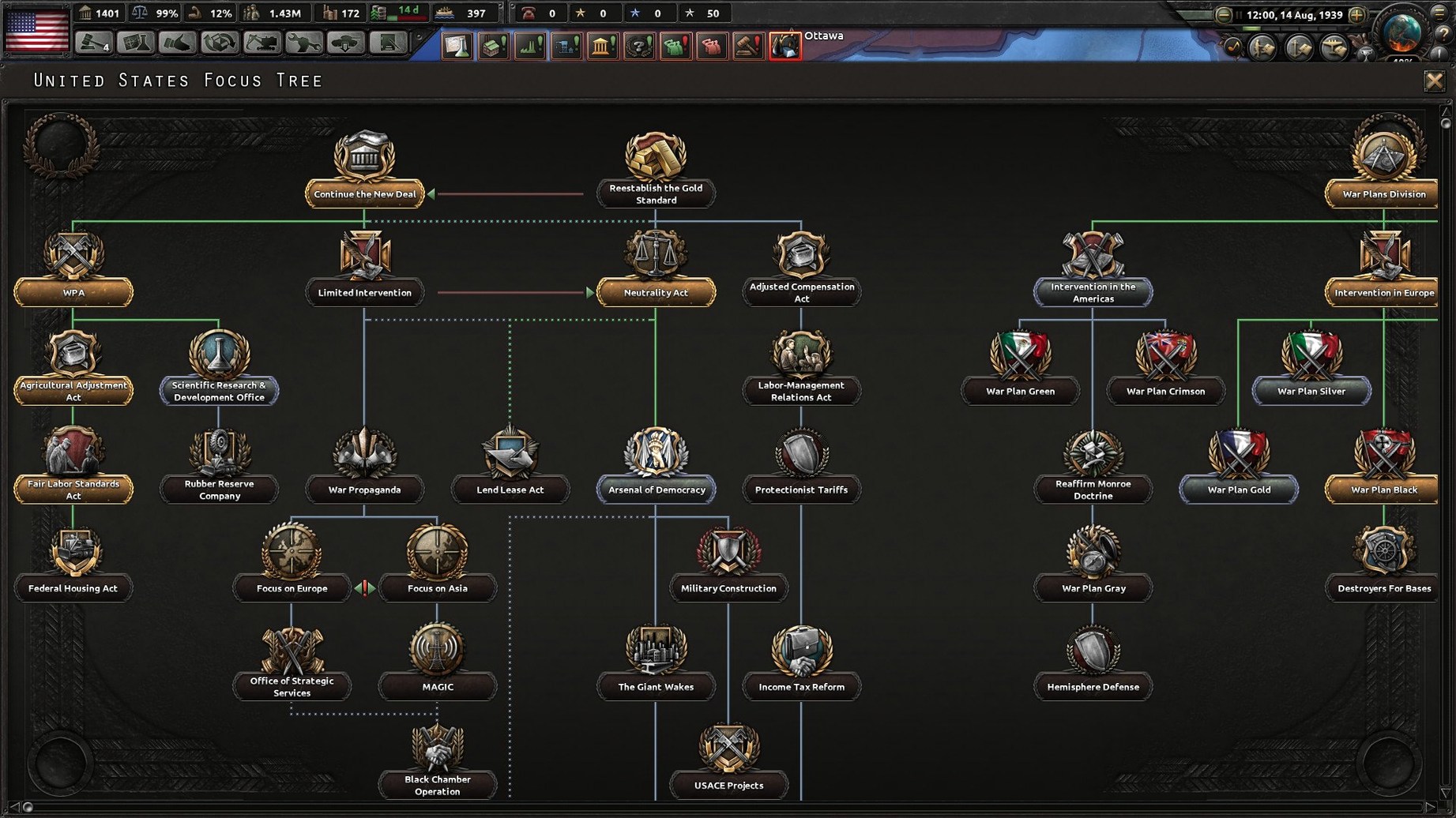
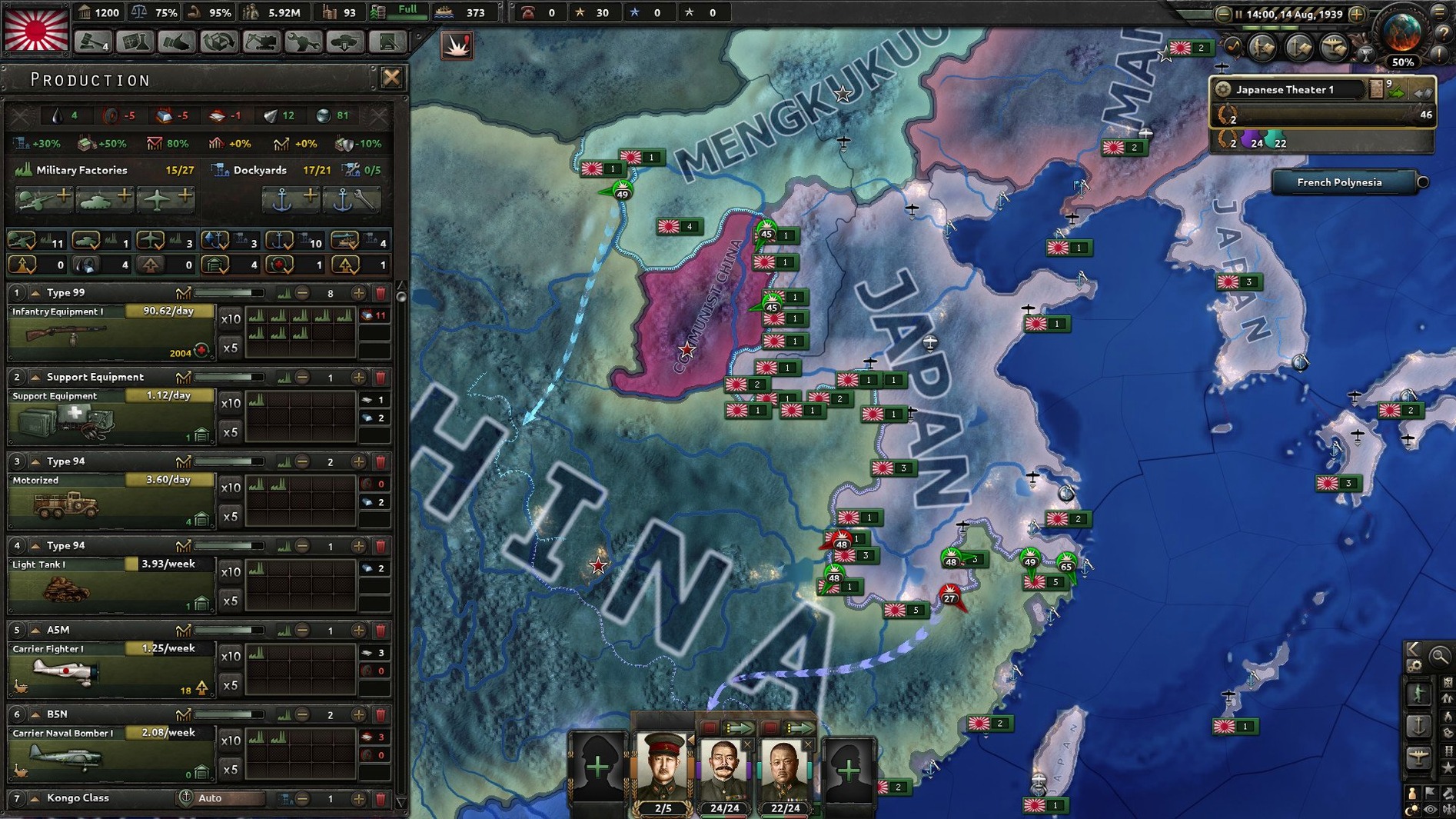
Hearts of Iron IV is a grand strategy game where you direct a single nation through the industrial, diplomatic and military turmoil of World War II, trying to reshape history to your own design. Getting it onto a Mac and pointing the right number of divisions at the right border is straightforward, but there is one small wrinkle in the setup you will want to know about before you start.
- After opening the downloaded disk image, drag the game straight into your Applications folder as usual.
- Do not launch it from the icon that appears in Launchpad yet. Instead, head into Finder, locate the application, Control-click it and choose Show Package Contents.
- From there, burrow into
ContentsthenGame, and run the file named dowser. This is the Paradox launcher helper, and it is the key to setting your language before the game itself wakes up. - In the launcher window that appears, pick your preferred language from the list — Russian, English, German, Spanish, Polish, Portuguese, French and Japanese are all present. Click play, and the main game will boot in the tongue you chose.
On a modern Mac, Hearts of Iron IV runs under Rosetta 2 on Apple Silicon with surprising grace. Tested on a Mac mini M4 under macOS Tahoe, late-game slowdown is present — that is a tradition in grand strategy, not a hardware flaw — but the simulation ticks along without graphical stumbles. You can fight, negotiate or organise invasions, and the interface stays crisp even when the map fills with front lines. If you have previously played on a Windows machine, you will find the Mac build behaves identically, just without DirectX in the pipeline.
Yes, your MacBook Air can run a globe-spanning war without catching fire
The most common worry is whether a game about commanding entire nations will overwhelm a modern Mac. When people search for hearts of iron mac they are often really asking “will this cook my laptop?”. The honest answer is that the processor will work harder than during a YouTube stream, but the fans on any Mac from the last five years settle into a gentle hum rather than a jet-engine roar. The simulation ticks through hundreds of daily calculations per in-game day — trade deals, factory output, division movement — and the Mac handles that part beautifully. What pushes the graphics chip is zooming smoothly across the Pacific while several hundred unit counters are moving simultaneously, and even then frame rates stay playable.
Another question that crops up in the same breath as hearts of iron 4 download and hearts of iron 4 torrent searches is whether the game needs a constant internet connection. It does not. Once you have it sitting in your Applications folder, every single-player campaign runs entirely offline. The launcher might check for updates if it can see a network, but you can dismiss that and dive straight into 1936 without a wire in sight. Multiplayer is a different story, naturally, but the core experience that made the original hearts of iron 1 such a landmark — the quiet, obsessive puzzle of industrial priorities and railway gauges — needs no connection at all.
The monthly autosave that turns your early game into a stuttering mess
Paradox games share a habit of shipping with a handful of defaults that look sensible but feel wrong after an hour of play. The first one worth tackling is the autosave system. By default, the game saves every month to the cloud if iCloud is active, and that pause can break your rhythm just as you are about to close a pocket around twenty divisions. Switch it to local saves only and set the interval to six months; the rhythm of the game flows much better when interruptions are rare enough to feel like chapter breaks rather than stutters.
Next, open the video settings and look for renderer. The Mac build defaults to OpenGL, which works everywhere but occasionally produces tiny UI scaling quirks on Retina displays. If your map text looks slightly soft, try forcing the resolution to match your display’s native pixel dimensions rather than leaving it at the scaled default. It will cost you a few frames, but the sharpness of the division planner and the technology tree is worth the trade. While you are there, drag the UI scale slider up a notch if you are on a smaller screen — the production interface in particular benefits from a little more room to breathe.
Finally, poke into the message settings. The game wants to tell you about every naval battle in the South China Sea even when you are playing as Switzerland. Setting naval alerts to low priority and raising land combat notifications only for battles where you are directly involved will quieten the ticker tape considerably without hiding anything you actually need to react to.
Invading the Dutch East Indies as Australia without waiting for the US Navy
Suppose you are playing as Australia — the new secret path added in version 1.19.3 makes this a particularly rewarding choice — and you want to pry the Dutch East Indies out of Japanese hands without waiting for the Americans to do the heavy lifting. The whole operation, from planning screen to beachhead, runs like this.
First, spend a year of game time on naval production. You need at least a handful of destroyers and one heavy cruiser to get the naval supremacy the game demands before it lets you even draw the invasion arrow. While the dockyards are humming, train six marine divisions and attach an engineer company to each; the river-crossing bonus engineers provide applies to amphibious landings as well. Park them on a port in northern Australia and set their army commander to one with the Invader trait if you have one available.
When the ships are commissioned, group them into a single task force and set it to patrol the sea zone between Timor and Java. The invasion planner requires more than fifty percent naval supremacy in every sea region the arrow crosses, so check the map mode that shows the zones and make sure your fleet covers all of them. Now open the battle plan screen, select your marines, click the naval invasion order, and click the origin port followed by the target province — pick one with a port, because landing on a beach without one will starve your divisions of supply within days. The game will show a preparation timer, usually around seventy days. Do not be tempted to launch early; the penalty for an unprepared invasion turns even elite marines into a disorganised mess.
On the day of the invasion, pause the game. Send your carrier-based aircraft, if you have any, to fly air superiority over the target zone. Launch the invasion, unpause, and watch the first wave hit the beach. As soon as the port falls, immediately order a follow-up force of regular infantry to sail in and garrison it — the AI loves to counter-attack a freshly captured port before your marines have dug in. From there, you can fan out into Java and begin the slow, satisfying work of pushing the Japanese back toward Singapore.
The launcher icon bounces once and vanishes — here is the fix
The most frustrating snag on Mac is the launcher refusing to start properly — the icon bounces once in the Dock and then vanishes. This almost always means the dowser file does not have the right execution permissions after being dragged out of the disk image. The fix is quick: open Terminal, type chmod +x followed by a space, drag the dowser file into the Terminal window to fill in its path automatically, and press Return. After that, the launcher should open without complaint.
Another persistent annoyance is the game switching back to English every time it updates, even if you set your language through the launcher. The language setting lives in a plain text file buried inside the package contents, and a patch can sometimes overwrite it. If you find yourself staring at English tooltips after a fresh install, go back into Contents/Game, locate settings.txt, and look for the line that reads language=. Change it to your preferred code — ru, de, es, pl, pt, fr or ja — save the file, and the next launch will respect your choice.
Finally, a note on save compatibility. If you have been playing a long campaign and the patch notes mention “balance changes,” do not panic when your existing save loads with a warning about version mismatch. The game handles minor version jumps gracefully, and the new Australian focus tree content slots into ongoing games without breaking them. Just make a fresh manual save under a new name before letting the game convert anything, and you will have a safe fallback point if a particular division template suddenly behaves oddly after the update.
Version 1.19.3, released in September 2026, brings a handful of targeted additions rather than a sweeping overhaul. A new secret path has been tucked into Australia's focus tree for those who like to dig for alternate history, while Siam and Indonesia both receive extra late-game content to keep the Pacific theatre interesting past the mid-1940s. The usual round of balance tweaks and bug fixes rounds out the update.
- Intel processor required (runs via Rosetta 2 on Apple Silicon)
Questions I keep hearing
Why do I need to launch the game through the dowser file on a Mac?
The dowser is the Paradox launcher stub, and opening it directly from the package contents is the reliable way to set your interface language before the game starts, since the standard macOS launch path can skip that step.
Does Hearts of Iron IV run natively on Apple Silicon?
No, it is an Intel build that runs through Rosetta 2 on M-series chips, though performance on a modern Mac mini or MacBook Pro is entirely comfortable for a full campaign.
What languages are included in the Mac version?
The game ships with Russian, English, German, Spanish, Polish, Portuguese, French and Japanese interface localisations, all selectable from the launcher.
Questions from the class 0
Sign in or join the class to ask a question.
Nobody has asked anything yet. If you have used it on a real job, say what the file did.
Also on the Games shelf
The whole Games shelf Hello Kitty Island Adventure
Invites you to restore a pastel island alongside familiar Sanrio friends.
Hello Kitty Island Adventure
Invites you to restore a pastel island alongside familiar Sanrio friends.
 Heroes of Might and Magic II: Gold Edition
Lays out a turn-based fantasy kingdom where every considered move counts.
Heroes of Might and Magic II: Gold Edition
Lays out a turn-based fantasy kingdom where every considered move counts.
 Haste
Races you through crumbling worlds where the ground disintegrates underfoot.
Haste
Races you through crumbling worlds where the ground disintegrates underfoot.
 Hollywood Animal
Steers a fledgling film studio through decades of creative and business turmoil.
Hollywood Animal
Steers a fledgling film studio through decades of creative and business turmoil.
 House Flipper
Clears rubbish, repaints walls and sells a neglected house for profit.
House Flipper
Clears rubbish, repaints walls and sells a neglected house for profit.
 Half-Life Blue Shift
Adds a fresh security-guard campaign to the original Black Mesa disaster.
Half-Life Blue Shift
Adds a fresh security-guard campaign to the original Black Mesa disaster.
 HUNTDOWN: OVERTIME
Sends you on a roguelite rampage through procedurally shifting criminal districts.
HUNTDOWN: OVERTIME
Sends you on a roguelite rampage through procedurally shifting criminal districts.
 Hades
Turns each death into a fresh conversation in a story-driven dungeon crawl.
Hades
Turns each death into a fresh conversation in a story-driven dungeon crawl.