 ASPNetWorld


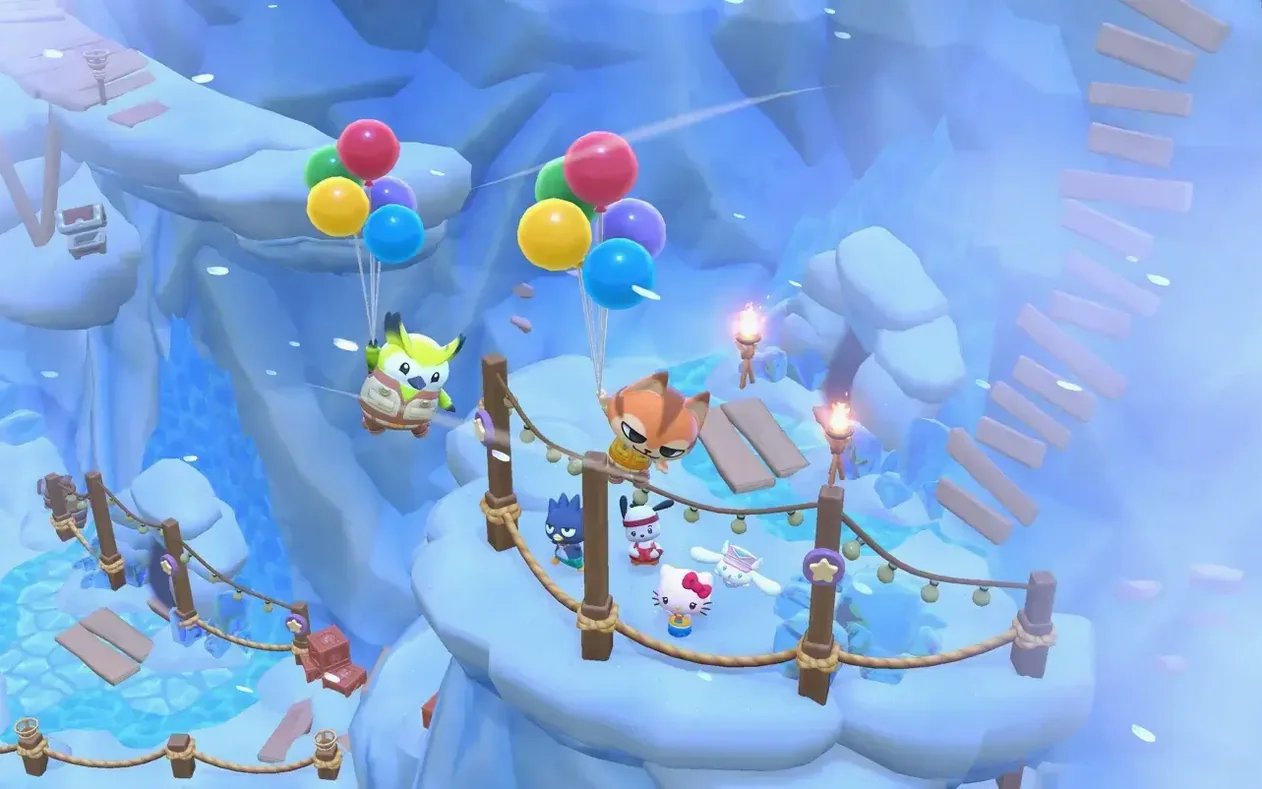
Hello Kitty Island Adventure is fully at home on a Mac. The game supports both Intel and Apple Silicon machines, with a minimum requirement of macOS 12.0 Monterey. On my M1 MacBook Air running Sequoia, the frame rate stays steady, and the pastel art style looks crisp without pushing the hardware. If you are on an Apple Silicon Mac, the app may ask to launch through Rosetta on first run — this is normal and performance remains perfectly comfortable for this kind of gentle, open-ended play.
A controller makes underwater platforming feel more fluid than the keyboard
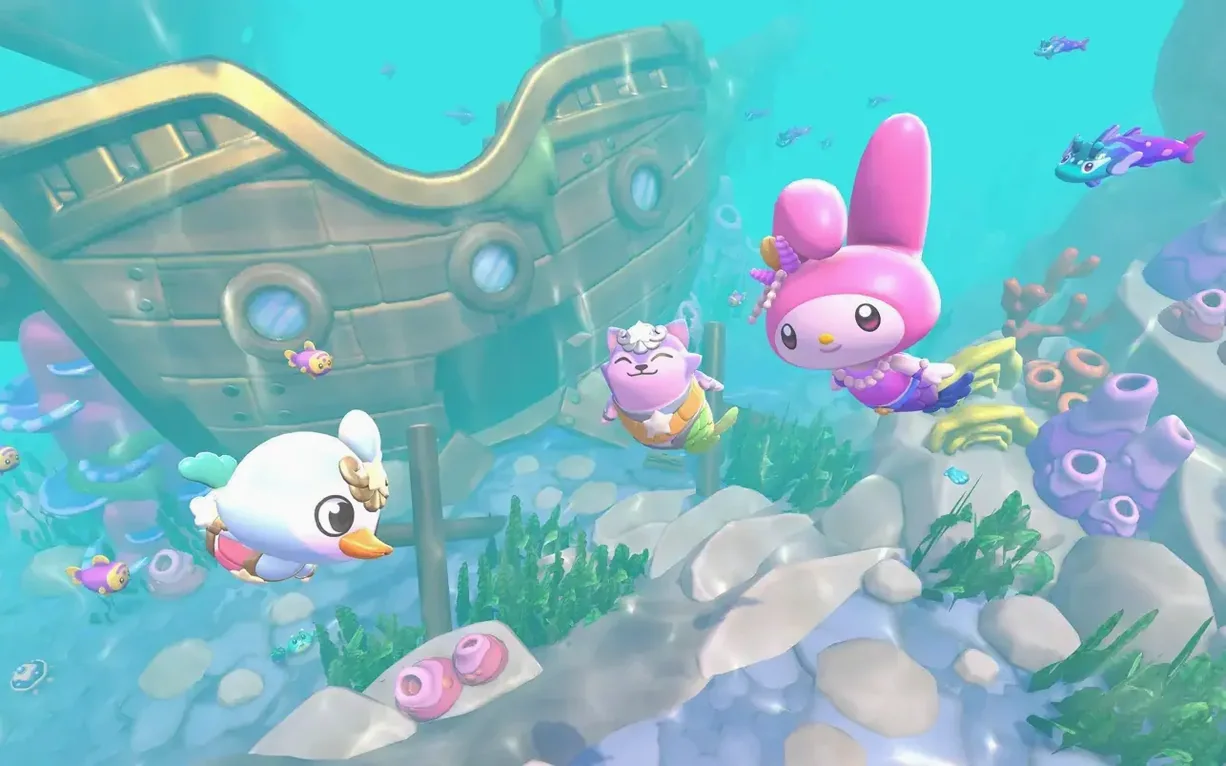
- Controls translate naturally to keyboard and trackpad, though a Bluetooth controller feels more fluid when you are diving underwater or hopping between floating platforms.
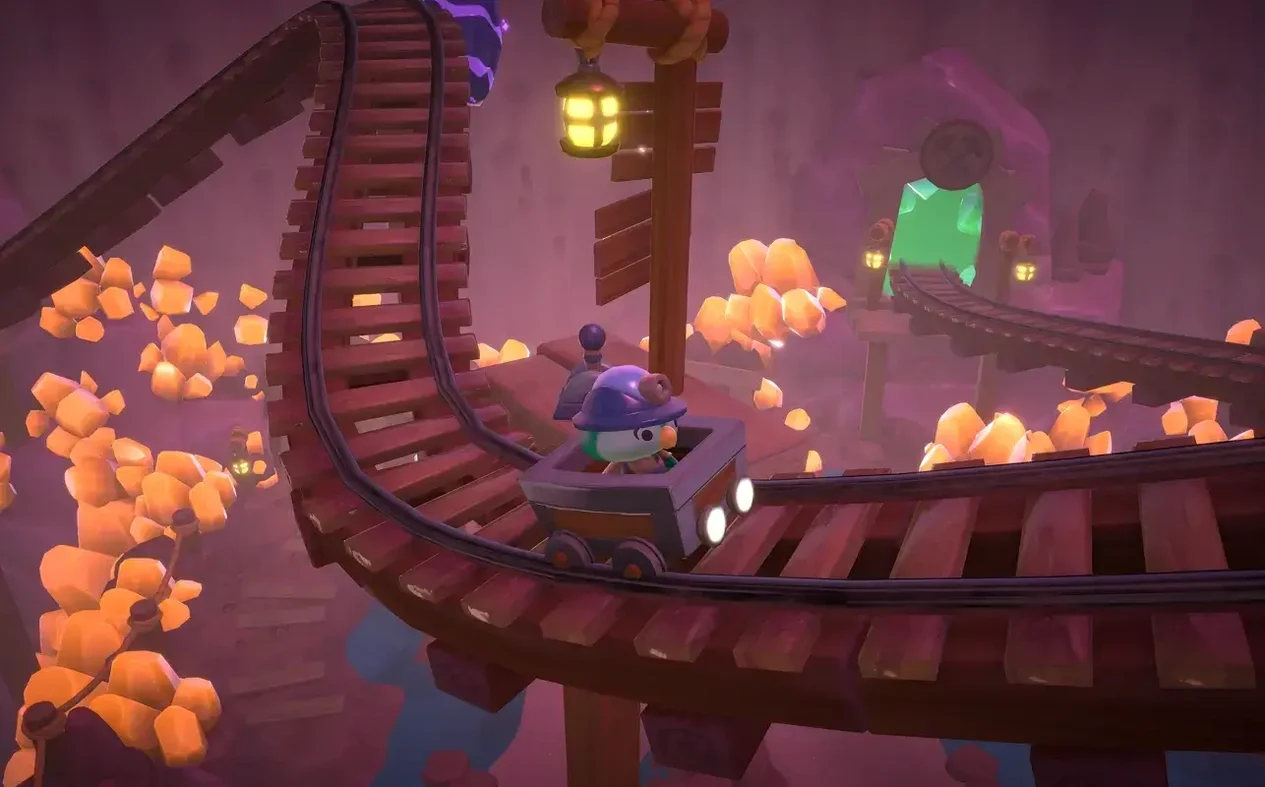
- Load times are quick, and the island itself — a once-abandoned theme park called Big Adventure Park — renders without stutter even when the screen fills with characters like Kuromi and Cinnamoroll.
- The game also syncs progress across Mac, iPhone, iPad and Apple TV if you stay within the same Apple ecosystem, so you can decorate a cabin on your laptop and then check in on your visitors from the sofa.
Settling into island life
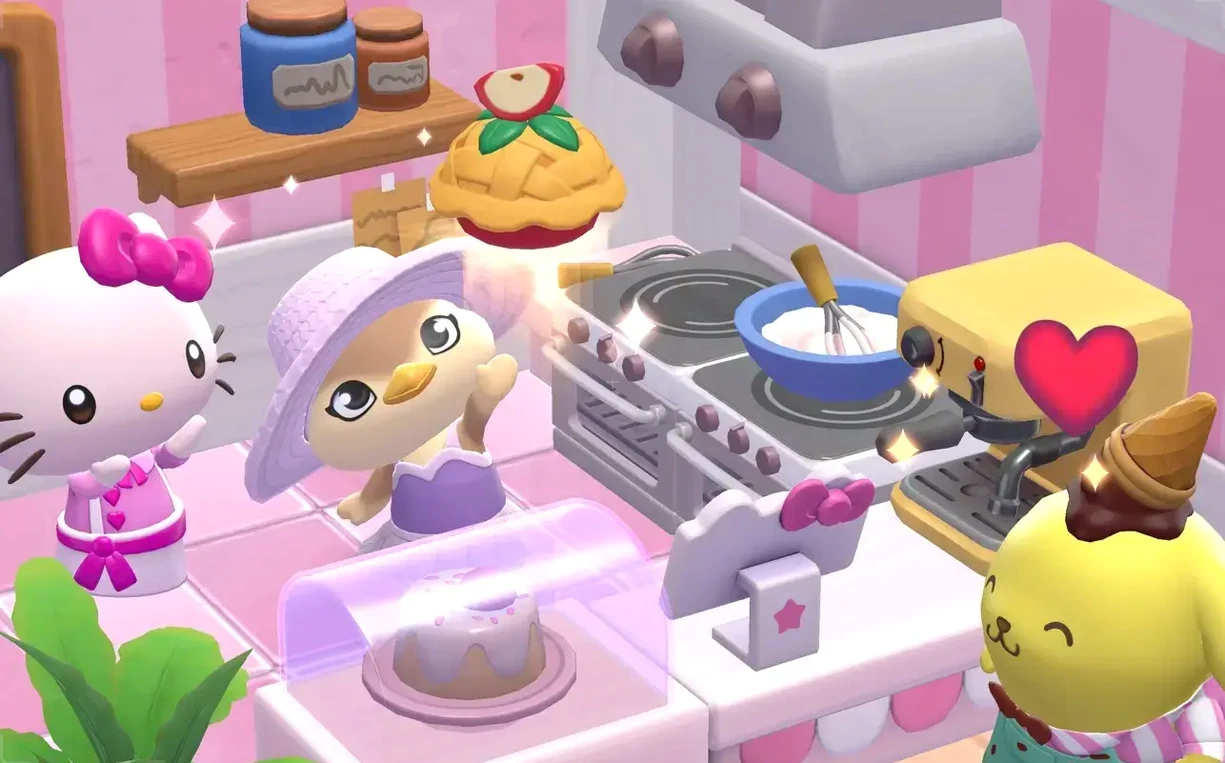
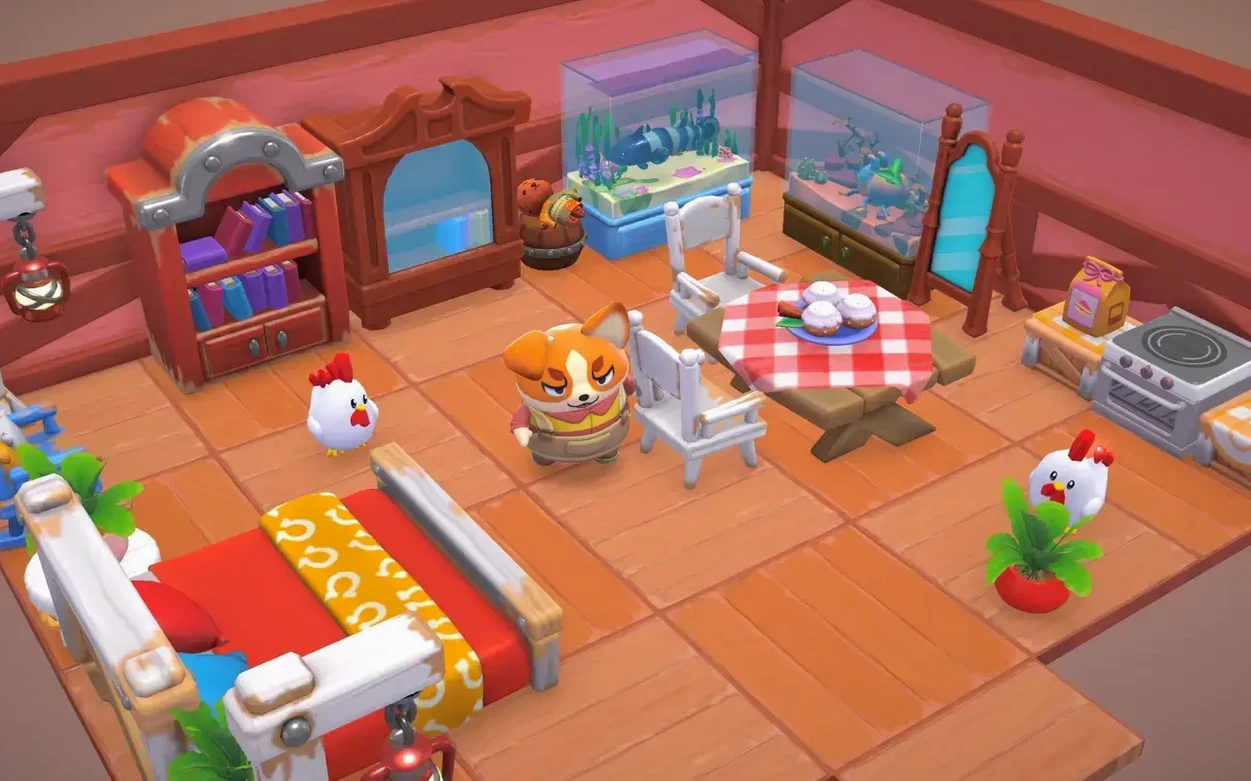
Performance expectations should be set against the game's relaxed pace. This is not a twitch-action title; it is a life sim where you restore an abandoned island, solve ancient puzzles, and gradually attract new Sanrio visitors by furnishing cabins to their tastes. The Mac version handles the gentle physics of swimming as a mermaid or merman and the scattering of seasonal decorations without breaking a sweat, so you can focus on the satisfying loop of crafting, exploring and befriending Hello Kitty and her ever-expanding circle of friends.
Quests and characters drive the pace here, unlike the quiet urgency of farming
On a Mac, gentle life simulators fall into a few broad camps. Stardew Valley leans hard into farming and time management, with an emphasis on efficiency that can feel quietly urgent. Disney Dreamlight Valley shares the character-led quest structure but ties its world to a larger live-service rhythm of daily logins and rotating shops. Hello Kitty Island Adventure sits somewhere softer. It borrows the gifting mechanic you will recognise from Animal Crossing, yet the island itself — Big Adventure Park — is built around traversal puzzles and a linear mystery rather than a sandbox you terraform. The Mac version runs more lightly than Dreamlight Valley, which can spin up fans even on Apple Silicon, and it never pushes you towards a profit margin. Where Cozy Grove limits play through real-time pacing, here you can explore, craft tools, and bake snacks at your own speed without the game gently nudging you to stop.
Gather daily crafting materials to prepare a cabin that attracts Pekkle
Imagine you have just unlocked the underwater area and you want to prepare a cabin that will attract a specific visitor — say, Pekkle. Start at the plaza noticeboard and check the daily quests; these often reward crafting materials you will need. Next, fast-travel to Gemstone Mountain and run the cliffside route to collect fizzy ore and a few coconuts. Coconuts are easy to miss because they only drop from palm trees on the beach, but they are essential for crafting the tropical furniture that Pekkle likes. Swim down into the Rainbow Reef — press and hold to glide past the kelp — and gather a handful of seashells, then surface near the crafting bench by the dock. Bake a couple of pineapple pizzas at the oven to boost your stamina bar for the climb back up the mountain. Back at the cabin, place the tropical bed, a shell lamp, and any item tagged with Pekkle's preferred tag. Wait a day and he should appear. The whole loop takes about twenty minutes, and on a MacBook Air it runs cool and quiet throughout.
Holding sprint while swimming as a mermaid grants a hidden speed boost
- Holding the sprint button while swimming as a mermaid makes you twirl and gain a burst of speed — the game never spells this out, but it makes traversing Rainbow Reef far less patient.
- Gifting a character three times in a row without leaving the conversation skips the repeated dialogue animations, so you can raise friendship faster on busy days.
- If you open the map while climbing, the camera locks in place and you can scout unreachable ledges without sliding back down.
- Crafting benches remember the last recipe you used, which sounds trivial until you are mass-producing fizzy ore bars for a cabin set.
- On trackpads, a two-finger swipe rotates the camera more smoothly than the keyboard arrows — helpful when you are hunting for a hidden puzzle switch tucked behind a waterfall.
- macOS 12.0 (Monterey) or later
- Compatible with Intel and Apple Silicon Macs
- Apple Silicon Macs may require Rosetta 2
Questions from the class 0
Sign in or join the class to ask a question.
Nobody has asked anything yet. If you have used it on a real job, say what the file did.
Also on the Games shelf
The whole Games shelf Hearts of Iron IV
Directs a single nation through the full machinery of World War II.
Hearts of Iron IV
Directs a single nation through the full machinery of World War II.
 Heroes of Might and Magic II: Gold Edition
Lays out a turn-based fantasy kingdom where every considered move counts.
Heroes of Might and Magic II: Gold Edition
Lays out a turn-based fantasy kingdom where every considered move counts.
 Haste
Races you through crumbling worlds where the ground disintegrates underfoot.
Haste
Races you through crumbling worlds where the ground disintegrates underfoot.
 Hollywood Animal
Steers a fledgling film studio through decades of creative and business turmoil.
Hollywood Animal
Steers a fledgling film studio through decades of creative and business turmoil.
 House Flipper
Clears rubbish, repaints walls and sells a neglected house for profit.
House Flipper
Clears rubbish, repaints walls and sells a neglected house for profit.
 HUNTDOWN: OVERTIME
Sends you on a roguelite rampage through procedurally shifting criminal districts.
HUNTDOWN: OVERTIME
Sends you on a roguelite rampage through procedurally shifting criminal districts.
 Half-Life Blue Shift
Adds a fresh security-guard campaign to the original Black Mesa disaster.
Half-Life Blue Shift
Adds a fresh security-guard campaign to the original Black Mesa disaster.
 Hades
Turns each death into a fresh conversation in a story-driven dungeon crawl.
Hades
Turns each death into a fresh conversation in a story-driven dungeon crawl.