 ASPNetWorld

Read every enemy move in advance
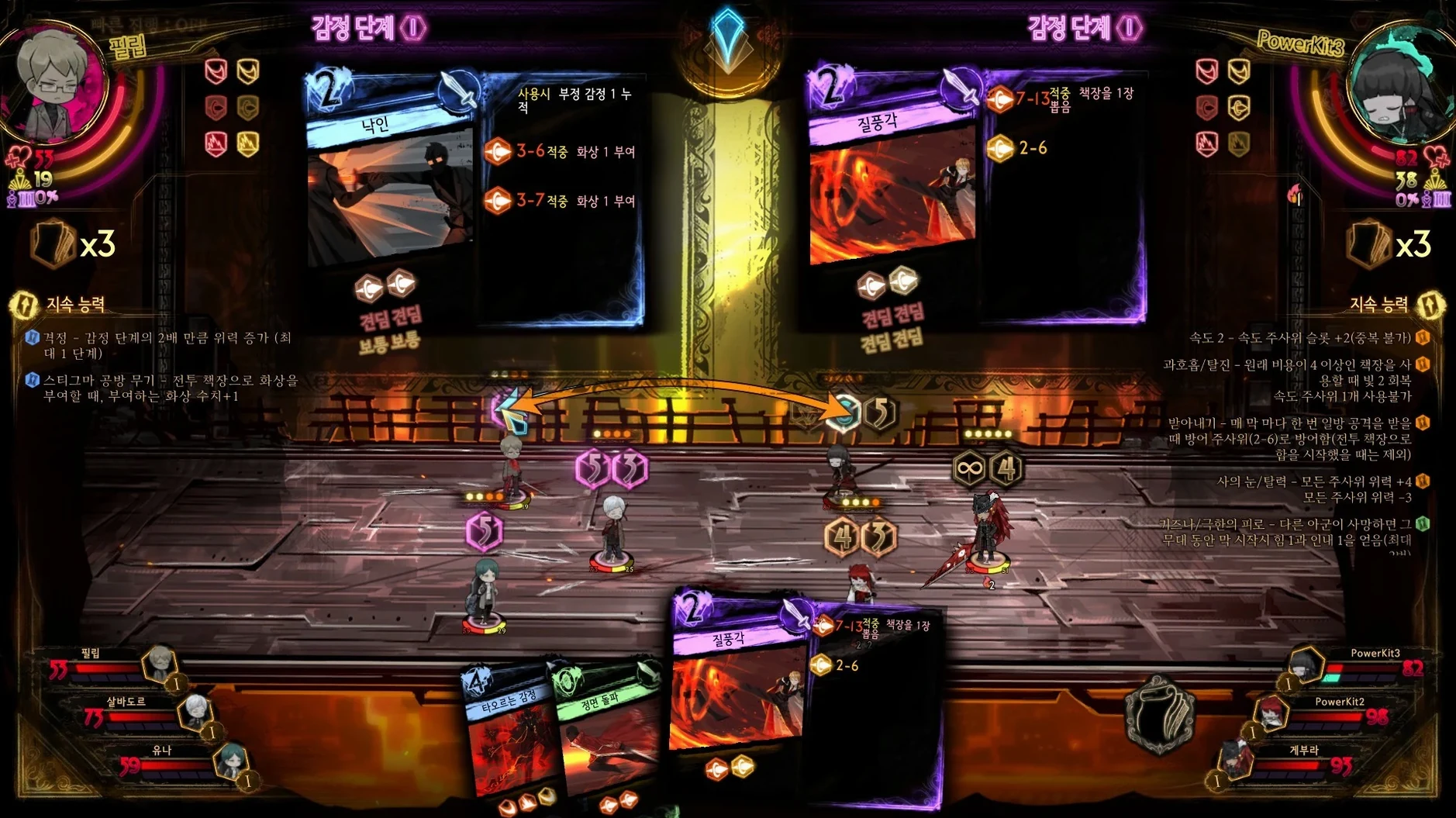
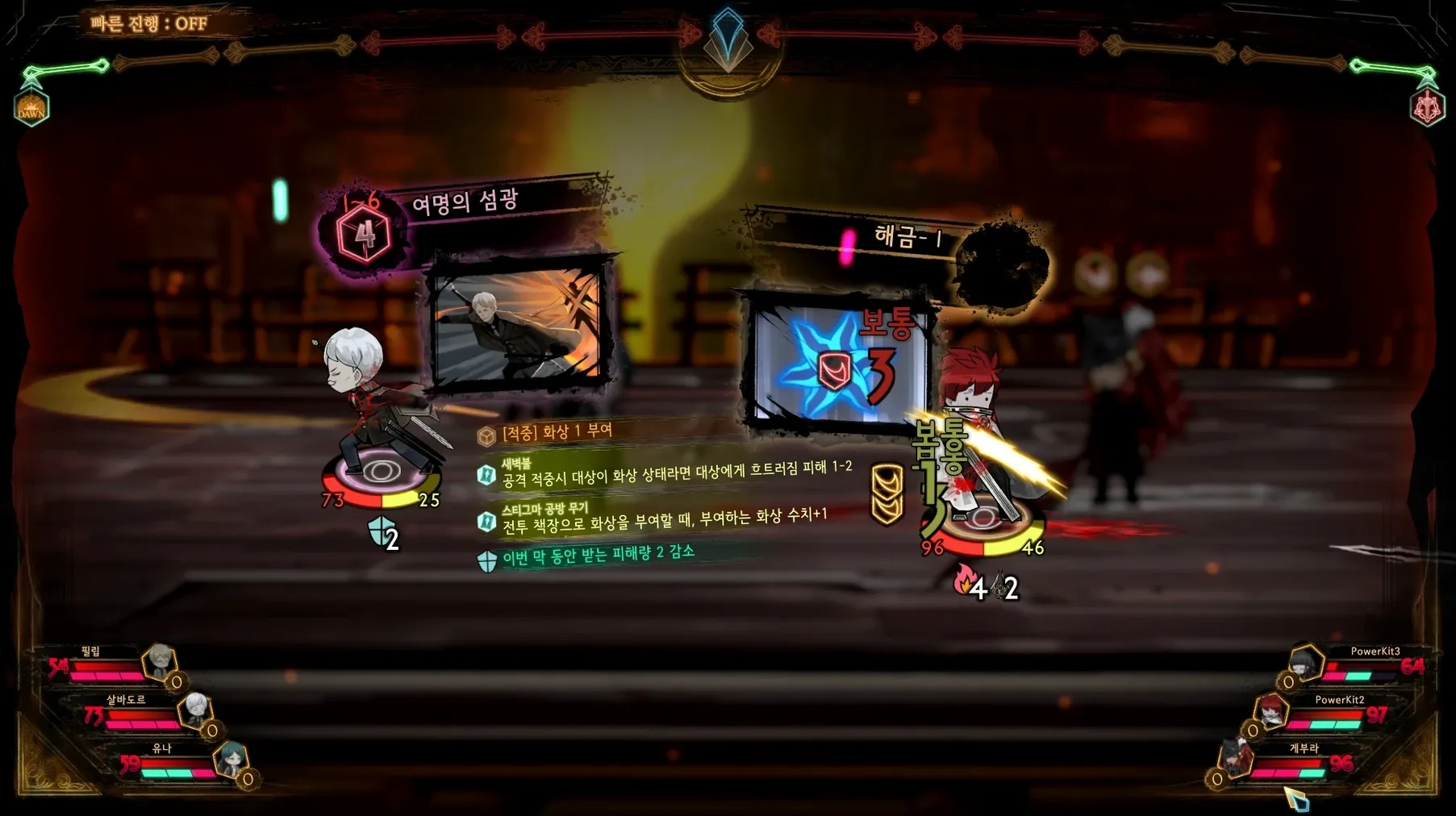
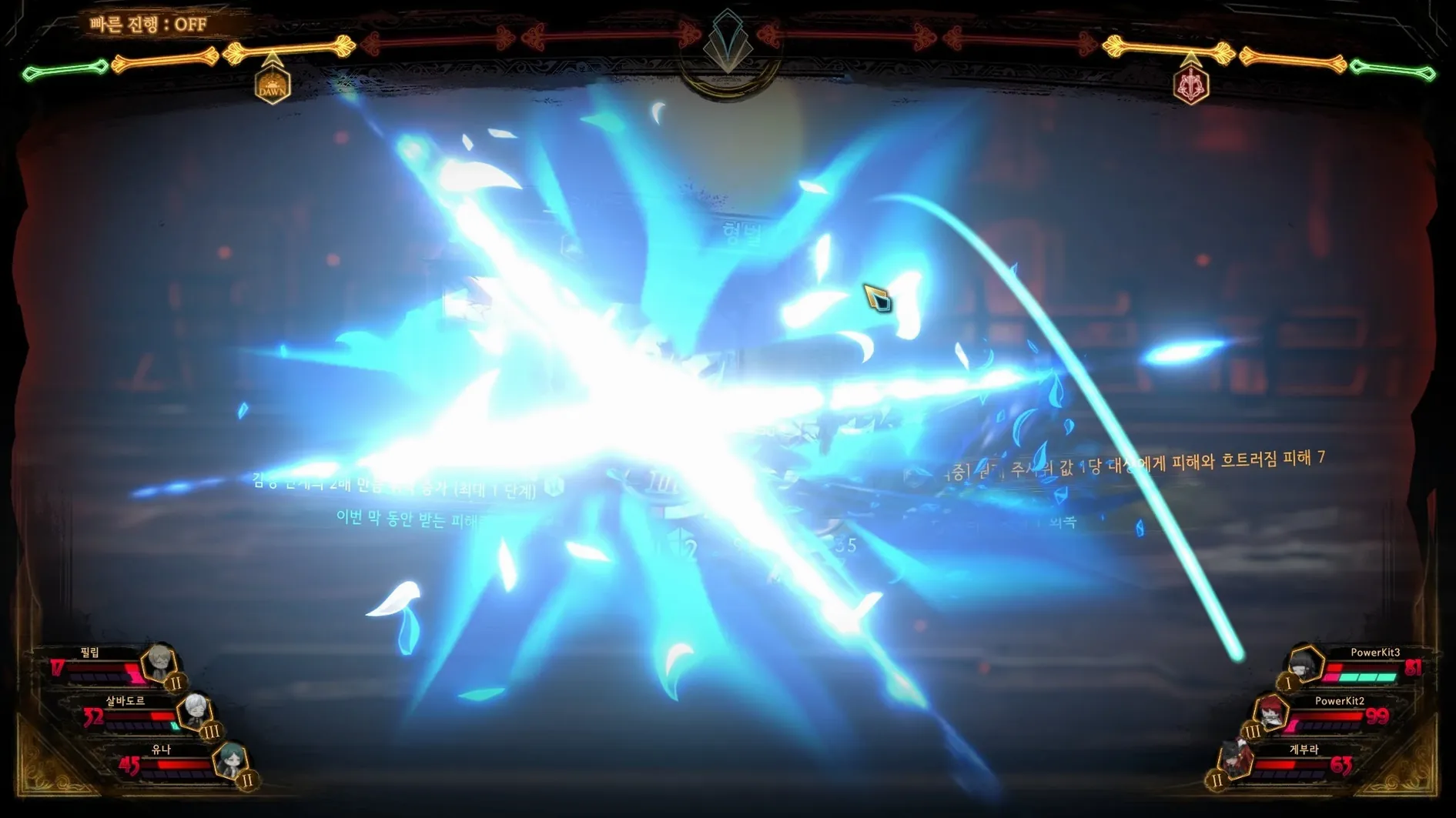
Clashes aren't guesswork here. Before you commit a card, the interface lays out exactly what your opponent intends to do—which attack dice are coming, what they'll target, and how your own choices stack up against them. It turns each round into a puzzle of prediction rather than a gamble, and it's the core tension that makes the deck-building sing.
Turn defeated guests into books
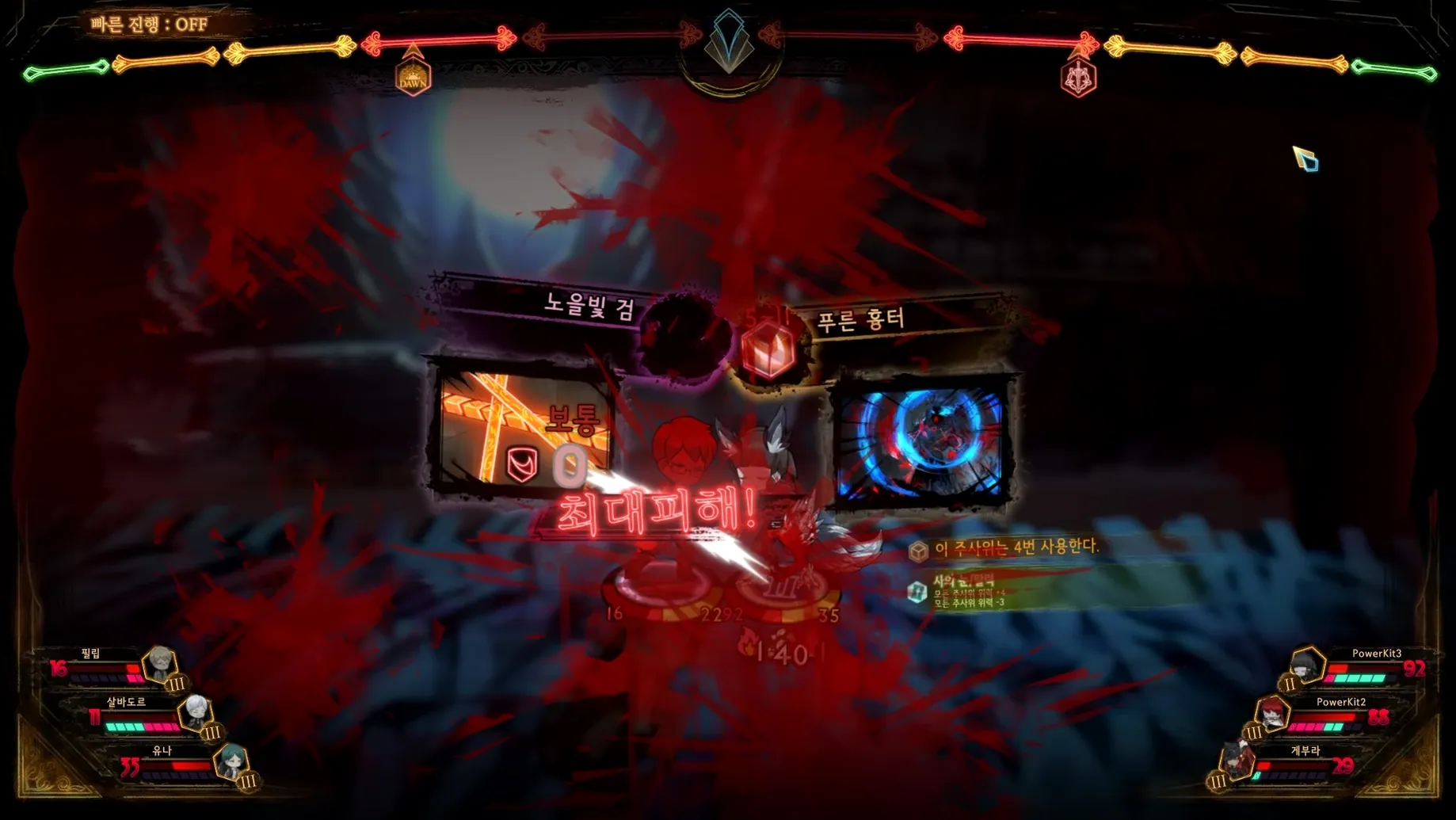
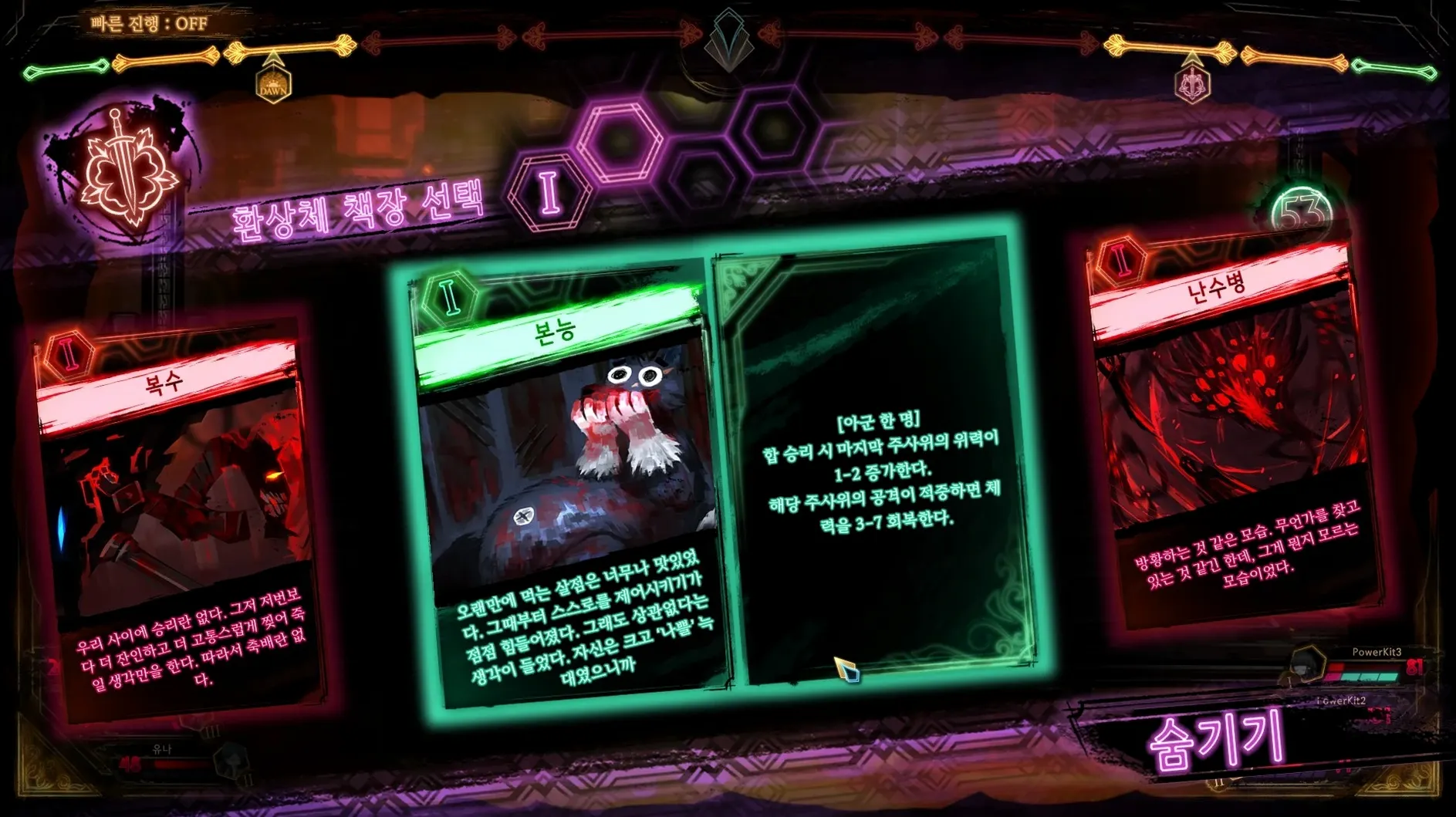
Victory doesn't just tick a box; it physically expands the Library. Guests who fall in battle are converted into volumes on the shelves, and each book can be burned to extract new combat pages and key pages—essentially, the cards and character archetypes you'll use to build your next hand. The collection grows organically from the fights you pick, so no two libraries end up quite the same.
Let emotions tip the balance
Battles swing on more than raw numbers. As clashes intensify, your librarians' emotional states rise, unlocking higher-die cards and special abilities mid-fight. Managing that emotional curve—deciding when to push for a surge of power and when to hold back—adds a layer of visual-novel drama to an already dense tactical system. The single-player journey weaves these mechanics into a narrative that follows directly from Lobotomy Corporation, with full text support in English, Russian, Simplified Chinese, Korean and Japanese.
A complete reception, from invitation to binding
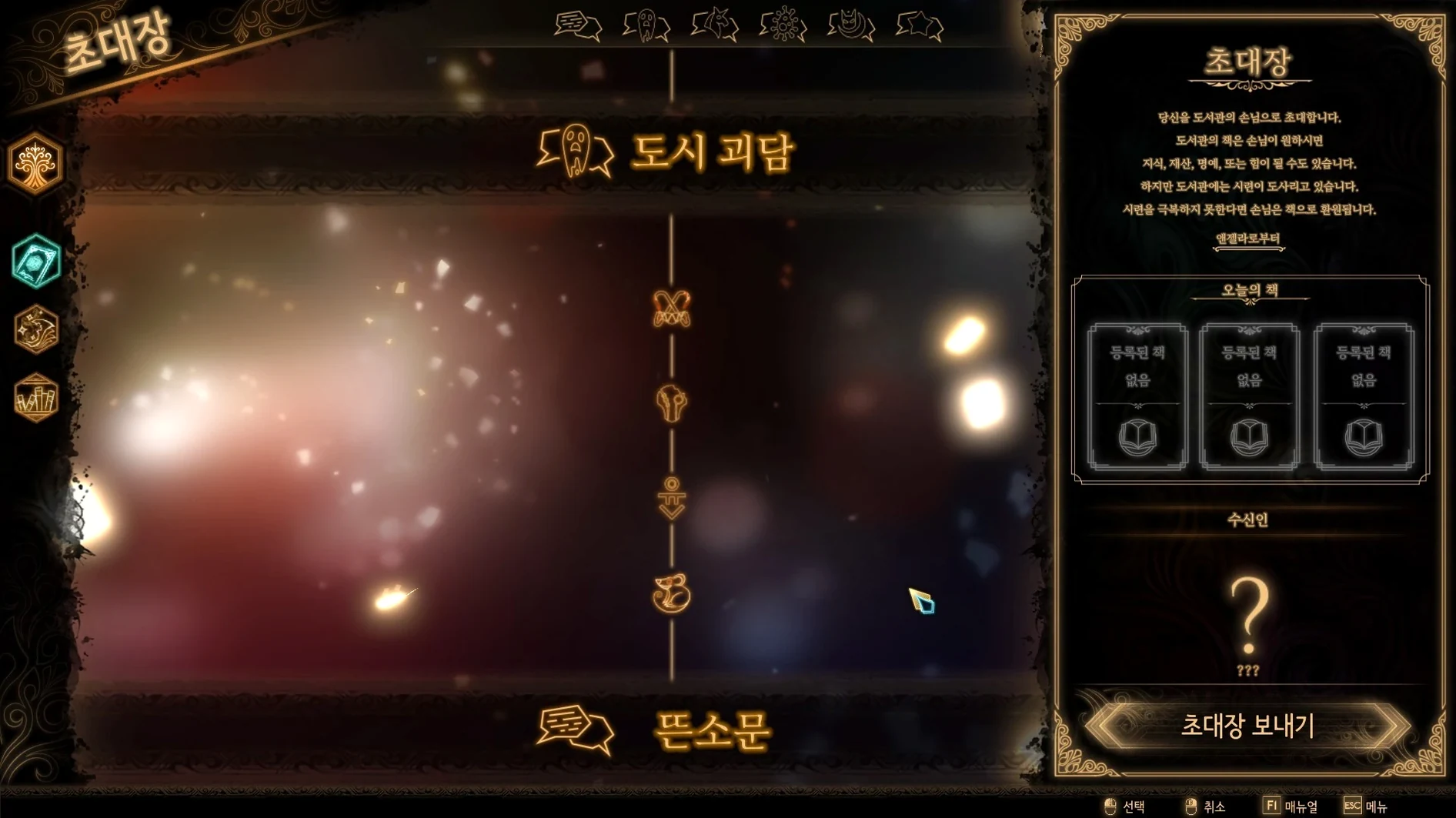
Let's walk through an early reception—Streetlight Office, one of the first real tests after the tutorial. You start at the invitation screen, where you slot in one or more books you already own. The rarity and volume count determine which guests arrive and how tough they'll be, so don't go burning your best volumes straight away. The first time you tackle a new floor, send a modest hand: a couple of paperbacks you've already duplicated, nothing irreplaceable.
Once the guests materialise, pause before assigning speed dice. Tap each enemy portrait to study their passive abilities and deck composition. You'll often spot a fragile back-liner who buffs the others—those are the ones you want to crumple early. Drag your fastest librarian's speed die onto a one-sided attack against that target, then use the remaining dice to intercept the heavy hitters with clash-heavy cards. Enemies telegraph everything, so a bad outcome is almost always a planning error, not bad luck.
When the last guest falls, the spoils screen gives you a stack of new books. Head straight to the floor's burn menu—hold down the modifier key to select multiple volumes—and incinerate anything you're willing to part with. The resulting combat pages and key pages land in your inventory, and that's the moment to visit the librarian customisation panel. Slot fresh passives onto your core team, swap out any cards that underperformed, and save the loadout under a name you'll recognise. A reception takes maybe fifteen minutes, but the deck tinkering afterwards can easily swallow an hour.
Cracking the combat system from the inside appeals to spreadsheet tacticians
Players who enjoy cracking a system from the inside get the most out of the Library. If you've ever built a spreadsheet for a Slay the Spire run or spent an evening untangling a Magic: The Gathering cube, the emotional-light mechanic and speed-die allocation will feel like home. The game rewards patience—every loss teaches you exactly which clash you misjudged—so the kind of person who replays a turn three times just to understand the domino effect will find the loop deeply satisfying.
Visual novel readers who normally bounce off strategy games also tend to stick around, partly because ProjectMoon's dystopian City is so unapologetically strange. The story unspools through cutscenes and book fragments rather than codex entries, and the Korean voice cast commits fully to the theatrical tone. If you're coming just for the narrative, bump the difficulty down, build a broad spread of key pages so a single bad fight doesn't wall you off, and treat the card play as a pacing mechanism rather than a gauntlet. The game won't punish you for that.
Mac users on Apple Silicon hardware are particularly well served by this build. The ARM-native Wineskin wrapper means the turn-based nature of combat—already forgiving of frame timing—stays snappy even when the screen fills with particle effects during a mass-attack page.
Mount the disk image again to fix that first-launch black screen
The most common hiccup is the launch error that triggers on first boot. If you see a blank screen or an immediate crash after copying the app to Applications, don't delete anything. Mount the disk image again and run the Fix file that sits alongside the app bundle; it adjusts the Wineskin prefix permissions and almost always clears the issue within seconds. A full restart isn't necessary—just quit the app, run the fix, and launch again.
A subtler problem crops up when people can't find their save data. Because the game runs through Wineskin, the save folder is tucked inside the app bundle itself: Library of Ruina.app/Contents/SharedSupport/prefix/drive_c/users/Sikarugir/AppData/LocalLow/Project Moon/LibraryOfRuina. If you're backing up your progress manually or moving to another machine, that's the path to copy. Note that macOS's Finder won't show it unless you right-click the app and choose "Show Package Contents"—it's not a regular folder.
Language confusion is another occasional stumbling block. The game supports English, Russian, Simplified Chinese, Korean and Japanese, but the initial menu sometimes defaults to Korean. Head to the settings gear on the title screen, find the fourth tab along, and the language dropdown is at the top. It takes effect instantly, no relaunch required. If you're after the Russian-localised build specifically, make sure you've grabbed the correct disk image—one is labelled for the multilingual set, the other for the Russian version only.
Performance-wise, a handful of late-game receptions with dense environmental effects can cause the fan to spin up on passively cooled Macs. Lowering the resolution scaling slider in the graphics settings by a single notch usually tames it without hurting the hand-drawn art style. Leave shadows on Low and keep anti-aliasing at FXAA rather than the heavier option; the difference is barely visible on a Retina display, but the thermal headroom you gain is real.
The current release wraps the game in a Wineskin container tuned for ARM Macs—REV 1 of this build. It's a straightforward way to get the ProjectMoon experience running without a separate Windows install.
- macOS running on Apple Silicon (ARM) architecture
- Sufficient free disk space for the Wineskin-wrapped application
Questions from the class 0
Sign in or join the class to ask a question.
Nobody has asked anything yet. If you have used it on a real job, say what the file did.
Also on the Games shelf
The whole Games shelf Legacy of Kain: Blood Omen 2
Tells a gothic tale of vampiric revenge through third-person action and puzzle-solving.
Legacy of Kain: Blood Omen 2
Tells a gothic tale of vampiric revenge through third-person action and puzzle-solving.
 LIMBO
Challenges you to guide a boy through a perilous monochrome world in search of his sister.
LIMBO
Challenges you to guide a boy through a perilous monochrome world in search of his sister.
 King's Bounty II
Marches your army across a hex grid in turn-based fights shaped by your moral choices.
King's Bounty II
Marches your army across a hex grid in turn-based fights shaped by your moral choices.
 Machinarium Collector's Edition Fantasy Adventure
Sends you on a hand-drawn point-and-click quest to save a robot city from a gang of bullies.
Machinarium Collector's Edition Fantasy Adventure
Sends you on a hand-drawn point-and-click quest to save a robot city from a gang of bullies.
 Mafia III
Ports a gritty organised-crime drama to the Mac with faithful controls.
Mafia III
Ports a gritty organised-crime drama to the Mac with faithful controls.
 inZOI
Hands you a virtual town where you create characters, build homes and direct everyday life stories.
inZOI
Hands you a virtual town where you create characters, build homes and direct everyday life stories.
 Master of Piece
Builds a deck of units and places them before each roguelite battle begins.
Master of Piece
Builds a deck of units and places them before each roguelite battle begins.
 Into the Dead: Our Darkest Days
Leads a group of survivors through a zombie-infested city over weeks of scavenging and tough choices.
Into the Dead: Our Darkest Days
Leads a group of survivors through a zombie-infested city over weeks of scavenging and tough choices.