 ASPNetWorld

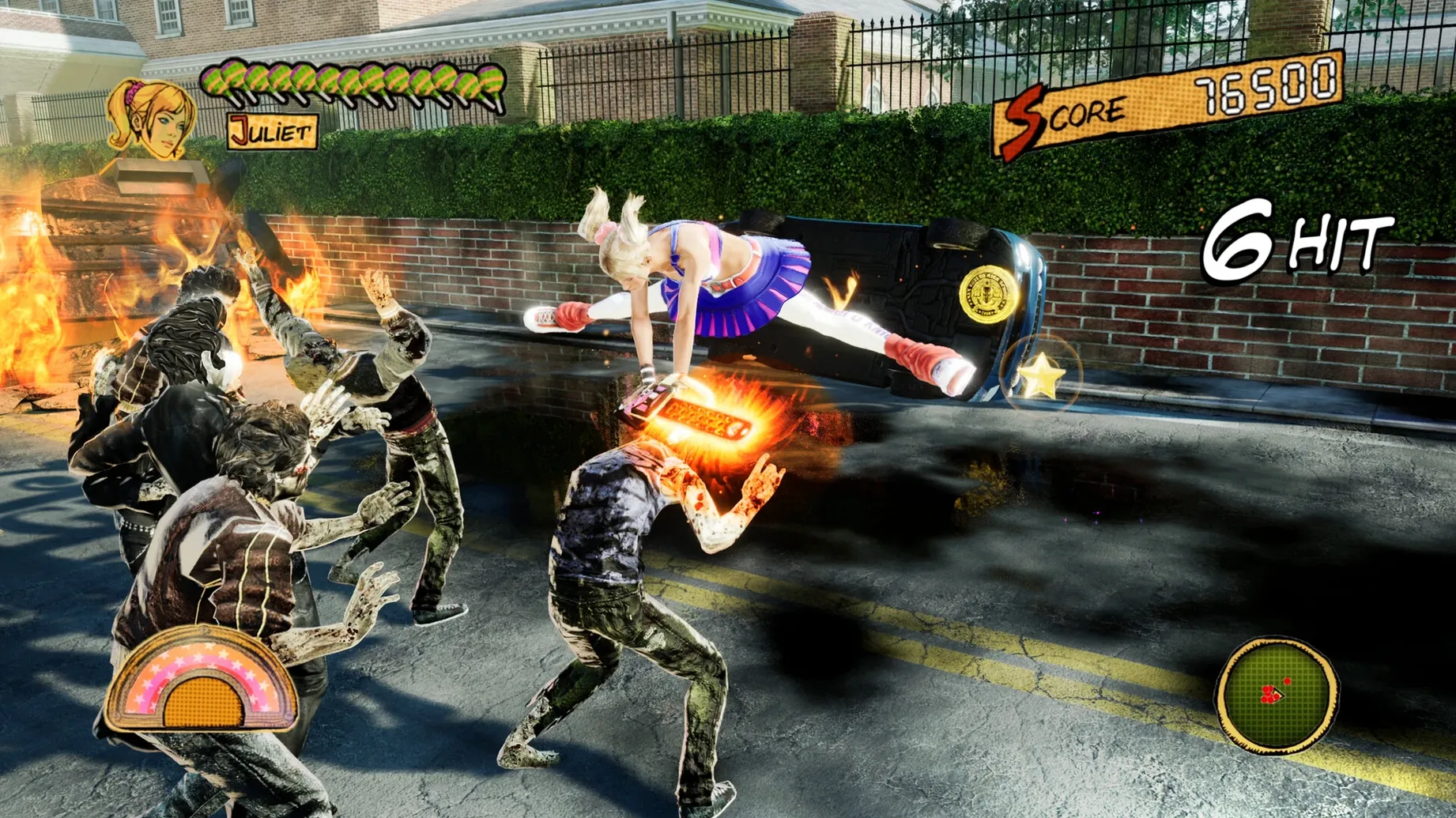
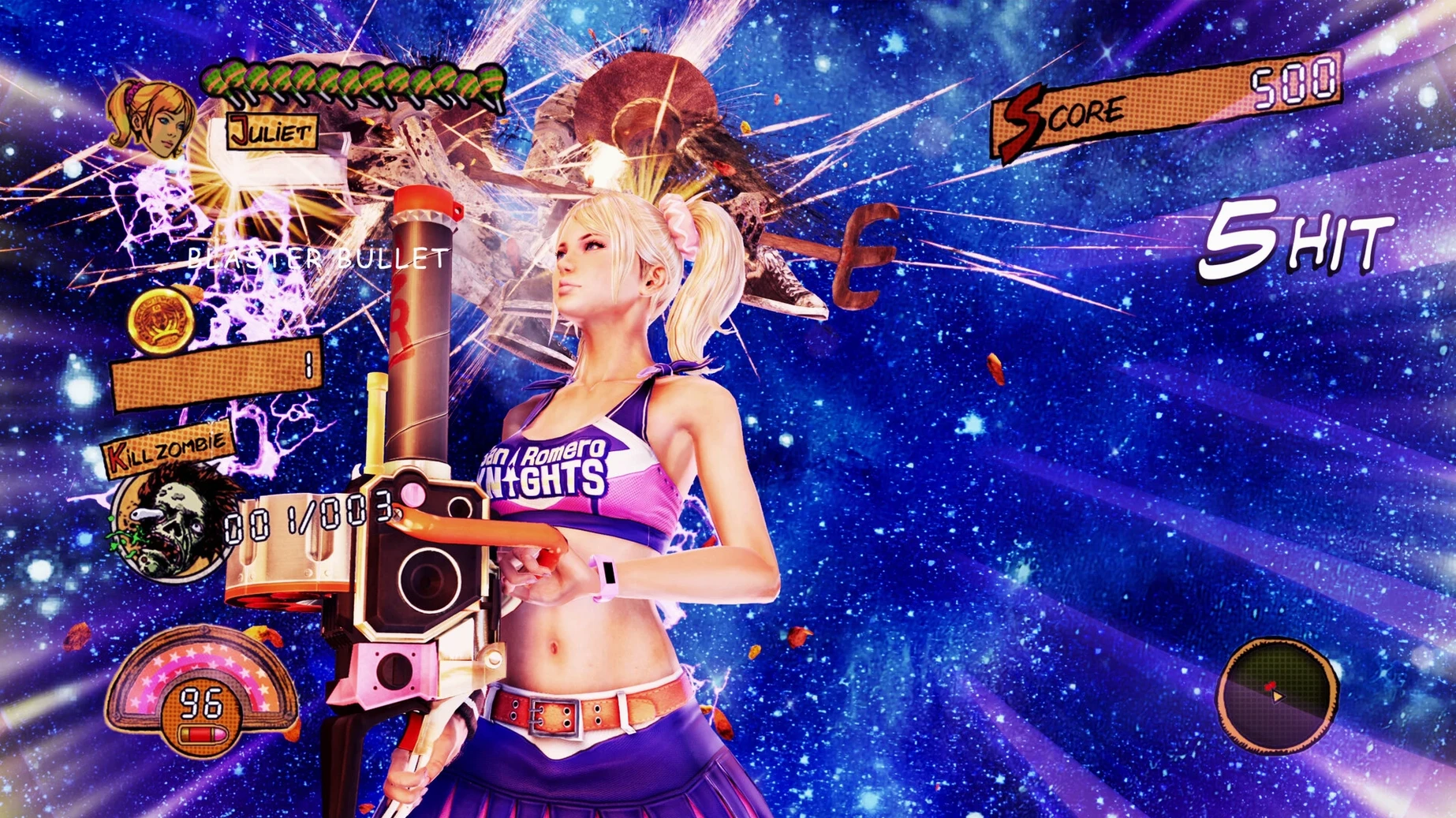
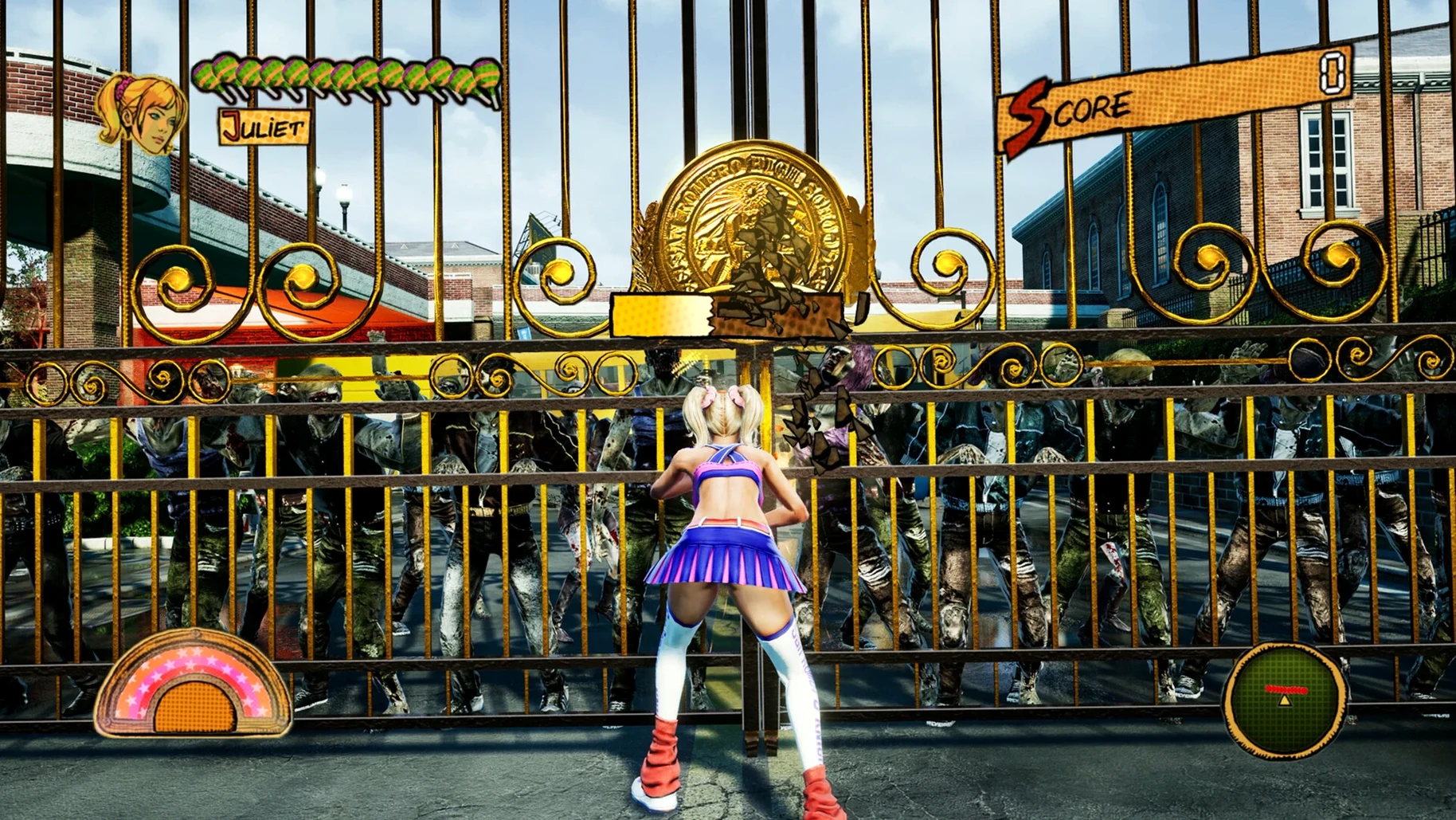
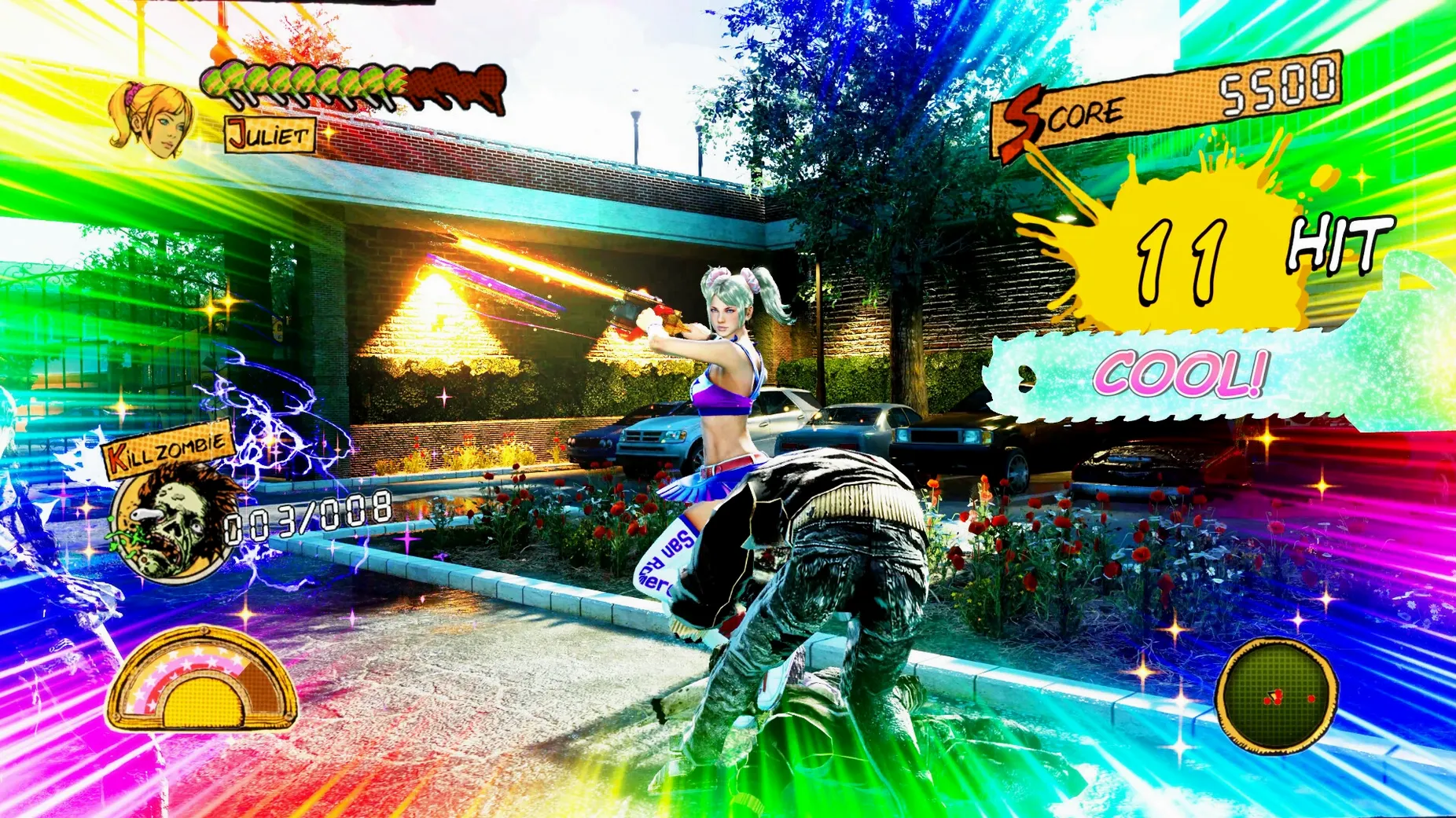
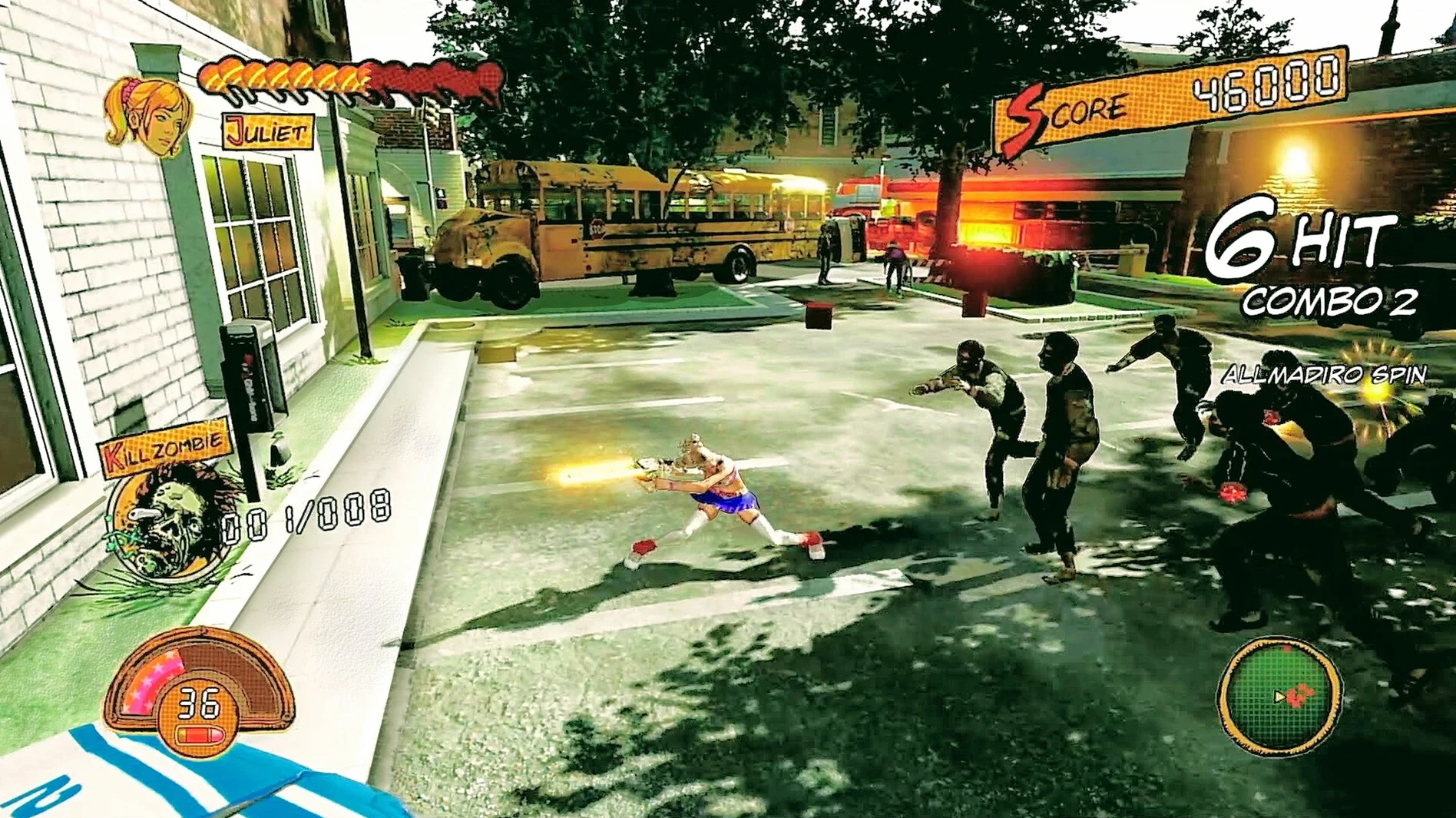
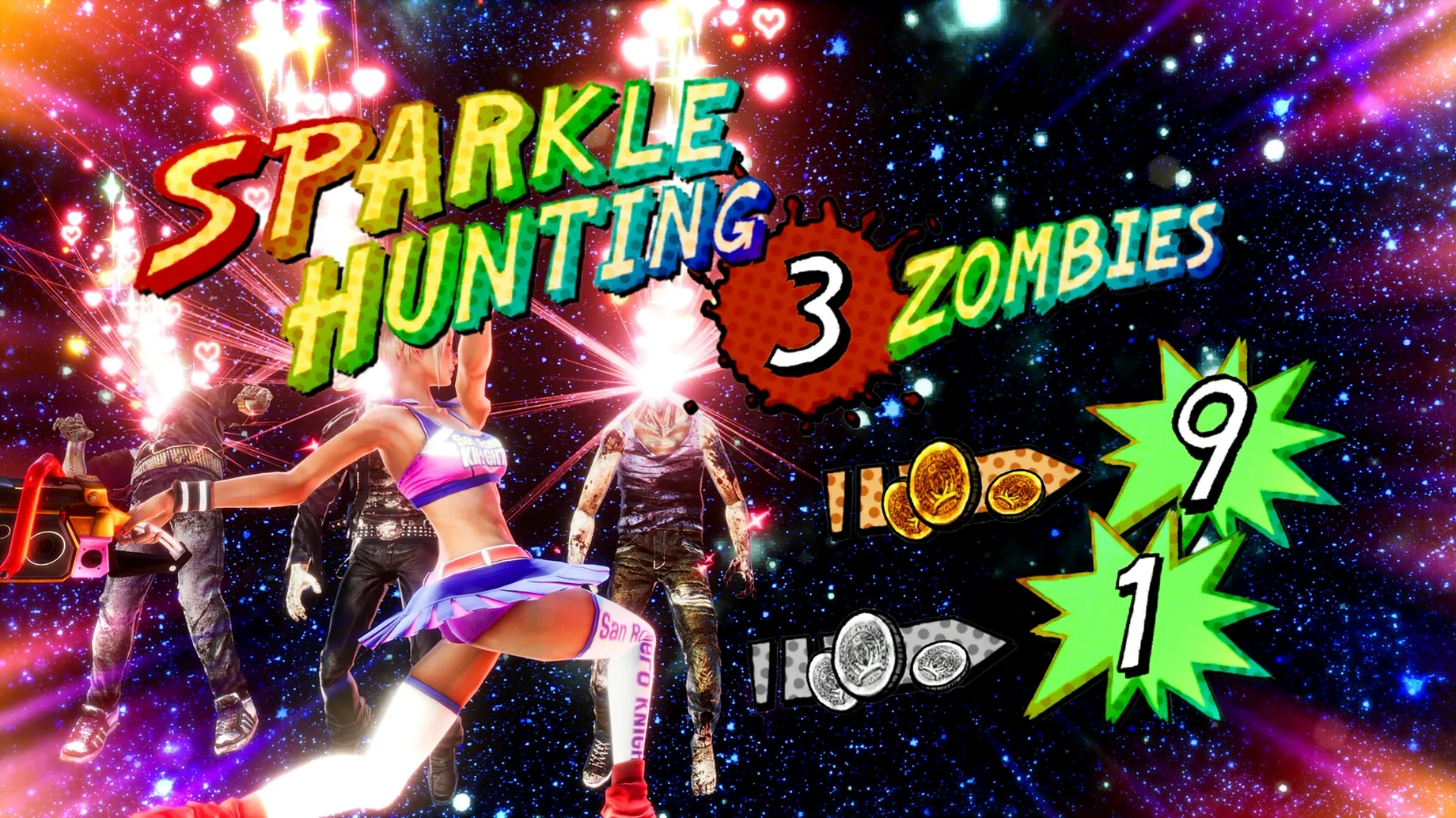
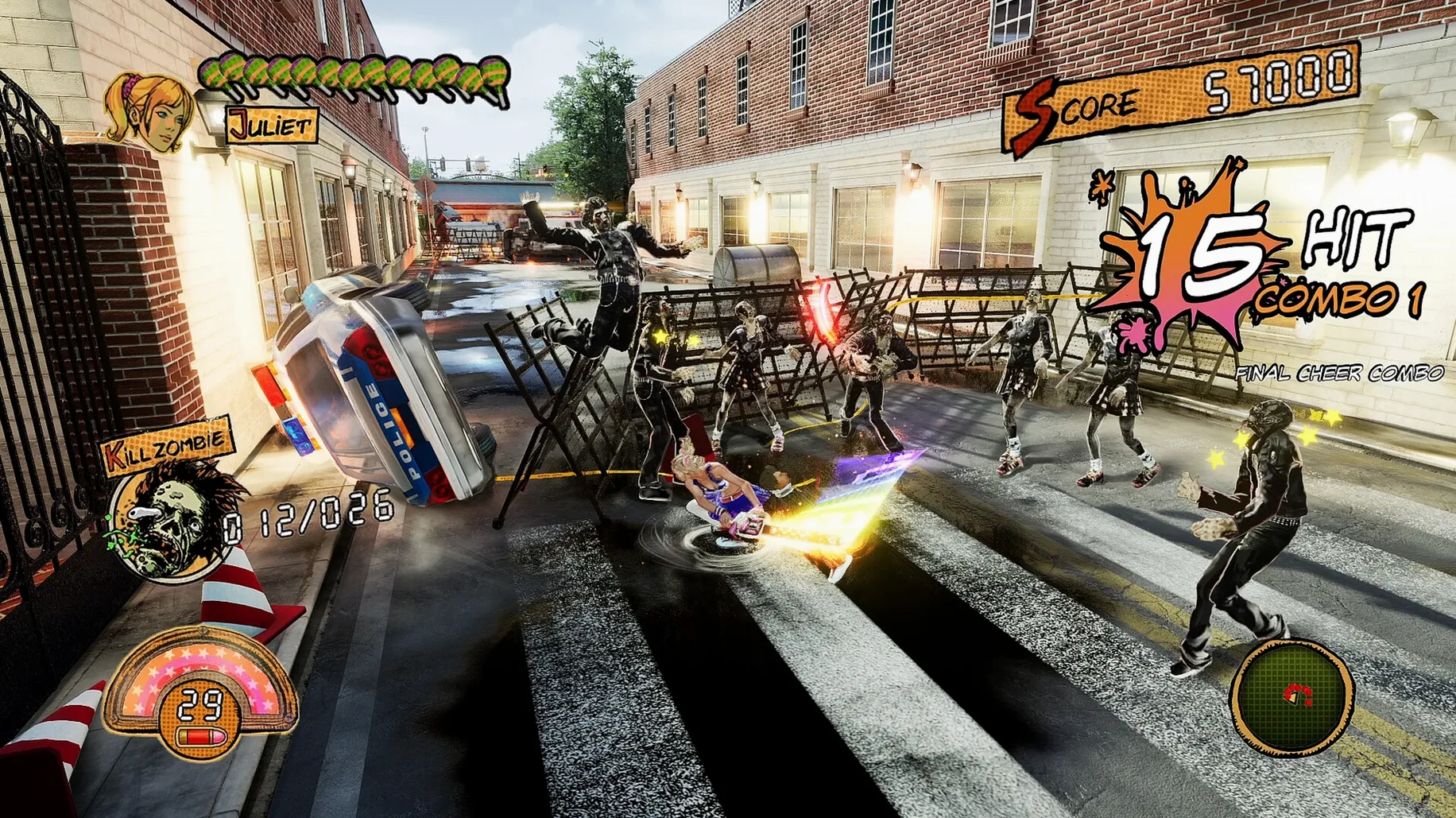
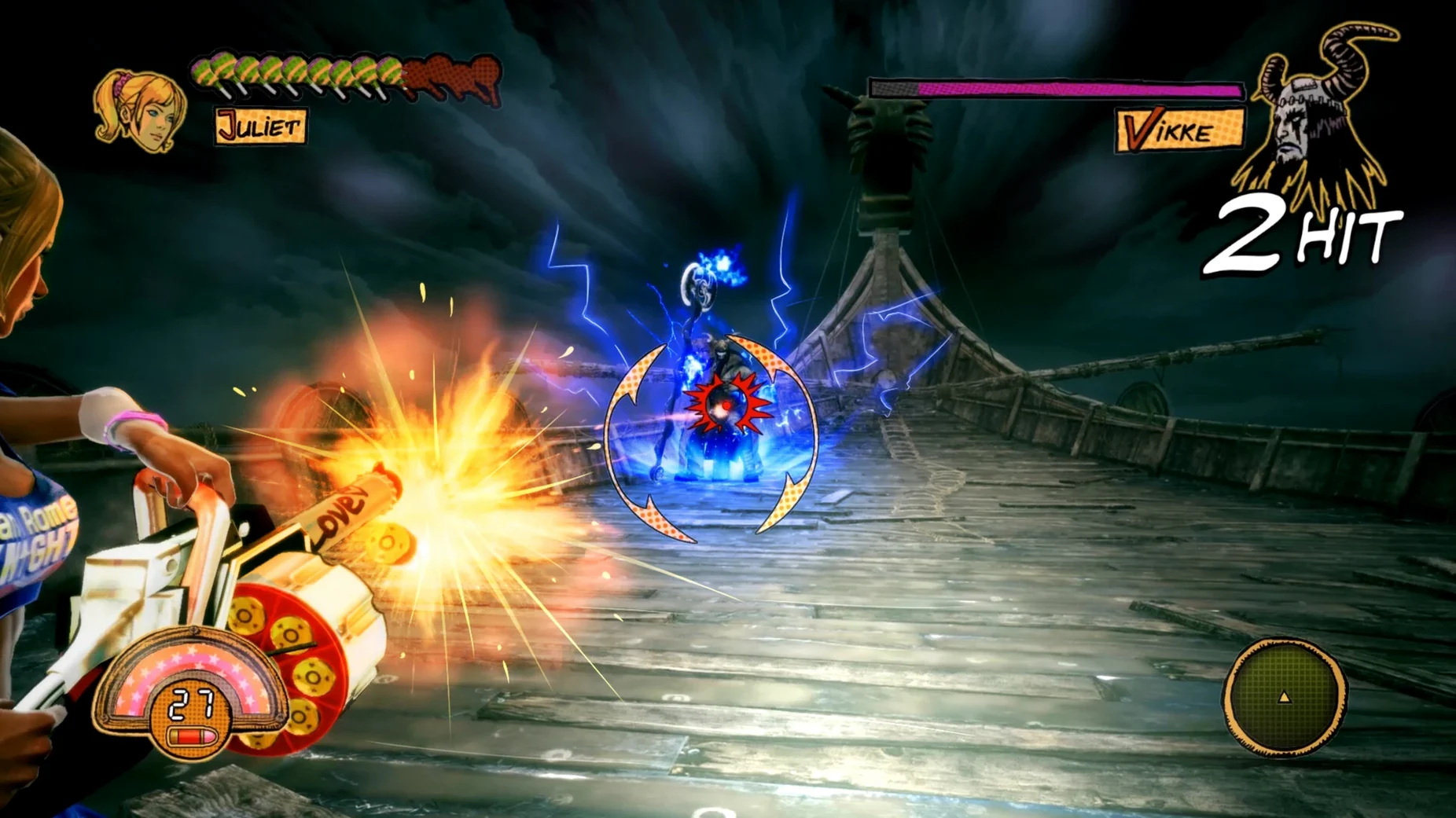
You fire up the game on a Mac mini, grab a controller, and within minutes you're chain-sawing through a hallway of shambling zombies as Juliet Starling — cheerleader, monster hunter, and someone who treats a chainsaw like a fashion accessory. The tone is loud, pink, and completely unapologetic. The 1.16 repack runs through Wineskin on Apple Silicon, launching like any standard app from Launchpad once it's in your Applications folder.
This is a game with a very specific personality. A few things to know before diving in:
- Combat feel. The improved controls and faster action make chopping through hordes snappy and responsive. If you like arcade-style brawlers where combos matter more than deep strategy, you'll settle in quickly.
- The camera. It has been reworked for this release, and it needs to be. You're constantly surrounded, so a cooperative camera is essential — it mostly behaves, though the tight spaces can still get a little chaotic.
- Playful, not serious. The humour is daft, the costumes are ridiculous, and the soundtrack bounces between pop and rock. If you need a meaningful story or grounded tone, this will exhaust you.
- Accessibility options. Auto-play for quick-time events and new difficulty modes mean you can tailor the challenge. Want a breezy button-mashing spectacle? Go easy. Keen to prove your timing? Crank it up.
- Pacing. Reduced load times keep the momentum up. You're rarely pulled out of the action for long, which suits a game designed for short, energetic sessions rather than marathon play.
In short, Lolipop Chainsaw RePOP is a treat for players who miss the loud, colourful character-action games of the early 2010s and just want to unwind with something that never asks to be taken seriously. If you're after a polished, sober action experience or you're sensitive to deliberately trashy humour, your time is better spent elsewhere.
Let’s walk through a full session from first click to a cleared stage, because getting comfortable with a Wineskin-wrapped build on Apple Silicon is often the bit people quietly worry about. The good news is that once the disk image is mounted and the app dragged across to Applications, you’re practically there. Launch from Launchpad or the Finder, and if the icon bounces and then does nothing, don’t panic — that’s what the Fix script on the disk image is for. Run it once, wait for the short terminal-like process to finish, and the game will open normally on the next attempt. On a Mac mini M4, the initial boot is under ten seconds, and after that, load times between areas are brief enough that you’ll never reach for your phone.
I tend to play with an Xbox-style controller paired over Bluetooth, and the game recognises it immediately without any tinkering in the settings. Juliet’s basic loop is simple: light attacks to build a combo, heavy chainsaw swings to finish, and a dodge that cancels almost anything. The enhanced input responsiveness in this repack makes cancelling feel crisp, so you can weave out of a crowd mid-swing rather than waiting for an animation to end. A typical stage — say, the opening stretch of San Romero High — plays like a rhythmic arcade brawler. You clear a cluster of zombies, the camera settles, you spend a few seconds buying a new combo from the in-game shop with collected coins, and the soundtrack keeps everything bouncing. The reworked camera generally frames the action well, though in the narrow locker-lined corridors I found myself tapping the right stick to keep Juliet from being obscured by a wall. It’s a small habit that quickly becomes automatic.
The Wineskin wrapper hides its Windows guts
People often ask whether this repack feels like a native Mac game or a janky port. The answer sits somewhere in between. The Wineskin wrapper is unobtrusive — there’s no visible Windows interface, and you won’t find yourself fiddling with configuration files unless you actively enjoy that sort of thing. The game runs in a standard window or fullscreen, and on an M4 chip it holds a steady 60 FPS at 4K with all the remastered visual effects turned on. Heat and fan noise were minimal on the test machine, which is worth knowing if you plan to play on your lap.
Another common question is about language support. The interface and subtitles are available in nine languages, including English, Japanese, and Traditional Chinese, while the voices stay in English. The language setting is picked up from the game’s internal menu, not your Mac’s system preferences, so you can switch freely without affecting other apps.
People also wonder about controller support versus keyboard. A controller is strongly recommended — the button prompts match Xbox layouts, and the haptic rhythm of combat feels built for thumbsticks. Keyboard play works, but the default bindings are a little awkward for combo-heavy fights, and remapping them takes a few minutes of experimentation.
Auto-QTE toggle hides in accessibility, not gameplay settings
- Auto-QTE toggle. Quick-time events can be set to auto-complete in the options, but the toggle is tucked under the accessibility sub-menu rather than the main gameplay settings. If you want a purely cinematic experience without sudden button prompts, that’s where you’ll find it.
- Skip the intro logos. A single press of the Escape key or the B button on a controller blasts through the developer splash screens. Nobody wants to watch those every session.
- Quick restart. If you’re aiming for a high rank and miss a combo, hold the pause button for a second longer than usual — the restart option appears without needing to navigate back to the main menu.
- Costume swap mid-stage. The in-game shop lets you change outfits on the fly, not just between stages. Juliet’s moveset stays the same, but the novelty never quite wears off.
- Soundtrack toggle. If you’ve grabbed the separate soundtrack release and want to hear the original mix instead, the audio settings include a “Classic” option that switches to the older score without affecting dialogue or effects volume.
Version 1.16 brings the full RePOP overhaul to macOS via Wineskin, modernising the cult classic for Apple Silicon machines. Expect a cleaner, faster game that still keeps its messy charm.
- Updated graphics with 4K support
- Improved controls and enhanced input responsiveness
- Faster combat pacing
- New difficulty modes and quality-of-life improvements
- Reduced load times and an improved camera
- Auto-play option for quick-time events
- macOS Tahoe
- Apple Silicon (tested on Mac mini 2024, M4)
Questions I keep hearing
Can I play Lolipop Chainsaw RePOP in English on my Mac?
Yes, the voice language is English, and the interface can be set to English, Russian, German, Spanish, Italian, French, Portuguese, Japanese, or Traditional Chinese.
Questions from the class 0
Sign in or join the class to ask a question.
Nobody has asked anything yet. If you have used it on a real job, say what the file did.
Also on the Games shelf
The whole Games shelf LIMBO
Challenges you to guide a boy through a perilous monochrome world in search of his sister.
LIMBO
Challenges you to guide a boy through a perilous monochrome world in search of his sister.
 Life Is Strange 2: Complete Season
 Library Of Ruina
Turns deck-building combat into a tactical puzzle by revealing every enemy move in advance.
Library Of Ruina
Turns deck-building combat into a tactical puzzle by revealing every enemy move in advance.
 Machinarium Collector's Edition Fantasy Adventure
Sends you on a hand-drawn point-and-click quest to save a robot city from a gang of bullies.
Machinarium Collector's Edition Fantasy Adventure
Sends you on a hand-drawn point-and-click quest to save a robot city from a gang of bullies.
 Legacy of Kain: Blood Omen 2
Tells a gothic tale of vampiric revenge through third-person action and puzzle-solving.
Legacy of Kain: Blood Omen 2
Tells a gothic tale of vampiric revenge through third-person action and puzzle-solving.
 Mafia III
Ports a gritty organised-crime drama to the Mac with faithful controls.
Mafia III
Ports a gritty organised-crime drama to the Mac with faithful controls.
 King's Bounty II
Marches your army across a hex grid in turn-based fights shaped by your moral choices.
King's Bounty II
Marches your army across a hex grid in turn-based fights shaped by your moral choices.
 Master of Piece
Builds a deck of units and places them before each roguelite battle begins.
Master of Piece
Builds a deck of units and places them before each roguelite battle begins.