 ASPNetWorld

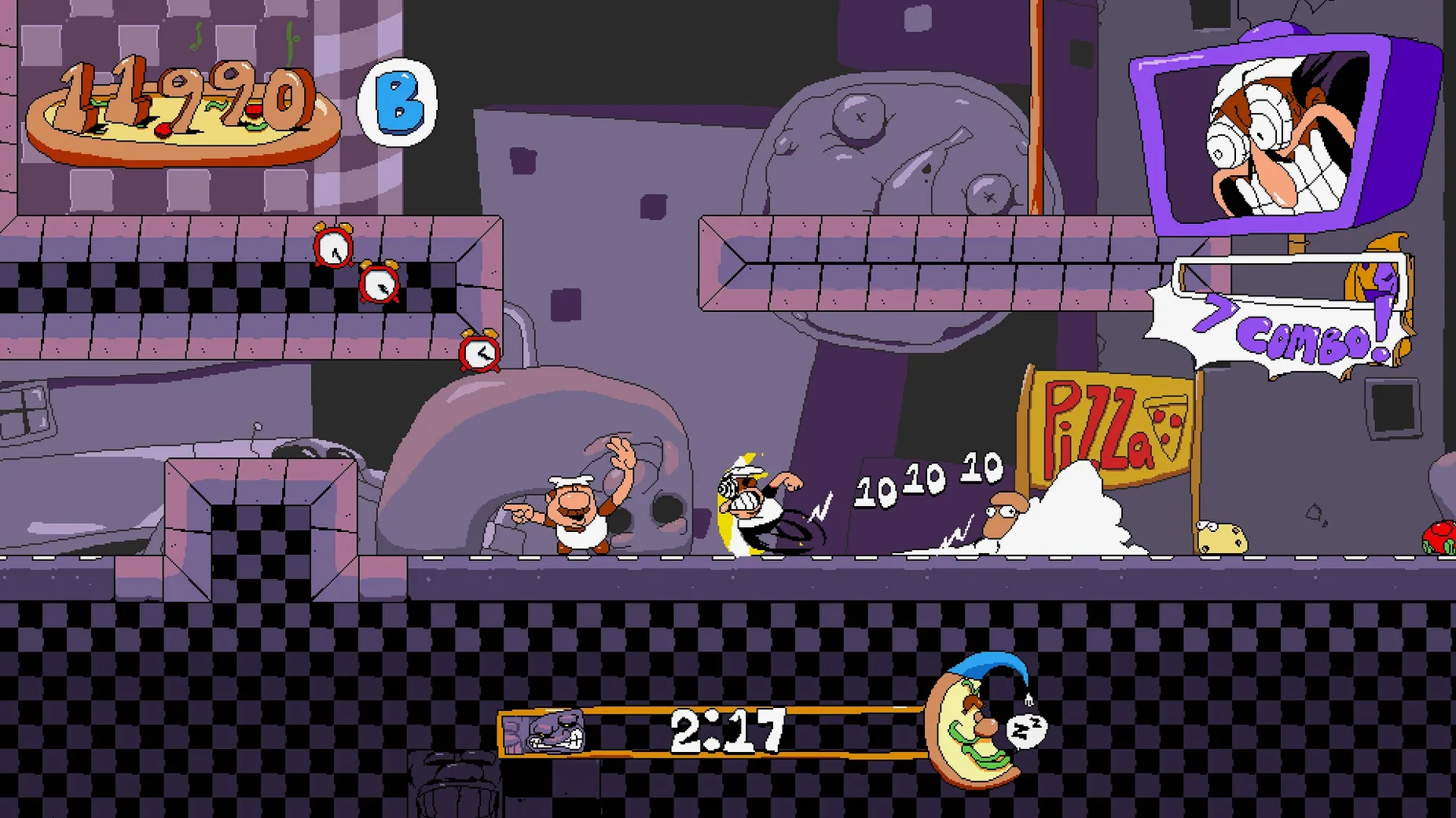
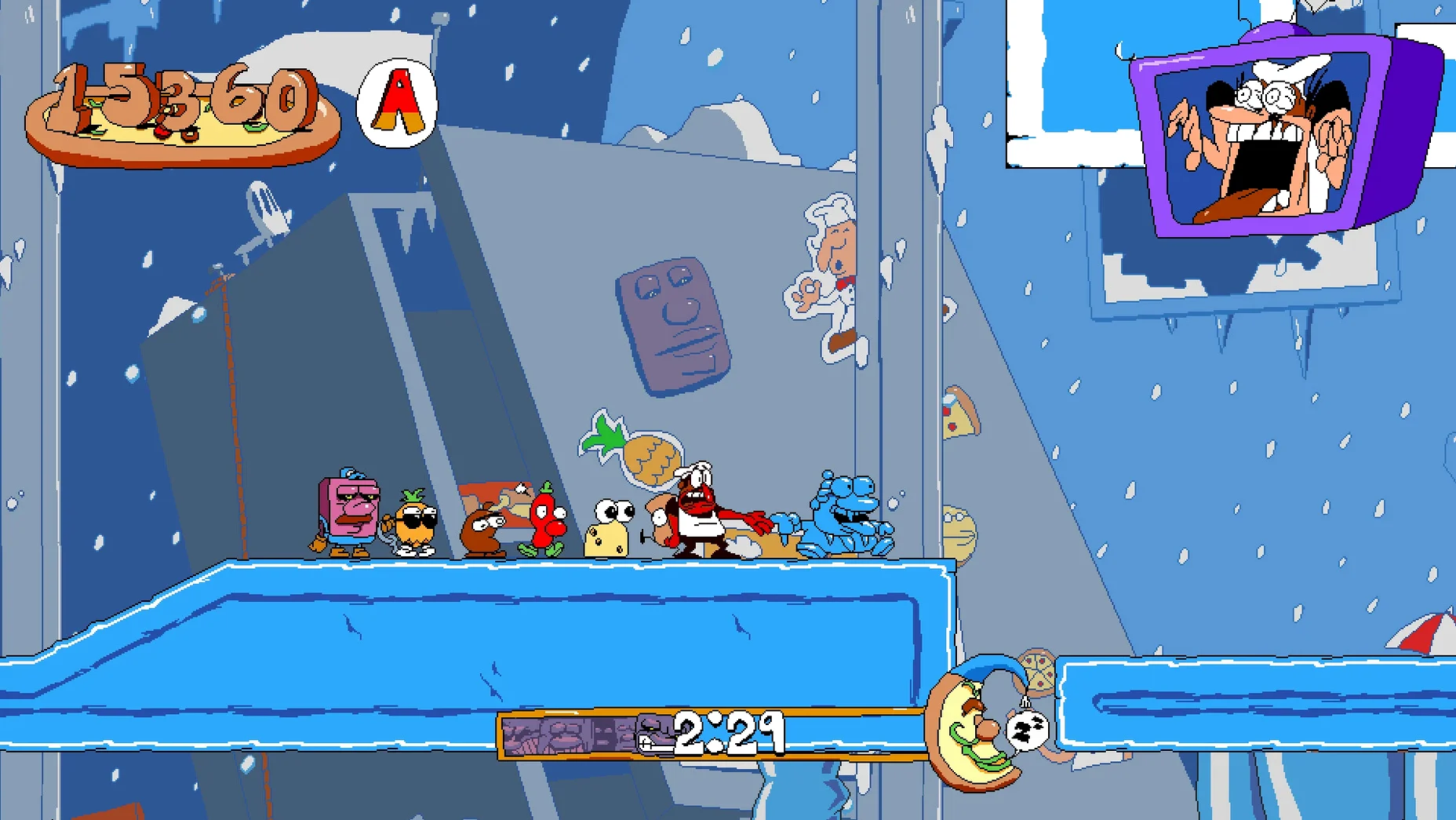
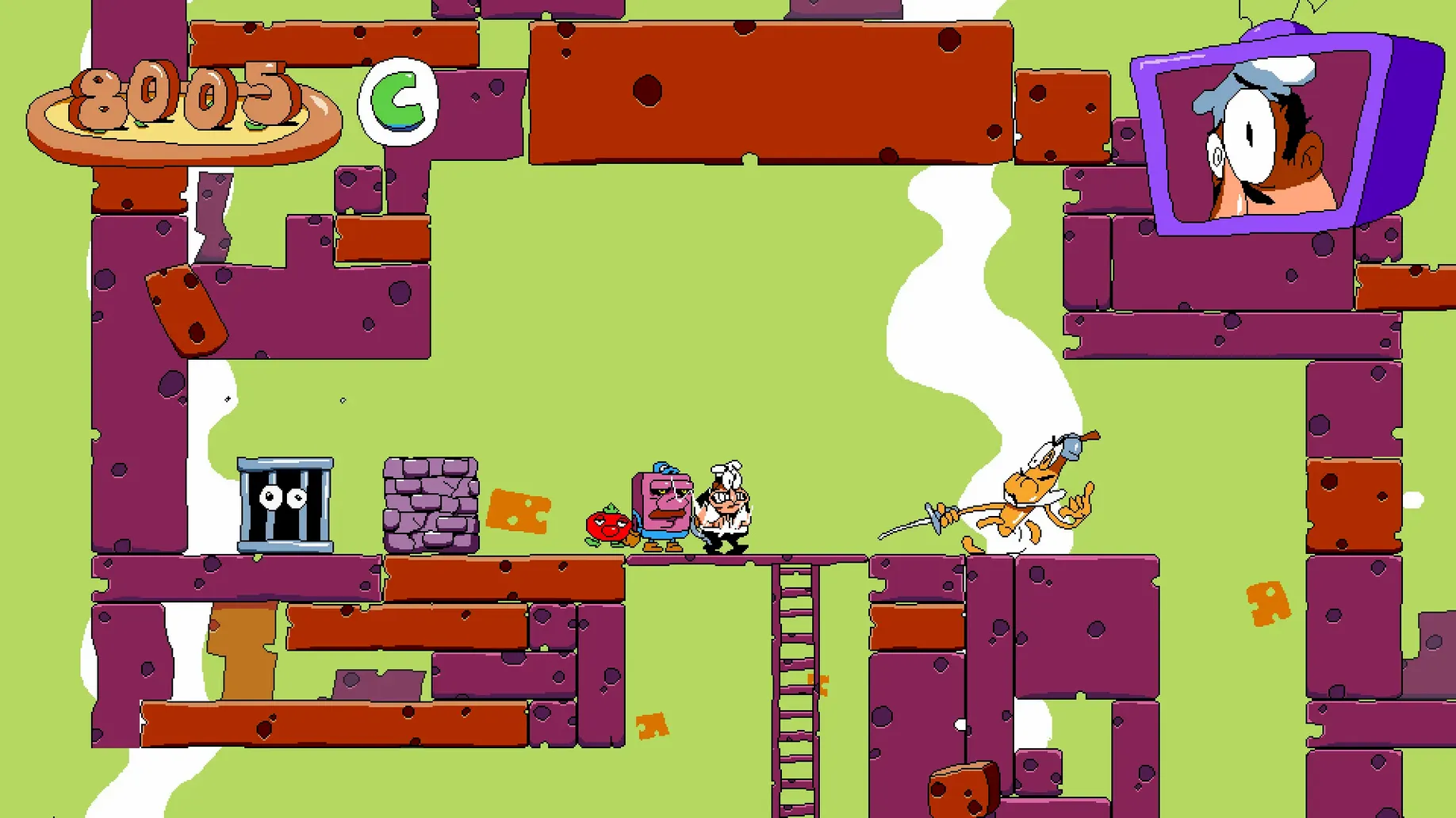
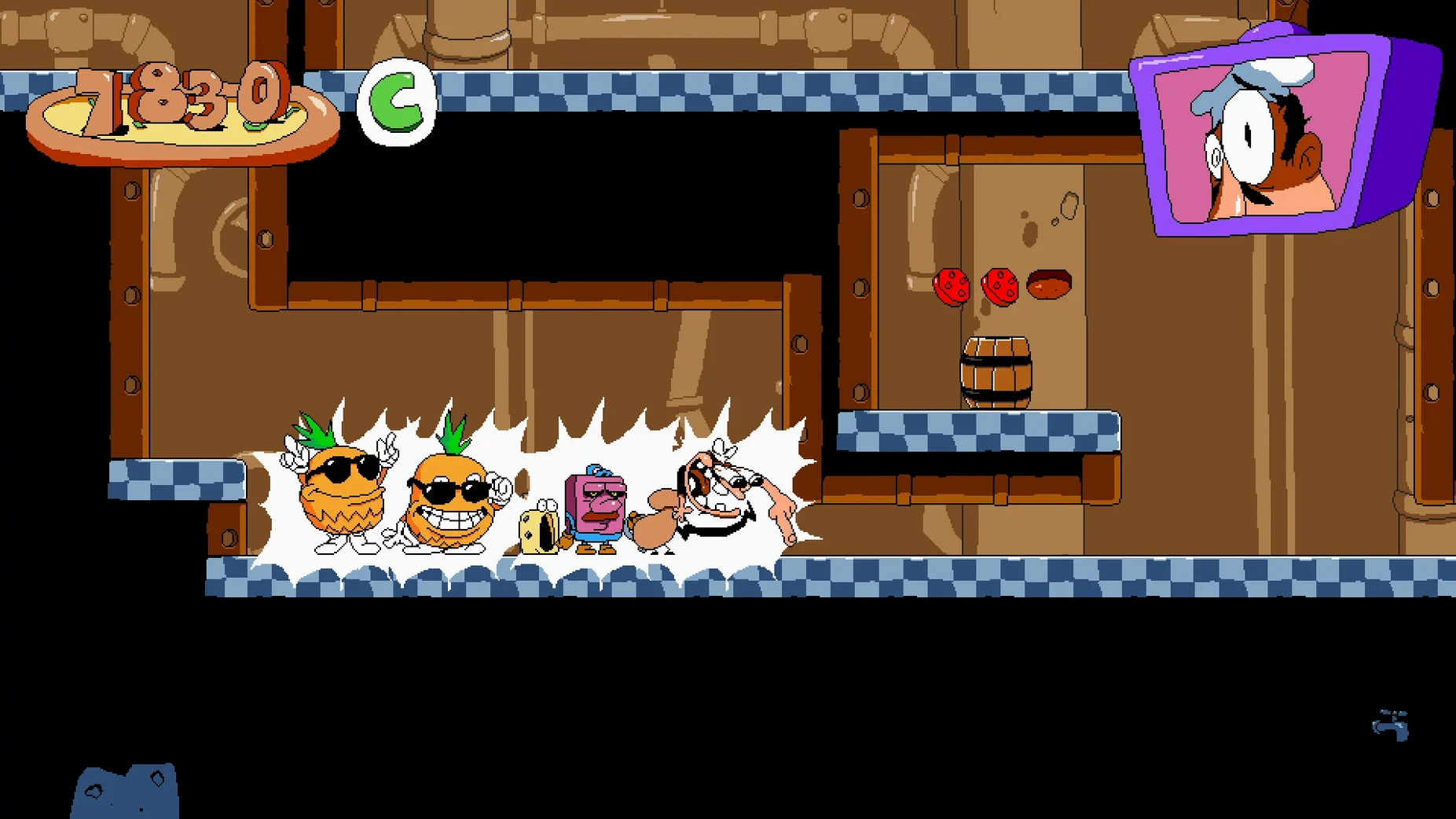
Speedrunners and fans of demanding 2D action who want an absurd, lightning-fast score attack on Apple Silicon. Here’s how to get the frenetic chef Peppino Spaghetti flipping and fighting through his cartoon tower on a Mac.
A flurry of error prompts is normal on first launch
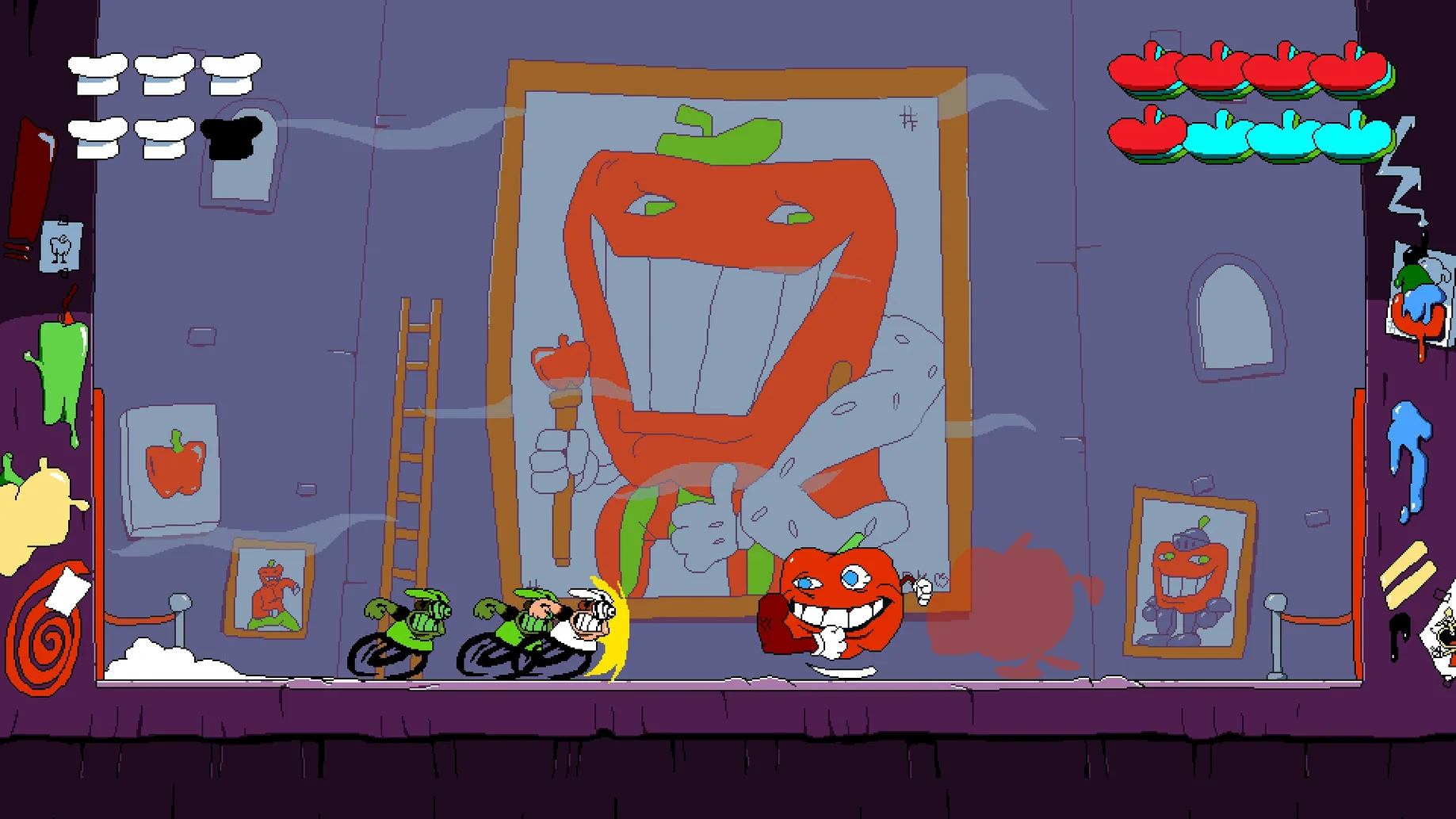
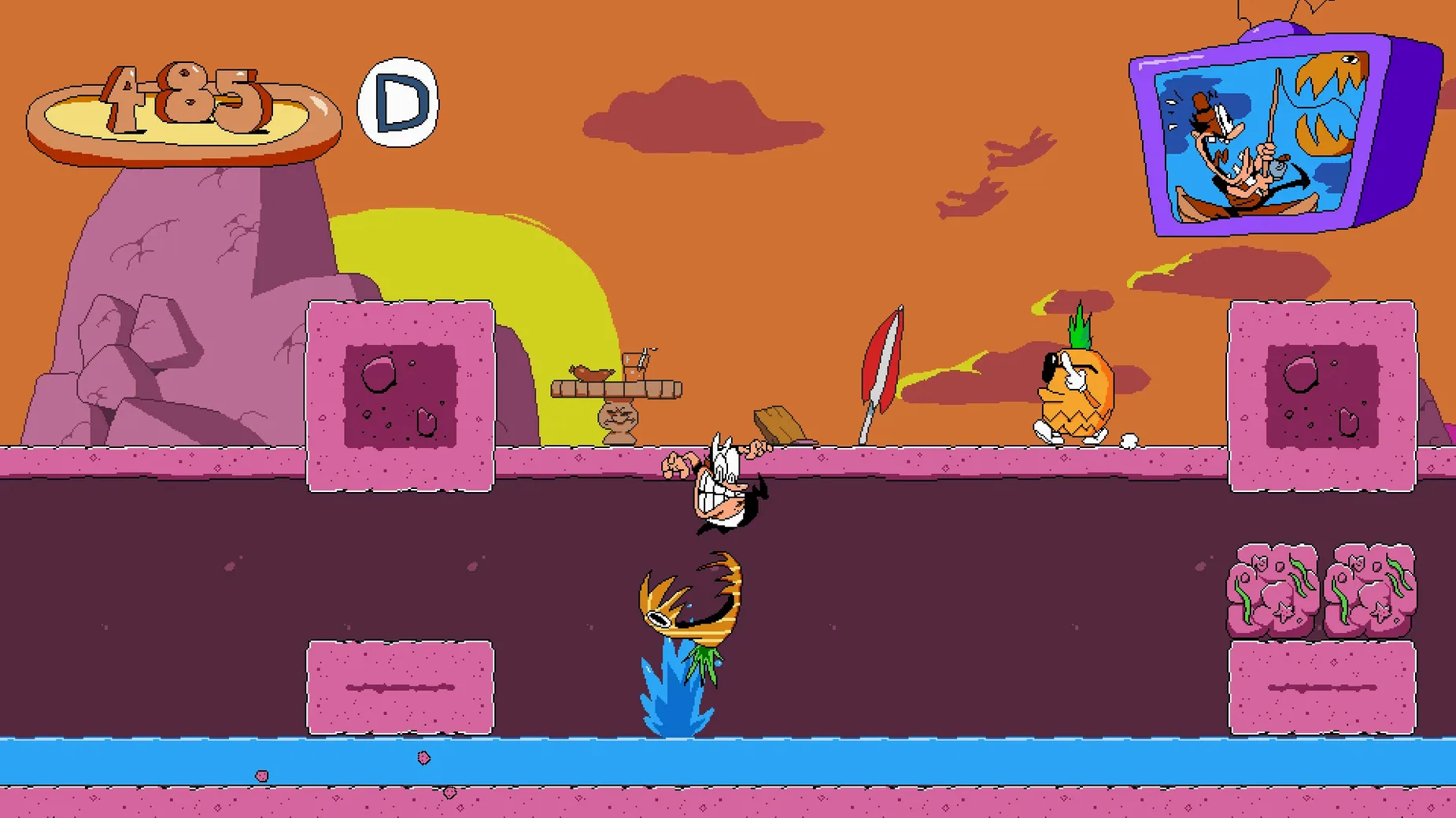
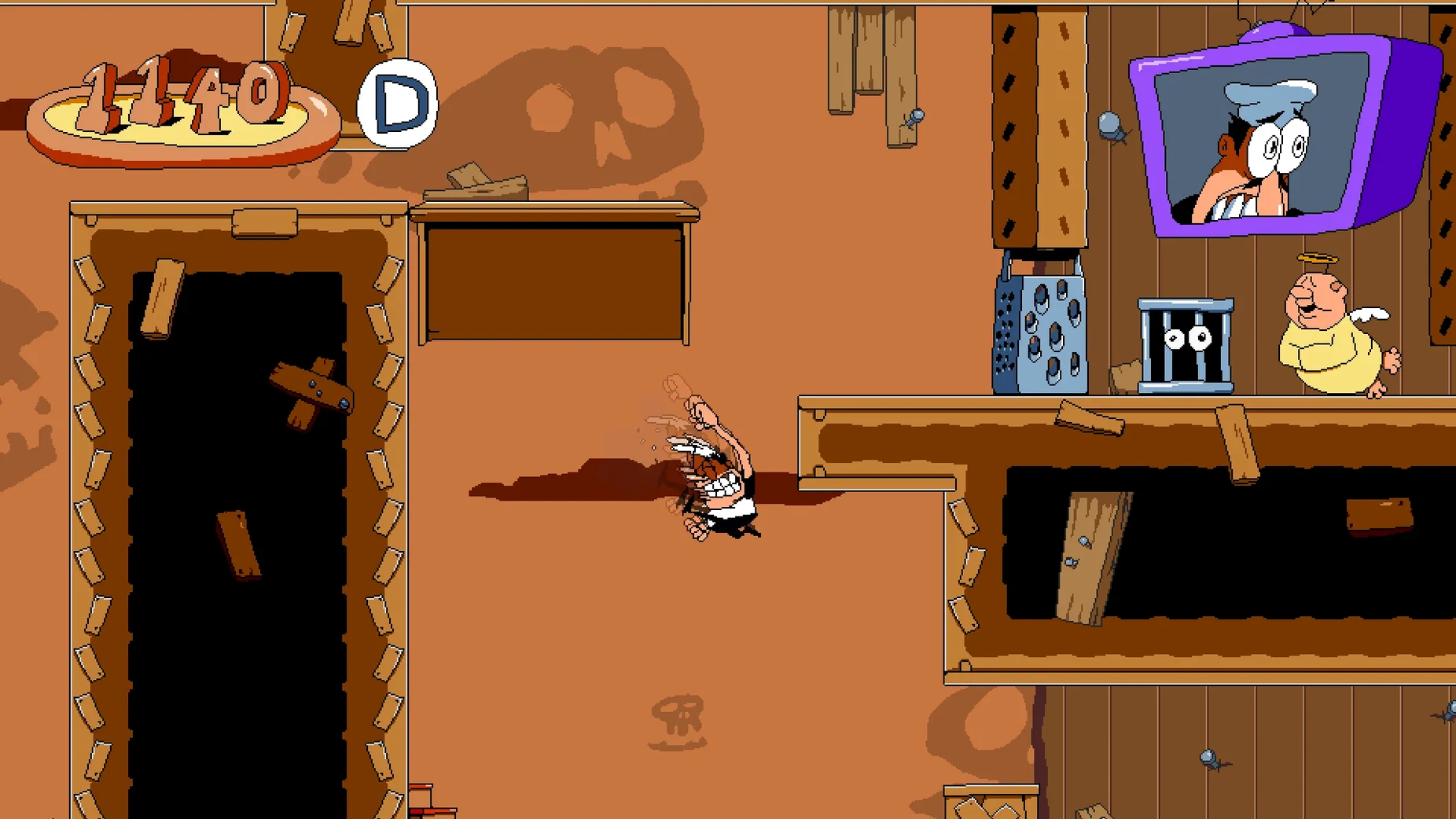
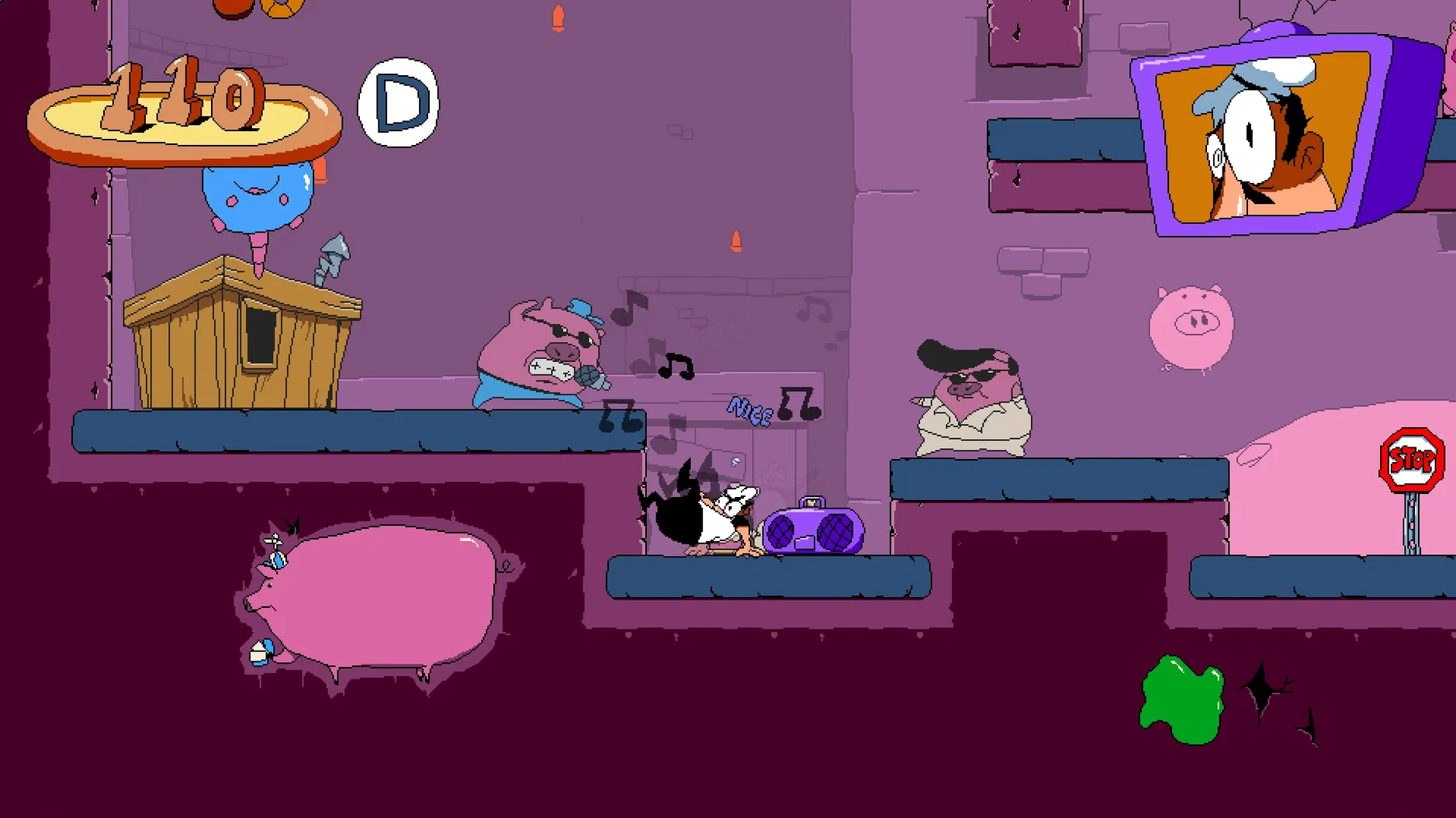
Pizza Tower is a movement-first platformer driven by a highly energetic soundtrack and late-’90s cartoon pixel art. On Apple Silicon, the Wineskin wrapper translates Windows calls on the fly, so some initial hiccups are normal—a brief flurry of error prompts you dismiss with a few clicks of OK, after which the game settles into a solid, responsive run. All the manic momentum Peppino needs for wall-running, pile-driving enemies and sniffing out floor secrets transfers perfectly to a Mac keyboard or connected gamepad. The interface language can be swapped to English or Russian in the settings once you’re in.
Dialling it in
- Mount the disk image — double-click the downloaded file so it appears as a virtual drive on your desktop.
- Copy the app across — drag the Pizza Tower icon straight into the Applications folder shortcut inside the mounted window.
- Launch it fresh — open Launchpad and click the app to give macOS a chance to register it properly.
- Quieten the gatekeeper — if an error pops up at launch, open the disk image again and run the Fix file. This patches permissions and environment variables the wrapper needs.
- Push through the noise — should a cascade of error boxes appear when the game starts, click OK on each one until the title screen loads. This is a one-time routine while the wrapper builds its compatibility cache.
Assign grab to a shoulder button before chasing high ranks
Fresh out of the wrapper, Pizza Tower rewards a quick settings detour before you chase any high ranks. Head into the options and assign Grab to a shoulder button if you’re on a gamepad—you’ll be holding it constantly while running, and keeping that thumb free for jumping transforms Peppino’s momentum chains. The default keyboard layout works well enough, but rebinding Super Jump away from the up-arrow to something like Left Shift stops you accidentally launching into a ceiling when you meant to glance upward at a secret route.
The game autosaves between floors, not rooms. During the first couple of hours it’s worth consciously playing through to the next elevator before quitting, otherwise you’ll replay a stretch you thought was locked in. Pillar John, that nervous grey block you pass at each level’s halfway mark, isn’t a checkpoint—he’s the trigger for Pizza Time, the frantic escape sequence back to the start. Breaking him on a first visit ends your exploration cold, so treat him like a switch to flip only when you’re ready to bolt.
Fix the tiny window with Alt+Enter
Some players report the game window appearing as a tiny postage stamp on first boot. If that happens, press Alt+Enter once to force fullscreen, then set your preferred resolution in the display options. The wrapper occasionally forgets this choice between sessions; a quick Alt+Enter tap sorts it each time.
A few Mac setups see the frame pacing stutter when the soundtrack shifts into its high-tempo chase arrangements. Switching the in-game Frame Rate cap from Unlimited to 60 in the video settings nearly always smooths this out without dulling the response. If you’re hunting a pizza tower mac download that runs without fuss, the Wineskin build included here already bundles the necessary DirectX-to-Metal translation layers—you don’t need to install separate runtimes.
Occasionally the wrapper’s first-run cache building triggers a false-positive crash reporter. Close it, relaunch, and click through any OK prompts; the second launch almost always lands cleanly on the title screen.
Tuesday evening in Wasteyard, from Launchpad to the sax beat
Imagine a Tuesday evening. You open the app from Launchpad, dismiss a single OK prompt left over from the first boot, and the title screen appears with its looping, sax-heavy beat. You tap through to the level select—Floor 2, Wasteyard, because last session you scraped a B-rank and the completionist in you wants that S.
Peppino drops into the grey, crumbling stage. You grab a frightened gnome-priest and shoulder-barge through three blocks of parmesan-hard grating, building speed until the screen blurs slightly at the edges—the game’s way of telling you you’re at Mach 3. A cheese-slime lunges; you cancel the run into a slide, uppercut it into the ceiling, and snag the topping it drops without breaking stride. Up ahead sits Pillar John, but you swerve left this time, spotting a cracked wall you missed before. Three rapid tackles and it crumbles, revealing a secret room with a giant pizza slice and a grinning pile of rats to obliterate. The combo counter ticks into the hundreds.
Ten minutes of methodical hunting later, you’ve mapped every hidden alcove. You backtrack, shatter John, and the music kicks into overdrive. The entire level reconfigures behind you as you race out, wall-jumping over pits that weren’t there before and pile-driving through a boss gate just as the timer hits zero. The rank screen flashes an S and you lean back, already eyeing Floor 3.
- A Mac with Apple Silicon (M1 or later)
- macOS version as supported by the included Wineskin wrapper
Questions I keep hearing
Why does Pizza Tower throw errors the first time I open it on a Mac?
The Wineskin wrapper is translating Windows components on its first real run, so clicking OK on each prompt lets it cache the configuration it needs—after that the game opens cleanly.
Can I use a controller with the Mac version?
Yes, the wrapper passes gamepad inputs through smoothly, so you can chain slides and uppercuts with either a Bluetooth or USB controller.
Do I need to change the language from Russian to English?
The game boots in Russian by default in this build; you can switch it to English in the in-game settings menu without any extra downloads.
Questions from the class 0
Sign in or join the class to ask a question.
Nobody has asked anything yet. If you have used it on a real job, say what the file did.
Also on the Games shelf
The whole Games shelf Plague Inc: Evolved
Evolves a pathogen and watches it spread across a realistically modelled world map.
Plague Inc: Evolved
Evolves a pathogen and watches it spread across a realistically modelled world map.
 Plants vs. Zombies: Replanted
 Plutocracy
 Project Hospital
Diagnoses patients and designs the clinical workflows that keep a hospital running smoothly.
Project Hospital
Diagnoses patients and designs the clinical workflows that keep a hospital running smoothly.
 Pathfinder: Wrath of the Righteous
 Pathfinder: Kingmaker
Translates the tabletop ruleset into a party-based RPG where you pause mid-battle to plan every action.
Pathfinder: Kingmaker
Translates the tabletop ruleset into a party-based RPG where you pause mid-battle to plan every action.
 Psychonauts 2
Guides a psychic acrobat through minds in a story-driven platformer.
Psychonauts 2
Guides a psychic acrobat through minds in a story-driven platformer.
 Parkitect
Simulates every nut and bolt of running a theme park, right down to the litter bins.
Parkitect
Simulates every nut and bolt of running a theme park, right down to the litter bins.