 ASPNetWorld
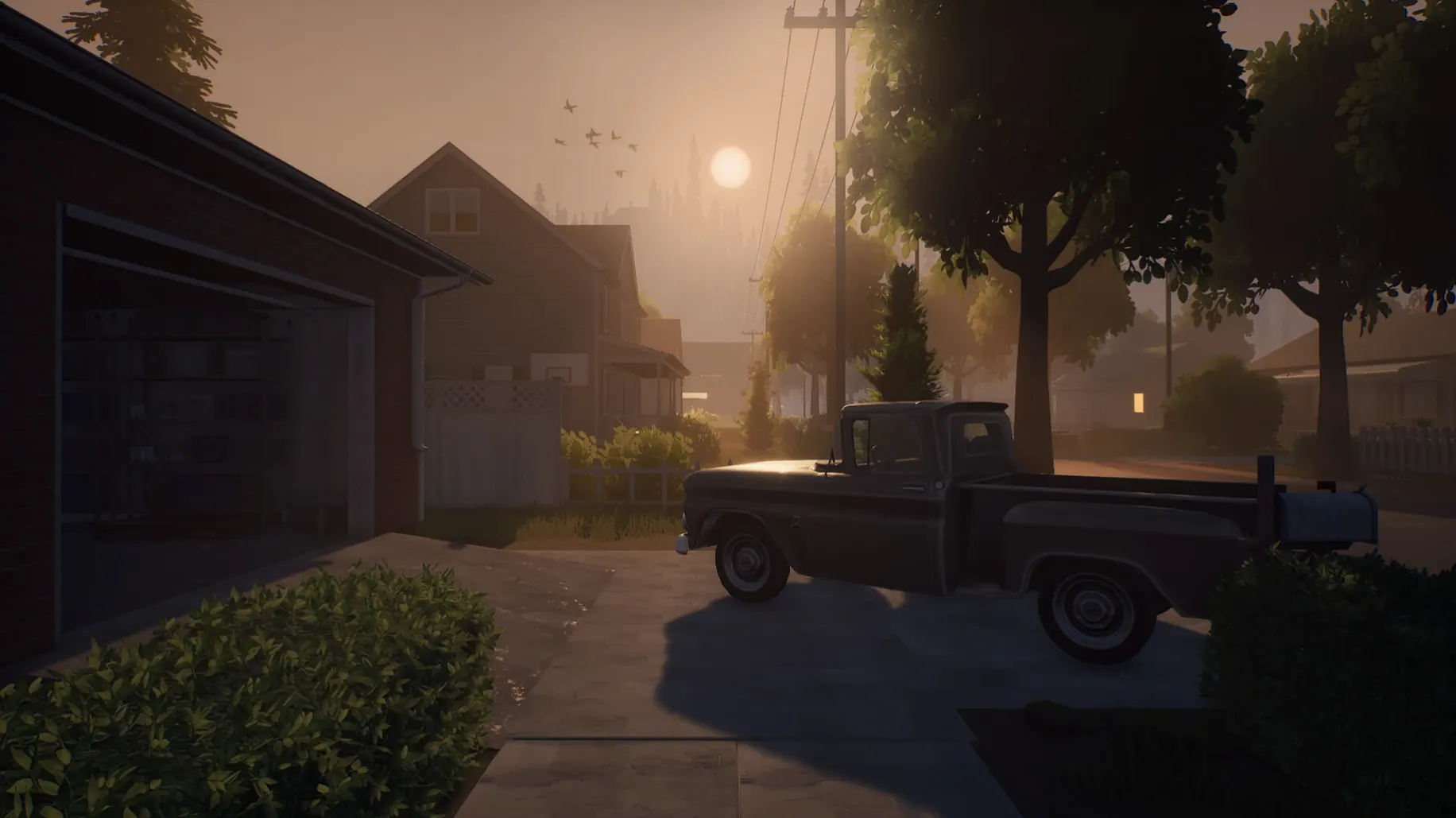
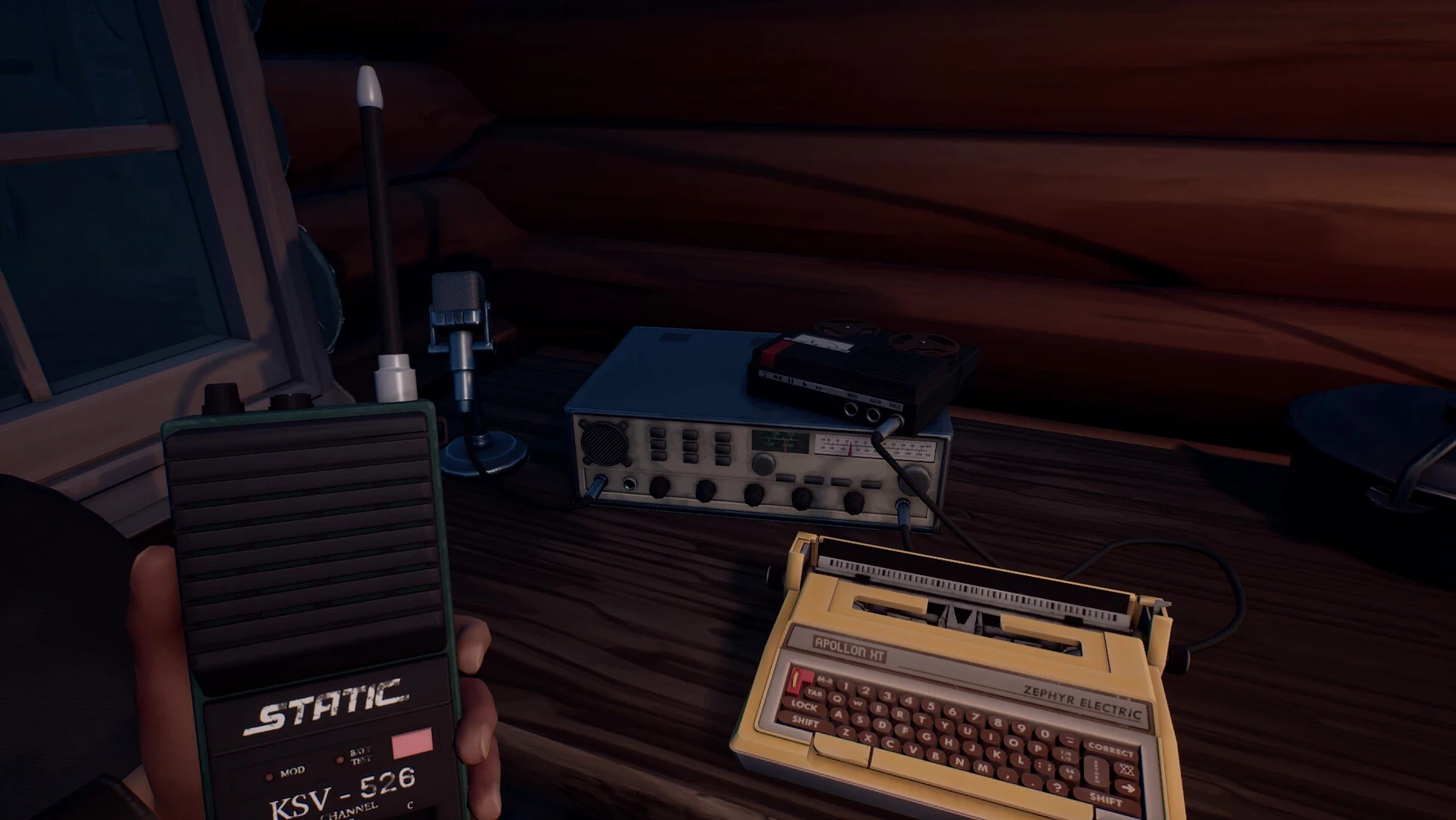
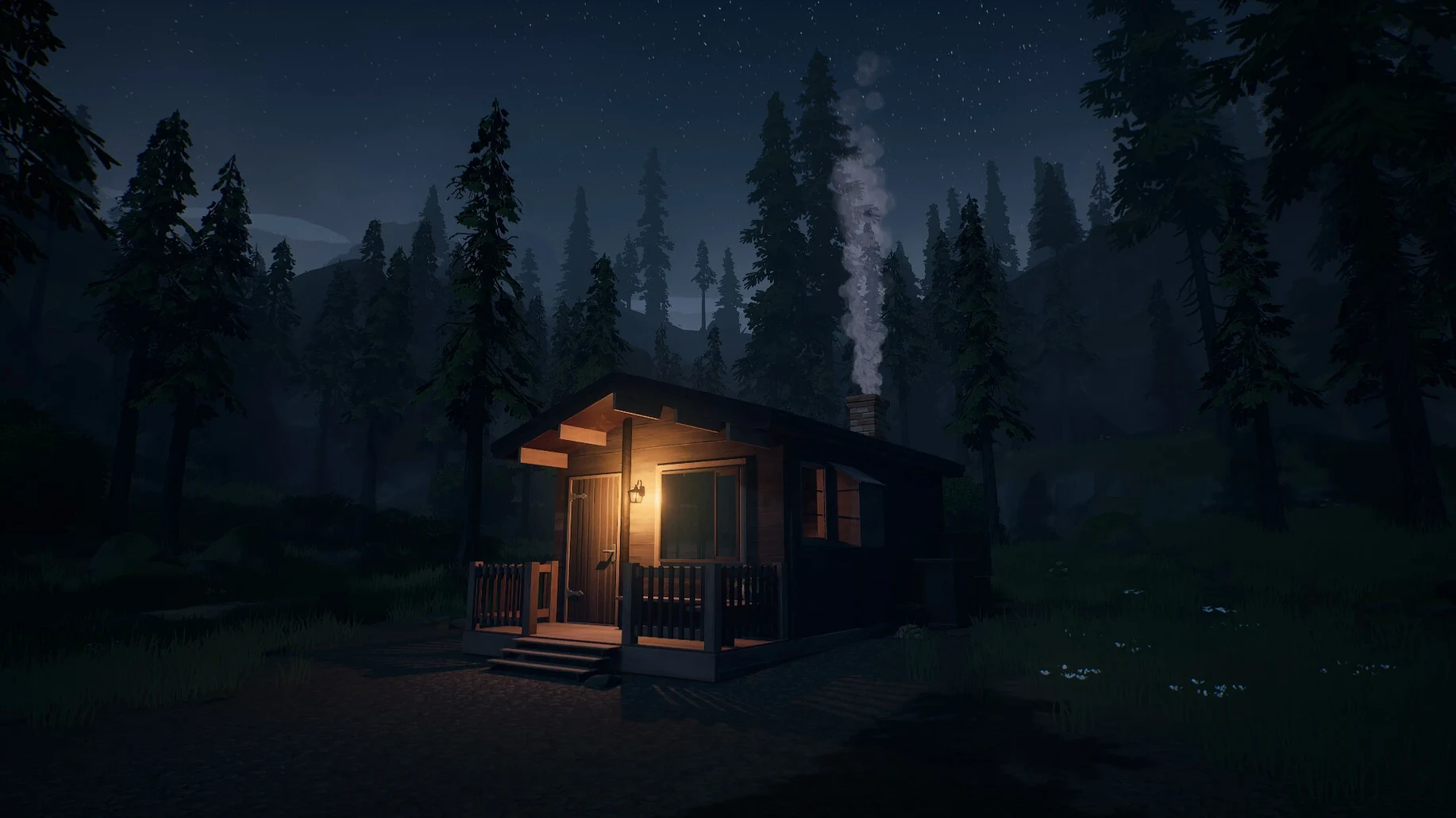
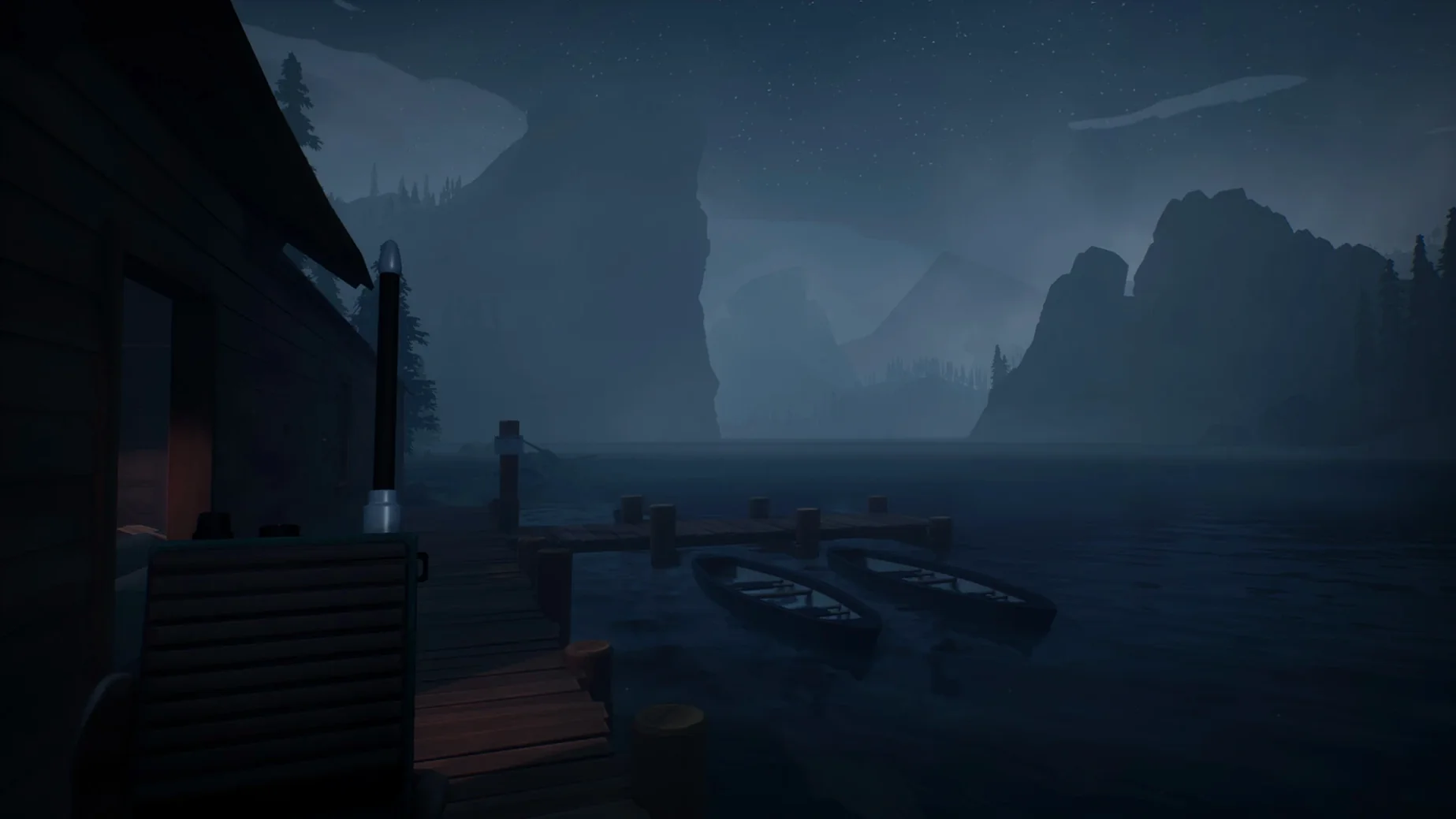
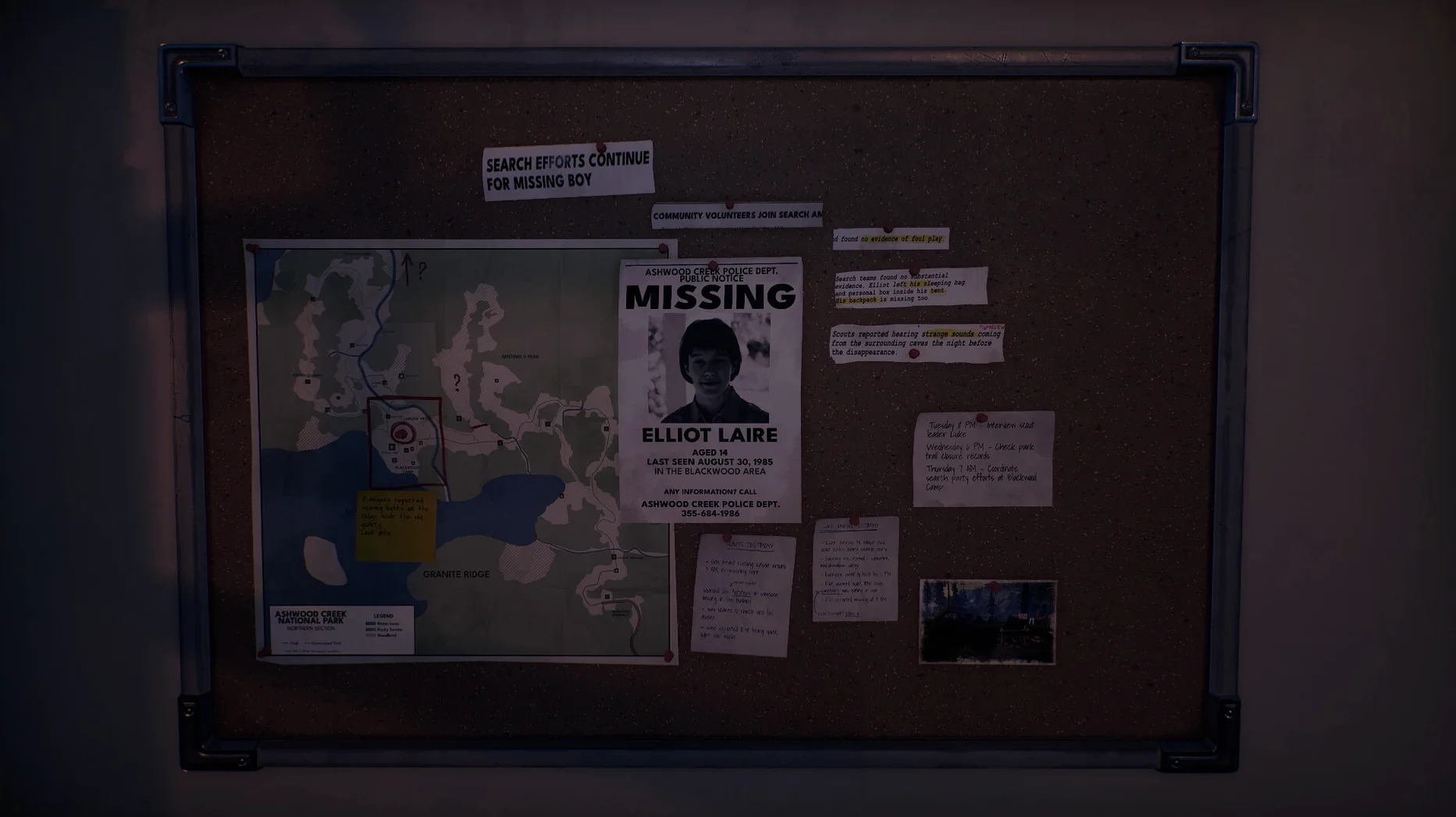
Radiolight is a solo-developed supernatural adventure that drops you into the boots of a police officer in 1985, sent to unravel a string of disappearances in the remote Ashwood Creek National Park. A strange signal bleeding through the local radio static is your first clue that something in these woods refuses to stay buried.
Explore the park and follow the signal
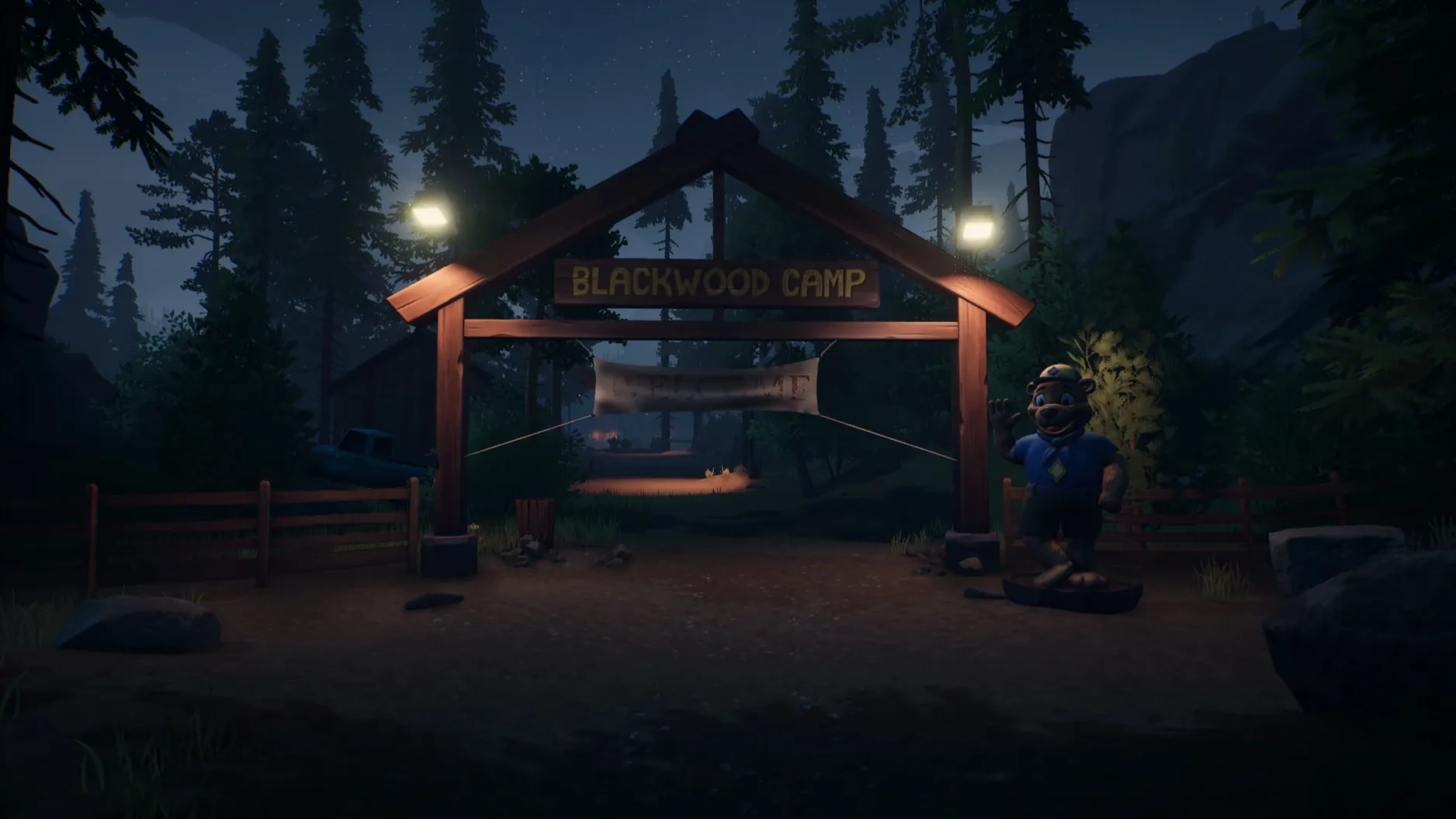
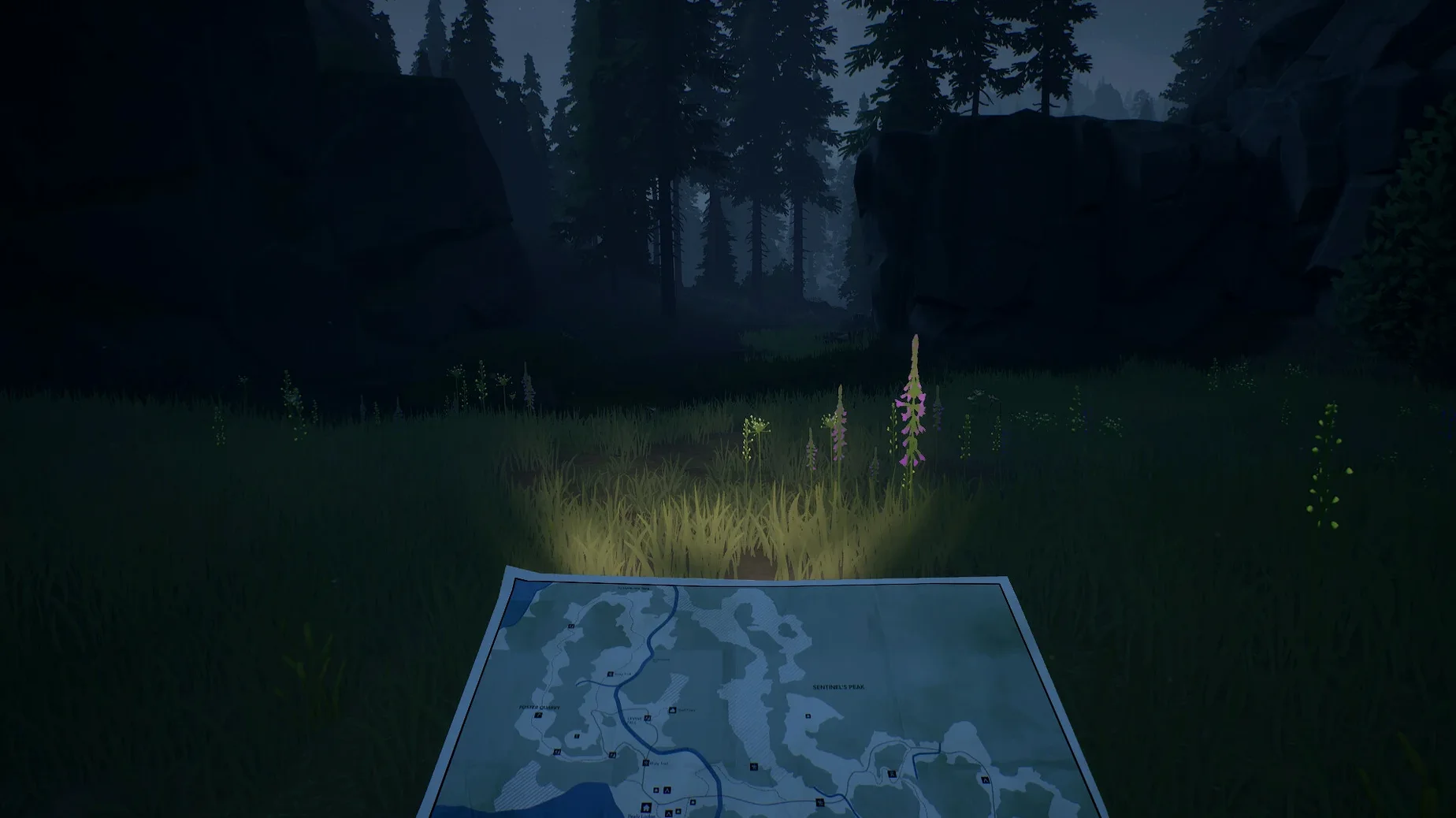
Ashwood Creek is your open, uneasy map — dense woodland, abandoned facilities and a silence that never quite settles. You move through it on foot, piecing together what happened to the missing, while the radio and walkie-talkie keep you tethered to a world that feels increasingly distant.
Tune the radio to stay alive
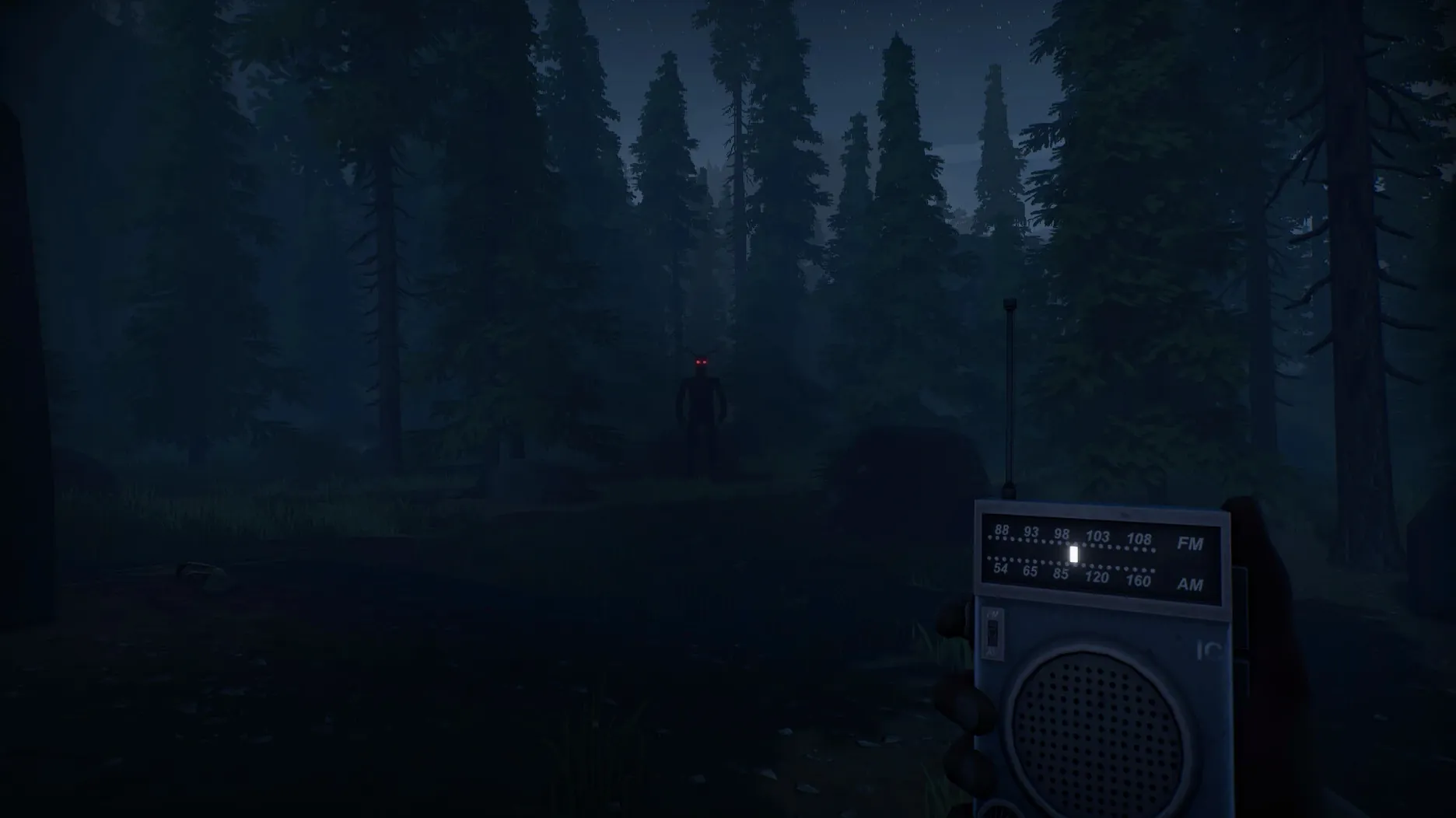
The radio isn't just atmosphere; it's a survival tool. Static crackles with clues, warnings and frequencies you'll need to find and hold. The Tab key lets you operate it on the fly, and what you hear can pull you deeper into the mystery or steer you clear of the things that hunt by sound.
Piece together the truth
Investigation is tactile and tense. Notes, recordings and environmental storytelling fill in the gaps, while the walkie-talkie links you to a voice on the other end — though you'll learn quickly that not every voice belongs to the living.
Fitting Radiolight into your Mac setup
Because the build is wrapped with Wineskin, Radiolight behaves like any native macOS application once it's dropped into your Applications folder — it sits in Launchpad, respects Spaces and can be quit with the usual Command‑Q. The game doesn't register a URL scheme or a Share Sheet extension, so you won't find it popping up in the system share menu, but it does respond cleanly to the Mac's media keys. If you're recording playthrough footage with QuickTime Player or OBS, capture the window directly rather than the whole display: the Wineskin layer sometimes confuses full‑screen capture, giving you a black frame.
One thing worth knowing is that the game's save files live inside the Wineskin wrapper, not in the usual ~/Library/Application Support folder. Right‑click the Radiolight app, choose Show Package Contents, then navigate to drive_c/Program Files — you'll spot the save folder easily enough. This is handy if you ever move the app to another Mac; the whole game state travels with the bundle.
That generic first-launch error needs the Fix file, not a reinstall
The most frequent hiccup appears on first launch. If the app throws a generic error rather than opening the title screen, don't uninstall it — open the disk image again and run the small Fix file included there. It's a one‑click helper script that resets the Wineskin permissions to match your machine. The problem is down to macOS quarantine flags attaching themselves to the wrapper, and the fixer clears those flags without touching the game itself.
Players switching to Russian occasionally report that the interface reverts to English after quitting. The language pack files sit side‑by‑side, and the fix described in the disk image — removing a single English‑language file so the engine falls back to Russian — sorts this permanently. If you later want English back, pop the file out of the Trash before emptying it, or re‑copy it from a fresh download.
A smaller number of people on external displays notice that the mouse cursor feels slightly sluggish. That's Wineskin's default polling rate clashing with ProMotion displays. Temporarily setting your refresh rate to 60 Hz in System Settings removes the lag for the duration of your session, and you can switch back afterwards without issue.
The static clears after ten minutes and a move to higher ground
Give the radio about ten minutes before you judge it. The first time you press Tab, the static feels impenetrable — that's deliberate. Move to higher ground near the ranger station and sweep the dial slowly. The signal strengthens in specific clearings, and once you've locked onto one frequency, the game quietly teaches you the rhythm of listening and walking that carries the whole experience.
Resist the urge to sprint everywhere. The park's sound design is directional, and footsteps mask the very cues you need. Walk the trails at a measured pace for the first hour and you'll pick up the audio breadcrumbs that the developer has tucked behind bird calls and wind gusts. Several early‑game discoveries only trigger if you've spent long enough in a single zone, so patience isn't just a mood — it's a mechanic.
Lastly, set aside your usual assumptions about a walkie‑talkie. The voice at the other end isn't a quest‑giver; it's a character with its own agenda, and the things it doesn't say often matter more than what it does. Keep your own notes, because the game won't log every hint for you. A simple text file open beside the window can save you a long trek back to a location you half‑remembered.
- Architecture: Apple Silicon (ARM)
- Tested on: macOS Tahoe, Mac mini 2024 M4
- Packaging: Wineskin
Questions I keep hearing
Does Radiolight run natively on Apple Silicon?
This build is packaged via Wineskin for ARM architecture and has been tested on a Mac mini M4 running macOS Tahoe.
What languages are available in the interface?
You can switch between Russian, English, German, Spanish, Simplified Chinese, French and Czech from the game settings.
How do I use the radio?
Press the Tab key to operate the radio while exploring; it's your main tool for picking up signals and staying oriented.
Questions from the class 0
Sign in or join the class to ask a question.
Nobody has asked anything yet. If you have used it on a real job, say what the file did.
Also on the Games shelf
The whole Games shelf Rain World
Survives as a slugcat in an indifferent, living ecosystem.
Rain World
Survives as a slugcat in an indifferent, living ecosystem.
 Ravenfield
Fights large bot battles with ragdoll physics in single-player.
Ravenfield
Fights large bot battles with ragdoll physics in single-player.
 Psychonauts 2
Guides a psychic acrobat through minds in a story-driven platformer.
Psychonauts 2
Guides a psychic acrobat through minds in a story-driven platformer.
 Resident Evil Village
Survives a horror story in a mysterious European village.
Resident Evil Village
Survives a horror story in a mysterious European village.
 Project Hospital
Diagnoses patients and designs the clinical workflows that keep a hospital running smoothly.
Project Hospital
Diagnoses patients and designs the clinical workflows that keep a hospital running smoothly.
 Rise of the Tomb Raider
Explores and survives in an action-adventure expedition.
Rise of the Tomb Raider
Explores and survives in an action-adventure expedition.
 Risen
Develops a character in a mysterious island RPG.
Risen
Develops a character in a mysterious island RPG.
 Road to Vostok
Survives harsh environments in a post-Soviet setting.
Road to Vostok
Survives harsh environments in a post-Soviet setting.