 ASPNetWorld
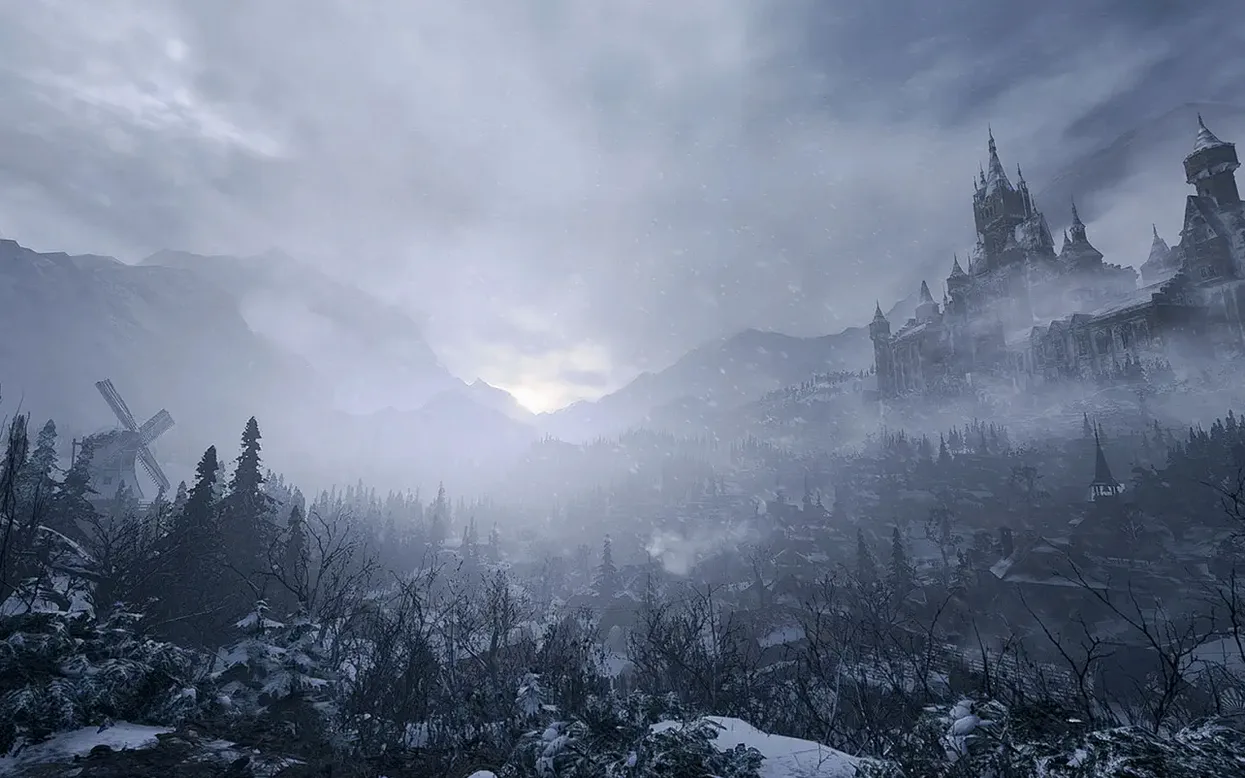

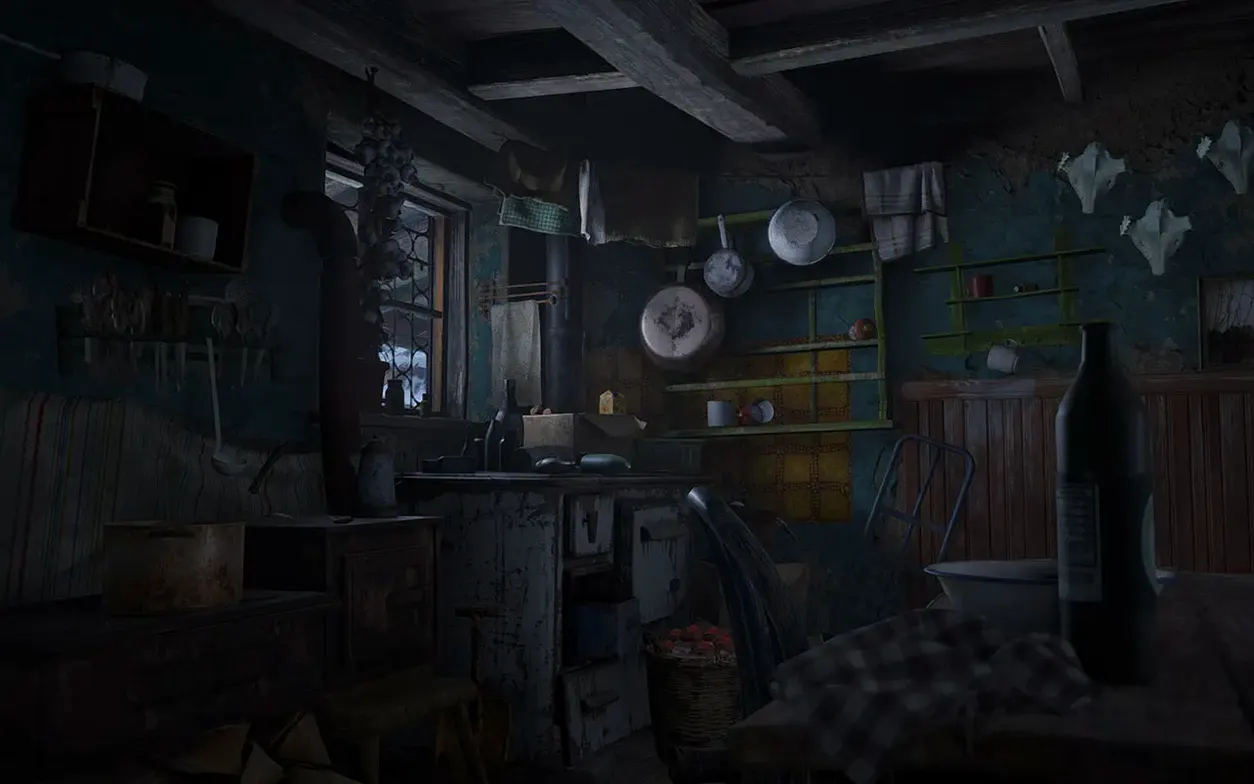
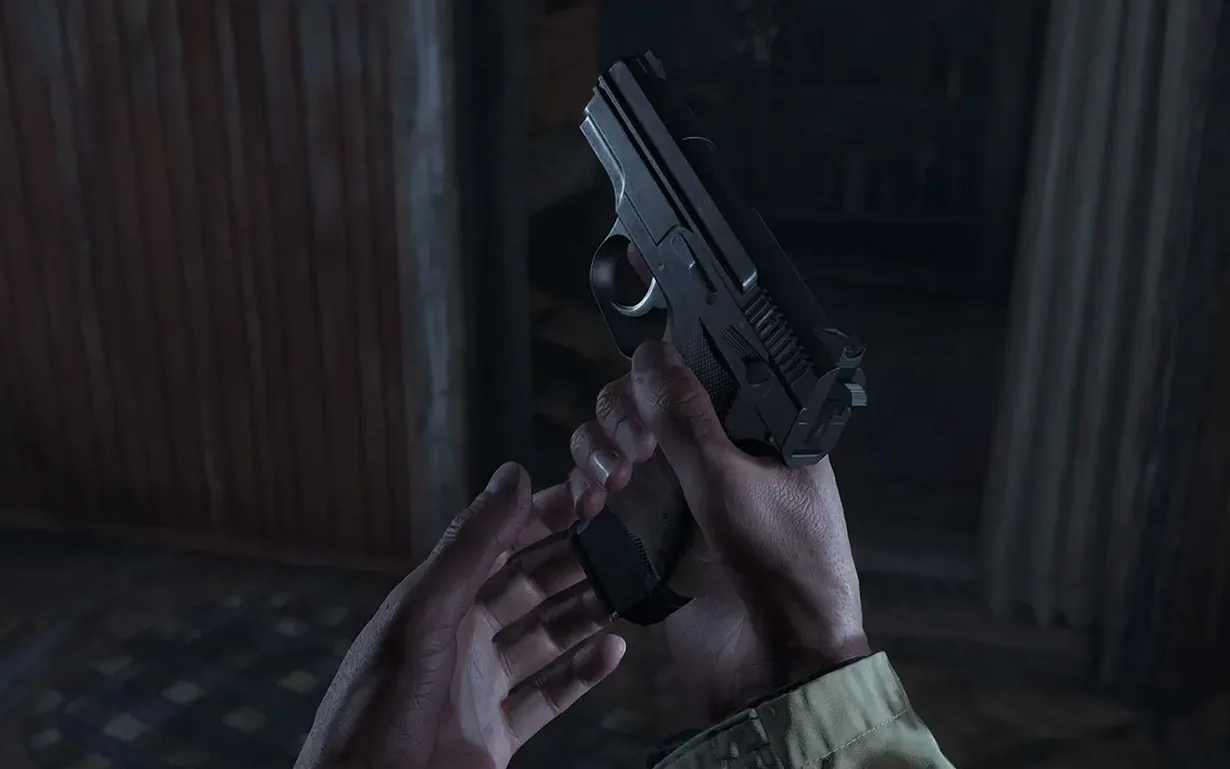


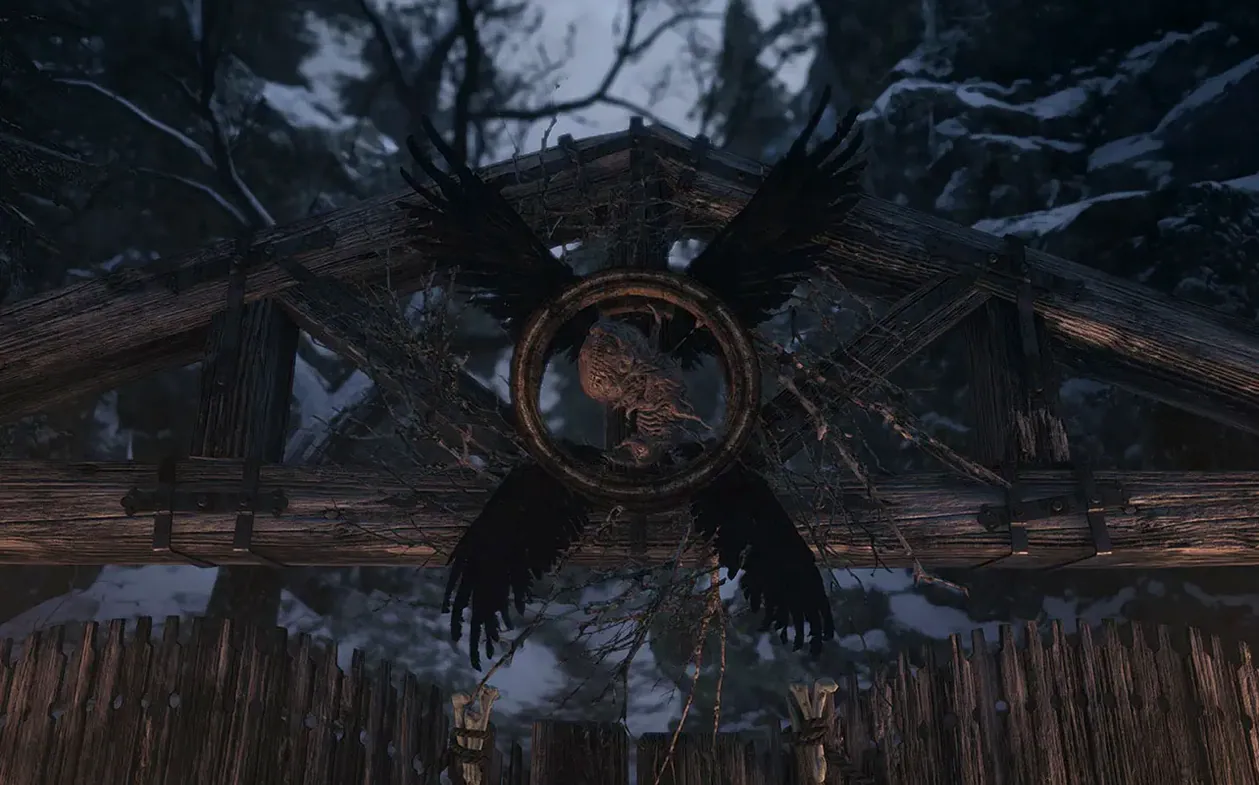

If you've played Resident Evil 7 biohazard, Village picks up the thread years later with Ethan Winters once again at the centre of a nightmare. Chris Redfield sets events in motion, and knowing how that relationship works gives the opening its punch. On a Mac with Apple silicon the village feels properly oppressive — mist, torchlight and distant howls all land with a density the RE Engine handles surprisingly well.
PlayStation or Xbox pads make Castle Dimitrescu feel tactile, not twitchy
Yes, it does. A PlayStation or Xbox controller feels like the natural way to play; the haptics and analogue movement make creeping through Castle Dimitrescu far more tactile than a keyboard and trackpad ever could.
What Mac do I need to run it smoothly?
Any Apple silicon Mac running macOS Monterey 12.0 or Ventura 13.0 can launch it, but the game scales its demands. An M1 MacBook Air will run it, though an M1 Pro or Max chip gives you steadier frame rates when the Lycans swarm.
Ethan's house-bound horror continues, not a sprawling ensemble piece
It is the eighth major entry in the series, but its story feels like a direct continuation of the house-bound horror from Ethan's last outing rather than a sprawling ensemble piece. The scale is bigger, but the DNA is unmistakably the same.
What the 1.1.2 fix quietly improved
The current build — labelled simply 1.1.2 fix — didn't arrive with fanfare, but anyone who played the launch version on an M1 Mac will notice the difference. The patch tightened up a handful of things that, in a survival horror game, really matter. Audio panning through headphones is now more precise, so a Lycan breathing behind you sounds like it’s behind you rather than somewhere vaguely to the left. That alone changes how you move through tall grass.
CAPCOM also addressed a stutter that used to hitch the camera when the game auto-saved near a typewriter. On earlier builds, that micro-pause could pull you right out of a tense moment; now the save is barely perceptible. The Shadows of Rose DLC benefited especially — its tighter, more surreal environments put the engine under different strain, and the fix smoothed out frame delivery in the dollhouse sections that previously dipped on base M1 chips. If you installed the game months ago and shelved it, the 1.1.2 fix is reason enough to give the village another walkthrough.
Launch offline so your first evening isn't lost to troubleshooting
Village doesn't hold your hand, and the Mac version adds a couple of quirks worth knowing before you lose an evening to troubleshooting. Here’s what I tell my evening-class students when they turn up having just downloaded it.
Launch offline, every time. The black-screen bug on startup isn't a myth — it happens when the game tries to phone home before the renderer is ready. Disconnect from Wi-Fi, launch the app, wait for the title screen, then reconnect. It’s a ten-second ritual that saves a force-quit.
Let the Terminal command finish. If the app refuses to open after you drag it into Applications, the disk image includes a small script you run in Terminal. It can look frozen — a blinking cursor, no progress bar. Don't kill it. On my M4 Mac mini it sat there for nearly a minute before the permissions clicked into place. Brew a tea and wait.
Play the first hour with headphones. Village’s sound design is its most underrated weapon. The 3D audio on Apple silicon tracks verticality surprisingly well, and you'll hear enemies on floors above you long before you see them. The Duke’s emporium jingle, muffled through a wall, is one of the best “safety nearby” cues in recent horror games.
Kill the right-stick ramp-up so the camera feels native, not ported
The default configuration is sensible, but a few tweaks make the experience feel less like a port and more like a native Mac game.
First, camera acceleration. Out of the box, the right-stick response has a slight ramp-up that can make lining up a headshot feel swimmy. Dial the aim acceleration down to about one-third of the slider and bump the sensitivity up a notch instead. Your pistol shots will land where you intend, especially against the fast-moving Moroaică.
Second, MetalFX upscaling. If you're on an M1 or M2, the Performance setting gives you a noticeable frame-rate lift without turning Dimitrescu’s chandeliers into a shimmering mess. On an M3 or M4 you can stick with Quality and still hold 60 fps in most scenes. The difference is subtle but worth toggling before you reach the factory, where particle effects get heavy.
Lastly, disable the reticle bloom. It’s a small immersion toggle buried in the display settings. With bloom on, the crosshair expands during movement — realistic, but unhelpful when you’re backing away from a Soldat and need to know exactly where the shot is going. Switch it off; the game is tense enough.
How its scariness compares to the Apple silicon horror wave around it
Mac survival horror isn’t the barren shelf it was five years ago. Village arrived alongside a small wave of native Apple silicon titles, and comparing them helps you know what kind of scariness you’re signing up for.
Resident Evil 7 biohazard is the obvious companion. That game runs on similar hardware and shares Ethan’s story, but its horror is claustrophobic — mouldy corridors, a single house, the Baker family’s grimy intimacy. Village blows the doors open with a four-season structure: castle, dollhouse, reservoir, factory. If 7 is a panic attack in a cupboard, Village is a nightmare tour of a storybook that’s gone rotten. Both support MetalFX and controllers, but Village’s outdoor environments give the M-series chips more to chew on, and the performance gap between an M1 and an M1 Pro is wider here than in 7’s tight interiors.
Resident Evil 4 (the recent remake) shares the same engine and the same village-adjacent setting, but it’s a different rhythm entirely. Leon moves like a trained agent; Ethan moves like a desperate father. 4’s combat is balletic — parries, roundhouse kicks, crowd control. Village is scrappier, and its first-person view makes each encounter feel more personal. On Mac, both games sing on Apple silicon, but Village’s atmosphere benefits more from a large, high-refresh display — those Carpathian vistas genuinely stretch the screen.
Layers of Fear (2023) is a quieter, more psychological cousin. It runs beautifully on M1 and up via Unity, and its shifting mansion shares Village’s love of environmental storytelling. But it’s a walking simulator at heart — no combat, no inventory management, no Lycans smashing through doors. If you want horror that lets you breathe between scares, Layers of Fear is a fine palate cleanser. If you want to count shotgun shells while something heavy drags itself towards you, Village is the pick.
- macOS 12.0 or later
- Apple Silicon (M1, M1 Pro, M1 Max, M2 or later)
Questions I keep hearing
Do I need to be online to play?
No — but the installer notes recommend disconnecting from the internet during the first launch to avoid a black screen issue.
Questions from the class 0
Sign in or join the class to ask a question.
Nobody has asked anything yet. If you have used it on a real job, say what the file did.
Also on the Games shelf
The whole Games shelf Ravenfield
Fights large bot battles with ragdoll physics in single-player.
Ravenfield
Fights large bot battles with ragdoll physics in single-player.
 Rise of the Tomb Raider
Explores and survives in an action-adventure expedition.
Rise of the Tomb Raider
Explores and survives in an action-adventure expedition.
 Risen
Develops a character in a mysterious island RPG.
Risen
Develops a character in a mysterious island RPG.
 Road to Vostok
Survives harsh environments in a post-Soviet setting.
Road to Vostok
Survives harsh environments in a post-Soviet setting.
 Rain World
Survives as a slugcat in an indifferent, living ecosystem.
Rain World
Survives as a slugcat in an indifferent, living ecosystem.
 Radiolight
Investigates supernatural disappearances in a 1985 park.
Radiolight
Investigates supernatural disappearances in a 1985 park.
 Psychonauts 2
Guides a psychic acrobat through minds in a story-driven platformer.
Psychonauts 2
Guides a psychic acrobat through minds in a story-driven platformer.
 Project Hospital
Diagnoses patients and designs the clinical workflows that keep a hospital running smoothly.
Project Hospital
Diagnoses patients and designs the clinical workflows that keep a hospital running smoothly.