 ASPNetWorld

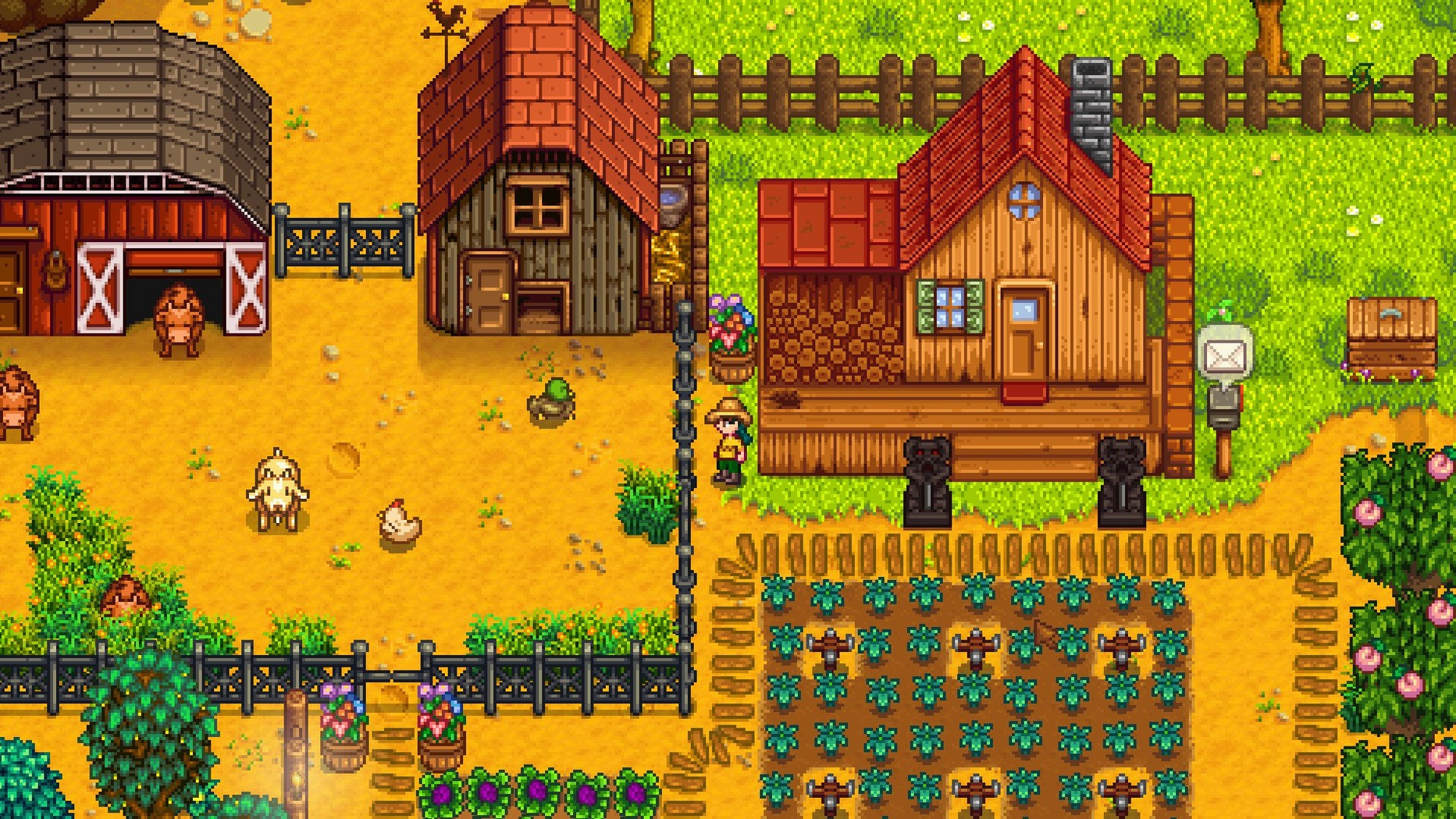
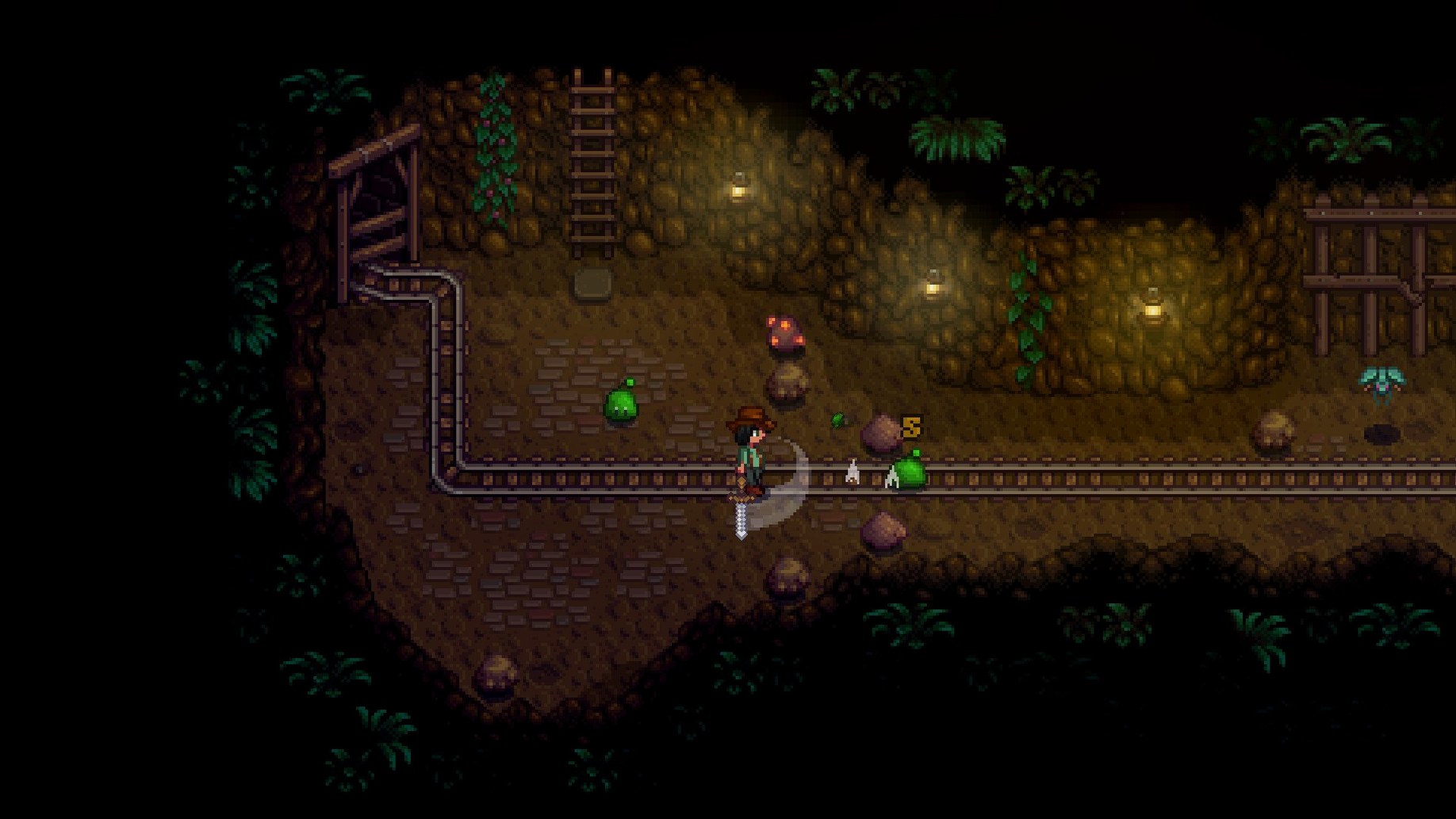
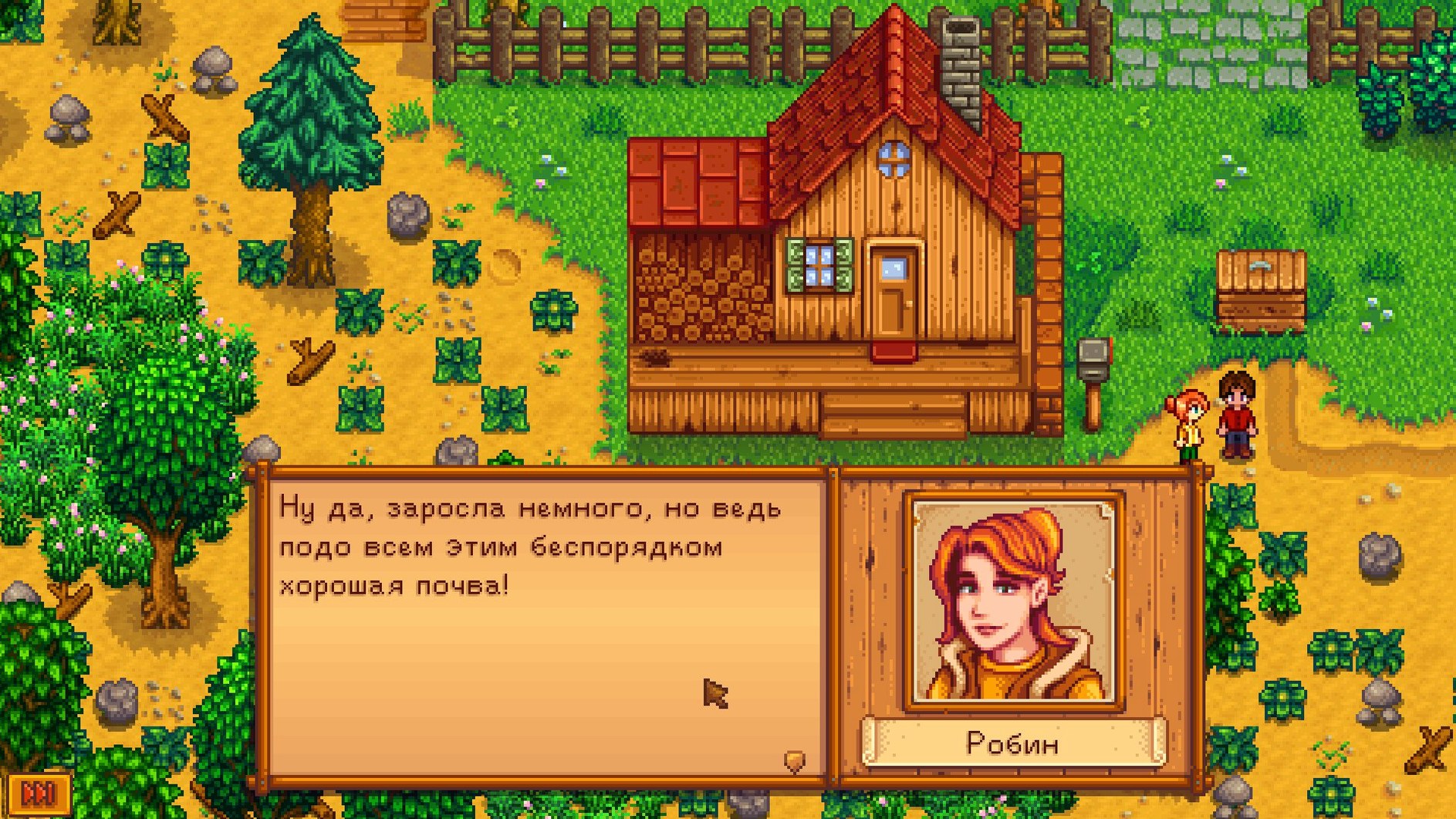
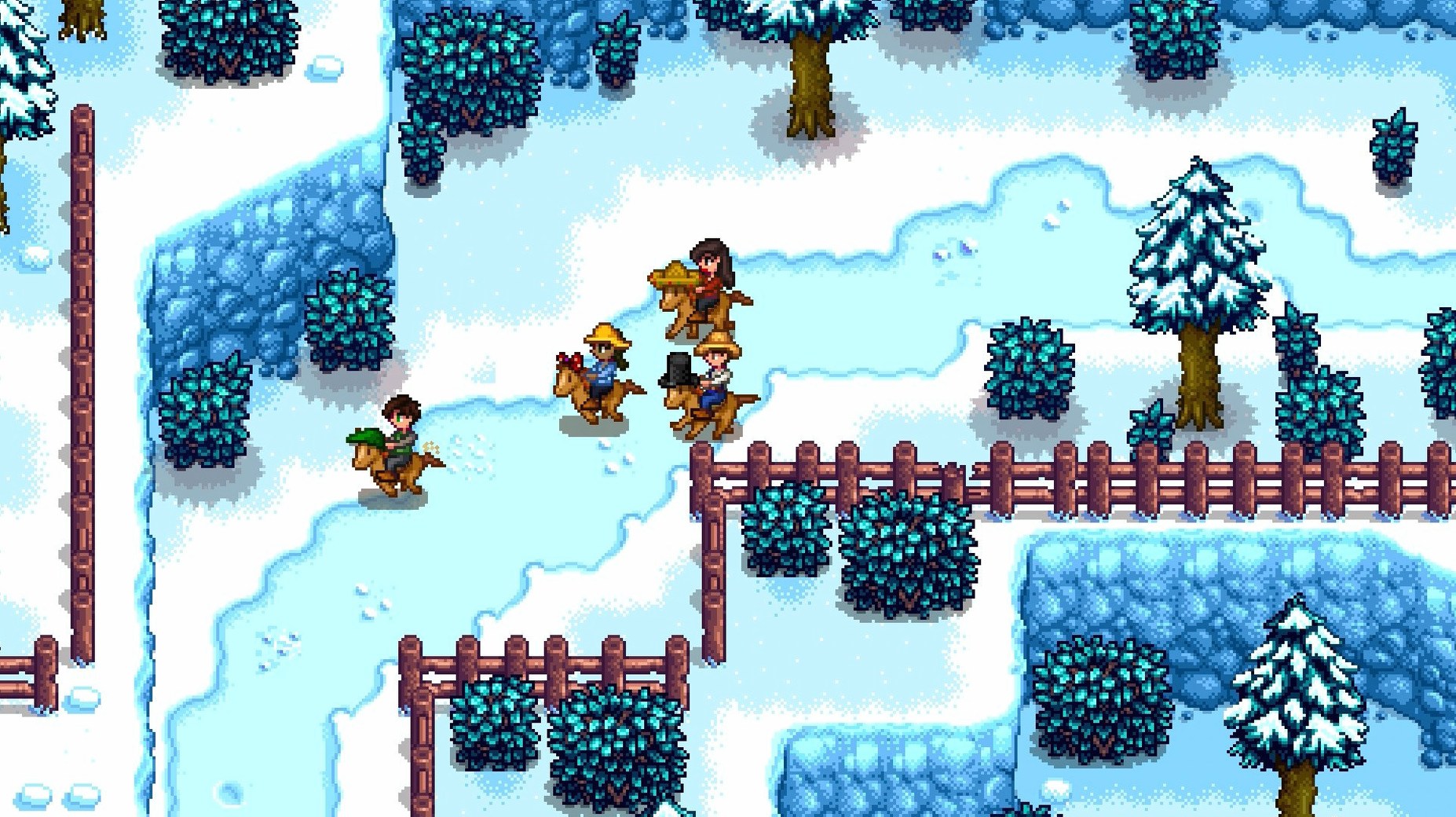
You arrive in Pelican Town on a rainy spring morning, a rusty tool in hand and a field full of rocks, weeds and old tree stumps. The farmhouse roof leaks. The television crackles with a weather report you barely trust. On a modern Mac, though, the game itself doesn't crackle at all — it runs quietly through the afternoon while the battery barely notices, the pixel-art valley scrolling past in smooth, sixty-frame comfort.
- Native support for both Apple Silicon and 64‑bit Intel processors means Rosetta is never involved, and the fans stay asleep even on an Air.
- A twelve-language interface lets you keep menus and dialogue in English, switch to German or Simplified Chinese, or read your farm ledger in Hungarian if the mood takes you.
- Full‑screen and windowed modes both handle Retina displays cleanly, scaling the 16‑bit‑era art without blurring the crisp pixel edges.
- Keyboard-and-mouse controls are identical to the PC version, while most Bluetooth gamepads are recognised without extra configuration — the game picks them up as soon as you connect.
- Save files live in a plain folder inside
~/Library/Application Support, so you can back them up, move them between Macs, or even carry a save across from a Windows machine.
The Joja Corporation may have its eye on the town, but the Mac port asks for nothing beyond a modest amount of drive space and a willingness to lose an evening to fishing. Performance optimisations in recent patches keep the mines and the busiest farm layouts feeling responsive, and the same update fixes that used to trip up multiplayer on Apple Silicon have been ironed out. It is a quiet, well-mannered port of a game that was never loud to begin with, and on a Mac it simply gets on with the job of letting you forget about the machine entirely.
Where Stardew Valley sits among its Mac‑friendly neighbours
If you have ever glanced sideways at the farming‑sim shelf, you will have seen My Time at Portia and Graveyard Keeper recommended in the same breath. Each shares a skeleton — craft, build, befriend — but the muscle and personality around that skeleton are quite different, and the Mac experience varies noticeably between them.
My Time at Portia puts workshop‑management ahead of farming. You run a builder’s yard rather than a vegetable patch, and the assembly‑station crafting loop can feel more industrial than pastoral. On a Mac it works well enough, but the 3D engine asks more of the GPU and the fans will eventually wake on an Air, especially during longer sessions. The world is bright and chattery, yet the social rhythm is peppered with fetch‑quest timers that some players find harder to ignore than a parsnip bed. Where Stardew Valley lets you breathe between self‑imposed goals, Portia keeps a calendar prodding you. Its Mac port is solid, but the battery drain is real and the load‑time pauses between areas add up.
Graveyard Keeper shares Stardew Valley’s pixel‑art heart and, on paper, a similar loop: gather materials, upgrade your workspace, untangle a strange town’s economy. In practice it feels like an elaborate joke played on a corpse. The crafting chains are deliberately Byzantine — making simple fertiliser can require a half‑dozen intermediate stations — and the game makes you work for every narrative crumb. On a Mac it runs lightly, just as Stardew Valley does, and the 2D visuals keep it at home on an Intel MacBook or an M‑series machine alike. But the tone is sharper, more cynical, and the day‑night cycle hurries you less because so many tasks are gated behind technology unlocks rather than the calendar. It is a fine game, yet people drawn to Stardew Valley’s warmth often find Graveyard Keeper’s chill harder to settle into.
Where Stardew Valley keeps pulling ahead on the Mac is the sheer polish of the port. It asks for less power than either alternative, launches in a couple of seconds, and the save‑file portability is genuinely platform‑agnostic. The other two are worthy neighbours, but for a quiet, cool‑running escape that still gets meaty patches years after launch, the valley remains the place most people circle back to.
Buying ore to skip the mines entirely
Can I play without ever touching the mines or combat? You can, though the game will nudge you toward the mines for ore and quartz. Plenty of players fund their farm purely through crops, animals and foraging, buying metal bars from Clint when needed. Progress is slower but entirely possible, and the community‑centre bundles that require monster drops can usually be completed with items bought from the Travelling Cart. The mines are only one room in a very large house.
Will a MacBook Air run the game without melting my lap? The short answer is yes. The pixel art is kind to integrated graphics, and recent patches specifically mention performance optimisations. An M‑series Air stays cool and silent through a full in‑game season, and even older Intel Airs manage fine with the 64‑bit binary. The only time you might hear the fan is if you are also running screen‑recording software or a browser with forty tabs open in the background.
Does the Mac version support multiplayer with PC friends? It does, and it works cross‑platform without extra steps. One person hosts a co‑op farm, others join via an invite code, and the game treats a Mac host exactly as it treats a Windows or Linux host. The multiplayer fixes in recent builds sorted out several Apple Silicon‑specific disconnects, so you can happily invite a friend who found the game through a Stardew Valley torrent or a Windows storefront, and the cabins will appear just the same.
Is the Mac download a full, unrestricted version? It is the complete game, with no feature differences from the PC release. The disk image you get from a stardew valley macbook download contains the same twelve‑language build, the same bundles, the same legendary fish. There are no separate Mac‑only limitations or missing content, and the DRM‑free nature means you can copy the game to another Mac without activation servers getting in the way.
Switch on auto‑run before your first parsnip
The default controls are sensible, but a few tweaks make a comfort difference that accumulates over a hundred‑hour farm. Open the options tab before you water a single parsnip and look at the following:
- Auto‑Run. Toggled off by default on some installs, but holding a key to run gets old fast. Switch it on and your farmer will sprint everywhere, which matters when you are dashing back from the mines at midnight.
- Show Tool Hit Location. A red box appears where your tool will land. It sounds small, but it stops you watering the air next to a seedling and wasting energy. On a laptop trackpad, where a misclick is common, this is quietly essential.
- Always Show Tool Hit Location. Similar, but keeps the indicator visible even when you are not holding a tool. Useful for planning sprinkler layouts without picking up the hoe first.
- Zoom level. The zoom buttons are tucked away, but setting a slightly closer view can make the interface more readable on a 13‑inch MacBook screen. It also helps when fishing; the bobber is easier to track against the water.
- Gamepad mode. If you connect a controller, the game detects it automatically, but you can force the mode and remap buttons here. Most PlayStation and Xbox controllers map sensibly out of the box, though the shoulder‑button defaults for cycling through inventory rows are worth checking before muscle memory sets in.
- Inventory pause. When you open your backpack, time keeps moving by default in single‑player. If you prefer to think through your next move without the clock ticking, switch the option on for a calmer pace.
How it feels across a working week
On a Mac, Stardew Valley settles into a rhythm that mirrors the game itself: steady, predictable and rarely in a hurry. Launching from the Applications folder takes about four seconds on an M‑series machine, a little longer on an older Intel Mac with a spinning drive, and once the title screen appears there are no shader‑compilation waits or online checks. The music fades in while the valley weather report rolls, and you are in.
Memory use sits modestly below half a gigabyte even with a sprawling late‑game save full of artisan machines and roaming animals. I have left it running behind other apps — a browser, a text editor, a music player — and returned hours later to find the farm still ticking along without a stutter. The only time the system hesitates is during a season change while the game recalculates every crop and debris tile, and the pause lasts barely a blink. If you pick up a copy through a stardew valley download mac free source, you are getting the same lightweight binary; there is no background telemetry phoning home and no launcher hogging resources.
Battery life is where the Mac version quietly shines. On a full charge, an M1 MacBook Air can comfortably manage six or seven in‑game days — roughly four real‑world hours — while sipping less power than a streaming video. The pixel‑art aesthetic means the GPU has almost nothing to do, so the efficiency cores handle most of the load. Even the busiest festival scenes with fireworks and a screen full of villagers do not nudge the energy impact graph. For anyone who found the game via a stardew valley for mac free download link and wondered if it would hurt their laptop, the answer is a reassuring no.
Stability across the 1.6 builds has been excellent. The patch notes mention fixed crashes and multiplayer disconnects, and in dozens of hours across two Macs I have not seen a single crash to desktop. The autosave that triggers at the end of each day writes cleanly, and the backup‑save system keeps the previous day’s file in case anything corrupts — though I have never needed it. If you ever used a stardew valley crack macos in earlier years and worried about stability, the current native version is a different animal entirely. It is a port that feels as though it was built alongside the PC original, not bolted on afterwards, and the result is a game that lets the hardware disappear. You stop thinking about frames per second and start thinking about whether the travelling
A quiet collection of polish and profit. Several crashes and multiplayer hitches have been put right, and the pond economy has shifted in ways that reward anyone with a legendary fish.
- Legendary fish ponds now produce roe more often, and the average daily value of that roe is higher.
- A Junimo bundle button appears on fridge and mini‑fridge interfaces, saving you the trip back to the community centre just to check what you still need.
- General performance optimisations keep the late-game farm ticking over smoothly.
- Apple Silicon or 64‑bit Intel processor
- macOS (64‑bit)
Questions from the class 0
Sign in or join the class to ask a question.
Nobody has asked anything yet. If you have used it on a real job, say what the file did.
Also on the Games shelf
The whole Games shelf Stellaris
Guides a civilisation through the stars.
Stellaris
Guides a civilisation through the stars.
 STORROR Parkour Pro
Lets you practise parkour across city rooftops.
STORROR Parkour Pro
Lets you practise parkour across city rooftops.
 South Park: Snow Day!
Fights through a snowed-in South Park with foul-mouthed kids and quick co-op brawls.
South Park: Snow Day!
Fights through a snowed-in South Park with foul-mouthed kids and quick co-op brawls.
 Stronghold Crusader HD
 Stronghold Definitive Edition
Builds and defends medieval castles.
Stronghold Definitive Edition
Builds and defends medieval castles.
 Songs of Conquest
Commands armies and builds kingdoms in a turn-based fantasy world that rewards careful positioning.
Songs of Conquest
Commands armies and builds kingdoms in a turn-based fantasy world that rewards careful positioning.
 Software Inc
Simulates running your own software company, from hiring staff to launching buggy products.
Software Inc
Simulates running your own software company, from hiring staff to launching buggy products.
 Supermarket Simulator
Simulates running a small supermarket.
Supermarket Simulator
Simulates running a small supermarket.