 ASPNetWorld

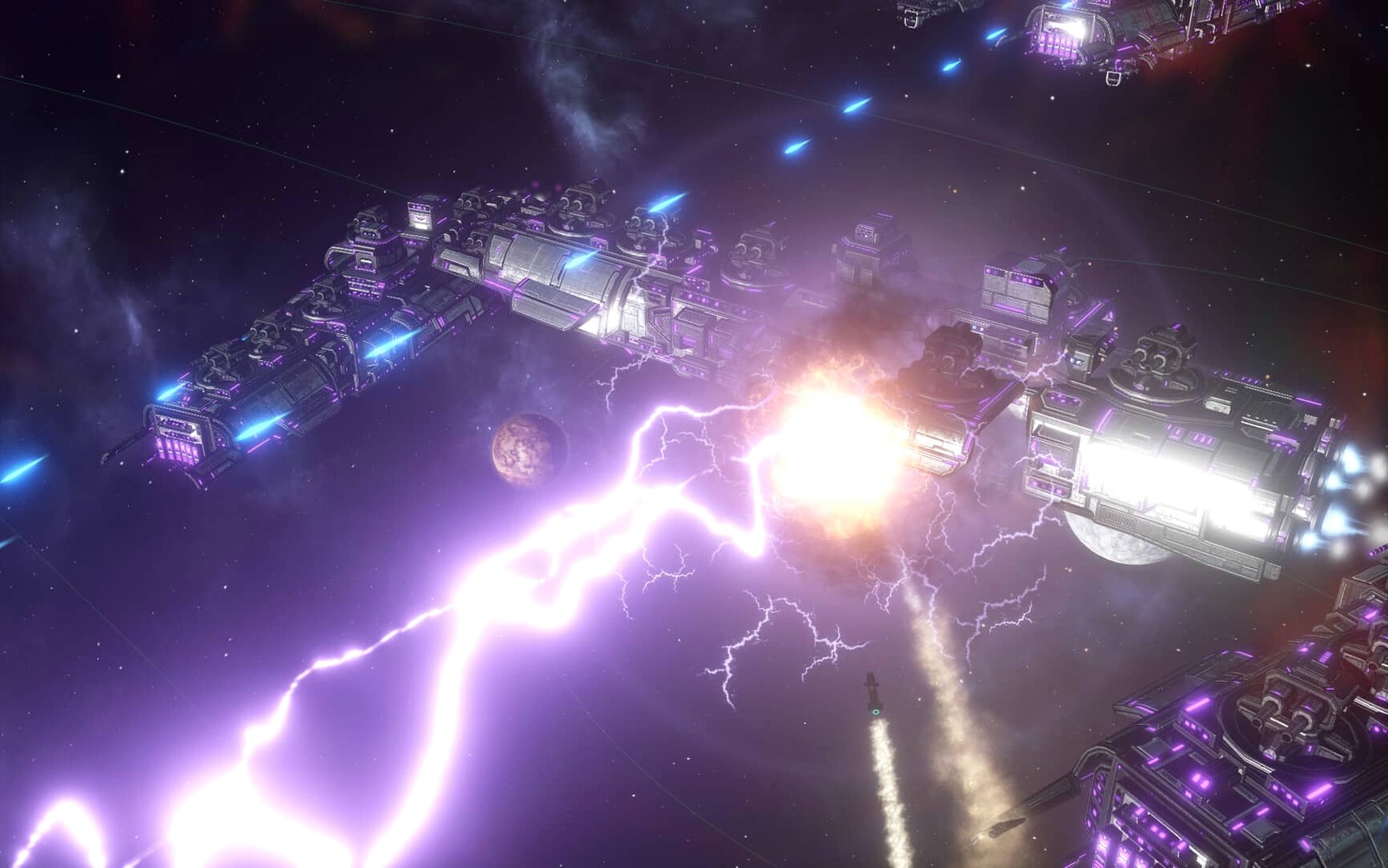
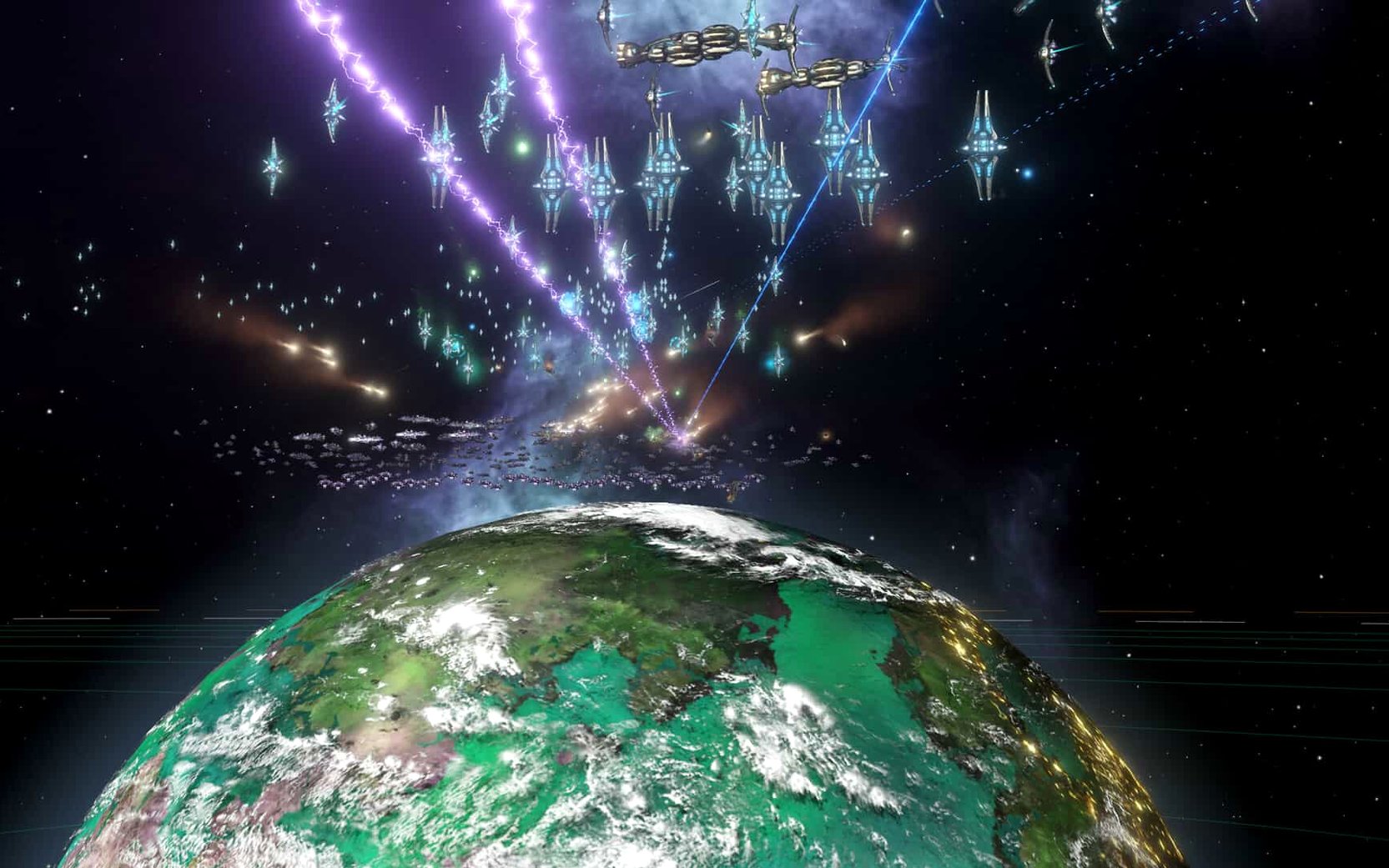
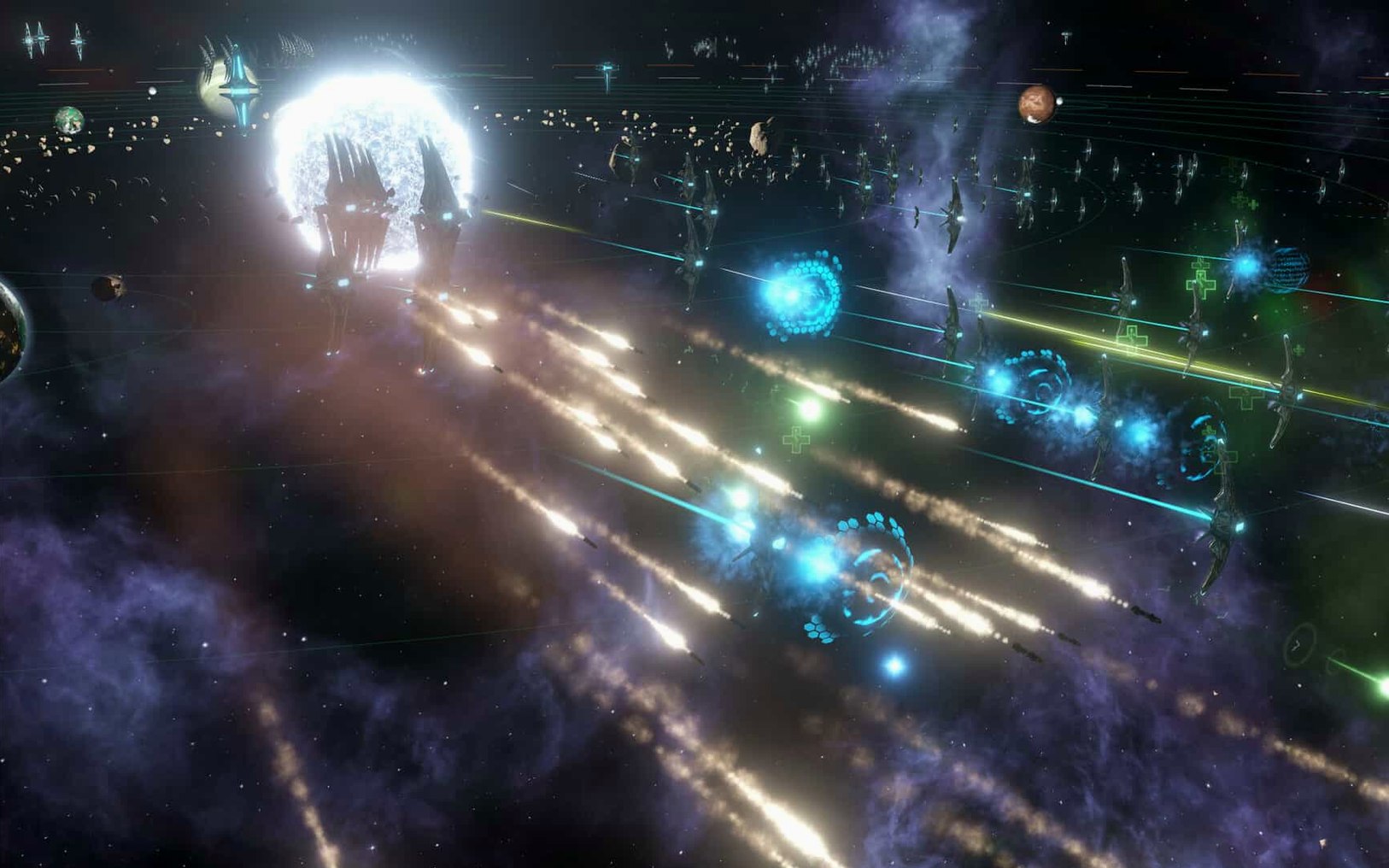
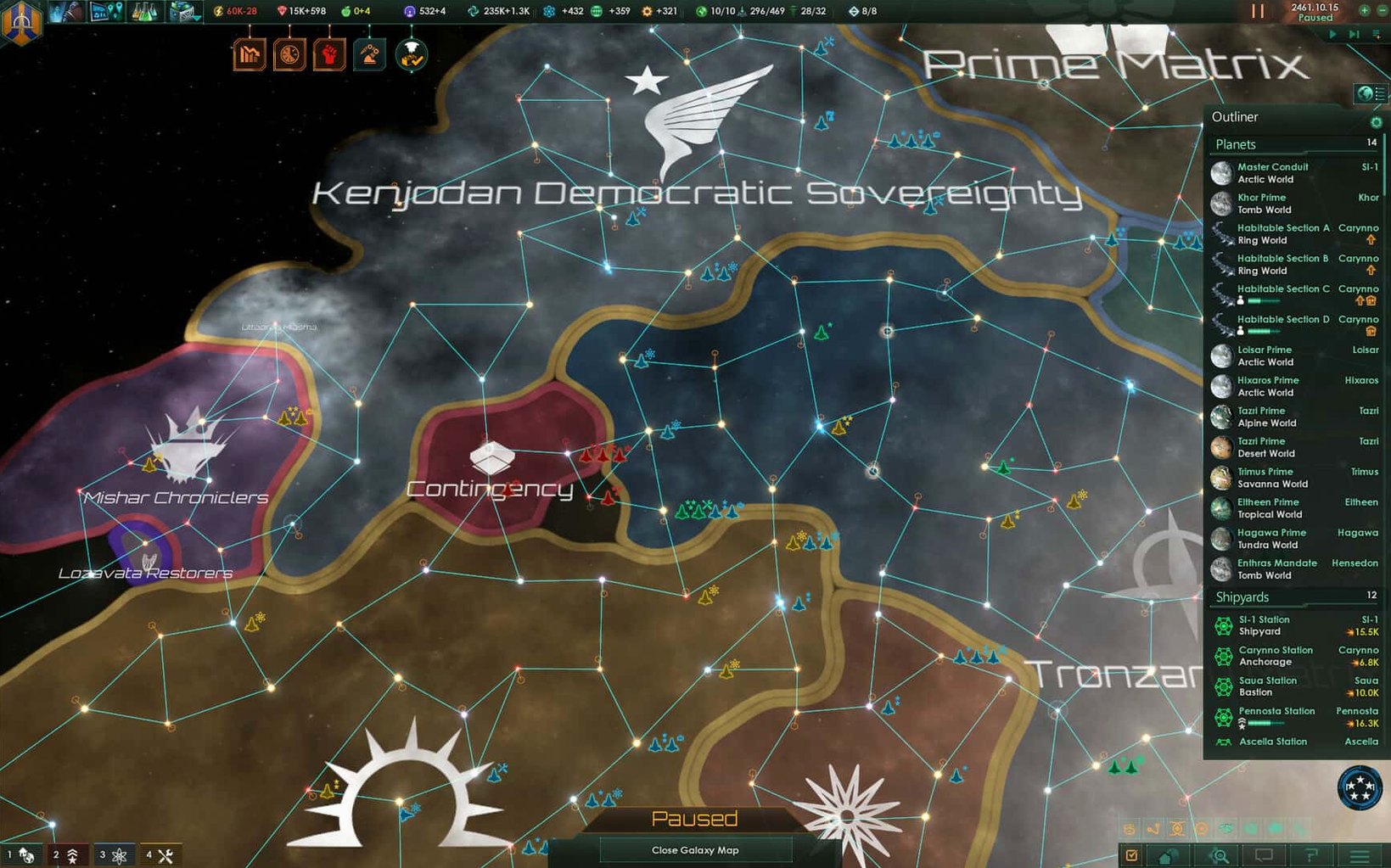
Stellaris is a real-time grand strategy game that hands you the reins of a fledgling interstellar civilisation and asks you to carve out a place among the stars. It blends classic 4X mechanics — explore, expand, exploit, and exterminate — with the kind of diplomatic nuance and narrative depth that Paradox Development Studio is known for.
Core systems in the box
When you sit down with Stellaris, you are not just launching ships. You are managing an empire that breathes across dozens of star systems. Here is what sits under the hood:
- Exploration and colonisation — your science vessels chart unknown hyperlanes while colony ships follow behind, taking samples and hunting for useful resources on habitable worlds.
- Research and technology — a branching tech tree lets you develop everything from improved reactors to jump drives that open up distant parts of the galaxy.
- Diplomacy and budget management — you set fiscal policies, allocate budgets across sectors, and negotiate trade deals, non-aggression pacts, and federations with alien races.
- Fleet combat and automation — battles happen in real time. The current build refines fleet automation so your armadas follow your selected stances more intelligently, and auto-disengagement now kicks in after 15 days of inactivity to stop ships from lingering in a lost fight.
- Colony development — successful colonies grow into industrial hubs where you construct bases and specialist facilities, turning frontier outposts into economic powerhouses.
Stability and polish in version 4.5.1
This build is a hotfix that tidies up several long-standing rough edges. The headline fix resolves a Synaptic Lathe ownership bug that could break late-game playthroughs, while multiplayer sessions benefit from patched out-of-sync errors. Under the bonnet, the team has squashed crash cases that previously triggered during startup, galaxy generation, alliance formation, wars, first contact events, federation law votes, and subject releases. The result is a noticeably smoother experience whether you are playing solo or with friends.
Game crashes or stalls on your Mac
Stellaris is a complex beast, and a few hiccups tend to crop up across different Mac setups. Here are the ones I see most often in the classroom and the fixes that get people back into the command chair.
Game hangs on the loading screen. This often traces back to a corrupted settings file. Navigate to Documents/Paradox Interactive/Stellaris and temporarily move settings.txt to your desktop. Launch the game — it will generate a fresh copy. If that solves it, you can copy over any custom keybindings from the old file manually.
Fleet orders feel unresponsive. Since version 4.5.1 adjusted fleet automation, some older save files carry over automation flags that conflict with the new behaviour. Open the fleet panel, toggle automation off and on again, then reissue your stance. That usually resets the logic.
Low frame rate in the mid-to-late game. The galaxy fills up with pops, ships, and trade routes, and the simulation buckles. Drop the graphics preset to Medium, turn off multisampling, and — this is the big one — reduce the habitable worlds slider when starting a new game. Fewer planets means fewer pops for the engine to crunch.
Multiplayer desyncs after a hotjoin. Even with the 4.5.1 out-of-sync fixes, a player joining mid-session can still trigger a mismatch if custom AI empires are present. The host should save, rehost, and have everyone connect from the lobby rather than dropping in mid-game.
Workflow: taming a unruly sector
Let me walk you through a specific task that every Stellaris player faces eventually — stabilising a sector that has outgrown its governor's competence. This workflow assumes you are about eighty years into a campaign and one of your core sectors is bleeding credits and spawning factions.
First, pause the game. Never try to reorganise a sector while the clock is ticking; you will miss trade-offs. Open the sector map mode and click the troublesome region. Note its population count, stability percentage, and the number of unemployed pops. Write those three numbers down mentally — they are your baseline.
Next, open the population tab for the sector capital. Look for pops working clerk jobs when specialist slots sit empty. Manually prioritise a few pops into alloy or consumer goods production. The immediate output jump often fixes the deficit without building a single new district.
Now check the governor. If their level is low and they lack the Environmental Engineer or Iron Fist traits, swap them out. A freshly recruited governor with the right trait can shift stability by five points in a year. While you are in the leader screen, assign a science ship to assist research on the sector's tech world — the boost speeds up any stability techs you are currently researching.
Finally, go to the edicts screen and activate Martial Law on the worst-offending planet if unrest is above fifty. It is a blunt instrument that costs influence, but it buys you the eighteen months needed for the new governor and job assignments to bed in. Unpause and let the simulation run for a quarter; revisit the sector and compare your three numbers. The approach rarely fails to pull a sector back from the brink.
How Stellaris fits into your wider Mac setup
Stellaris plays nicely with several macOS features that strategy players sometimes overlook. The game runs in a standard windowed mode that respects Mission Control, so you can swipe between your empire and a notes app where you are tracking mid-game objectives — handy when you are juggling a federation vote and a border skirmish simultaneously.
If you use Time Machine, the save folder at Documents/Paradox Interactive/Stellaris/save games gets backed up automatically. That has rescued more than one Ironman run after a patch reshuffled the political landscape. I also recommend adding the folder to Spotlight's privacy exclusion list — the sheer number of autosave files can clutter search results otherwise.
For players who enjoy mods, the workshop content lives in ~/Library/Application Support/Steam/steamapps/workshop/content/281990. You can symlink a mod set from an external drive to keep your internal SSD free, which matters once you start stacking visual overhauls and species packs. Just use ln -s in Terminal and the game reads the link as though the files are local.
Some people grab a Stellaris torrent build to test expansions before committing, though the version covered here is the 4.5.1 hotfix — stable across Intel Macs and perfectly happy on a Mac mini M4 running under Rosetta 2. If you have searched for Stellaris Mac torrent or a Stellaris 4.2.4 download in the past, the current DRM-free build sidesteps a lot of the compatibility headaches those older repacks introduced.
Tabletop strategists, sci-fi readers, and mod tinkerers find their home
Stellaris rewards patience and a love of emergent narrative more than it rewards actions-per-minute reflexes. The Mac users I see sinking hundreds of hours into it tend to fall into three camps.
Board game and tabletop strategy players take to the diplomatic layer immediately. They treat the galactic community like a negotiation table, and they thrive on the moment-to-moment trade-off between influence, alloys, and fleet positioning. For them, the real-time clock is simply a turn timer they can pause at will.
Science fiction readers and worldbuilders gravitate toward the anomaly system and the event chains. Stellaris generates genuinely surprising storytelling — a shielded world with a forgotten civilisation, a dimensional horror lurking in a black hole system — and these players treat each playthrough as a novella they are co-writing with the game.
Multiplayer strategy veterans who cut their teeth on Europa Universalis sessions find the 4.5.1 build a smoother platform for weekly games. The patched out-of-sync errors and the refined fleet automation mean fewer sessions derailed by technical gremlins, letting them focus on the backstabbing and alliance-shifting that Paradox multiplayer is famous for.
If you are the type who enjoys setting your own goals — corner the galactic alloys market, uplift every pre-FTL species, or simply survive a crisis event with your federation intact — Stellaris provides the sandbox. It does not nudge you toward a victory screen; it leaves you to find your own satisfaction among the stars.
Version 4.5.1 is a targeted hotfix that irons out some persistent bugs without changing the core balance. The team focused on stability and automation logic.
- Fixed a Synaptic Lathe ownership issue that could lock up progression.
- Improved fleet automation so ships respect your chosen behaviour settings more reliably.
- Resolved multiplayer out-of-sync problems and a batch of crash triggers across startup, diplomacy, and mid-game events.
- macOS (requires a 64-bit processor)
- Intel architecture
Questions I keep hearing
Does Stellaris use turn-based or real-time gameplay?
The game unfolds in real time, though you can pause and adjust the speed at any point to issue orders or plan your next move.
What languages does the interface support?
Stellaris includes Russian, English, German, Spanish, Simplified Chinese, Polish, Portuguese, and French localisations.
Questions from the class 0
Sign in or join the class to ask a question.
Nobody has asked anything yet. If you have used it on a real job, say what the file did.
Also on the Games shelf
The whole Games shelf STORROR Parkour Pro
Lets you practise parkour across city rooftops.
STORROR Parkour Pro
Lets you practise parkour across city rooftops.
 Stronghold Crusader HD
 Stardew Valley
Builds a quiet life on a farm.
Stardew Valley
Builds a quiet life on a farm.
 Stronghold Definitive Edition
Builds and defends medieval castles.
Stronghold Definitive Edition
Builds and defends medieval castles.
 South Park: Snow Day!
Fights through a snowed-in South Park with foul-mouthed kids and quick co-op brawls.
South Park: Snow Day!
Fights through a snowed-in South Park with foul-mouthed kids and quick co-op brawls.
 Supermarket Simulator
Simulates running a small supermarket.
Supermarket Simulator
Simulates running a small supermarket.
 Suzerain
Puts you in charge of a fictional country.
Suzerain
Puts you in charge of a fictional country.
 Songs of Conquest
Commands armies and builds kingdoms in a turn-based fantasy world that rewards careful positioning.
Songs of Conquest
Commands armies and builds kingdoms in a turn-based fantasy world that rewards careful positioning.