 ASPNetWorld
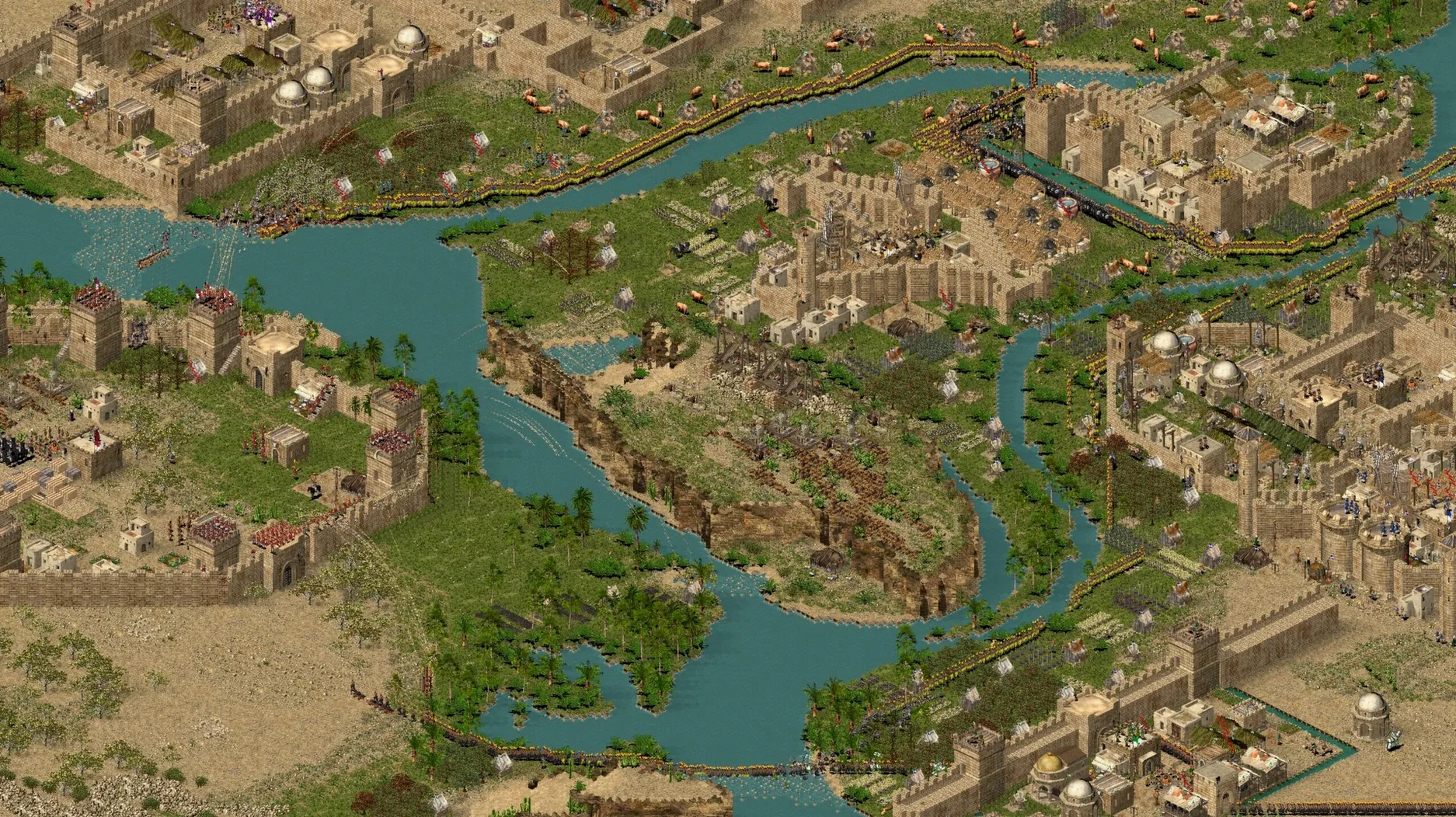
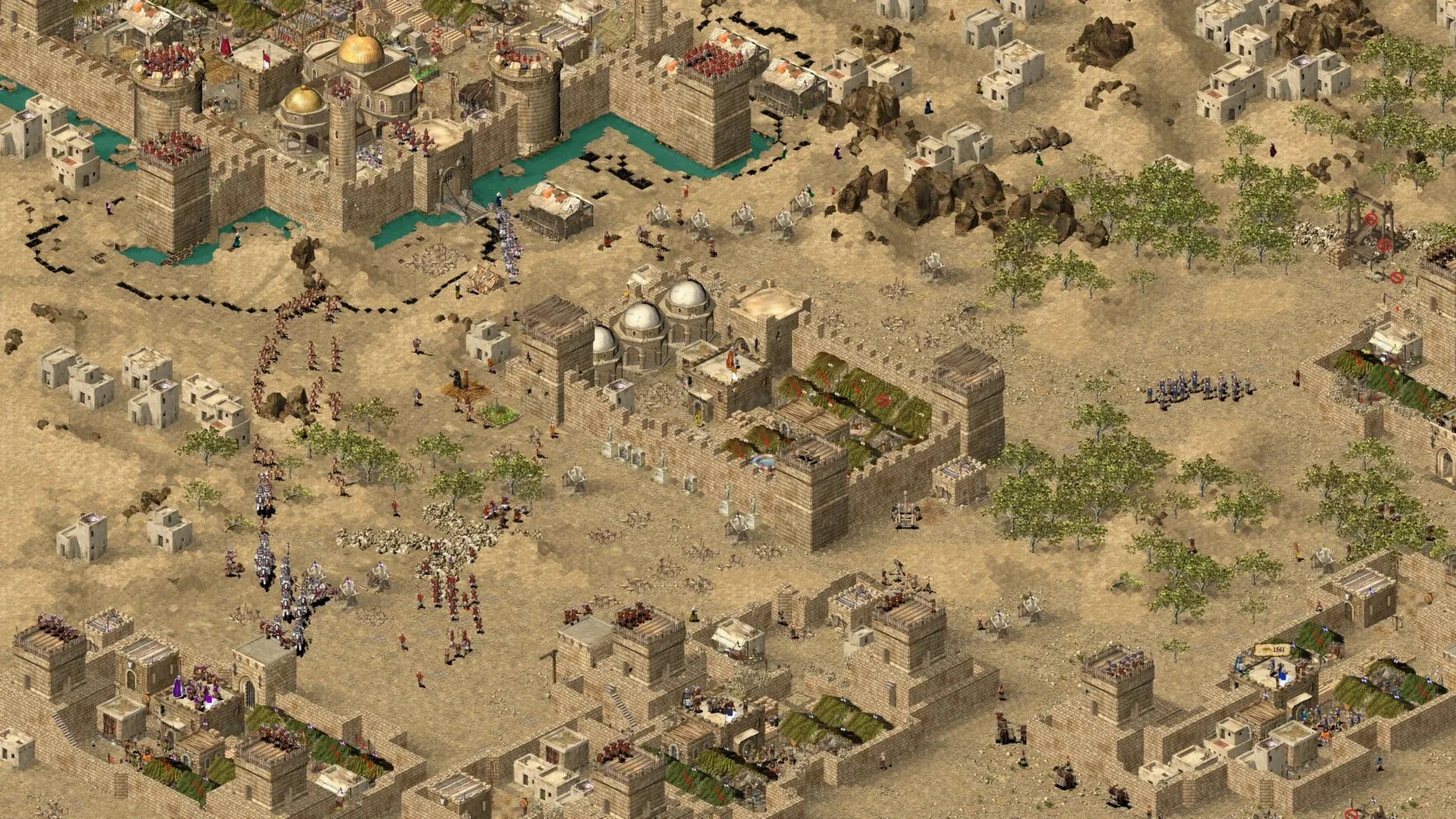
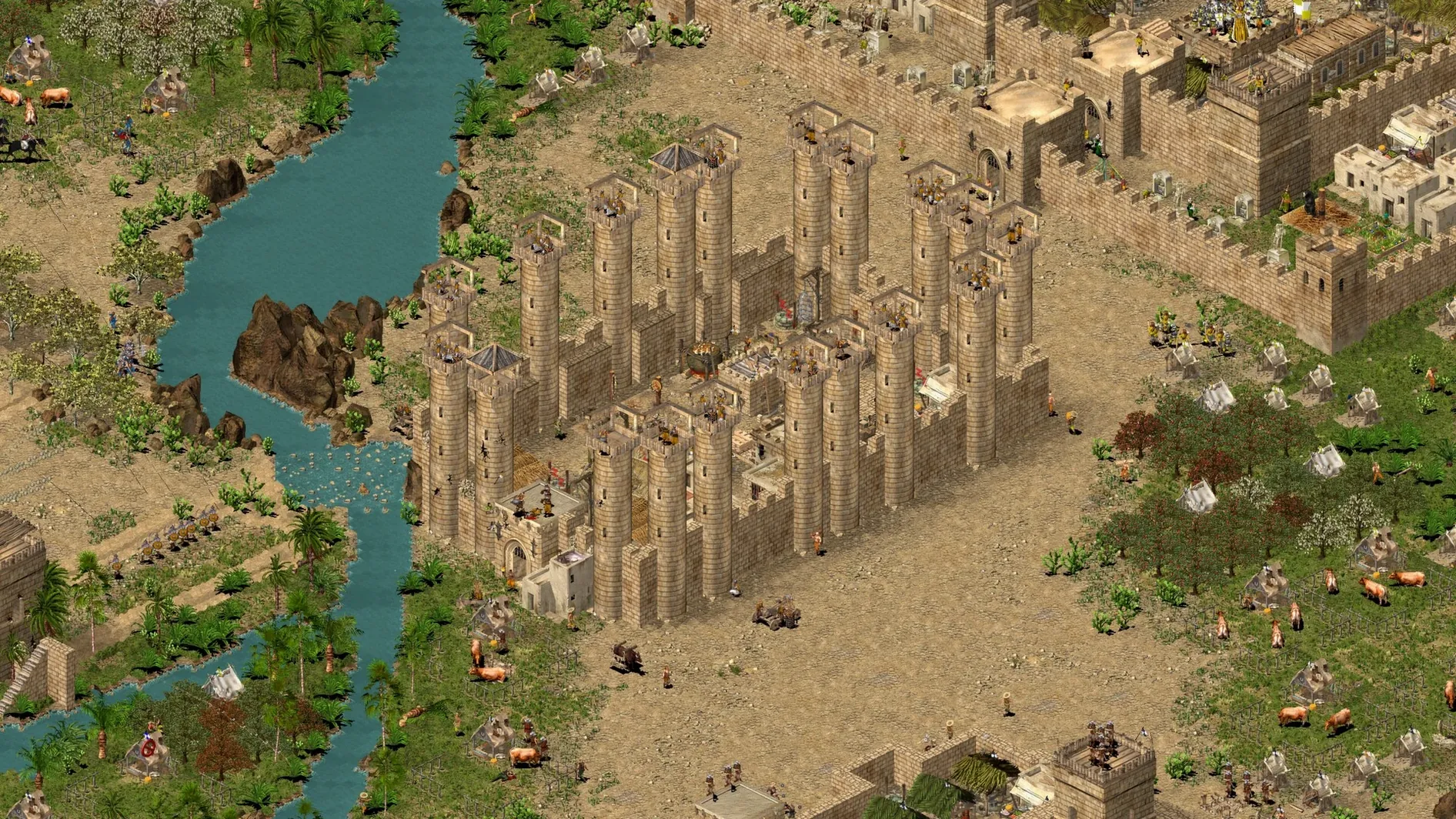
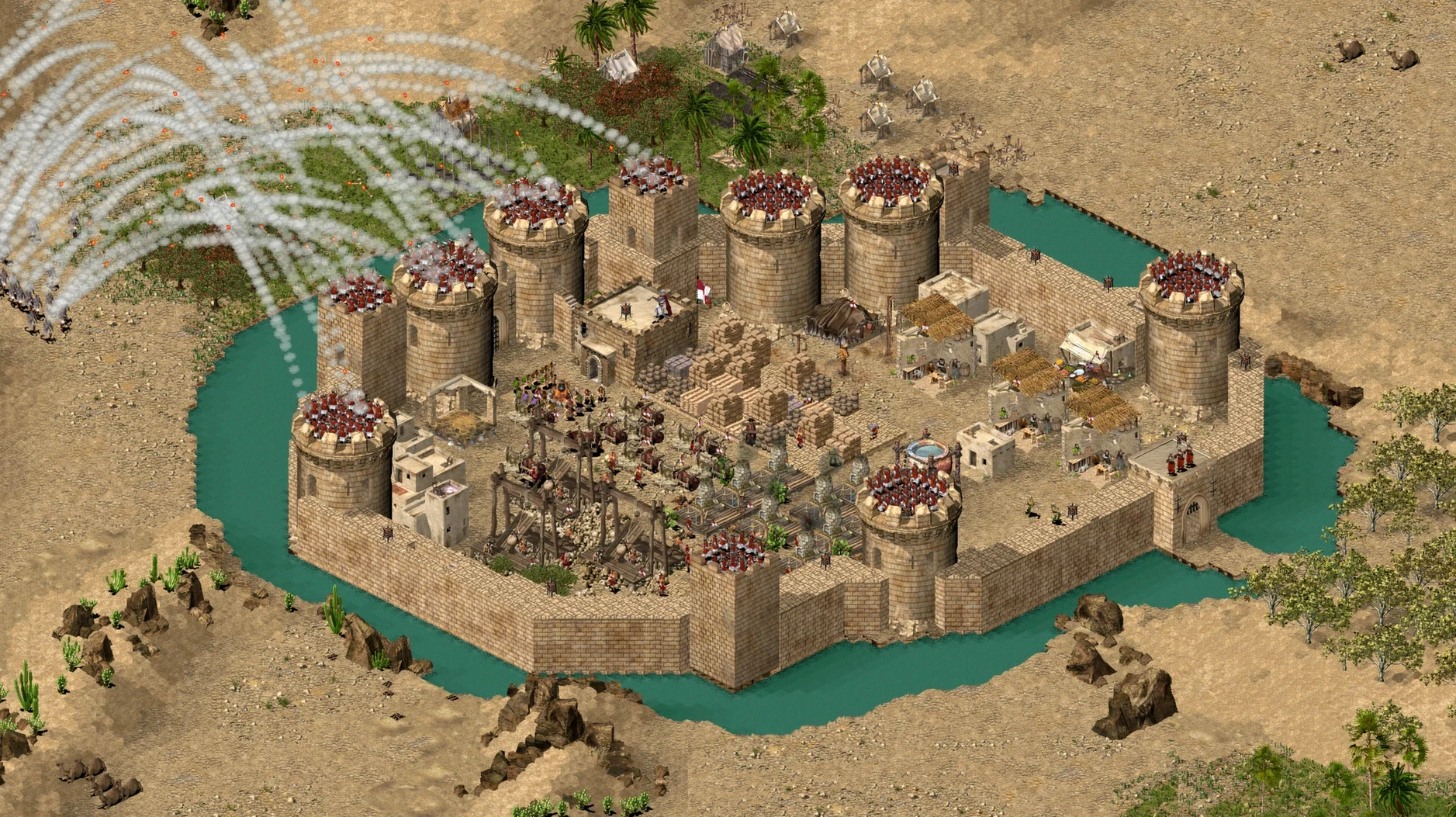
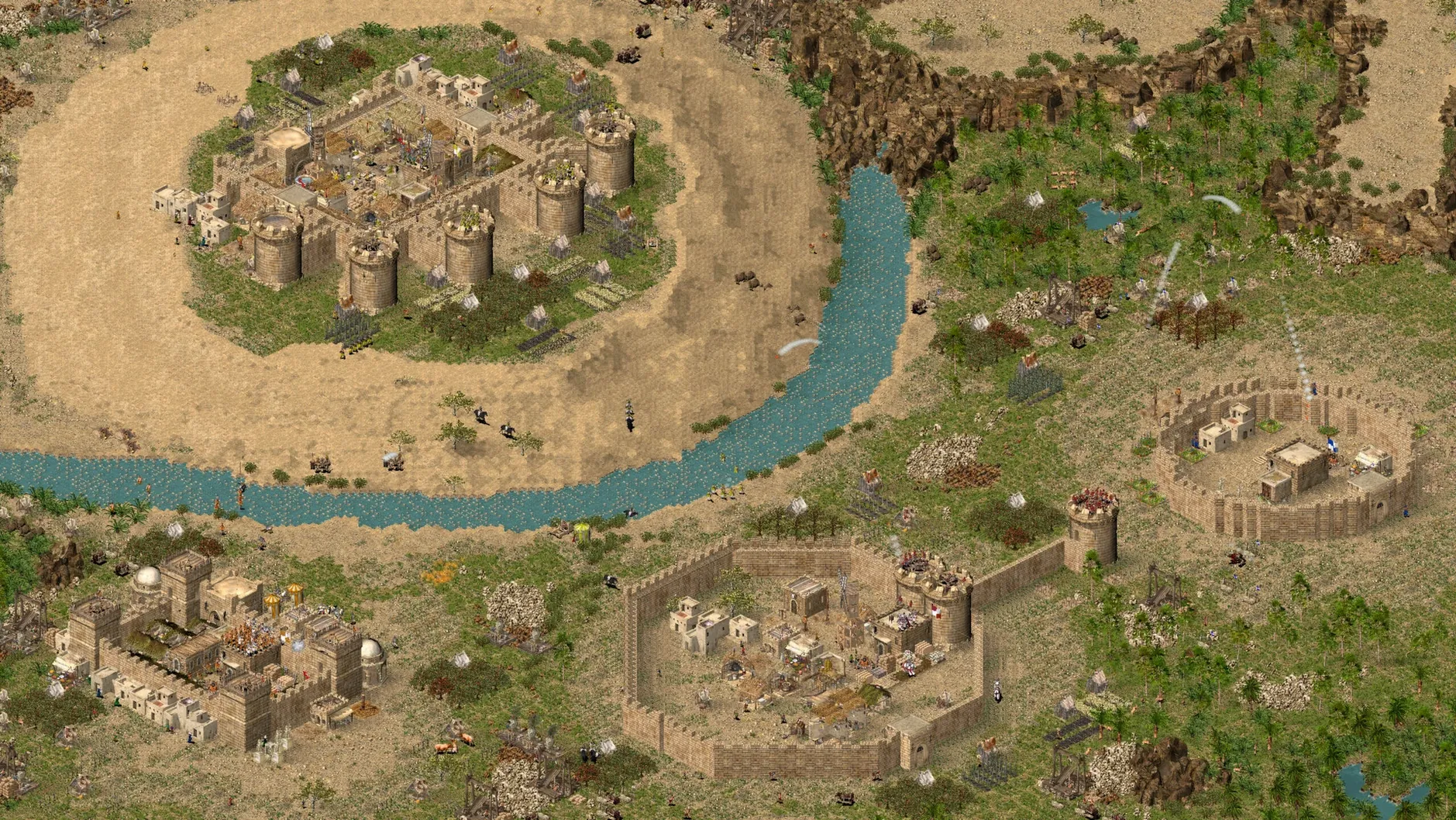
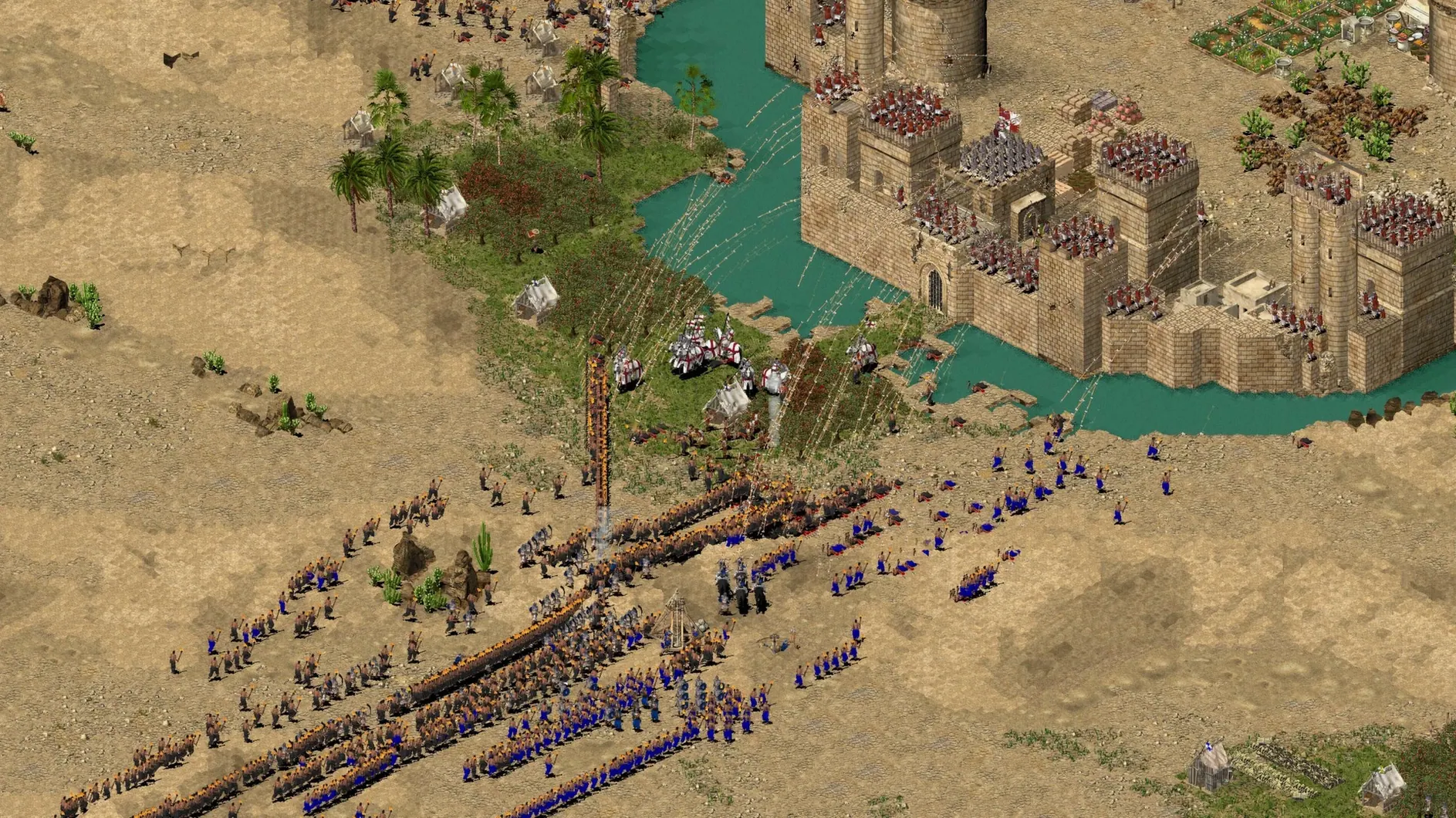
Assassins change the rhythm of a siege entirely. Where horse archers keep enemy crossbowmen pinned behind merlons, a single well-timed infiltrator can slip through a gatehouse during the chaos and open the inner keep before anyone realises the walls were never the real threat. The HD edition brings that clarity to a modern Mac screen, wrapping the 2002 classic so it runs on Apple Silicon with higher-resolution textures and a real-time scalable battlefield view.
- Over 100 missions spread across a trail of historical skirmishes and four full campaigns, each one a self-contained puzzle of limestone, moats and murder holes.
- New unit types—assassins, horse archers, slave drivers—shift tactics away from pure attrition toward speed and deception.
- Russian and English text are both present, so the interface switches cleanly without external patches.
- The Wineskin wrapper is pre-configured; the game expects a 1920×1200 desktop for a reliable first launch, which is worth setting before you double-click.
- Command-Tab can drop you into a black screen on return—restarting the game clears it, and swapping executables via the Wineskin menu lets you reach the Extreme missions when you want the expanded roster.
Performance on an M1 MacBook Air is exactly what you would hope for from a game of this vintage: frame rates stay high, fan stays silent, and the only bottleneck is your flour supply. The HD upscaling makes troop movements readable at zoom level, and the scalable view means you can pull back to watch a whole desert fortress burn while keeping one eye on the minimap for the counter-raid you forgot to scout.
A skirmish player's afternoon
Imagine someone who has finished the historical campaigns twice and now treats the skirmish mode as a daily tactical puzzle. They boot the game on a MacBook Air, set the desktop to 1920×1200 before launching—no error dialogs today—and load a saved free-build map against three Saladin AIs. The morning was spent stockpiling stone behind a double curtain wall; now the horse archers are harassing an exposed quarry, and the player is micro-managing an assassin team through a patch of scrub while the enemy's attention is elsewhere. This kind of player rarely touches the Extreme executable unless they want the absurdity of ten thousand units on screen, but they do value the scaled-out battlefield view for tracking multiple attack vectors at once. The HD clarity turns what was once a blurred cluster of pixels into readable troop formations, which matters when you are counting pikemen before a gate assault.
The wrapper is pre-configured, not a Wine puzzle
Does the Wineskin wrapper mean I need to know anything about Wine? Not for everyday play. The package is pre-configured; you drag the app to Applications and launch it. If the first run throws an error, a fix script on the disk image handles the common permissions quirks, and that is usually the only time you need to open the image again. The only moment you might poke inside the wrapper is if you decide to switch between the standard Stronghold Crusader executable and the Extreme edition, and even that is a matter of opening Wineskin from the app bundle, navigating to Advanced, and changing the Windows app path. It sounds technical, but it is a one-time adjustment.
Will it run on a Mac with Apple Silicon? Yes. The build was tested on an M1 MacBook Air running macOS Sequoia, so any Apple Silicon machine on that release should feel identical. The ARM architecture means no Rosetta translation layer is in play for the wrapper itself, which helps keep the load light and the battery drain negligible during long siege sessions.
Why the 1920×1200 display setting? The wrapper's initial video handshake is tuned for that resolution. If the game stalls at a black screen with audio playing, the display mismatch is usually the culprit. Setting the macOS desktop to 1920×1200 before launching solves it reliably, and you can switch back afterwards. It is awkward, but it is also the only consistent workaround for a game whose original release date predates Retina displays by a decade.
A mismatched resolution makes unit selection feel spongy
Open the in-game options before you start the first mission. The HD edition defaults to a full-screen resolution that may not match your panel's native pixel count, and even a slight mismatch makes unit selection feel spongy. Set the resolution to 1920×1200 if your screen supports it, or to the closest 16:10 alternative, and toggle the scalable battlefield view on—it is off by default, and it is the feature that makes the HD edition worth using for large-scale battles. Under audio, drop the music volume to about sixty percent unless you want the same lute track burned into your memory after three consecutive skirmishes. The voice language sits on English by default, but Russian voice acting is included and can be switched in the same menu, which changes the flavour of unit barks entirely.
If you plan to use Command-Tab to jump between the game and a browser—looking up castle layouts, perhaps—be prepared for the black-screen bug. The quickest fix is a restart, but the better habit is to finish a session before switching away, or to run the game in a dedicated Space so that muscle memory does not accidentally pull you out mid-siege. For players who want the Extreme experience with the expanded unit cap, switching executables through the Wineskin Advanced panel takes under a minute once you know where the path is; bookmark the process so you are not hunting for it when four friends are waiting for a LAN skirmish.
Version 1.41(a) tidies up the HD wrapper with extra resolution options and a handful of stability fixes that make the scalable battlefield view more predictable on recent macOS builds.
- Higher-resolution support baked into the HD wrapper.
- Real-time scalable view that zooms smoothly from trebuchet range to the whole map.
- Bug fixes for display switching and executable launching.
- macOS Sequoia.
- Apple Silicon (tested on MacBook Air M1, 2020).
- 4 GB of free disk space for the wrapped application.
Questions I keep hearing
Does the HD edition include the Extreme content?
The package contains multiple executables—switching via the Wineskin configuration lets you access the expanded version with its extra units and abilities.
Why does the game show a black screen after I switch apps?
Command-Tab can confuse the wrapper's display handling; restarting the game restores the picture immediately.
What should I do if the game has sound but no video?
Set your macOS display resolution to 1920×1200 before launching, match it in the game settings, then restore your usual resolution after the session.
Questions from the class 0
Sign in or join the class to ask a question.
Nobody has asked anything yet. If you have used it on a real job, say what the file did.
Also on the Games shelf
The whole Games shelf STORROR Parkour Pro
Lets you practise parkour across city rooftops.
STORROR Parkour Pro
Lets you practise parkour across city rooftops.
 Stronghold Definitive Edition
Builds and defends medieval castles.
Stronghold Definitive Edition
Builds and defends medieval castles.
 Stellaris
Guides a civilisation through the stars.
Stellaris
Guides a civilisation through the stars.
 Stardew Valley
Builds a quiet life on a farm.
Stardew Valley
Builds a quiet life on a farm.
 Supermarket Simulator
Simulates running a small supermarket.
Supermarket Simulator
Simulates running a small supermarket.
 South Park: Snow Day!
Fights through a snowed-in South Park with foul-mouthed kids and quick co-op brawls.
South Park: Snow Day!
Fights through a snowed-in South Park with foul-mouthed kids and quick co-op brawls.
 Suzerain
Puts you in charge of a fictional country.
Suzerain
Puts you in charge of a fictional country.
 Songs of Conquest
Commands armies and builds kingdoms in a turn-based fantasy world that rewards careful positioning.
Songs of Conquest
Commands armies and builds kingdoms in a turn-based fantasy world that rewards careful positioning.