 ASPNetWorld

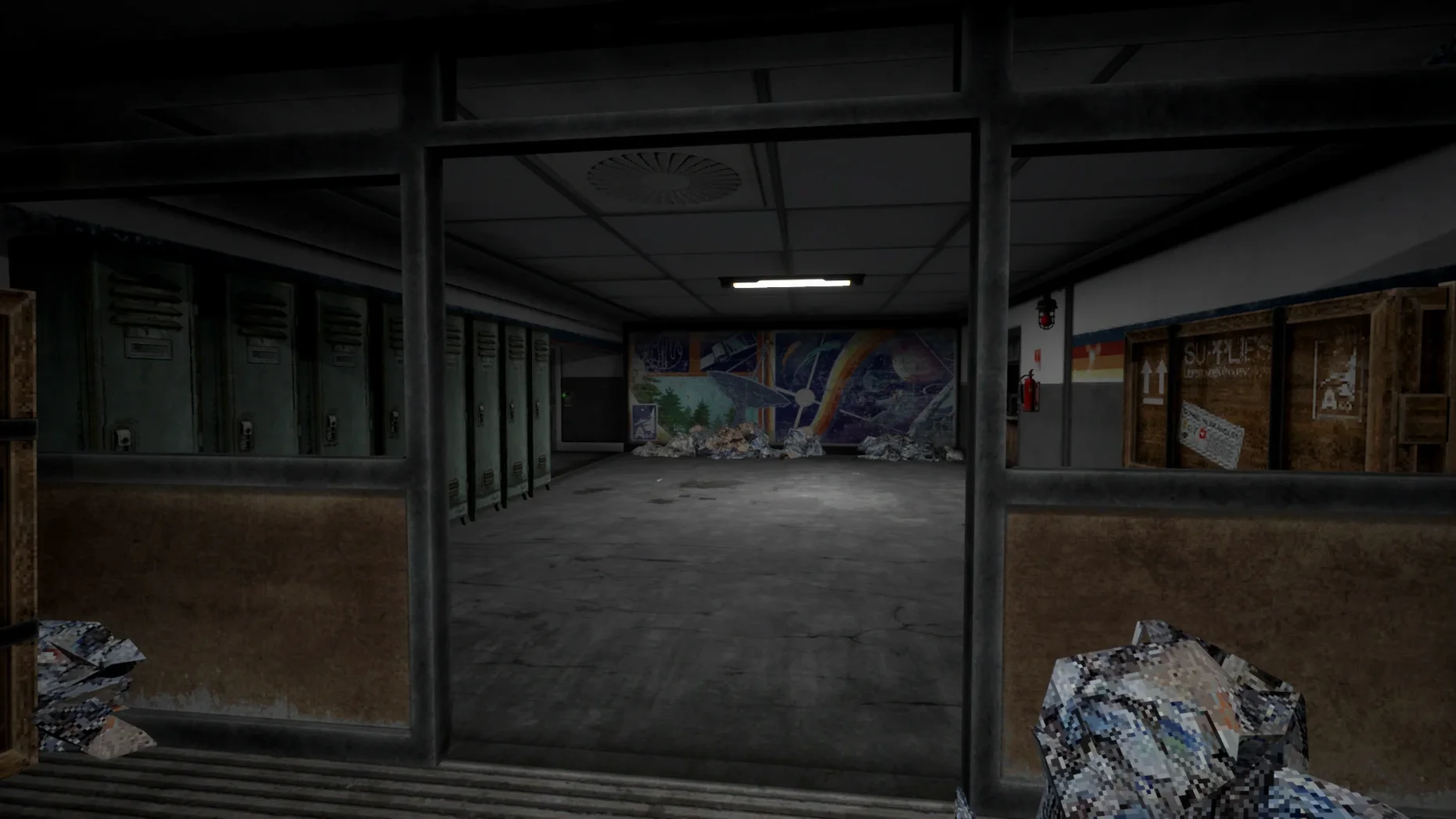
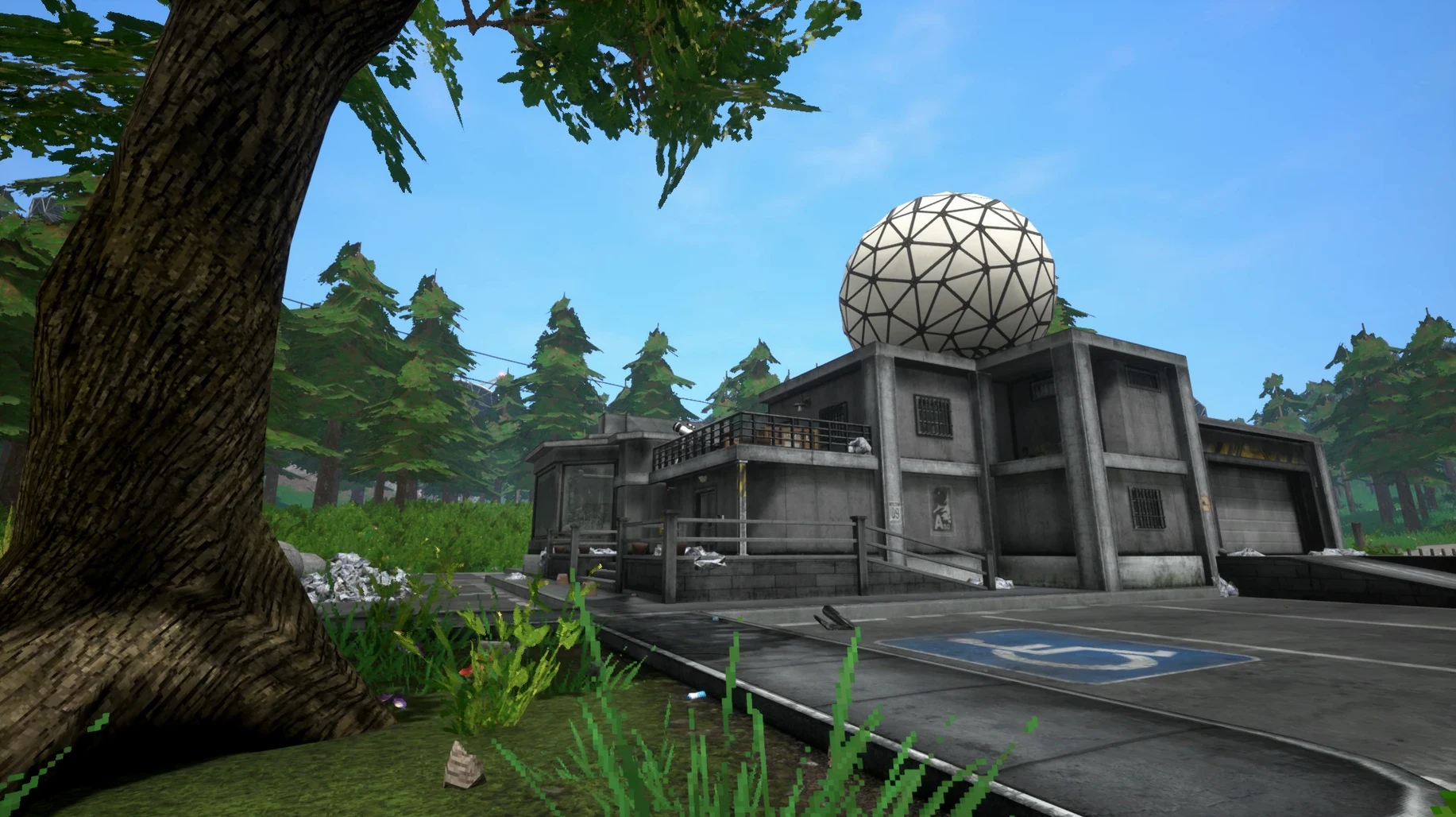
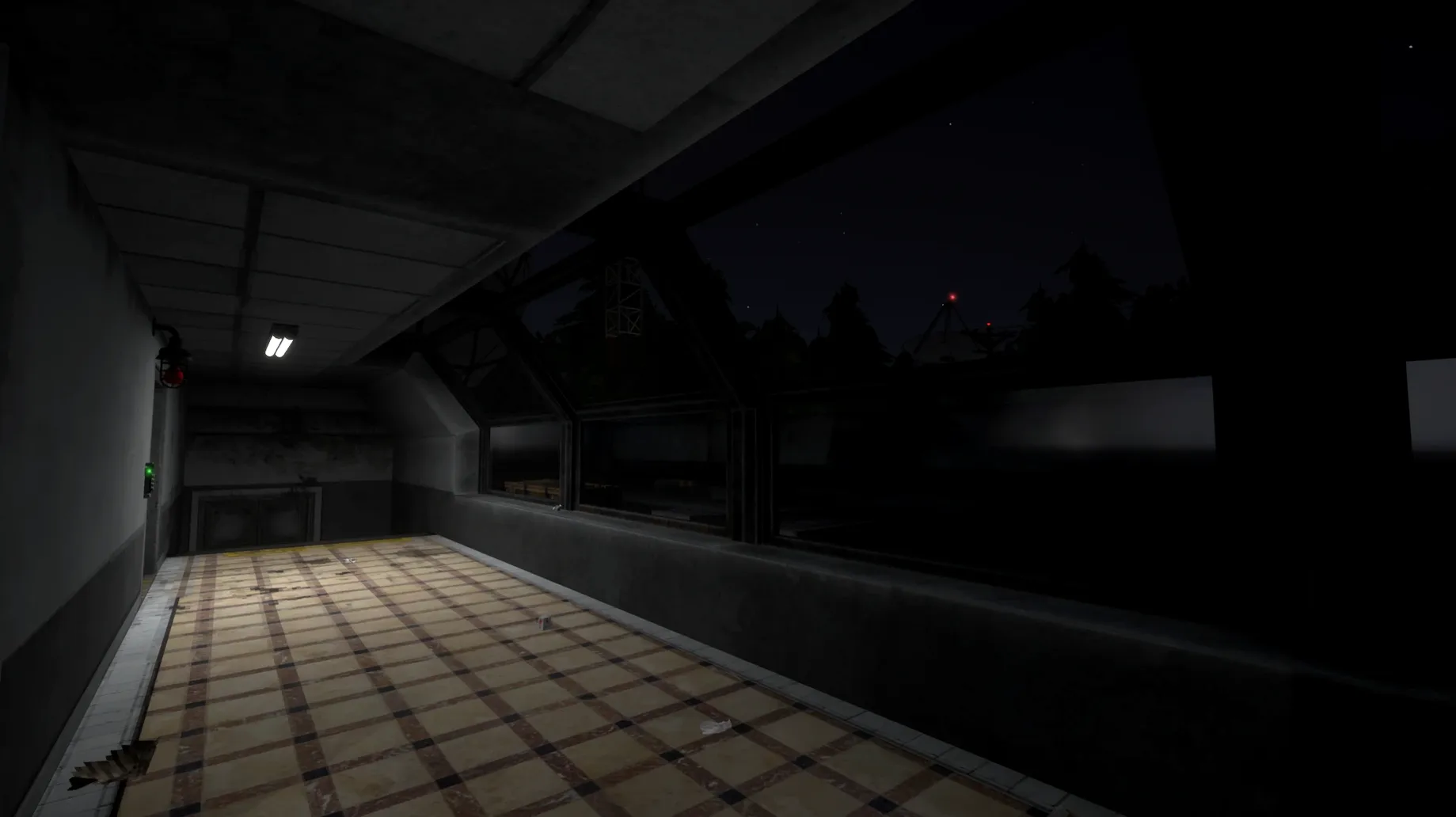
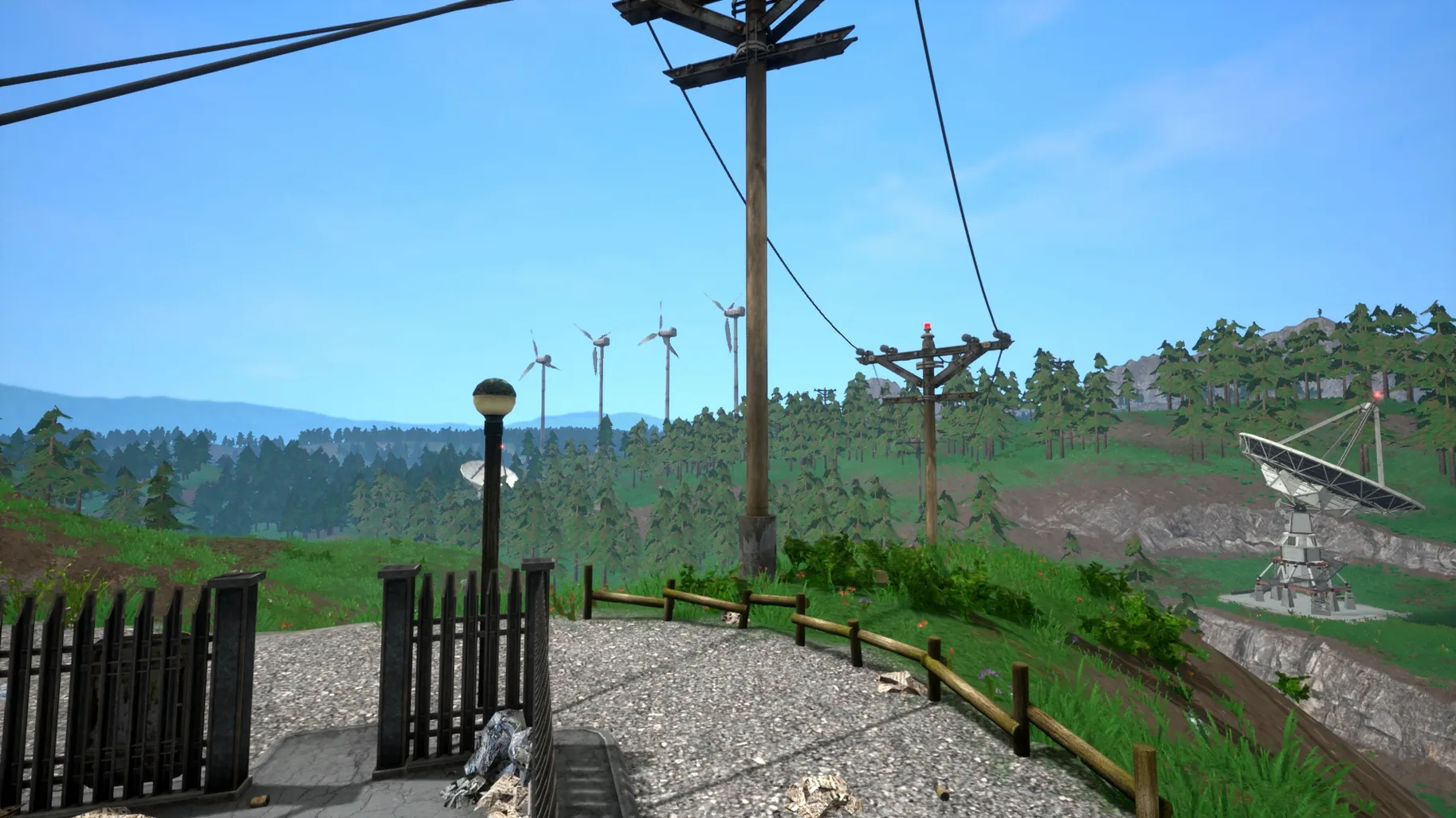
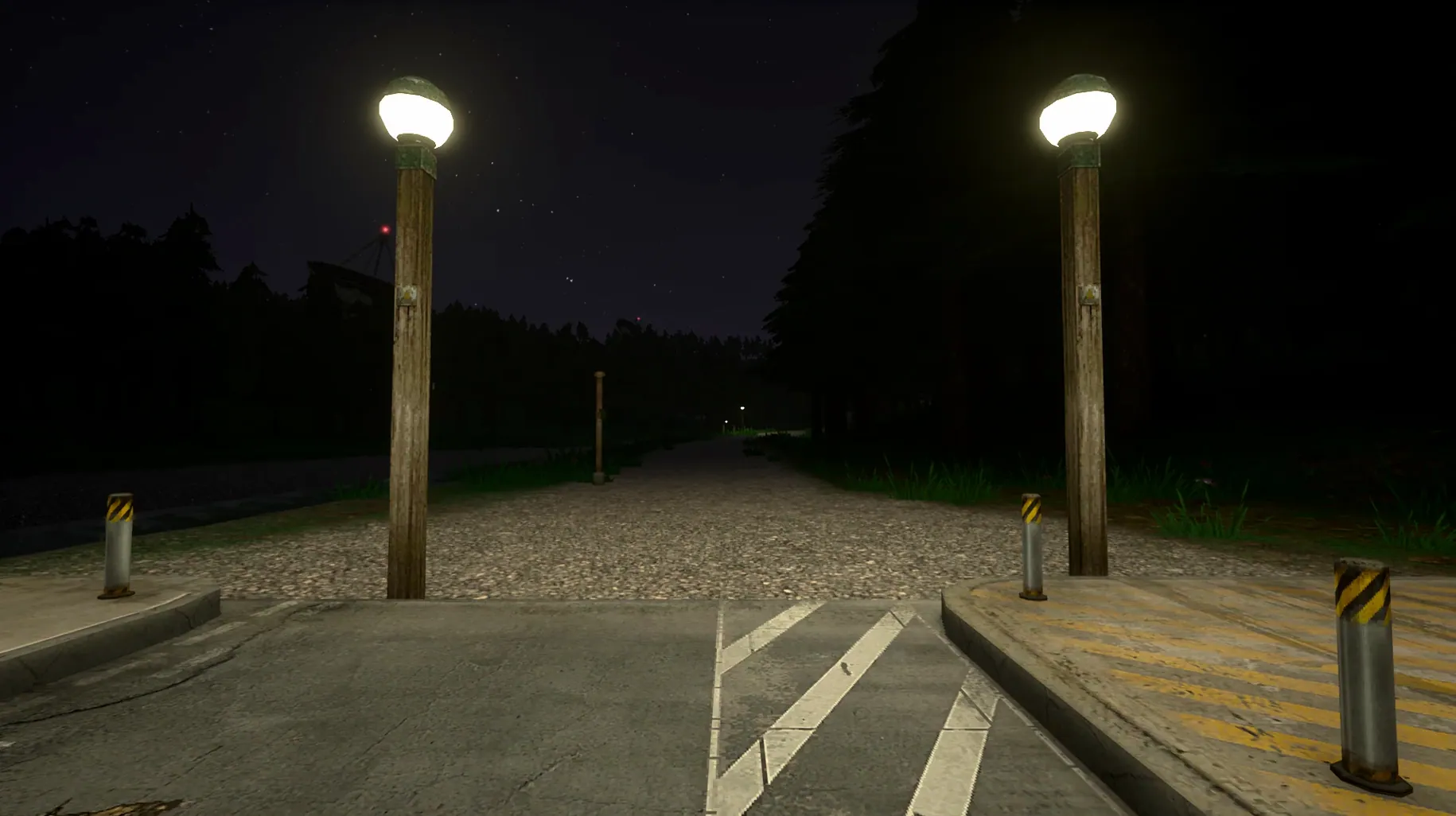
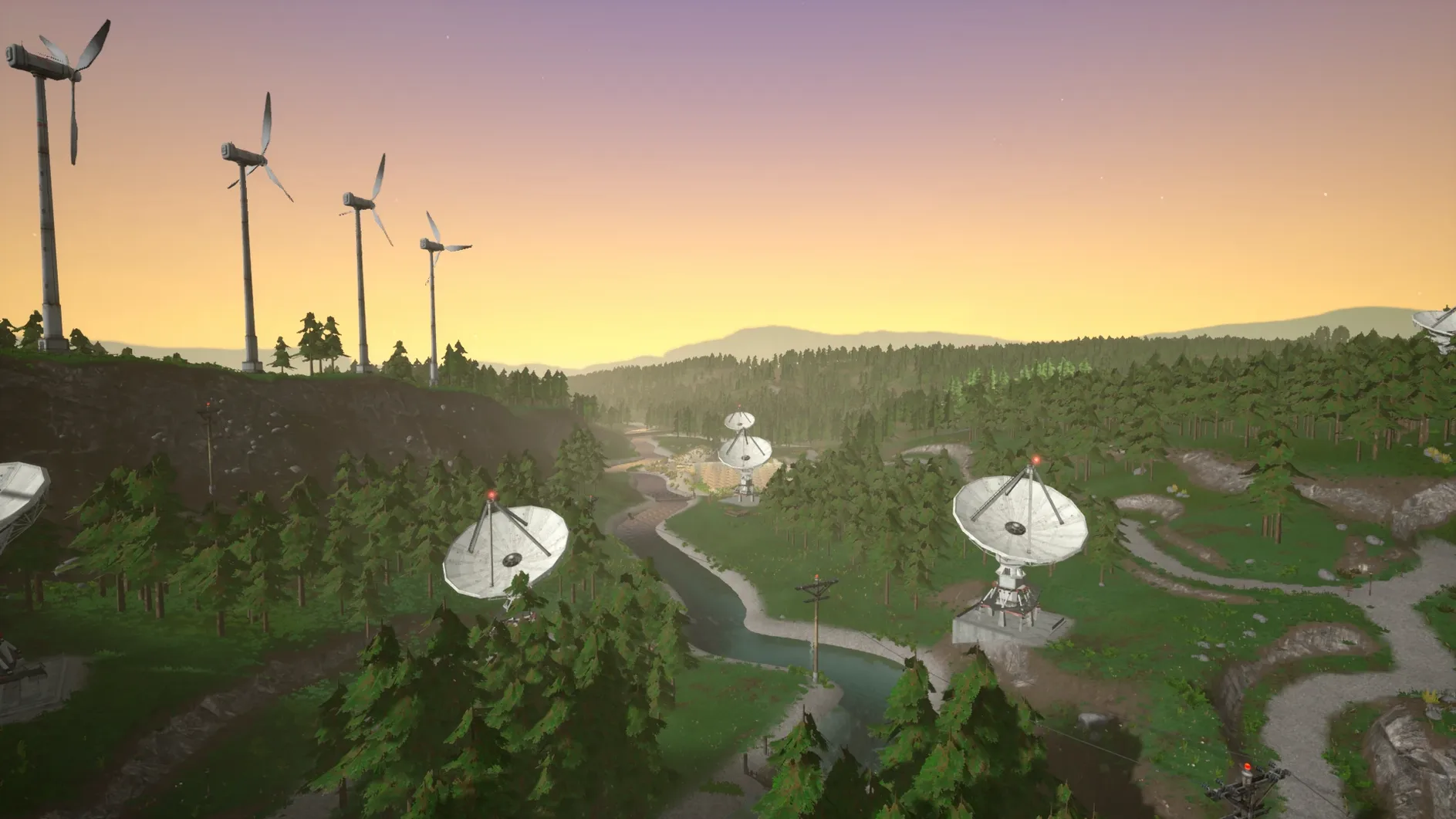
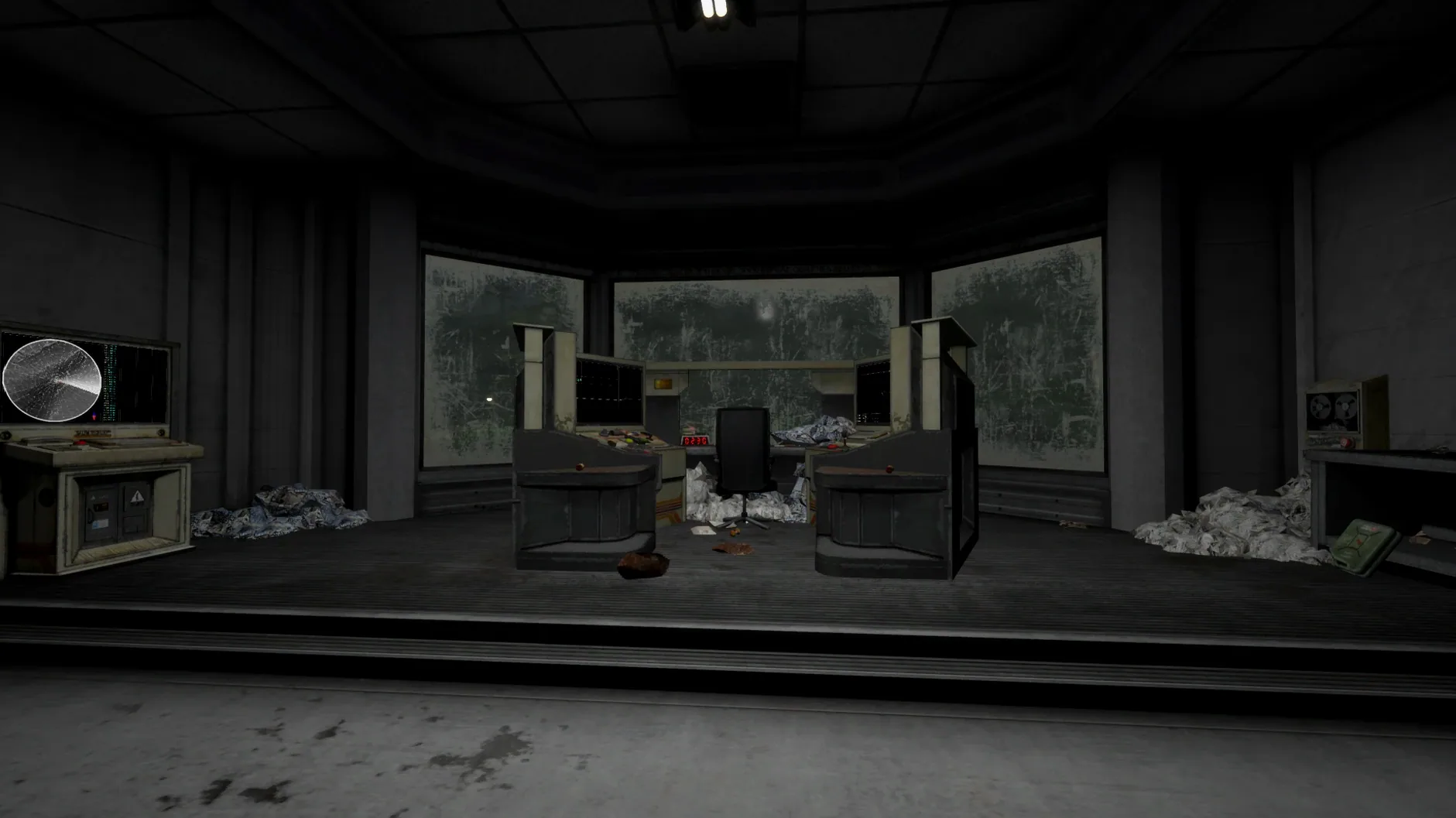
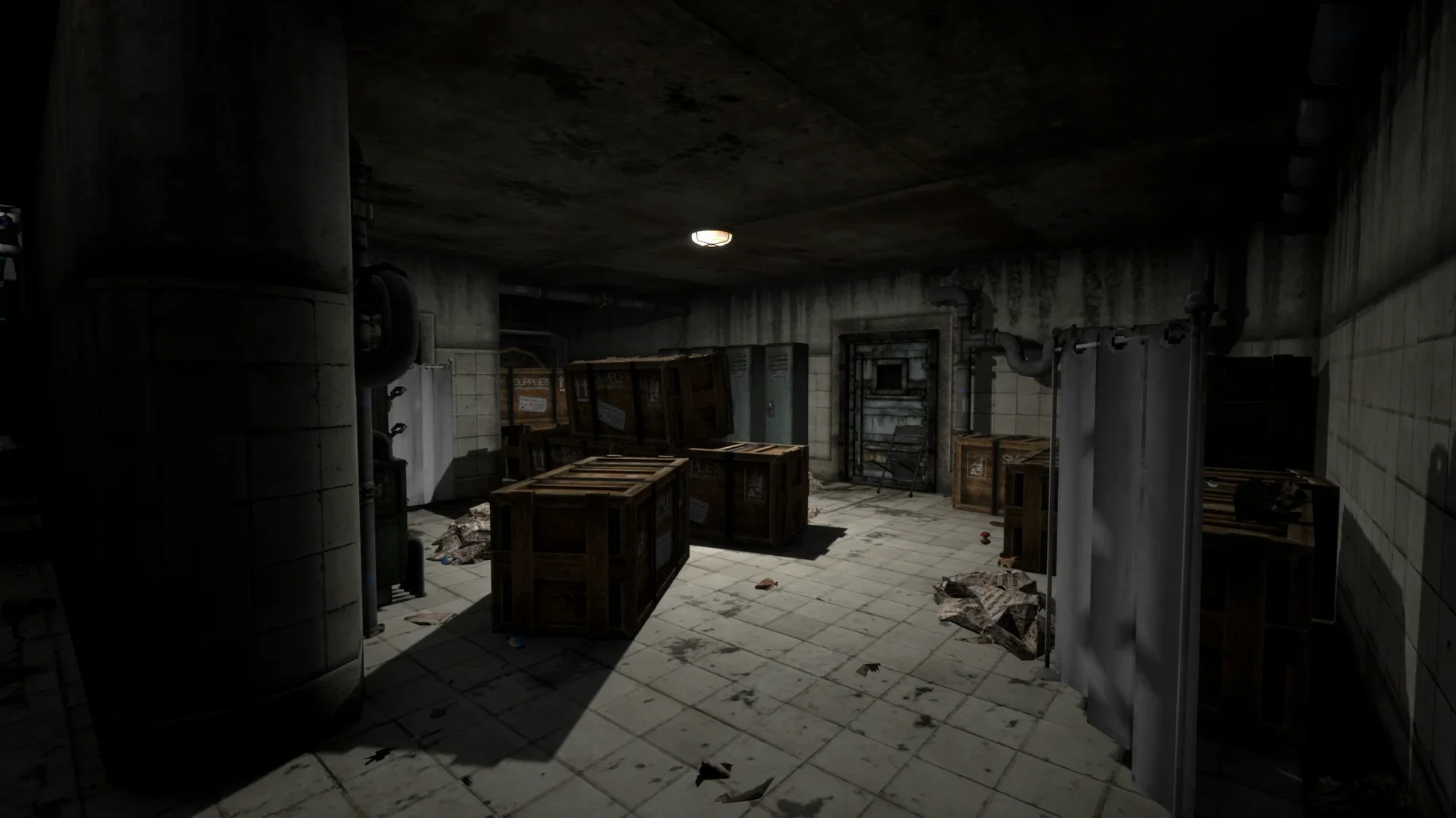
Most horror games rely on a monster lunging from a cupboard. The problem that Voices of the Void sets out to solve is much more interesting: how do you make routine science work feel like the prelude to something dreadful? By placing you in a lonely station and giving you a job to do, the game builds a slow-burning dread that seeps into every task.
Your daily round of duties
The core loop is surprisingly methodical. Each session begins with you stepping out onto the empty Dulowe base to service an array of satellite dishes and other equipment scattered across the hillside. You check power levels, repair corroded connections with a soldering iron, and align the receivers. Once the hardware is happy, you return indoors to the console, where the real work begins: receiving faint signals from space and running them through a visual decoder. The data might resolve into a weather report, a garbled distress call, or something you genuinely wish you hadn't seen — the events can develop differently across playthroughs, so you never quite know what a shift will bring.
Tending a fragile sense of safety
Between signals, the game becomes a quiet base-management simulation. You eat, sleep, and keep the lights on because letting the generator fail is not an option when you're surrounded by emptiness. A developer console, opened with F10, gives you a little control over the simulation, but mostly you are just an operator with a toolkit and a growing stack of decoded printouts. The tension doesn't come from a scripted jump scare; it comes from the long pauses, the odd noise on the roof, and the creeping feeling that your orderly routine is the only thing holding the silence at bay.
Working alone at the Dulowe base, you quickly learn that the game doesn't live in a vacuum. Voices of the Void plays nicely with several macOS features, and knowing this can save you a headache or two. Because the Mac build runs through a Wineskin wrapper, the app respects your Mission Control spaces just like any native program — you can swipe back to a notes app to log signal patterns without suspending the game. If you use QuickTime Player to record clips of unusual decodes, set the microphone to capture system audio only; the game's soundscape is too rich to ruin with a clacking keyboard. The wrapper also means that the standard Spotlight index won't peek inside the app bundle, so if you want to back up your saves manually, you'll need to navigate to the SharedSupport path yourself. Drop that folder into a Time Machine backup regularly — early-access builds can occasionally corrupt a save slot after a particularly strange event chain.
A signal-hunting evening, step by step
Let's walk through a focused two-hour session, the kind where the sky is clear and you mean to bag at least three clean data packets. You begin by filling a thermos from the kitchen tap — the thirst meter is no joke on longer shifts — and grabbing a spare fuse from the storage locker. Outside, the first satellite dish sits on the eastern ridge. You approach it, open the maintenance panel, and find a red fault light blinking: a corroded contact. A few seconds with the soldering iron restores the green glow, and you twist the azimuth dial until the signal-strength needle quivers in the high nineties.
Back inside, you switch the console to the newly aligned dish and start scanning frequencies. A faint carrier wave appears as a wavering vertical line on the waterfall display. You click to lock onto it, then adjust the band-pass filter to scrub out the background hiss. The decoder takes a few seconds to chew on the data, and the printer chatters out a sheet of thermal paper: a routine satellite telemetry burst, nothing alarming. You pin it to the corkboard above the desk, log the frequency in your notepad, and move to the next dish. By midnight, you have two more prints — one a fragment of what sounds like a numbers station, the other a visual pattern that doesn't match any known catalogue entry. You stare at it a little too long, then check the door locks.
Your first few shifts on the base
When you first drag the app into Applications and launch it, resist the urge to explore every corner of the map immediately. Spend your first hour learning the rhythm of the signal console: the tuning knob, the noise gate, and the decode button. You'll develop a muscle memory for it, which pays off when the game throws something unsettling at the window and you need to keep your hands steady.
Second tip: hoard basic supplies early. Fill a drawer with fuses, solder, and food tins before you start investigating strange lights on the horizon. Running out of power because you forgot to top up the generator is a lousy way to end a session. Third, if the game throws an error on launch, run the included Fix file from the disk image before you start troubleshooting elsewhere — it resolves most common Wineskin permission quirks in one go. Lastly, don't ignore the audio. Wear headphones from day one. The base has a soundscape full of tiny, directional cues — a loose panel, a distant thump — and learning to read them early will keep you from jumping at shadows. Or at least from jumping at the wrong shadows.
- macOS 11.0 or later
- Apple Silicon Mac
Questions I keep hearing
Where does Voices of the Void store its save files on a Mac?
You'll find your saved games tucked inside the application bundle: right-click the app, select Show Package Contents, and navigate to SharedSupport/prefix/drive_c/users/Sikarugir/AppData/Local/VotV/Saved/SaveGames.
Questions from the class 0
Sign in or join the class to ask a question.
Nobody has asked anything yet. If you have used it on a real job, say what the file did.
Also on the Games shelf
The whole Games shelf Victoria
Simulates a century of global change through the politics, economics, and diplomacy of your chosen nation.
Victoria
Simulates a century of global change through the politics, economics, and diplomacy of your chosen nation.
 Vampire Survivors
Sends waves of monsters at you while your weapons fire automatically and you simply steer.
Vampire Survivors
Sends waves of monsters at you while your weapons fire automatically and you simply steer.
 Vampire Crawlers: The Turbo Wildcard from Vampire Survivors
Deals a roguelike card game where you chain fangs, blades, and wildcards to clear dungeon rooms.
Vampire Crawlers: The Turbo Wildcard from Vampire Survivors
Deals a roguelike card game where you chain fangs, blades, and wildcards to clear dungeon rooms.
 Unmourned
 World of Goo 2
 Two Point Museum
Curates exhibits, designs gift shops and sends experts on expeditions to find new treasures.
Two Point Museum
Curates exhibits, designs gift shops and sends experts on expeditions to find new treasures.
 Tropico
Governs a scattered archipelago, balancing promises, power lines and your Swiss bank account.
Tropico
Governs a scattered archipelago, balancing promises, power lines and your Swiss bank account.
 Tower of Babel: Survivors Of Chaos
Survives monster waves and reshapes your build with every piece of gear that drops.
Tower of Babel: Survivors Of Chaos
Survives monster waves and reshapes your build with every piece of gear that drops.