 ASPNetWorld

You are staring at a flat, empty patch of land criss-crossed by a single motorway. There is no town hall, no welcoming committee — just a modest starting budget and a cursor waiting for your first road. That is the opening five seconds of Cities: Skylines, and from that moment on, every lamp-post, roundabout and bus route is your doing.
Minute by minute: how a city takes shape
- Lay the first road. You draw a short stretch branching off the motorway. This is where your settlement will cling to the outside world. The game marks buildable zones along it automatically — green for homes, blue for shops, yellow for industry.
- Zone a few blocks. You paint residential, commercial and industrial districts onto the roadside. Tiny construction lorries appear. The first houses pop up within seconds, and soon the game nudges you about electricity.
- Run the basics. You place a coal plant and drag power lines to the new buildings. Then comes the water pipe network, a trickier job — pipes must run under every street, and the pumping station needs to sit on clean river water, not downstream from the sewage outflow you just built.
- Watch the numbers. A toolbar tracks population, happiness, land value and weekly income. The budget panel lets you slide funding up or down for police, fire services, education and utilities. Spend too little on rubbish collection and the streets start to smell; overspend on a bus fleet nobody rides and you slip into the red.
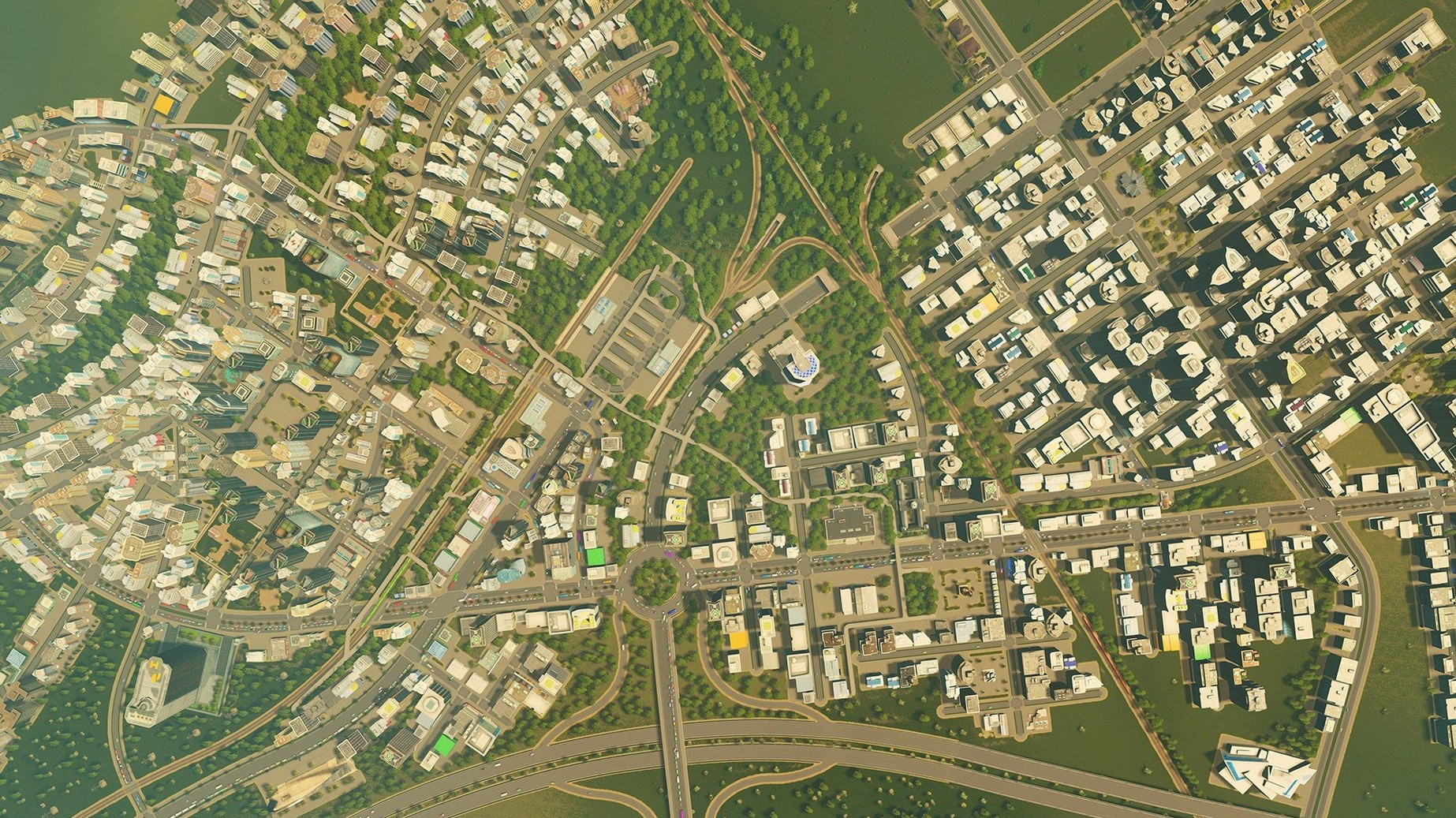
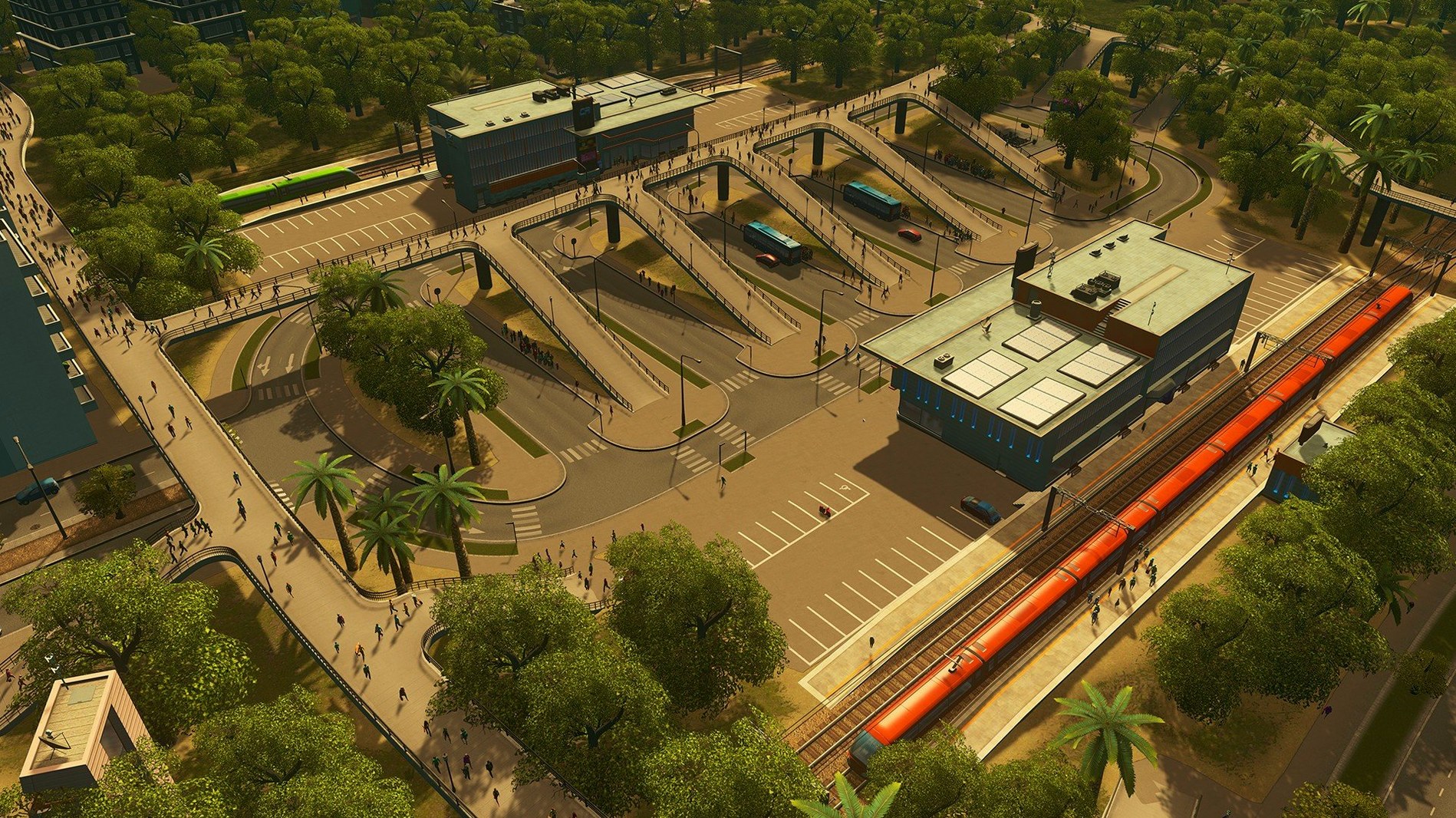
- Manage the traffic. Once a few thousand citizens move in, the road network becomes the real puzzle. The game simulates every vehicle individually, so a poorly timed traffic light or a missing turning lane can clog an entire district. You redesign junctions, add roundabouts, trial one-way systems.
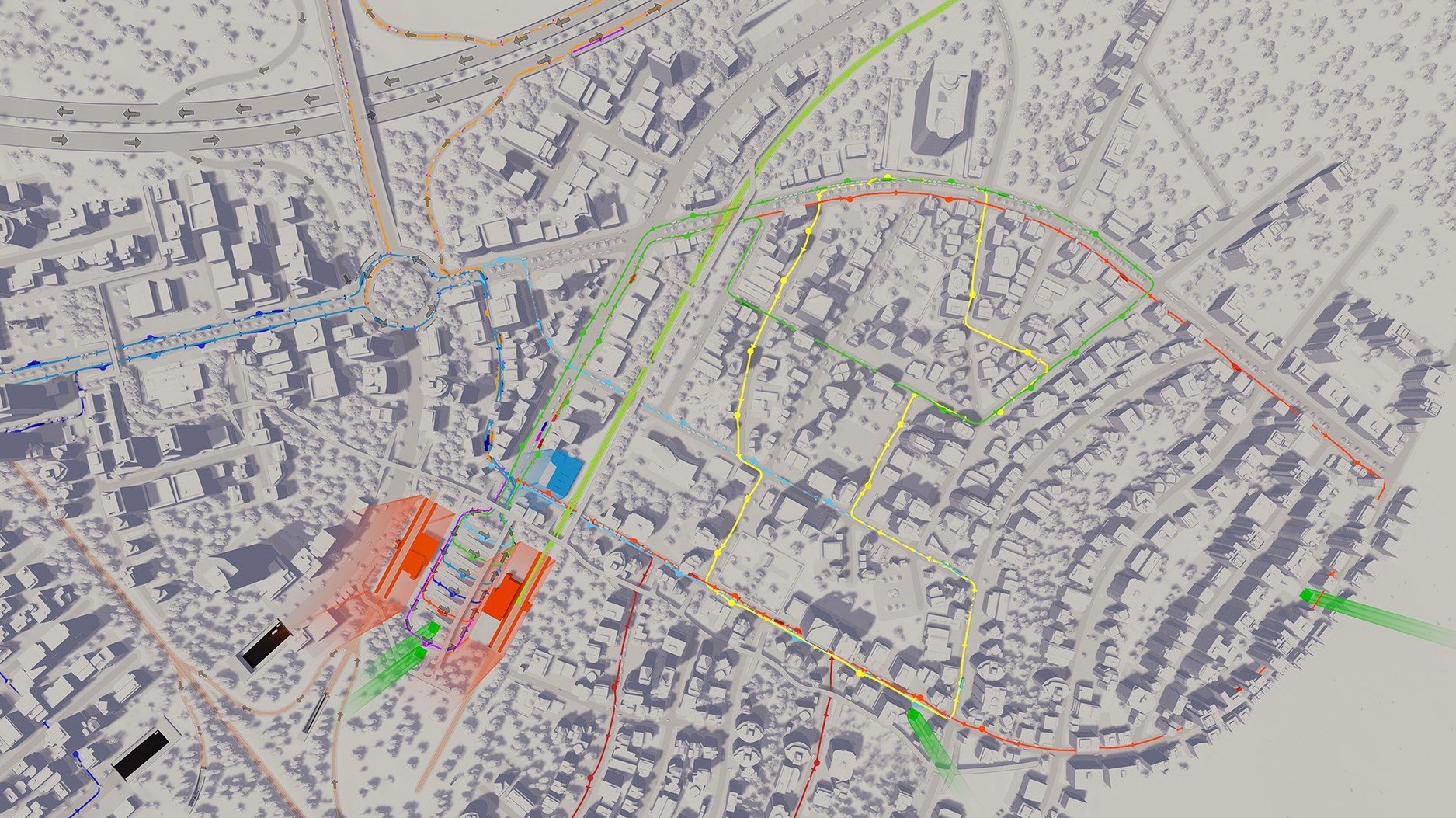
- Paint policies onto districts. You draw a district boundary over a neighbourhood and assign specific rules — a heavy-traffic ban in the old town, a recycling policy in the suburbs, legalised cannabis in the student quarter. Each policy changes how that patch of the city behaves and budgets itself.
Beneath the surface, the game keeps a detailed simulation running: individual citizens have homes, jobs and daily routes, emergency vehicles fight through traffic, and land values shift with noise and pollution. When the vanilla tools feel limiting, the modding community offers new maps, custom buildings and entirely reworked systems — all of which slot into a build that, as of version 1.21.1-f9, remains stable for Intel Macs.
Day-night cycle shifts demand, traffic, and crime
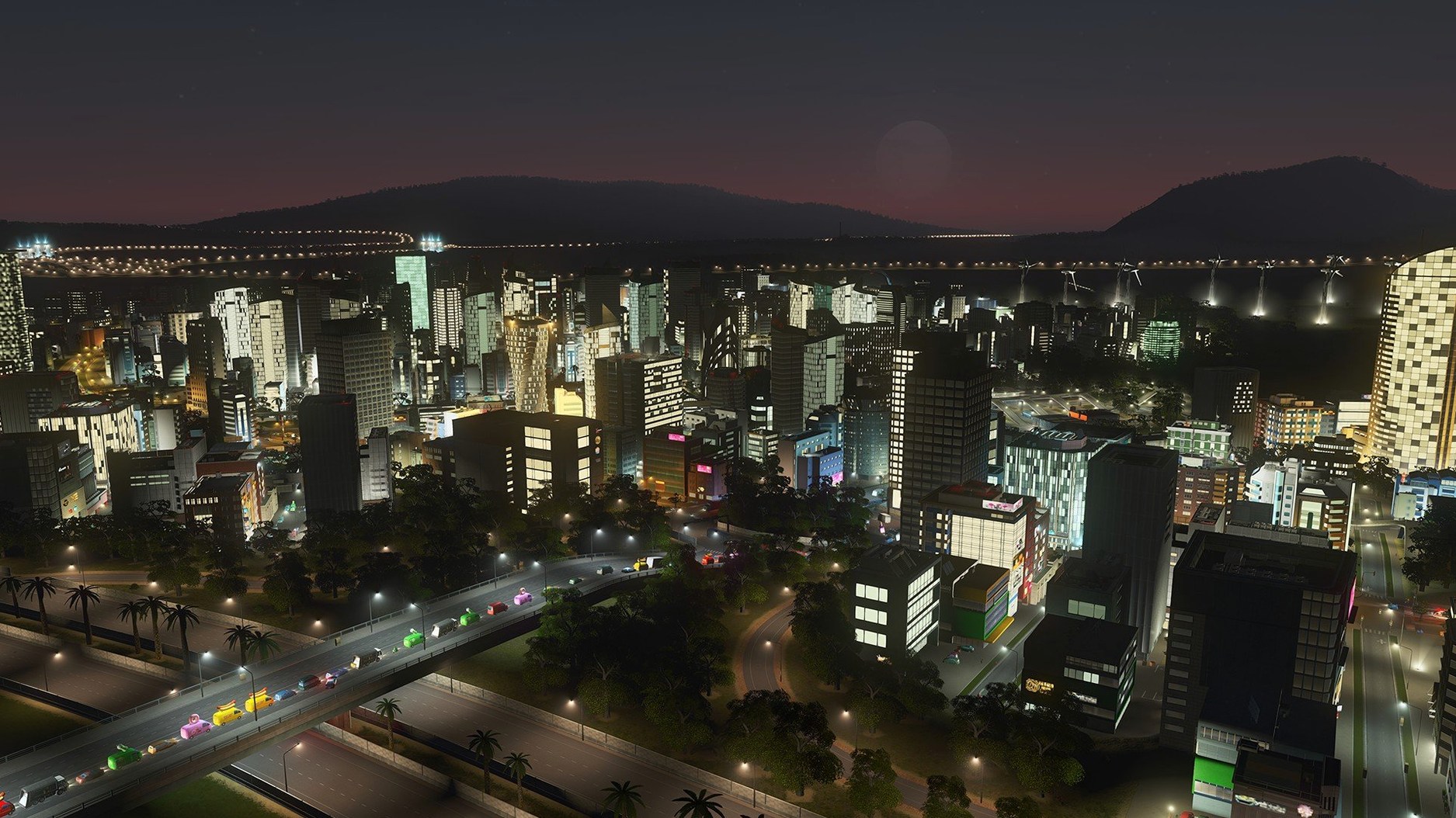
Does the day-and-night cycle actually affect gameplay, or is it just cosmetic? It changes quite a bit. At night, commercial demand dips and traffic thins out, but crime ticks upward if your police coverage is patchy. You can toggle the cycle off if you would rather build under permanent daylight, but leaving it on forces you to think about shift work for services and how a district feels after dark — well-lit streets genuinely make a difference to land value.
Will my old mods break after the 1.21.1-f9 patch? Almost certainly not. The two fixes in this update are tiny — one stops trees on roads from reverting to default saplings when you reload a save, the other stops trolleybuses from turning invisible. Neither touches the simulation engine or the asset pipeline, so your custom maps, custom buildings and traffic mods should carry on without a hiccup.
Can I play this on an Intel Mac without it cooking my lap? The game is native x86 64-bit, so there is no Rosetta translation overhead. That helps. You will still want to drop the shadow quality and anti-aliasing a notch on older machines, but a Mac with decent cooling handles a city of 50,000 without turning into a desk fan orchestra.
SimCity 4 offers regions and a smaller simulation scale
Set Cities: Skylines next to SimCity 4 Deluxe and the difference is the scale of simulation. SimCity 4 is still beloved for its region play and its crisp isometric charm, but on a Mac it runs through a compatibility wrapper and the pathfinding feels a generation older — traffic bottlenecks there are more about abstracted congestion numbers than about watching individual cars stack up at a badly phased junction. Skylines puts the traffic model front and centre, and the ability to draw custom districts with bespoke policies gives you a finer brush for shaping how a neighbourhood actually lives.
Compare it with Workers & Resources: Soviet Republic and the philosophy flips entirely. That game asks you to manage every ton of gravel and every kilowatt-hour; Skylines abstracts supply chains but hands you more expressive tools for road layout and zoning. If you want to build a city that looks beautiful and feels like a living diorama, Skylines wins. If you want to micro-manage a planned economy down to the last rivet, Workers & Resources is the deeper — but far less forgiving — rabbit hole.
What neither alternative offers is the sheer breadth of the Steam Workshop. A cities skylines mac free search might land you here because the base game alone is a solid 50-hour puzzle, but the real longevity comes from a community that has rebuilt the transit systems, weather effects and architectural styles several times over — and that ecosystem still hums along on Intel builds.
The 1.21.1-f9 update is a small tidy-up patch that should leave your existing mods and custom assets untouched.
- Trees placed on roads no longer revert to the default type after you reload a save.
- Trolleybuses stay visible instead of pulling a vanishing act mid-route.
- Architecture: Intel Mac
- Build: 1.21.1-f9
Questions I keep hearing
Can I create my own maps and buildings?
Yes — the game supports modifications that let you build custom maps, design new buildings and alter existing assets to fit the look of your city.
What languages are supported?
The interface is available in Russian, English, German, Spanish, Simplified Chinese, Polish, Portuguese and French, though the audio language covers only the music.
Questions from the class 0
Sign in or join the class to ask a question.
Nobody has asked anything yet. If you have used it on a real job, say what the file did.
Also on the Games shelf
The whole Games shelf Civilization V
Marches a chosen nation from a single settler to a space-age superpower on a hex-grid world.
Civilization V
Marches a chosen nation from a single settler to a space-age superpower on a hex-grid world.
 Chilla's Art Okaeri
Traps you in an ordinary Japanese home where your mother's absence twists into a quiet nightmare.
Chilla's Art Okaeri
Traps you in an ordinary Japanese home where your mother's absence twists into a quiet nightmare.
 Cheap Car Repair
Tasks you with diagnosing and fixing battered cars in a post-communist workshop on a shoestring budget.
Cheap Car Repair
Tasks you with diagnosing and fixing battered cars in a post-communist workshop on a shoestring budget.
 Celeste
Guides a young climber up a treacherous mountain through hundreds of instant-respawn platforming rooms.
Celeste
Guides a young climber up a treacherous mountain through hundreds of instant-respawn platforming rooms.
 Castle Crumble
Challenges you to topple ancient fortresses with a limited supply of physics-driven cannonballs.
Castle Crumble
Challenges you to topple ancient fortresses with a limited supply of physics-driven cannonballs.
 Command & Conquer: Generals
Rethinks real-time strategy missions by scripting victory conditions beyond base capture.
Command & Conquer: Generals
Rethinks real-time strategy missions by scripting victory conditions beyond base capture.
 Borderlands 2
Sends you on a co-op treasure hunt across a hostile planet with a billion procedurally generated guns.
Borderlands 2
Sends you on a co-op treasure hunt across a hostile planet with a billion procedurally generated guns.
 Counter-Strike: Source
Brings the defining team-based tactical shooter into a physics-driven engine for offline practice.
Counter-Strike: Source
Brings the defining team-based tactical shooter into a physics-driven engine for offline practice.