 ASPNetWorld

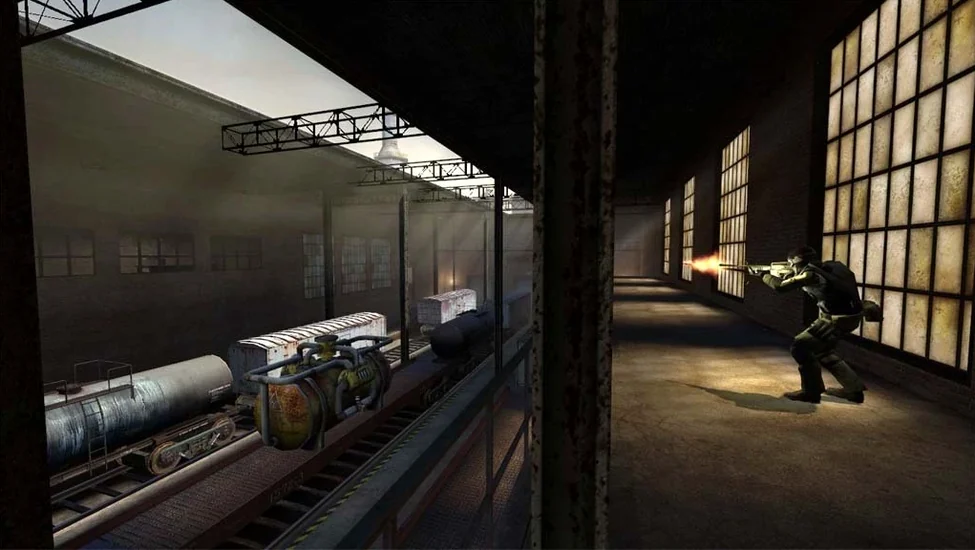
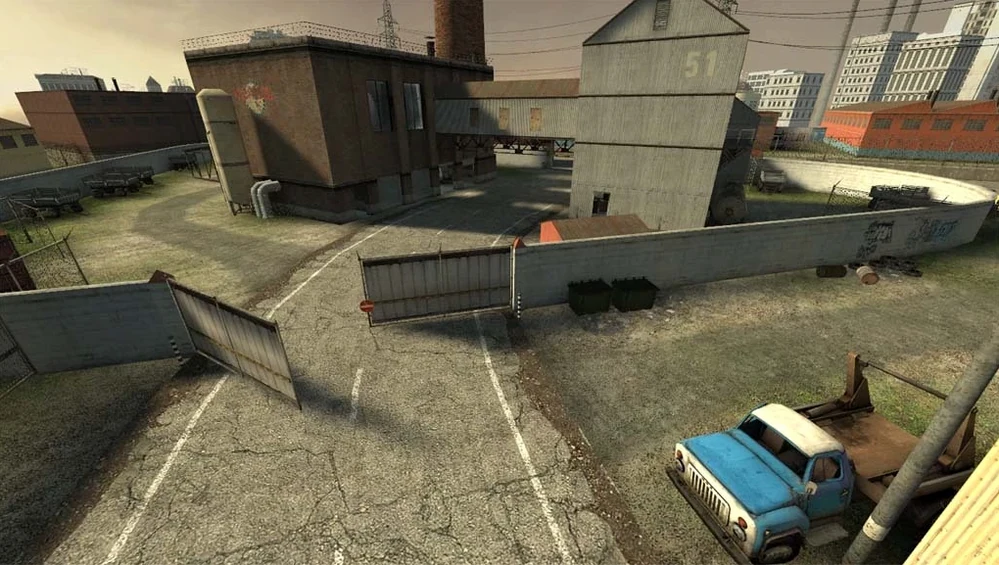
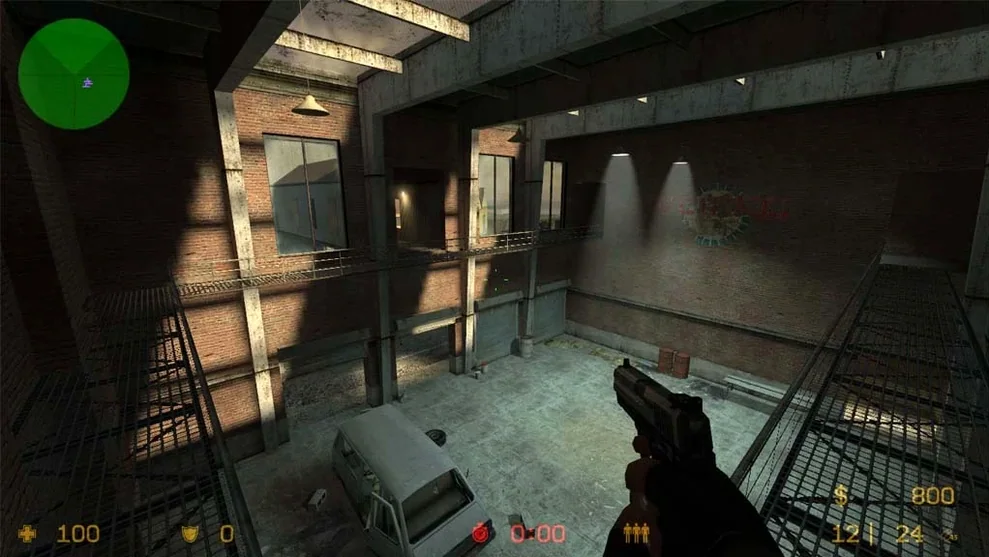
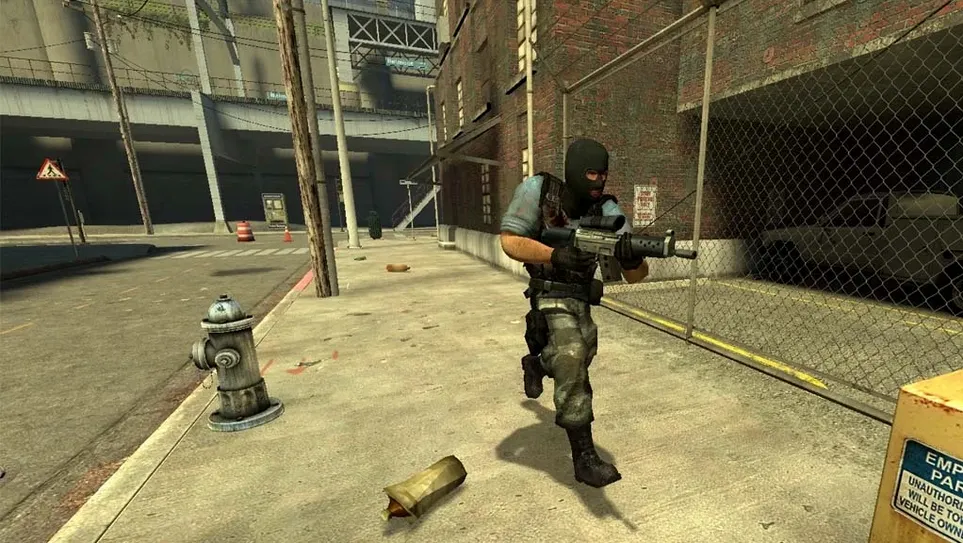
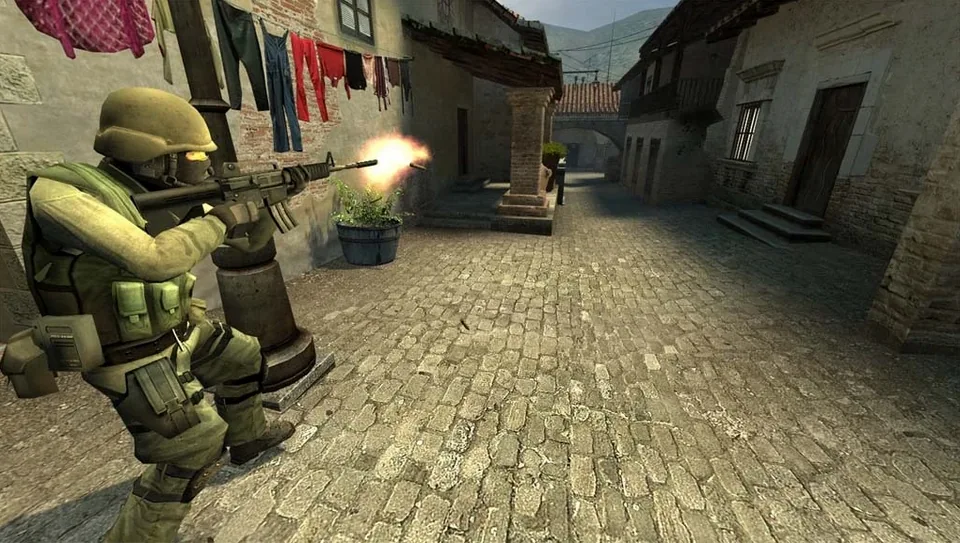
Released on November 1, 2004, Counter-Strike: Source brought the defining team-based shooter into Valve's new Source engine, introducing physics objects that react to bullets and grenades. This macOS package delivers the core offline experience, letting you explore the game's mechanics against AI opponents. Multiplayer is absent here, but the full roster of classic maps and weapon-handling physics is present and correct. Whether you're dodging a clattering barrel on Dust II or testing spray patterns on an empty server, the box contains a complete snapshot of a game that shaped a generation of competitive shooters.
- Classic bomb-defusal and hostage-rescue maps. The rotation includes Dust II, Aztec, Office and Italy, each carefully ported with Source's dynamic lighting and reflective water.
- Configurable offline bot matches. Fill a server with AI-controlled teammates and enemies. Bot difficulty and weapon preferences are adjustable, turning each match into a custom training drill.
- Full weapon and equipment arsenal. Every iconic firearm, from the suppressed M4A1 to the AWP sniper rifle, handles with the recoil patterns and spread that veterans remember.
- Physics-based environmental objects. Steel drums, tyres and wooden crates tumble realistically. A stray grenade can send a filing cabinet skidding across an office floor, occasionally with tactical consequences.
- Source engine visual features. Dynamic shadows, bloom lighting and water shaders give these early-2000s arenas a look that still holds a clean, readable charm.
- Seventeen interface languages. Switch between English, Russian, French, German, Japanese, Simplified Chinese and more by editing a single configuration file inside the app bundle.
The game runs as a self-contained package. If you encounter a launch error, a utility on the disk image straightens things out. It's a friction-free way to revisit a milestone in first-person shooter design, minus the server browsers and headset chatter.
Launching a 2004 game on Apple Silicon without hassle
One concern I hear a lot in the classroom is whether a Source engine game from 2004 will even launch on a modern Mac. This build has been wrapped and tested on Apple Silicon under macOS Tahoe, and on a Mac mini M4 it starts without fuss. The crucial detail is the Fix file sitting on the disk image — it’s not a patch so much as a permissions tidy-up. If you see an error dialogue on first launch, run it once and the app settles in.
Another question is about the offline-only nature. The original Steam version offered cross-platform multiplayer, but this package strips that out. You still get the full bot experience: every official map is playable with AI opponents that understand basic tactics. They’ll camp, rush and occasionally fumble a flashbang just like a real teammate. It’s a different rhythm from online play, but it’s surprisingly good for learning call-outs and practising peeking angles without an audience.
People also wonder about the Wineskin layer. In simple terms, it’s a translation wrapper that lets the Windows version of the game talk to macOS. You don’t need to install anything extra — the wrapper is baked in. The trade-off is a slightly larger app bundle, but the benefit is that you’re running the same build that PC players remember, complete with the original physics quirks and weapon balance.
Why Source feels lighter than Counter-Strike 2 on Mac
If you’ve tried Counter-Strike 2, you’ll notice immediately how much lighter Source feels. CS2 leans on newer rendering techniques and a heavier server-side model; Counter-Strike: Source runs locally with none of that overhead. The map geometry is simpler, the weapon switching snappier, and the whole experience fits into a few gigabytes rather than the sprawling footprint of modern competitive shooters.
Compared to Call of Duty: Black Ops 3 on Mac, the difference is structural. Black Ops offers a cinematic campaign with set-piece moments, wall-running and specialist abilities. Counter-Strike: Source is more of a tactical skeleton: you, a weapon, a bomb site and the consequences of every footstep. One isn’t better — they just exercise different muscles. Where Black Ops rewards momentum and spectacle, Source rewards patience and map knowledge.
Against something like Insurgency, the contrast sharpens further. Insurgency shares the round-based, no-respawn DNA, but adds a layer of realism — harsher suppression, iron-sight focus and a grittier damage model. Counter-Strike: Source sits in a sweet spot between that and the arcade pace of older arena shooters. The recoil patterns are learnable, the movement is crisp, and the physics objects keep the battlefields from feeling static without tipping into full simulation territory.
A self-contained app with no launcher left running
The beauty of a self-contained app like this is how politely it behaves alongside everything else. You can fire it up straight from Launchpad, and because it doesn’t rely on Steam or any background service, there’s no launcher lingering after you quit. I often keep it pinned in a separate desktop space: switching between a bot match on Office and a Logic Pro session is a two-finger swipe, no alt-tabbing through overlapping windows.
It also plays nicely with macOS’s built-in screen recording. If you want to capture a quick clip of a well-thrown smoke grenade, the Screenshot tool (Shift-Command-5) records the game window without needing OBS or third-party capture software. Voice chat isn’t in the picture, so you won’t accidentally record Discord chatter over your footage — useful for clean tutorial clips.
The config file approach to language switching means you can script a quick Automator workflow to swap between, say, Russian and French without manually digging into the bundle each time. It’s the kind of small integration that makes the package feel less like a port and more like a native Mac citizen, even if it wears a Wineskin coat. If you’ve previously grabbed a counter-strike source mac download that required fiddly terminal commands, this version will feel refreshingly straightforward.
A major update brought achievements, player stats tracking and underlying engine improvements to the game, features that Valve later integrated as standard. The macOS port dates back to June 23, 2010.
- macOS: macOS Tahoe
- Architecture: Apple Silicon (tested on Mac mini 2024 M4)
Questions I keep hearing
Can I play Counter-Strike: Source online with this macOS package?
No, this particular build is set up for offline play against bots. Online multiplayer requires connecting through Steam and is not part of this installation.
Questions from the class 0
Sign in or join the class to ask a question.
Nobody has asked anything yet. If you have used it on a real job, say what the file did.
Also on the Games shelf
The whole Games shelf Crimson Desert
Follows a mercenary through vast battles and intimate duels on a war-scarred continent.
Crimson Desert
Follows a mercenary through vast battles and intimate duels on a war-scarred continent.
 Crusader Kings III
Simulates a medieval dynasty where your real resource is the tangled web of relationships.
Crusader Kings III
Simulates a medieval dynasty where your real resource is the tangled web of relationships.
 Cuphead
Teaches you to treat each boss death as a drum beat in a long, hand-drawn jazz number.
Cuphead
Teaches you to treat each boss death as a drum beat in a long, hand-drawn jazz number.
 Command & Conquer: Generals
Rethinks real-time strategy missions by scripting victory conditions beyond base capture.
Command & Conquer: Generals
Rethinks real-time strategy missions by scripting victory conditions beyond base capture.
 Dead Cells
Reshuffles its castle every time you fall, so knowledge of its systems is your only true upgrade.
Dead Cells
Reshuffles its castle every time you fall, so knowledge of its systems is your only true upgrade.
 Dead Island
Drops you into a tropical zombie outbreak where a makeshift paddle can save your life.
Dead Island
Drops you into a tropical zombie outbreak where a makeshift paddle can save your life.
 Civilization V
Marches a chosen nation from a single settler to a space-age superpower on a hex-grid world.
Civilization V
Marches a chosen nation from a single settler to a space-age superpower on a hex-grid world.
 Cities: Skylines
Hands you a bare plot and a budget so you can zone, pipe, and police a metropolis into existence.
Cities: Skylines
Hands you a bare plot and a budget so you can zone, pipe, and police a metropolis into existence.