 ASPNetWorld

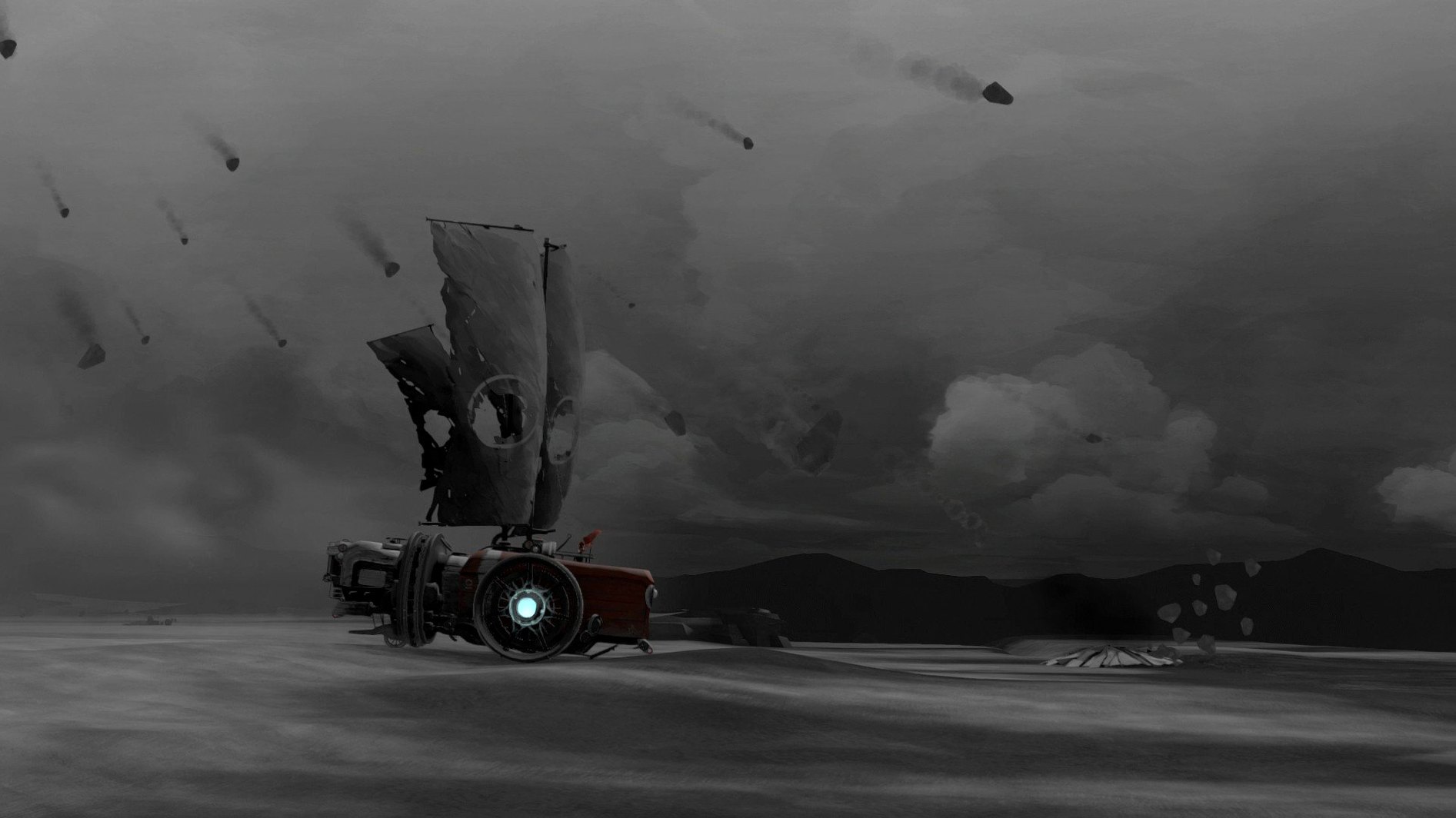
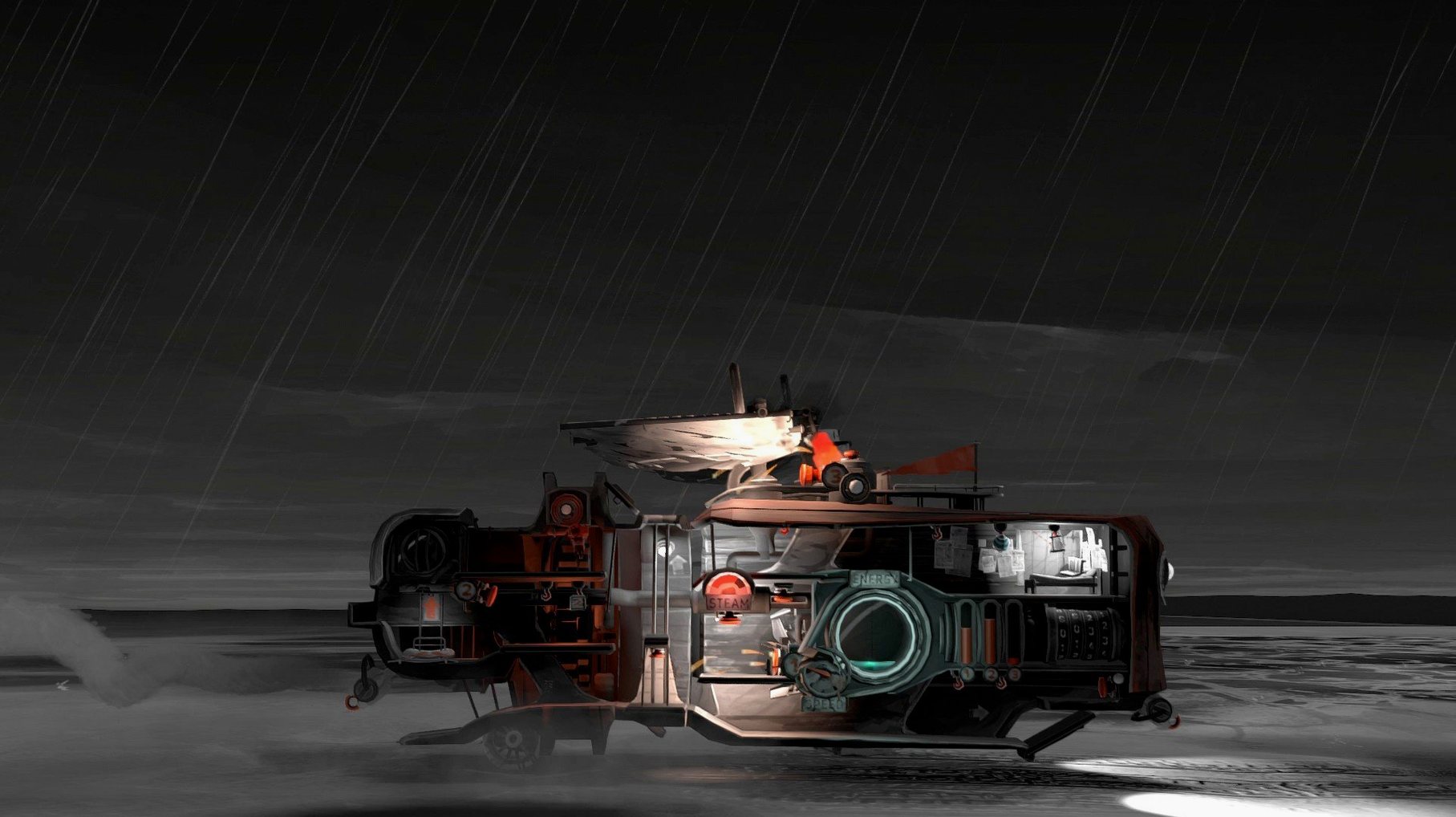
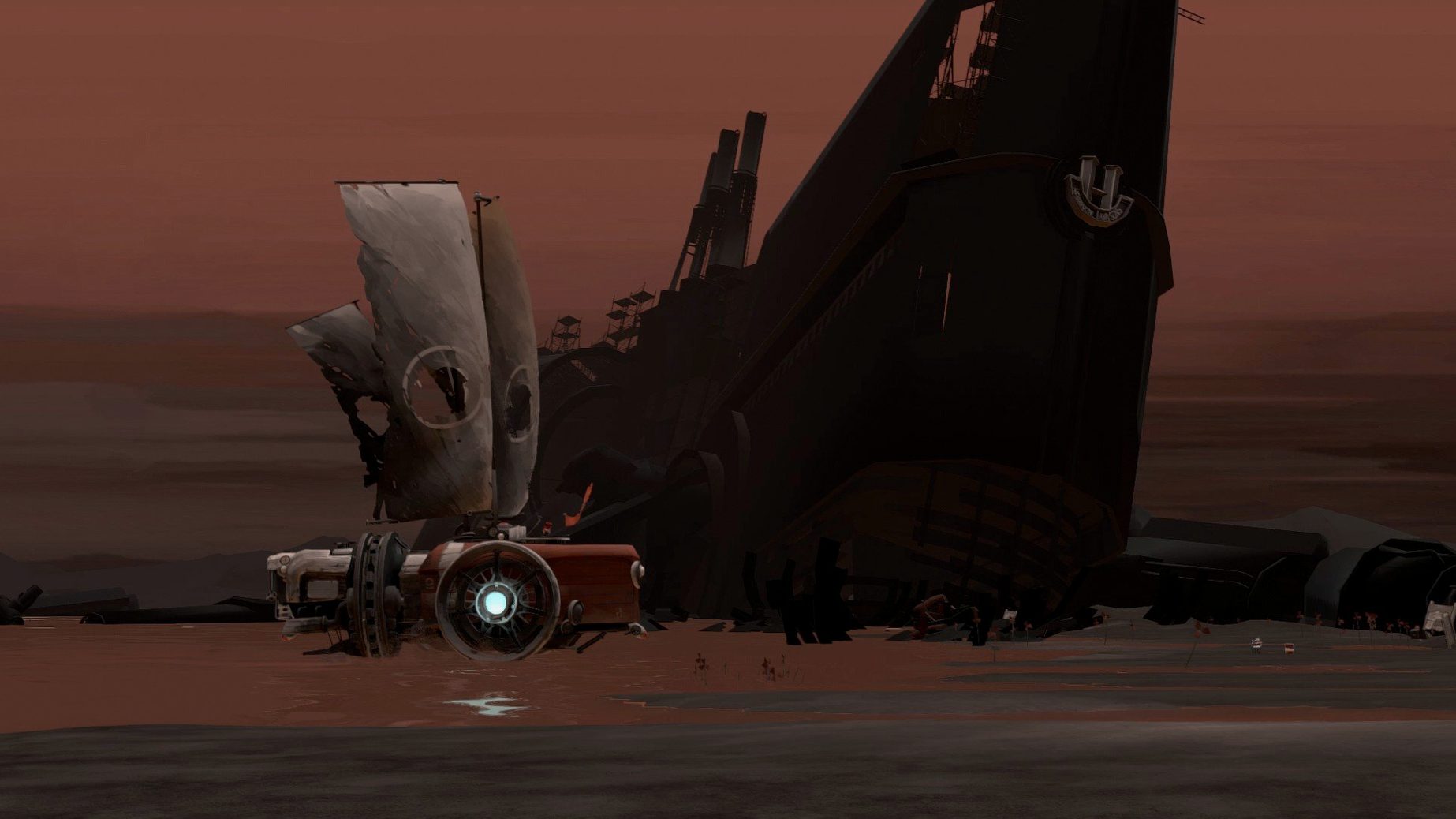
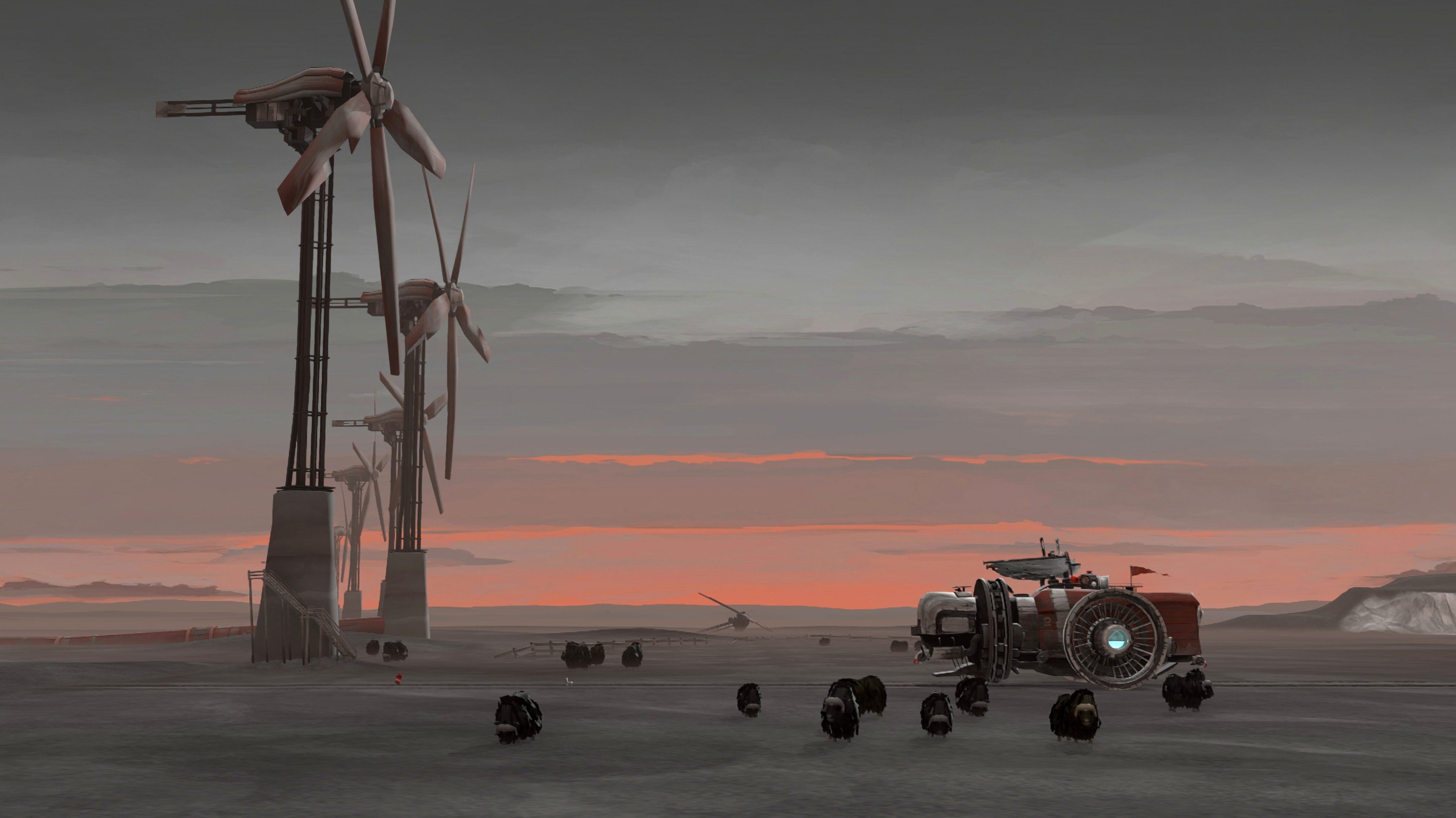
FAR: Lone Sails is an adventure game that puts you in charge of a lumbering, sail-powered vehicle crossing the floor of a long-dead ocean. The world you travel through is a post-apocalypse without zombies, where the only threats are the weather, the terrain, and the slow decay of your own machine. Relics and crumbling buildings dot the landscape, telling a quiet story of a fading civilization without a single word of dialogue. The music is the sole voice, and it carries the mood beautifully.
This game is for the player who finds joy in the journey rather than a sprint to a finish line. Progress is deliberately slow. You'll spend your time managing fuel, mending sails, and solving the practical puzzles that keep your creaking vessel moving. There are no enemies to fight and no frantic chases. If you need a constant drip-feed of action or quick rewards, the long, contemplative stretches between ruined waypoints will likely feel empty. For the right person, though, those stretches are where the game truly lives.
The difficult weather conditions make every mile feel earned. A sudden headwind can stall you, and a storm can break something vital just as you spot shelter on the horizon. It's a gentle but persistent pressure, rewarding careful planning and a calm head. This is a game you sink into with a warm drink, not one you play for a quick adrenaline hit.
Hold interact to feed the engine while moving
The game deliberately teaches you very little beyond the absolute basics, which means a handful of genuinely useful shortcuts stay hidden unless you stumble across them by accident. One of the most helpful is the ability to hold the interact button while walking past fuel blocks or repair items. Instead of stopping to pick up each one individually, your character scoops them up in a smooth, continuous motion. It saves a surprising amount of time when you are restocking after a storm.
Another quiet time-saver lives in the engine room. You can queue up multiple fuel items by tossing them onto the conveyor belt before the previous one has finished burning. The system won't complain; it simply holds the next piece ready and feeds it in automatically. This frees you to dash upstairs and adjust the sails without the engine stalling halfway through a steep incline. Similarly, the steam-release lever has a sweet spot — pulling it down only partway vents just enough pressure to slow the vehicle without wasting a full tank of built-up steam. Mastering that partial pull turns a clunky mechanic into something that feels surprisingly precise.
Plays nicely with Mission Control and native fullscreen
FAR: Lone Sails doesn't plug into other apps in the way a music production tool or a text editor might, but it respects the macOS environment more thoughtfully than many indie ports. The game plays nicely with Mission Control and desktop switching, so you can three-finger swipe to a browser to check a walkthrough or glance at a map without the game seizing up or dropping to a juddery windowed mode. On an Intel Mac, the fan will eventually spin up during longer sessions, though the load is steady rather than spiky.
It also responds well to macOS's built-in screenshot tools. Pressing Shift-Command-4 drops you straight into crosshair selection without pausing the game awkwardly, which matters because the world is full of moments you'll want to keep — a silhouette against a red sky, a bridge folding into the haze. The DRM-free build means the game runs entirely self-contained in its application bundle, so it won't scatter support files across your Library folders or demand constant online checks. For anyone who keeps a tidy Mac, that's a small but real kindness.
The one integration worth noting is with VoiceOver and the Accessibility Shortcuts panel. While the game itself is almost entirely visual, the fact that it launches without fighting against system-level accessibility hooks means you can keep your usual assistive setup running in the background without conflicts. Not every game manages that.
Climbing into the cab and waiting instead of tending systems
The most common early blunder is treating the vehicle like something you simply ride. New players often climb into the cab, set the sails, and wait. The vehicle's various systems — engine, steam pressure, sail angle, the firebox — all degrade if you ignore them, and a neglected component tends to fail at the worst possible moment. You are the crew, not a passenger. Check the pressure gauge before it screams at you.
Another frequent mistake is hoarding fuel too cautiously early on. The landscape is littered with crates and barrels, and the game expects you to burn through a fair amount to keep momentum through difficult sections. Players who ration too tightly end up crawling along at a fraction of the intended pace, which drains the journey of its rhythm. Use what the landscape gives you; it won't run out before the next supply point.
Beginners also tend to abandon the vehicle to explore on foot without checking the weather first. Walking away from the hull in clear skies is safe enough, but if a storm rolls in while you're a hundred metres from the anchor, you'll be fighting against the wind to get back, and your unattended machine may have taken damage by the time you reach it. A quick glance at the horizon before you hop down saves a lot of backtracking in a panic.
Finally, there's the siren call of the far lone sails mac download — a search that brings people here looking for a working build, and one that often leads players to rush the installation without reading the simple steps. The disk image just needs opening and the application dragging to the Applications folder. Skipping that last part and running the game straight from the mounted image works for a session, but it leaves your save data in a fragile temporary location. Drag it across properly and you won't lose progress when you reboot.
- macOS 11.0 or later
- Intel processor
Questions I keep hearing
Is FAR: Lone Sails part of a series?
Yes, it's the first game in the FAR universe, followed by FAR: Changing Tides.
Questions from the class 0
Sign in or join the class to ask a question.
Nobody has asked anything yet. If you have used it on a real job, say what the file did.
Also on the Games shelf
The whole Games shelf Fallout: A Post Nuclear Role Playing Game
Drops you into a retrofuturistic wasteland to survive and explore.
Fallout: A Post Nuclear Role Playing Game
Drops you into a retrofuturistic wasteland to survive and explore.
 Farming Simulator 25
Lets you run a working farm from planting to harvest.
Farming Simulator 25
Lets you run a working farm from planting to harvest.
 Fear & Hunger
Places you in a grim dungeon where survival depends on luck and nerve.
Fear & Hunger
Places you in a grim dungeon where survival depends on luck and nerve.
 Factorio
Challenges you to design and automate ever-growing production chains.
Factorio
Challenges you to design and automate ever-growing production chains.
 Europa Universalis IV
Puts you in charge of a nation's trade, diplomacy, and growth over centuries.
Europa Universalis IV
Puts you in charge of a nation's trade, diplomacy, and growth over centuries.
 Firewatch
Puts you on a mountain lookout with a radio and a mystery to unravel.
Firewatch
Puts you on a mountain lookout with a radio and a mystery to unravel.
 Euro Truck Simulator 2
Settles you behind the wheel for long-haul deliveries across calm roads.
Euro Truck Simulator 2
Settles you behind the wheel for long-haul deliveries across calm roads.
 Escape from Duckov
Sends you on short solo raids where every trip teaches you a little more about survival.
Escape from Duckov
Sends you on short solo raids where every trip teaches you a little more about survival.