 ASPNetWorld
NBA 2K25 Arcade Edition runs on any Mac with an M1 or newer Apple Silicon chip, and on Intel Macs with a 64-bit processor. You’ll need macOS 11.0 or later, and the game is tested and working on macOS Sequoia. It handles both architectures natively, so no emulation layer gets in the way.
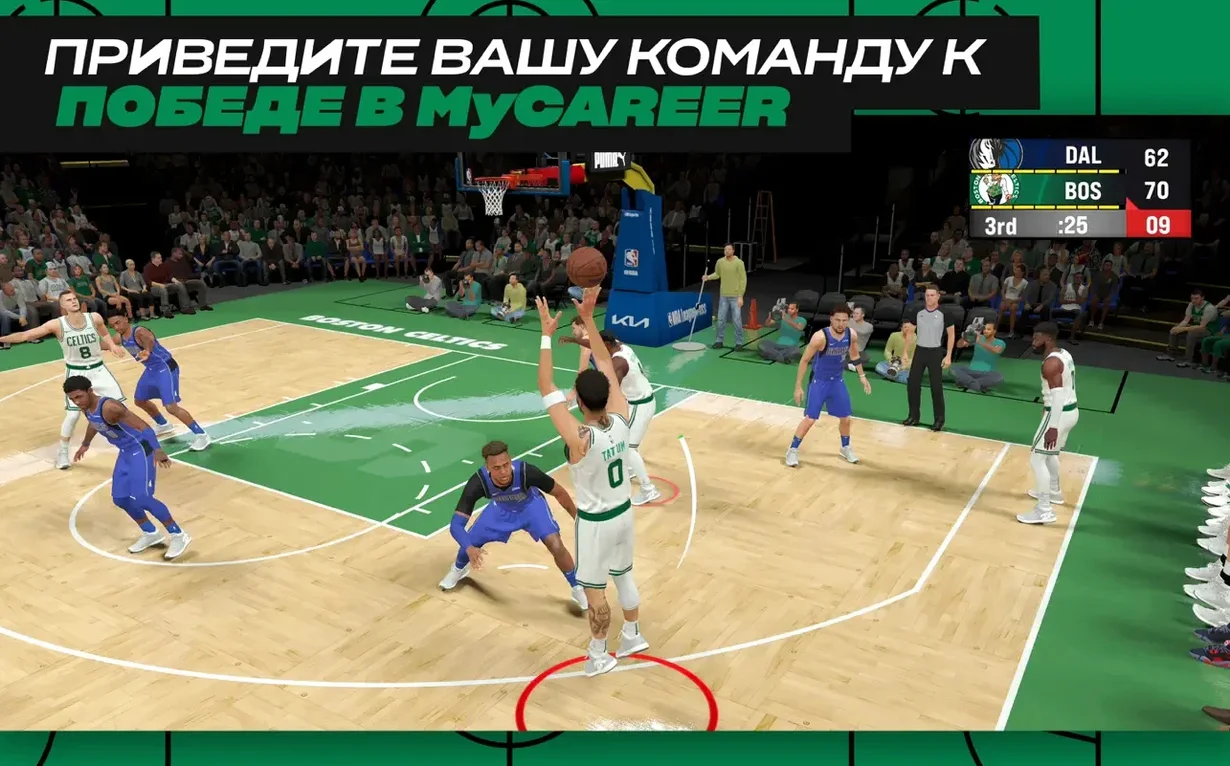
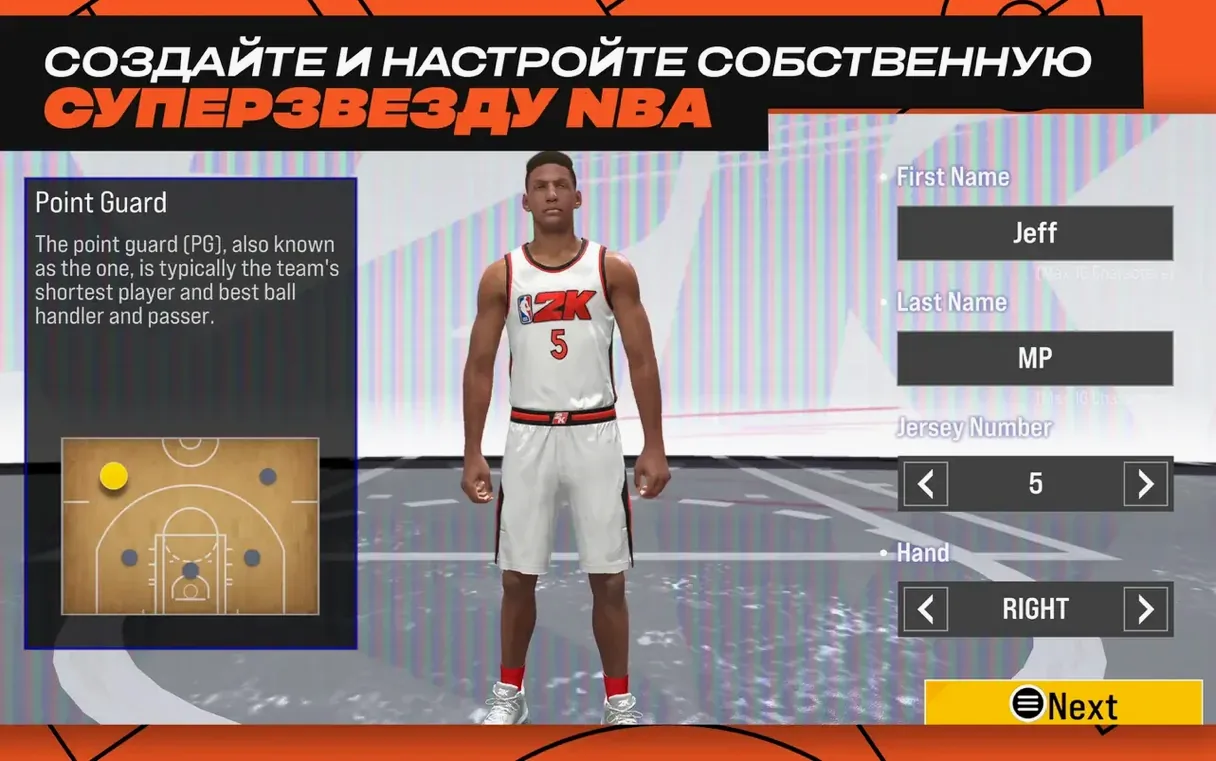
Once you’re on the court, minute-to-minute play moves between three distinct experiences. In MyCAREER, you build a player from scratch — choosing height, wingspan, weight, and a play style that dictates whether you’re a sharpshooting guard, a paint-dominating centre, or a versatile forward. From there, you travel through a career path that mixes full NBA games with training drills and quest-based objectives. Completing quests earns rewards that feed back into your MyPLAYER’s stats and badge progression, so your on-court strengths evolve the more you play.
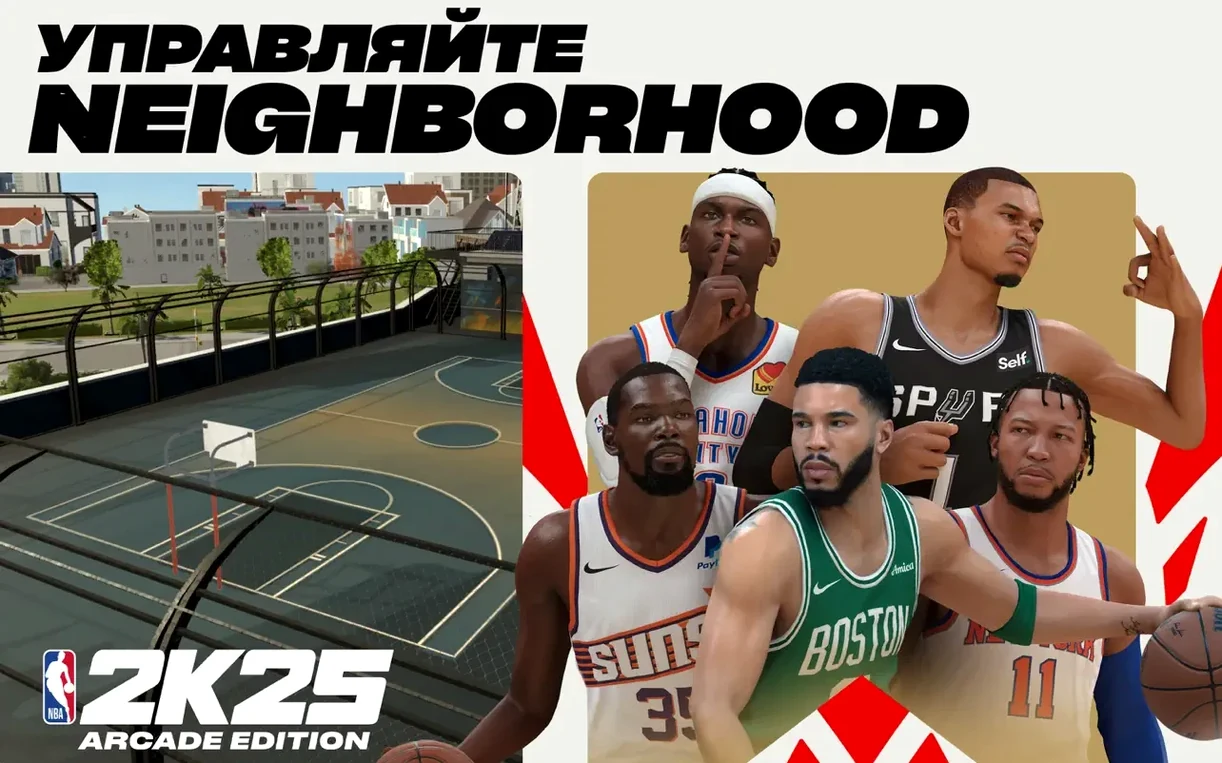
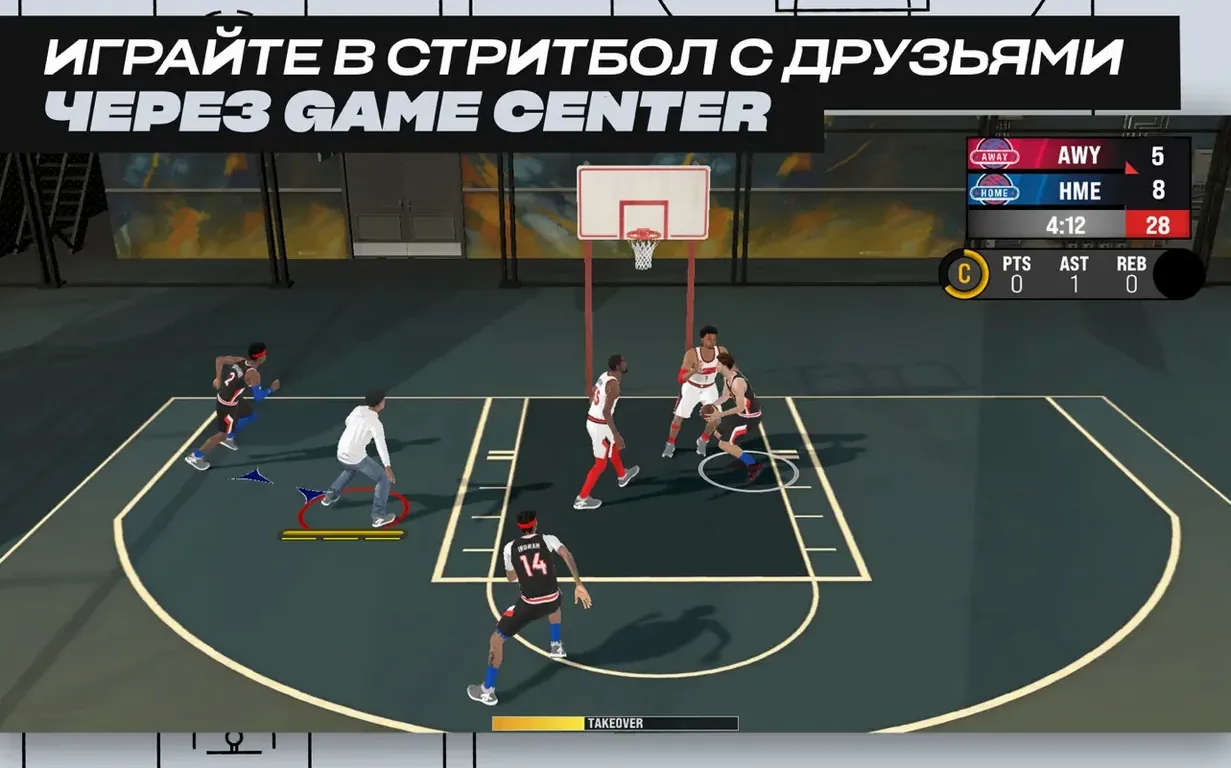
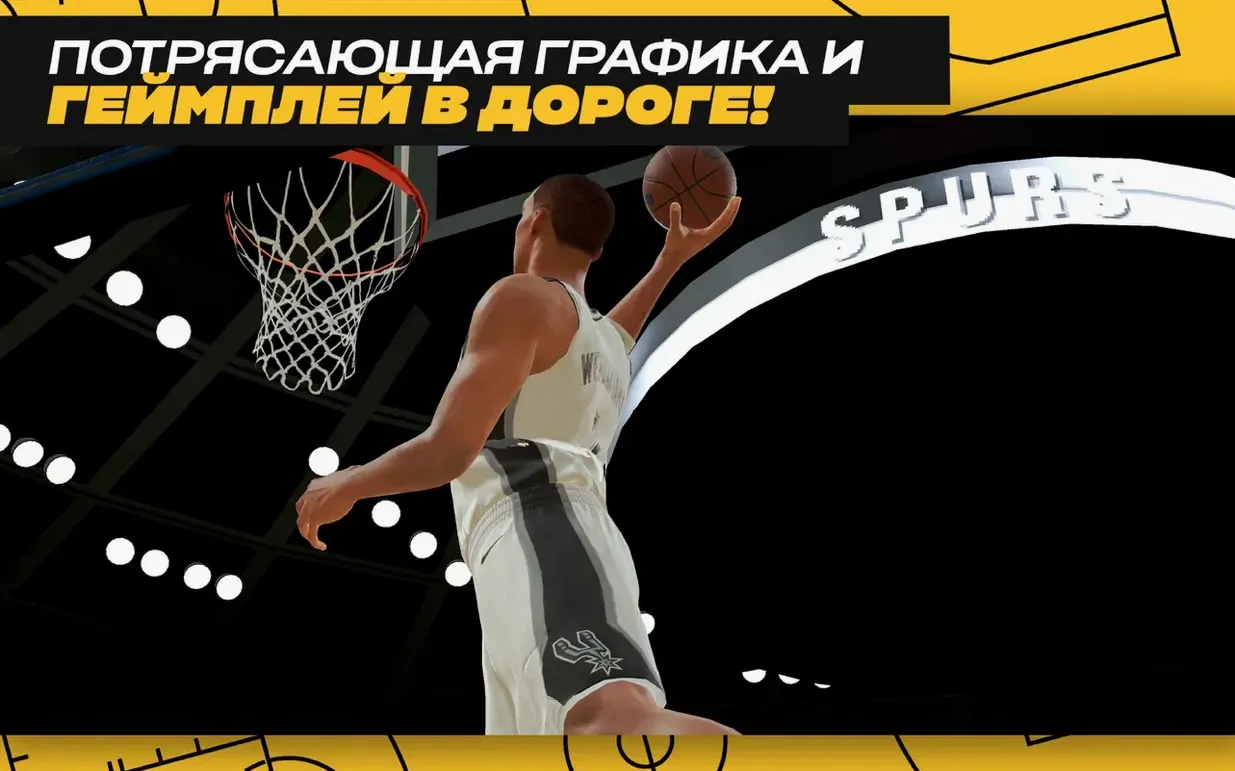
The Neighborhood acts as a hub where your customised MyCOURT lives alongside outdoor asphalt courts. You can switch from a polished indoor scrimmage to a streetball run without leaving the same connected space. Street games come in 1-on-1, 3-on-3, and 5-on-5 formats, and the rhythm feels looser and faster than an NBA regulation match — fewer whistles, more improvisation. The outdoor courts have a different bounce and visual feel, with Apple Music providing the background soundtrack as you chain dribble moves and look for an open lane.
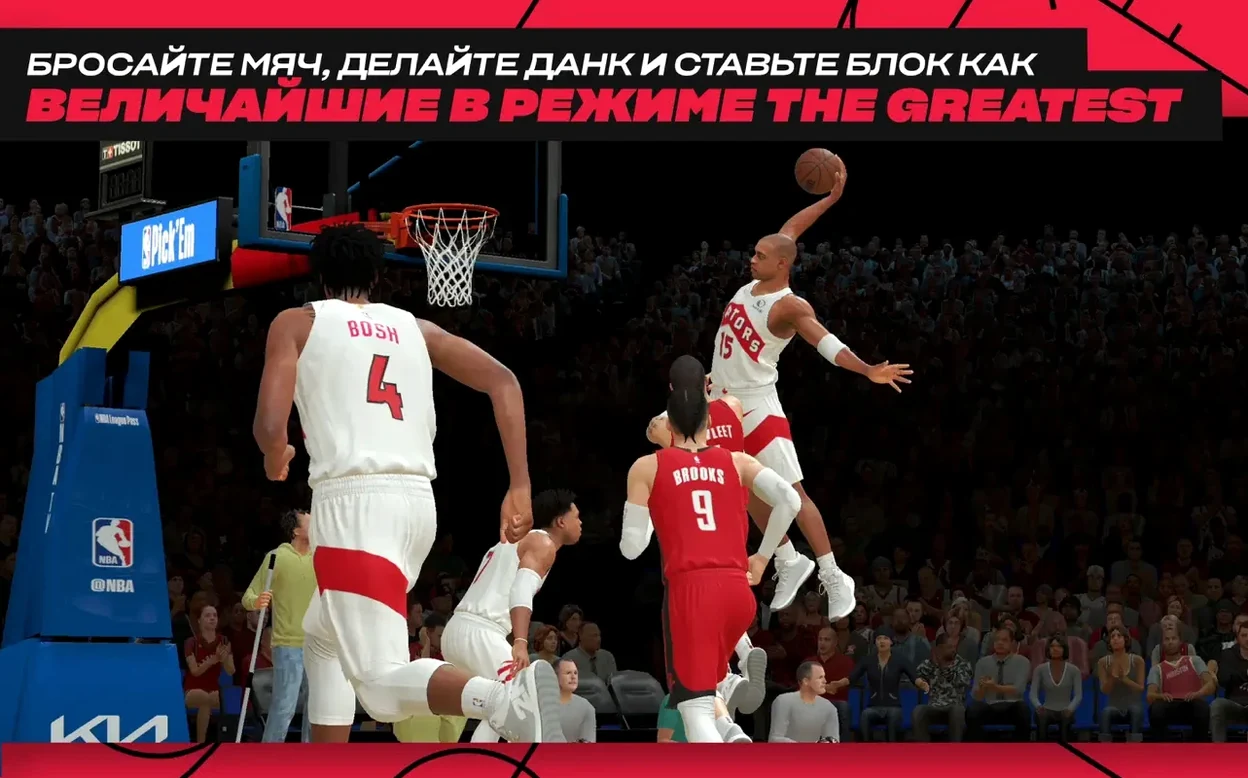
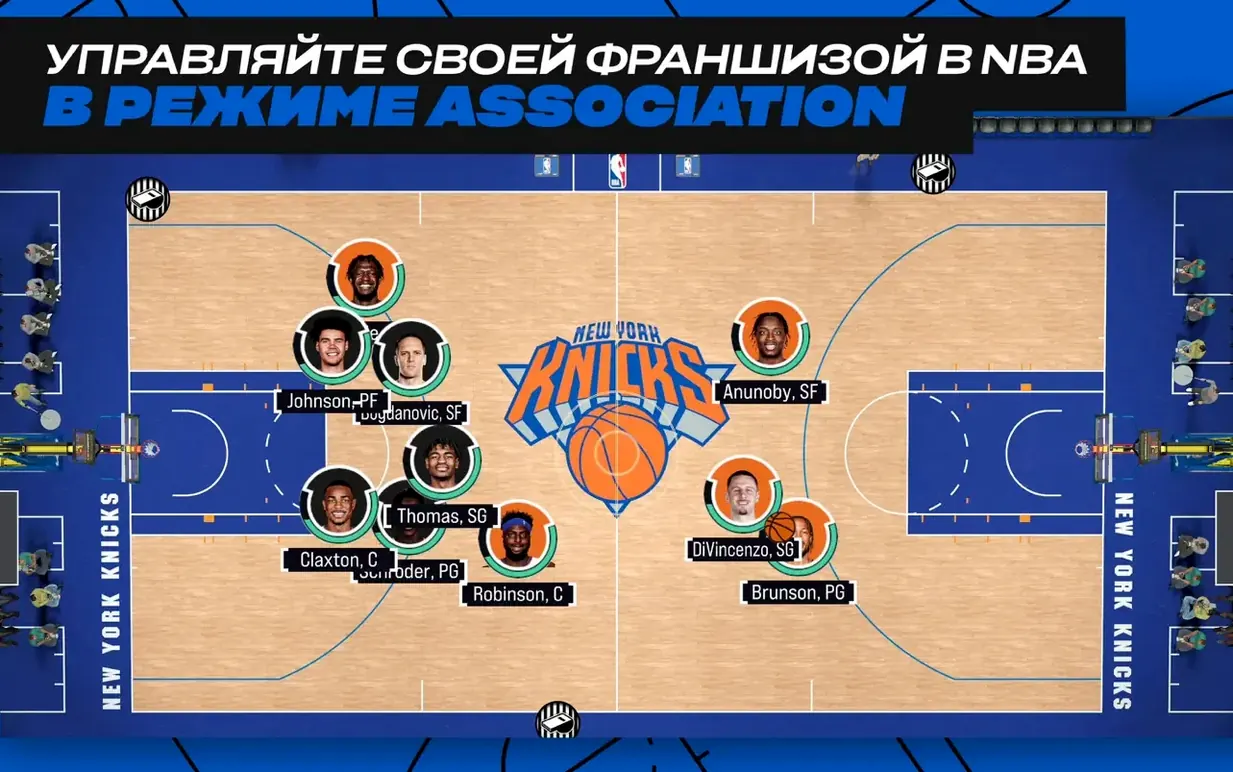
Beyond your own player, the Greatest mode and the team-management side let you step back and control a full roster. You call plays, manage rotations, and try to exploit match-ups across a full season, while the updated badge system keeps individual player progression meaningful regardless of which mode you’re in.
Building a Two-Way Guard: A Start-to-Finish Workflow
Let’s walk through creating a player type that forces you to contribute on both ends — a two-way guard who can pressure the ball and still run the offence. Open MyCAREER and start with height around 6′4″, a wingspan a few inches beyond average, and weight around 195 lbs. The extra reach matters for deflections without costing too much lateral quickness. Pick the two-way slashing playmaker template if it’s available, or craft a blend that leans into perimeter defence, ball-handling, and mid-range finishing.
Your first few games inside the Neighborhood will feel scrappy. You won’t have the badge points yet to make steals stick or hit pull-up jumpers reliably. Focus on quests that reward defensive badge progress — chase-down blocks, on-ball steals, and limiting your match-up’s scoring. Each completed quest feeds points into badges like Clamps and Pick Dodger, which in turn make your player more responsive when sliding with a ball-handler. On offence, resist the urge to jack threes early. Prioritise dimer-style quests that build playmaking badges, because a guard who can collapse the defence and kick out makes everyone around them better.
Once you’ve earned enough badge points to get Clamps to silver and Quick First Step to bronze, shift your MyPLAYER’s appearance to match the role. Hit the rewards screen and pull on a pair of low-top sneakers, a compression sleeve, and a simple arm tattoo — nothing flashy, just enough to feel like the player belongs on an outdoor blacktop. From there, head to a 3-on-3 streetball game in the Neighborhood. The tighter space of the asphalt court rewards the defensive instincts you’ve been building: fewer help defenders mean your on-ball pressure actually forces turnovers that turn into instant fast-break points. Play five or six street games, then step into a Quick Match 5-on-5 game to see how the same skills translate when the spacing opens up and you’re running pick-and-roll sets against NBA defensive schemes.
The neighborhood hub now links streetball courts and your private indoor gym
The most obvious comparisons sit outside the Apple Arcade ecosystem. NBA 2K24 Arcade Edition for Mac laid the groundwork, but it didn’t bundle outdoor streetball courts and indoor MyCOURT spaces inside one connected Neighborhood hub. The shift in this release makes switching between modes feel more fluid — you aren’t backing out to menus just to change the court surface or the ruleset. The badge progression was also less granular in the previous entry, so the sense of incremental improvement is stronger here.
Basketball Classics on the Mac App Store takes a retro, side-on view that leans into team management and season simulation rather than on-court stick skills. It scratches the Association-mode itch for someone who wants to tinker with rosters and cap space, but it offers nothing close to the badge system or the streetball physicality that defines this game’s moment-to-moment feel. Where Basketball Classics treats play-calling as a menu-driven affair, this title puts you on the floor and asks you to react to a defender’s hip position in real time.
Then there’s Hoops Land, a lightweight indie title with a top-down camera and simplified controls. It’s charming for quick couch sessions, but it doesn’t try to model contact animations, foot planting, or the weight transfer of a crossover dribble. The gap widens when you look at customisation: Hoops Land gives you preset characters, whereas here you’re adjusting wingspan by inches and unlocking cosmetic rewards that actually reflect how you’ve been playing. If you want a snack-sized hoops fix, Hoops Land works. If you want the illusion that your decisions in a Tuesday-night streetball game change something about your player by Wednesday morning, this is the one that delivers.
A GM’s Evening: One User’s Scenario
Imagine someone who spends their workday staring at spreadsheets — a logistics coordinator, maybe — and unwinds by running a franchise rather than controlling a single player. They open Association mode around eight in the evening, coffee in hand, and treat the next ninety minutes like a front-office exercise. They’re not grinding for cosmetic rewards; they’re digging into rotation minutes, checking which bench player’s morale has dipped, and scanning the trade finder for a backup centre who can protect the rim without clogging the offence. The updated Greatest mode sits in the background as a palate cleanser: after a tough loss, they’ll jump into a retro matchup, pick a 2024-2025 superstar, and play ten minutes of consequence-free basketball just to remember why they love the sport. The customised MyCOURT stays largely untouched — it’s there if a friend drops by for a Game Center invite, but the real satisfaction comes from watching a team they’ve sculpted over a simulated season finally click on a back-to-back road trip.
izerVersion 1.80 fix expands the spaces you play in and how your player grows. Outdoor streetball courts join the indoor arenas, giving every session two distinct backdrops. The Neighborhood now combines your indoor MyCOURT with these outdoor asphalt runs in one connected area. A new badge system deepens MyPLAYER progression, and the Greatest mode has been refreshed with updated content.
- macOS 11.0 or later
- Apple Silicon or 64-bit Intel processor
Questions from the class 0
Sign in or join the class to ask a question.
Nobody has asked anything yet. If you have used it on a real job, say what the file did.
Also on the Games shelf
The whole Games shelf NBA 2K26 Arcade Edition
Lets you command an NBA team through a full season of five-on-five basketball.
NBA 2K26 Arcade Edition
Lets you command an NBA team through a full season of five-on-five basketball.
 My Winter Car
Tasks you with building a project car while staying fed, warm, and alive through a Finnish winter.
My Winter Car
Tasks you with building a project car while staying fed, warm, and alive through a Finnish winter.
 My Dream Setup
Lets you design a detailed room by sliding furniture freely without any snap-to-grid fighting.
My Dream Setup
Lets you design a detailed room by sliding furniture freely without any snap-to-grid fighting.
 Muse Dash
Challenges your rhythm across bright side-scrolling tracks while you tap, hold, and dodge to the beat.
Muse Dash
Challenges your rhythm across bright side-scrolling tracks while you tap, hold, and dodge to the beat.
 No, I'm Not a Human
Forces you to decide which desperate strangers to let into your shelter during an apocalypse.
No, I'm Not a Human
Forces you to decide which desperate strangers to let into your shelter during an apocalypse.
 No Man’s Sky
Explores an endless galaxy, landing on planets without a loading screen.
No Man’s Sky
Explores an endless galaxy, landing on planets without a loading screen.
 Nova Roma
Guides a fledgling settlement as you build aqueducts, manage trade, and appease the Roman gods.
Nova Roma
Guides a fledgling settlement as you build aqueducts, manage trade, and appease the Roman gods.
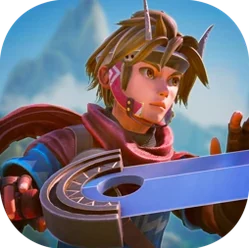 Oceanhorn 3: Legend of the Shadow Sea
Sets you loose across a flooded fantasy kingdom to sail, dive, and battle colossal mechanical Titans.
Oceanhorn 3: Legend of the Shadow Sea
Sets you loose across a flooded fantasy kingdom to sail, dive, and battle colossal mechanical Titans.