 ASPNetWorld

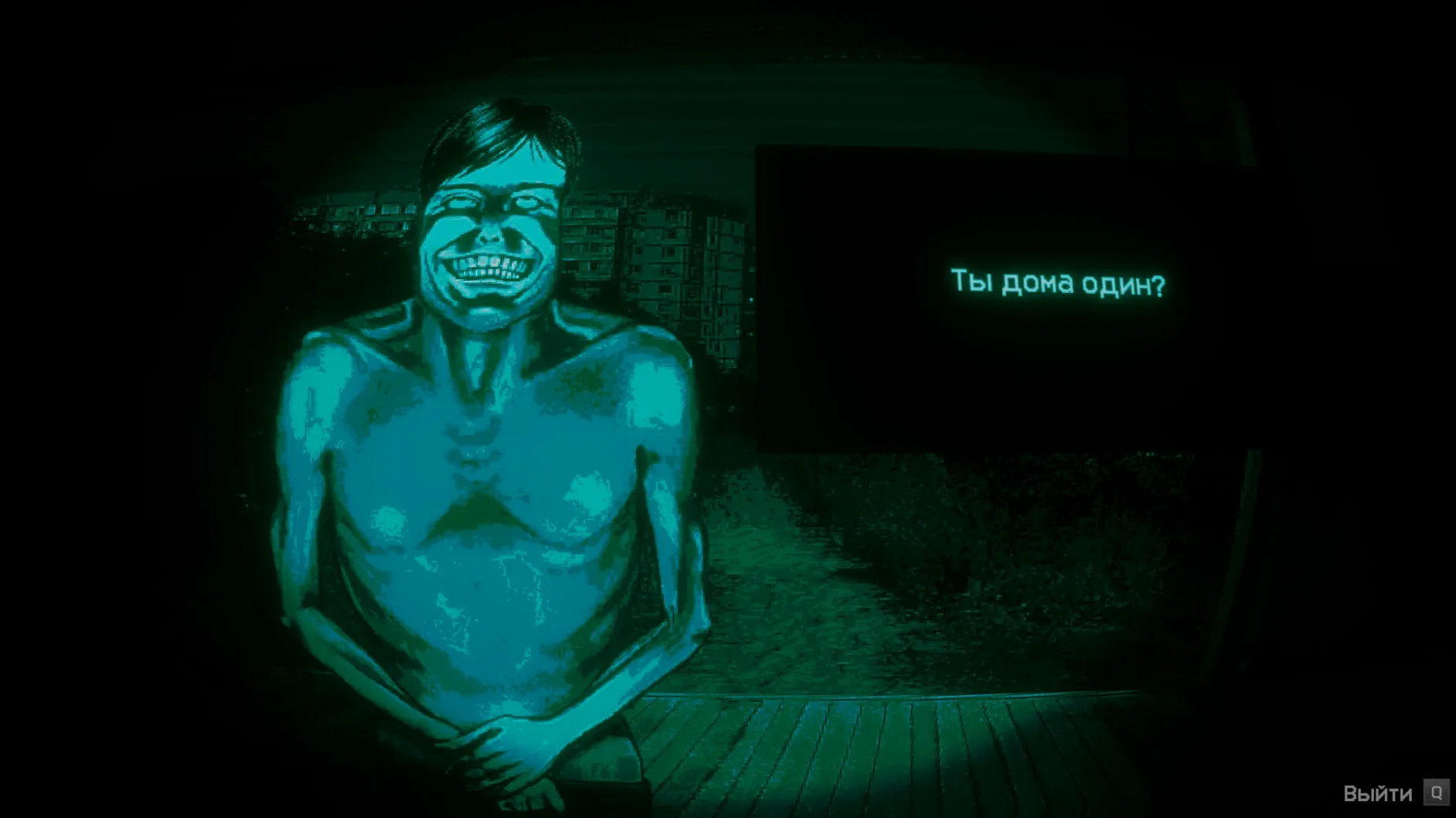
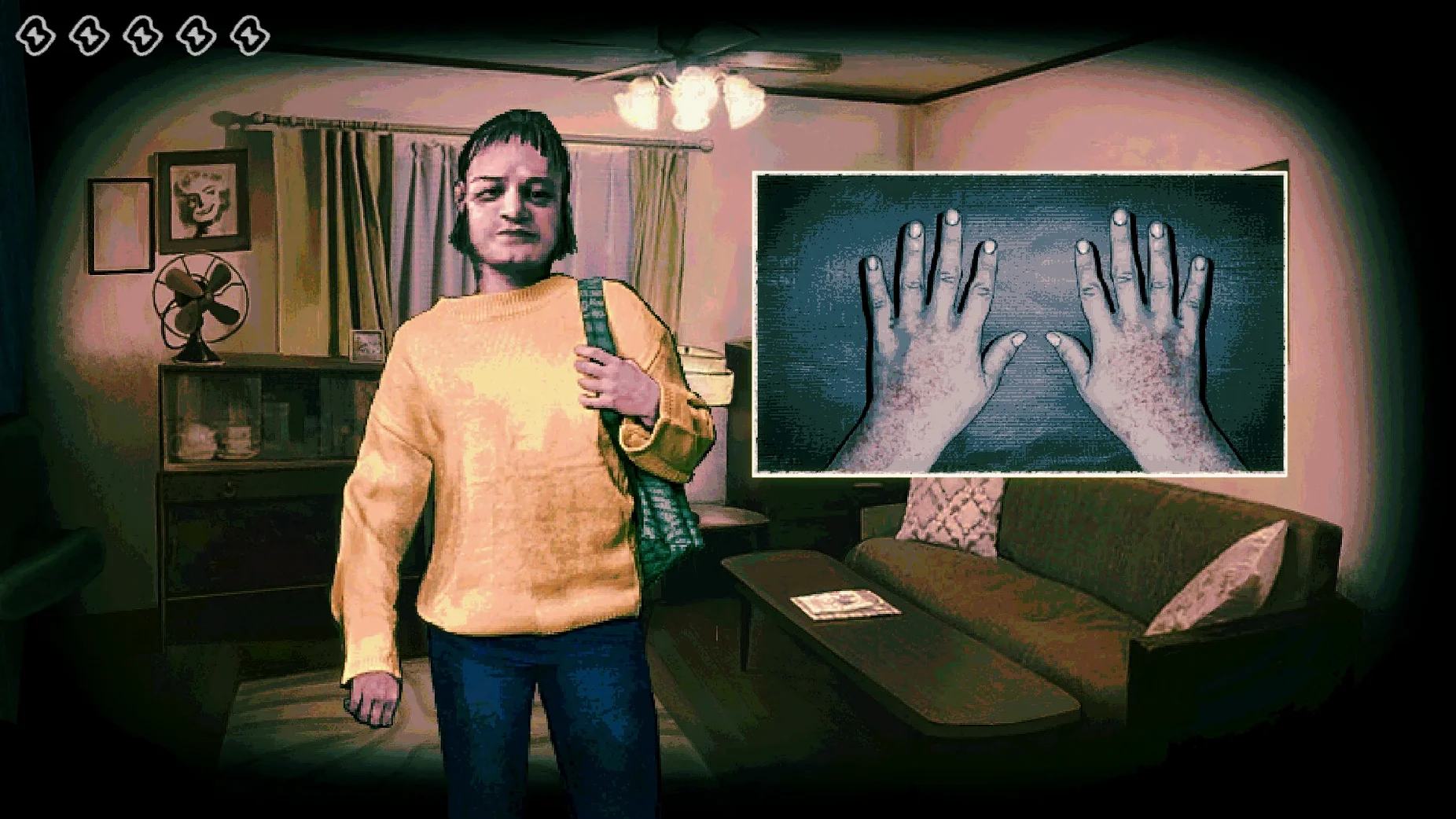
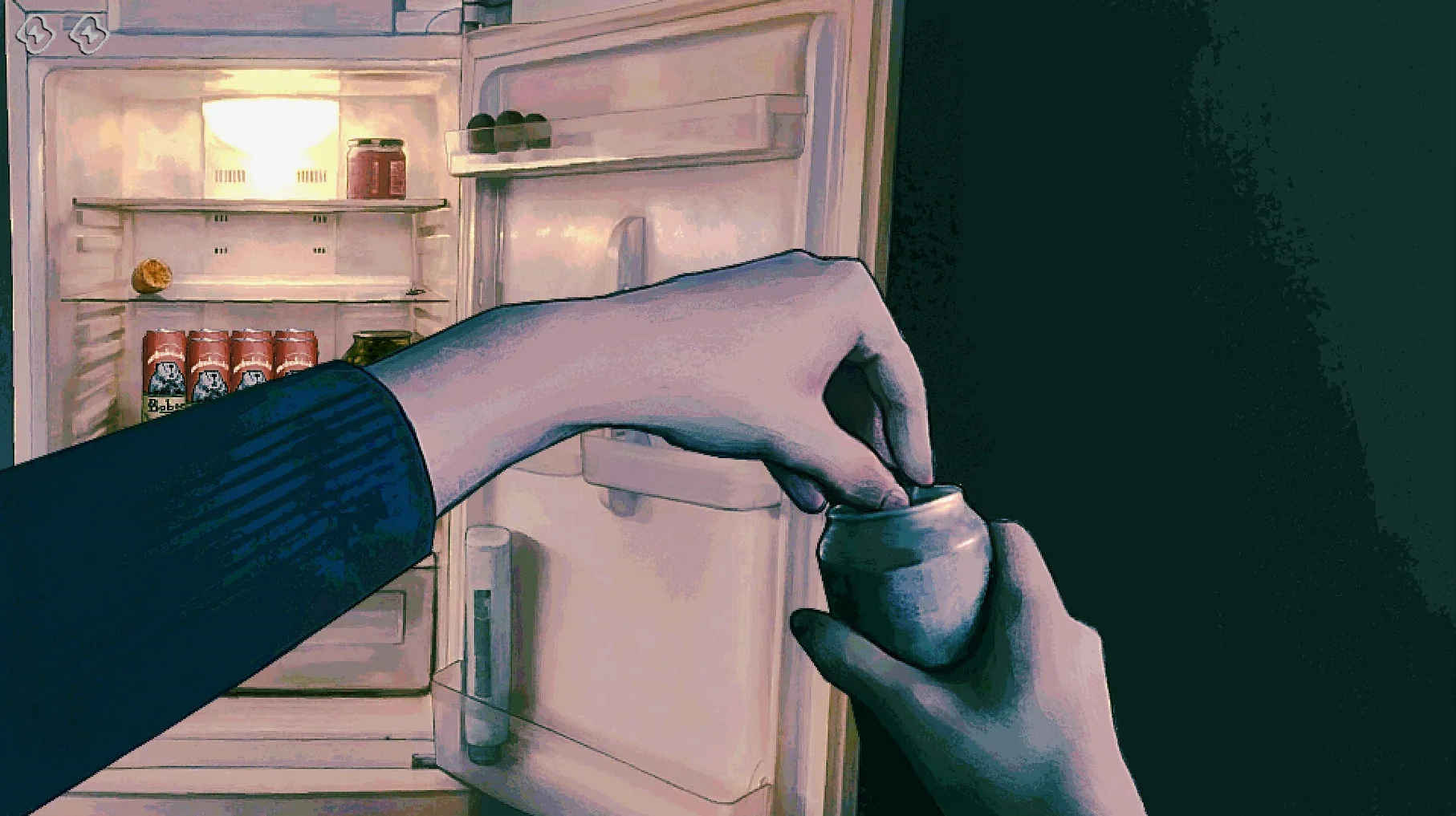
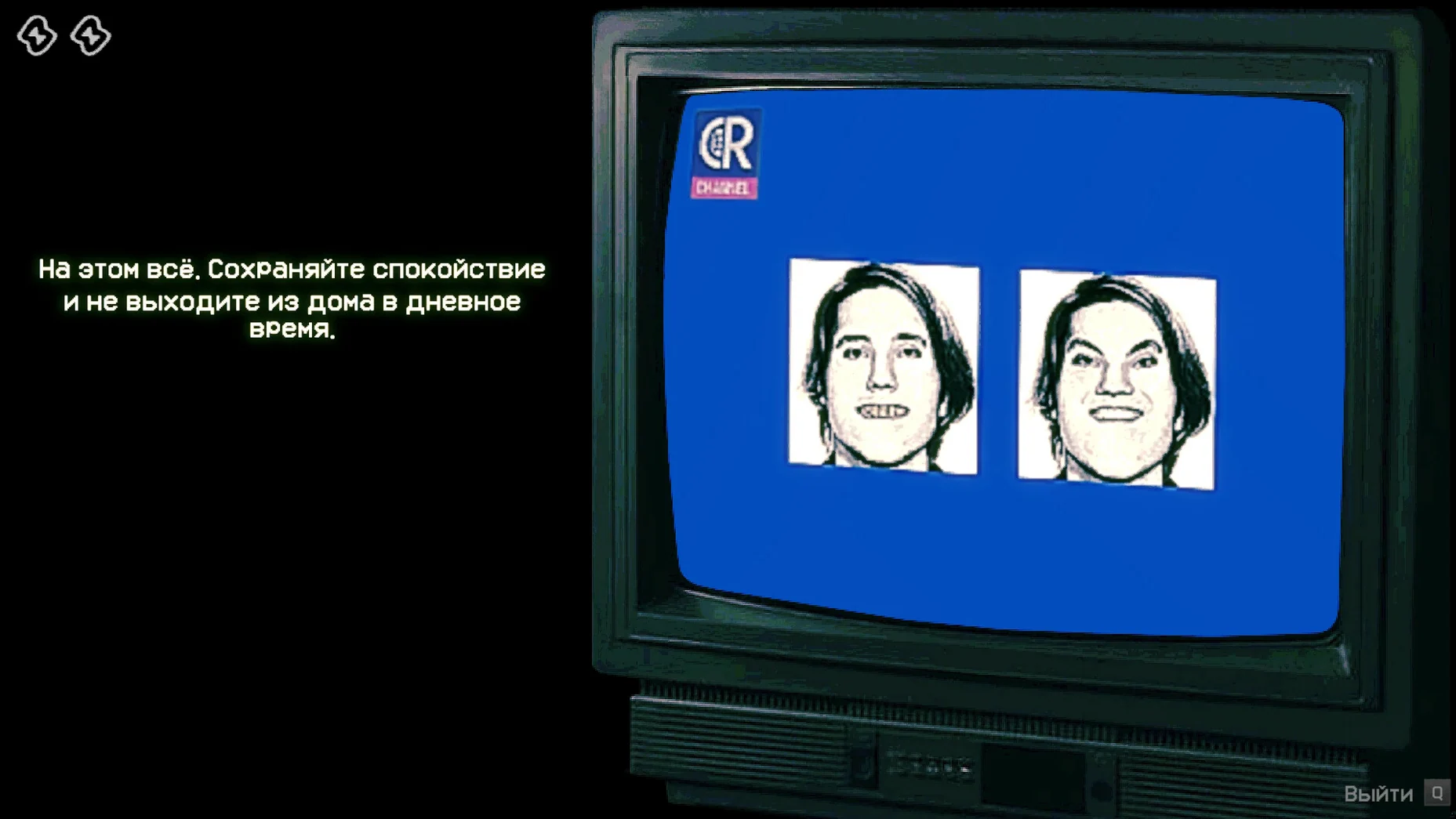
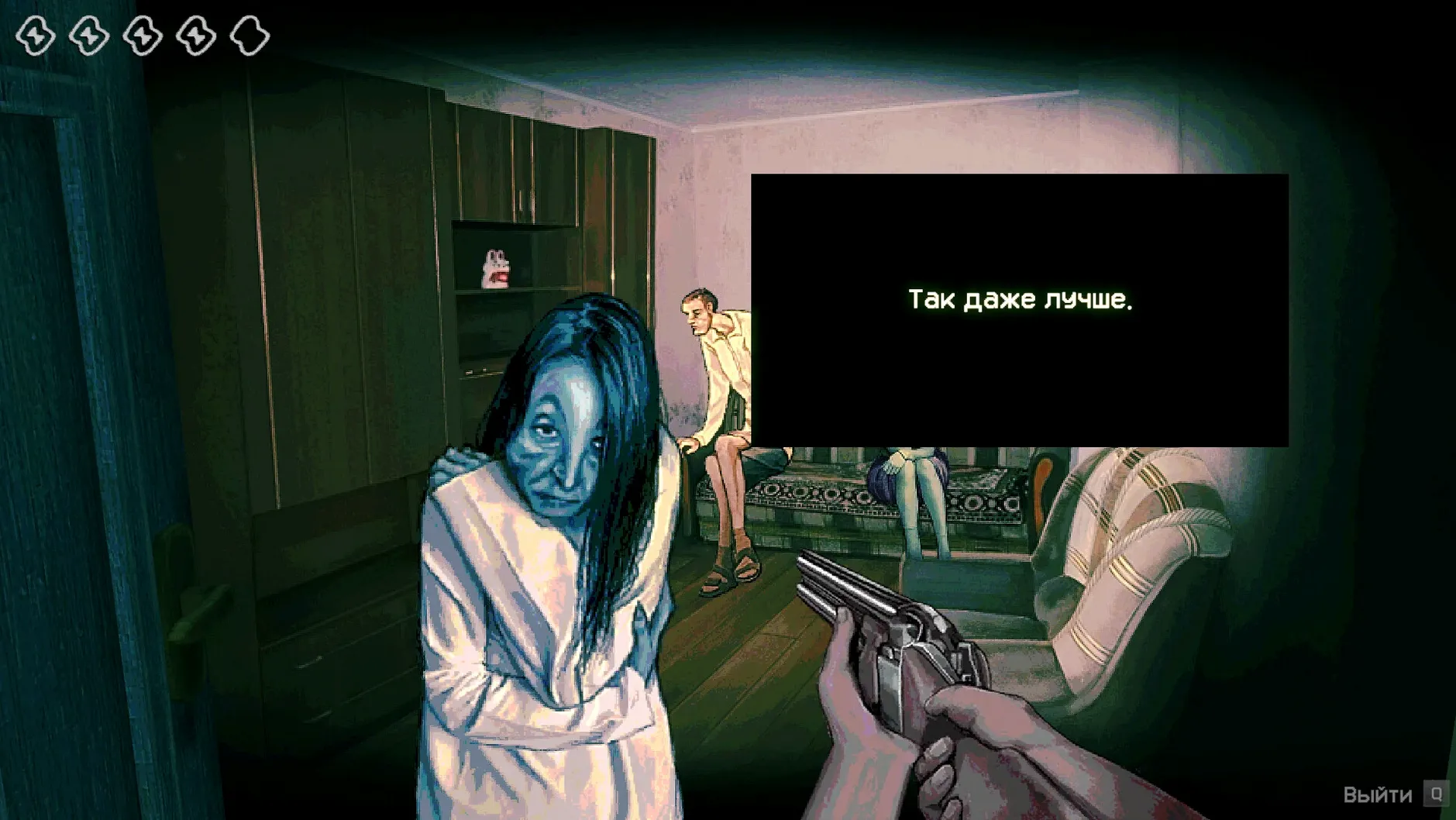
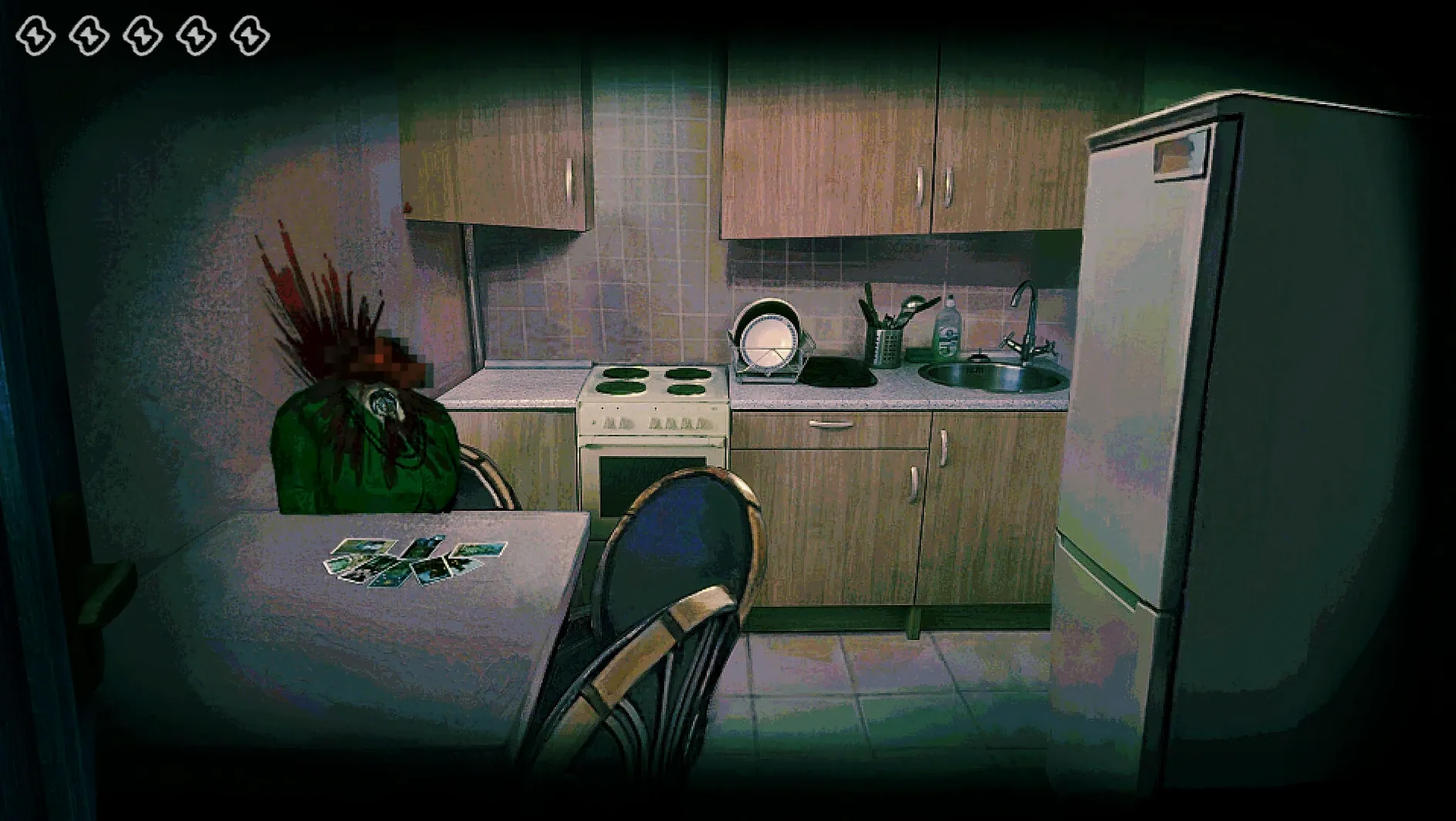
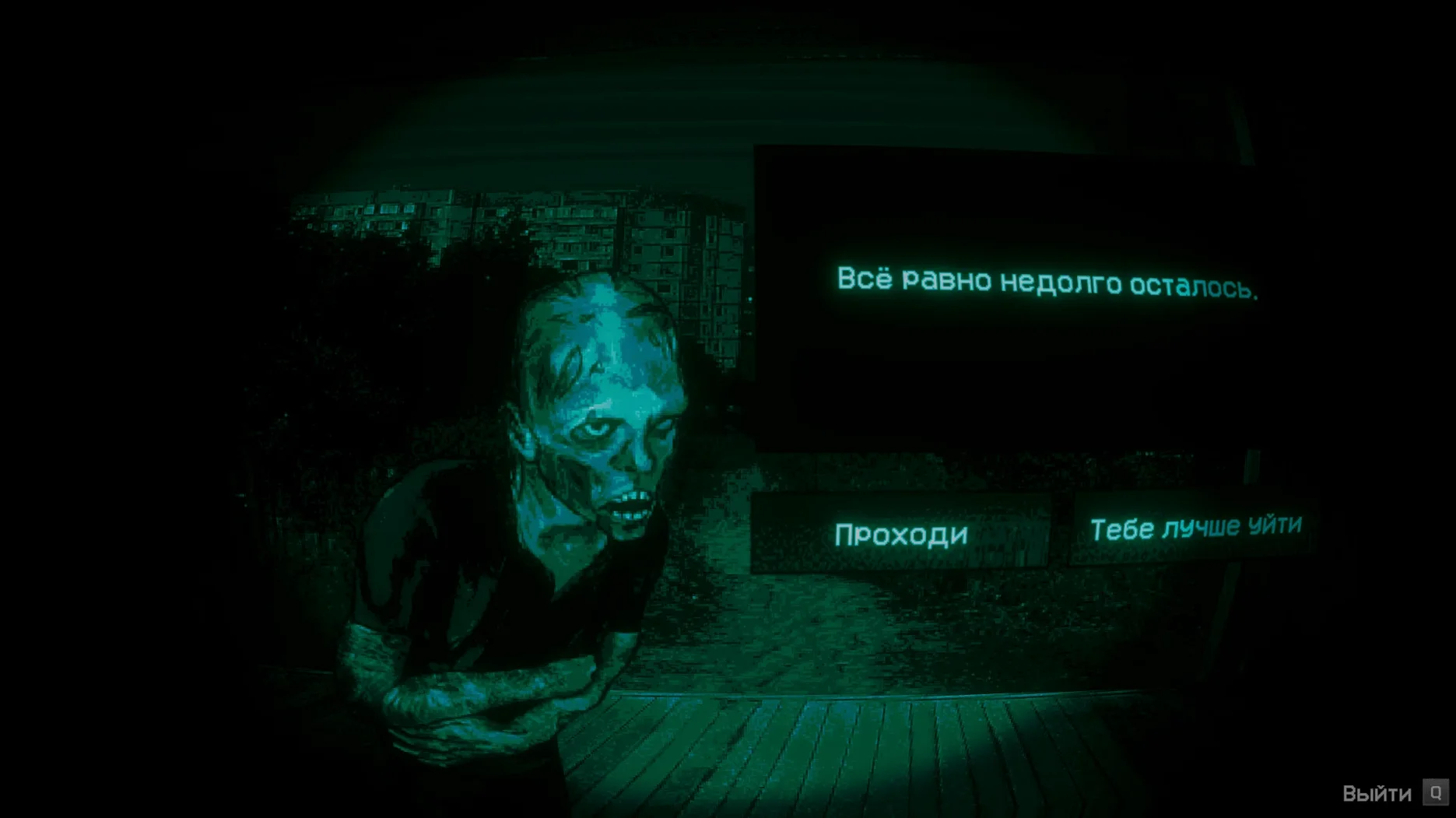
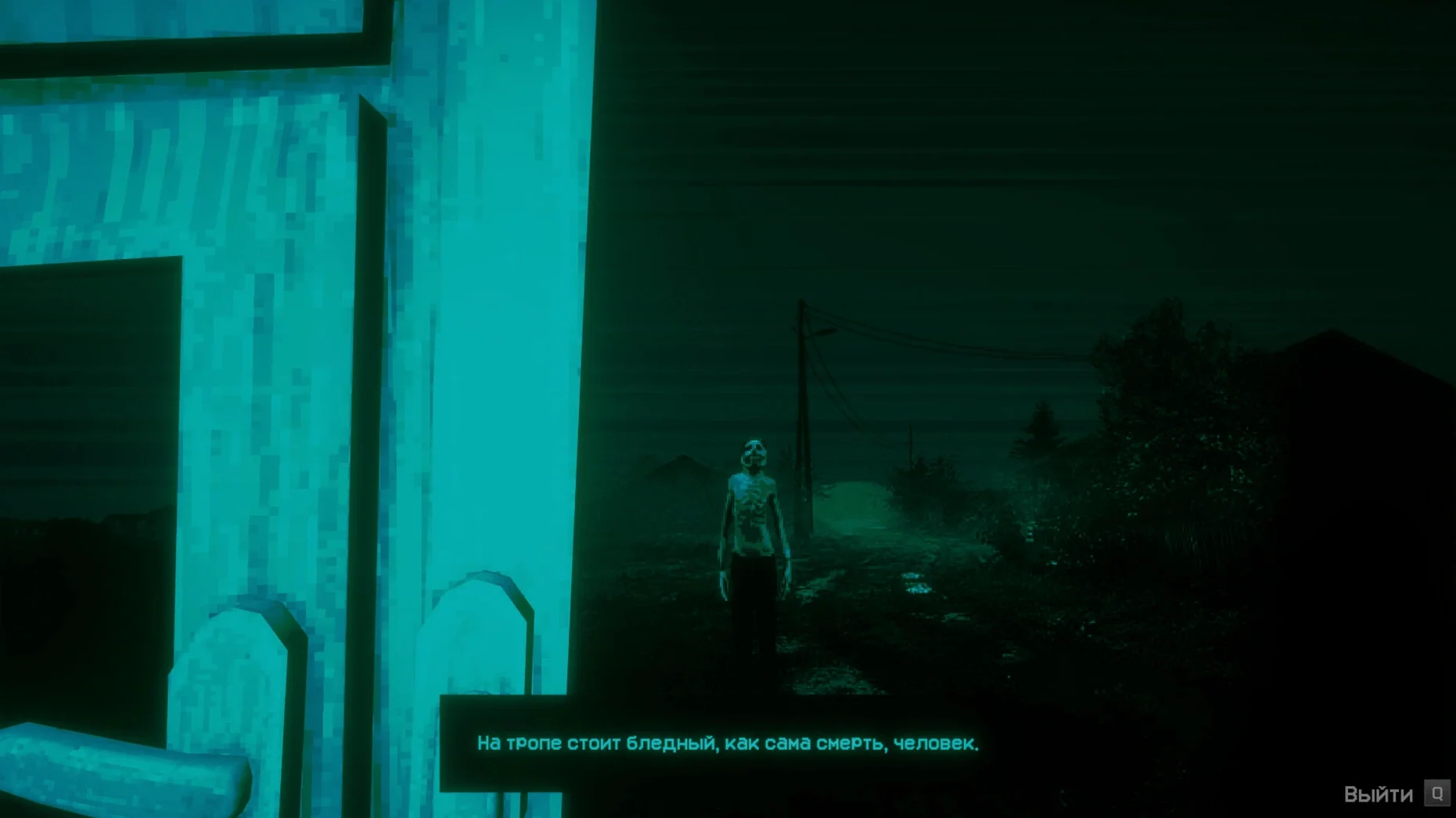
This one is for anyone who enjoys a slow-burning sense of dread rather than jump scares. The premise is simple: the world is ending, something is wrong with the people outside, and you are the one deciding who gets through the door. The problem is that the Visitors — intruders who mimic humans — are very good at pretending. Your job is to spot the tiny inconsistencies in their faces, their stories and their behaviour before you make a fatal mistake.
What the game actually gives you, beyond the fear:
- A daily routine of checking documents, watching CCTV feeds and interviewing tired, frightened people who knock at your door, all while a strange solar event burns outside.
- A cast of human and not-quite-human characters, each with their own tics, tells and ways of trying to convince you they belong.
- A deliberately claustrophobic single-room setting that shifts from feeling like a sanctuary to a trap depending on how well your last decision went.
- Multiple endings that hinge entirely on who you trusted and why, making a second playthrough almost inevitable.
- An all-music audio track that does a lot of the heavy lifting for the atmosphere — no voice acting, just a soundtrack that knows when to stay quiet and when to unnerve you.
- Full localisation in ten languages, including English, German, Japanese, Korean and both Traditional and Simplified Chinese, so the dialogue hits exactly as it should.
It is a short, concentrated experience rather than a sprawling epic, and it lands best if you go in knowing as little as possible about the specific tricks the Visitors use. The Mac build runs natively on Apple Silicon, so it feels responsive on any recent machine.
Wait for the Gatekeeper verification before you launch
The install itself is the usual drag-to-Applications routine — open the disk image, copy the app across, wait for macOS to verify it. A couple of practical points worth knowing before you click Launchpad for the first time.
Start the game in English on that initial launch. Trioskaz built the language selector into the in-game settings rather than a pre-launch window, and skipping straight to another language before the app has created its preference files can cause a black screen on startup. Once you have reached the main menu and seen the title card, head into the settings and switch to whichever of the ten supported languages you prefer. After that first run the game remembers your choice and opens correctly every time.
If the app throws an error — a brief flash of a Wine-related dialogue or a silent failure to open — do not panic and do not start deleting things. Inside the same disk image you downloaded there is a Fix file; run it once, let it do its quiet work, then launch the game again. On an M4 Mac mini under macOS Tahoe that resolves the problem cleanly.
One more housekeeping note: your save data lives inside the app bundle itself, under Steam/RUNE/427410/remote. That is unusual for a Mac title and worth knowing if you ever want to back up your progress or move it to another machine. Just right-click the app, choose Show Package Contents, and drill down to that folder — your decisions are all sitting there in a few small files.
Dark, consequence-driven screening suits Papers, Please veterans
The sweet spot is Mac users who have already played Papers, Please or Do Not Feed the Monkeys and wished for something darker. The core loop — examine, question, decide, live with the consequences — will feel immediately familiar, but the horror framing gives it a different kind of weight. This is not a management sim with a grim backdrop; the grim backdrop is the point, and every knock at the door feels like a test of your own perceptiveness rather than a bureaucratic chore.
People who work with faces all day — photographers, portrait artists, anyone who spends hours studying expressions — tend to find the Visitor-spotting mechanically satisfying in a way that pure horror fans might not expect. The tells are subtle enough that you genuinely need to pay attention to eye spacing, mouth movement and the way someone blinks. It rewards the kind of close looking that most games do not ask for.
It is also a strong fit for anyone who plays in short, self-contained sessions. A single in-game day might take fifteen minutes, and the tension is dense enough that you will probably want to stop after two or three days to let your nerves settle. MacBook Air owners who game on the sofa in the evening — the build runs cool and quiet on Apple Silicon, no fan noise competing with the soundtrack — will find it slots neatly into a wind-down routine, assuming your idea of winding down involves existential doubt and a burning sky.
Lower the music to hear the environmental audio cues
The defaults are sensible, but a couple of tweaks make the experience sharper. First, the audio mix: the game ships with its music level set to dominate, which works for atmosphere but can bury some of the quieter environmental cues — the scratch of a Visitor's fingernail on the doorframe, the slight delay in a rehearsed answer. Drop the music to about seventy percent and keep the effects at full. The silence between tracks becomes its own storytelling tool.
Second, if you are playing on a MacBook display rather than an external monitor, consider nudging the brightness up just a little beyond what feels natural. The CCTV segments in particular are graded dark, and on a glossy laptop screen under even mild room lighting you can miss the flicker of a facial distortion that would have been obvious on a matte desktop panel. The game does not have a gamma slider, so your display brightness is the only lever you have.
Language switching after that first English launch is straightforward — the settings menu lists all ten supported languages in their native scripts — but be aware that switching mid-session restarts the current day. Finish your interrogation first, then change languages from the main menu between days. Nothing lost except a little time.
M4 Macs launch from the Wineskin wrapper in under four seconds
The Wineskin wrapper is well-judged for a title of this scope. On an M4 machine the game launches in under four seconds and sits at a steady frame rate throughout — there is no combat, no physics simulation, nothing that stresses the GPU beyond rendering a single room and the faces at your door. Memory usage hovers around 600 MB, which is modest enough that you can leave a browser and a notes app open without the system swapping.
Stability has been uneventful across multiple sessions. The only quirk observed: if you put the Mac to sleep with the game running and wake it an hour later, the audio sometimes desyncs from the door-knocking animation by a half-second. Quitting and relaunching fixes it instantly, and since the game autosaves at the start of each visitor interaction, you lose at most a single decision. It is the kind of minor wrapper artefact that Wineskin builds occasionally exhibit, and it is easy enough to avoid by quitting before you close the lid.
For a game that deals in tension and careful observation, the technical side stays out of the way. No stutter when a new character model loads, no input lag on the dialogue choices, and the all-music soundtrack never glitches or loops awkwardly. It feels like a native app in daily use, which is exactly what you want when you are already busy trying to work out whether the person on your doorstep blinks like a human being.
Version 1.3.19 Rev2 rolls in a hotfix that was originally shipped for Steam Deck — it recovers Steam Cloud saves that had gone missing — plus a handful of minor corrections for the Ukrainian localisation. The Mac build wraps this update cleanly so you get the same save-stability improvements on desktop.
- macOS Tahoe or later
- Apple Silicon Mac (ARM build only)
Questions I keep hearing
Where are my save files stored in the Mac version?
Your progress is kept inside the app bundle itself, under the path Steam/RUNE/427410/remote. You can back it up by copying that folder elsewhere.
Does the game have voice acting or just text?
The audio is music only — there is no spoken dialogue. All character exchanges play out through on-screen text, which keeps the focus on what people actually say.
Can I change the language after starting?
Yes. The game launches in English by default, but after that first run you can switch to any of the ten supported languages from the settings menu.
Questions from the class 0
Sign in or join the class to ask a question.
Nobody has asked anything yet. If you have used it on a real job, say what the file did.
Also on the Games shelf
The whole Games shelf No Man’s Sky
Explores an endless galaxy, landing on planets without a loading screen.
No Man’s Sky
Explores an endless galaxy, landing on planets without a loading screen.
 Nova Roma
Guides a fledgling settlement as you build aqueducts, manage trade, and appease the Roman gods.
Nova Roma
Guides a fledgling settlement as you build aqueducts, manage trade, and appease the Roman gods.
 NBA 2K26 Arcade Edition
Lets you command an NBA team through a full season of five-on-five basketball.
NBA 2K26 Arcade Edition
Lets you command an NBA team through a full season of five-on-five basketball.
 Oceanhorn 3: Legend of the Shadow Sea
Sets you loose across a flooded fantasy kingdom to sail, dive, and battle colossal mechanical Titans.
Oceanhorn 3: Legend of the Shadow Sea
Sets you loose across a flooded fantasy kingdom to sail, dive, and battle colossal mechanical Titans.
 NBA 2K25 Arcade Edition
Lets you play full five-on-five basketball with official NBA teams and a career mode.
NBA 2K25 Arcade Edition
Lets you play full five-on-five basketball with official NBA teams and a career mode.
 Old World
Mixes turn-based empire management with unfolding family dramas and a dynastic line you must protect.
Old World
Mixes turn-based empire management with unfolding family dramas and a dynastic line you must protect.
 My Winter Car
Tasks you with building a project car while staying fed, warm, and alive through a Finnish winter.
My Winter Car
Tasks you with building a project car while staying fed, warm, and alive through a Finnish winter.
 My Dream Setup
Lets you design a detailed room by sliding furniture freely without any snap-to-grid fighting.
My Dream Setup
Lets you design a detailed room by sliding furniture freely without any snap-to-grid fighting.