 ASPNetWorld
Check your Mac is ready
The game runs natively on both Apple Silicon (M1, M2, M3, M4) and 64-bit Intel Macs, so most machines from the last few years handle it without Rosetta translation. You will need a recent version of macOS and enough free space for the hefty download — a wired controller or a quiet afternoon to learn the keyboard layout makes the experience far smoother.
Get the controls working for you
Touchscreen muscle memory does not translate directly to a keyboard, so I suggest pairing a PlayStation or Xbox controller via Bluetooth right away. The game recognises most MFi and console pads instantly, and the button prompts update to match. If you stick with keys, the default mapping is playable but benefits from a few minutes in the pause-menu settings to move sprint and icon passing where your fingers naturally land.
Set expectations for performance
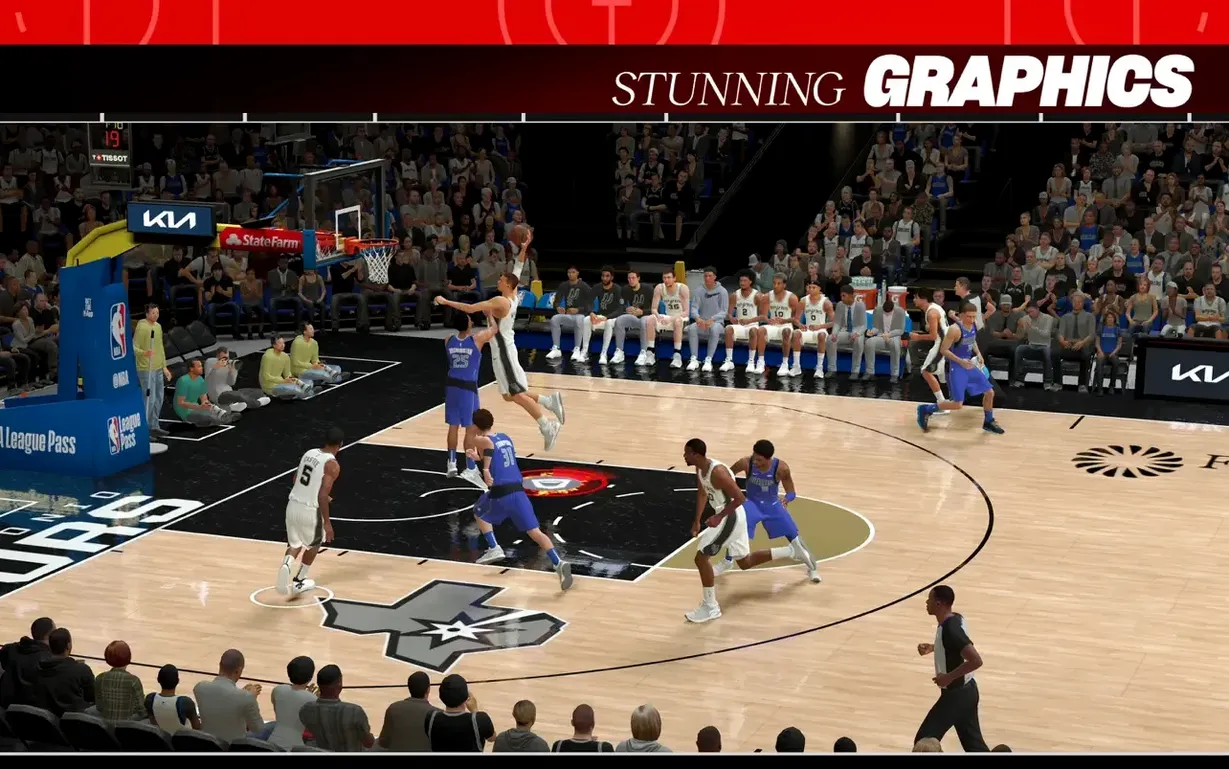
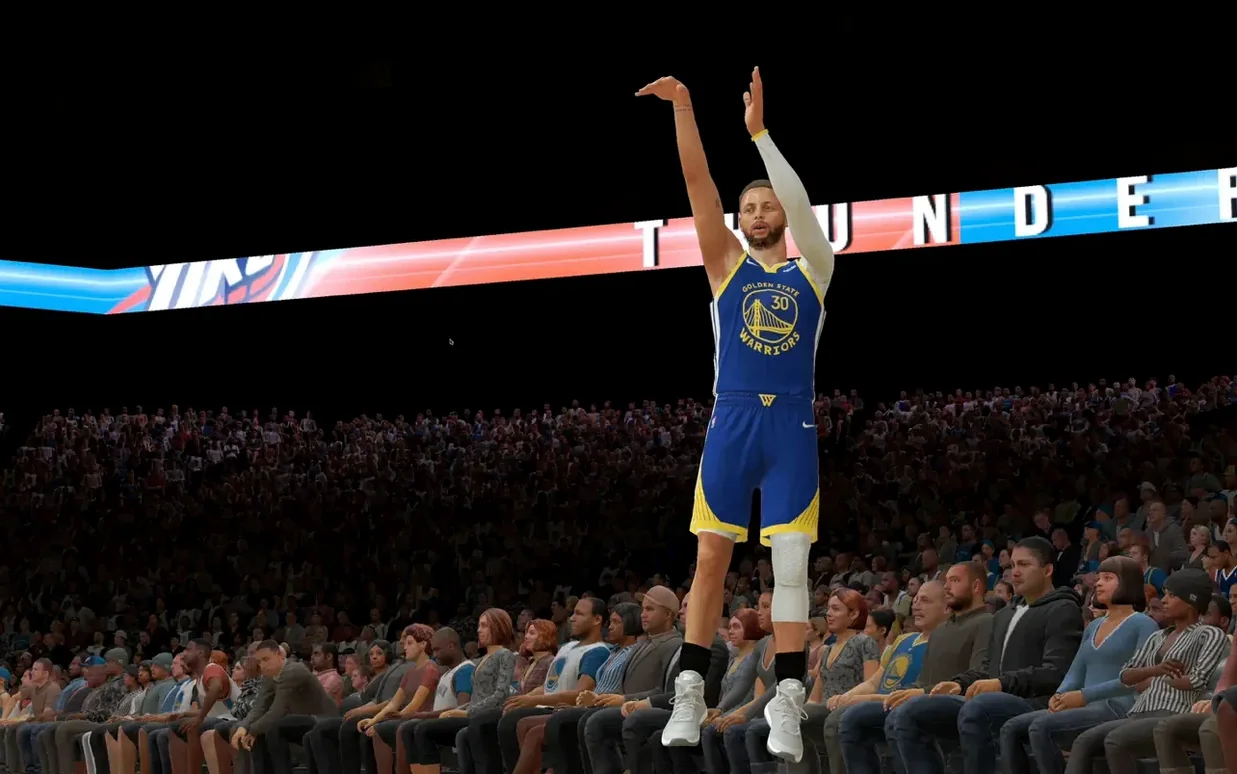
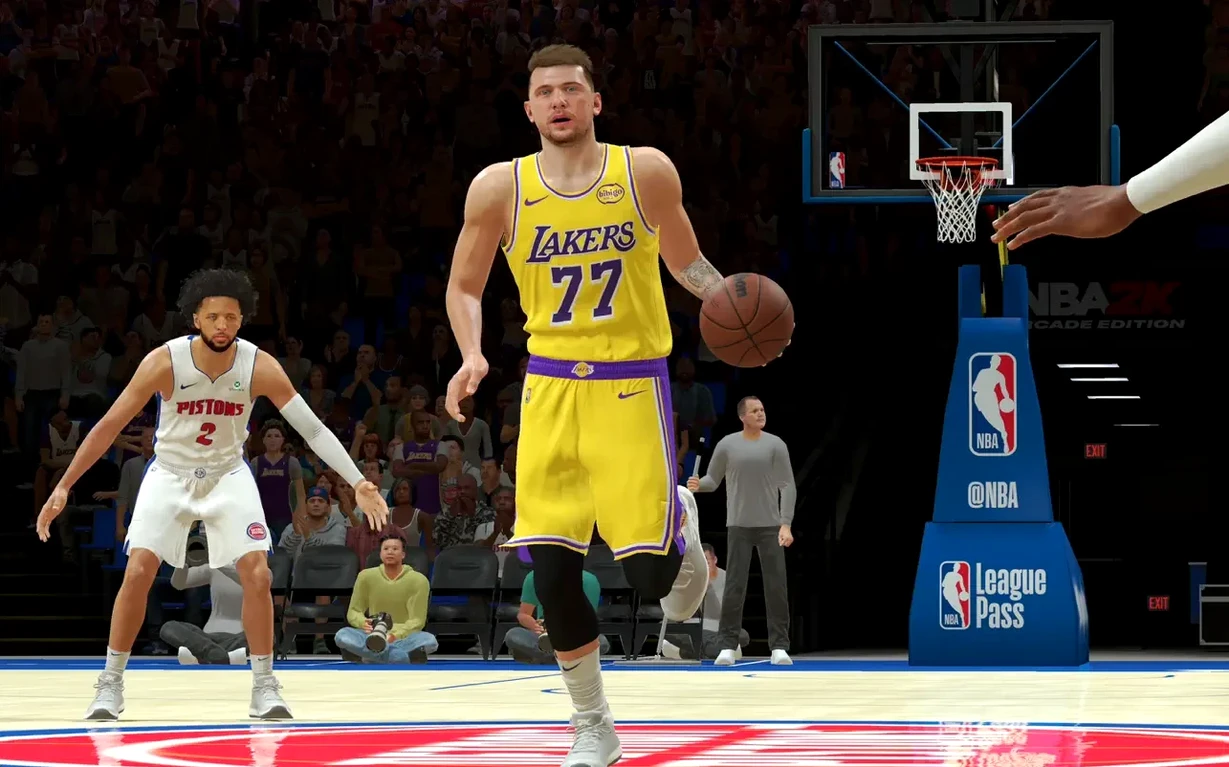
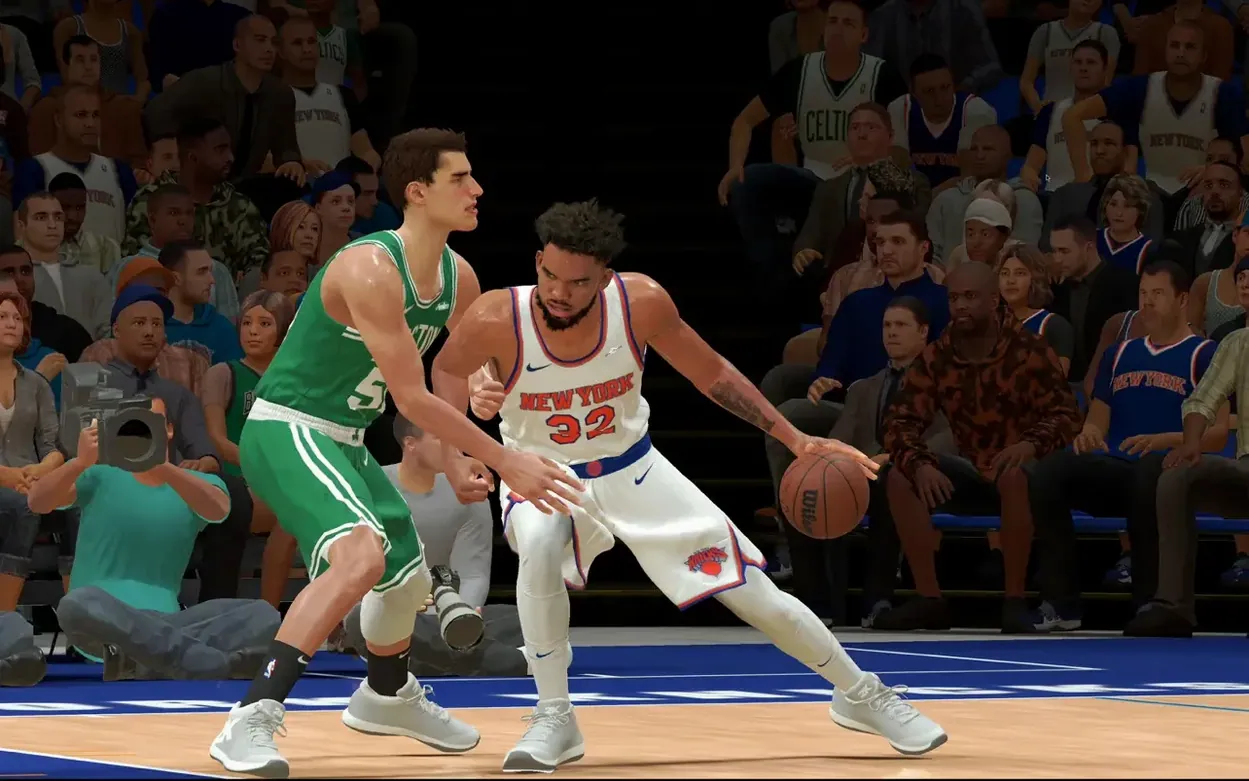
This is a full-fat console-style basketball sim running on Mac hardware, so frame rates dip during cutscenes and packed arena shots. Lowering the resolution or closing background apps helps on fanless MacBook Air models. On a MacBook Pro or a desktop Mac with active cooling, you will see a steady, playable experience that looks sharp on a Retina display and genuinely holds up against the big-screen version.
Crucial settings to change in the first ten minutes
Before you even start a MyCAREER, pop into the main settings, because a few defaults are better off flipped early. Camera angle is the biggest one — the broadcast-style default looks cinematic but makes baseline drives trickier than they need to be. Switch to 2K Low or Classic and you will read passing lanes and pick-and-roll spacing far more naturally. Bumping the auto-save frequency to its shortest interval is a quiet lifesaver, especially during long Association sessions where a crash would sting. I also recommend immediately adjusting the shot meter from the default placement to something that sits closer to your player’s hands, particularly if you are playing on a smaller Mac screen where eye travel between the rim and the meter adds a split second of hesitation you cannot afford.
On the audio side, the music mix is set high out of the box, while on-court sound effects sit surprisingly low. Dial the soundtrack down a notch and lift the crowd and floor squeaks — you will feel the momentum shifts in a close fourth quarter far more, and it makes playing without headphones feel less hollow. Controller vibration is worth keeping on for feedback on contact layups and box-out battles, but if you are on a MacBook and using a DualSense on your lap, the constant rumble can travel through the desk; reduce it to around fifty percent in the controller settings and you keep the physical cues without the unwanted noise.
The PC and console version brings deeper simulation, this strips it back
On a Mac, the realistic basketball space is not exactly crowded, but NBA 2K26 Arcade Edition has an interesting relationship with a couple of alternatives. There is the full-sim PC and console release of NBA 2K26, naturally, which brings deeper texture packs, higher-resolution crowd models, and a more elaborate badge progression system — but that version does not run natively on macOS, so the Arcade Edition is the genuine Mac-native route into the same MyCAREER and NBA Eras structures. The trade-off is a slight visual simplification and the absence of The City’s sprawling open-world hub; in its place you get a more focused, menu-driven experience that actually suits shorter play sessions on a MacBook at a kitchen table.
Then there is Basketball Club Story, a completely different animal — a pixel-art management sim with retro charm and zero on-court control. It scratches the team-building itch but nothing else. And if you cast the net wider to include Apple Arcade’s sports catalogue, something like Super Mega Baseball 4 shows how a sim-lite can feel native and responsive on Mac, but it does not offer a career mode with the narrative weight of a modern NBA title. NBA 2K26 Arcade Edition sits squarely in the gap: a genuine simulation with full season and franchise depth, trimmed just enough to feel at home on Apple hardware rather than fighting it.
Jump into online matches with your existing Game Center nickname
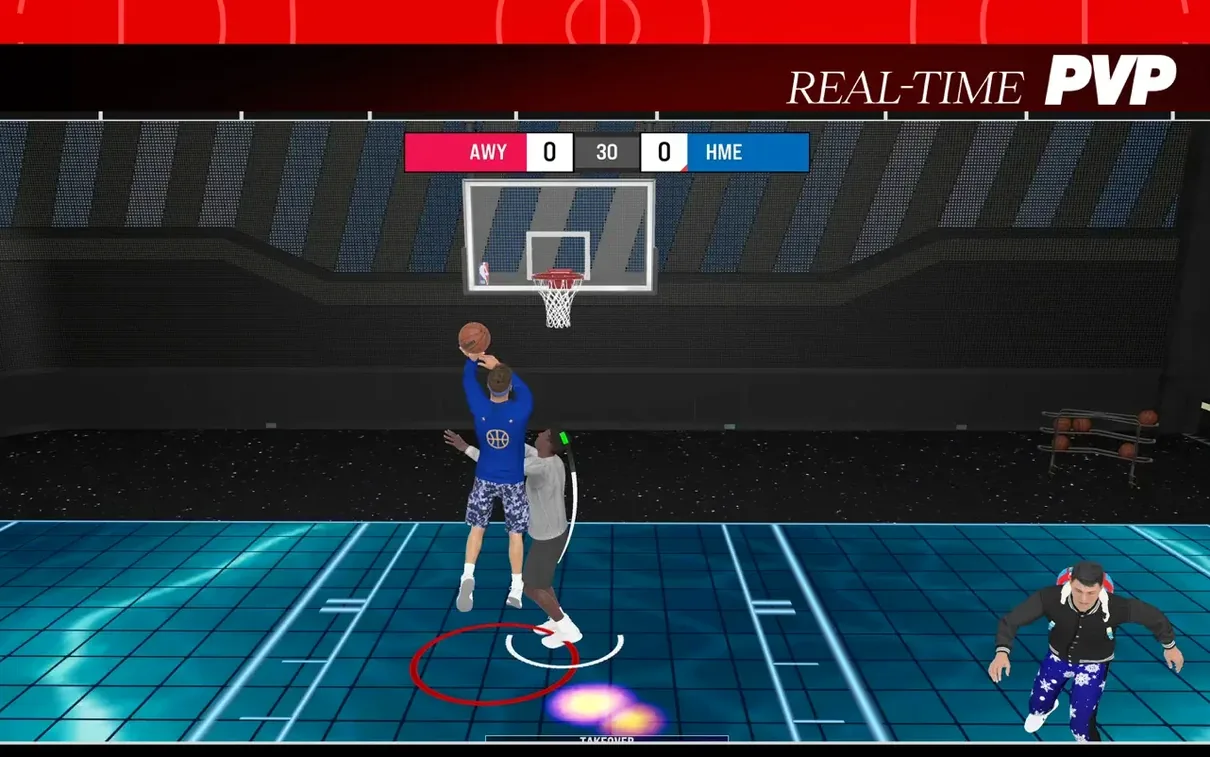
The game hooks into Game Center for multiplayer and friend challenges, so your existing Game Center nickname carries over and you can jump into matches against other MyPLAYER builds without setting up a separate account. That same Game Center layer means achievements pop up as familiar notification banners, and your progress syncs across Apple devices, so a MyCAREER started on a Mac picks up later on an iPad or Apple TV without extra steps. If you use Focus modes, it is worth adding a gaming Focus that silences iMessage and Mail pings — the game does not pause for notifications, and a banner arriving mid-free-throw routine is surprisingly distracting.
For players who record or stream, the game plays nicely with macOS screen recording and QuickTime capture. The native Apple Silicon build means OBS and similar tools see it as a window source without the compositing quirks that sometimes plague Rosetta-translated titles. If you are into stat tracking, the Association mode’s tendency to generate deep box-score data pairs well with a Numbers spreadsheet on a second desktop; plenty of players keep a running trade-log and draft-history sheet alongside a long-term franchise, and dragging a CSV export is not built in, but copying numbers manually into Numbers is quick enough that it becomes part of the ritual. The game also respects the system-wide media keys, so pausing your own background music library with the Mac keyboard works without tabbing away.
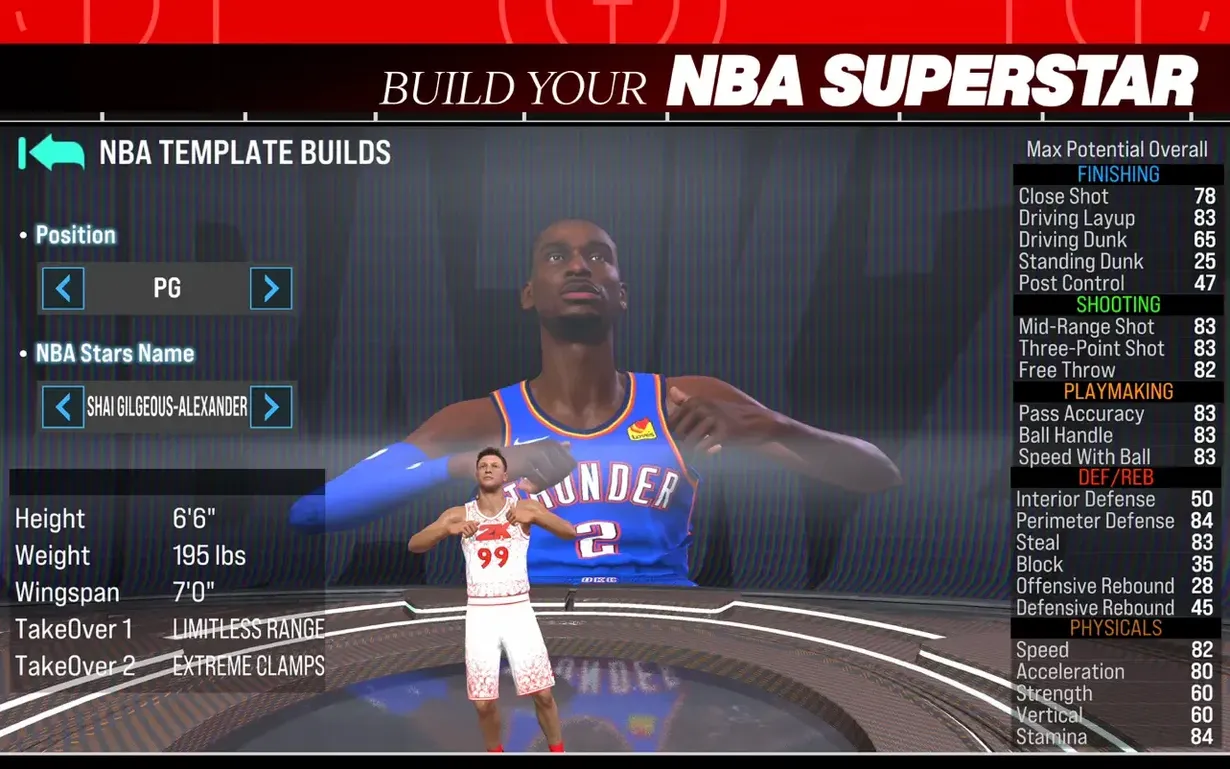
Version 1.10 folds historical depth into the franchise with NBA Eras now available inside The Association mode, letting you revisit and reshape classic periods of league history. The MyPLAYER builder also received a thorough revamp, giving you finer control over archetypes and animations when crafting your on-court identity.
- macOS (recent version required — Apple Silicon and 64-bit Intel Macs supported)
- Substantial free disk space for the full download
Questions I keep hearing
Does this version include MyCAREER?
Yes, NBA 2K26 Arcade Edition includes the MyCAREER mode alongside MyPLAYER creation and The Association mode with NBA Eras.
Which Apple devices can run the game?
It supports iPhone, iPad, Mac, Apple Vision Pro and Apple TV, with the Mac version working on both Apple Silicon and Intel processors.
What languages does the interface support?
The game supports eleven interface languages, including English, German, Spanish, French, Japanese, Korean, Russian, Italian, Portuguese, Simplified Chinese and Traditional Chinese.
Questions from the class 0
Sign in or join the class to ask a question.
Nobody has asked anything yet. If you have used it on a real job, say what the file did.
Also on the Games shelf
The whole Games shelf NBA 2K25 Arcade Edition
Lets you play full five-on-five basketball with official NBA teams and a career mode.
NBA 2K25 Arcade Edition
Lets you play full five-on-five basketball with official NBA teams and a career mode.
 My Winter Car
Tasks you with building a project car while staying fed, warm, and alive through a Finnish winter.
My Winter Car
Tasks you with building a project car while staying fed, warm, and alive through a Finnish winter.
 My Dream Setup
Lets you design a detailed room by sliding furniture freely without any snap-to-grid fighting.
My Dream Setup
Lets you design a detailed room by sliding furniture freely without any snap-to-grid fighting.
 Muse Dash
Challenges your rhythm across bright side-scrolling tracks while you tap, hold, and dodge to the beat.
Muse Dash
Challenges your rhythm across bright side-scrolling tracks while you tap, hold, and dodge to the beat.
 No, I'm Not a Human
Forces you to decide which desperate strangers to let into your shelter during an apocalypse.
No, I'm Not a Human
Forces you to decide which desperate strangers to let into your shelter during an apocalypse.
 No Man’s Sky
Explores an endless galaxy, landing on planets without a loading screen.
No Man’s Sky
Explores an endless galaxy, landing on planets without a loading screen.
 Nova Roma
Guides a fledgling settlement as you build aqueducts, manage trade, and appease the Roman gods.
Nova Roma
Guides a fledgling settlement as you build aqueducts, manage trade, and appease the Roman gods.
 Oceanhorn 3: Legend of the Shadow Sea
Sets you loose across a flooded fantasy kingdom to sail, dive, and battle colossal mechanical Titans.
Oceanhorn 3: Legend of the Shadow Sea
Sets you loose across a flooded fantasy kingdom to sail, dive, and battle colossal mechanical Titans.