 ASPNetWorld
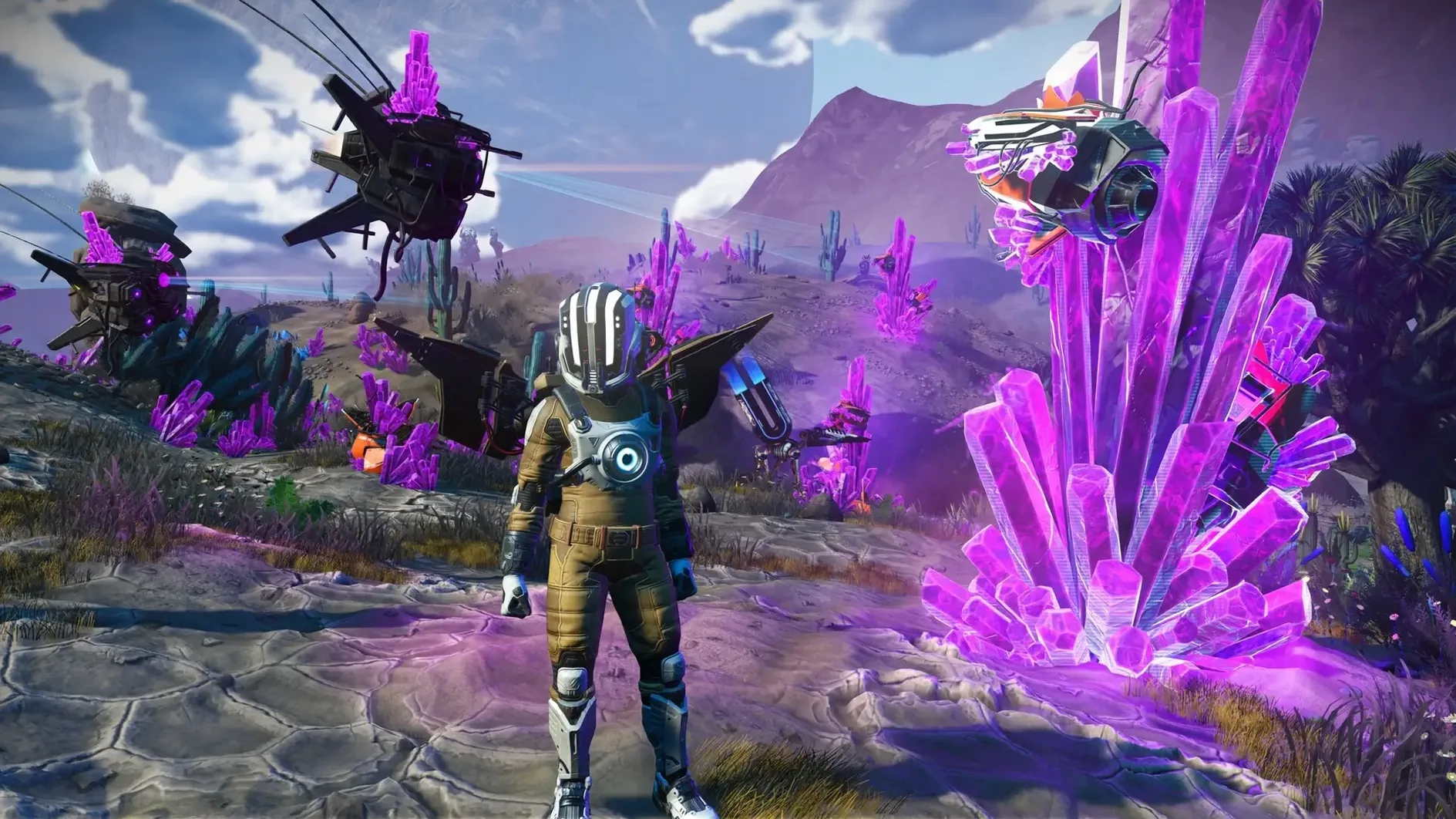
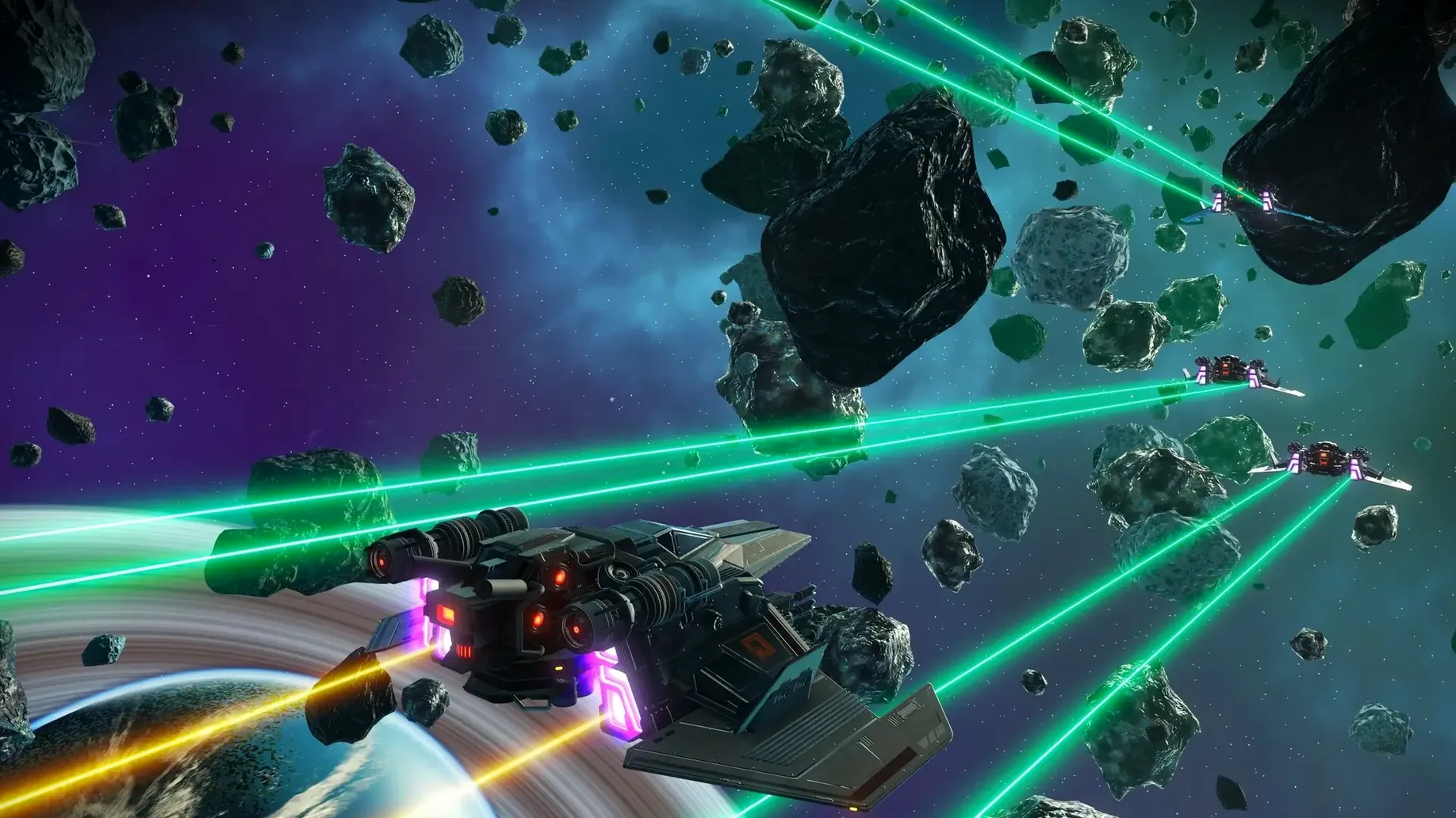
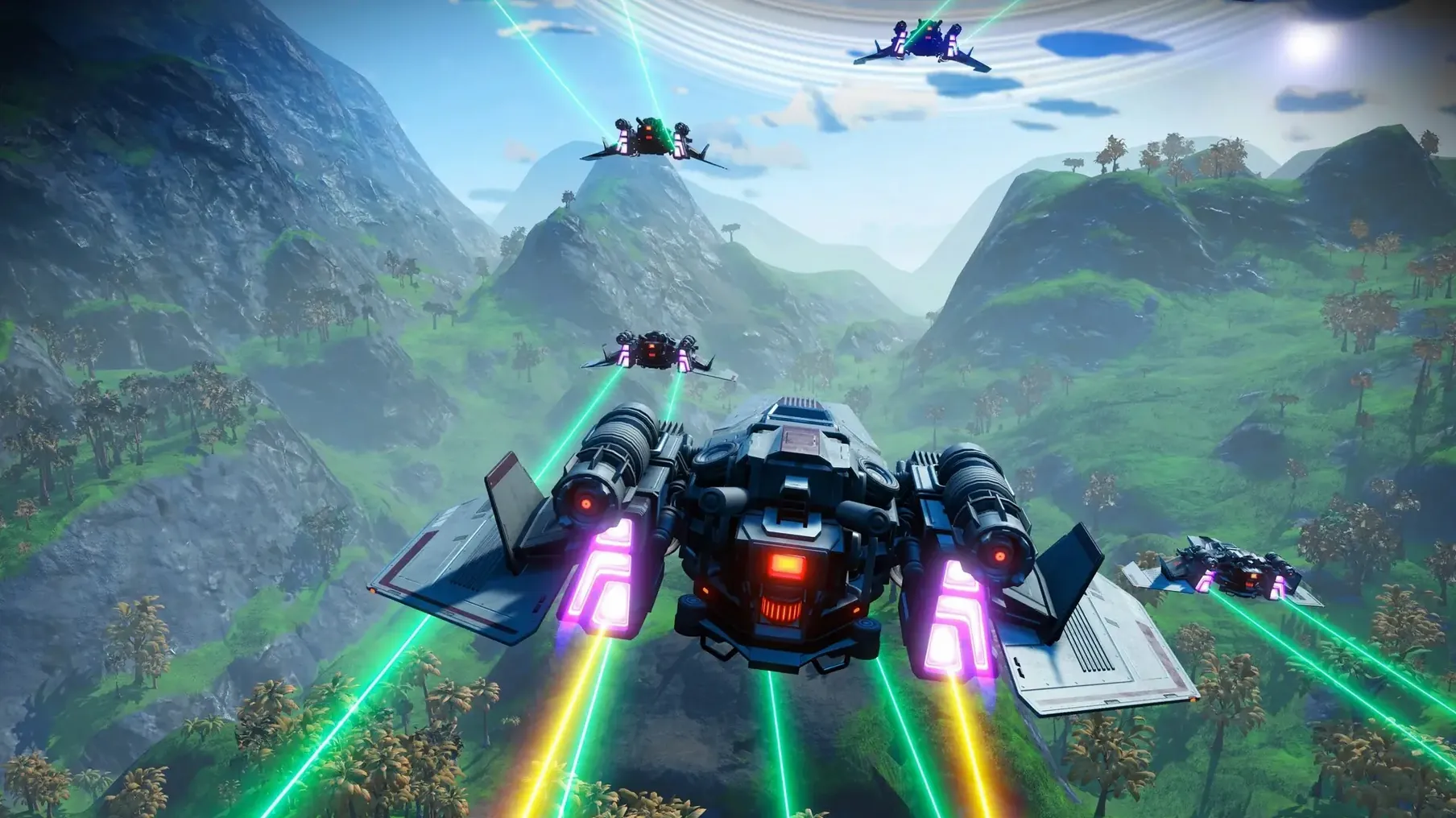
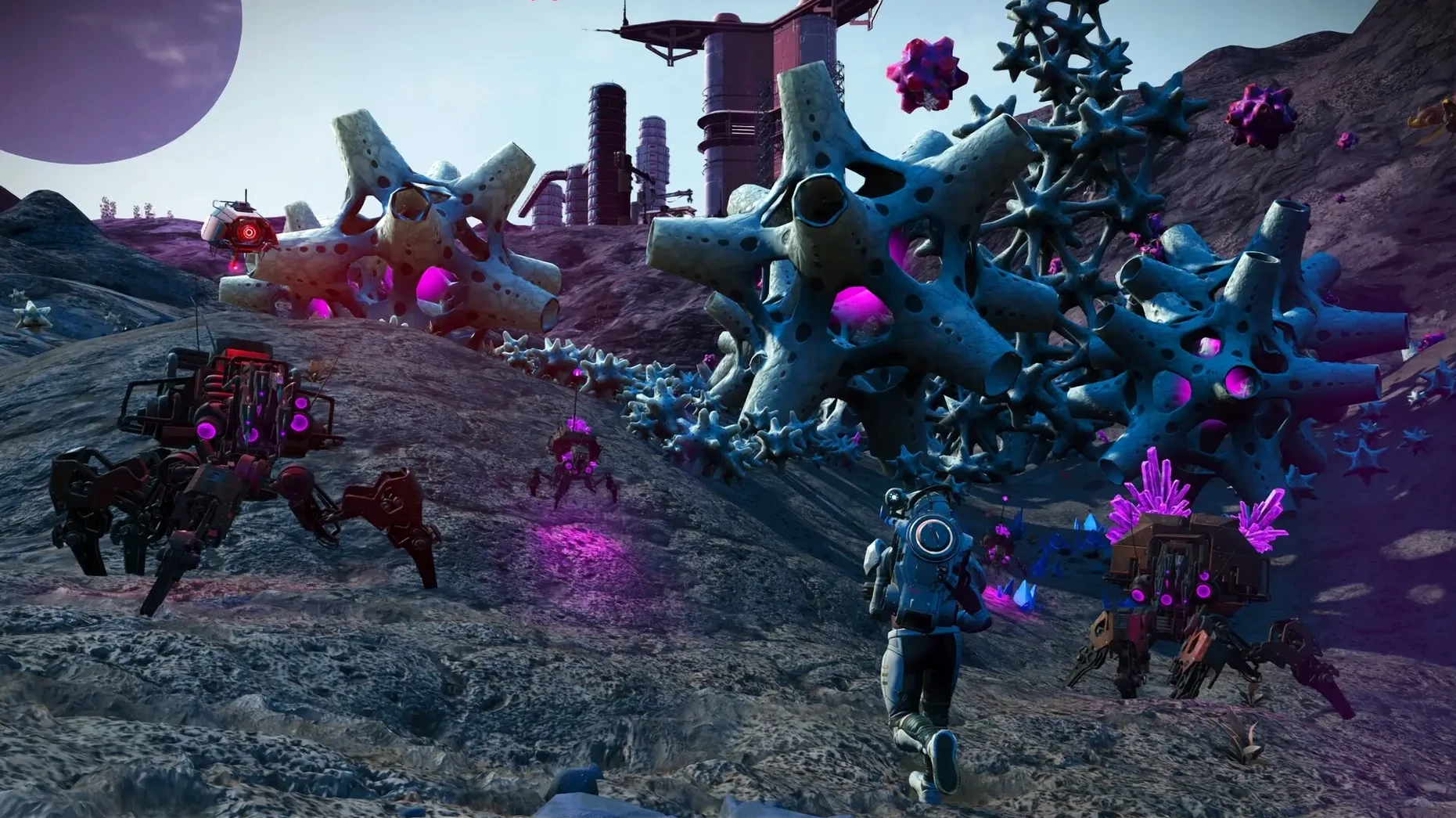
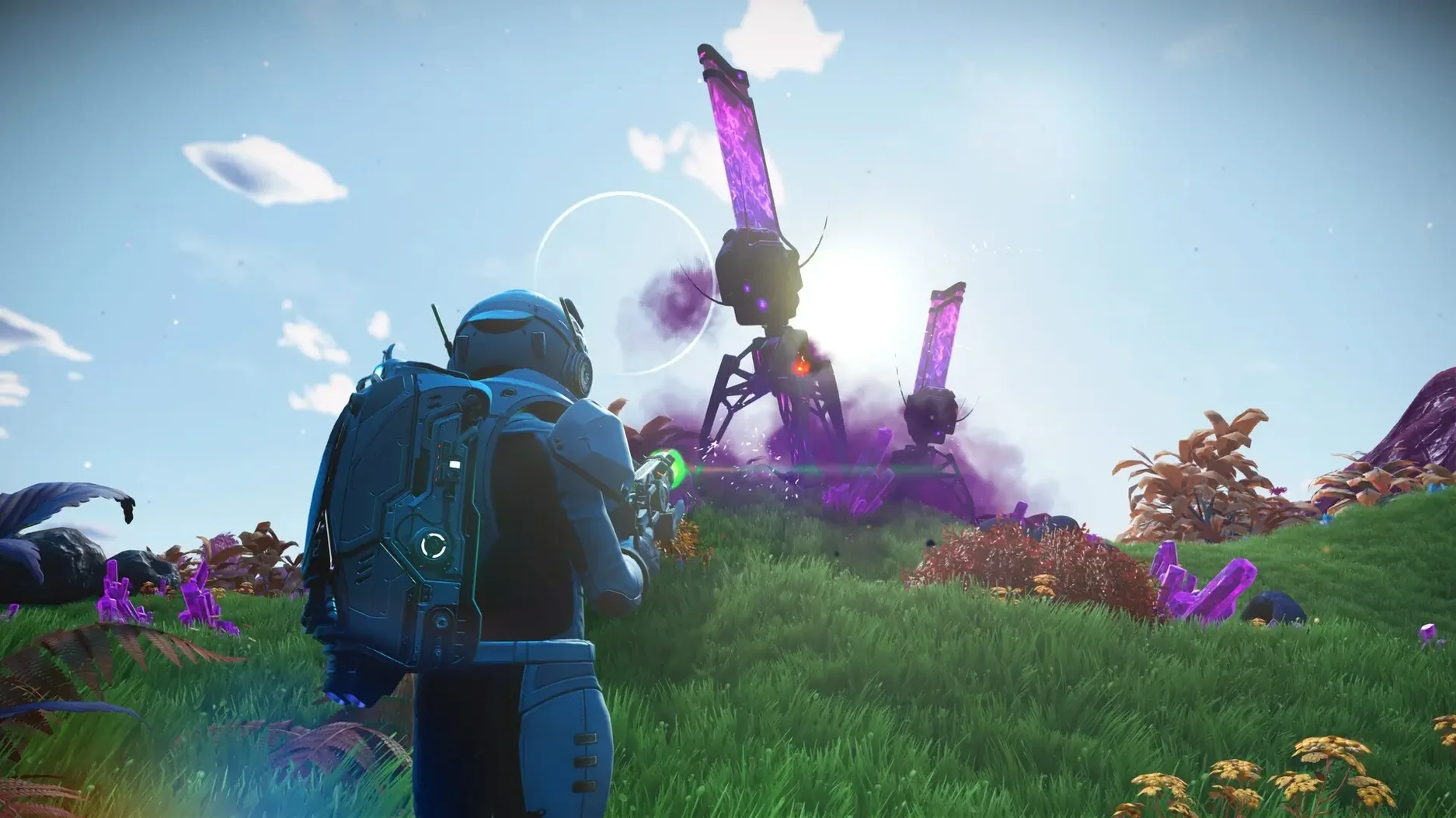
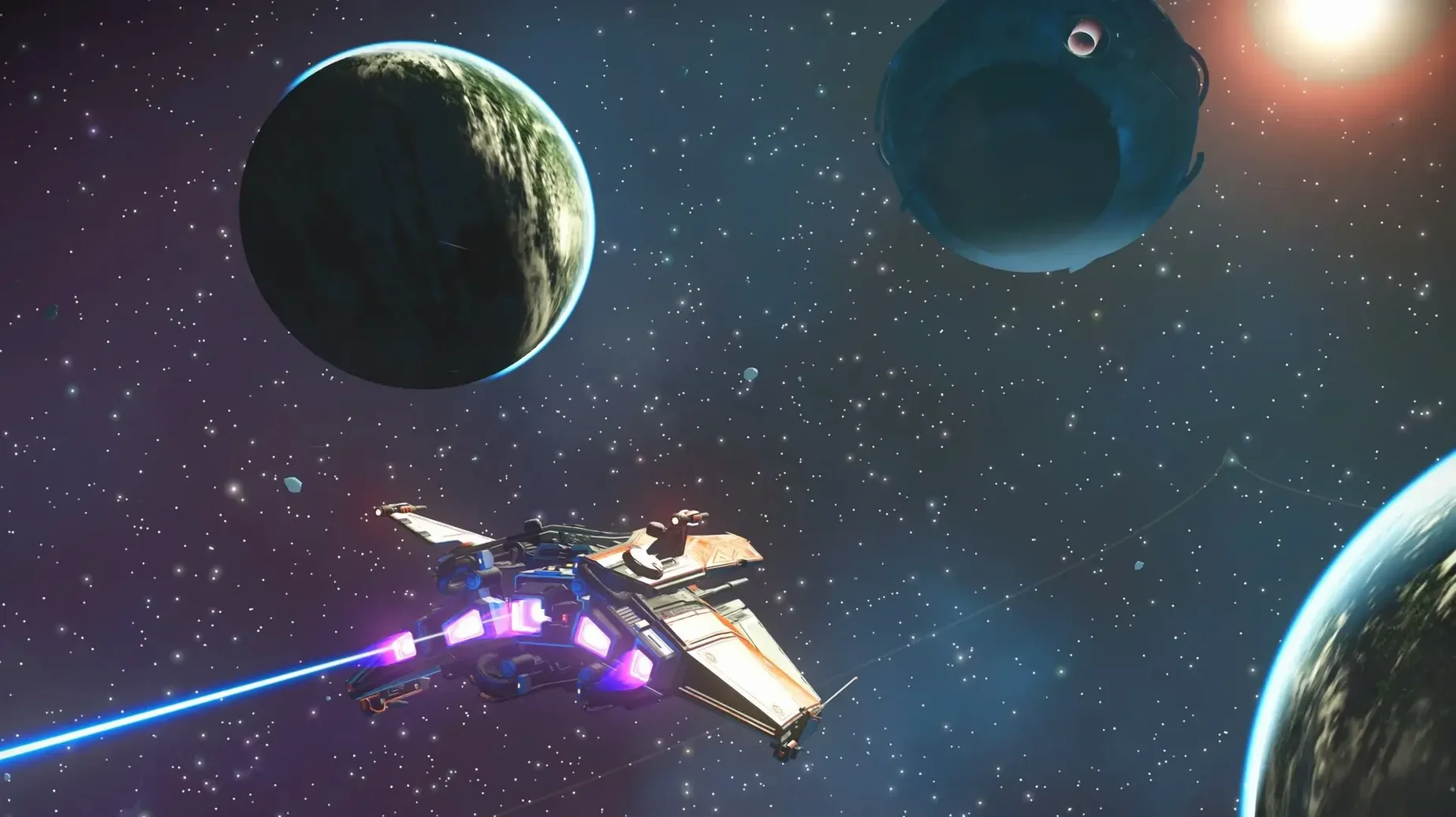
You step out of a rust-flecked starship onto a rain-lashed ridge. The air tastes of copper, and in the distance a lumbering hexapod with stony plates along its spine is drinking from a mercury pond. Your multitool pings — a deposit of pure ferrite just under the topsoil. Twenty minutes later you are in high orbit, fending off three pirate interceptors while a freighter captain begs for help over the crackling comms.
That is the rhythm of No Man’s Sky. There are no loading screens between deep space and a planet’s surface; you simply point the nose of your ship at the horizon and fly. The galaxy is procedurally generated, so every star system, every ridge, every hexapod is a unique arrangement of numbers turned into landscape and life.
Building a cliffside base or hunting a specific class of solar ship
- Players who enjoy setting their own goals, whether that means building a cliffside base, learning three dozen Gek words, or hunting down a specific class of solar ship.
- Anyone who finds a quiet pleasure in cataloguing weird creatures and giving them daft Latin names.
- A shared universe that stays odd and personal — you can bump into other travellers, but most of the time the galaxy feels like yours alone.
Fueling launch thrusters and life support becomes a quiet background routine
- The sheer openness can leave you momentarily directionless after the tutorial; the game gives you tools, not a fixed itinerary.
- Gathering resources to fuel your launch thrusters and life support is a constant background hum — it is survival-lite, not a pure sandbox.
- Planetary variety is broad but governed by its algorithms, so after a few dozen worlds you will start to recognise the building blocks.
A broken ship, a cracked visor and a hazard bar already ticking down
A fresh start in No Man’s Sky drops you next to a broken ship, a cracked visor and a hazard bar already ticking down. The panic is intentional — Hello Games want those first ten minutes to feel like a scramble. But a few common missteps can turn a tense opening into a string of pointless deaths.
The biggest one is sprinting everywhere. Sprint drains your life support at roughly twice the walking rate, and on a starter planet with scarce oxygen plants, that bar will empty before you have patched up your scanner. Walk between resource patches. Run only when the hazard protection icon is flashing red and shelter is thirty metres away.
Another classic blunder is ignoring the terrain manipulator once you unlock it. Beginners tend to think of it as a digging toy, something to excavate buried technology modules. But the manipulator is also your emergency bunker. A hole straight down, a quick bend to the left, and you are out of the storm — no sodium required, no frantic search for a cave entrance. Just remember to switch the beam to “restore” and plug the ceiling before you log out, or you will reload standing in a foxhole on a boiling hillside.
Finally, do not sell your first navigation data. Those little blue-and-orange cubes stack in your inventory and look temptingly like early-game currency. They are, in fact, your ticket to finding crashed ships, abandoned buildings and manufacturing facilities — the places where you learn crafting recipes that save hours of grinding later. Sell the Gek relics and Vy’keen daggers if you must, but hoard the nav data until you have built a signal booster.
Everyday changes from the latest versions
Patch 7.04, part of the broader Cosmos update, is a housekeeping release — gameplay and stability fixes rather than headline features. In everyday play, that means fewer stutters when warping into a busy system and a noticeable improvement to terrain rendering on the Mac. The new Metal-based pipeline Hello Games introduced for Apple silicon handles the sudden geometry pop of a planetary approach more gracefully now; those half-second grey blobs that used to resolve into mountains are largely gone.
Cross-play, which the Mac version supports, has quietly reshaped the texture of the Space Anomaly. The hub now draws from every platform, so the crowd around the Nexus feels genuinely mixed — PlayStation travellers waving at PC builders, Mac explorers parked next to Xbox haulers. You notice it most during weekend missions, where the player count spikes and the landing pads fill with a chaotic assortment of ship designs you would never see in a single-platform lobby.
For Russian-speaking players, patch 7.04 tightened several localisation gaps that had crept into the Cosmos update’s new dialogue trees. Previously, some Atlas station interactions would revert to English mid-conversation; those strings are now properly voiced and subtitled in Russian, along with the other twelve supported languages.
Display scaling setting causes a black screen with music playing on first launch
One recurring headache on the Mac version is a black screen on first launch. The game opens, the music plays, but the display stays dark. The culprit is almost always the display scaling setting — No Man’s Sky can be picky about non-integer resolutions. Switch your Mac’s display to a standard scaling option in System Settings before launching, then adjust in-game resolution once the menu appears. The fix sticks for future sessions.
Another snag: the ship’s pulse engine refuses to engage even though there is no planet or freighter in the way. This happens when a stray piece of tritium or a floating cargo pod has drifted into your flight path just beyond visual range. Hold the pulse button regardless — the engine will charge for a split second, disengage, and then work normally on the second attempt. It is a physics bubble quirk, not a bug.
If you download a no man's sky mac torrent or a no mans sky torrent from a third-party source, be prepared for save-file wonkiness. The game writes discovery data to a local folder, and mismatched versions can cause the planet-naming server to reject uploads. A clean no man's sky torrent from a well-seeded source that matches the current build avoids this, but always check that the version number aligns with patch 7.04 before installing. The same applies to a no man sky torrent — the file structure on Mac is case-sensitive, and some repacks bundle the Windows folder layout, which causes a silent crash at the Hello Games logo. Renaming the “Binaries” folder to match the Mac path structure sorts it. A no man's sky mac download that arrives as a properly structured disk image will usually mount without these quirks.
Drop flight sensitivity to 30 if ships feel too floaty out of the box
The default controls assume you are comfortable with a floaty flight model. Under Controls Options, drop “Flight Sensitivity” to around 30 if you are coming from a tighter space sim — the stock setting makes ships feel like they are skating on oil. While you are there, rebind the “Combat Scope” toggle to something you will not brush accidentally in a firefight; the default mapping puts it dangerously close to the boost key.
In Graphics Options, the Mac version ships with “Planet Quality” on High, which is optimistic for anything below an M2 Pro. Drop it to Medium. You will lose a little distant ground clutter, but the frame rate during storm effects — swirling dust, blizzard particles — stabilises noticeably. Keep “Base Complexity” on High regardless of your chip; that setting governs how much of your own construction work the game renders in one go, and lowering it makes your own bases pop in piecemeal as you approach, which is strangely disheartening after a six-hour building session.
Lastly, turn off “HUD Marker Animation” in General Options. The bouncing objective icons are meant to draw your eye, but after the tenth hour they simply vibrate in your peripheral vision like an unanswered message. A static marker is easier to ignore when you want to get lost.
The Cosmos update lands with a sweep of gameplay and stability fixes, tightening up everything from inventory interactions to multiplayer sync.
- Several long-standing mission-blocking bugs have been squashed.
- Stability on Apple silicon has been improved, especially during long play sessions.
- Part of the wider Cosmos update that refreshes planetary generation across all platforms.
- Runs natively on both Intel and Apple silicon Macs.
Questions I keep hearing
Does the Mac version include the same updates as other platforms?
Hello Games says the Mac release bundles every content update from the past seven years, so you get the full history of expeditions, base parts, and story chapters in one package.
Can I play with friends on consoles or Windows?
Yes, cross-play is supported on the Mac version, so you can join the same galactic neighbourhood regardless of platform.
Is the Mac version well optimised for Apple silicon?
The developers built a new rendering pipeline specifically to take advantage of Metal and Apple silicon, which should mean smoother frame rates on modern Macs.
Questions from the class 0
Sign in or join the class to ask a question.
Nobody has asked anything yet. If you have used it on a real job, say what the file did.
Also on the Games shelf
The whole Games shelf No, I'm Not a Human
Forces you to decide which desperate strangers to let into your shelter during an apocalypse.
No, I'm Not a Human
Forces you to decide which desperate strangers to let into your shelter during an apocalypse.
 Nova Roma
Guides a fledgling settlement as you build aqueducts, manage trade, and appease the Roman gods.
Nova Roma
Guides a fledgling settlement as you build aqueducts, manage trade, and appease the Roman gods.
 Oceanhorn 3: Legend of the Shadow Sea
Sets you loose across a flooded fantasy kingdom to sail, dive, and battle colossal mechanical Titans.
Oceanhorn 3: Legend of the Shadow Sea
Sets you loose across a flooded fantasy kingdom to sail, dive, and battle colossal mechanical Titans.
 NBA 2K26 Arcade Edition
Lets you command an NBA team through a full season of five-on-five basketball.
NBA 2K26 Arcade Edition
Lets you command an NBA team through a full season of five-on-five basketball.
 Old World
Mixes turn-based empire management with unfolding family dramas and a dynastic line you must protect.
Old World
Mixes turn-based empire management with unfolding family dramas and a dynastic line you must protect.
 NBA 2K25 Arcade Edition
Lets you play full five-on-five basketball with official NBA teams and a career mode.
NBA 2K25 Arcade Edition
Lets you play full five-on-five basketball with official NBA teams and a career mode.
 My Winter Car
Tasks you with building a project car while staying fed, warm, and alive through a Finnish winter.
My Winter Car
Tasks you with building a project car while staying fed, warm, and alive through a Finnish winter.
 My Dream Setup
Lets you design a detailed room by sliding furniture freely without any snap-to-grid fighting.
My Dream Setup
Lets you design a detailed room by sliding furniture freely without any snap-to-grid fighting.