 ASPNetWorld
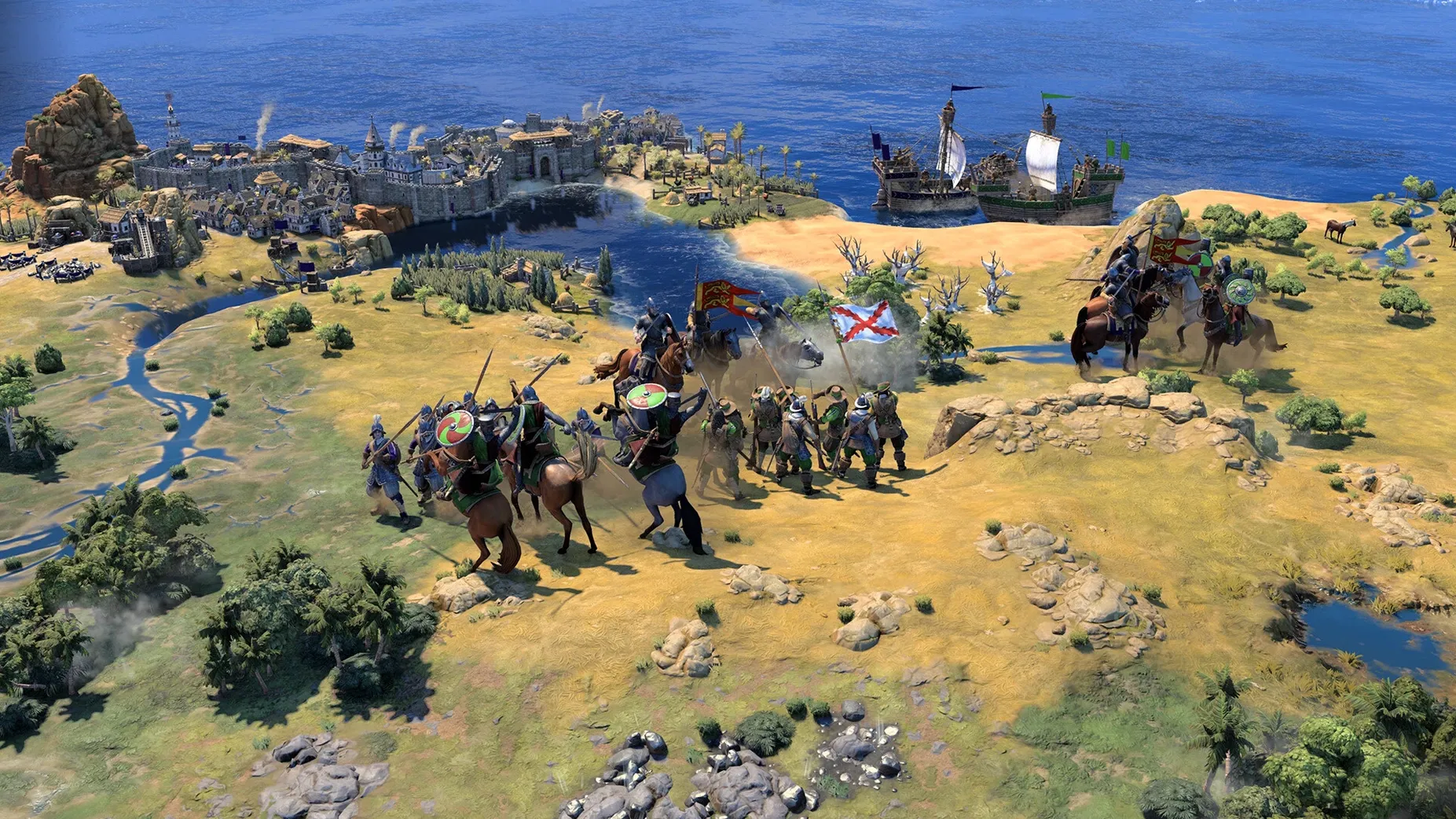
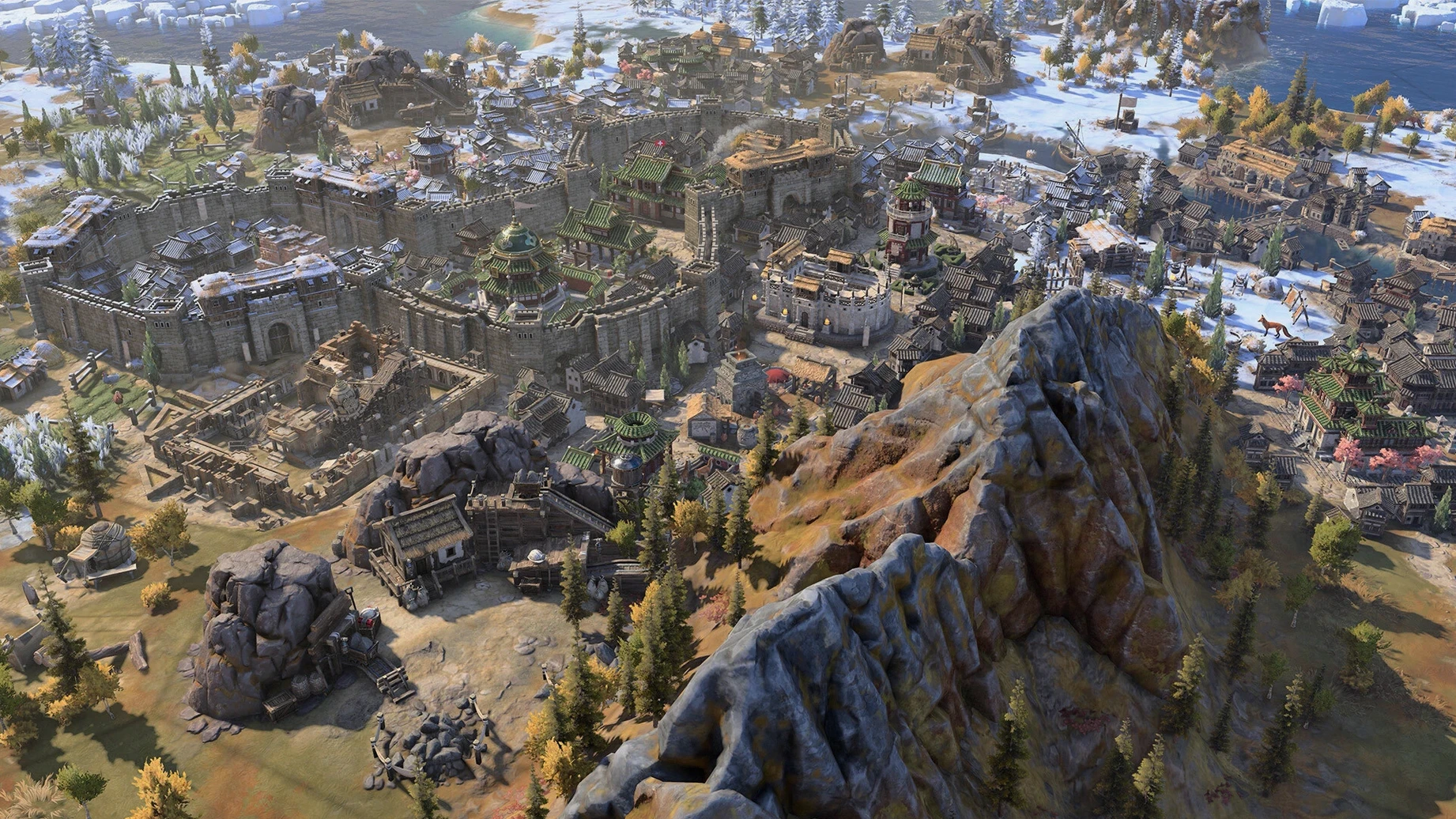
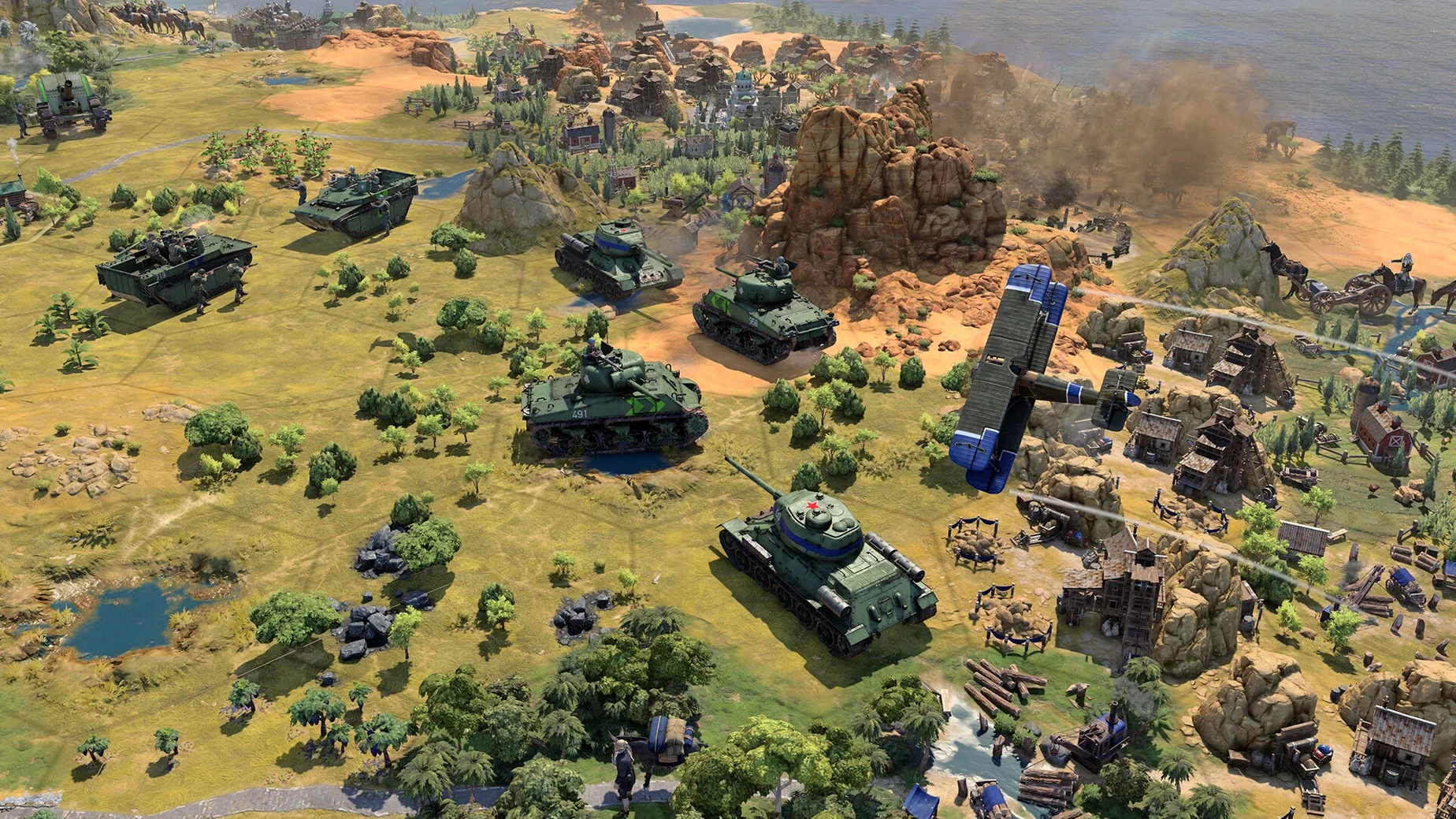
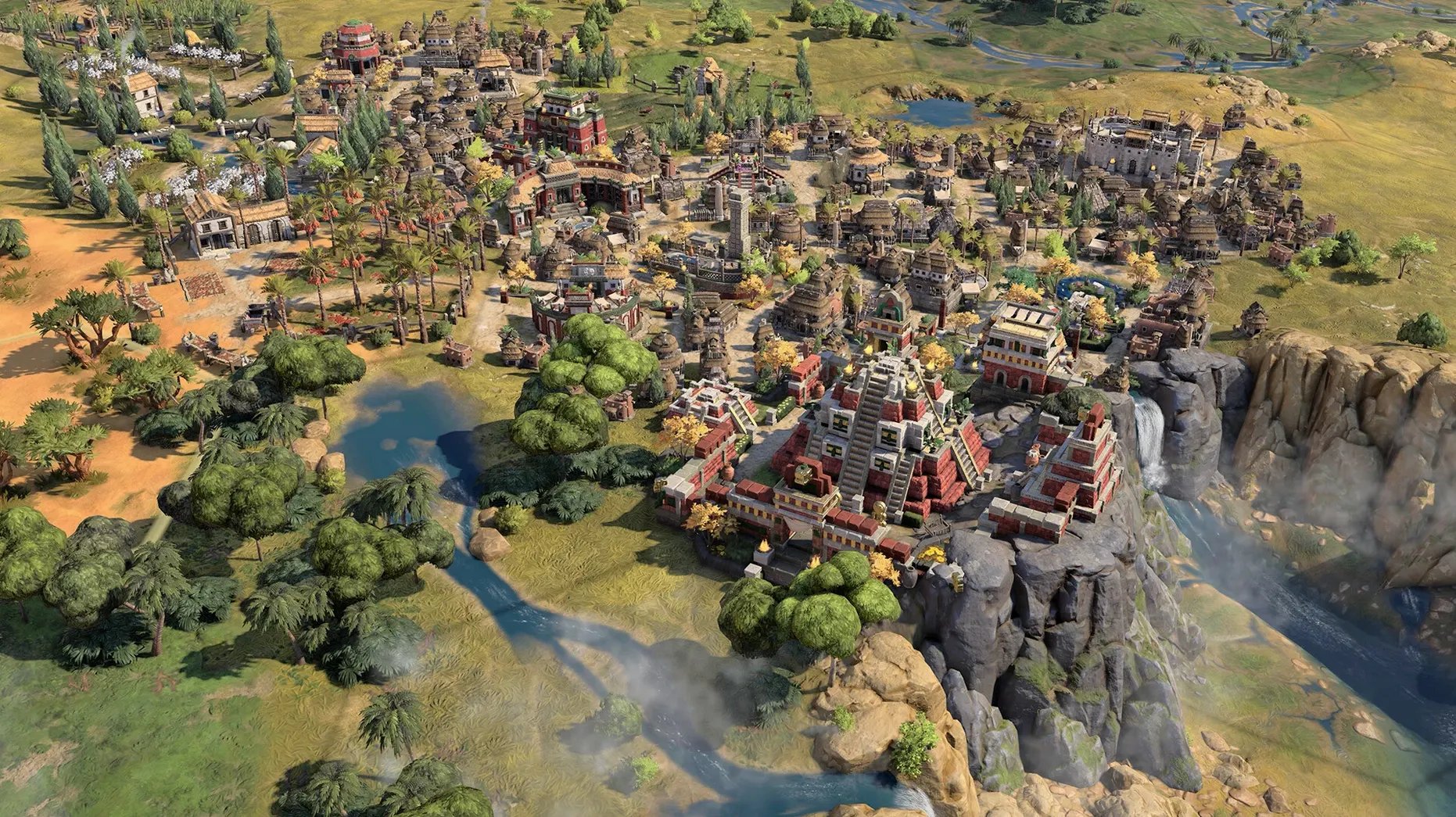
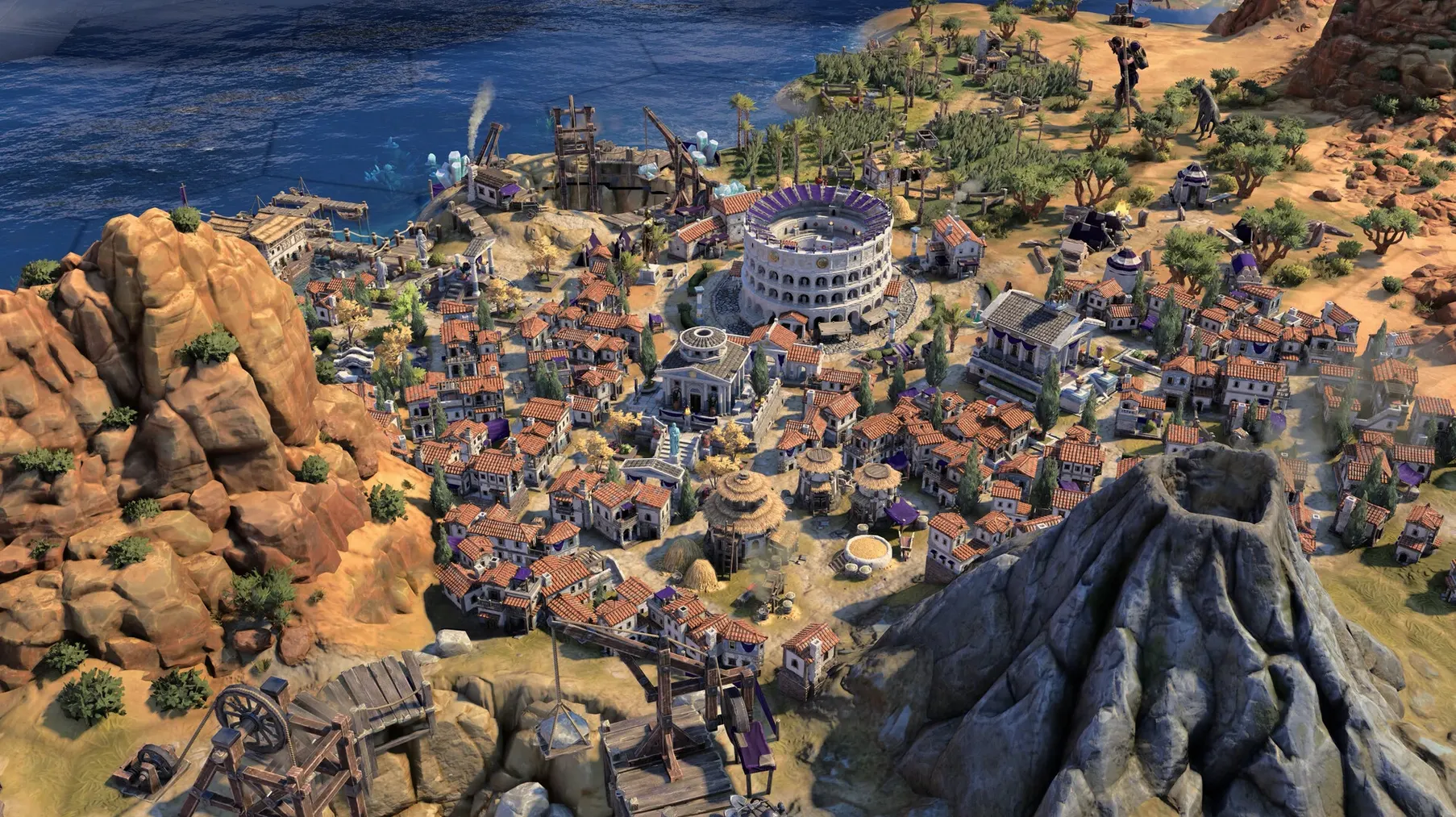
Update 1.5.0 brings the True Start Location Earth map to Civilization VII, alongside stability fixes for the late-game Modern Age. It also tidies up a curious lag that could creep in when you were using a mouse and keyboard together — a welcome polish for Mac players who prefer a traditional pointer setup over a trackpad.
Running a turn-based epic like this on macOS is straightforward, but a few things are worth knowing before you commit a whole Sunday to empire-building. The game is a native Apple Silicon title, so it taps the M-series chip’s muscle directly — no Rosetta overhead. On an M2 MacBook Air, you can expect smooth map scrolling and snappy turn resolution through the early eras. By the Modern Age, when the map is humming with trade routes, aircraft, and cultural districts, the fan will spin up, but the pacing stays consistent.
Controls feel natural. The game recognises the Magic Mouse and built-in trackpad gestures without fuss, and the 1.5.0 fix means there’s no longer that micro-stutter when issuing a command while nudging the camera with a key. If you dock to an external display, the interface scales cleanly — Firaxis has done the work to keep tooltips readable at Retina resolutions.
Audio is another quiet strength. The voice acting, available in eleven languages including Japanese, Polish and French, anchors the evolving cultural style of each civilisation as their architecture and units change across eras. Playing as Rome feels and sounds distinct from Meiji Japan, not just in unit skins but in the cadence of your advisors.
For anyone who missed it, Sid Meier's Civilization VII launched on 11 February 2025 and softens the old “one civ for all time” model. Now you choose traits and bonuses that fit your strategy for each era, so your civilisation genuinely bends to the conditions you face rather than following a single predestined path.
Quiet shortcuts most people scroll right past
A game this deep has a knack for hiding its best little helpers in plain sight. One that I watch new players discover with genuine delight is the right-click “move to” queue. Shift-right-click a destination and the unit will plot a sensible multi-turn path, even respecting embarkation points. You can chain destinations too — one more shift-click adds a waypoint. It turns a scout's exploration from a micro-managed chore into a “set and review” rhythm.
Another gem lives in the city details panel. Hover over any yield icon — food, production, gold — and hold the Option key. The tooltip expands to show every modifier feeding that number, from terrain adjacency to policy card bonuses. It’s the quickest way to understand why a city is thriving or stagnating without opening three sub-menus. On the map, tapping the ` key (backtick, just above Tab) cycles through units that still have movement points remaining; on a busy late-game screen it saves you from squinting at tiny unit flags.
The lens system — accessed with the numbered keys — also rewards muscle memory. Press 1 for the settler lens, 2 for the builder lens, and suddenly every tile’s potential glows with colour. These aren’t buried in a tutorial pop-up; they just sit there quietly, waiting for you to remember the number row exists. For MacBook users who’ve remapped function keys, the standard macOS “Use F1, F2, etc. as standard function keys” setting applies here too, so the lenses work without holding the Fn key.
Humankind and Old World draw the same hardware but different blueprints
Civilization VII occupies a particular lane, and the two most natural comparisons are Humankind by Amplitude Studios and Old World by Mohawk Games. All three run natively on Apple Silicon, so performance differences come down to design ambition rather than port quality.
Humankind shares the era-switching civilisation concept — you can play as the Zhou in one age and morph into the Franks in the next — but it leans harder into a fame-based victory system. The Mac build is polished, and the UI feels a touch more modern and minimal. What you lose, though, is the granular leader personality that Firaxis brings to the table. In Civilization VII, leaders like Ben Franklin or Amina have trait combinations you can steer and upgrade; Humankind’s avatars feel more like a costume change than a character you negotiate with. When you seek out civilization vii mac torrent conversations online, the leader interactions come up again and again as the series’ glue — and that glue holds better here than in Amplitude’s take.
Old World is the tighter, more intimate cousin. It borrows Crusader Kings-style character events — marriages, court intrigue, succession — and layers them onto a classic 4X skeleton. The scale is smaller, the map less sprawling, and the turns resolve faster. It’s brilliant if you want a narrative thread woven through your empire, but it doesn’t offer the grand sweep of a full Civ map. Where Sid Meier's Civilization VII asks “what will your civilisation become over millennia?”, Old World asks “who will inherit the throne next year?”. Both are valid questions — they just suit different moods. The size of a late-game Civ VII map, especially with the new True Start Location Earth map from update 1.5.0, is simply unmatched for sheer geographical storytelling.
A night-school warning about chasing every early wonder
The era transition is the big one. I’ll watch a student in my evening class treat the early game as a chance to build every wonder and spread wide, then hit the Age of Exploration and wonder why their gold has evaporated. Civ VII resets certain conditions at each era boundary — some bonuses fade, diplomatic pacts re-evaluate, and your economy’s safety net can vanish if you haven’t prepared for the pivot. The fix is to read the era progression panel before the countdown finishes. It spells out what’s about to change, but it’s easy to ignore when you’re two turns from finishing the Pyramids.
Another trap is treating the new commander units like a simple buff aura. A commander can stack adjacent units, but they also have their own promotion tree that unlocks abilities like coordinated volleys or faster embarkment. Beginners often leave them parked in a city, unaware that they earn experience from nearby combat. Move them with your front line — they’re not just a flag on a hill.
Then there’s the diplomacy screen. Players coming from earlier Civ titles sometimes assume the AI’s friendly greeting means a lasting alliance. In Civilization VII, leader agendas are more layered and they hold grudges across eras. That warm smile from Catherine de Medici in the Antiquity Age can curdle into espionage in the Modern Age if you’ve been stealing her city-state suzerainties. Checking the relationship breakdown — that little arrow next to the leader portrait — every dozen turns is worth the click. It’s not paranoia; it’s reading the room.
Fifteen-second map loads on an M4 Mac mini
On a Mac mini with an M4 chip, the game loads a standard map in under fifteen seconds from an internal SSD. Early-era turns tick over almost instantly; by the Modern Age, with every tile active and a dozen trade routes recalculating yields, a turn takes about eight to ten seconds — perfectly acceptable for a game that’s crunching thousands of interlocking variables. The 1.5.0 patch specifically targeted late-game crashes, and in several consecutive Modern Age playthroughs I haven’t hit a single hard quit. The input lag fix for simultaneous mouse and keyboard use is also noticeable: edge-scrolling while queuing a unit command used to hitch for a frame, and now it’s fluid.
Memory pressure sits around 6–8 GB on high texture settings at 1440p, so an 8 GB machine runs it competently, though closing browser tabs helps. On a 16 GB MacBook Pro, you have headroom to leave a podcast app and a note-taking window open alongside — the system doesn’t start compressing memory until you stack multiple other heavyweight apps on top. The fan behaviour is sensible: silent through the Antiquity and Exploration Ages, a gentle whoosh in the Modern Age, never the jet-engine whine that some 3D titles provoke.
If you’ve ever searched for sid meier's civilization v torrent to revisit an older entry on a Mac that couldn’t handle the latest release, the leap from that generation is stark. Those older games relied on OpenGL and struggled with Retina scaling; Civilization VII uses Metal and looks crisp on the built-in display of a MacBook Air without pushing the thermals into uncomfortable territory. It’s a quiet, confident performer — not flashy about its optimisation, but the numbers and the heat levels tell a happy story.
Update 1.5.0 delivers the new True Start Location Earth map, giving every leader their real-world historical geography. It also includes crash fixes for the late-game Modern Age.
- Added the True Start Location Earth map.
- Fixed lag that occurred when using mouse and keyboard inputs at the same time.
- Added stability and crash fixes for the late game.
- Apple Silicon Mac
Questions I keep hearing
Does Civilization VII run natively on Apple Silicon Macs?
Yes, it is a native Apple Silicon title, so it runs directly on M-series chips without needing Rosetta translation.
What languages are the character voices available in?
Voice languages include Russian, English, German, Spanish, Italian, Traditional Chinese, Simplified Chinese, Korean, Polish, French, and Japanese.
Questions from the class 0
Sign in or join the class to ask a question.
Nobody has asked anything yet. If you have used it on a real job, say what the file did.
Also on the Games shelf
The whole Games shelf Software Inc
Simulates running your own software company, from hiring staff to launching buggy products.
Software Inc
Simulates running your own software company, from hiring staff to launching buggy products.
 Songs of Conquest
Commands armies and builds kingdoms in a turn-based fantasy world that rewards careful positioning.
Songs of Conquest
Commands armies and builds kingdoms in a turn-based fantasy world that rewards careful positioning.
 South Park: Snow Day!
Fights through a snowed-in South Park with foul-mouthed kids and quick co-op brawls.
South Park: Snow Day!
Fights through a snowed-in South Park with foul-mouthed kids and quick co-op brawls.
 Road to Vostok
Survives harsh environments in a post-Soviet setting.
Road to Vostok
Survives harsh environments in a post-Soviet setting.
 Risen
Develops a character in a mysterious island RPG.
Risen
Develops a character in a mysterious island RPG.
 Rise of the Tomb Raider
Explores and survives in an action-adventure expedition.
Rise of the Tomb Raider
Explores and survives in an action-adventure expedition.
 Stardew Valley
Builds a quiet life on a farm.
Stardew Valley
Builds a quiet life on a farm.
 Stellaris
Guides a civilisation through the stars.
Stellaris
Guides a civilisation through the stars.