 ASPNetWorld
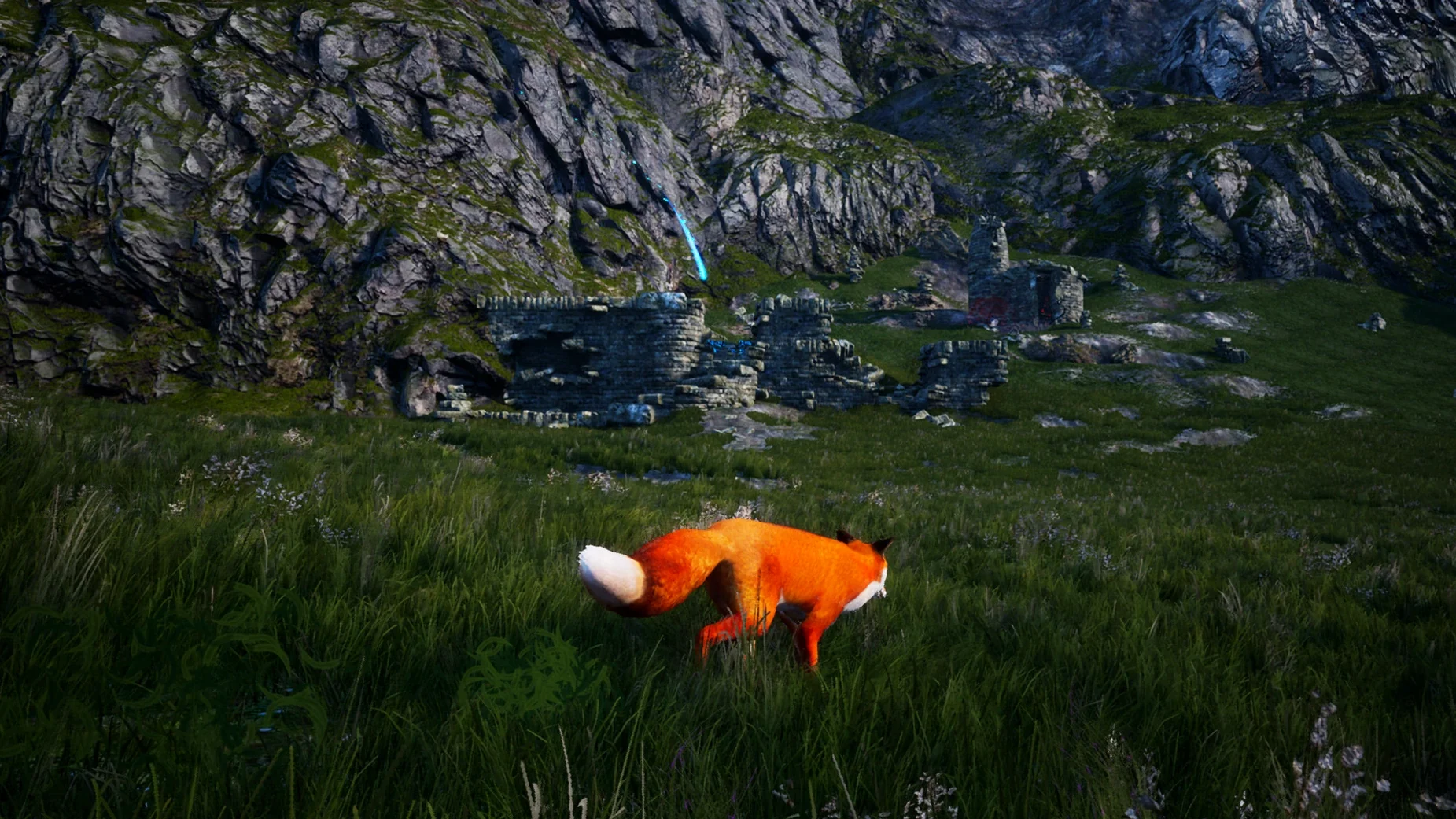
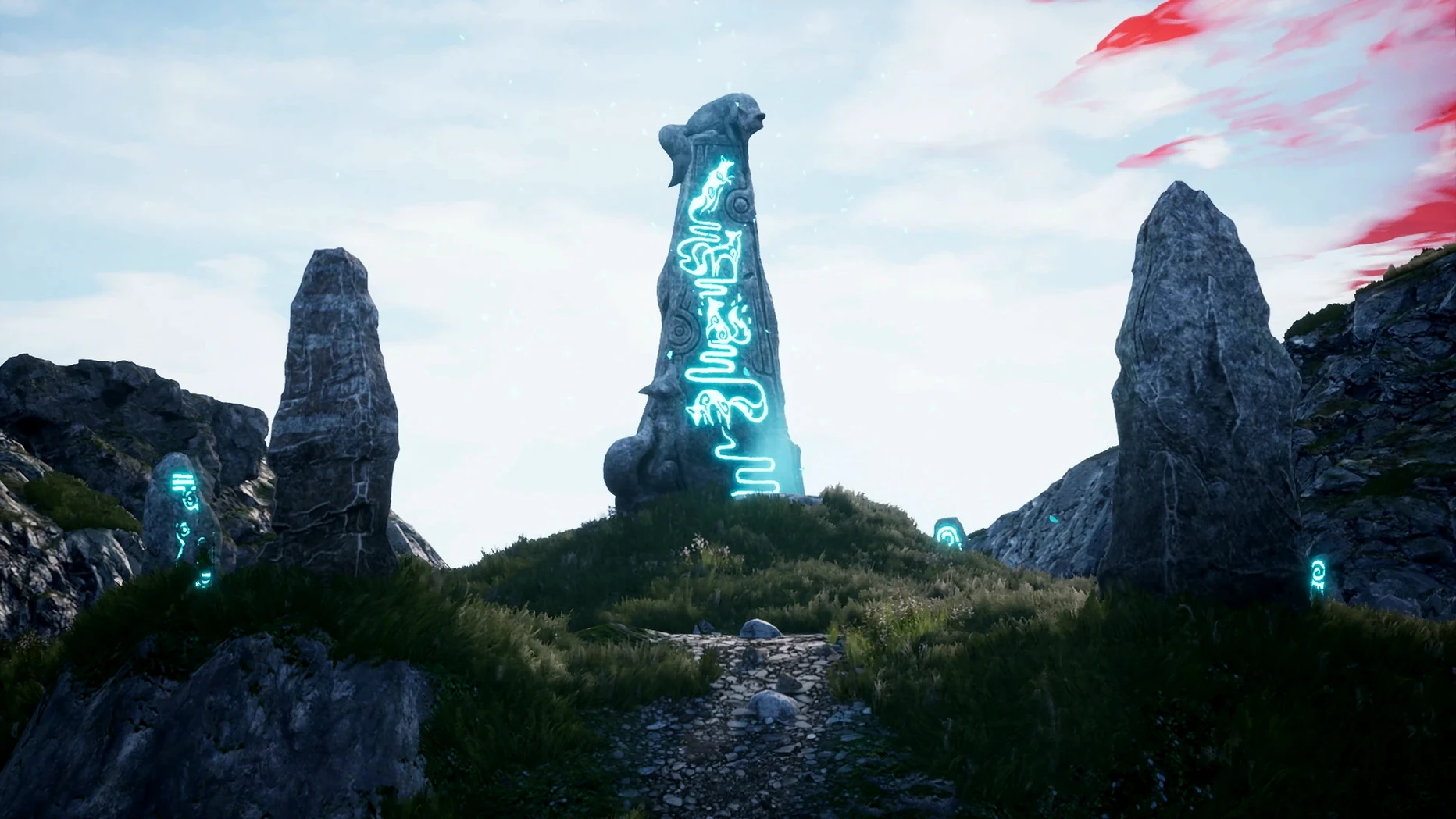
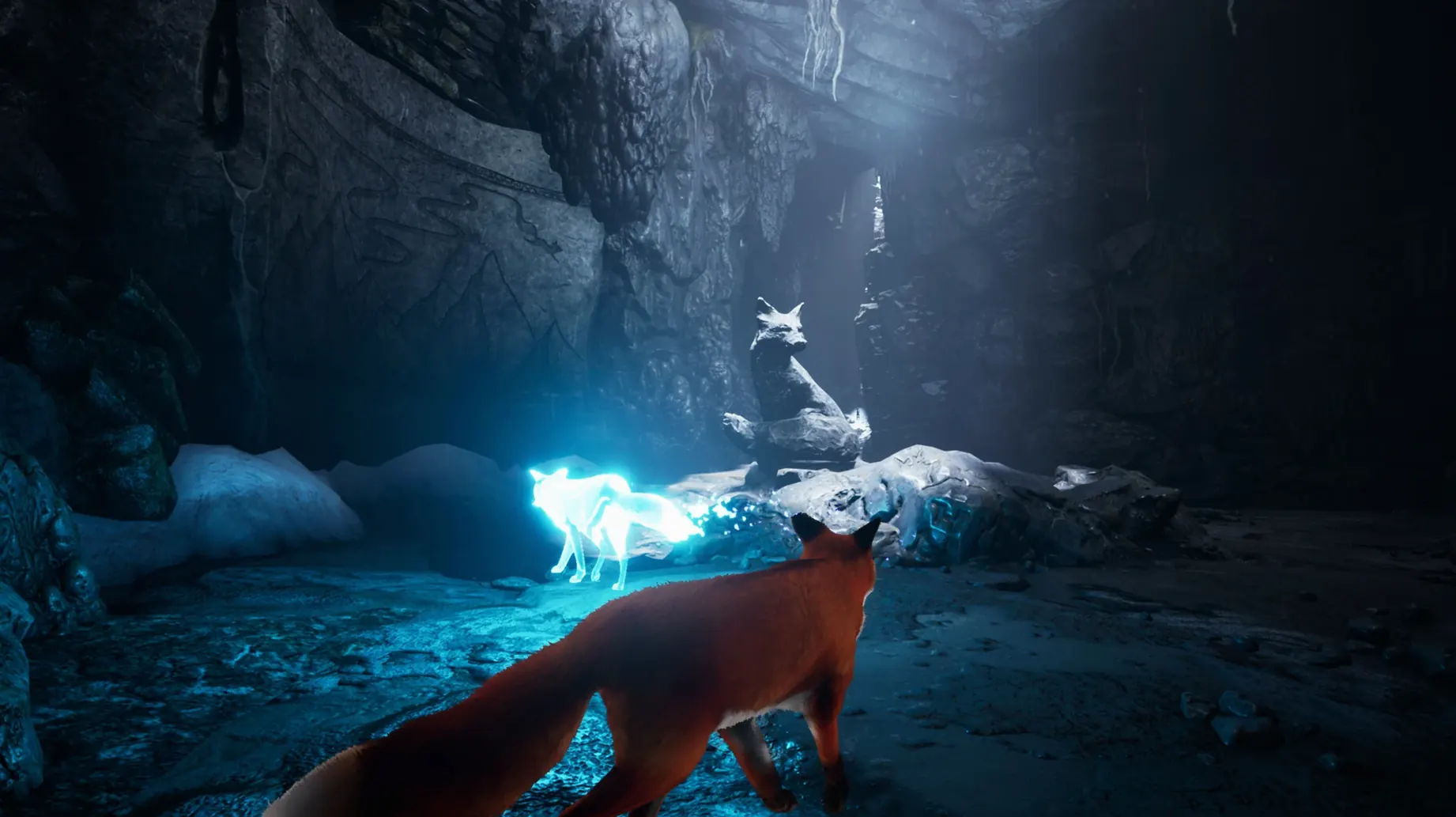
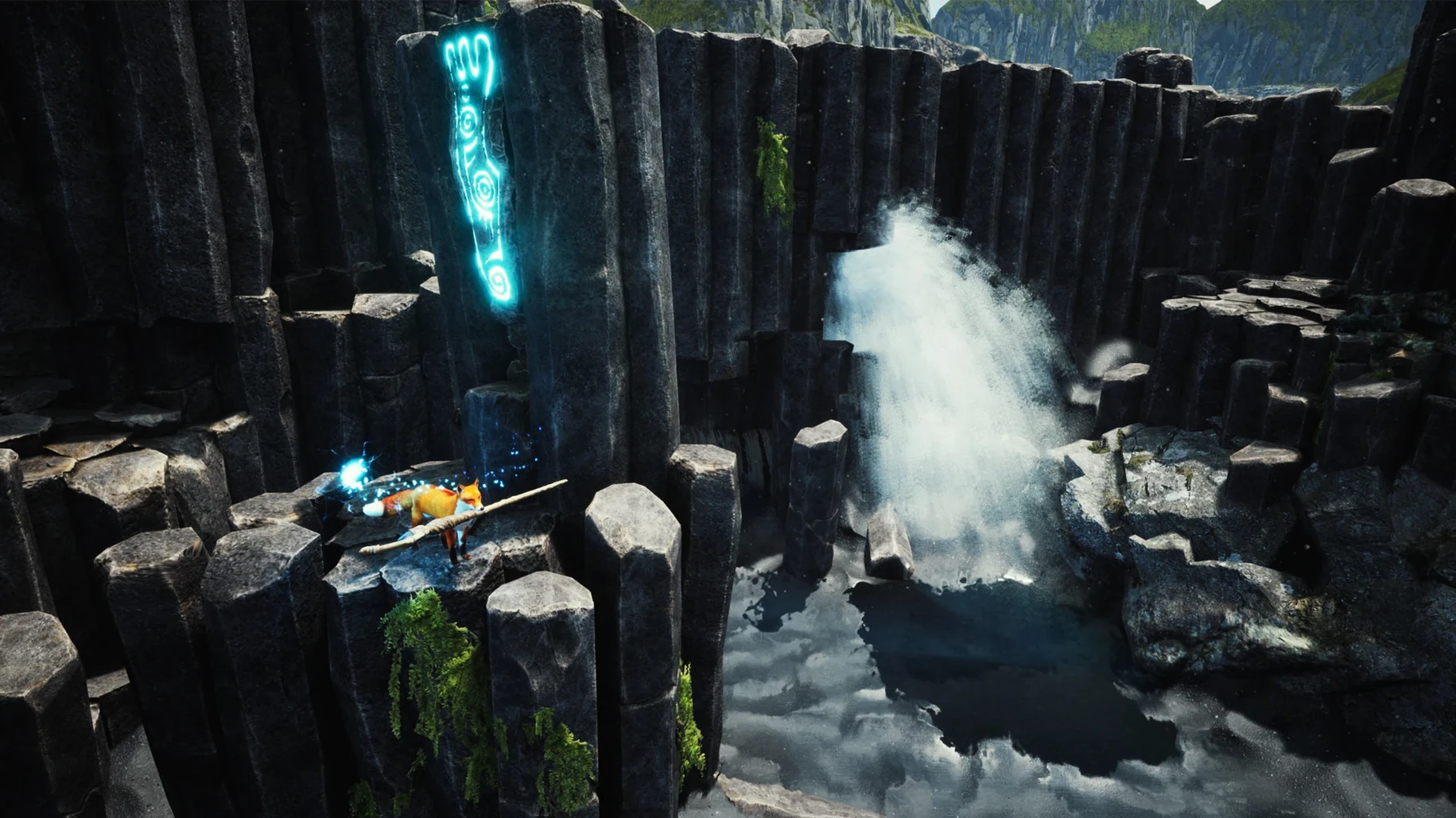
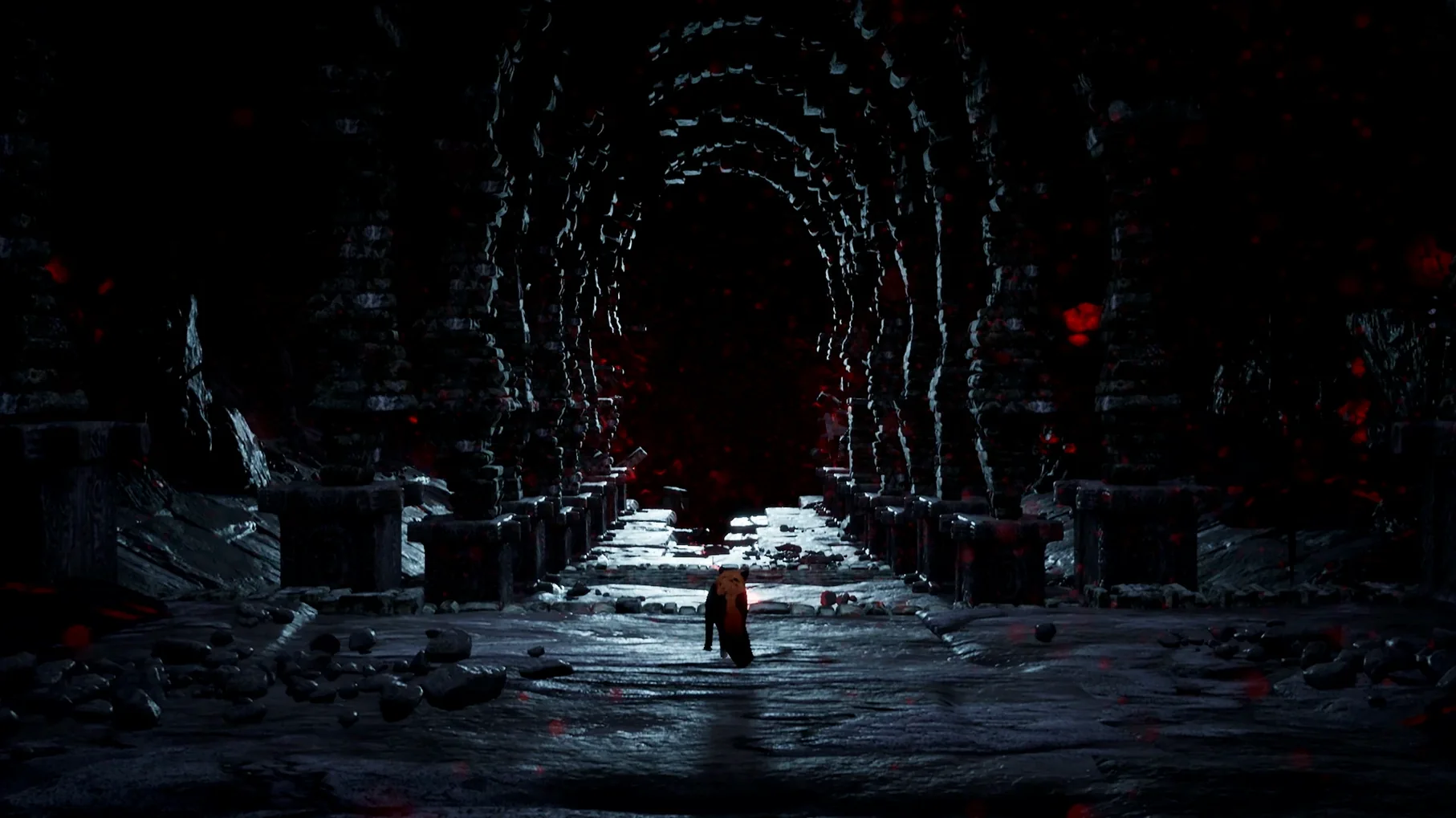
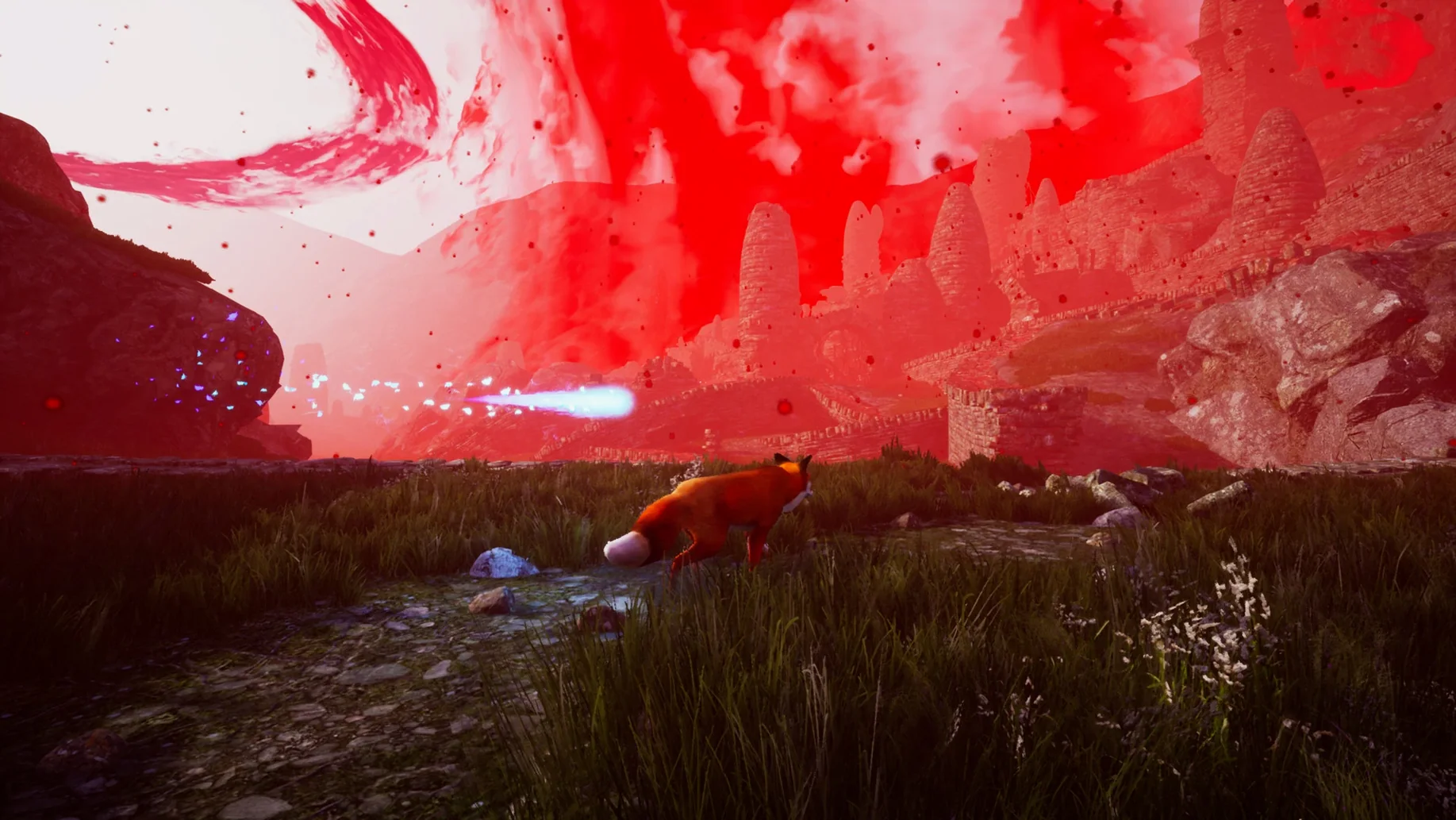
You curl up on the sofa, the M4 Mac mini humming quietly under the TV, and a pale fox pads through drifting snow. There is no dialogue, no narrator explaining the world; just the crunch of paws and a wind that sounds exactly like a cold afternoon in the Highlands. That is the quiet spell Spirit of the North casts when you get the Wineskin build running smoothly on Apple Silicon.
What the macOS version expects from your Mac
The game arrived on our test system as Build 6112756, wrapped in Wineskin for compatibility. A few points to keep in mind before you set off across the tundra:
- It has been verified on a Mac mini 2024 with an M4 chip, and that modern Apple Silicon architecture handles the fox’s journey without breaking a sweat.
- The wrapper means you are running a Windows executable through a translation layer, so a one-time setup step (and a little patience on first launch) is part of the deal.
- You can play with any of the supported interface languages — from Russian and Korean to French or Japanese — by changing the in-game settings, which is handy if you want the full Scandinavian folkloric atmosphere in your native tongue.
Controls and the feel of a wordless world
Movement feels deliberately unhurried. The fox trots, jumps and barks at ancient stone carvings, and because the story draws on Icelandic landscapes and the myth of a female spirit fox tied to the Northern Lights, every glowing rune you discover adds a layer of quiet wonder. On a Mac, a standard Bluetooth controller maps without fuss, and the absence of narration means the performance is really about frame pacing and atmosphere — both of which hold steady on M4 hardware.
Bark to see hidden paths and ancient markings
Because the game never speaks to you, a handful of subtle shortcuts and visual cues sit just below the surface. Spotting them early turns a pretty walk into something more satisfying.
- Bark as sonar. A quick press of the bark button near any stone monument sends a ripple of blue light across carvings you have yet to activate. In wide, snow-blanketed valleys where runes hide behind rock formations, this saves you from hugging every cliff face.
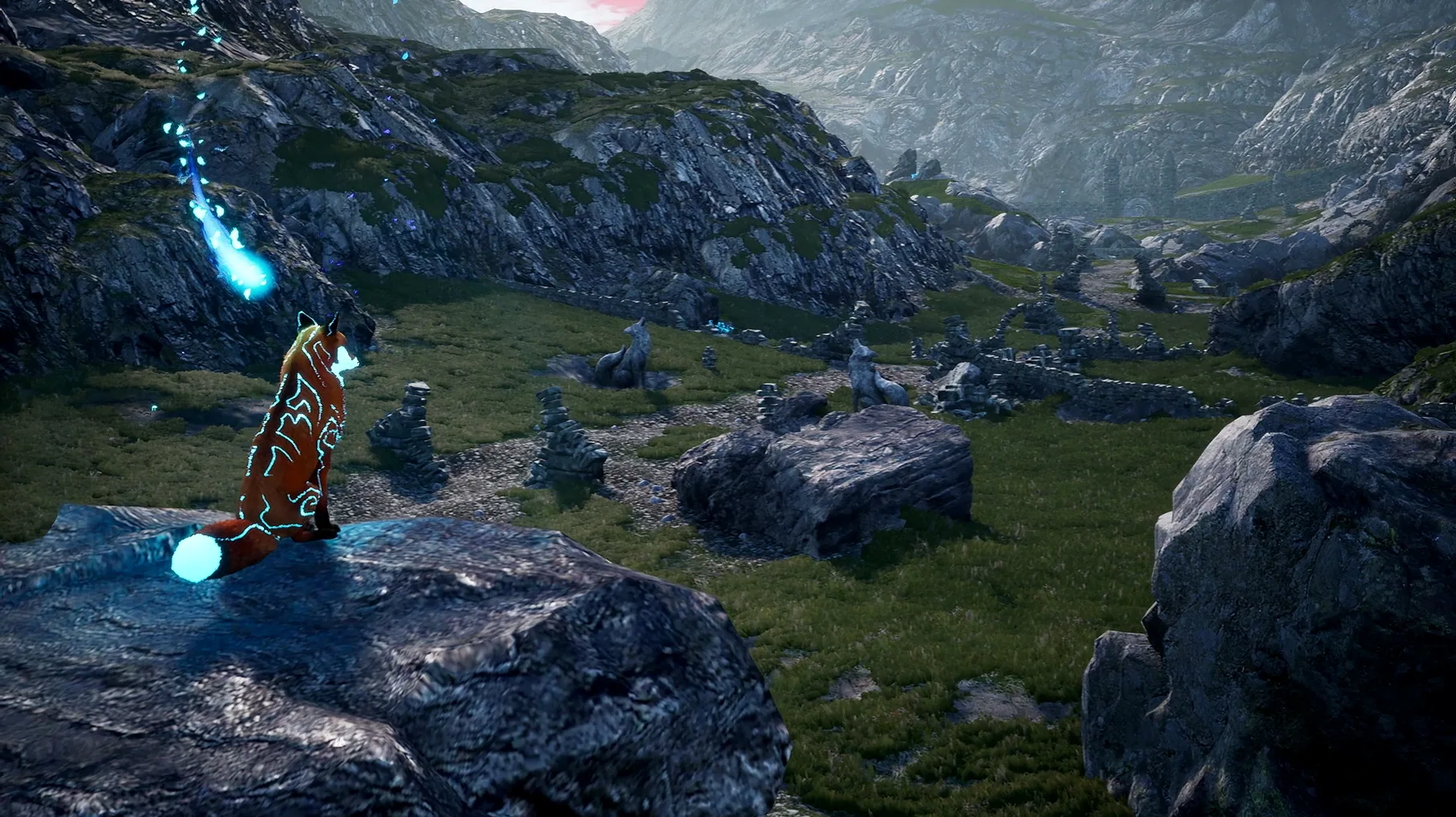
- Tail glow as compass. When the fox’s tail begins to shimmer with a faint blue aura, you are standing close to a spirit bloom or a story fragment. The intensity of the glow increases the nearer you get, so you can navigate entirely by the fox’s body language rather than by sweeping the camera around.
- Auto-save whispers. The game saves your progress silently whenever you restore a mural or cross a threshold into a new area. There is no on-screen icon, but if you watch the bottom-right corner of the screen for a split-second flicker during a scene transition, that is your cue that you can safely quit without losing progress.
- Skip the long climb. On the stretch leading to the ruined watchtower, a narrow ledge on the left side of the cliff path lets you bypass three switchback puzzles. It is deliberately tucked away — the developers placed a single tuft of red grass at the entry point, and the fox’s ears twitch when you face it.
A landscape photographer’s afternoon
Picture someone who spends their weekends hiking with a mirrorless camera, hunting for light rather than trophies. For that person, Spirit of the North works less like a puzzle game and more like a virtual recce through Iceland’s backcountry. They will spend twenty minutes on the first ridge simply panning the camera, framing the fox against a bruised-orange sky while the Wineskin build’s draw distance keeps distant peaks crisp. They notice that the fox’s fur catches the wind differently on exposed plateaus versus sheltered hollows — a detail that matters deeply to someone who photographs animals. When they reach the cavern where the spirit fox first appears, they instinctively stop moving. The way the aurora bleeds through the rock ceiling and reflects in the underground pool gives them five different compositions before they even touch a rune. Later, they will dip into the photo mode (accessed through the pause menu) and spend another half-hour tweaking focal length and film grain, treating the whole session as a landscape study rather than a race to the credits. For a player like that, the absence of dialogue is not a limitation — it is an invitation to read the light.
Fix the camera jitter and stuck menu clicks on first launch
The Wineskin wrapper does a solid job, but a few wrinkles tend to crop up on first run. Most have straightforward fixes.
The black screen on launch
If the game window opens and stays black while the audio plays, the wrapper’s DirectX-to-Metal translation has stumbled. Quit the app, open the disk image again and run the Fix file included there. That script resets the wrapper’s graphics configuration to a safe default. After it finishes, launch the game from your Applications folder — not from the disk image — and the visual should appear within a few seconds.
Controller not responding
Wineskin sometimes grabs the controller before macOS can hand it over properly. If your Bluetooth pad lights up but the fox ignores it, toggle the controller off and on again after the game has reached the main menu. On an M4 Mac mini, waiting until the title screen fades in before connecting usually sidesteps the issue entirely.
Stuttering in particle-heavy scenes
The spirit bloom sequences throw a lot of floating light particles at the engine. On first load, the wrapper caches shaders, and a brief stutter is normal. If the hesitation persists beyond the first ten seconds, drop the in-game resolution one notch below your display’s native setting — the Wineskin translation layer handles scaling more gracefully than dynamic particle simulation at full resolution.
Language switching resets your position
Changing the interface language from the settings menu forces a full reload of the current chapter. That is a quirk of how the Wineskin build handles localisation files, so set your preferred language — English, Japanese, Russian or any of the eleven available — before you start a session, not halfway up a mountain.
You need the Windows version and a free wrapper to run it on Mac
Does the Wineskin wrapper mean I am installing Windows on my Mac?
No. The wrapper bundles a self-contained translation layer inside the app itself — there is no Windows licence, no virtual machine and no separate partition. You drag the app to Applications like any other Mac program, and the wrapper handles the rest behind the scenes.
Will the game feel sluggish on an Apple Silicon Mac?
On the M4 chip we tested with, frame pacing stayed smooth even during the large open tundra sections where the draw distance stretches to the horizon. Because the Wineskin build translates instructions on the fly, there is a tiny one-time shader compilation hitch when you enter a new biome, but after that it runs as though it were native.
Is the story hard to follow without dialogue or narration?
The narrative unfolds through murals, runes and the behaviour of the spirit fox herself. The fox you control reacts physically — ears flatten, tail droops, posture stiffens — and those reactions carry the emotional beats. If you pay attention to the carvings and the way the landscape changes after each chapter, the plot comes through clearly. It is more like reading a picture book than watching a silent film.
Can I use keyboard and mouse, or is a controller required?
You can play with keyboard and mouse; the Wineskin build maps movement to WASD and actions to the mouse buttons by default. That said, the analogue stick on a controller gives you finer control over the fox’s trotting speed, which matters in the later puzzle sequences where gentle movement avoids triggering environmental traps. A standard Bluetooth controller paired to macOS works without any extra configuration.
- Architecture: Apple Silicon
- Tested on macOS Tahoe, Mac mini 2024 M4
Questions from the class 0
Sign in or join the class to ask a question.
Nobody has asked anything yet. If you have used it on a real job, say what the file did.
Also on the Games shelf
The whole Games shelf Stardew Valley
Builds a quiet life on a farm.
Stardew Valley
Builds a quiet life on a farm.
 South Park: Snow Day!
Fights through a snowed-in South Park with foul-mouthed kids and quick co-op brawls.
South Park: Snow Day!
Fights through a snowed-in South Park with foul-mouthed kids and quick co-op brawls.
 Stellaris
Guides a civilisation through the stars.
Stellaris
Guides a civilisation through the stars.
 STORROR Parkour Pro
Lets you practise parkour across city rooftops.
STORROR Parkour Pro
Lets you practise parkour across city rooftops.
 Stronghold Crusader HD
 Stronghold Definitive Edition
Builds and defends medieval castles.
Stronghold Definitive Edition
Builds and defends medieval castles.
 Songs of Conquest
Commands armies and builds kingdoms in a turn-based fantasy world that rewards careful positioning.
Songs of Conquest
Commands armies and builds kingdoms in a turn-based fantasy world that rewards careful positioning.
 Software Inc
Simulates running your own software company, from hiring staff to launching buggy products.
Software Inc
Simulates running your own software company, from hiring staff to launching buggy products.