 ASPNetWorld
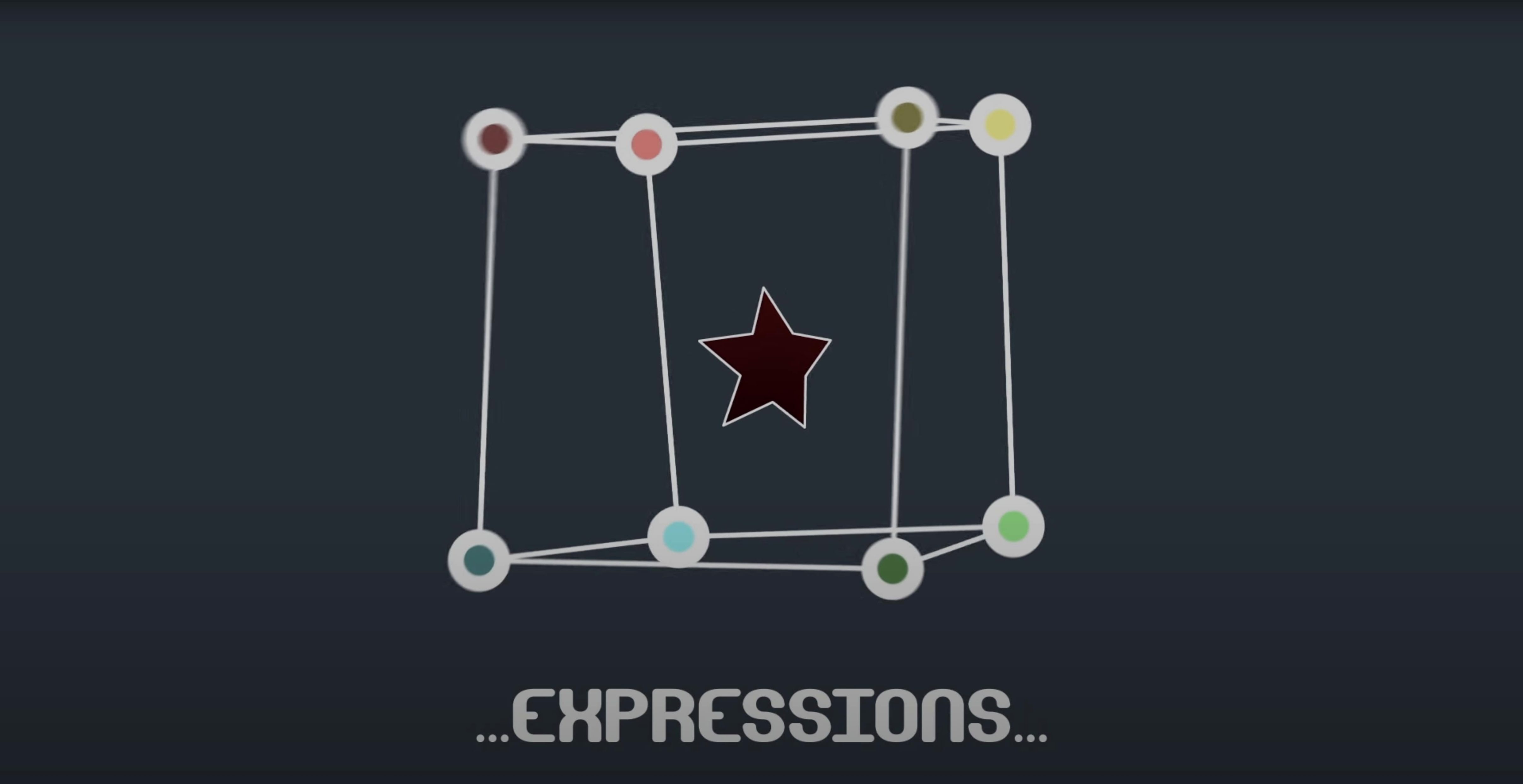
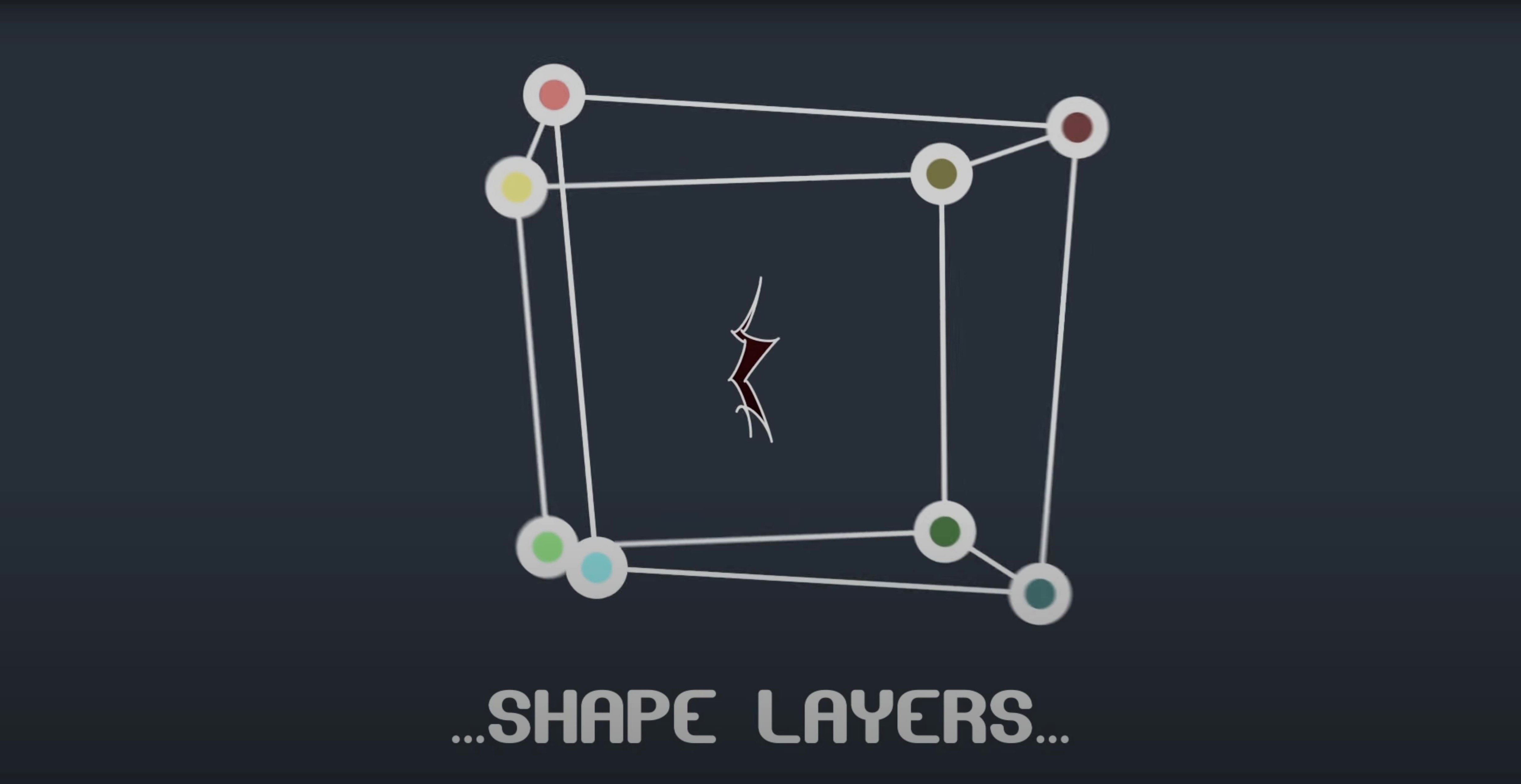
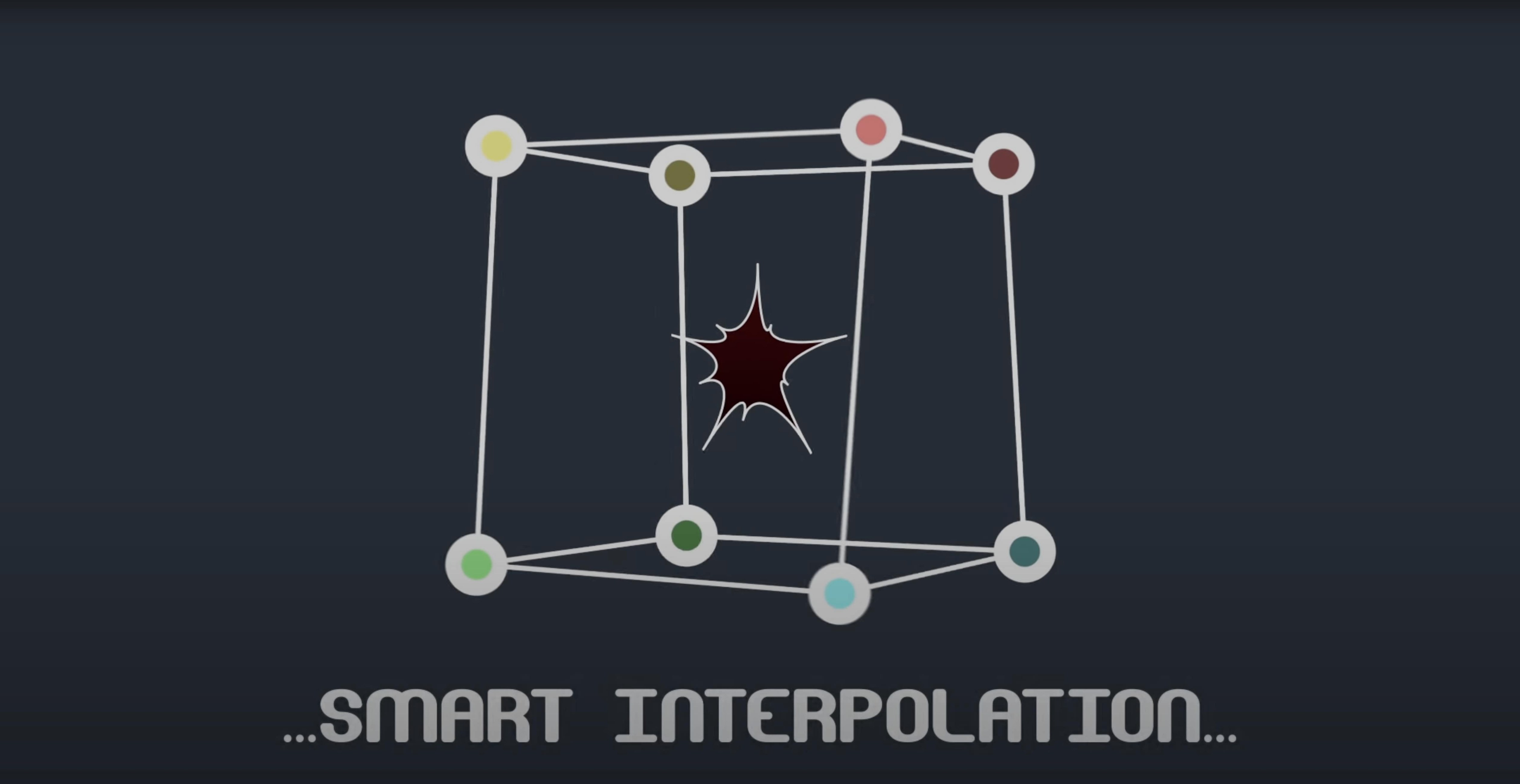
Compatibility: Mac and After Effects
Mask Avenger runs natively on both Intel and Apple Silicon Macs. Version 2.7.5 squashed an M1-specific compatibility bug, so it now behaves itself across the full current Mac lineup. It's a native After Effects plugin — no bridging, no Rosetta workarounds — and slots into AE 2024 right back through CS6. If your Mac can run a supported version of After Effects, it can run this.
Draw, apply, animate, refine — the four‑step loop
- Draw a standard mask on a layer. Nothing special here — just the usual pen tool work on a solid or footage item.
- Apply Mask Avenger. The effect grabs hold of the mask and exposes every vertex and tangent as an individually animatable property.
- Animate with precision. Keyframe a single vertex without disturbing its neighbours, or ease a tangent handle independently. The properties slide straight into AE's timeline, so expressions, keyframe easing, and 3D space transforms all behave as you'd expect.
- Freeze for hand-off (optional). The freeze mode bakes the current mask state into a standard mask that any After Effects user can see, regardless of whether they own the plugin. Safe for studio sharing.
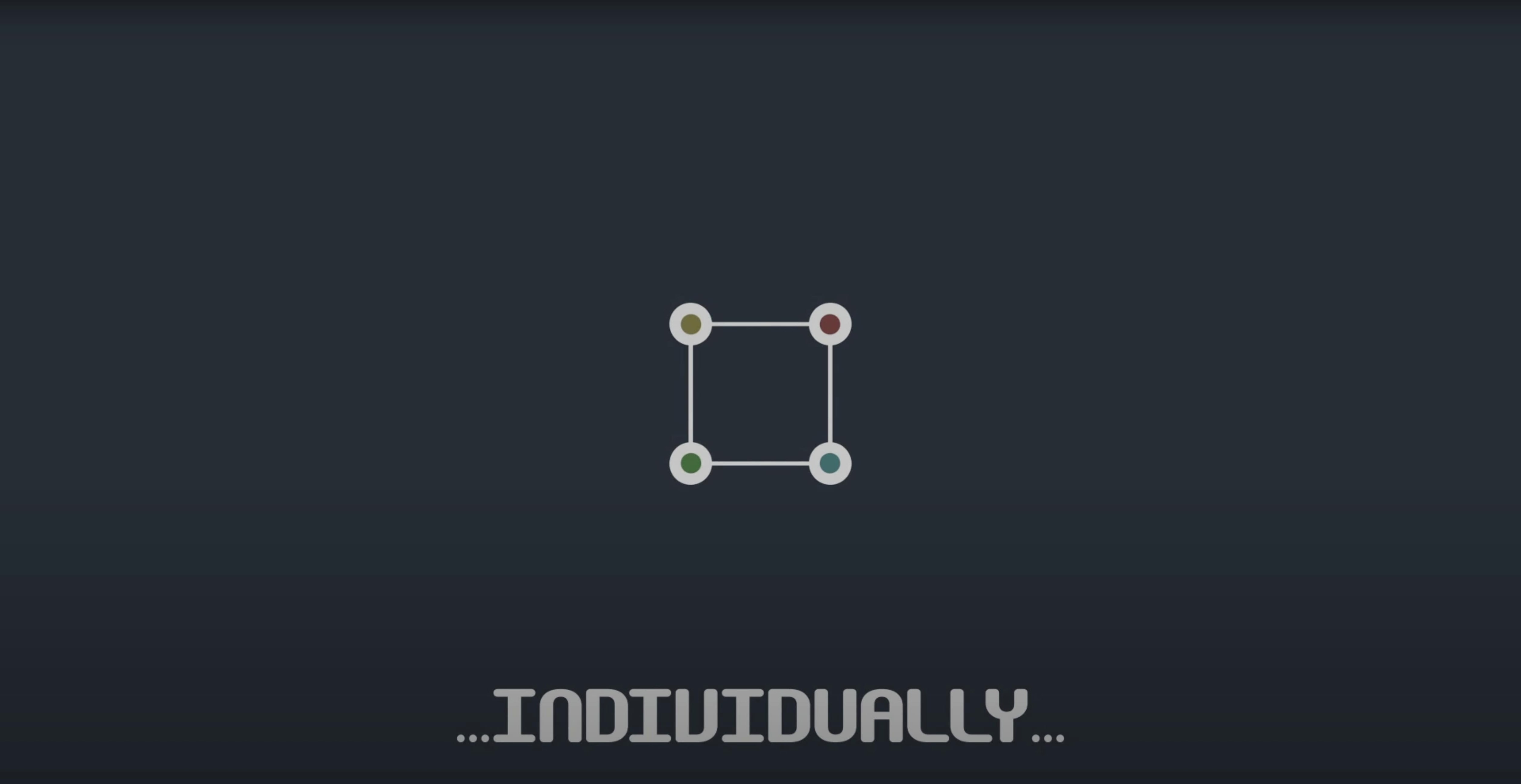
What Mask Avenger essentially does is turn a mask into a set of individual coordinates rather than a monolithic shape. It can also push its output onto a shape layer, which means you can treat a mask like a parametric path and feed it into shape operators — a tidy replacement for the old Mask Renderer approach in a single effect.
Spend the first hour with Mask Avenger doing something deliberately small. Create a twenty‑frame test comp with a simple four‑point mask on a solid, apply the effect, and keyframe just one vertex moving left to right while the other three stay put. Watch the motion path in the comp panel and you will immediately see why the term “vertex‑level control” matters — the usual mask‑path interpolation would have warped the whole shape, but here the unmoving corners remain pinned. Once that sinks in, try easing the keyframe with the graph editor and add a wiggle expression to a single tangent handle. It is a quick way to build muscle memory before you tackle anything intended for a client review.
A practical note for the first few days: name your masks before you apply the plugin. Mask Avenger lists masks by their AE index unless you give them descriptive names, and hunting for “Mask 14” in a comp with twenty‑seven shape operations is nobody's idea of a good time. Also, the intelligent interpolation mode defaults to a centre‑of‑gravity calculation, but you can set an independent key anchor point — do that early on any mask that rotates as it travels, because the default centre can drift in ways that feel mathematically correct but visually odd. The anchor point lives in the effect controls and accepts a simple pick‑whip to a null, so you can keyframe it in step with a moving object and the vertex paths will follow a much more natural arc.
One workflow that catches people out: when you switch on freeze mode for sharing, After Effects creates a baked copy of the mask. The original Mask Avenger effect stays active on the layer but is effectively parked. If the client asks for a revision, disable freeze, make your changes, then re‑freeze. It is not a one‑way trip and the old baked mask won't fight you — AE just sees a fresh mask shape each time you toggle it. Still, it is worth duplicating the layer before the first freeze so you have a reference of the live state. Takes two seconds and saves a quiet panic later.
Sits on top of AE’s native mask tools instead of replacing them
Mask Avenger is not trying to replace the native mask tools — it sits on top of them and widens what they can do. You still draw and edit masks with AE's pen tool, use the free‑transform box, and set blending modes the normal way. The plugin only takes over when you need per‑vertex animation or expression‑driven tangents, so you can ignore it on masks that are static or simple and apply it selectively where the extra control pays off. That makes it a natural companion to the tracker panel: track a few points on a moving object, then pick‑whip the resulting tracker data straight into individual Mask Avenger vertices. The effect reads position and orientation from any point along the mask path, so a single tracker null can drive a whole chain of vertices that follow a curved surface as it deforms.
It also talks well to shape layers. Apply Mask Avenger to a mask, then use the “convert to shape layer” command — the animated vertices carry over as a parametric path that you can stroke, fill, or feed into shape operators like trim paths or wiggle paths. If you have ever wrestled with the old Mask Renderer effect, this replaces that entire dance. The shape‑layer integration means you can build rigs where a mask‑derived path controls a repeater or a dashed stroke, all while keeping the source animation in one place.
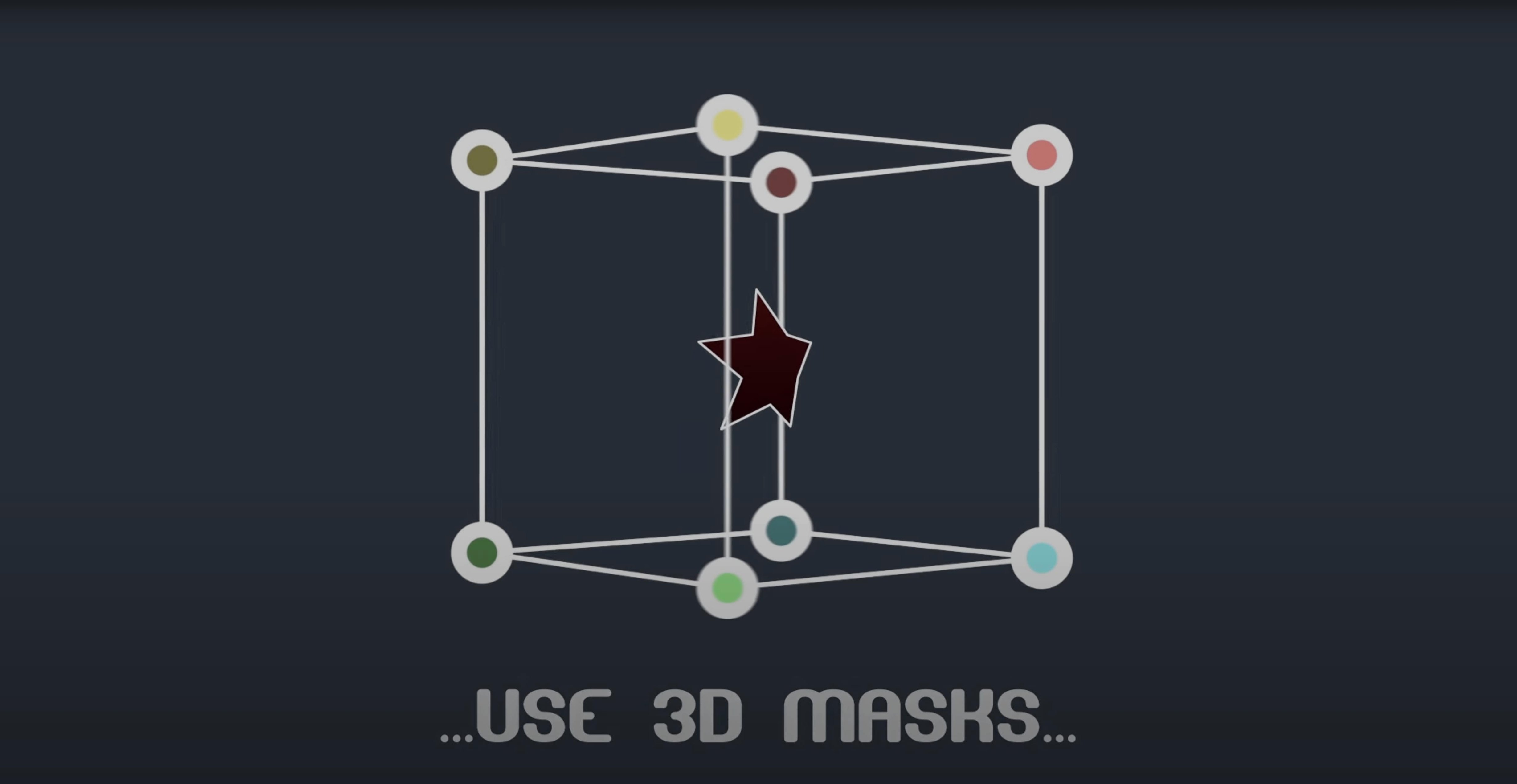
On a Mac, the plugin respects AE's native colour management and 3D space. A mask on a 3D layer still behaves as a 2D path in the layer's coordinate system, but because the vertex positions are exposed as individual properties you can parent them to 3D nulls via expressions and get approximate 3D‑aware masking without leaving the standard render pipeline. It is not a true 3D mask solver, but for motion graphics where a flat mask needs to track a moving 3D object in screen space it is surprisingly effective.
M1 Macs now load masks reliably on project open
The headline fix — M1 compatibility on Mac — sounds small but it had a practical knock‑on. Before 2.7.5, artists on Apple Silicon would occasionally see the plugin fail to initialise on project load, which meant masks reverted to their standard AE behaviour until the effect was manually re‑applied. That is gone. Opening an older project on an M‑series machine now behaves the same as on Intel, so morning handoffs between a Mac Studio and a Mac Pro produce no surprises. The freeze mode also received a quiet stability bump; baked masks in shared projects now survive a trip through Media Encoder without occasionally snapping back to an earlier keyframe, which was a sporadic but teeth‑grinding bug in the previous release.
Syncing a snaking graph line and a glowing phone outline to VO
Picture a freelance motion designer building a ten‑second explainer spot for a fintech client. The shot calls for an animated graph line that snakes across a screen while a glowing outline traces around a phone mock‑up — all synced to a voiceover track. The designer draws a mask around the phone on frame one, applies Mask Avenger, and tracks four high‑contrast corners of the phone as it tilts slightly forward. Back in AE, each tracker null gets pick‑whipped to the nearest mask vertex. The mask now hugs the phone bezel even as the perspective shifts; the tangents get a gentle ease expression so the corners don't feel mechanically sharp. The graph line is a separate shape layer fed by a mask that has been converted from a Mask Avenger path, with a trim‑paths operator revealing it over time. By mid‑morning the designer has a version ready for freeze and an internal review link sent to the director. If the plugin's vertex‑level approach resonates with the kind of tight, asset‑driven work you do, grabbing a copy through an avenger vst torrent or a vps avenger mac torrent will slot it straight into a similar After Effects pipeline — and a vps avenger 2 torrent search sometimes surfaces useful community‑built masks alongside the plugin itself. The term pops up in related motion‑graphics circles, so a vps avenger torrent or an avenger 2 vst torrent may bring up bundles worth a look, though the plugin itself is the thing that does the heavy lifting in AE.
Version 2.7.5 fixes a compatibility issue that affected M1 Macs.
- macOS (Intel and Apple Silicon)
- After Effects 2024, 2023, 2022, 2021, 2020, CC 2019, CC 2018, CC 2017, CC 2015.3, CC 2015, CC 2014, CC, CS6
Questions from the class 0
Sign in or join the class to ask a question.
Nobody has asked anything yet. If you have used it on a real job, say what the file did.
Also on the Mac Apps shelf
The whole Mac Apps shelf Bandizip
Browses inside archives before extraction and handles a wide range of compression formats in one window.
Bandizip
Browses inside archives before extraction and handles a wide range of compression formats in one window.
 Bartender
Hides, rearranges, and tidies your menu bar icons so only the essentials remain visible.
Bartender
Hides, rearranges, and tidies your menu bar icons so only the essentials remain visible.
 AutoCAD
Drafts precise 2D and 3D technical drawings inside a workspace rebuilt around Apple's Metal engine.
AutoCAD
Drafts precise 2D and 3D technical drawings inside a workspace rebuilt around Apple's Metal engine.
 attn LED
Flashes your MacBook camera LED silently so you can spot urgent notifications during deep work.
attn LED
Flashes your MacBook camera LED silently so you can spot urgent notifications during deep work.
 Beauty Box Photo
Smooths skin and reduces shine in portraits automatically, saving you from manual retouching.
Beauty Box Photo
Smooths skin and reduces shine in portraits automatically, saving you from manual retouching.
 BetterDisplay Pro
Unlocks full resolution, brightness, and colour control for any display attached to your Mac.
BetterDisplay Pro
Unlocks full resolution, brightness, and colour control for any display attached to your Mac.
 Astro Gold
Builds detailed natal charts and lets you fine-tune them with dozens of aspect and orb filters.
Astro Gold
Builds detailed natal charts and lets you fine-tune them with dozens of aspect and orb filters.
 BetterTouchTool
Transforms any trackpad, mouse, or keyboard gesture into a custom shortcut tailored to your workflow.
BetterTouchTool
Transforms any trackpad, mouse, or keyboard gesture into a custom shortcut tailored to your workflow.