 ASPNetWorld




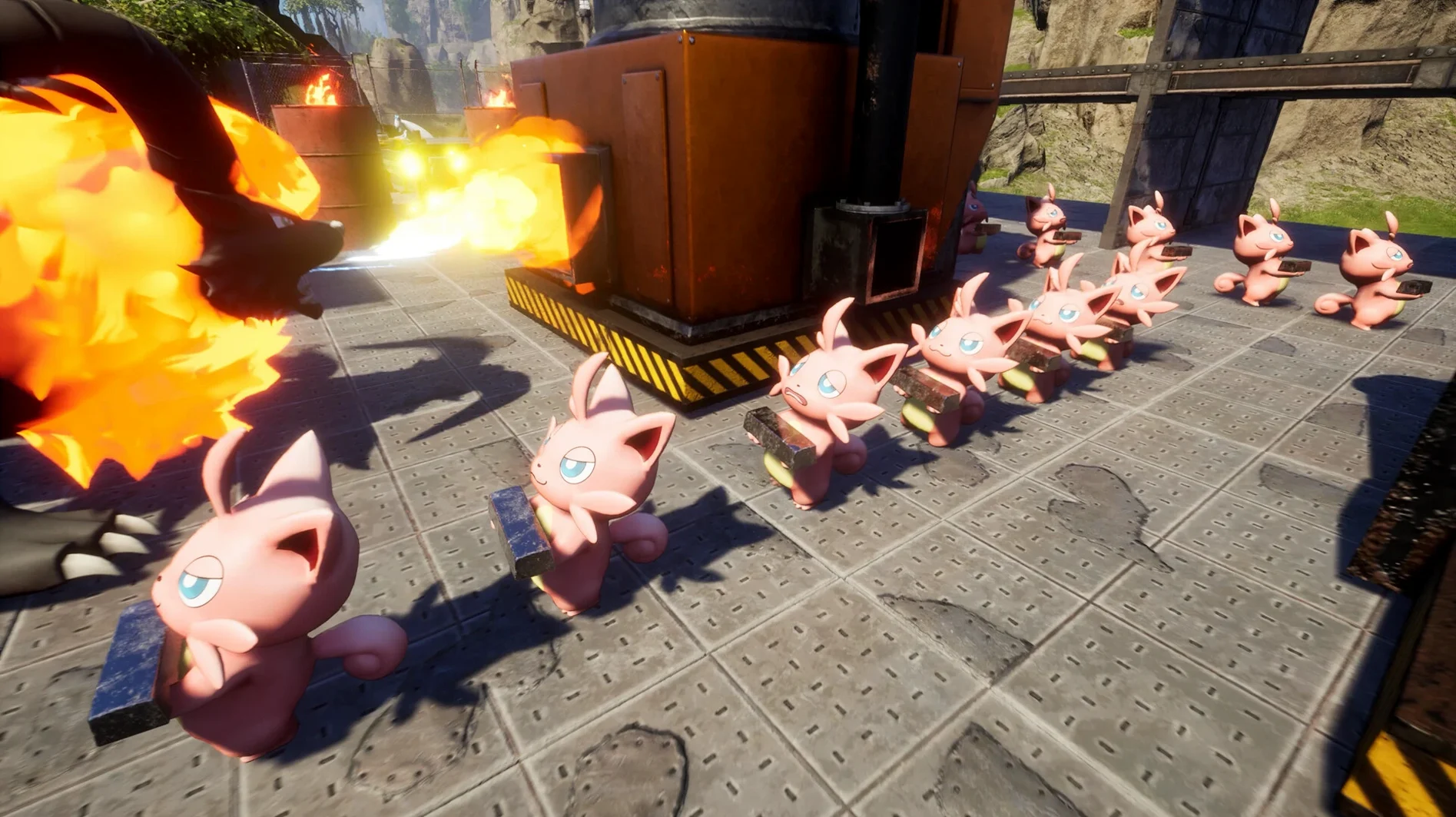

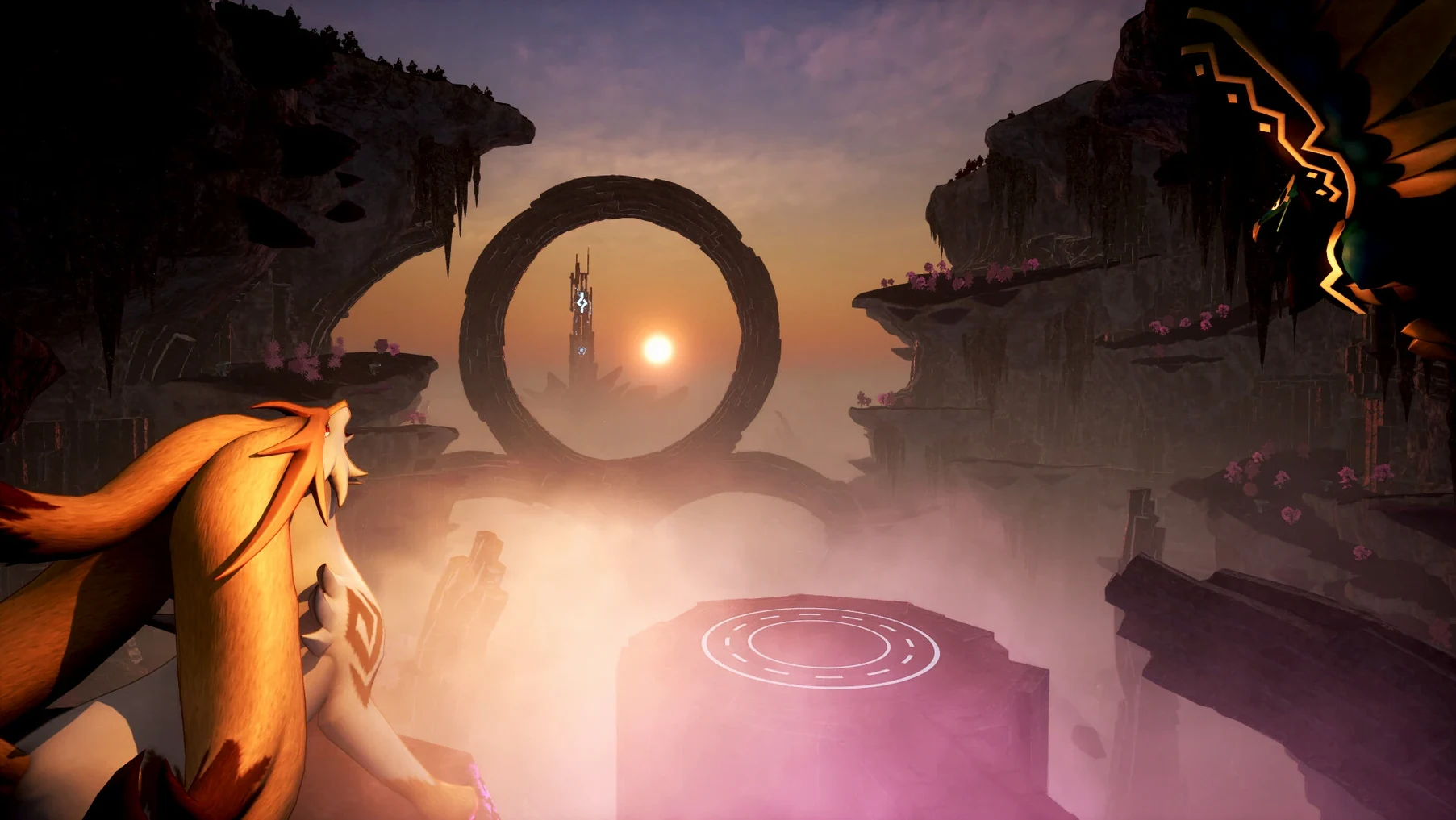

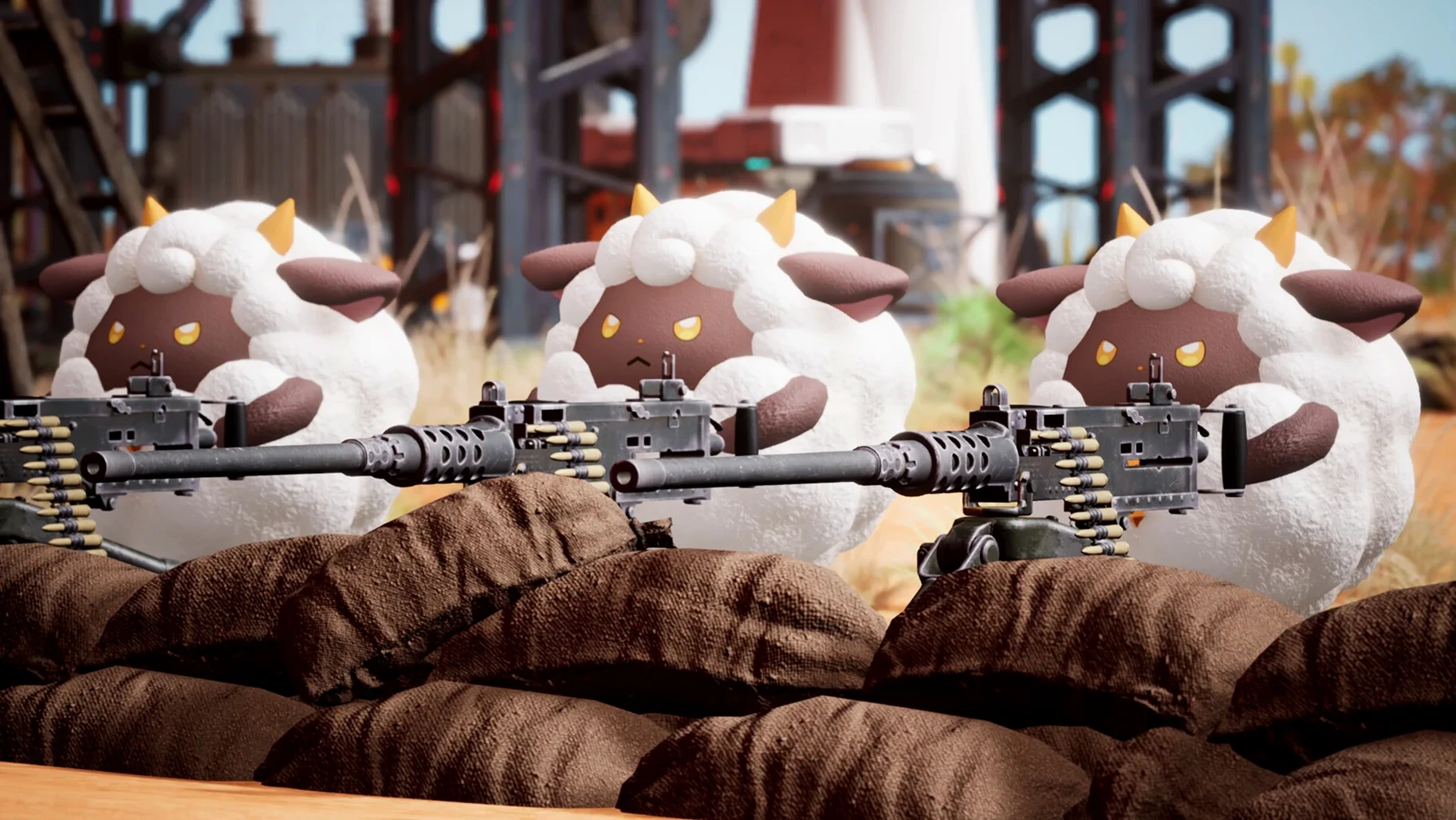
The current version lands as a full release, polishing the open-world survival loop that hooked players during early access. On a Mac mini M4 running macOS Tahoe, it settles into a comfortable rhythm—big draw distances, snappy creature interactions, and a steady frame rate that rarely stutters even when a dozen Pals are milling about your base.
Free-form survival meets creature collector with a dark streak
- Fans of creature-collecting games who want a more free-form survival layer underneath.
- Players who enjoy base building, automation, and seeing their workforce of Pals handle farming, mining, and electricity generation.
- Those curious about the darker edges of the formula—Pals can be sold, dismantled, or even eaten, which gives the world a morally grey texture.
Runs exclusively on Apple Silicon with an instrumental-only soundtrack
- The game runs only on Apple Silicon Macs; there is no Intel support.
- Audio is purely instrumental—there is no spoken dialogue, just a music score under every activity.
- Interface languages range from English and Japanese to Russian and Brazilian Portuguese, but the experience leans heavily on visual cues and iconography.
A breeding workflow from egg to powerhouse
Breeding is where the creature-collecting side of Palworld deepens into something closer to a genetics puzzle. Here is a repeatable workflow I use when a new combat-focused Pal catches my eye and I want a version that hits harder and moves faster.
First, clear out a modest breeding pen at your base—two spaces side by side, a campfire nearby for cooking the cakes you will need, and a storage box for the eggs. The cake recipe matters because every breeding session consumes one cake per egg. A wheat plantation and a couple of berry bushes keep the flour and red berries flowing without constant manual gathering.
Next, select your parent Pals. The game uses hidden stat values and visible passive traits, so I start with a male and a female that already carry one desirable trait each—say, Musclehead for attack power and Swift for movement speed. Assign them to the pen, drop a cake in the box, and wait. An egg appears after a short real-world timer, and you can pick it up and place it in an incubator.
The incubation step is where patience pays off. Eggs need warmth or coolness depending on the species, so I keep a heater and a cooler beside the incubator and switch them on as needed. Once the egg hatches, I check the newborn’s passive skills. If it inherited both traits, it joins my party immediately. If not, I either swap in a different parent or breed the offspring back with one of the originals to concentrate the traits over another generation.
After three or four cycles, you usually end up with a Pal that has four gold-tier passives and a stat spread perfectly tuned for dungeon runs. The whole loop—farming cake ingredients, pairing parents, incubating, evaluating—takes about an hour of mixed active and idle play, and it is one of the most satisfying systems in the game once you treat it as a long-term project rather than a one-off task.
Toggling between frantic exploration and methodical factory management
Mac users who enjoy games that let them toggle between high-energy exploration and slow, methodical base management tend to click with Palworld fastest. If you have ever lost an evening to a factory builder or sunk hours into optimising a farm layout, the automation layer here will feel like home. The Pals are not just decorations; they are your production line, and assigning the right species to the right task—Lifmunk on the assembly line, Foxparks as a portable flamethrower during combat—rewards players who enjoy reading creature stats and planning ahead.
Multiplayer groups also thrive here. The game supports co-op, and a small server with three or four friends splits the labour naturally: one person breeds, another mines ore for ammunition, a third handles cooking and food supply. Solo players are not left out, but the mid-game grind for ingots and polymer softens considerably when someone else is tending the furnace while you scout for new Pal habitats.
Players who prefer a tight narrative or handcrafted set pieces may find the open-ended structure a little formless—there is a tutorial sequence and a loose progression of tower bosses, but the story is mostly what you make of it. The draw is the loop itself: capture, build, automate, repeat. If that rhythm hooks you, the game easily stretches past a hundred hours.
Drop the graphics preset before you start a new world
Out of the box, a few defaults work against the Mac experience. I recommend pausing before you start a new world and adjusting these:
- Graphics preset: the game defaults to a high preset that pushes the GPU harder than necessary. Dropping shadows to medium and turning off motion blur frees up frame rate with almost no visual loss on an Apple Silicon machine. The world still looks crisp, and the fan stays quieter.
- Pal appearance limit: this slider controls how many Pals render at once. On a busy base with fifteen workers, lowering it from the maximum prevents the occasional stutter when the game tries to animate every single creature simultaneously.
- Auto-save interval: the default is quite generous, which means you can lose progress if the game crashes during a dungeon run. I set mine to five minutes. The saves are quick enough on an SSD that you barely notice them.
- Key bindings for Pal commands: the default keys for ordering Pals to attack or return are reachable but not intuitive if you are used to other action games. I remapped the primary command to a mouse side button and set the “return” order to a nearby key; it made boss fights much less fumbling.
A cliffside base, a Digtoise, and the promise of automated ore
Imagine a player who has just built their first stone base on a cliffside overlooking an ore-rich plateau. They have a handful of Pals—a Daedream for night-time exploration, a Lamball for wool, and a newly caught Digtoise whose description mentions efficient mining. They set up a simple loop: every morning, they ride a flying Pal down to the plateau, deploy Digtoise from its sphere, and let it grind away at the copper nodes while they fend off the occasional hostile syndicate thug with a crossbow.
The ore stacks up quickly. Back at base, they assign a Foxparks to smelt the raw ore into ingots, using the furnace they built the previous evening. By the end of a real-world play session, they have enough metal to craft a full set of heat-resistant armour and a musket, which opens up the volcanic biome to the north. The whole operation runs on two Pals and a furnace, but it feels like a miniature industrial chain—and that is the moment the game’s systems click together for a new player.
- macOS: Tahoe or later (tested on macOS Tahoe)
- Architecture: Apple Silicon only
- Other: none
Questions I keep hearing
Can I play Palworld with friends on a Mac?
The Mac version supports the same multiplayer sessions as other platforms, so you can join dedicated servers or invite friends to your own world and explore dungeons, breed Pals, or fight poachers together.
Questions from the class 0
Sign in or join the class to ask a question.
Nobody has asked anything yet. If you have used it on a real job, say what the file did.
Also on the Games shelf
The whole Games shelf Oxygen Not Included
Models the thermodynamics, plumbing and morale of an asteroid colony that digs too deep.
Oxygen Not Included
Models the thermodynamics, plumbing and morale of an asteroid colony that digs too deep.
 Parkitect
Simulates every nut and bolt of running a theme park, right down to the litter bins.
Parkitect
Simulates every nut and bolt of running a theme park, right down to the litter bins.
 Pathfinder: Kingmaker
Translates the tabletop ruleset into a party-based RPG where you pause mid-battle to plan every action.
Pathfinder: Kingmaker
Translates the tabletop ruleset into a party-based RPG where you pause mid-battle to plan every action.
 Old World
Mixes turn-based empire management with unfolding family dramas and a dynastic line you must protect.
Old World
Mixes turn-based empire management with unfolding family dramas and a dynastic line you must protect.
 Oceanhorn 3: Legend of the Shadow Sea
Sets you loose across a flooded fantasy kingdom to sail, dive, and battle colossal mechanical Titans.
Oceanhorn 3: Legend of the Shadow Sea
Sets you loose across a flooded fantasy kingdom to sail, dive, and battle colossal mechanical Titans.
 Nova Roma
Guides a fledgling settlement as you build aqueducts, manage trade, and appease the Roman gods.
Nova Roma
Guides a fledgling settlement as you build aqueducts, manage trade, and appease the Roman gods.
 Plague Inc: Evolved
Evolves a pathogen and watches it spread across a realistically modelled world map.
Plague Inc: Evolved
Evolves a pathogen and watches it spread across a realistically modelled world map.
 No Man’s Sky
Explores an endless galaxy, landing on planets without a loading screen.
No Man’s Sky
Explores an endless galaxy, landing on planets without a loading screen.