 ASPNetWorld
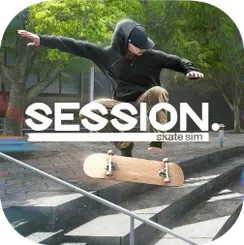
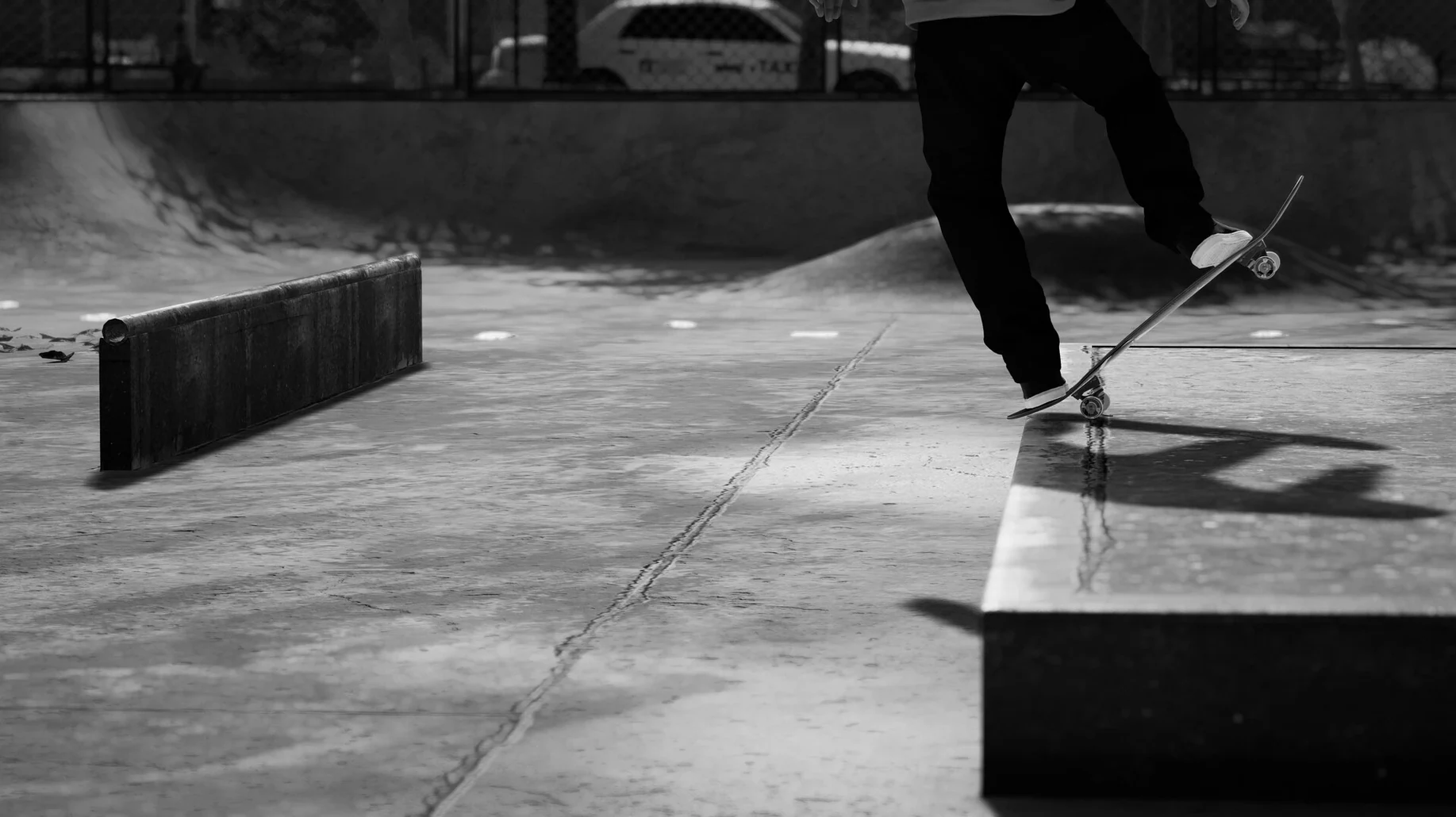
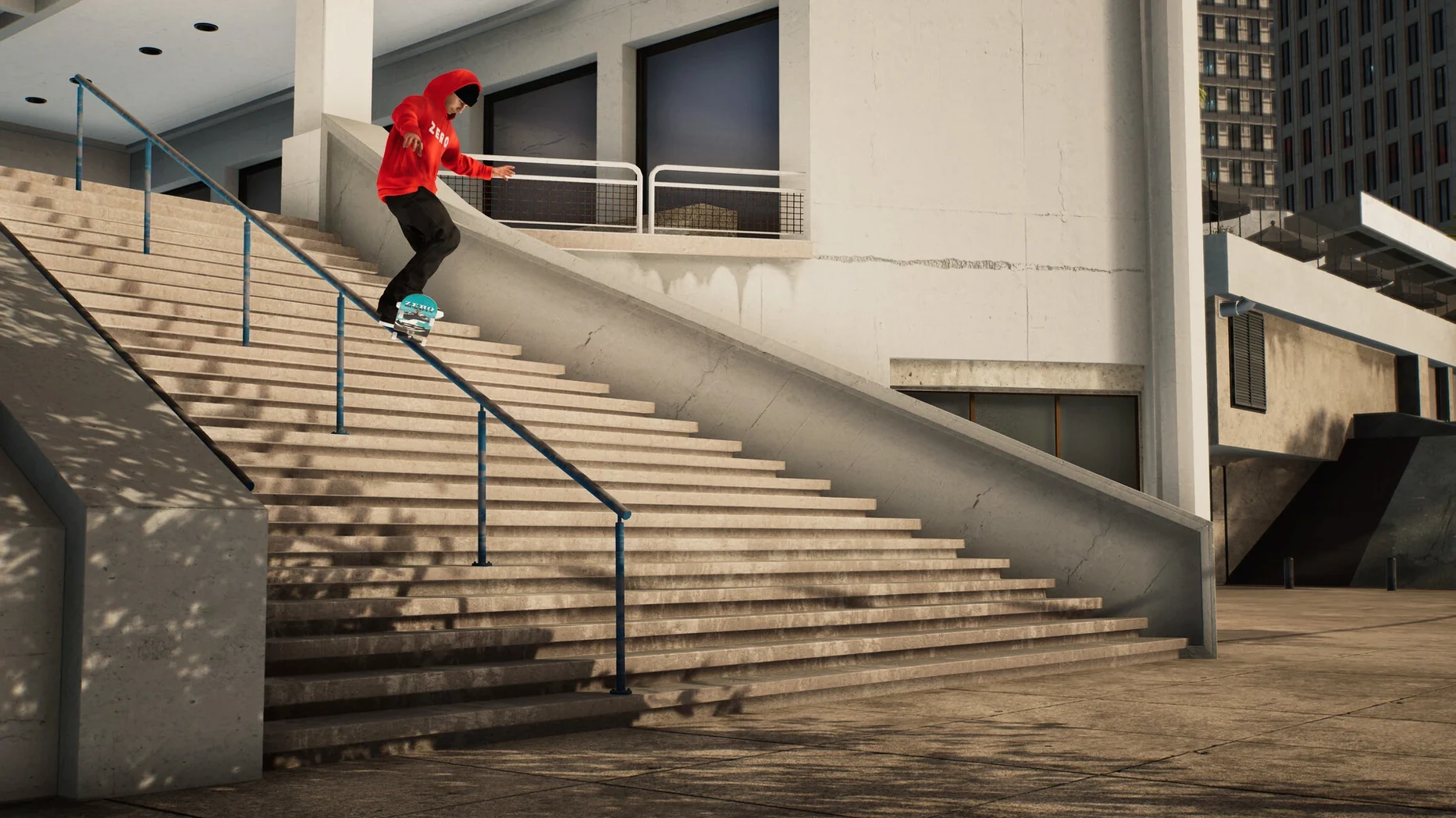
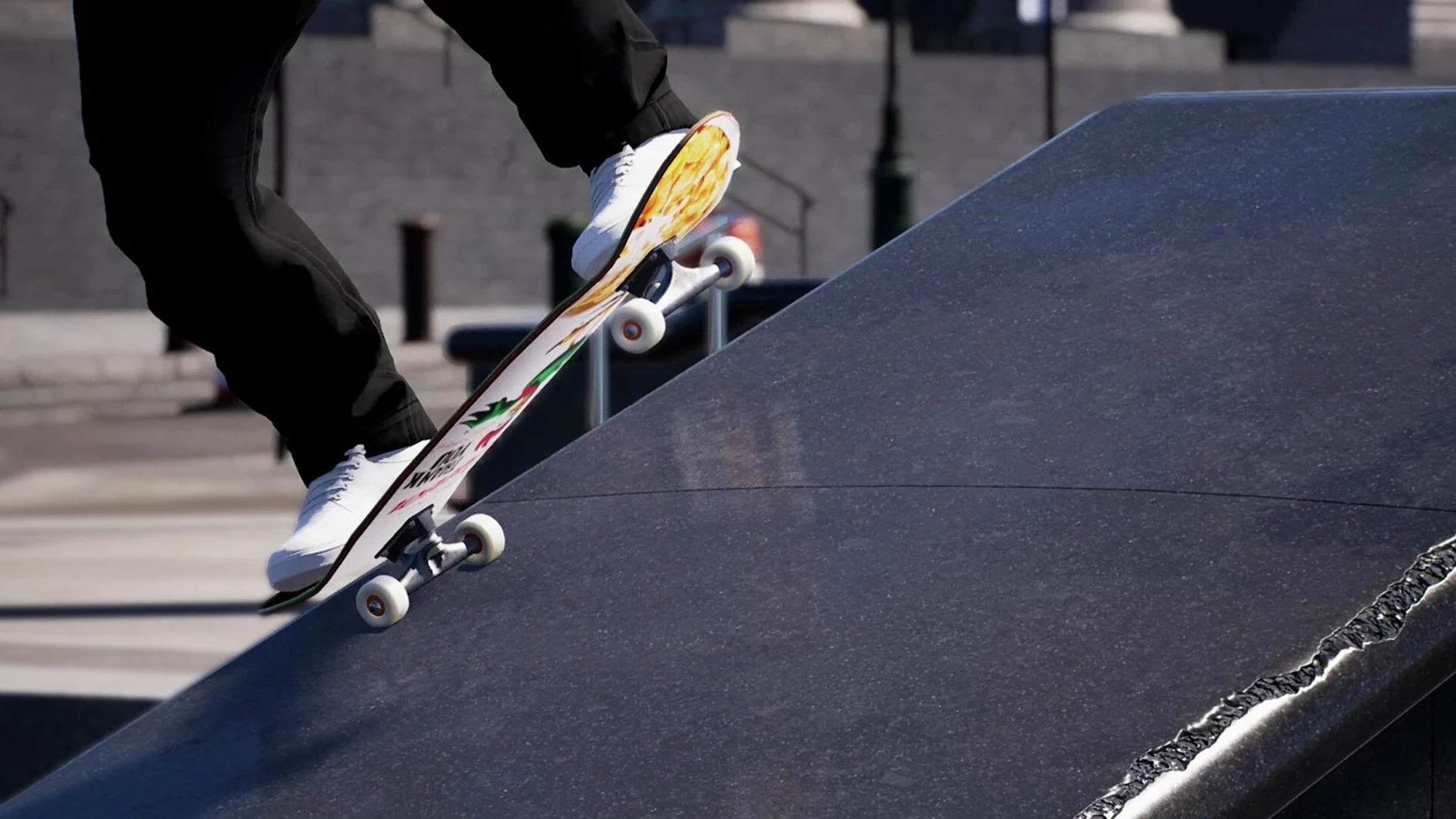
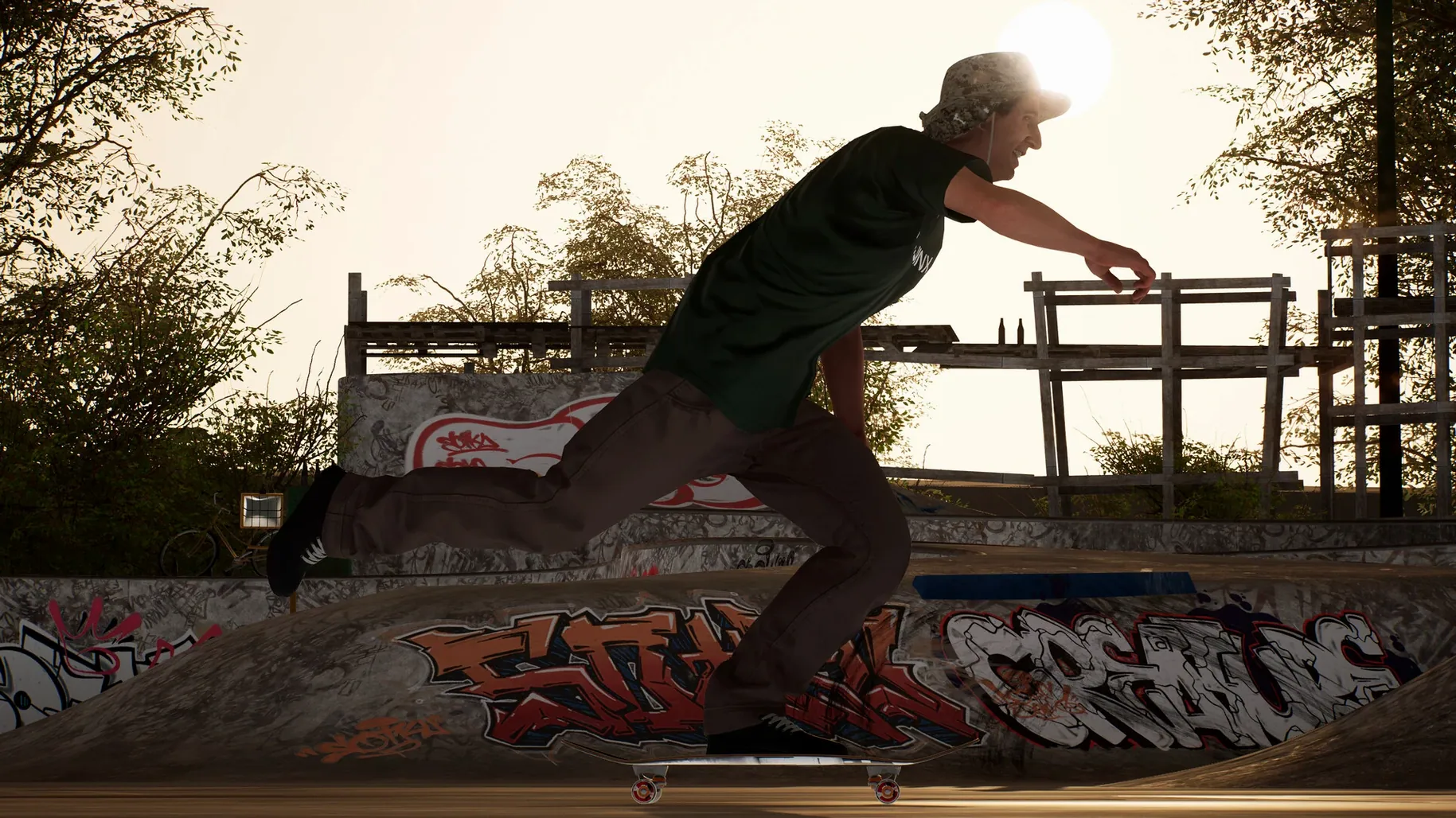
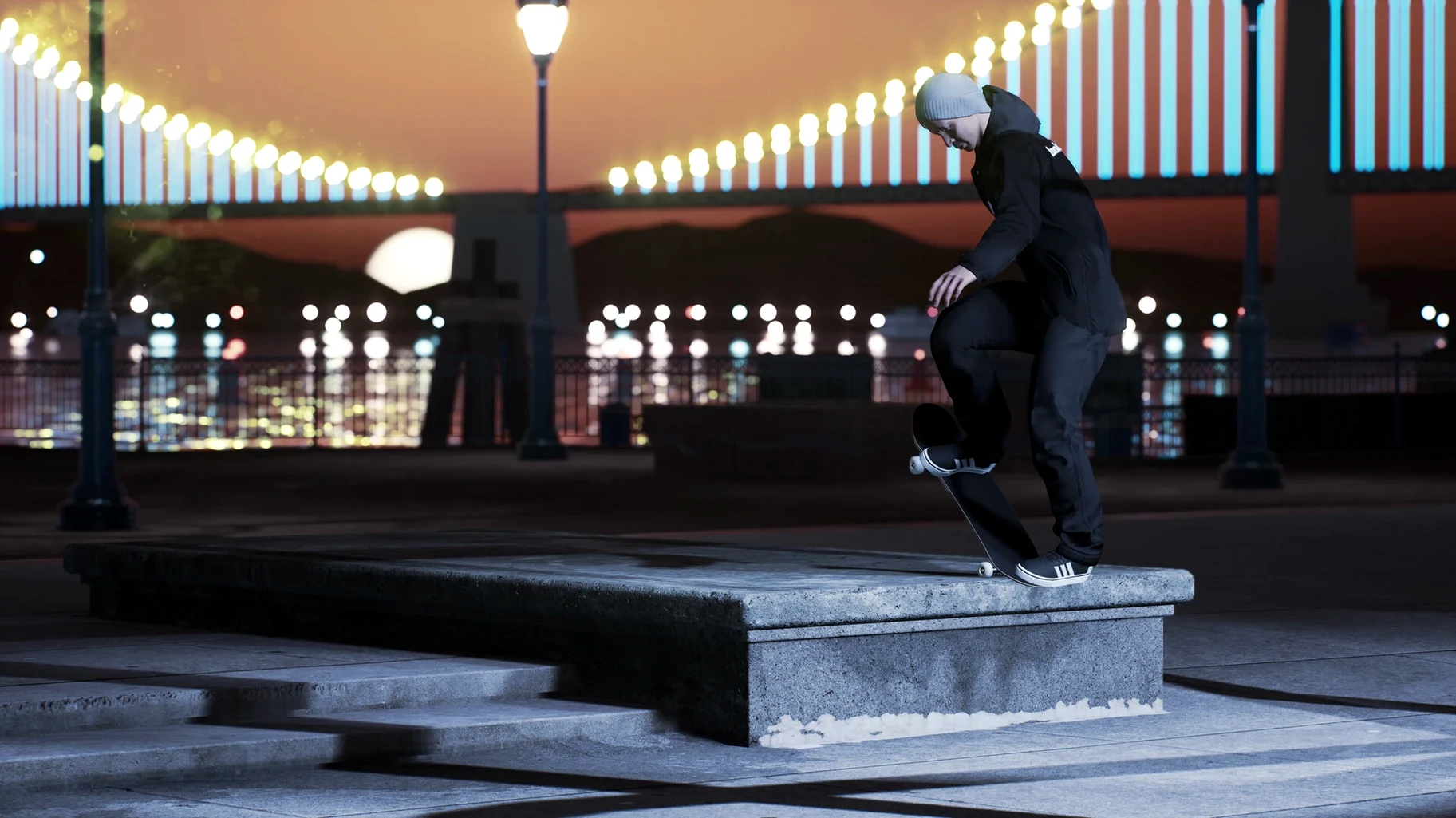
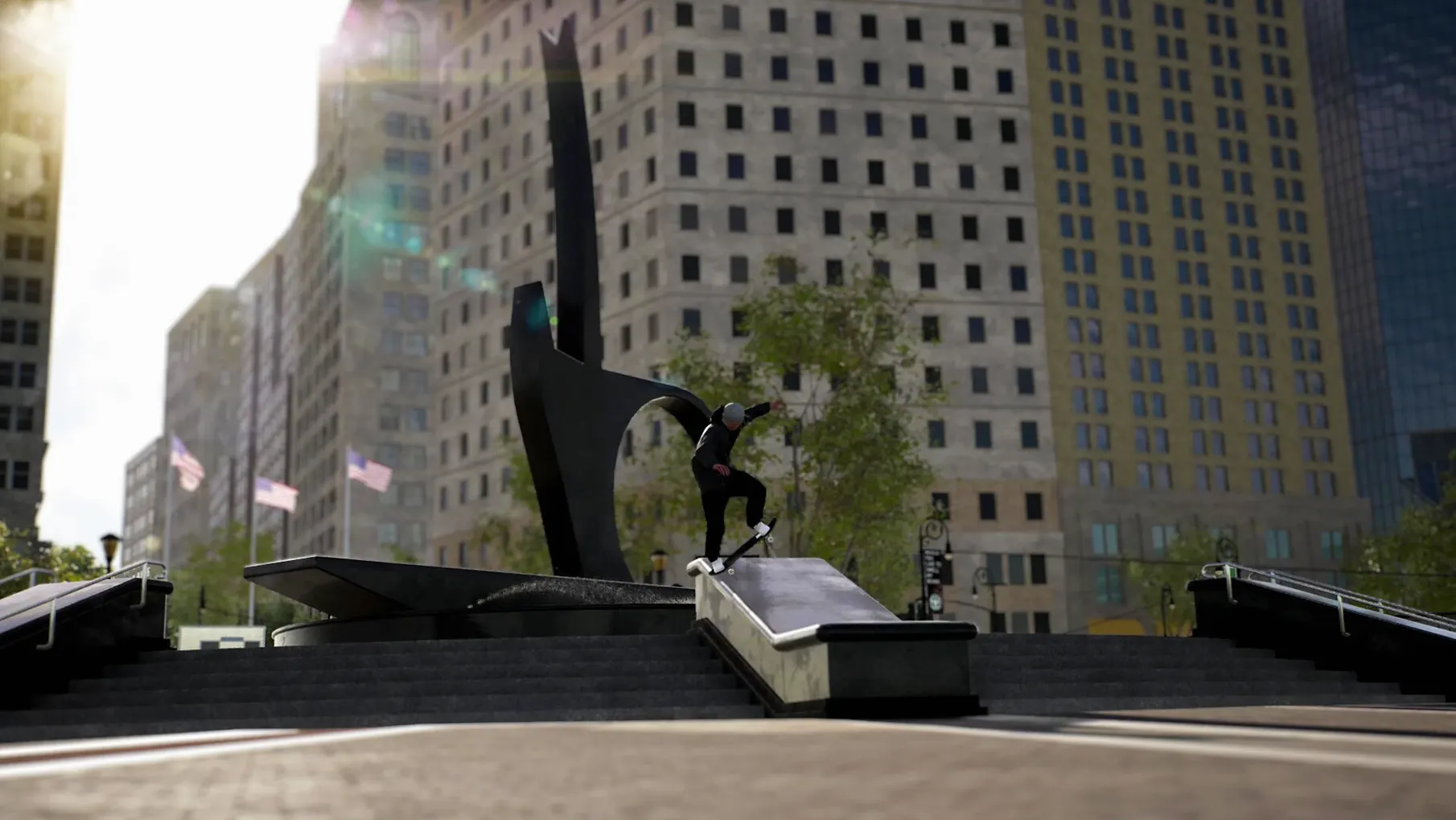
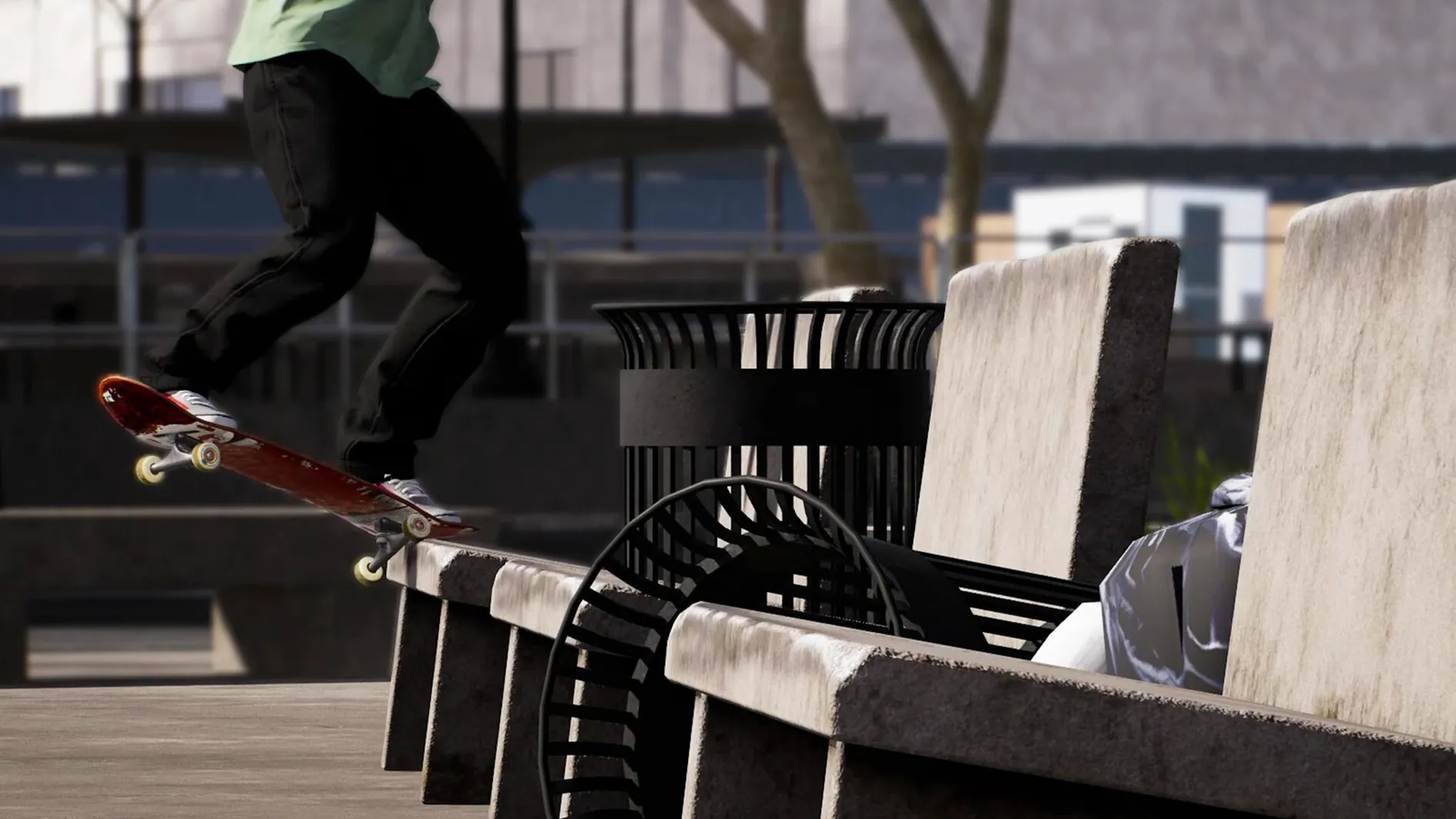
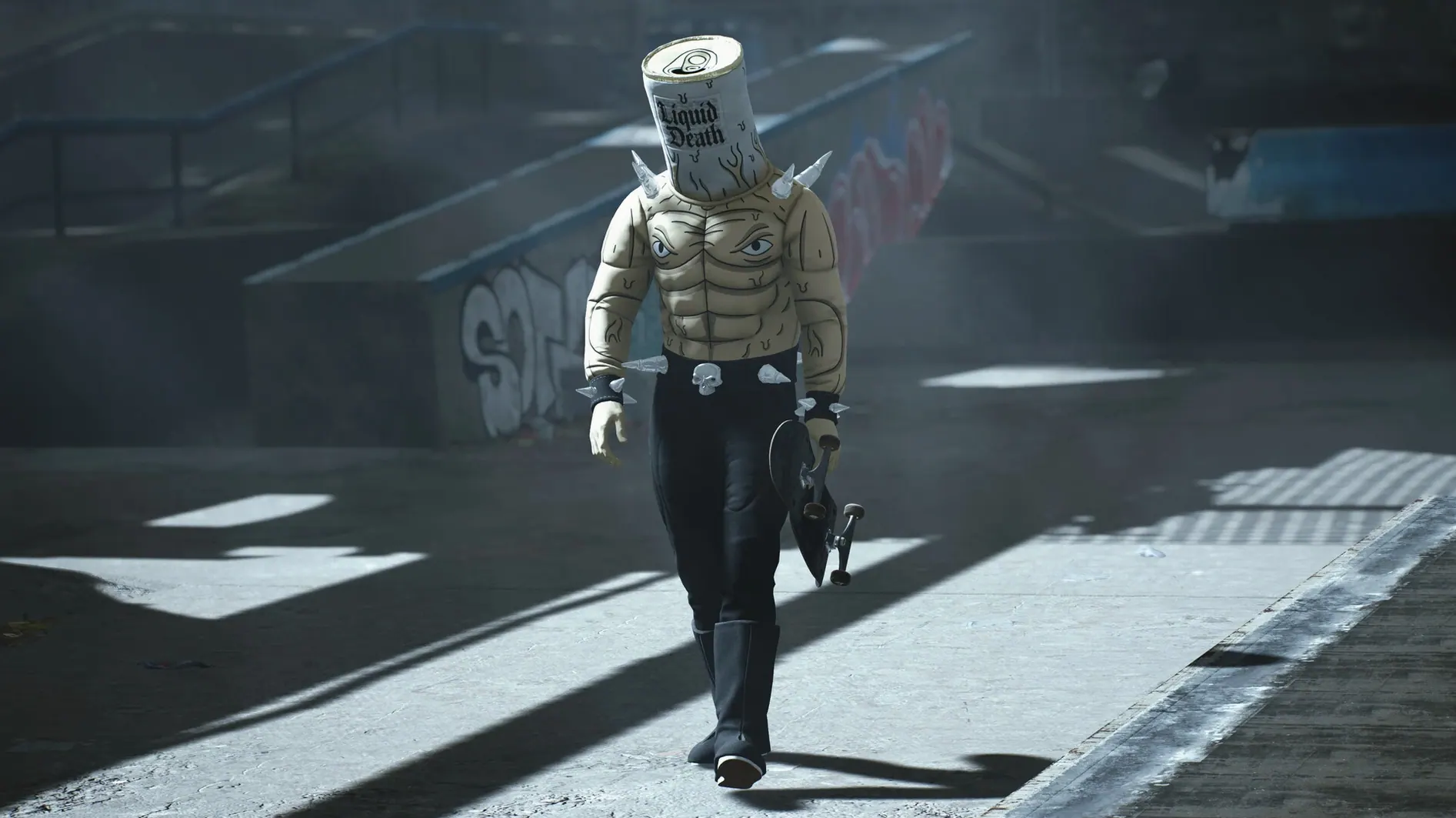
There are over 250 individual board parts in the garage, and each one can change how a trick feels before you even think about the grip tape. Session isn't a pick-up-and-score arcade skater; the whole control system is built around one idea — your left stick is your left foot, your right stick is your right foot. Every flick, catch and revert has to be physically input, which makes landing a simple kickflip feel like a genuine achievement the first time it comes together on a Mac.
Because the dual-stick scheme is so central, a gamepad is essential. Keyboard control is not provided, so don't expect to map something usable to the arrow keys. Once you're past that requirement, the simulation opens up through four difficulty levels that gradually peel back the assists. The current Build 22539382 is marked as ARM architecture, running through a Wineskin wrapper, and it expects an Apple Silicon machine to keep the frame pacing smooth when you're dialling in camera settings like field of view, time of day or the filmic filter options.
Performance expectations sit where you'd imagine for a sim this detailed. It's not a lightweight port, but the physics calculations — weight distribution, truck tightness, wheel hardness — feel deliberate rather than sluggish when the hardware matches the spec. The roughly 200 clothing items and board-part catalogue mean you can spend a long session just tweaking a setup before rolling out, and the game lets you switch interface language in the settings, pulling from a list that includes Russian, Japanese, Korean and both Traditional and Simplified Chinese alongside the expected European languages.
If the app throws an error on first launch, don't panic — there's a Fix file on the disk image that sorts the common startup hiccup. After that, it's just you, the pavement and whichever camera type suits the line you're working on.
Replay markers rescue your best accidental tricks for the editor
The video editor doesn't announce itself loudly, but it's one of those tools that rewards poking around. While you're still learning the controls, it's worth dropping a replay marker the moment something even halfway decent happens — a clean tre flip off a curb, say. You can come back later, switch the camera type to a long-lens follow, set the time of day to a low golden-hour angle, and suddenly that scrappy line looks like a section from an old 411VM tape. The field-of-view slider is subtle, but pulling it narrower than default gives the footage a completely different weight.
A few other details that hide in plain sight: you can adjust truck tightness and wheel hardness independently per setup, and the difference between soft wheels on rough asphalt versus hard wheels on polished concrete isn't cosmetic — it changes how the board slides out from under you. The object dropper also lets you place a single kicker or rail and then rotate it in fine increments by holding the shoulder button while nudging the stick, which the tutorial mentions only in passing. And the four difficulty levels aren't locked; you can drop back to an easier preset for learning a specific trick's catch timing, then switch up again without losing your current spot.
Dual-stick skating isn't a simultaneous combo input
The most common beginner error is treating the dual-stick system like a fight-stick combo input — mashing both sticks at once and hoping the game interprets the mess as a trick. Session doesn't work that way. The back foot pops, the front foot flicks, and the timing gap between those two actions is what determines whether the board flips correctly. If you scoop and flick simultaneously, the game reads it as a scrambled input and your skater just does a half-pop into nothing. Slow the movements down, even exaggerate the gap at first.
Another trap: ignoring the catch mechanic entirely. After a flip trick, you need to catch the board with either foot by pushing the corresponding stick in the right direction, otherwise the game registers the landing as sloppy or bails you outright. Players coming from more forgiving skate games often assume the trick ends once the board has spun, and they release the sticks too early. Finally, don't grind the tutorial for hours expecting mastery — it teaches the inputs, but you learn the weight shifts and recovery saves by skating the actual spots, eating concrete at Black Hubbas, and slowly building the muscle memory that makes a line flow.
An evening chasing VX-look footy at FDR Park instead of skating
Imagine someone who spends more time in the replay editor than actually skating. Their evening looks like this: load into FDR Park around dusk with the filter set to a slightly crushed VX-look, drop a flatbar near the long ledge, and spend twenty minutes just skating the same three tricks from different angles. They're not chasing high scores — they're chasing a clean 16:9 clip with the right lens distortion and a time-of-day shift that makes the shadows stretch across the coping. The board setup matters less to them than the camera type dropdown, and they've learned that switching the field of view mid-replay (rather than before recording) creates a snap zoom effect that costs nothing but looks intentional. By the end of the night they've landed maybe four tricks worth keeping, exported two clips, and called it productive.
- macOS (Apple Silicon required)
- ARM architecture
- Gamepad (keyboard control not provided)
Questions from the class 0
Sign in or join the class to ask a question.
Nobody has asked anything yet. If you have used it on a real job, say what the file did.
Also on the Games shelf
The whole Games shelf Sid Meier’s Civilization VII
Leads a growing empire from ancient huts to a modern superpower, one turn at a time.
Sid Meier’s Civilization VII
Leads a growing empire from ancient huts to a modern superpower, one turn at a time.
 Routine
 Software Inc
Simulates running your own software company, from hiring staff to launching buggy products.
Software Inc
Simulates running your own software company, from hiring staff to launching buggy products.
 Songs of Conquest
Commands armies and builds kingdoms in a turn-based fantasy world that rewards careful positioning.
Songs of Conquest
Commands armies and builds kingdoms in a turn-based fantasy world that rewards careful positioning.
 Road to Vostok
Survives harsh environments in a post-Soviet setting.
Road to Vostok
Survives harsh environments in a post-Soviet setting.
 Songs of Syx
 Risen
Develops a character in a mysterious island RPG.
Risen
Develops a character in a mysterious island RPG.
 Rise of the Tomb Raider
Explores and survives in an action-adventure expedition.
Rise of the Tomb Raider
Explores and survives in an action-adventure expedition.