 ASPNetWorld

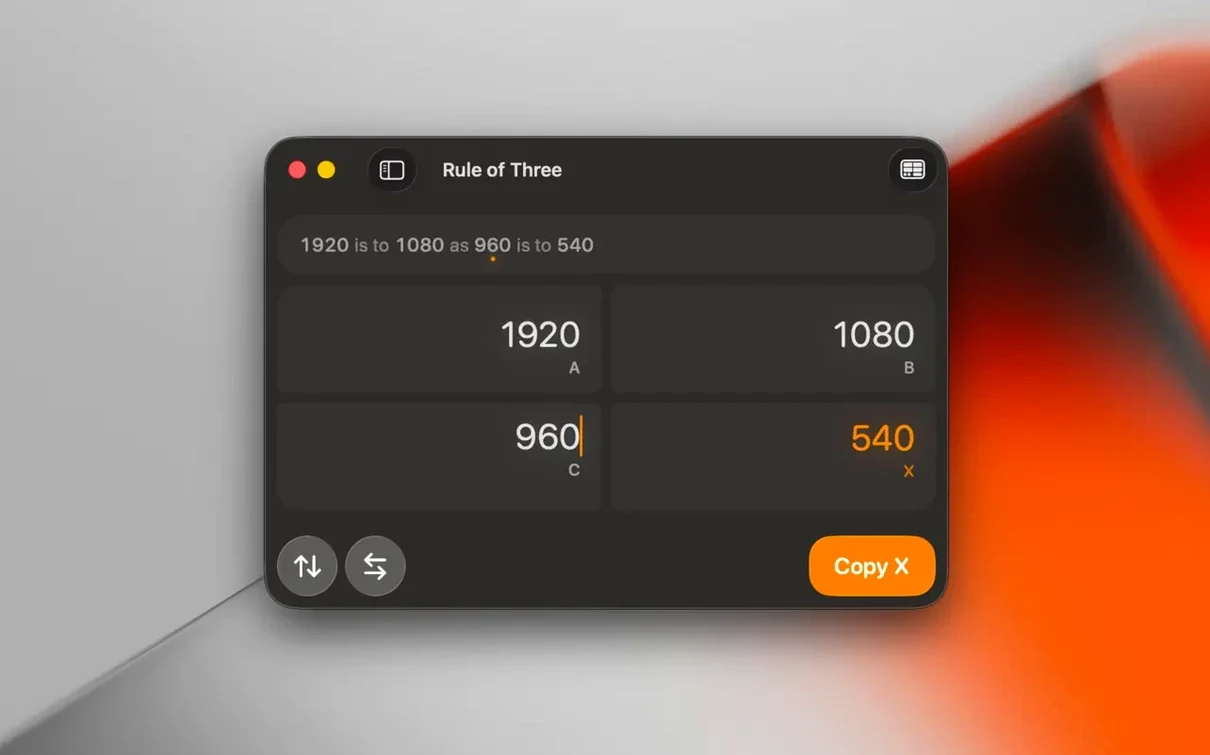
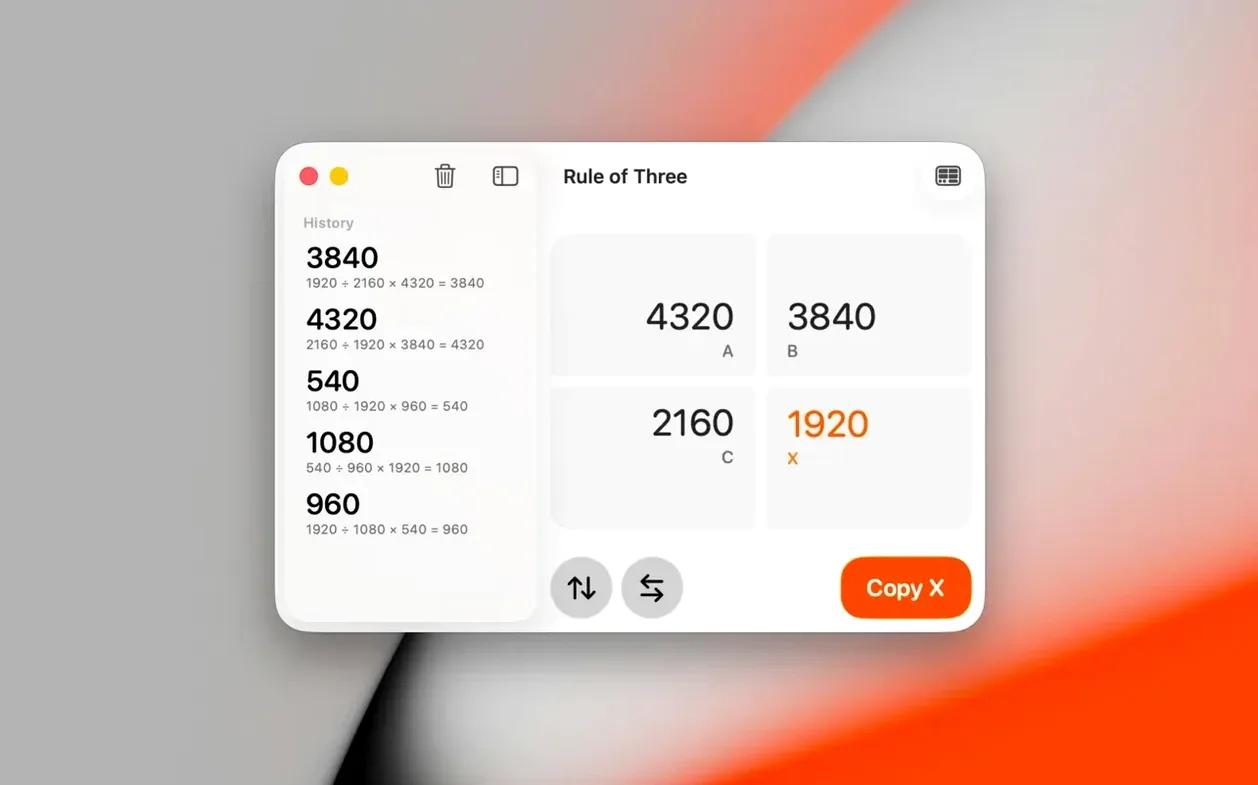
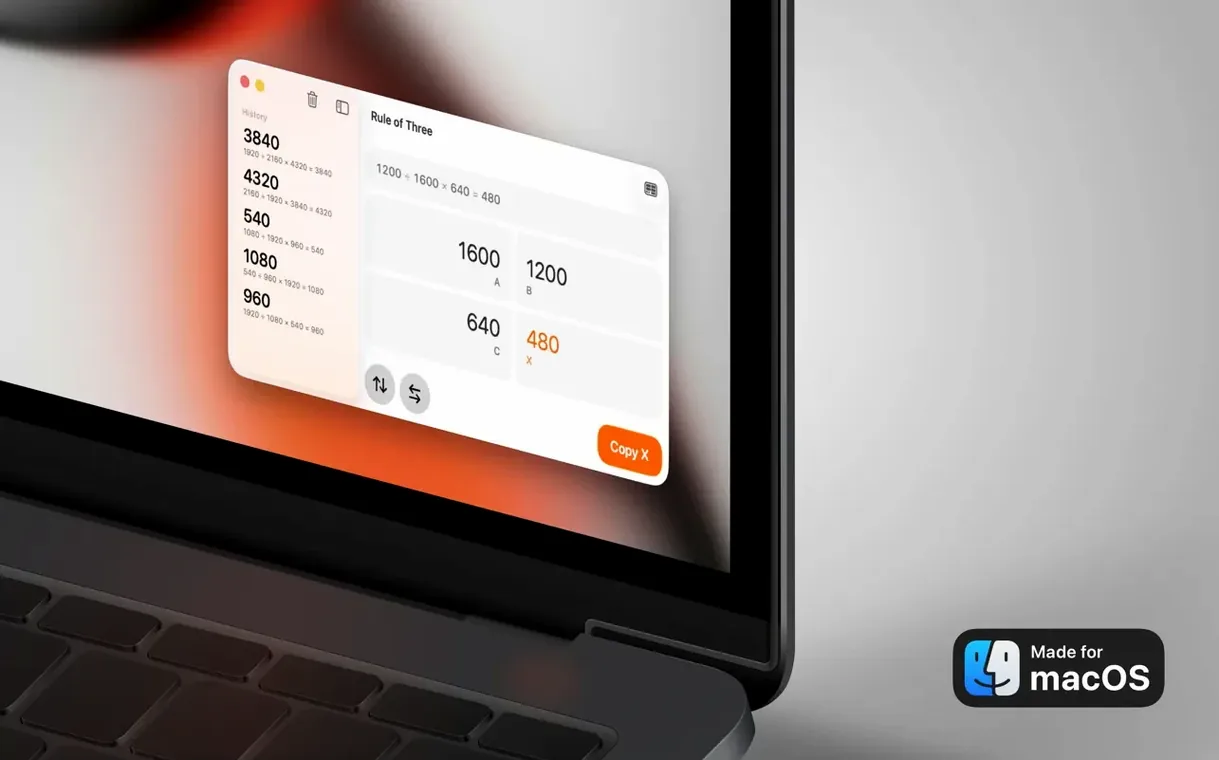
The golden-ratio lock button is a small detail, but it tells you exactly who this app is for. Aspect Ratio sits quietly in your menu bar, ready for the moment you’re cropping a headshot, laying out a responsive grid, or trying to work out why a video pillar-boxes on a particular screen. It doesn’t edit images or export files — it just does the maths, and it does it faster than opening a spreadsheet or searching the web.
The calculator gap Preview and QuickTime leave open
Most Mac users already have Preview for quick image checks, QuickTime for video playback, and perhaps Pixelmator Pro or Affinity Photo for serious editing. None of those tools give you a dedicated ratio calculator. Aspect Ratio fills that gap — it’s the scratchpad you call up when a client asks for a 4:5 crop, or when you’re sizing a video window for a presentation and need the exact pixel height to match a 16:9 width.
The app works across the board: give it a width and height, and it calculates the aspect ratio in its simplest form. There’s also a rule-of-three calculator for solving proportion problems — useful for scaling layouts or working out print dimensions from screen mockups. It covers the standard formats you’d expect, including 1:1, 4:3, 16:9, and 2.39:1, alongside the golden ratio for composition work.
Crop check before export, responsive containers, delivery specs
- Photographers checking crop proportions before exporting from Lightroom or Capture One
- Designers calculating responsive image containers in Figma or Sketch
- Video editors matching footage to delivery specs for different platforms
- Developers working out screen and image dimensions across device sizes
Utilitarian speed tool, not an image editor
- It’s a calculator, not an image editor — you still need separate software for cropping or resizing
- The interface is utilitarian; it prioritises speed over polish
- Requires macOS 15.6 or later, so older Macs may be left out
Overlaying 9:16 on 16:9 for client requests
Video editors working across multiple delivery formats tend to bond with Aspect Ratio almost immediately. The moment a client asks for a 9:16 vertical cut from a 16:9 timeline, the comparison mode lets you overlay one ratio on another and see the crop boundaries before you even open your NLE. Photographers who print their own work get similar mileage — working out a 5:4 matted print from a 3:2 sensor file becomes a five-second task rather than a mental arithmetic exercise. Layout designers and front-end developers have their own reasons: calculating responsive image containers that maintain a consistent mac aspect ratio across breakpoints, or reverse-engineering the dimensions of a hero image that needs to match an aspect ratio macbook pro screen at full bleed. The common thread is that these are people who already know their ratios — 1.85:1, 2.35:1, 1.78:1 — and just want a tool that gets out of the way while they work.
No batch export by design, so your files stay untouched
Does it batch-process images or export crops? No — and that's by design. Aspect Ratio is a pure calculator. It won't touch your files, which is exactly why it's safe to use alongside Lightroom, Final Cut Pro, or any asset pipeline. You take the numbers it gives you and apply them in your editor of choice.
Will it clutter my menu bar? It lives there quietly and only shows its window when you click the icon. No persistent overlays, no floating palettes competing for screen space. If you're deep in a colour grade or nudging type in a layout, it stays out of sight until you call it up.
Does the comparison mode handle non-standard ratios? Yes. You can type any arbitrary width and height, and the overlay updates in real time. It's particularly handy for checking how a 21:9 anamorphic frame behaves when cropped to 16:9 for a broadcast-safe delivery.
Pressing Return jumps focus from width to the next field
The golden-ratio lock button, mentioned earlier, is the standout convenience, but there are a few others that are easy to overlook. Pressing Return after entering a value jumps focus to the next field, so you can move from width to height without touching the mouse. The copy-to-clipboard action grabs the simplified ratio — say, 16:9 — as plain text, ready to paste into a filename, a Slack message, or a Figma annotation. And if you work late, the dark-mode fix in version 3.7 means the display of ratios stays consistent whether your Mac has switched themes automatically or you've toggled it manually. These aren't headline features, but they're the kind of polish that adds up over a working week.
Version 3.7 fixes a display glitch where the Dark and Light Mode appearance wasn’t being applied correctly.
- Dark Mode and Light Mode now render as expected throughout the interface
- macOS: 15.6 or later
- Architecture: Apple Silicon, Intel 64-bit
- Source: Mac App Store version
Questions I keep hearing
Does Aspect Ratio support Apple Silicon Macs?
Yes, it runs natively on both Apple Silicon and 64-bit Intel Macs.
Questions from the class 0
Sign in or join the class to ask a question.
Nobody has asked anything yet. If you have used it on a real job, say what the file did.
Also on the Mac Apps shelf
The whole Mac Apps shelf Astro Gold
Builds detailed natal charts and lets you fine-tune them with dozens of aspect and orb filters.
Astro Gold
Builds detailed natal charts and lets you fine-tune them with dozens of aspect and orb filters.
 attn LED
Flashes your MacBook camera LED silently so you can spot urgent notifications during deep work.
attn LED
Flashes your MacBook camera LED silently so you can spot urgent notifications during deep work.
 AutoCAD
Drafts precise 2D and 3D technical drawings inside a workspace rebuilt around Apple's Metal engine.
AutoCAD
Drafts precise 2D and 3D technical drawings inside a workspace rebuilt around Apple's Metal engine.
 Artstudio Pro
Paints and edits images with a brush engine that blends multiple textures.
Artstudio Pro
Paints and edits images with a brush engine that blends multiple textures.
 Bandizip
Browses inside archives before extraction and handles a wide range of compression formats in one window.
Bandizip
Browses inside archives before extraction and handles a wide range of compression formats in one window.
 Artlantis
Renders architectural models into still images and virtual panoramas.
Artlantis
Renders architectural models into still images and virtual panoramas.
 BAO Mask Avenger
Builds complex, animated After Effects masks from a series of simple spline strokes.
BAO Mask Avenger
Builds complex, animated After Effects masks from a series of simple spline strokes.
 Art Text 4
Transforms ordinary type into dimensional artwork with materials and effects.
Art Text 4
Transforms ordinary type into dimensional artwork with materials and effects.