 ASPNetWorld

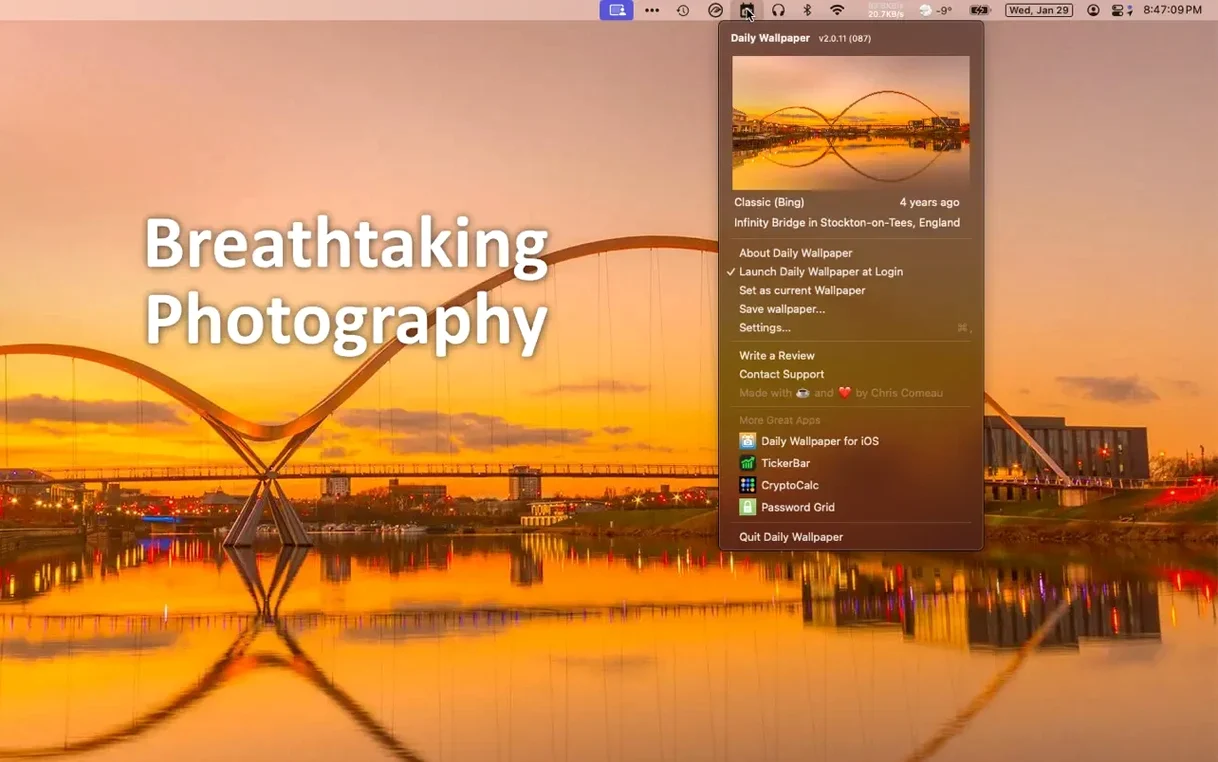
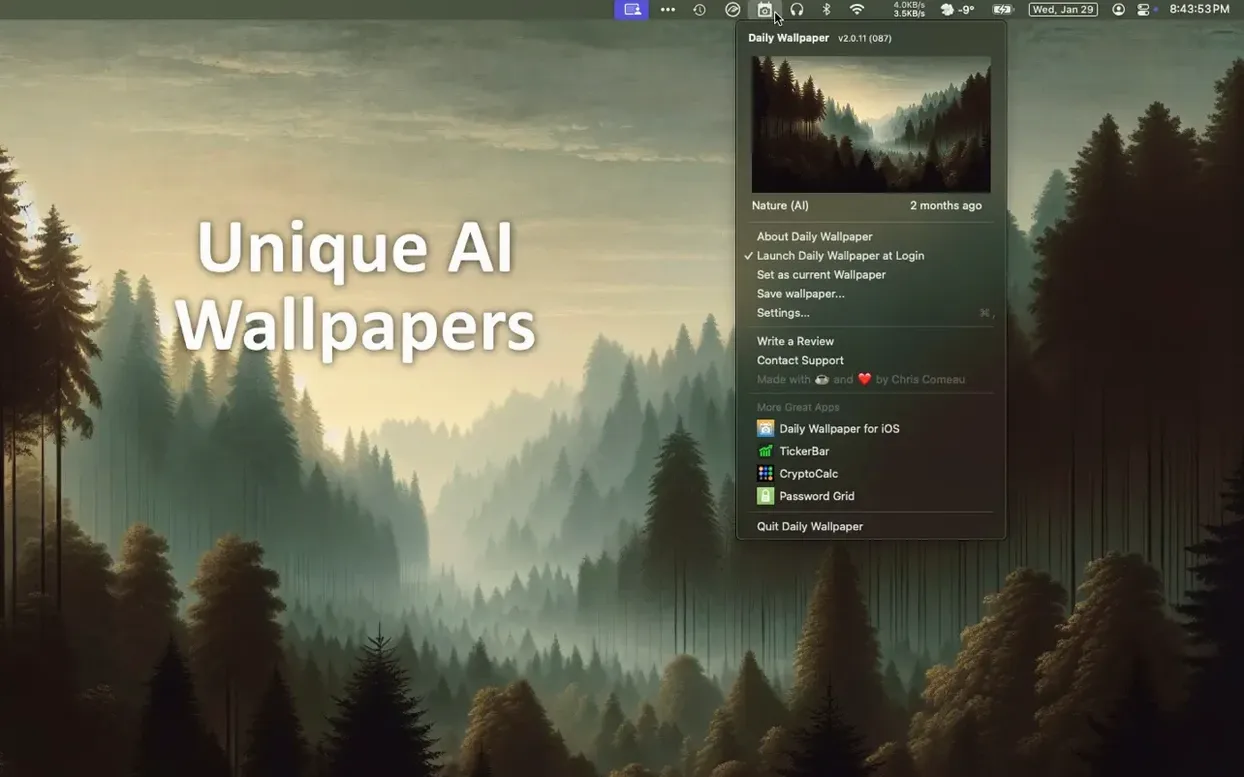
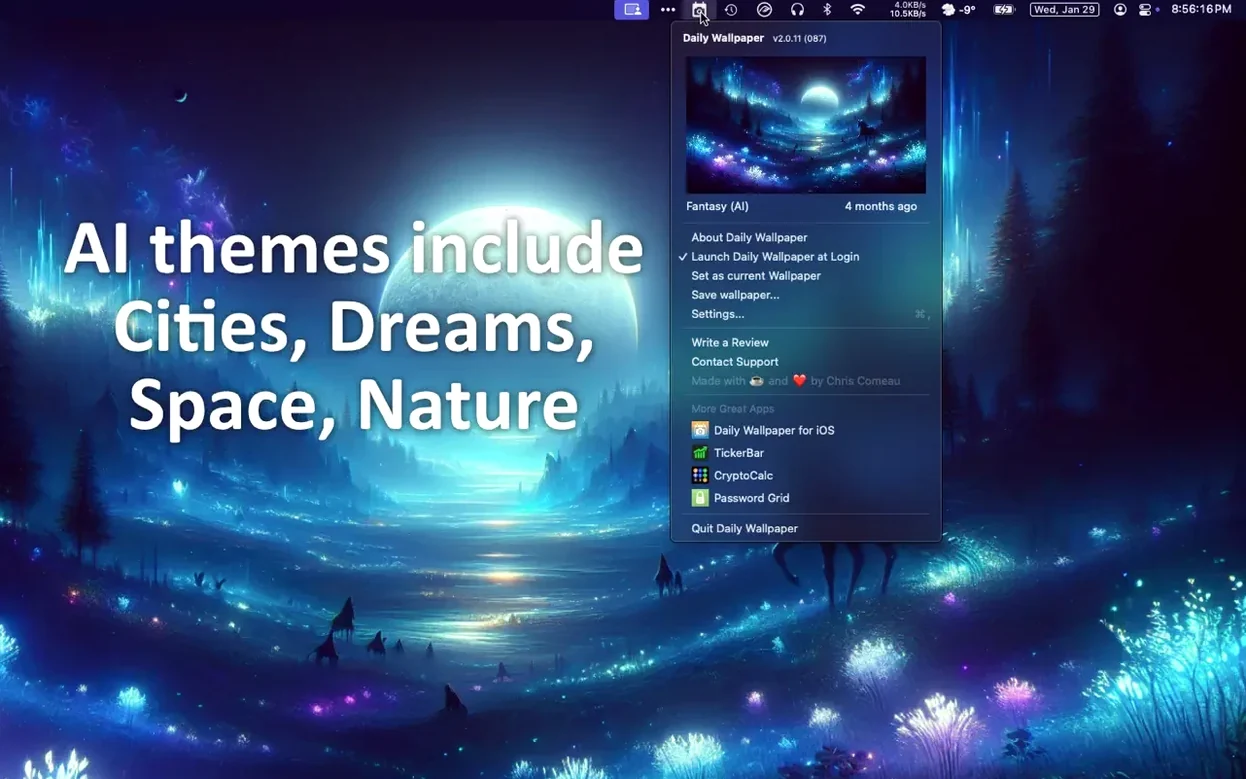
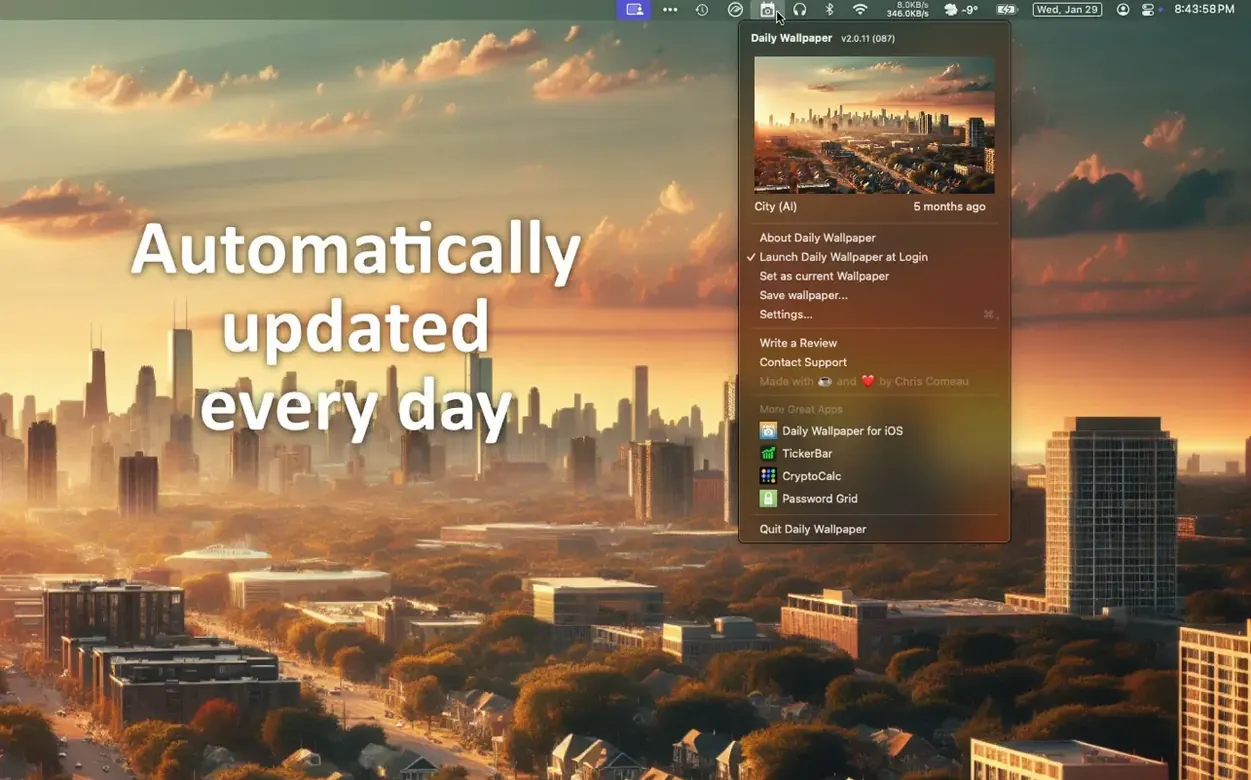
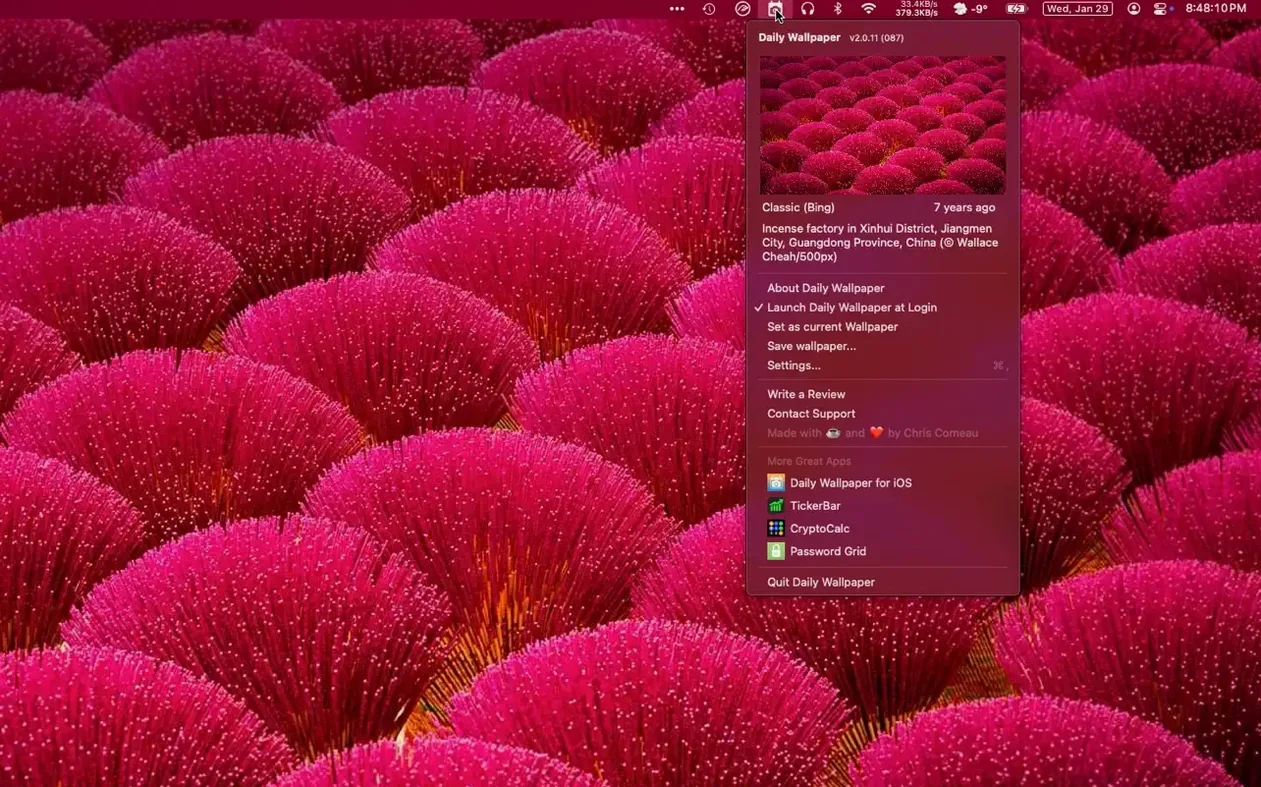
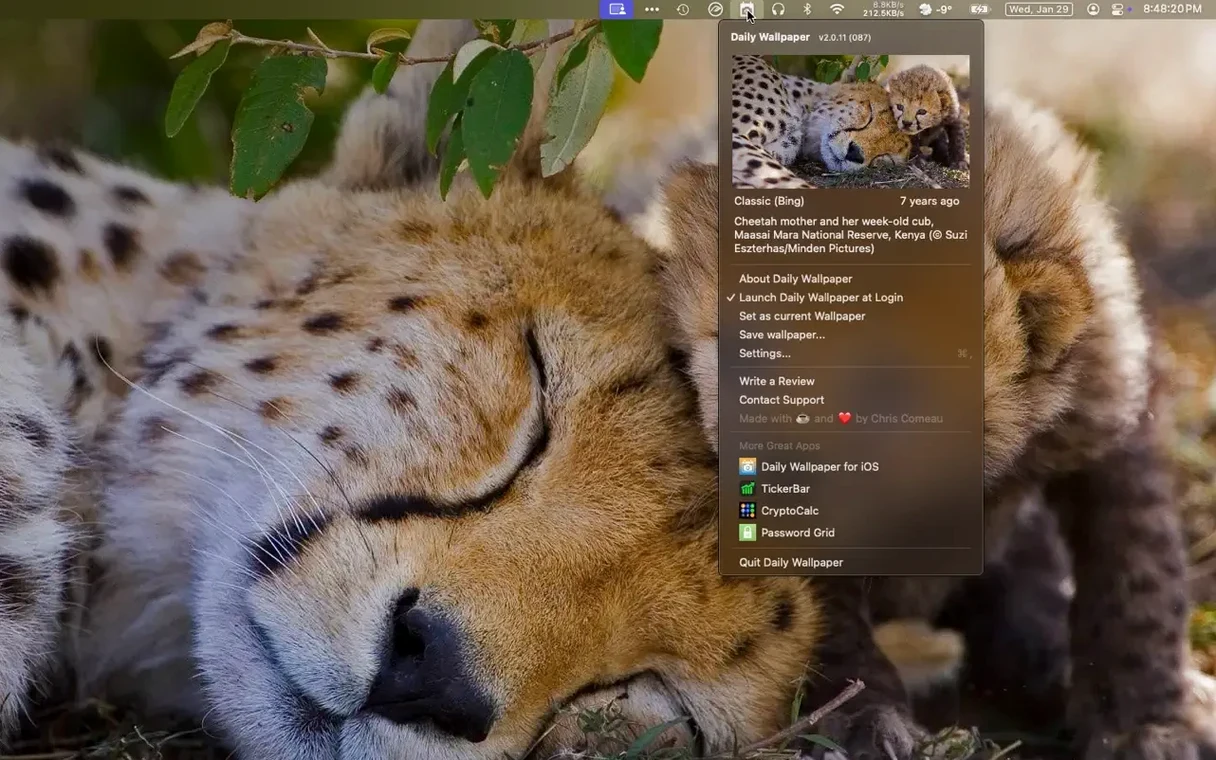
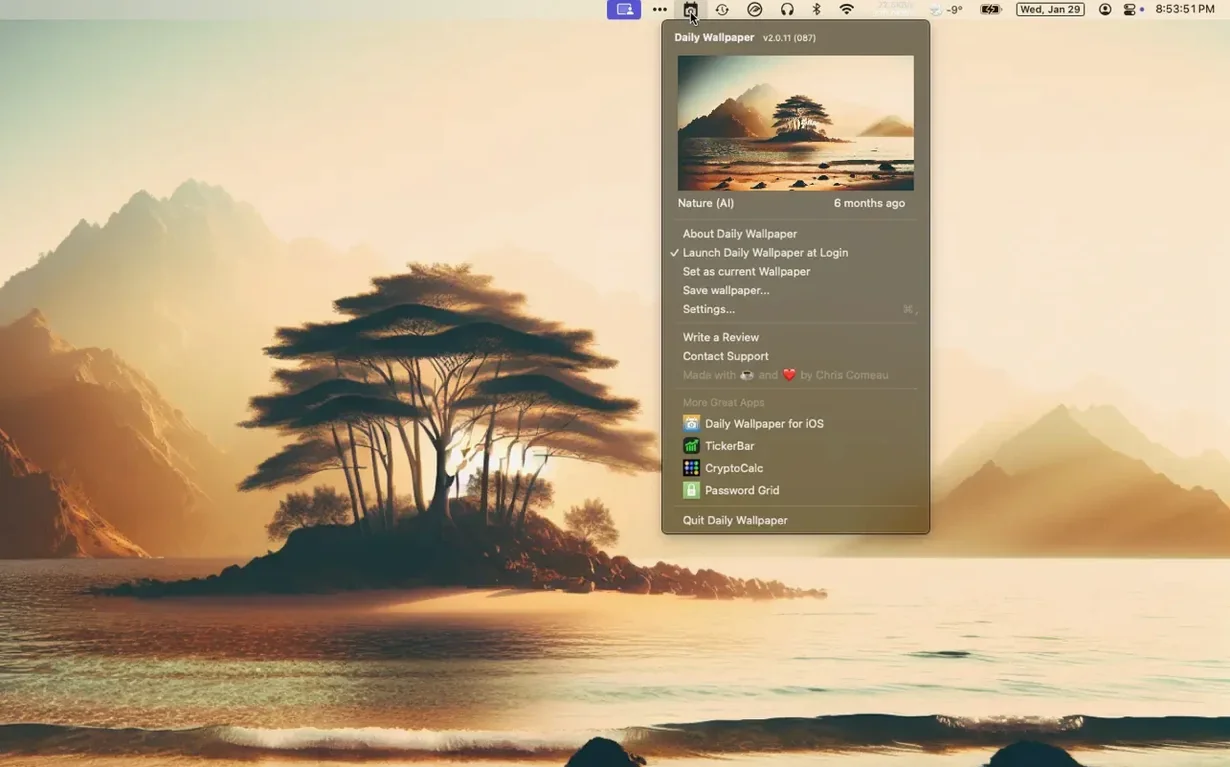
Daily Wallpaper HD - 4K Photos is a Mac application that automatically fetches and sets a fresh desktop wallpaper each day, drawing from Bing’s image library or generating unique AI wallpapers via OpenAI DALL·E 3.
Requires macOS 12 or later on both Apple Silicon and Intel Macs
The app requires macOS 12 or later and works on both Apple Silicon (M-series) and Intel 64-bit Macs. That covers pretty much every machine still receiving system updates, so compatibility shouldn’t be an issue. Installation is straightforward: open the downloaded disk image, drag the app to your Applications folder, then launch it from Launchpad. No additional drivers or frameworks are needed — just a modern Mac and an internet connection.
What you get beyond the basics
While the core idea is simple — one new wallpaper a day — the AI generation option adds a creative twist. You can ask for a specific scene or mood, and DALL·E 3 creates a 4K image tailored to that request. The interface is deliberately uncluttered: you pick your source (Bing or AI), set a refresh schedule, and let the app handle the rest. The resulting images are saved locally, so you can keep favourites without worrying about losing them.
Setting up a weekly landscape rotation from start to finish
Let’s walk through a typical workflow: you want a fresh nature scene each day, but you’d rather not think about it after the initial setup. Open Daily Wallpaper HD and head to the source selector. Choose Bing images — the library leans heavily toward landscapes, mountains and coastlines, so it’s a good fit. The app will check for a new image each morning, download it in the background, and apply it without interrupting whatever you’re doing. After the first download, you’ll see the new wallpaper on your desktop immediately; subsequent updates happen quietly while you’re logged in. If you spot a keeper, right-click the system tray icon and choose “Save current wallpaper” — it lands in a folder inside Pictures, ready for use elsewhere.
Wallpaper won't change if the Mac sleeps before the refresh
Most questions I hear in class revolve around three things. First, the wallpaper doesn’t change at the scheduled time. This usually happens when the Mac goes to sleep or the lid closes just before the refresh moment. The app can’t apply a new wallpaper if the machine is suspended; it catches up on the next wake. Solution: set the refresh time to a period when you’re typically using the computer, such as late morning rather than 3 AM.
Second, AI-generated wallpapers come out looking nothing like the prompt. DALL·E 3 is good, but it interprets vague descriptions loosely. If you ask for “a calm forest”, you might get a misty pine wood or a cartoonish clearing. Getting reliable results means being more specific: “a photograph of a misty pine forest at dawn, 4K, realistic” works far better than “nature”.
Third, the app shows a blank or black wallpaper after an update. This is almost always a permission issue. Check that Daily Wallpaper HD has access to your wallpaper settings — go to System Settings → Privacy & Security → Accessibility, and make sure the app is allowed to control the desktop. Restart the app and it should apply the image correctly.
If you’re hunting for daily wallpaper hd 4k photos mac torrent downloads, don’t bother — the app does the same job automatically without manual file management, and the images are saved locally so you can keep the ones you like.
A real‑world scenario from a design tutor
A friend of mine teaches photography at a sixth-form college and uses Daily Wallpaper HD to give his students a fresh visual prompt every morning. He sets the source to AI wallpapers and writes a daily prompt related to the week’s theme — “textures in urban architecture”, “golden hour in farmland”, things like that. When students come in, the wallpaper is already on the screen, and they spend five minutes discussing composition and lighting before the lesson starts. He says it’s a low-effort way to keep the room feeling current without having to hunt for images himself.
- macOS 12 or later
- Apple Silicon or Intel 64-bit processor
- Internet connection for downloading wallpapers and AI generation
Questions I keep hearing
Does Daily Wallpaper HD support Apple Silicon Macs?
Yes, the app supports both Apple Silicon and Intel 64-bit Macs, as long as you’re running macOS 12 or later.
Questions from the class 0
Sign in or join the class to ask a question.
Nobody has asked anything yet. If you have used it on a real job, say what the file did.
Also on the Mac Apps shelf
The whole Mac Apps shelf Cleaner for Xcode
 Yoink
Provides a temporary shelf on the side of your screen for dragging and holding files between windows.
 Workspaces
Restores a complete project setup—files, folders, and web pages—in a single click.
 Wondershare UniConverter
Converts, compresses, and merges video files into a single format your editor and players understand.
 Wondershare Recoverit
Rescues photos, documents, and videos from reformatted drives or long-lost files with a deep scan.
 Wondershare Filmora
Helps vloggers and teachers assemble polished videos without a professional timeline.
 Wirecast Pro
Streams live video with built-in scoreboard overlays, replays, and multi-camera switching.
 Wipr
Makes cookie banners and popups vanish without a single settings toggle.