 ASPNetWorld

Wipr requires a 64-bit Intel Mac or an Apple Silicon Mac. If your machine can run High Sierra (macOS 10.13) or later, you are in business. There is no separate version for different processor architectures; the same app works across the board.
Cookie banners and popups vanish without a single settings panel
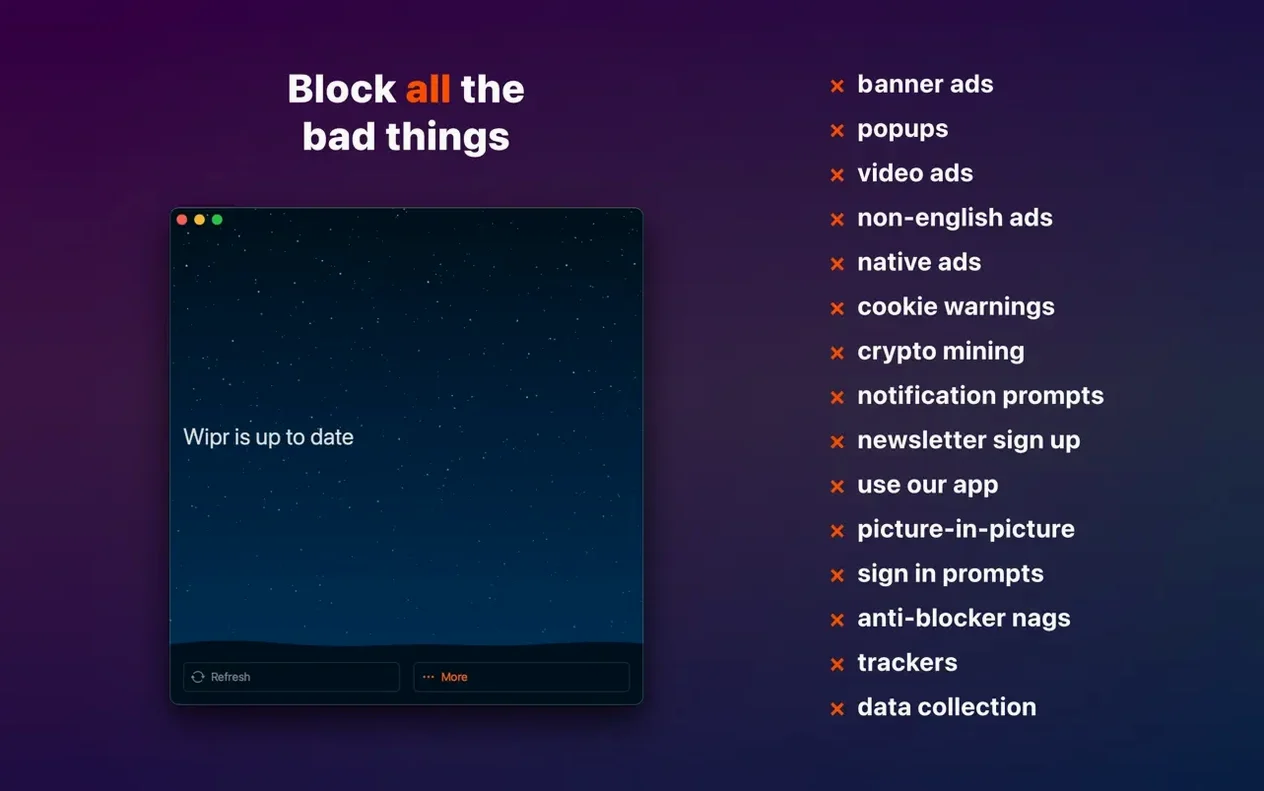
- Stripping away cookie consent banners, popups, and adverts without touching a single settings panel.
- People who want a blocklist that refreshes itself twice a week so the rules stay current against new tracking techniques.
- A quiet browsing experience where the blocker never demands your attention — no whitelisting dialogues, no configuration dashboards.
The entire interface is one on/off toggle and it only works in Safari
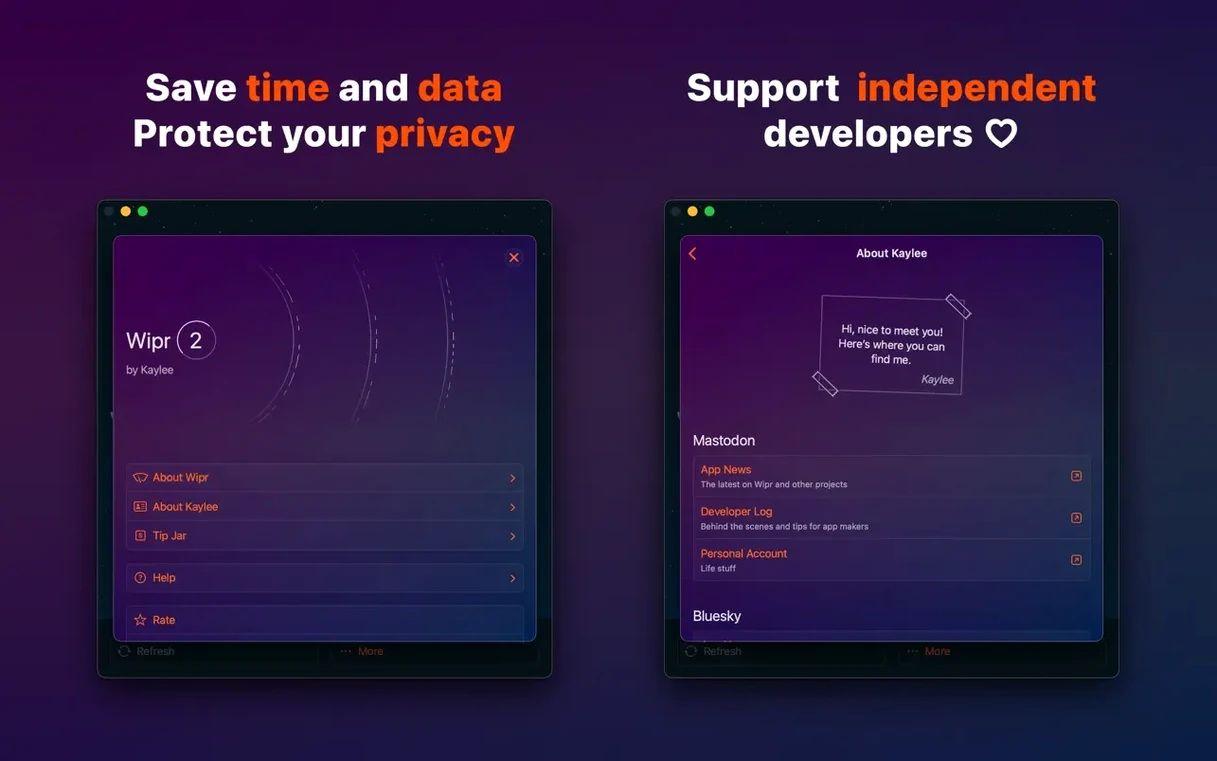
- The interface is deliberately bare: you get an on/off toggle and that is the full extent of user-facing controls.
- Wipr works only inside Safari. Other browsers are not part of the picture.
- On older macOS setups you may need to disable System Integrity Protection briefly during the first launch.
The 2.38 release sharpens Wipr Extra, which is the engine that tidies up leftover gaps and visual junk on a broad range of websites. Accessibility has also been improved, making the tiny companion app friendlier for VoiceOver users.
Installing the app is only half the job—Wipr needs permission inside Safari
The most common slip is forgetting that Wipr needs permission inside Safari before it does anything at all. Installing the app and flicking the switch to On is only half the job. You must open Safari’s Preferences, click the Websites tab, select Content Blockers from the sidebar, and make sure Wipr is turned on for every site you visit — or set it globally. Without that step, the blocker sits idle and the adverts keep rolling in, which leads people to assume the software is broken when it is simply waiting for the green light.
Another regular mix-up involves the legacy Wipr extension. If you previously used the original Wipr, Safari may still have the old extension enabled alongside Wipr 2. They conflict in subtle ways: pages break, blank spaces appear where ads used to be, or cookie notices flicker briefly before vanishing. The fix is straightforward — open Safari’s Extensions pane, find the old Wipr entry, and uninstall it completely. One blocker is all Safari needs.
Beginners also tend to panic when a site they rely on suddenly behaves oddly. Wipr’s blocklist updates twice a week, and occasionally a freshly added rule catches something it should not — a login popup, a payment widget, or an embedded video. The instinct is to delete the app, but the calmer route is to disable Wipr temporarily for that domain through Safari’s Website Preferences, then re-enable it a few days later once the next blocklist update lands. The team behind Wipr are quick to smooth over false positives when they surface.
A quieter mistake is expecting Wipr to block everything that moves. It targets adverts, trackers, cookie consent banners, and general web annoyances — it is not a general-purpose firewall, a VPN, or a script blocker. Some websites use first-party advertising delivered through their own domain, and no content blocker can separate those from genuine page content without breaking the site entirely. Knowing where Wipr draws the line prevents frustration.
Wipr Extra now mops up leftover gaps where banner ads used to sit
The headline change in version 2.38 is a meaningful improvement to Wipr Extra, the supplementary filtering layer that mops up leftover visual clutter after the main blocklist does its work. In practice, this means fewer odd gaps where banner ads used to sit, fewer cookie consent popups that linger for a split second before collapsing, and cleaner layouts on news sites and forums that previously showed ghostly rectangles. The improvement is subtle, but users who browse widely will notice pages feeling tighter and more settled on first load.
Accessibility received attention too. VoiceOver users navigating the Wipr companion app — the tiny utility that sits in the menu bar or Dock — now get clearer labels and a more logical tab order. For a piece of software whose entire interface consists of a single toggle, that might sound like a small thing, but getting the spoken feedback right on that toggle makes the difference between confidence and guesswork for someone relying on a screen reader.
Under the hood, the blocklist refresh mechanism was tuned to be less chatty on the network. Twice-weekly updates still arrive, but the download size has been trimmed and the fetch happens with a lighter footprint. On slow connections or metered hotspots, that means the background update is less likely to interrupt what you are actually doing.
Visit a recipe blog or tabloid site and watch autoplay video disappear
After you have dragged the app into Applications and launched it, give yourself ten minutes on day one to visit a deliberately ad-heavy website — a tabloid news site, a recipe blog, anything with autoplay video and newsletter popups — and watch how the page settles. Take mental note of what still appears. If something looks broken, check Safari’s Content Blocker settings before assuming Wipr is at fault.
On day two, try a few sites you visit daily: your webmail, your bank, a streaming catalogue. Banks and streaming platforms rarely show adverts anyway, but they are heavy on third-party analytics scripts. With Wipr active, those pages should feel noticeably snappier because the tracker payloads never leave your machine. The speed difference is not dramatic on a fast connection, but the cumulative effect across a day of browsing adds up.
By day three, you will probably have stopped thinking about Wipr entirely. That is the design goal. If you find yourself checking on it, resist the urge to tinker — there is nothing to tinker with. The absence of a settings panel is not an oversight; it is a deliberate choice that keeps the software effective without turning you into an amateur privacy researcher. Let the twice-weekly blocklist updates do the heavy lifting while you get on with your work.
Option-click the menu bar icon to force an immediate blocklist refresh
Wipr’s menu bar icon is more useful than it first appears. Clicking it reveals a straightforward On/Off toggle, but holding the Option key while clicking forces an immediate blocklist refresh without waiting for the scheduled update. This is handy when a website has just changed its advertising setup and the current rules are not catching everything.
The app is universal across iPhone, iPad, Mac, and Vision Pro, and the same blocklist powers all four platforms. If you set up Wipr on your Mac and later install it on an iPhone, the filtering behaviour is identical — there is no cross-device configuration to manage, because there is no configuration to begin with. The simplicity holds across every screen size.
For anyone who wants to check what Wipr is actually blocking without installing a separate network inspector, Safari’s built-in Web Inspector (enabled in the Advanced tab of Safari’s Preferences) shows blocked resources in the Network pane. Look for items marked with a red cancellation symbol. It is a reassuring way to confirm that trackers are being stopped before they phone home.
If you ever need to disable System Integrity Protection during the first launch on an older macOS version, remember to re-enable it immediately afterwards. The process involves restarting into Recovery Mode, opening Terminal, and running csrutil enable. Leaving SIP off is like leaving your front door unlocked because the lock was stiff once. Wipr only needs the brief exception, not a permanent concession.
Finally, a small but satisfying trick: if a cookie consent banner somehow slips through the blocklist, a quick toggle of Wipr off and back on from the menu bar forces Safari to reload the page with fresh filtering. It clears the stubborn banner more often than you would expect, and it takes all of two seconds.
Version 2.38 refines the blocking engine and makes the app easier to navigate for assistive technology.
- Wipr Extra has been improved for a wider set of websites, meaning fewer leftover cookie banners and layout gaps after the initial block.
- Accessibility enhancements help VoiceOver users interact with the app more smoothly.
- macOS 10.13 or later
- 64-bit Intel or Apple Silicon Mac
- Safari web browser
- Interface language: English
Questions I keep hearing
Does Wipr block YouTube ads inside Safari?
Yes, Wipr Extra has been tuned to catch a wide variety of video ads, including those on YouTube, though the web is a moving target and no blocker can promise a completely empty pre-roll every time.
Why does the installer mention disabling SIP?
On certain older macOS releases, Wipr needs to load its extension in a way that briefly requires System Integrity Protection to be turned off. On more recent versions of macOS, this step is usually unnecessary.
How often does the blocking list get updated?
The app fetches a fresh blocklist twice a week, which helps it keep pace with new ad servers and tracker domains as they appear.
Questions from the class 0
Sign in or join the class to ask a question.
Nobody has asked anything yet. If you have used it on a real job, say what the file did.
Also on the Mac Apps shelf
The whole Mac Apps shelf WinZip Mac Pro
Lets you right-click a messy folder and find every duplicate, archive, and file to tidy up.
WinZip Mac Pro
Lets you right-click a messy folder and find every duplicate, archive, and file to tidy up.
 Wirecast Pro
Streams live video with built-in scoreboard overlays, replays, and multi-camera switching.
Wirecast Pro
Streams live video with built-in scoreboard overlays, replays, and multi-camera switching.
 Winclone Pro
Packages a Boot Camp Windows installation into an image and restores it onto a new Mac.
Winclone Pro
Packages a Boot Camp Windows installation into an image and restores it onto a new Mac.
 Wondershare Filmora
Helps vloggers and teachers assemble polished videos without a professional timeline.
Wondershare Filmora
Helps vloggers and teachers assemble polished videos without a professional timeline.
 WidgetWall
Places over twenty mini-apps, from a Pomodoro timer to a TikTok viewer, directly on your desktop.
WidgetWall
Places over twenty mini-apps, from a Pomodoro timer to a TikTok viewer, directly on your desktop.
 Wondershare Recoverit
Rescues photos, documents, and videos from reformatted drives or long-lost files with a deep scan.
Wondershare Recoverit
Rescues photos, documents, and videos from reformatted drives or long-lost files with a deep scan.
 Widgetter System Stats Widgets
Pins live readouts of processor load, memory pressure, and disk activity onto your desktop.
Widgetter System Stats Widgets
Pins live readouts of processor load, memory pressure, and disk activity onto your desktop.
 WebStorm
Gives you a responsive desktop environment that deeply understands your JavaScript and TypeScript.
WebStorm
Gives you a responsive desktop environment that deeply understands your JavaScript and TypeScript.