 ASPNetWorld

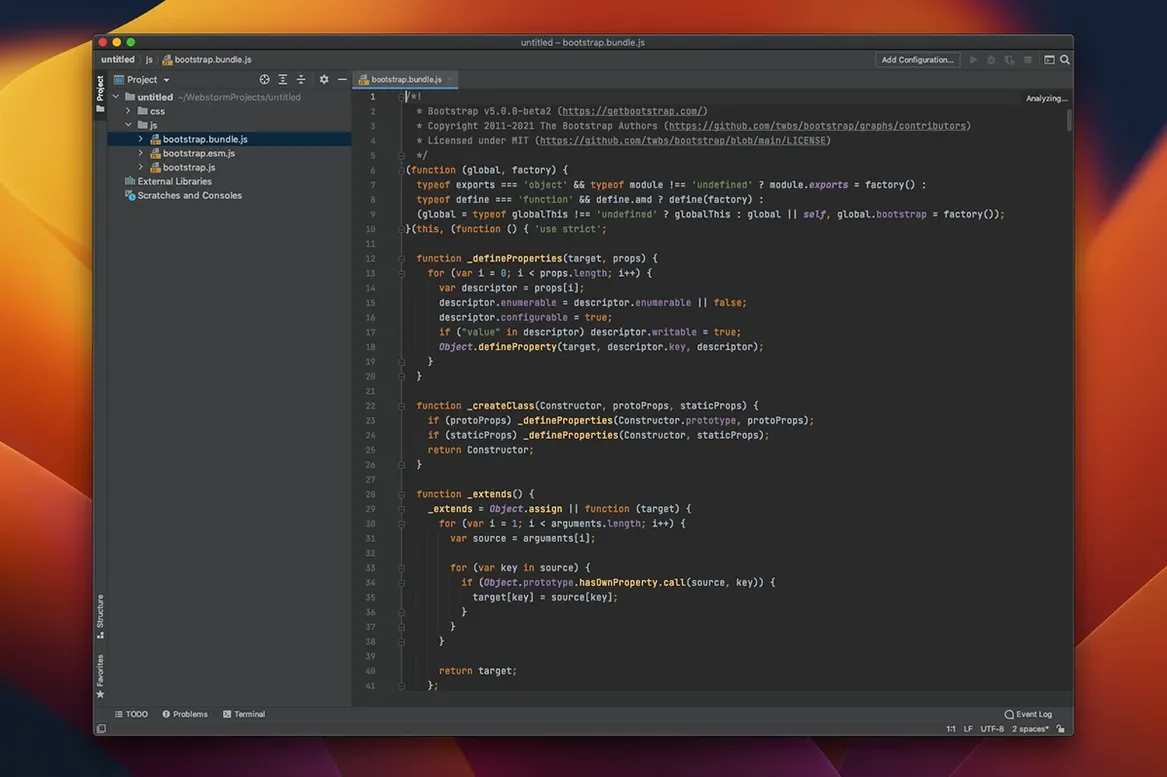
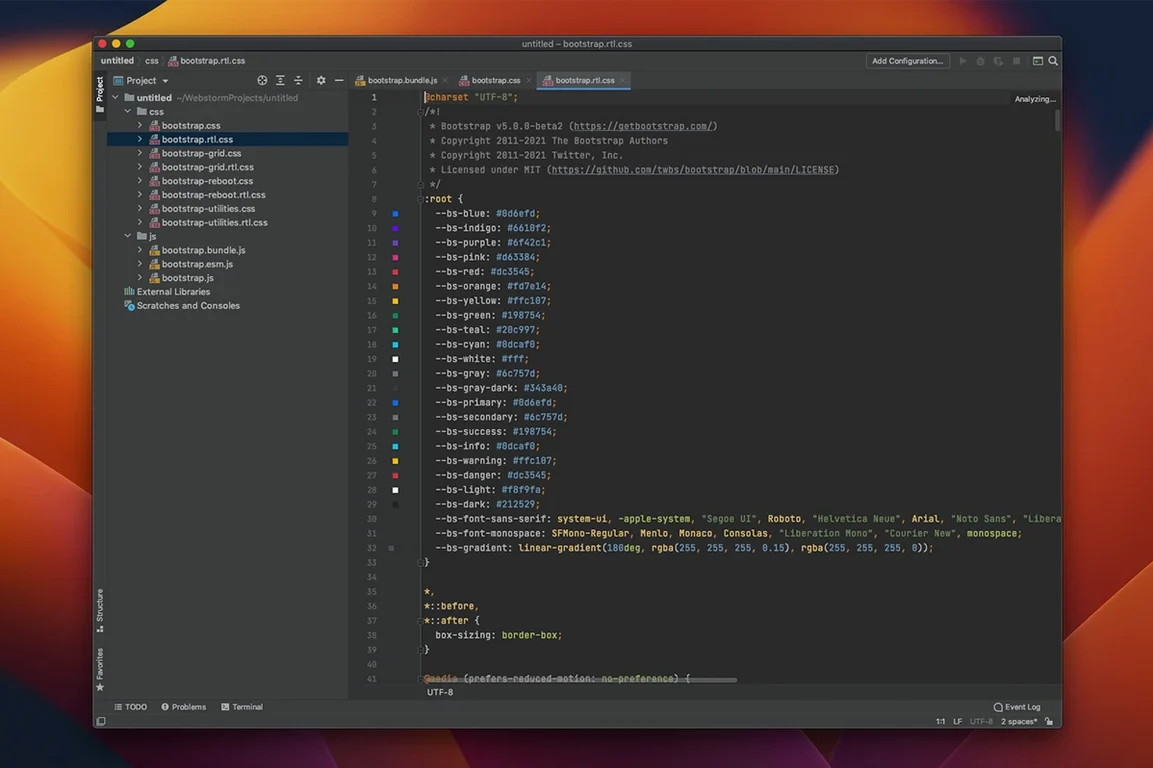
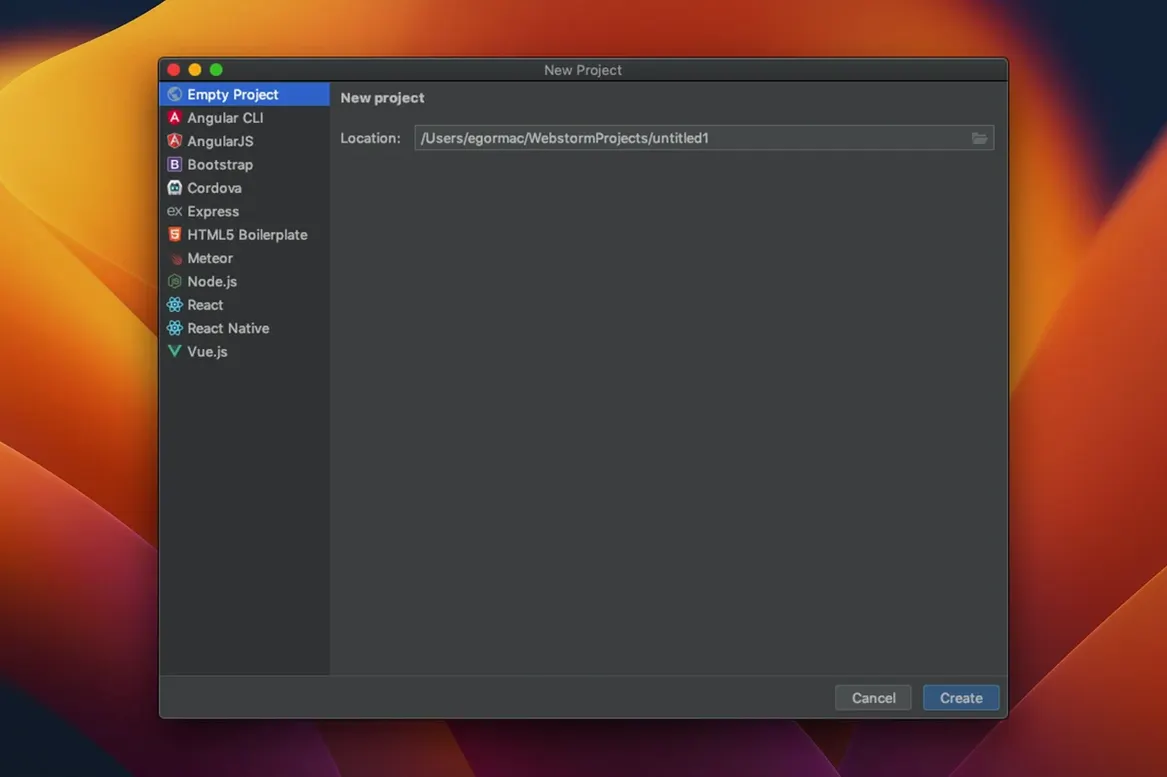
WebStorm is built for modern Macs, running natively on both Apple Silicon and Intel processors as long as you have macOS 12 or later. It is JetBrains' dedicated environment for JavaScript and TypeScript work, wrapping a deep understanding of your code into a desktop app that feels responsive and alert. Rather than simply editing text, it reads the structure of your project while you type, catching inconsistencies a human might miss and suggesting completions that make sense in context.
- Code intelligence while you edit. On-the-fly analysis spots errors in JavaScript, TypeScript, and related dialects like Dart, CoffeeScript, Less, Sass, and Stylus, highlighting issues before you save a file.
- Navigation that follows the project, not just the file. Jump to a class, function, or symbol instantly, even if it lives in a different folder. Refactoring tools let you rename or restructure code across hundreds of files safely.
- Everything for front-end and Node.js work. The editor understands React, Angular, Vue, and Node.js projects out of the box, with linters, build tools, and test runners built in.
- REST client and version control at hand. Test API endpoints without leaving the IDE, and manage Git, GitHub, or other VCS repositories from the same window.
- GitHub Copilot, natively integrated. The 2026.2 release bakes Copilot into the editor, with an agent skills manager that helps you direct the AI assistant for larger tasks.
- Ready for TypeScript 7. The latest language features are supported, so you can adopt newer syntax without waiting for tooling to catch up.
What ties this together is the sense that the tool knows your codebase almost as well as you do. It is not a lightweight editor with plugins bolted on; it is a purpose-built workshop for writing, testing, and debugging JavaScript applications from first component to final build.
Who feels most at home with WebStorm
WebStorm rewards developers who work on projects with enough moving parts that keeping a mental map of every import, component and test file becomes a chore. The moment your React component tree grows past a handful of files, or your Node.js backend sprouts enough endpoints that you start forgetting parameter names, the IDE’s indexing starts paying rent. Front-end developers juggling TypeScript, Sass and Jest tests get the strongest lift, because the tool connects all three layers in one view instead of leaving you to alt-tab between a code editor, a terminal and a browser console.
Developers coming from lighter editors sometimes take a week to stop fighting the suggestions and start leaning on them. The refactoring tools, in particular, change how you approach structural edits—renaming a method across a monorepo stops being something you schedule for a quiet afternoon and becomes a ten-second operation you trust. It is equally at home on an Apple Silicon MacBook Air doing component work and on a Mac Studio handling a sprawling full-stack application with hundreds of unit tests.
Common beginner missteps
A fresh install of WebStorm arrives with inspections turned up high, which can overwhelm someone used to a quieter editor. The first instinct is often to disable half the warnings, but a better approach is to adjust the severity levels for rules that do not match your team’s style guide. The inspections are not just decoration; they feed the quick-fix suggestions, so turning them off wholesale means losing genuinely useful shortcuts later.
Another classic slip is treating the built-in terminal and version control as afterthoughts. Beginners habitually reach for a separate terminal app and a standalone Git client, missing that WebStorm resolves merge conflicts with a visual diff tool that understands the structure of JavaScript, not just lines of text. The local history feature, which quietly saves snapshots of your files even between commits, goes undiscovered by many until the day they delete a function and realise there is no recent commit to roll back to. Learning to trust the IDE’s own tooling, rather than routing every action through external apps, is what turns a tentative user into someone who reaches for webstorm mac download on every new machine.
The 2026.2.3 release rounds up several significant additions that landed in the 2026.2 cycle. The headline changes make the editor a more integrated development hub and a solid choice for teams moving to the newest TypeScript standard.
- TypeScript 7 support arrives, so you can use the latest language features with accurate checking and completions.
- GitHub Copilot is now natively integrated, sitting inside the editor rather than as a separate plugin, with smoother inline suggestions.
- An agent skills manager gives you a panel for tuning how the Copilot agent behaves, useful when you want it to follow project-specific conventions.
- macOS 12 or later
- Apple Silicon or Intel processor
Questions I keep hearing
Does WebStorm only handle JavaScript and TypeScript?
Its core analysis engine is tuned for JavaScript and TypeScript, but it also understands CoffeeScript, Dart, Less, Sass, Stylus, and other web languages you are likely to use alongside them.
What is the agent skills manager mentioned in the 2026.2 release?
The agent skills manager is a new feature that lets you configure and direct the integrated GitHub Copilot agent, giving you finer control over how AI assistance behaves in your project.
Can I work on a Node.js back-end and a React front-end in the same project window?
Yes, WebStorm understands full-stack JavaScript projects. It treats your Node.js server code and your client-side React or Vue code as parts of one coherent application.
Questions from the class 0
Sign in or join the class to ask a question.
Nobody has asked anything yet. If you have used it on a real job, say what the file did.
Also on the Mac Apps shelf
The whole Mac Apps shelf Widgetter System Stats Widgets
Pins live readouts of processor load, memory pressure, and disk activity onto your desktop.
Widgetter System Stats Widgets
Pins live readouts of processor load, memory pressure, and disk activity onto your desktop.
 WALTR PRO
Converts and transfers any media file onto your iPhone or iPad with a single drag.
WALTR PRO
Converts and transfers any media file onto your iPhone or iPad with a single drag.
 WidgetWall
Places over twenty mini-apps, from a Pomodoro timer to a TikTok viewer, directly on your desktop.
WidgetWall
Places over twenty mini-apps, from a Pomodoro timer to a TikTok viewer, directly on your desktop.
 Winclone Pro
Packages a Boot Camp Windows installation into an image and restores it onto a new Mac.
Winclone Pro
Packages a Boot Camp Windows installation into an image and restores it onto a new Mac.
 WinZip Mac Pro
Lets you right-click a messy folder and find every duplicate, archive, and file to tidy up.
WinZip Mac Pro
Lets you right-click a messy folder and find every duplicate, archive, and file to tidy up.
 Wipr
Makes cookie banners and popups vanish without a single settings toggle.
Wipr
Makes cookie banners and popups vanish without a single settings toggle.
 Wirecast Pro
Streams live video with built-in scoreboard overlays, replays, and multi-camera switching.
Wirecast Pro
Streams live video with built-in scoreboard overlays, replays, and multi-camera switching.
 VMware Fusion Pro
Runs Windows and Linux virtual machines directly on your Mac desktop.
VMware Fusion Pro
Runs Windows and Linux virtual machines directly on your Mac desktop.