 ASPNetWorld

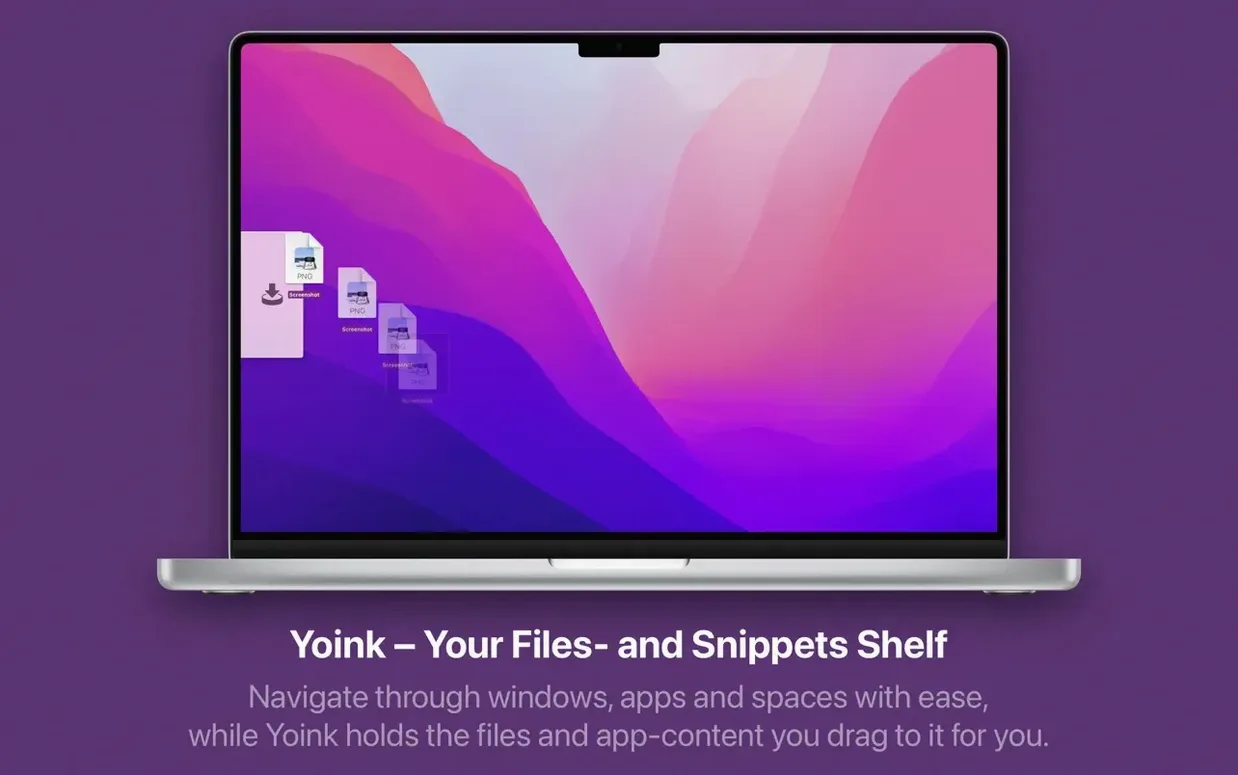
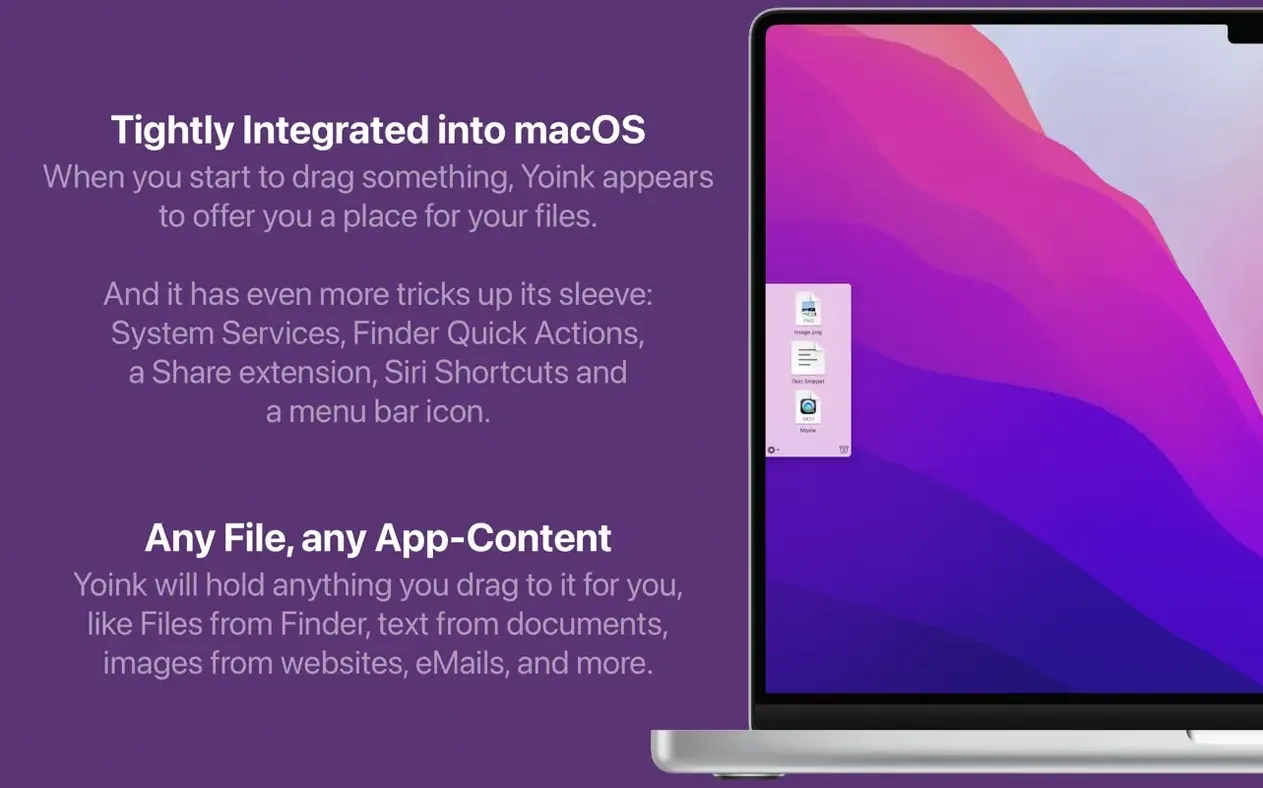
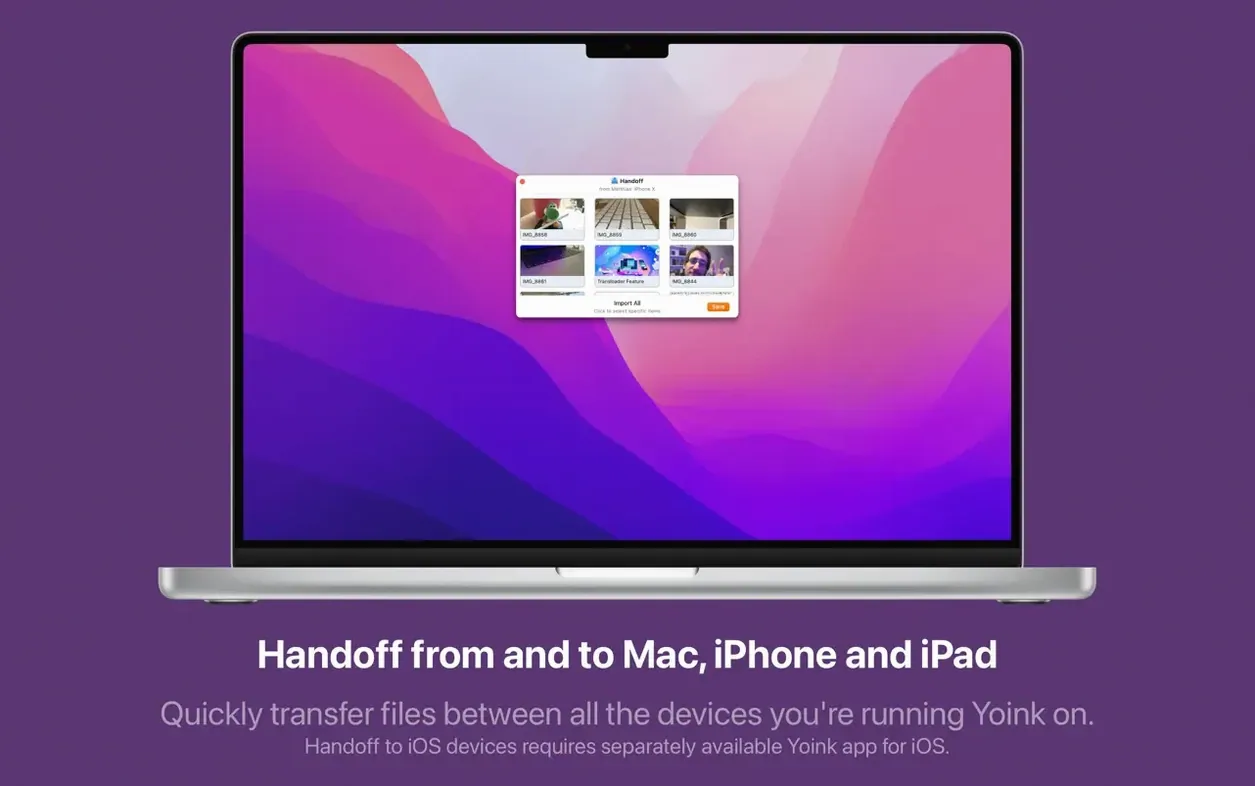
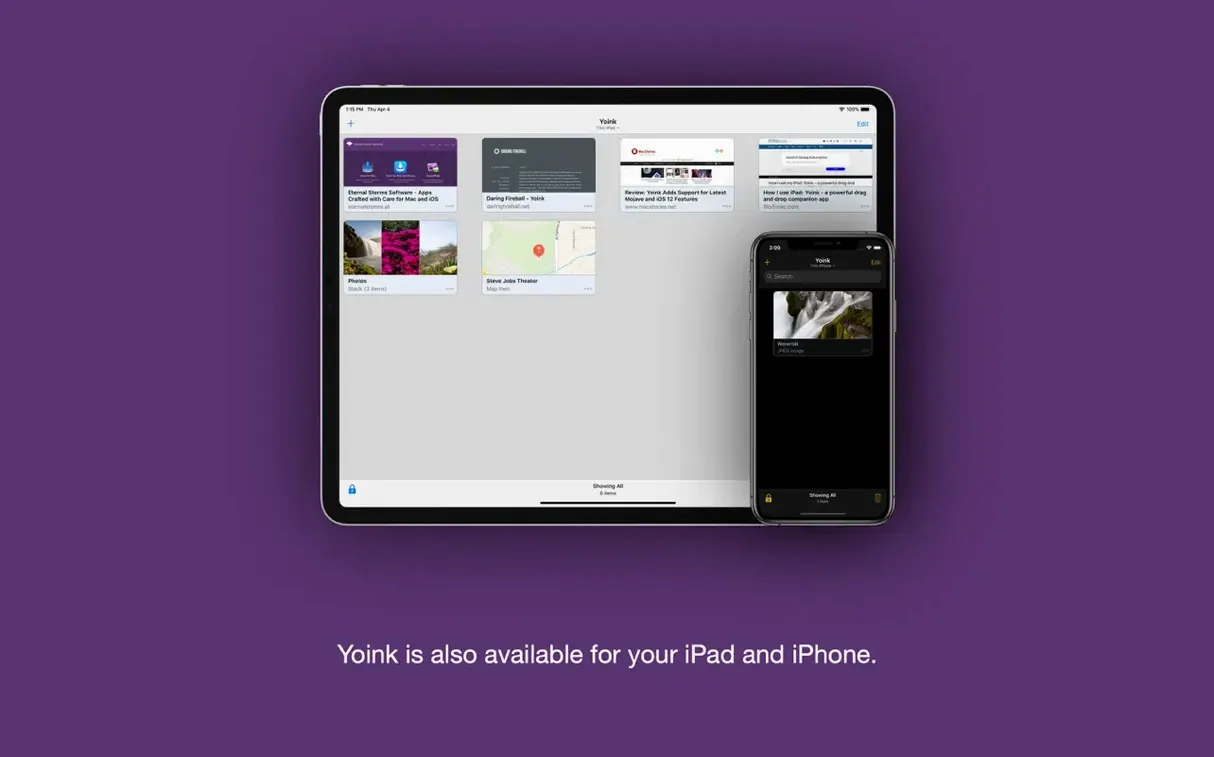
The latest Yoink update polishes a few rough edges that only reveal themselves under heavy daily use. Version 3.7.6 improves file names when you drag items straight from a browser, and it now plays nicely with both the Dia and Vivaldi browsers — niche, but a relief if you live in them. The Quick Look panel for log files also gets a modest size bump, which stops you squinting at tiny, cramped text.
Once you know it runs on your Mac, here’s the rhythm you’ll fall into.
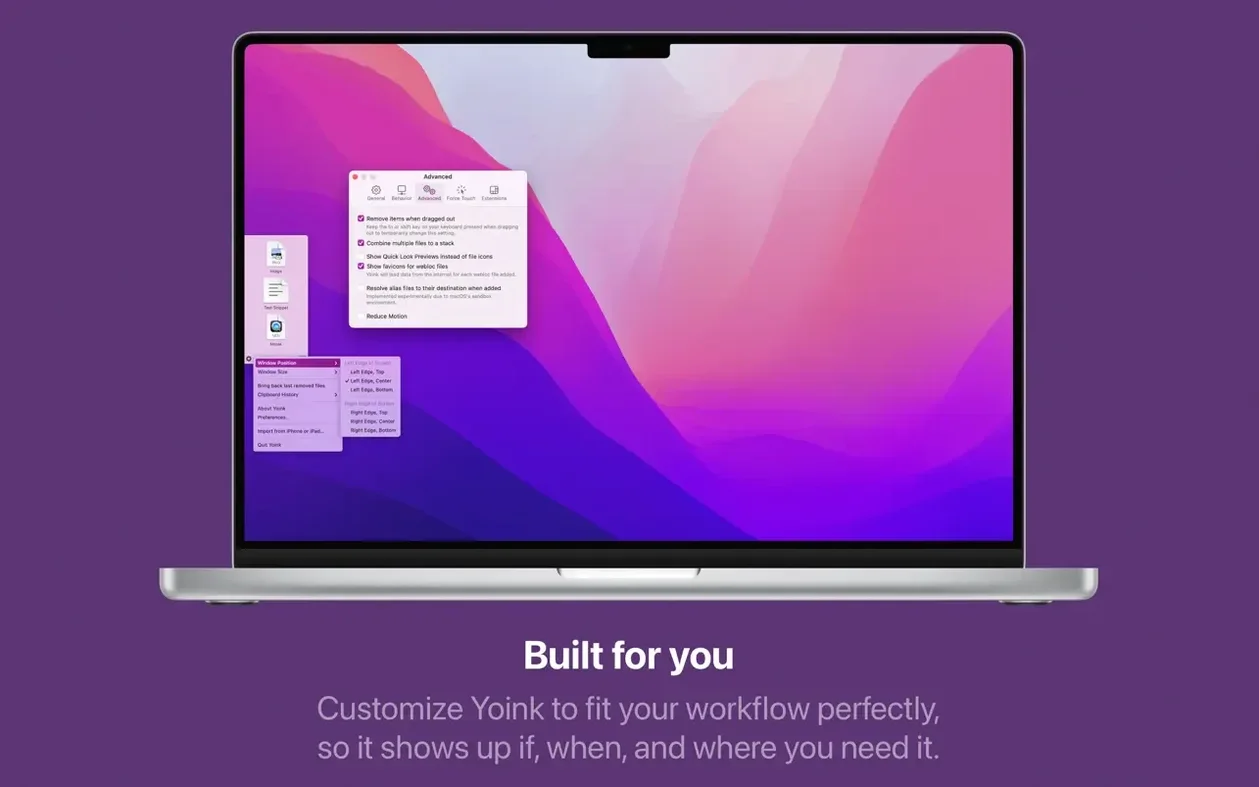
- Begin a drag anywhere — Finder, a browser, a design app. Yoink’s shelf slides in from the screen edge you’ve chosen (six positions are available).
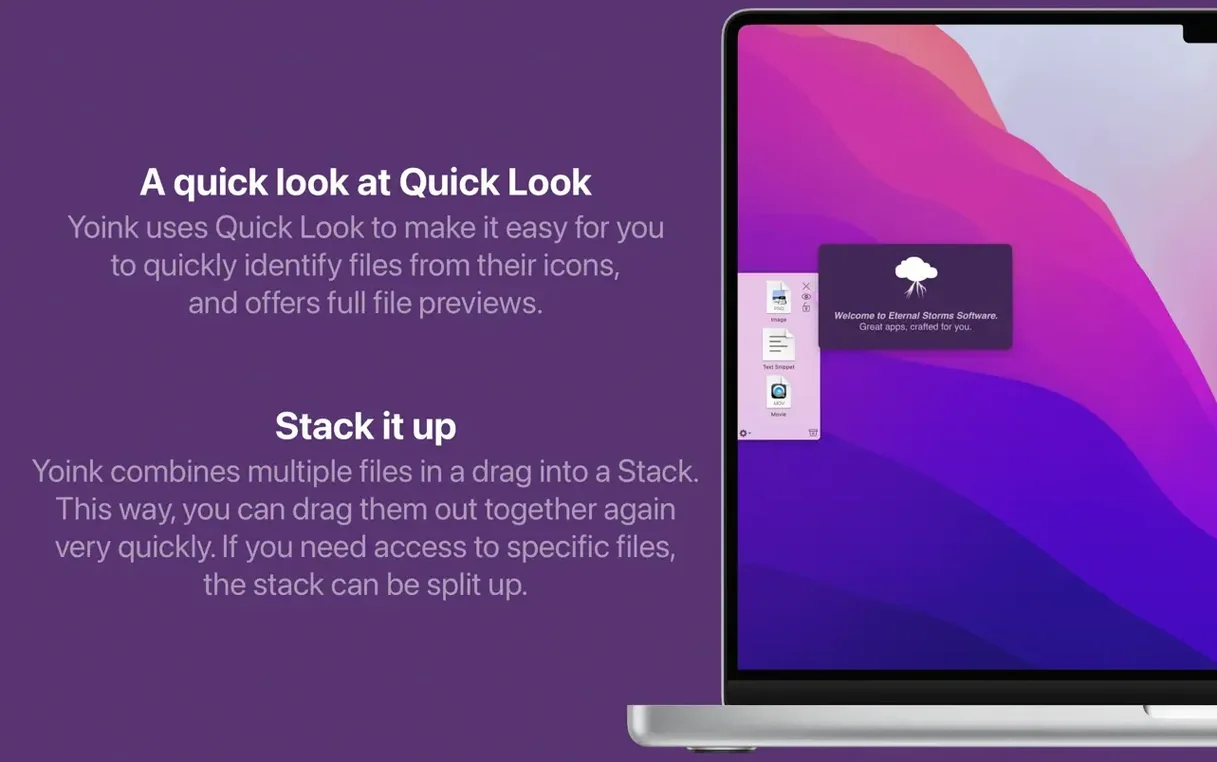
- Drop whatever you’re carrying onto the shelf. Multiple files group themselves into a stack automatically, which you can later split, reorganise or move as a set.
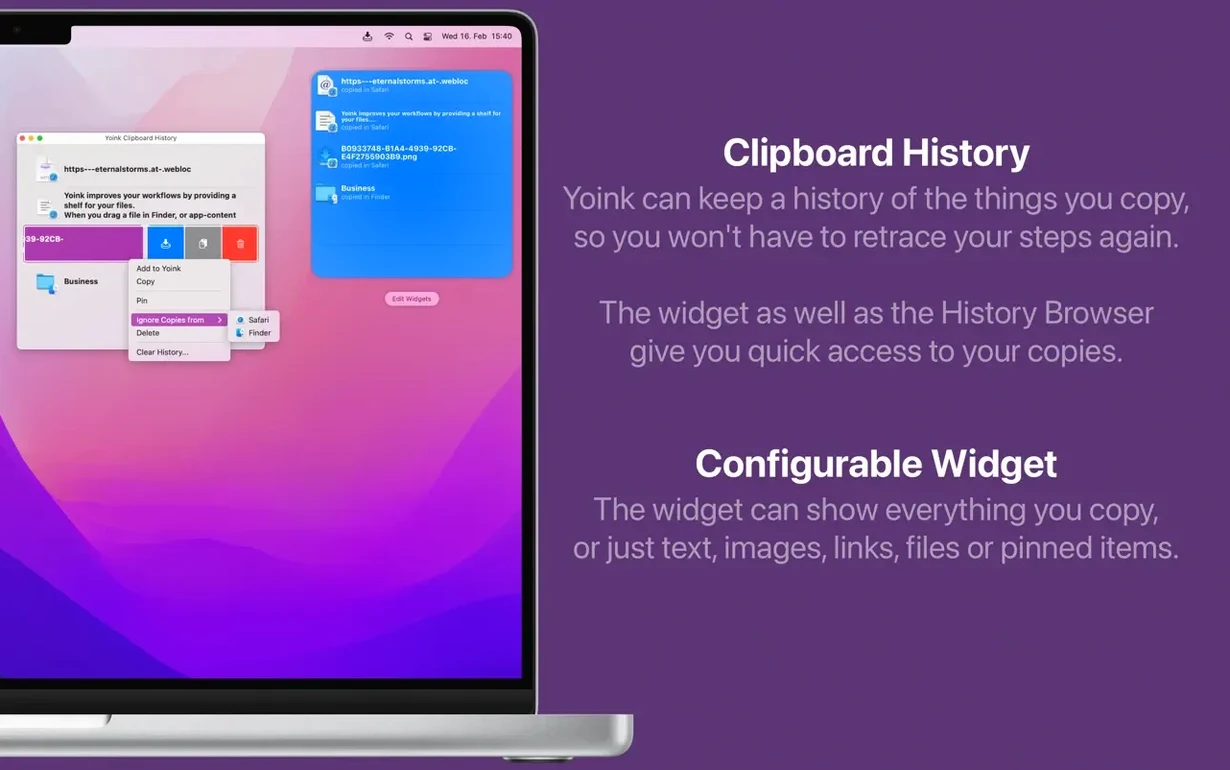
- Carry on with other work. The shelf holds your items until you need them. If you turn on clipboard monitoring, Yoink remembers up to 20 copied items in the background.
- When you’re ready, drag an item off the shelf into its destination. Holding the Command key forces a move rather than a copy, saving you a cleanup step later.
You control when the shelf appears: at the start of a drag, when you push items to the screen edge, or both. The window itself is resizable, so a handful of images gets a compact strip while a long document list gets room to breathe. Clipboard contents can be fetched from the Notification Center widget or from Yoink’s own context menu, and a double-press of a shortcut key saves whatever you’ve just copied for later retrieval.
Most problems with Yoink come from treating it as a filing system rather than a temporary shelf. The first habit to break is leaving items there for days, then wondering why the folder feels cluttered — it is not a long-term store, and a shelf that overflows stops being useful. A second common mistake is ignoring the keyboard modifiers. Dragging from Yoink without holding Command when you wanted to move rather than copy a file means you end up with duplicates, and that is on you, not the software. Forgetting that a long press can bring back something you removed is the third one I see regularly in evening classes; people drag an item off, drop it in the wrong place, then give up because they think the shelf has forgotten it.
If you only change one setting, make it the screen edge. The default works for most people, but if you work with a right-hand trackpad and a full-width browser window, the left edge is almost always the wrong choice. I would also turn on clipboard monitoring straight away — up to 20 items remembered in the background is the kind of quiet convenience that changes how you work, especially when you paste the same address or part number into several documents across an afternoon. And set the shelf to appear at the start of a drag if you do a lot of file organisation; waiting until you reach the screen edge adds a step you do not need.
A typical session, told as a story
Say you are preparing a short design review. You start by selecting six screenshots from a folder in Finder. The shelf slides out the moment you begin the drag, so you park the first three there, then decide you also need a text file with client notes and a PDF of the current spec. Those join the stack, which Yoink has grouped automatically. You switch to your email app, hold down Command while dragging two screenshots into a message to a colleague — this forces a move, so the originals leave the folder rather than duplicating. Back to the shelf: you split the stack, drag the remaining screenshots into a Keynote deck one at a time, then retrieve the PDF from the shelf and drop it into a Slack conversation. Halfway through, you accidentally remove the client notes file. A long press on the Yoink icon brings it back. At the end, the shelf is empty again, ready for the next task — which is exactly how it should be.
One small thing worth knowing: if you ever search for a yoink free download or stumble across a yoink crack, keep in mind that this utility updates often enough that grabbing the freshest build—whatever the source—ensures you get the browser-specific fixes that make daily dragging smooth. The current build is the one to have.
Version 3.7.6 focuses on browser and Quick Look refinements. Compatibility with the Dia and Vivaldi browsers has been improved, file names are now cleaner when dragging items from a web browser, and the Quick Look panel for log files has been given a more generous default size.
- macOS 10.13 High Sierra or later
- Runs natively on both Apple Silicon and Intel processors
Questions I keep hearing
Does Yoink work on older versions of macOS?
Yes. Yoink requires macOS 10.13 High Sierra or later, and it runs natively on both Intel and Apple Silicon Macs.
Questions from the class 0
Sign in or join the class to ask a question.
Nobody has asked anything yet. If you have used it on a real job, say what the file did.
Also on the Mac Apps shelf
The whole Mac Apps shelf Workspaces
Restores a complete project setup—files, folders, and web pages—in a single click.
Workspaces
Restores a complete project setup—files, folders, and web pages—in a single click.
 Wondershare UniConverter
Converts, compresses, and merges video files into a single format your editor and players understand.
Wondershare UniConverter
Converts, compresses, and merges video files into a single format your editor and players understand.
 Wondershare Recoverit
Rescues photos, documents, and videos from reformatted drives or long-lost files with a deep scan.
Wondershare Recoverit
Rescues photos, documents, and videos from reformatted drives or long-lost files with a deep scan.
 Wondershare Filmora
Helps vloggers and teachers assemble polished videos without a professional timeline.
Wondershare Filmora
Helps vloggers and teachers assemble polished videos without a professional timeline.
 Wirecast Pro
Streams live video with built-in scoreboard overlays, replays, and multi-camera switching.
Wirecast Pro
Streams live video with built-in scoreboard overlays, replays, and multi-camera switching.
 Wipr
Makes cookie banners and popups vanish without a single settings toggle.
Wipr
Makes cookie banners and popups vanish without a single settings toggle.
 WinZip Mac Pro
Lets you right-click a messy folder and find every duplicate, archive, and file to tidy up.
WinZip Mac Pro
Lets you right-click a messy folder and find every duplicate, archive, and file to tidy up.
 Winclone Pro
Packages a Boot Camp Windows installation into an image and restores it onto a new Mac.
Winclone Pro
Packages a Boot Camp Windows installation into an image and restores it onto a new Mac.