 ASPNetWorld
The Chroma Key fix and a crash patch
An export glitch that affected certain recordings using Chroma Key is now sorted. If you had a green-screen shot that fell apart during export in the last build, 10.5.2 writes the alpha channel correctly again. The other big fix is a hard crash that appeared on macOS 26.2 or later — Telestream traced it and put it to bed. A minor licensing-menu link that went nowhere has also been pointed at the right URL, so the housekeeping feels tidier.
Recording the canvas you choose
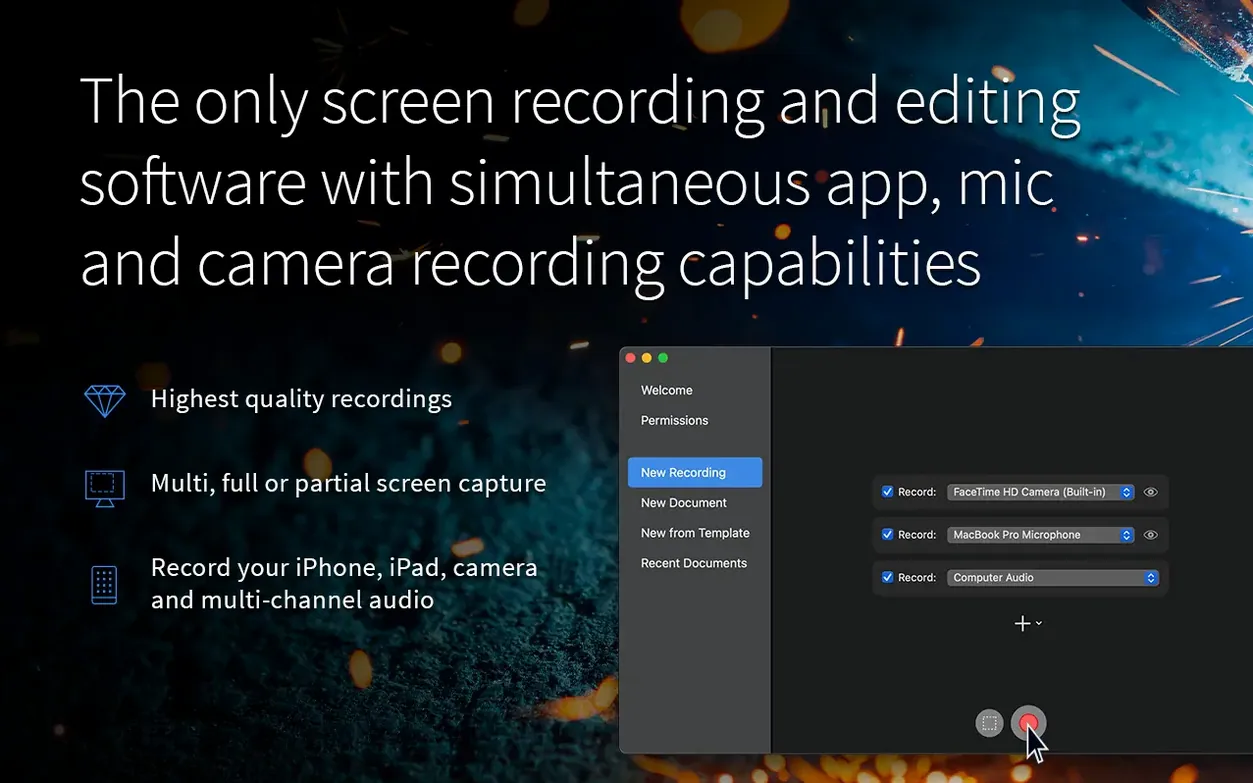
ScreenFlow still records a rectangle you draw on the fly, a single window, or the whole span of a connected monitor. That flexibility hasn't changed. Hit record, do your thing, and the app timestamps every click and keystroke as a separate action — useful later when you want to zoom into a menu pick or add a callout exactly where the cursor paused.
The editing timeline that hasn't shifted
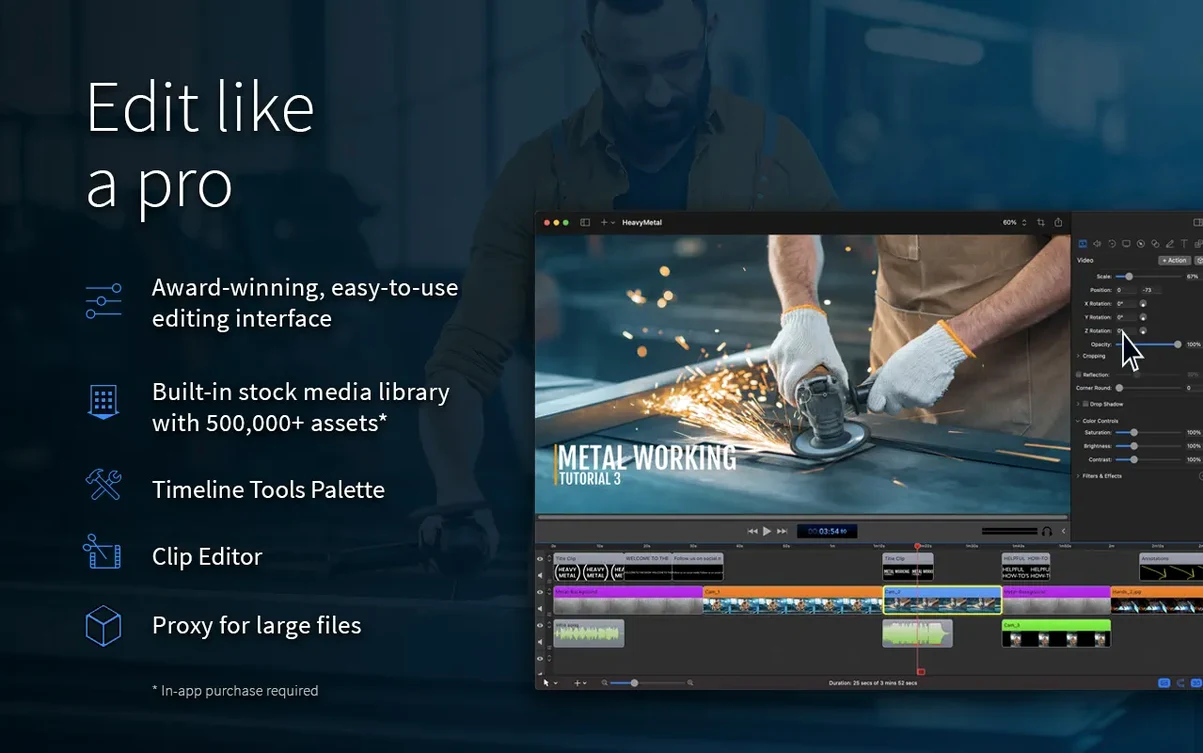
Everything lands on a track-based timeline that treats screen capture, camera, microphone, and system audio as independent layers. The editing model is the same one people know: drag to trim, split with a keystroke, nest clips if the sequence gets busy. Transitions, annotations, and the built-in stock media library all sit where they did. The interface speaks English, German, Spanish, French, and Japanese, so the toolset reads naturally across those languages.
Sharing straight from the timeline
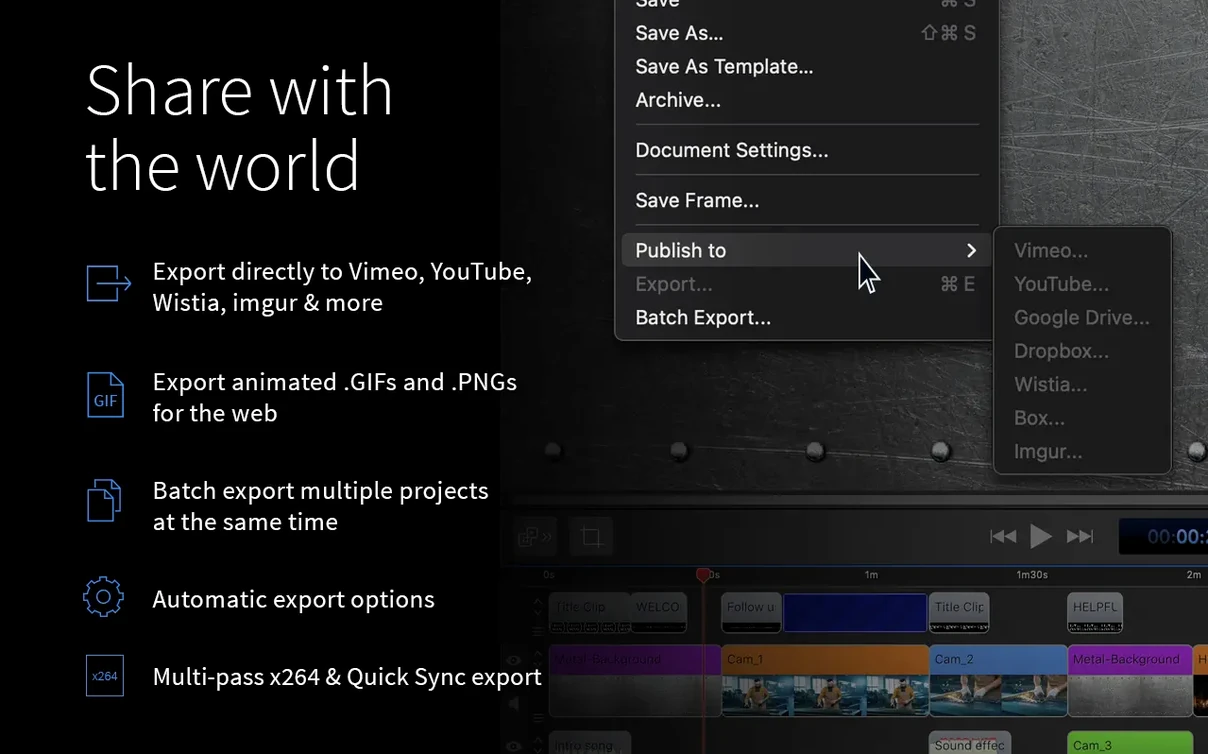
The export destinations haven't changed. Vimeo, YouTube, Wistia, Facebook, Google Drive, Dropbox, Box, and Imgur are all baked into the share menu. You pick a service, log in once, and the app handles the upload after encoding. For everything else, there's still the standard file export to disk.
Small conveniences you can easily walk past
ScreenFlow buries a handful of shortcuts in plain sight. The recording monitor panel, for instance, accepts a right-click to switch between display arrangements without opening preferences — handy when you move between a desk setup and a laptop on a coffee-shop table. If you record iOS device video, the capture window remembers the last device orientation, so you won't accidentally film a portrait iPhone in a squashed landscape frame the second time around.
On the timeline, holding Option while dragging a clip edge performs a ripple trim that slides everything downstream without leaving a gap. The J-K-L shuttle keys work exactly as they do in Final Cut or Premiere, and tapping L repeatedly speeds playback to 2×, 4×, then 8× — a real timesaver when you're hunting for a specific cursor movement across forty minutes of raw capture. One thing newcomers often miss: the Action markers that ScreenFlow drops automatically for every mouse click are editable in the inspector. You can change a generic "Left Click" label to "Opened Settings" and that text becomes searchable later in the Timeline Search field at the top of the track list.
Audio gets its own set of quiet perks. Double-clicking a waveform in the timeline opens the Audio Detail view, where you can apply a Noise Reduction sample taken from a silent section of the recording. The app analyses that snippet and subtracts its profile from the whole clip — not magic, but close enough to rescue a tutorial recorded while the air conditioning hummed in the background. If you record computer audio and a microphone simultaneously, the Audio Mix slider in the export pane lets you set the balance once and bake it into the file, rather than fiddling with keyframes.
Who really gets the most out of ScreenFlow
The app sits in a sweet spot for people who need to record and finish in one piece of software without opening a separate NLE. Software trainers and tutorial makers are the obvious crowd — they value the automatic action markers and the ability to drop a callout bubble onto a menu entry without switching to a motion-graphics tool. The fact that ScreenFlow captures keystroke display natively (the little floating overlay that shows which keys you pressed) saves those users from installing a third-party key visualiser.
Educators recording lecture material benefit from the iOS capture path, which pulls in an iPad screen as a clean video feed over Lightning or USB-C. They can annotate a slide live, record their face on the webcam track, and later cut between the two angles without ever leaving the timeline. Product managers and UX researchers who need to share app walkthroughs with remote teams also gravitate toward the app — the built-in share destinations mean a clip can be on Vimeo or Google Drive sixty seconds after the final cut.
It's less of a natural fit for people cutting multi-camera narrative work or managing heavy colour grades. The toolset is built around screen content, talking-head inserts, and explanatory graphics, and it stays in that lane deliberately. If your job involves filming a round-table discussion with four cameras and syncing external audio from a field recorder, you're probably already using something else for the assembly. But for the person who needs to show how something works on screen and make the result look polished without a five-app pipeline, ScreenFlow's focus is a genuine strength.
Speed, stability and what it asks of your Mac
On an Apple Silicon machine, version 10.5.2 launches cold in about four seconds and a timeline with a dozen tracks of 4K screen capture scrubs without stutter. The app leans on the Media Engine framework that Telestream shares across its encoding products, so h.264 and ProRes decoding stay hardware-accelerated where the chip supports it. Memory pressure sits around 400–500 MB for a modest project with two tracks and a handful of callouts; that figure climbs toward 1.2 GB when you stack high-bitrate 4K recordings and multiple camera angles, which is still well within the comfort zone of any Mac with 8 GB of unified memory.
Intel Macs see a slightly heavier CPU footprint during export — the fans on an Intel i7 MacBook Pro will spin up audibly while encoding a long ProRes file — but timeline responsiveness remains good as long as you work with proxies or stick to single-screen capture. The crash that appeared under macOS 26.2 is genuinely gone in this build; an afternoon of scrubbing, splitting, and re-exporting chroma-keyed clips didn't produce a single beachball or unexpected quit.
One thing worth knowing: the app doesn't aggressively purge render files. If you generate a lot of preview renders while experimenting with filters, the project folder can grow without you noticing. The File > Delete Generated Project Files command is the quiet housekeeper — it clears cached renders and temporary exports without touching your original media, and it's worth running before you archive a finished project.
How it fits alongside other apps and macOS
ScreenFlow doesn't try to be a hub that replaces your whole toolkit. It reads a .screenflow file as its native format and exports to ProRes or MP4, which drops cleanly into Final Cut Pro, DaVinci Resolve, or any editor that understands those containers. Many users treat it as a dedicated capture front-end: record the screen, do the rough assembly and callouts, then hand a ProRes master to another app for final grading or audio sweetening. The round-trip is one-directional — there's no XML export for timeline interchange — but the simplicity of a single flattened master suits how most screen-focused projects get finished.
macOS integration is unobtrusive but present. The share extensions hook into the system share sheet, so you can send an exported file to Mail or Messages directly from the completion dialog. ScreenFlow respects Focus modes introduced in newer macOS releases; if you have notifications paused during a recording session, the app won't pop up its own alerts over your capture. And because the recording engine taps the same Screen Recording permission that Zoom or QuickTime Player requests, there's no extra kernel extension to approve — just the standard Privacy & Security prompt the first time you capture the display.
For anyone searching out a particular version, screenflow 10.5 references this current release cycle, and screenflow torrent or screenflow mac torrent queries tend to surface the same disk image filename that's floating around the usual corners. The screenflow mac crack and screenflow crack variants point to the same pre-patched build; functionally, the app behaves identically to the retail version for all the recording, editing, and sharing tasks described here.
Version 10.5.2 is a maintenance release that tightens a few loose bolts. It clears a crash that appeared on macOS 26.2 or later, corrects Chroma Key exports that misbehaved with certain screen recordings, and fixes a Manage Licences button that pointed to a dead URL.
- macOS 10.15 or later
- Apple Silicon or Intel 64-bit processor
Questions I keep hearing
Does ScreenFlow 10.5.2 work on the latest macOS?
Yes — the 10.5.2 update specifically fixes a crash that occurred on macOS 26.2 or later, and it is listed for both macOS 15 and macOS 26.
Can I record only part of the screen?
Absolutely. You can select a custom rectangle, capture a single window, or record the full span of a connected monitor.
Questions from the class 0
Sign in or join the class to ask a question.
Nobody has asked anything yet. If you have used it on a real job, say what the file did.
Also on the Mac Apps shelf
The whole Mac Apps shelf Screen Studio
Records your screen while automatically smoothing cursor movement and trimming silence.
Screen Studio
Records your screen while automatically smoothing cursor movement and trimming silence.
 Sensei
Shows you exactly what your Mac is doing right now and helps you tidy it up.
Sensei
Shows you exactly what your Mac is doing right now and helps you tidy it up.
 Session Pomodoro Focus Timer
Times your work blocks and breaks so you can concentrate on one thing at a time.
Session Pomodoro Focus Timer
Times your work blocks and breaks so you can concentrate on one thing at a time.
 Shadowrocket
Routes your network traffic through different proxies based on rules you set up.
Shadowrocket
Routes your network traffic through different proxies based on rules you set up.
 RightFont
Manages and previews fonts directly from the menu bar.
RightFont
Manages and previews fonts directly from the menu bar.
 Rider
Builds .NET and Unity projects in a cross-platform IDE.
Rider
Builds .NET and Unity projects in a cross-platform IDE.
 Rhino
Models precise 3D forms for design and manufacturing.
Rhino
Models precise 3D forms for design and manufacturing.
 Sidebar
Lets you peek at every open window by hovering over an app in your Dock.
Sidebar
Lets you peek at every open window by hovering over an app in your Dock.